
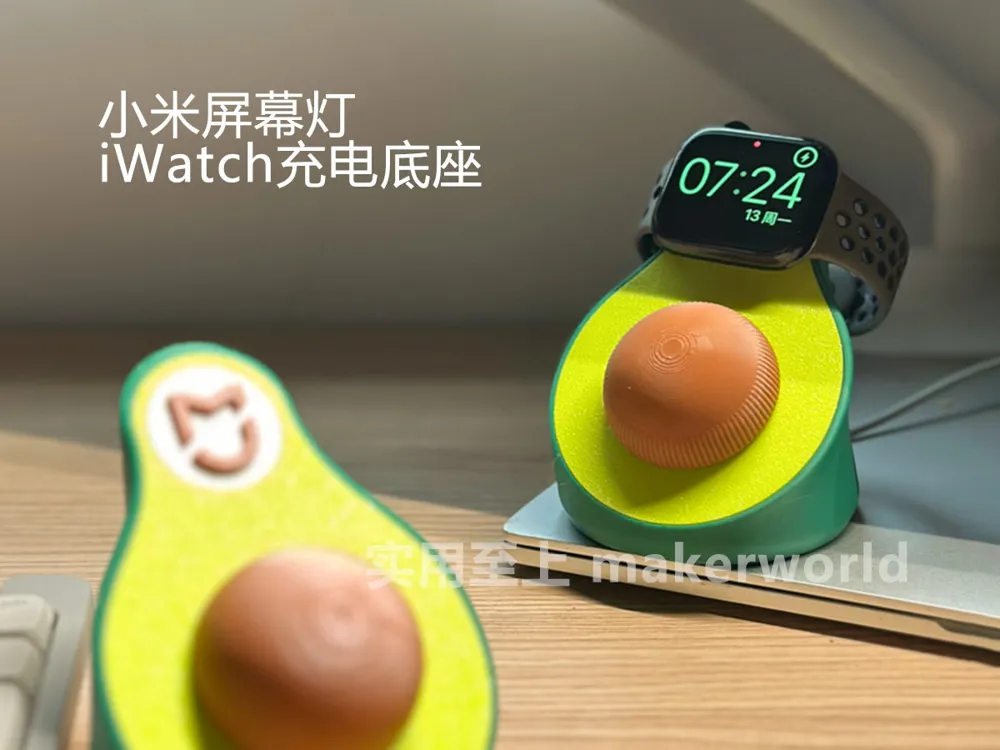
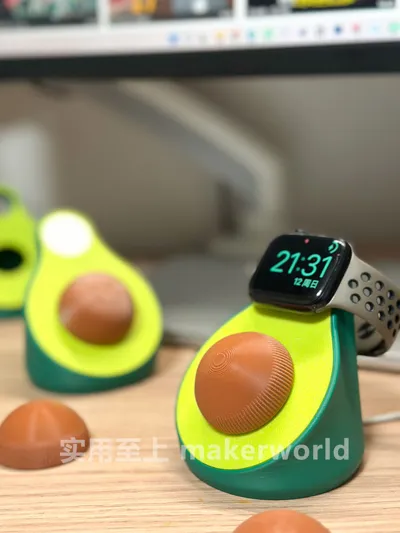
Avocado [Xiaomi screen light switch + Apple Watch charging dock] can be disassembled into a single-function version, no additional hardware required
Print Profile(2)

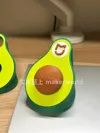
Description
Model Story:
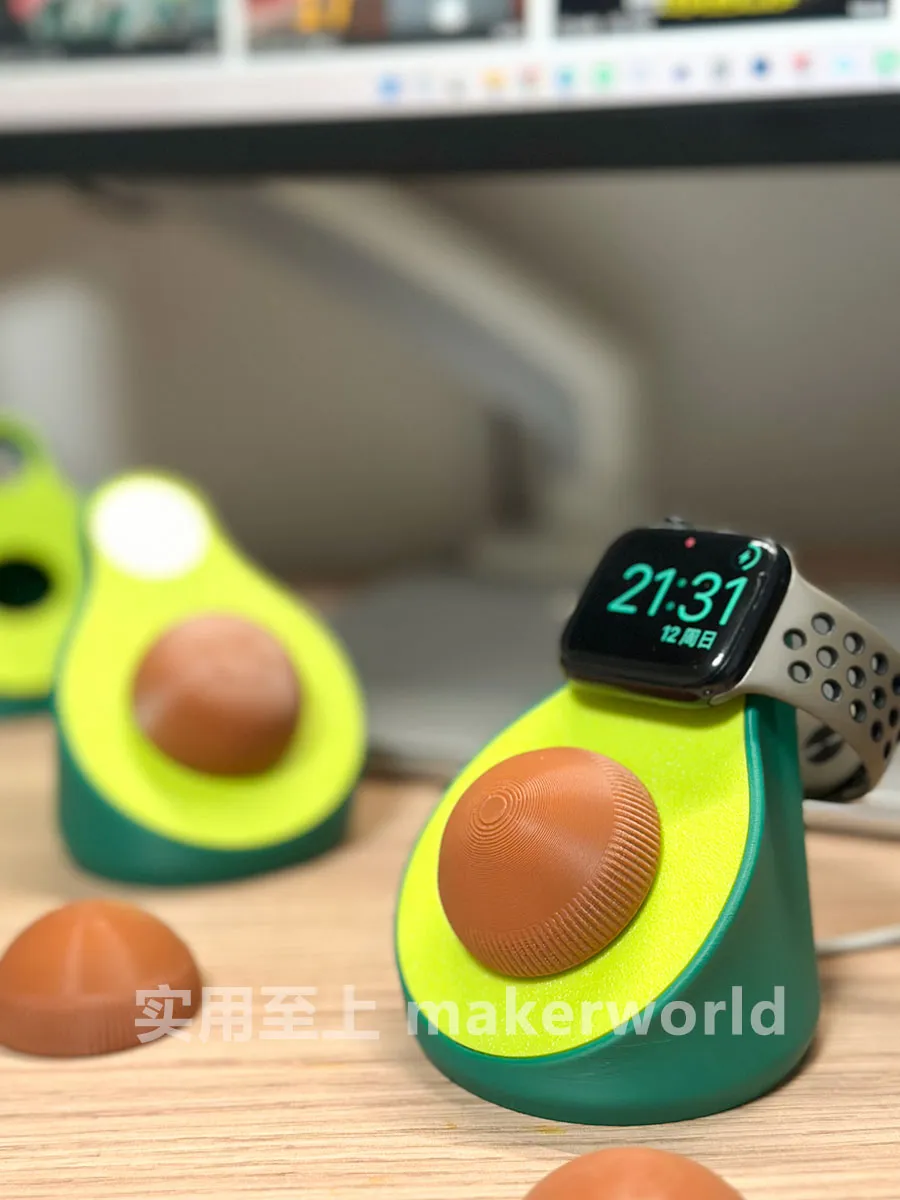
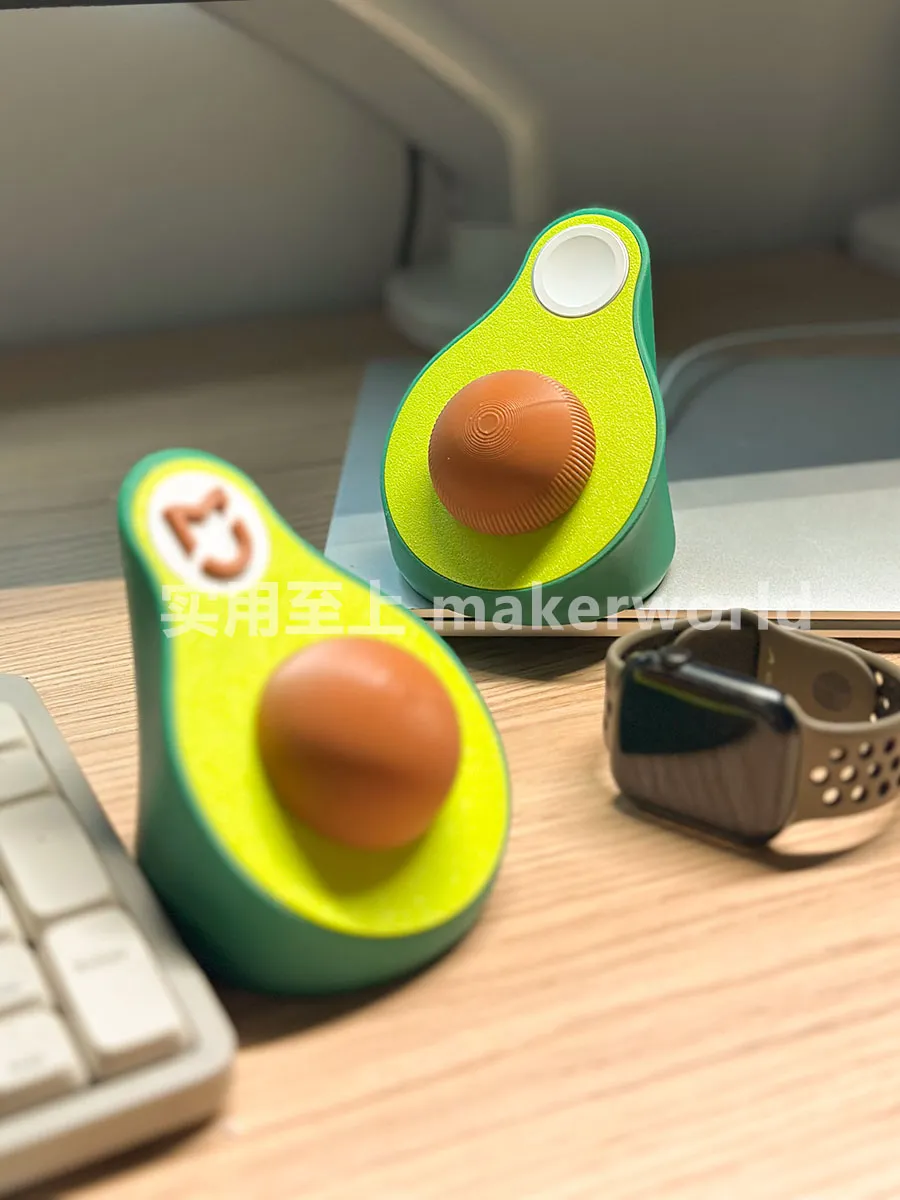
I wanted to give that dull black screen light switch a skin, inspired by my cat's avocado toy The pit is rotatable and can serve as the screen light button, perfect Later, I saw avocado-shaped watch chargers online, so I added the watch charging stand function The model file was released after six physical print optimizations, so feel free to use it
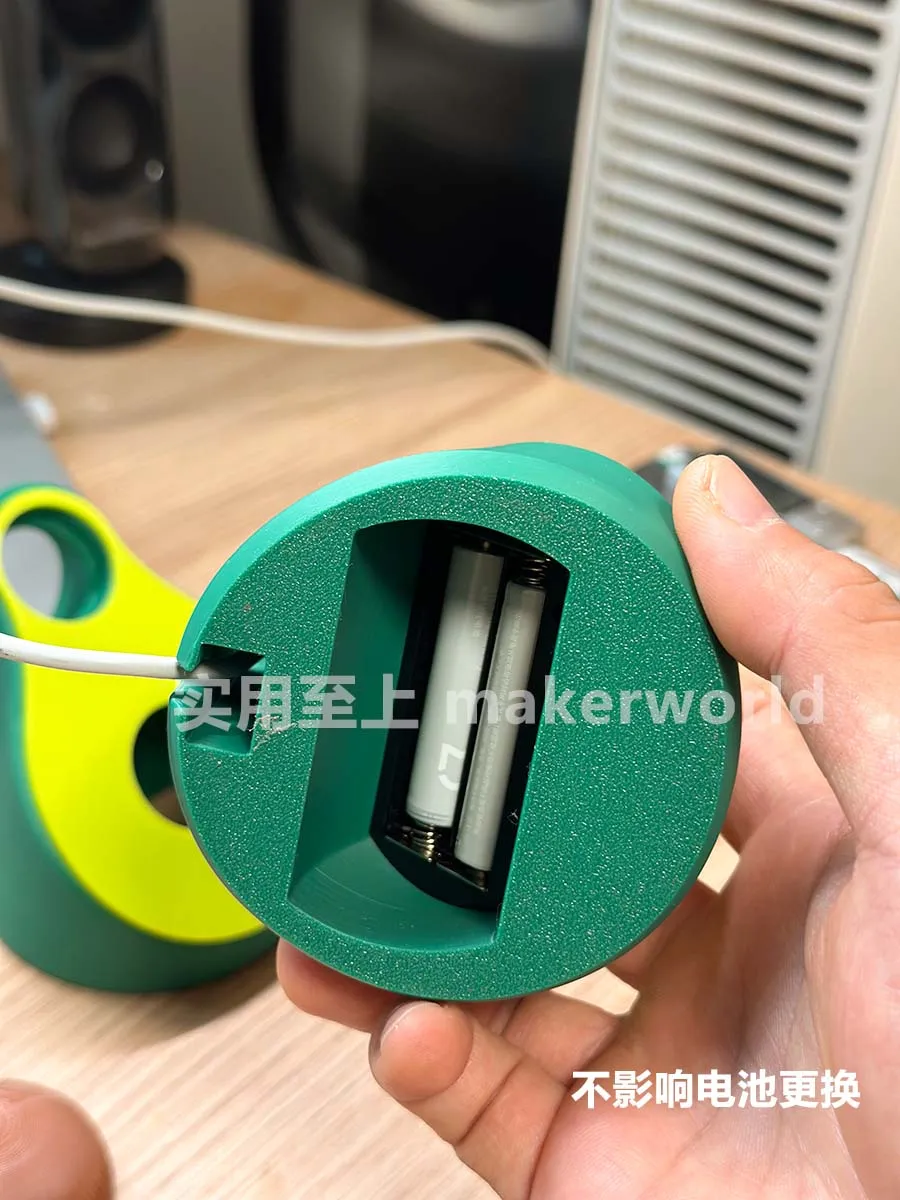
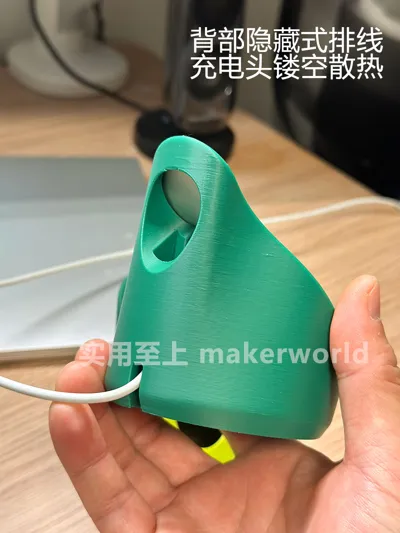
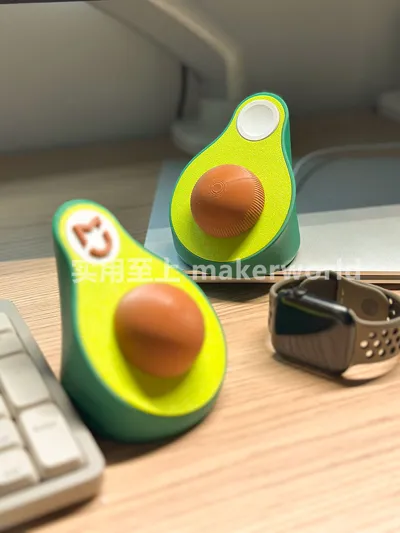
Of course, there might be fewer people who need both a screen light skin and iWatch charging simultaneously, so I also released a version with only the screen light skin I made a charger port cover to seal the charging port The Mijia logo was added here for better color contrast
Two-in-one Multi-functional Ornament:
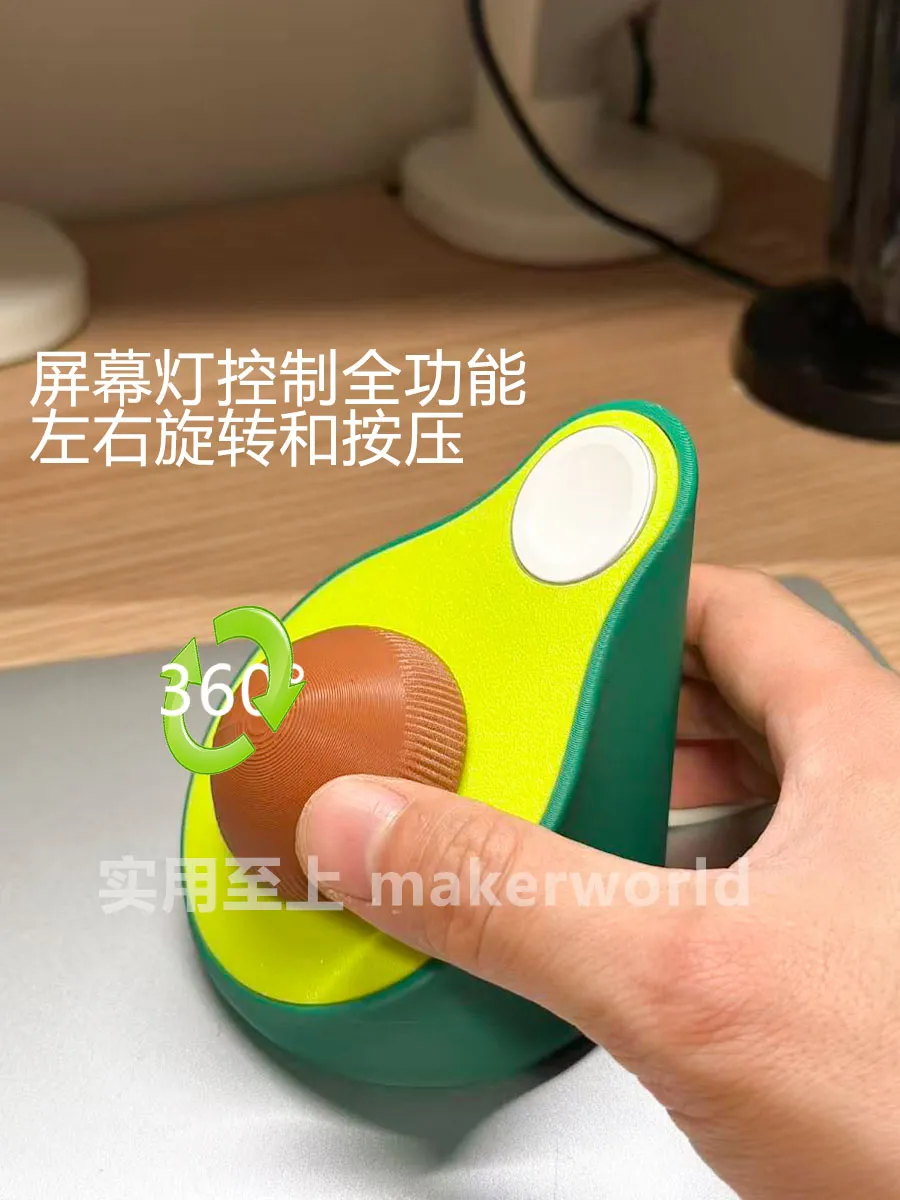
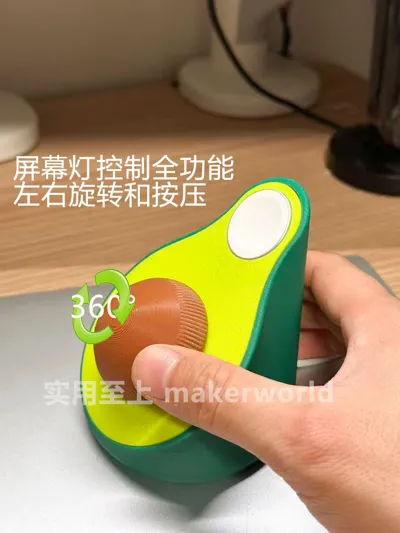
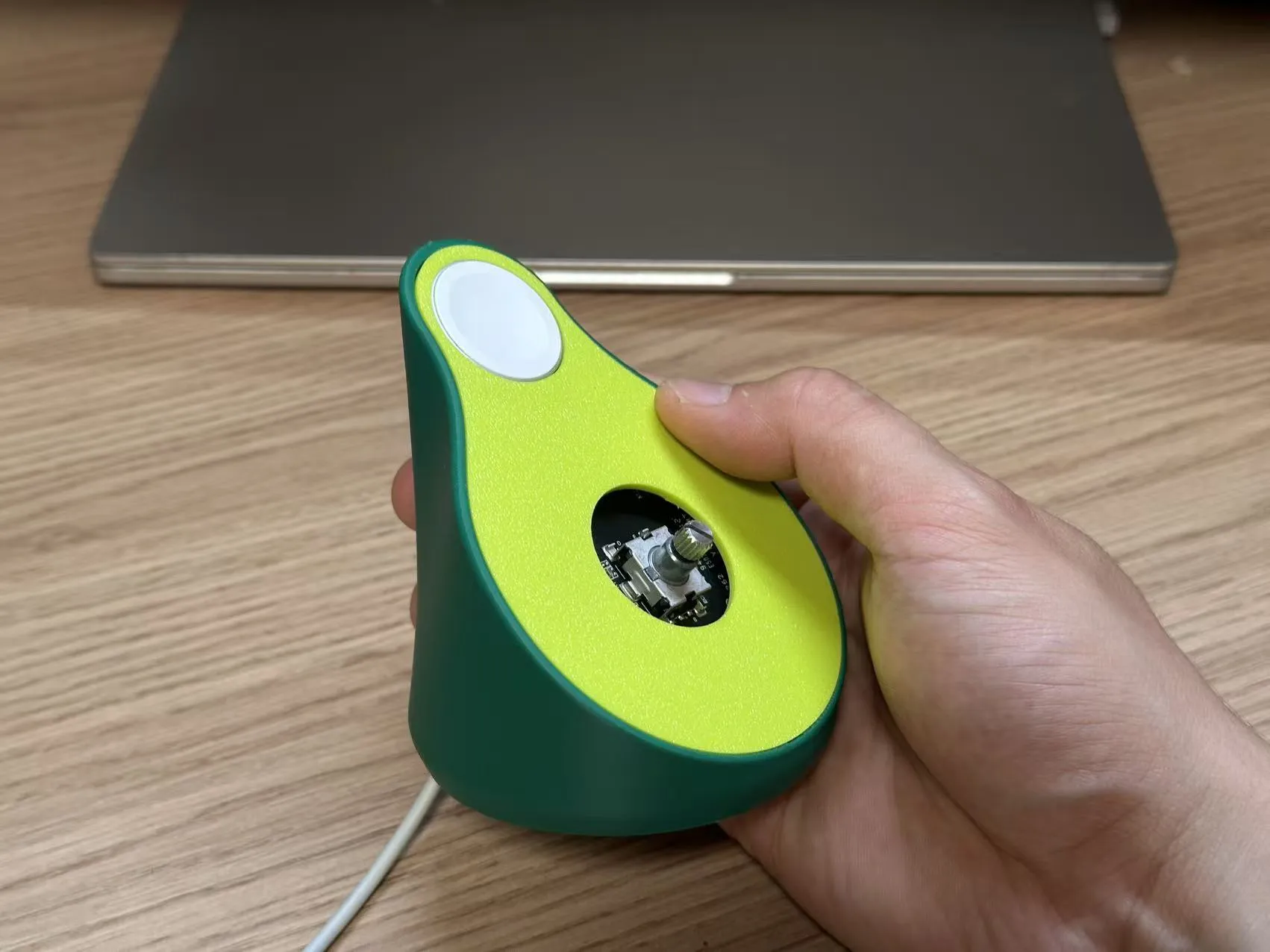
- Xiaomi screen light control switch, the pit functions as a knob and a press switch
- Integrates Apple Watch charging stand function
- Easy to assemble, no glue, no extra hardware required
- Easy to print, no supports
- Multi-color parts, no AMS required (Mijia LOGO is set for dual-color printing, single color is optional)
Two-in-one Disadvantages:
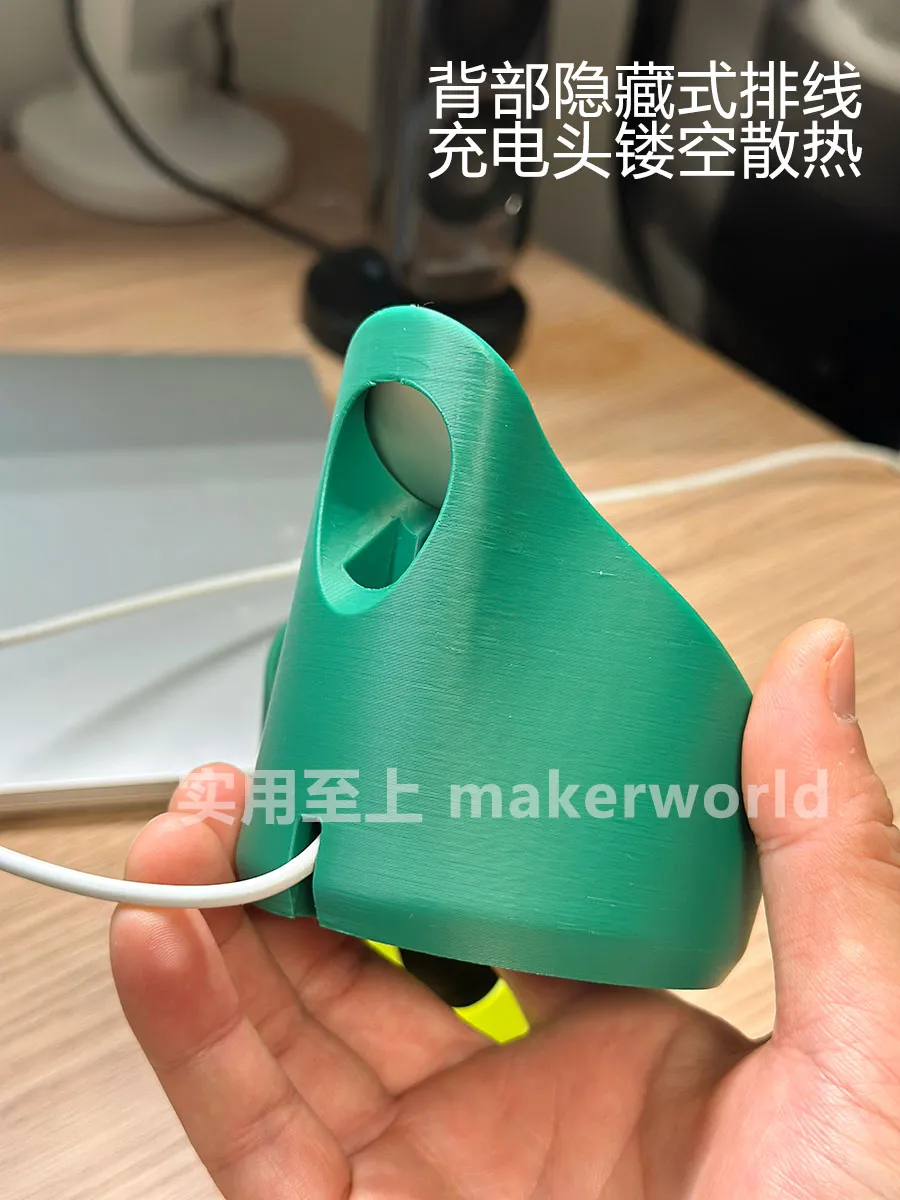
- To accommodate the Apple Watch charging stand angle, the large angle means you need to hold the screen light switch when pressing it (Nano adhesive can fix the base to solve this problem) Rotation is very comfortable
- The pit and the striped head of the screen light are hard-linked, relying on a 0.1 tolerance for friction, requiring force to press it in during installation If it feels loose, apply some glue
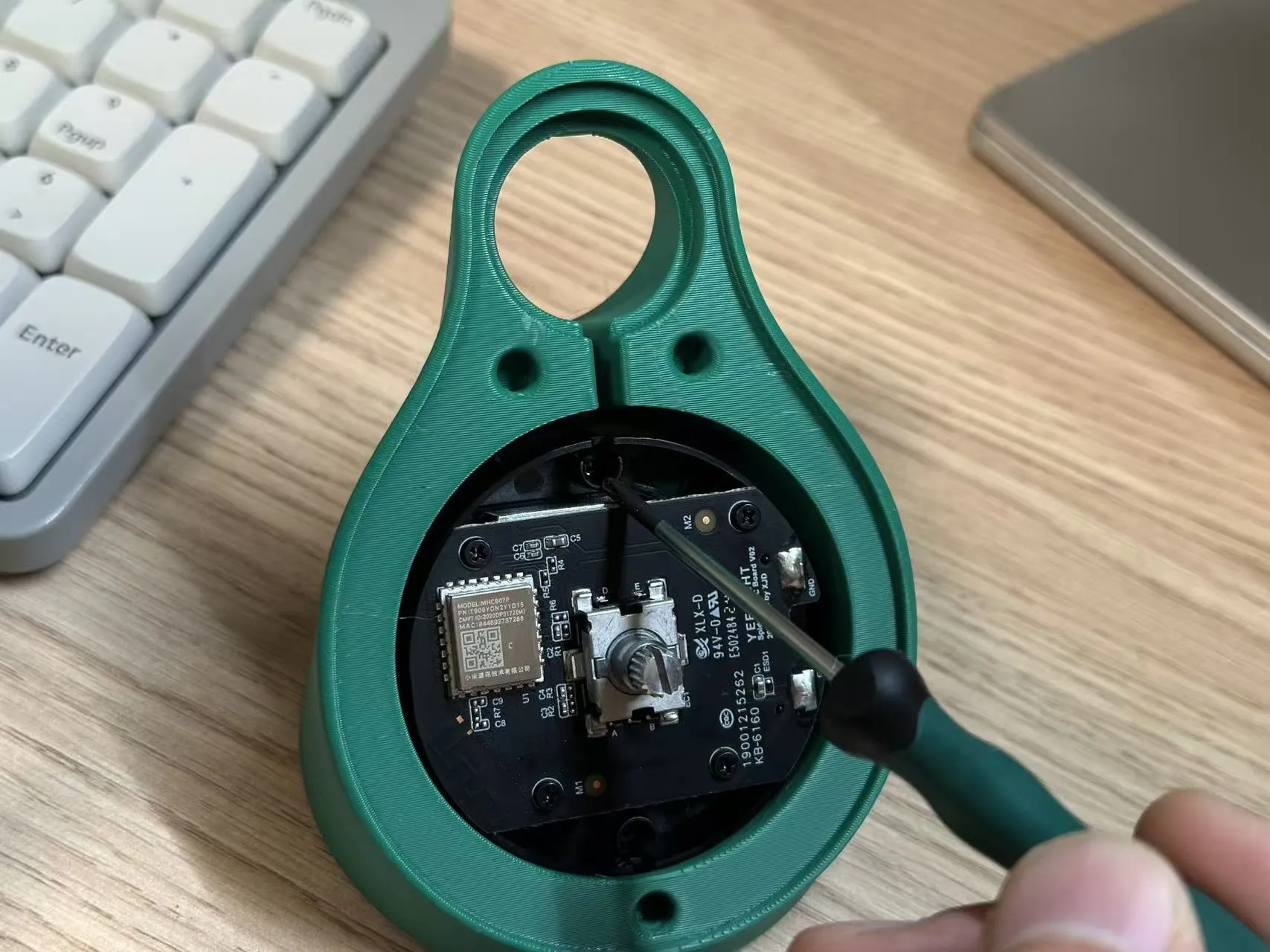
Easy installation, for detailed installation instructions please refer to the PDF document below:
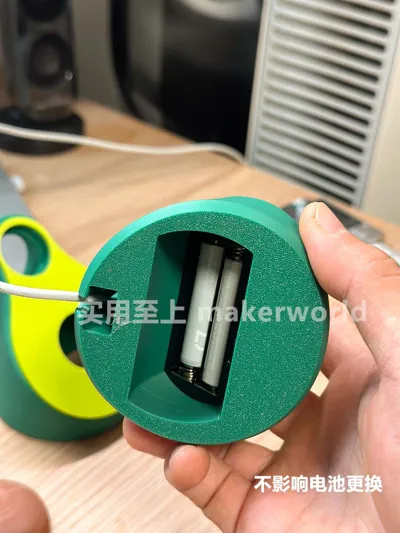
- Secured using screws from the original screen switch, no other hardware required
Documentation (1)
License

You shall not share, sub-license, sell, rent, host, transfer, or distribute in any way the digital or 3D printed versions of this object, nor any other derivative work of this object in its digital or physical format (including - but not limited to - remixes of this object, and hosting on other digital platforms). The objects may not be used without permission in any way whatsoever in which you charge money, or collect fees.


Comment & Rating (0)