
Print Profile(1)

Description
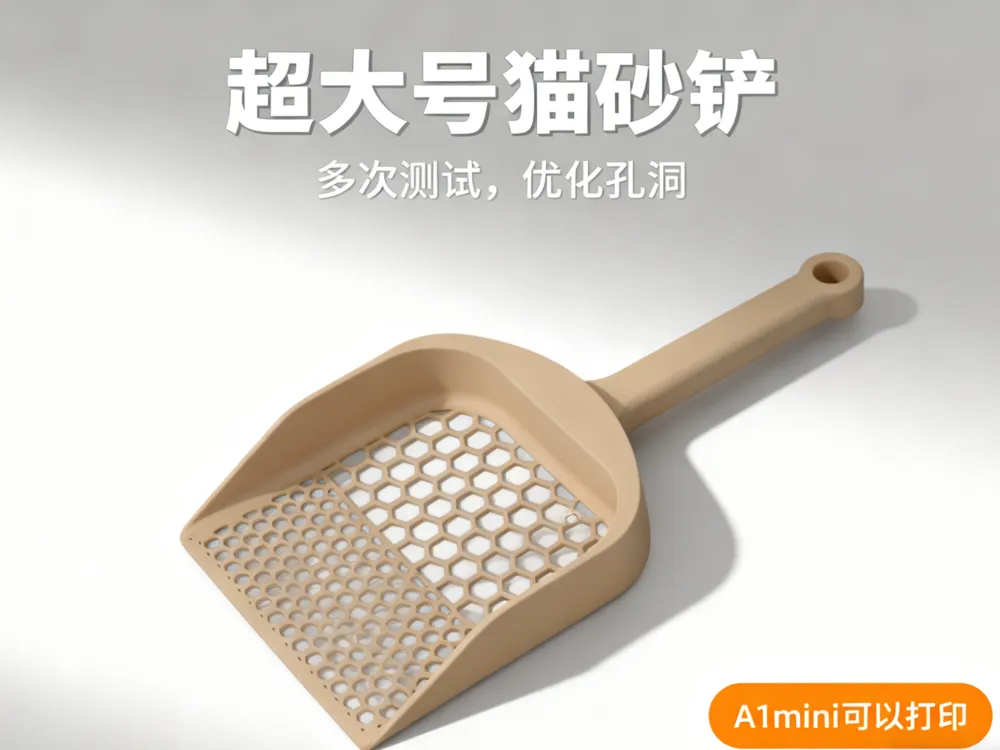
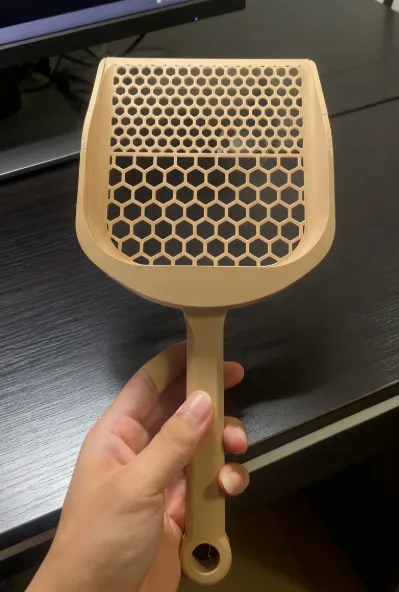
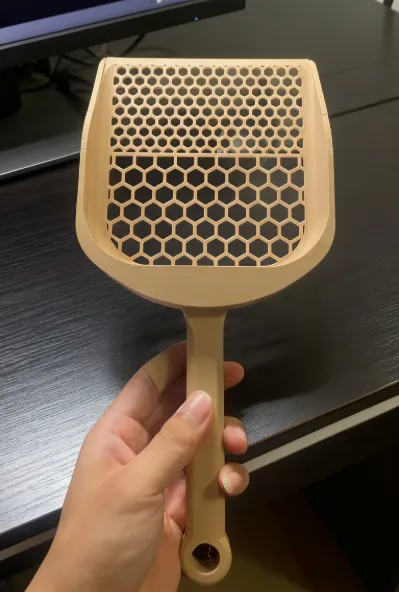
Oversized litter scoop, A1 mini printable
The holes have been tested multiple times to effectively sift out small debris
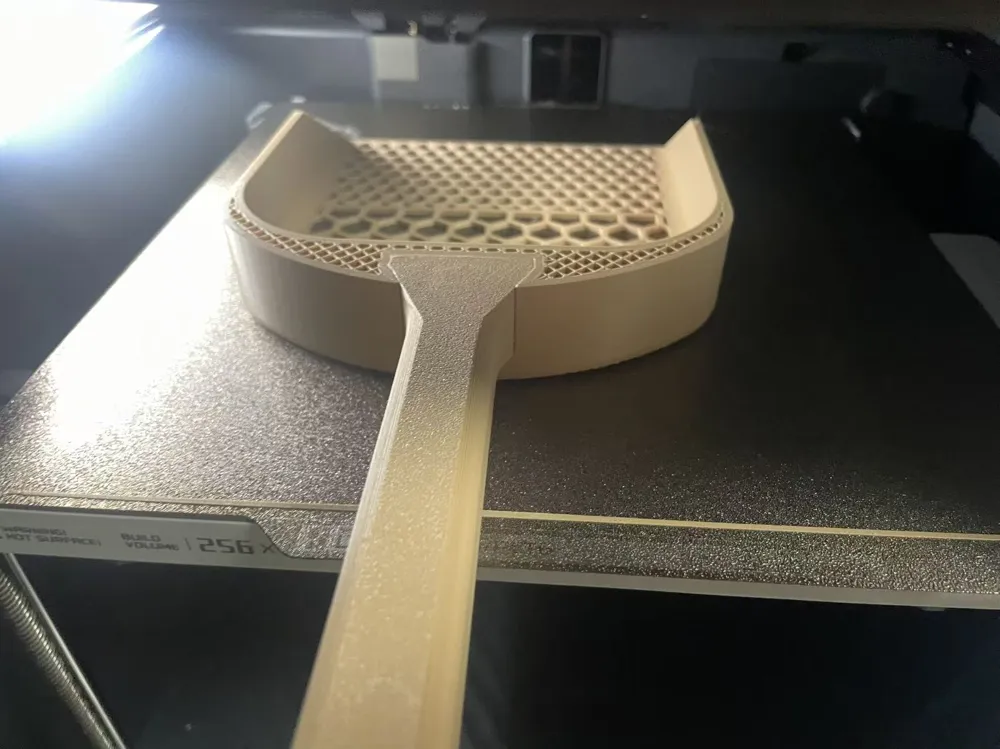
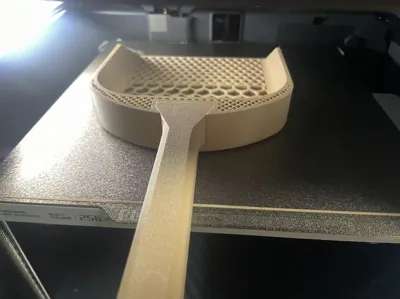
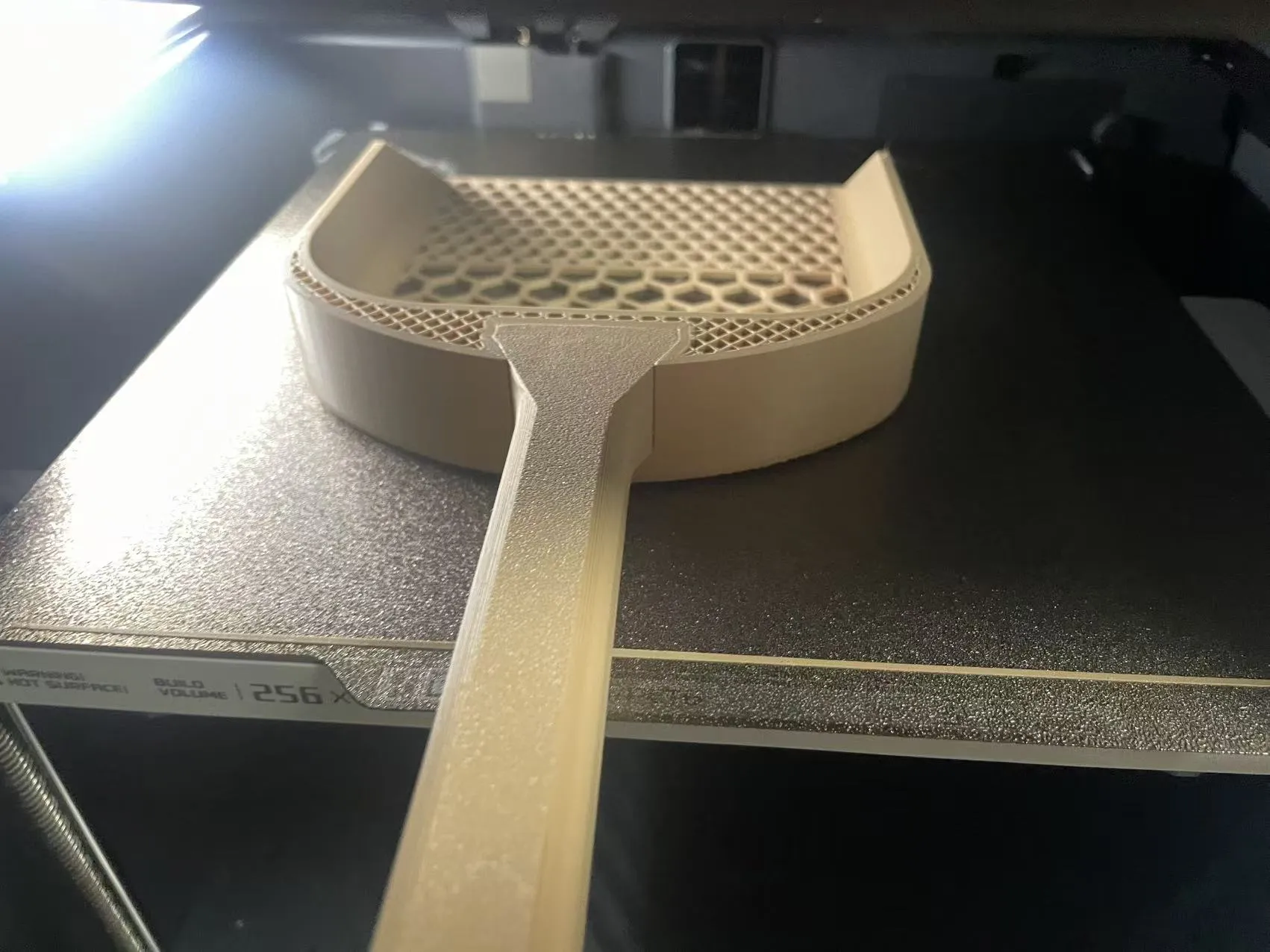
Note:The handle is embedded during the main body printing process, requiring you to set a pause print, then insert the handle and continue printing (the first print profile is already set up and can be printed directly). The specific method is as follows:
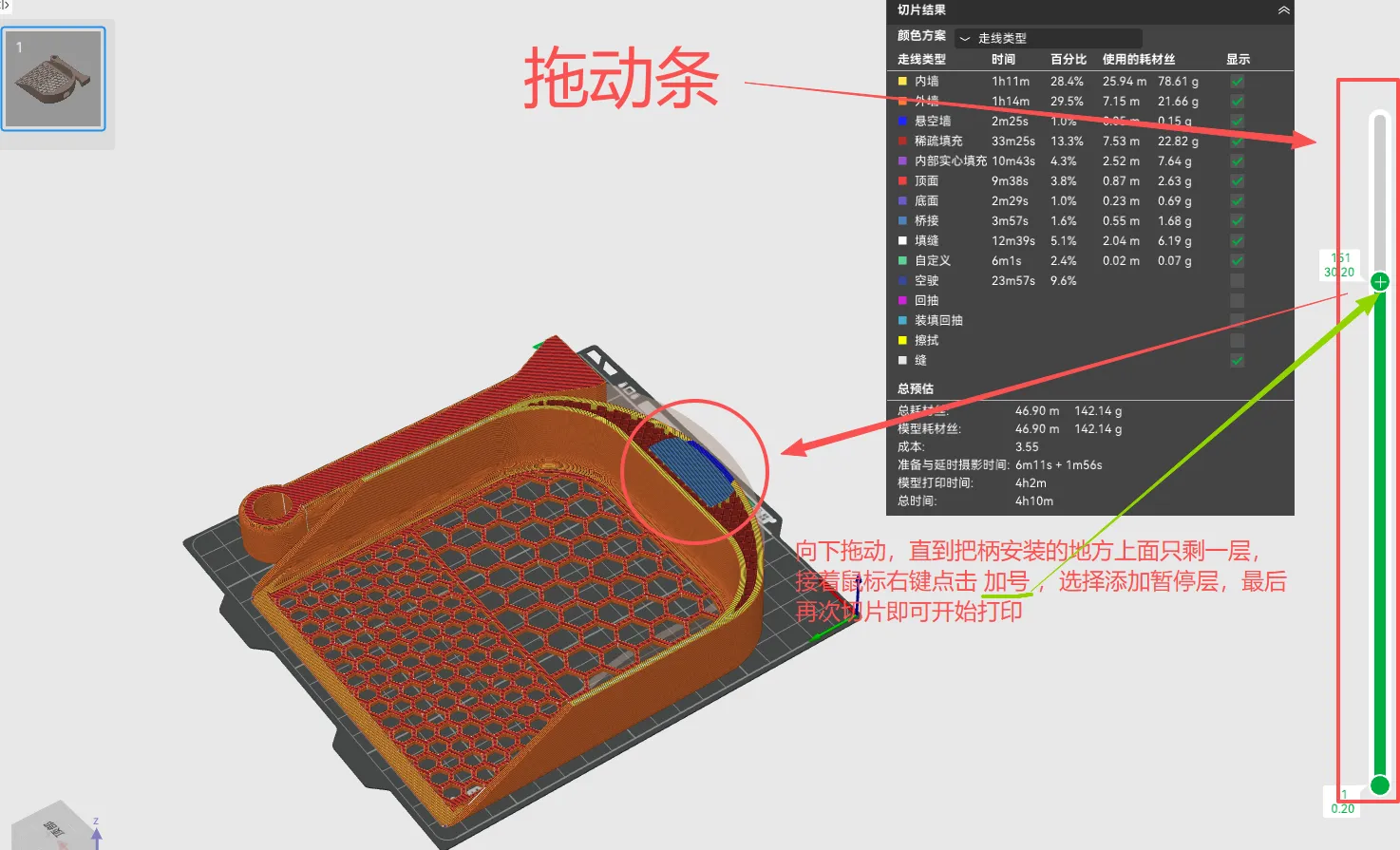
1. Adjust printing parameters, then slice once and wait for slicing to complete
2. On the right side of the preview interface, there is a slider to view the status of each layer
3. Drag the top indicator downwards, observe where the handle is to be installed, until only one layer remains (the up and down arrow keys can switch layers)
4. Right-click the indicator and click to add a pause print
5. Slice again to start printing
Schematic for Pause Print Settings:
Schematic for Handle Installation:
The handle has been appropriately scaled down for easy installation. If it cannot be easily inserted, please hold the heat bed and the printing plate, then slowly and firmly press it in, otherwise a shifted printing plate may result in defects or print failure
License



Comment & Rating (3)