
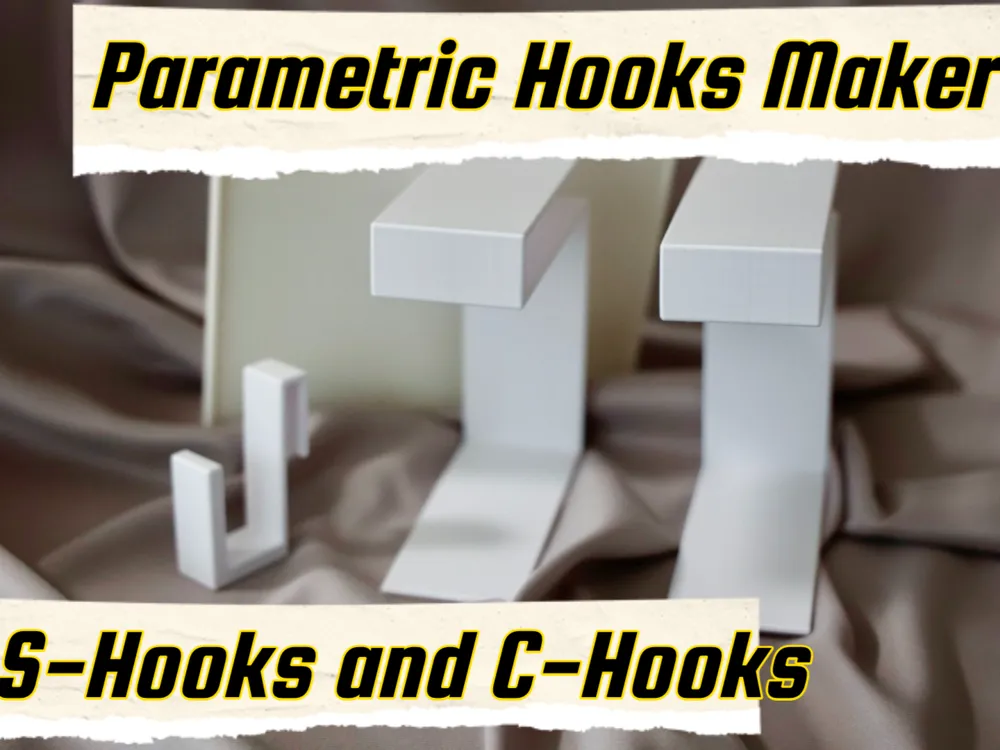
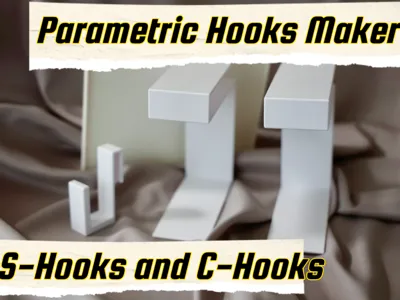
Customizable S-Hook & C-Hook Parametric Generator
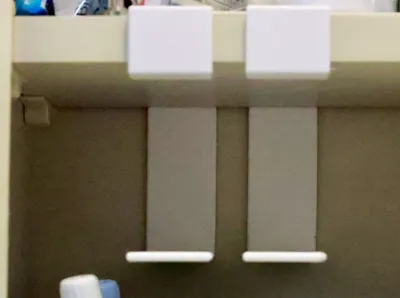
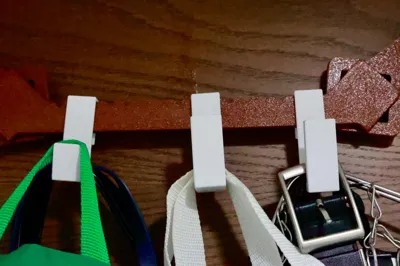
Print Profile(4)
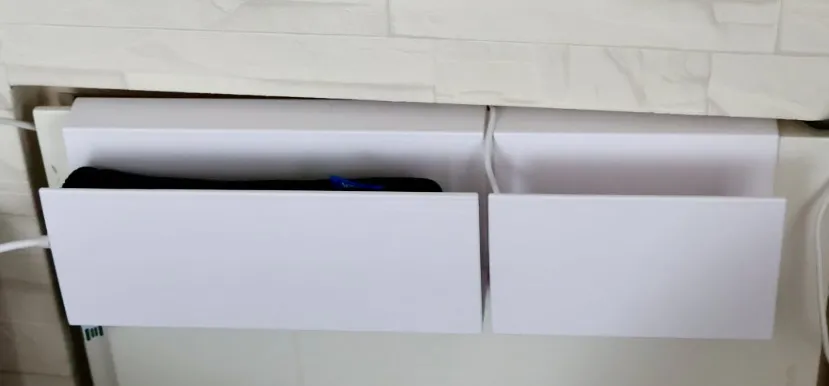
![[EXAMPLE] sample with the Dyson holder](https://makerworld.bblmw.com/makerworld/model/USa41c86ab276bb3/486131156/instance/2025-10-22_6241771c361178.jpeg?x-oss-process=image%2Fresize%2Cw_100%2Fformat%2Cwebp)
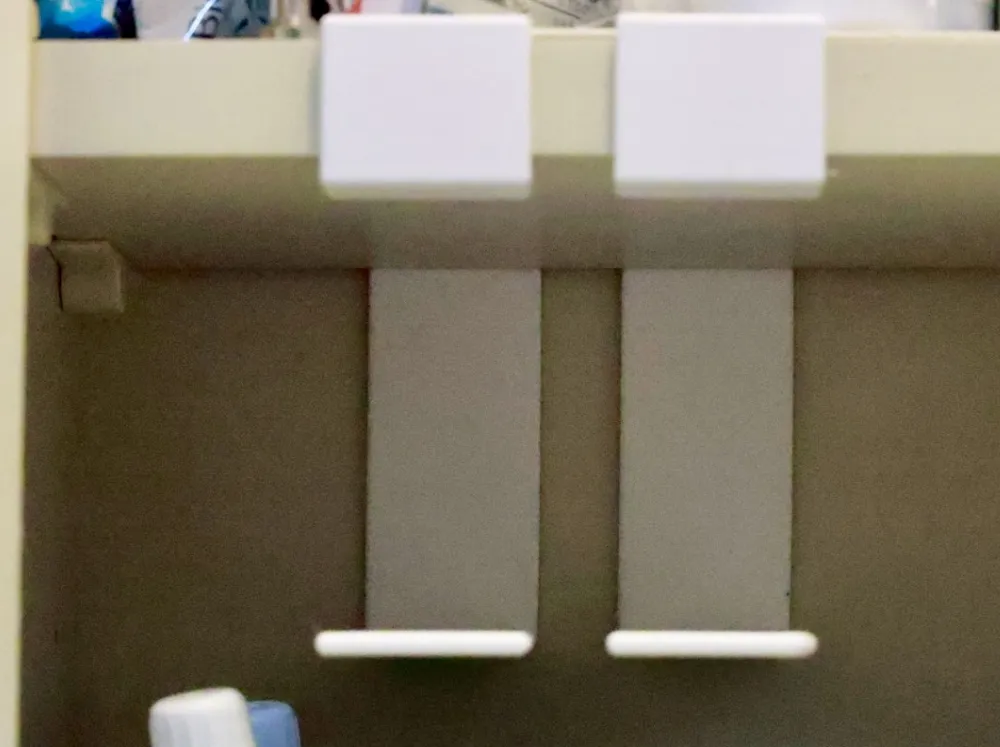
![[EXAMPLE] Dyson Charging Stand Attachment for Bed Frames](https://makerworld.bblmw.com/makerworld/model/USa41c86ab276bb3/486132047/instance/2025-11-19_d70de6fcece3a8.jpg?x-oss-process=image%2Fresize%2Cw_100%2Fformat%2Cwebp)

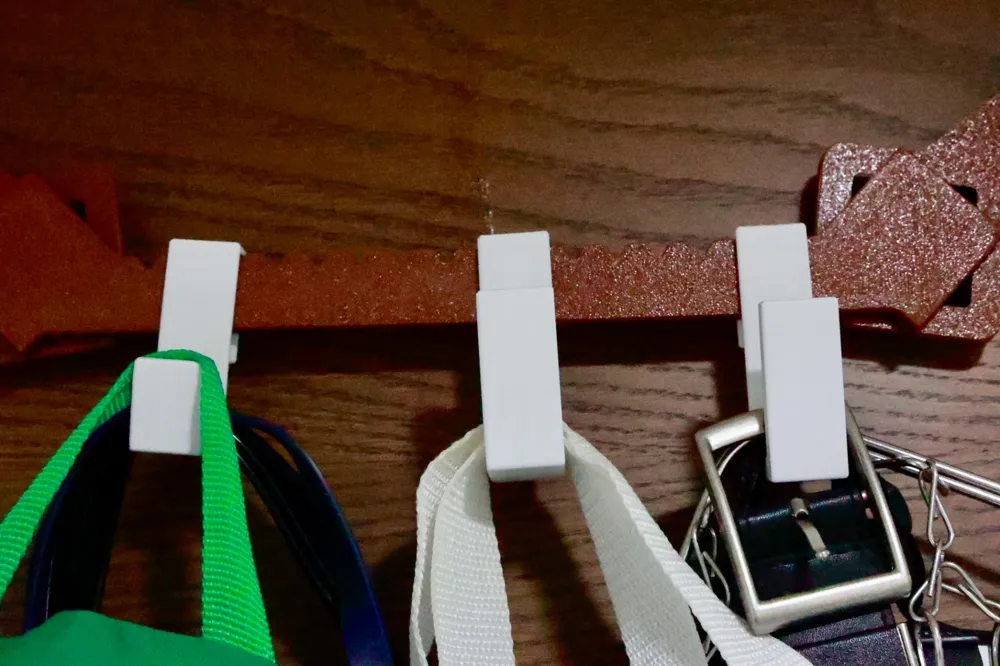
![[Example] The hooks for securing wire mesh panels to a bed](https://makerworld.bblmw.com/makerworld/model/USa41c86ab276bb3/486224516/instance/2025-11-22_721ae8001bbe38.jpg?x-oss-process=image%2Fresize%2Cw_100%2Fformat%2Cwebp)
Description
Customizable Hook & Bar Generator
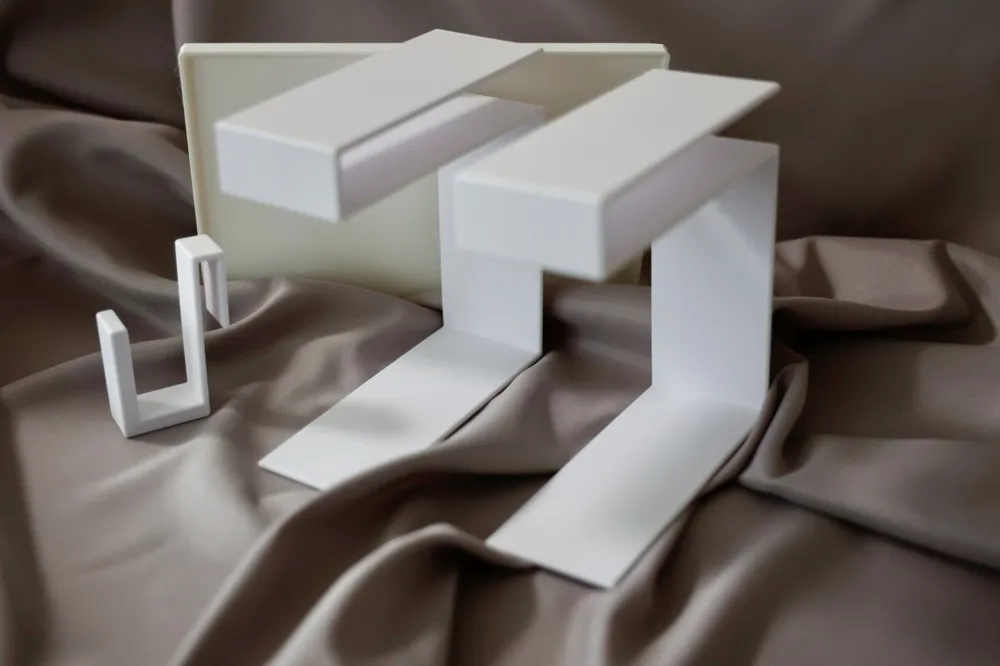
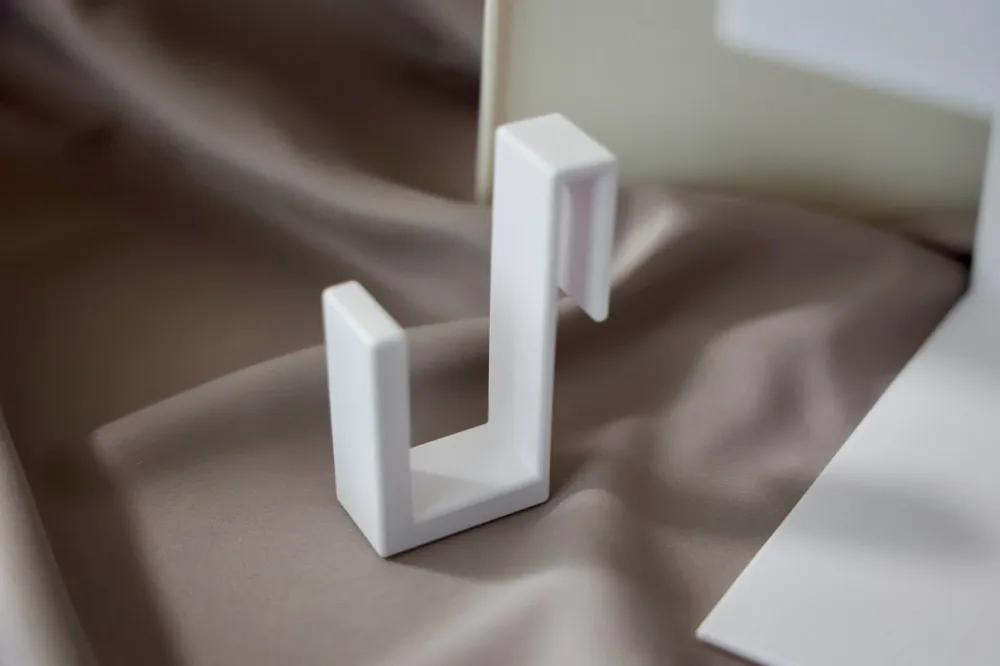
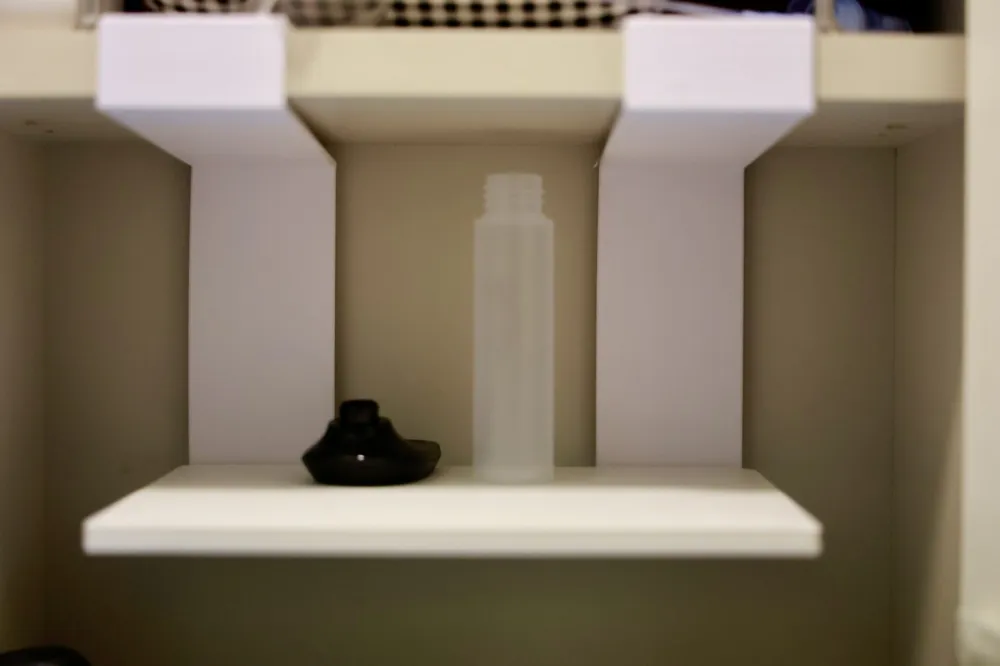
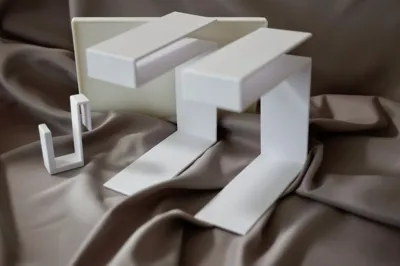
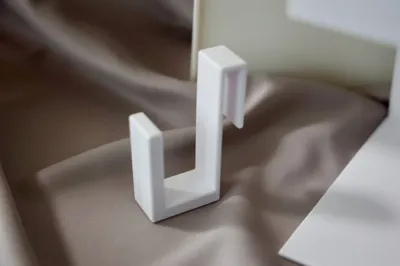
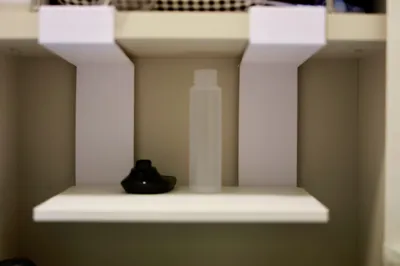
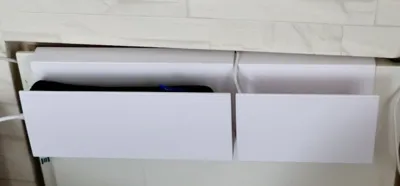
This is a generator for creating versatile hooks and bars whose dimensions and shapes can be freely changed to suit your needs. You can freely generate both S-hooks and C-hooks. Depending on your ideas, it can be used for various purposes such as organizing cables, hanging tools, or for small items to hang on shelves or doors.
Furthermore, by combining it with a separately provided universal table generator, you can create various structures like hanging tables.
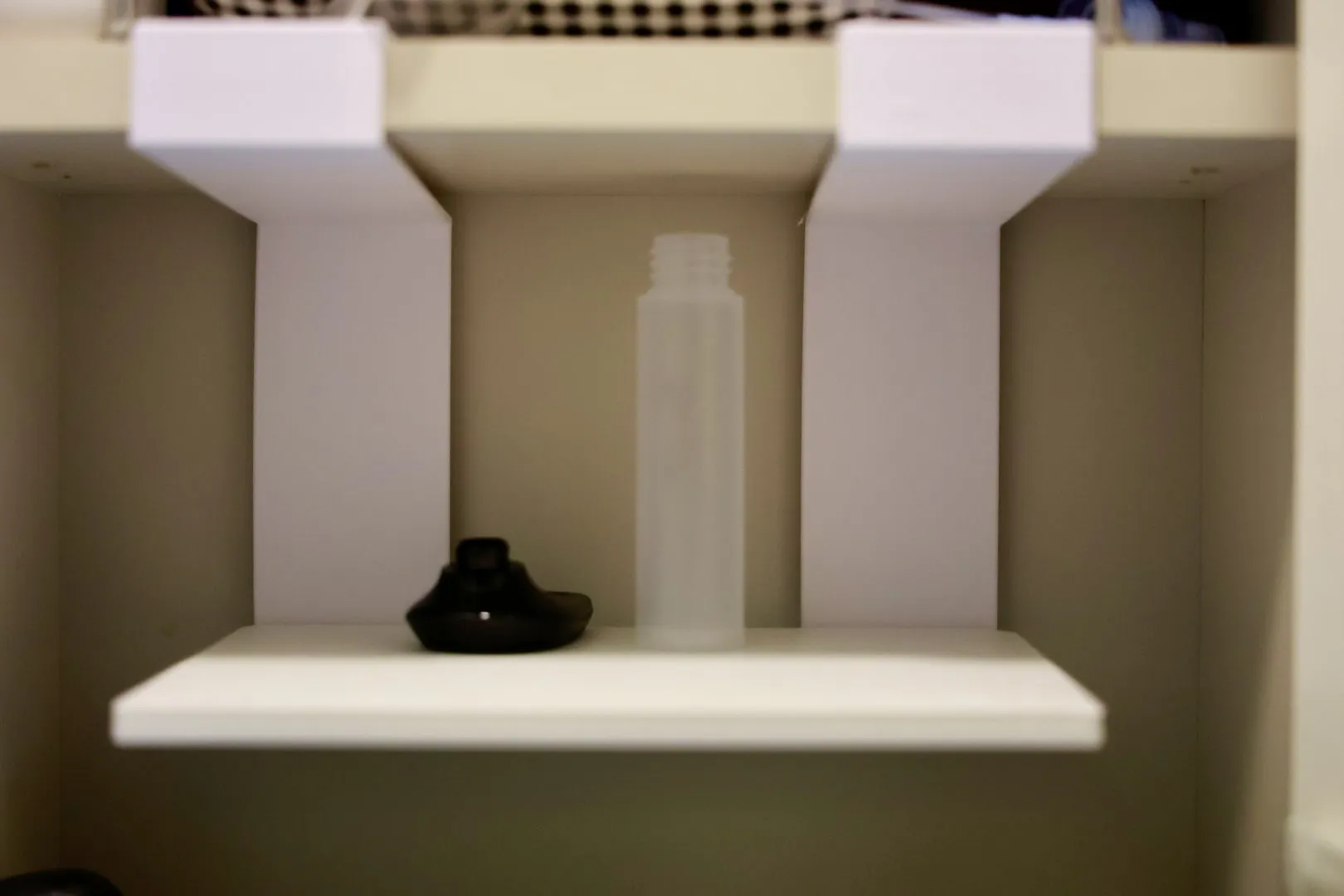 | 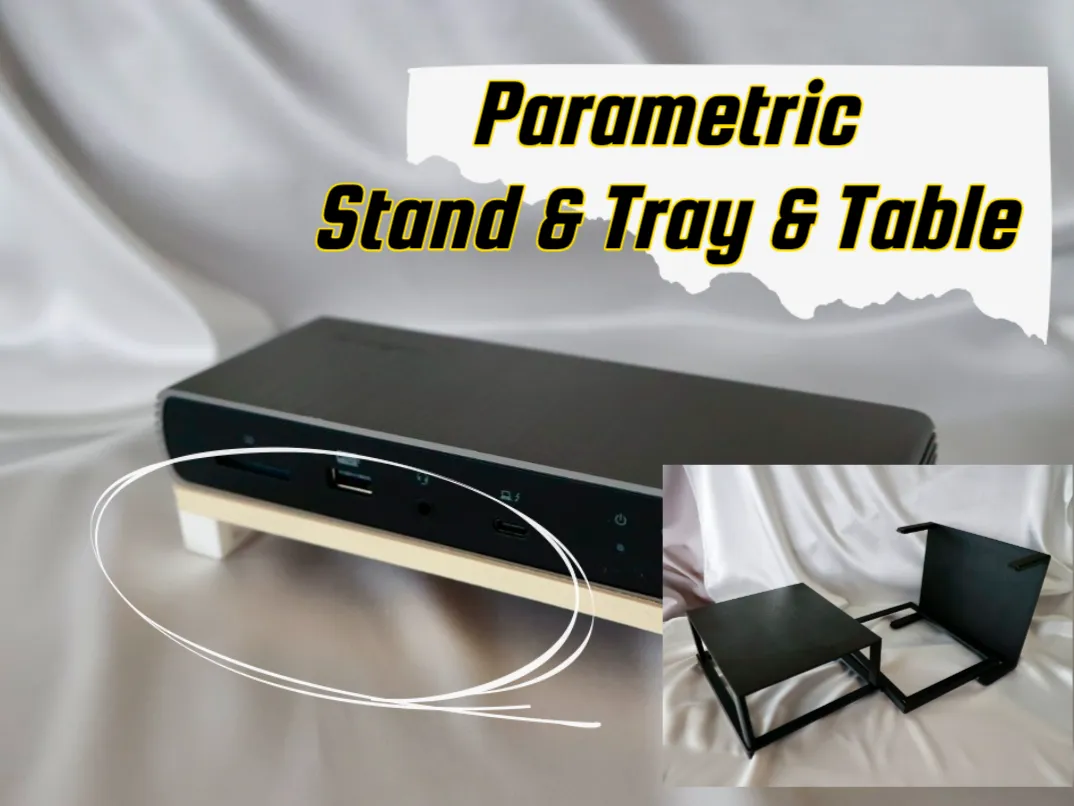 |
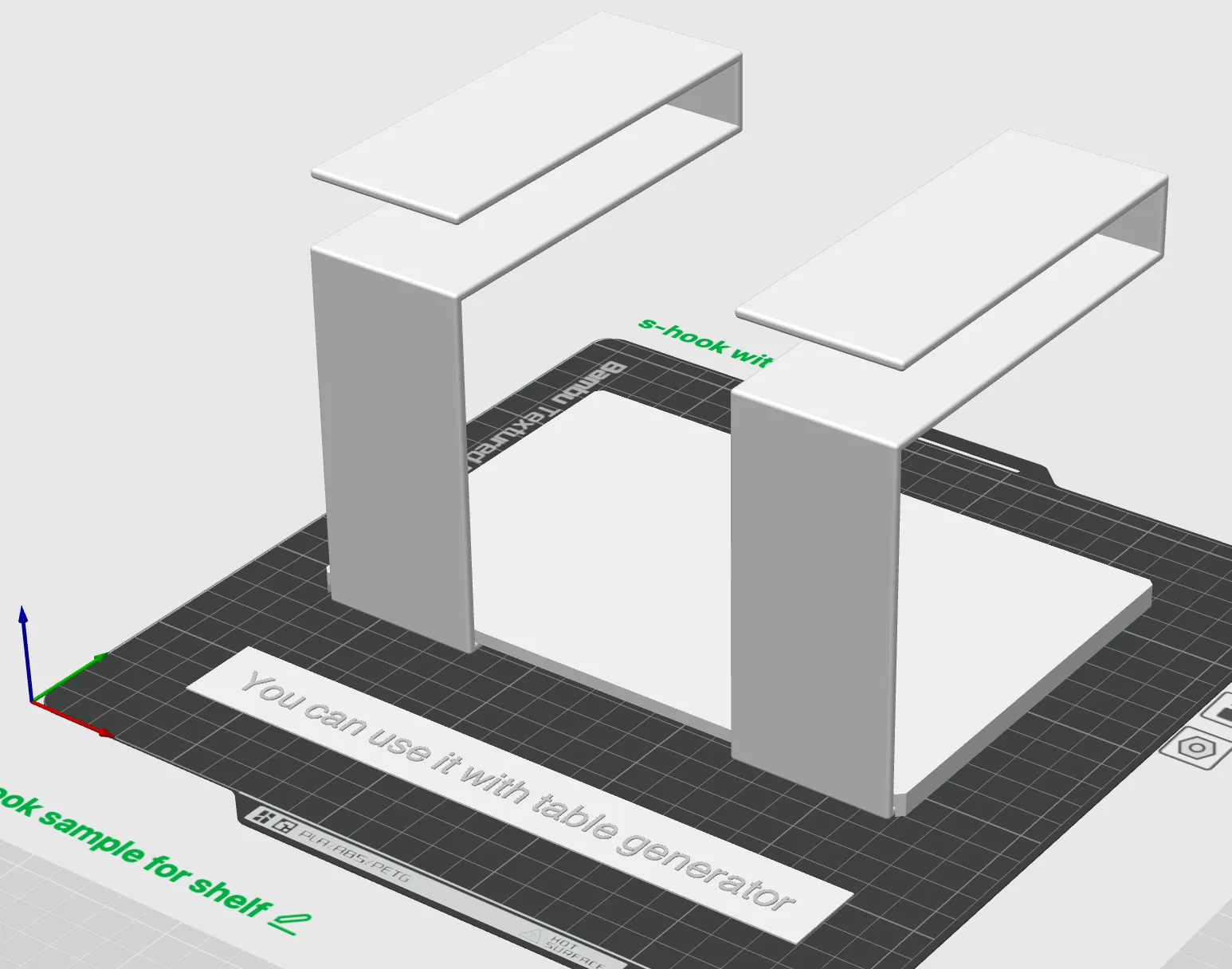 |
Boost Me (for free)
If you love the these designs please consider a BOOST 🚀 It helps me keep creating more designs 🙏
Main Features
Free Size Adjustment: You can independently set the length, height, and thickness of not only the central bar but also the hooks at both ends. Versatile Hook Shapes: You can choose the shape according to the application, such as having both hooks face the same direction (like a C-hook) or in opposite directions (like an S-hook). Advanced Edge Treatment: You can choose to "round (fillet)", "chamfer", or leave the model's corners "as is". This allows you to create parts that are aesthetically pleasing, safe, and have a good feel. Lightweight and Stylish: You can apply a "cutout" process to the hooks and the central bar. This can be used to save material or as a design accent.
Please try making your own original hook with this generator!
📏 Basic Dimensions
Parameters that determine the basic overall size of the model.
| Parameter Name | Description |
|---|---|
| bar_width | Sets the overall width (depth) of the model in the Y-axis direction. |
| center_bar_length | Sets the length of the central bar portion in the X-axis direction. This is the length of the straight part between the hooks, not including the hook parts at both ends. |
| center_bar_thickness | Sets the thickness of the central bar portion in the Z-axis direction. |
🪝 Hook Geometry
Individually set the shape of the hook parts at both ends of the model.
| Parameter Name | Description | ||
|---|---|---|---|
| left_end_length | Sets the length of the horizontal part of the left hook. | ||
| left_end_thickness | Sets the thickness of the vertical part of the left hook. | ||
| left_end_part_height | Sets the height of the vertical part of the left hook. If set to 0, the left hook part will not be generated. | ||
| right_end_length | Sets the length of the horizontal part of the right hook. | ||
| right_end_thickness | Sets the thickness of the vertical part of the right hook. | ||
| right_end_part_height | Sets the height of the vertical part of the right hook. If set to 0, the right hook part will not be generated. | ||
| opposite_ends | Determines the direction of the hooks. • true (checked): The left hook faces downward (-Z direction), creating an S-hook shape. • false (unchecked): Both hooks face upward (+Z direction), creating a C-hook shape.
|
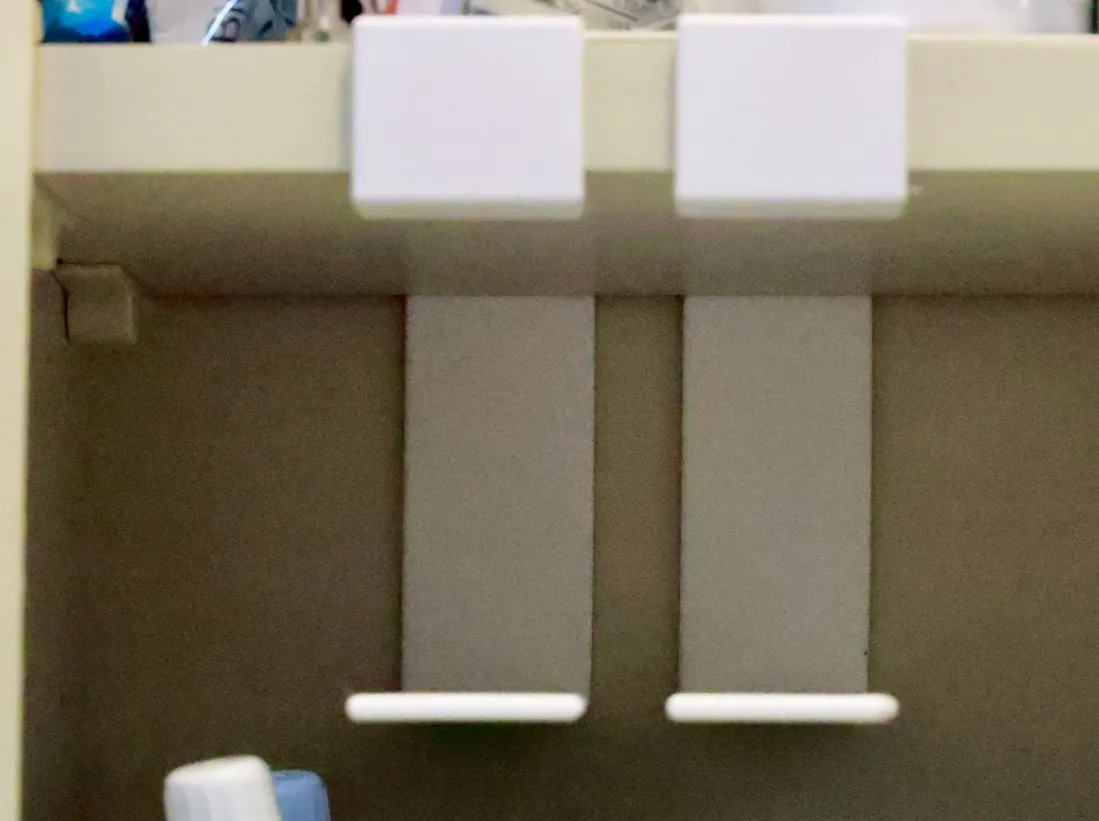
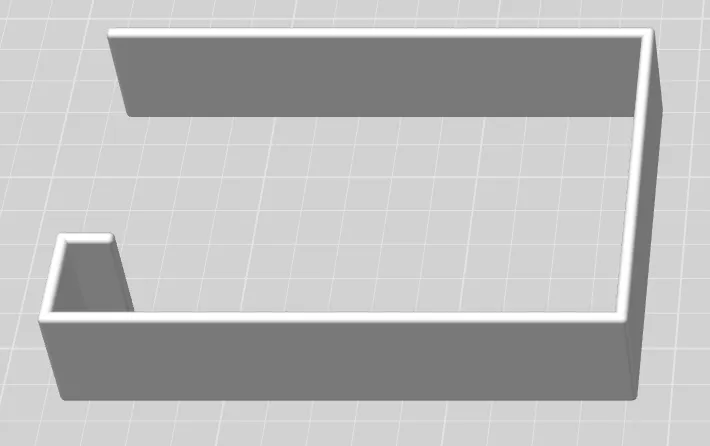
✂️ Cutout Settings
Settings for hollowing out the model to reduce weight or for design accents.
| Parameter Name | Description |
|---|---|
| enable_left_hook_cutout | If true, enables the cutout for the left hook. |
| enable_right_hook_cutout | If true, enables the cutout for the right hook. |
| hook_cutout_ratio | Specifies the width ratio of the cutout for the hooks and bar relative to bar_width (overall width), between 0 and 1. A larger value results in a wider cutout. |
| extend_cutout_to_end | If true, extends the cutout to the vertical part of the hook. If false, only the horizontal part is cut out. |
| extend_cutout_to_center | If true, extends the cutout to the central bar portion. |
| center_cutout_ratio | When extend_cutout_to_center is enabled, specifies the ratio of how much of the central bar's length to cut out, between 0 and 1. |
✨ Edge Treatment
Sets the treatment method for the model's corners. This can be used to create a safe shape with a good feel and a beautiful appearance.
| Parameter Name | Description |
|---|---|
| edge_mode | Selects the corner treatment style. • "round": Rounds the corners (fillet). • "chamfer": Bevels the corners at 45 degrees. • "none": Leaves the corners as they are (sharp). |
| edge_size | Specifies the size of the corner treatment in mm. If edge_mode is "round", this is the radius; if "chamfer", it's the chamfer distance. |
License

You shall not share, sub-license, sell, rent, host, transfer, or distribute in any way the digital or 3D printed versions of this object, nor any other derivative work of this object in its digital or physical format (including - but not limited to - remixes of this object, and hosting on other digital platforms). The objects may not be used without permission in any way whatsoever in which you charge money, or collect fees.


Comment & Rating (3)