
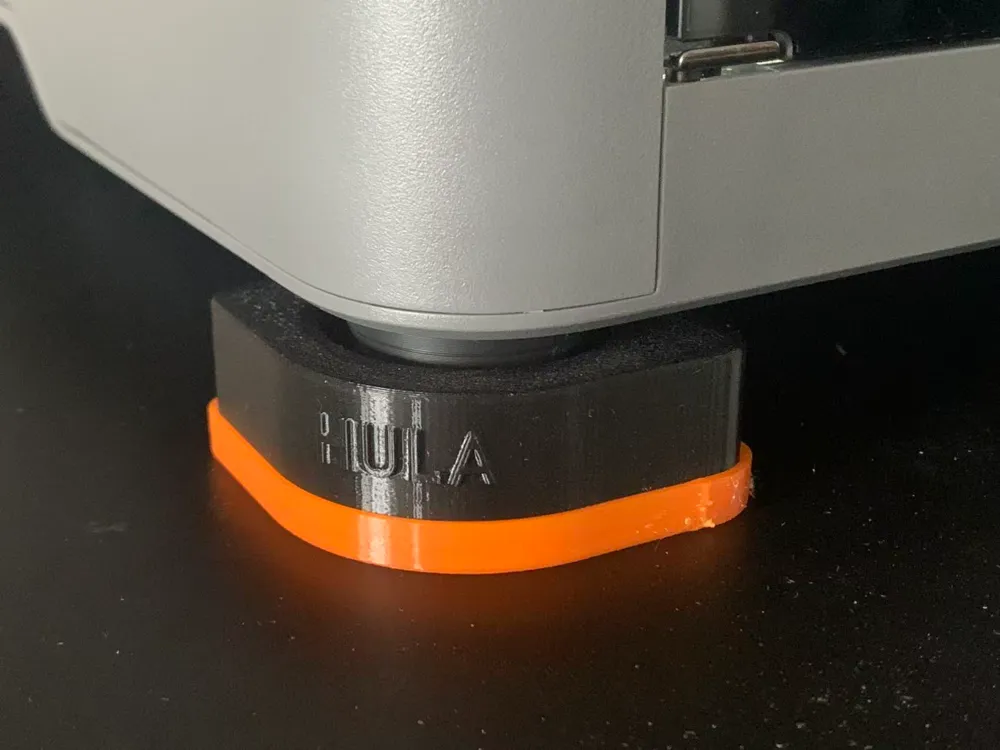
P2S HULA Anti-Vibration Feet Adapter
Print Profile(2)


Description
Boost Me (for free)
Thank you
I have been using HULA anti-vibration feet on my P1S, and the effect is immediate. Perhaps it doesn't visibly improve print quality, but in my work environment—where the P1S is placed directly on an adjustable standing desk—it significantly reduces desk vibration when the printer is operating.
One upgrade of the P2S is its improved buffer feet, but it's clear that the buffering function of these most traditional rubber buffer feet is far less scientifically effective than HULA. So, on the first day I switched to the P2S, I immediately started thinking about how to use HULA again.
【Installation】
- First, you need to print the most basic parts according to the instructions and guidance of the original HULA anti-vibration feet, and prepare the necessary hardware.
- Print and use this P2S foot adapter to replace the original version
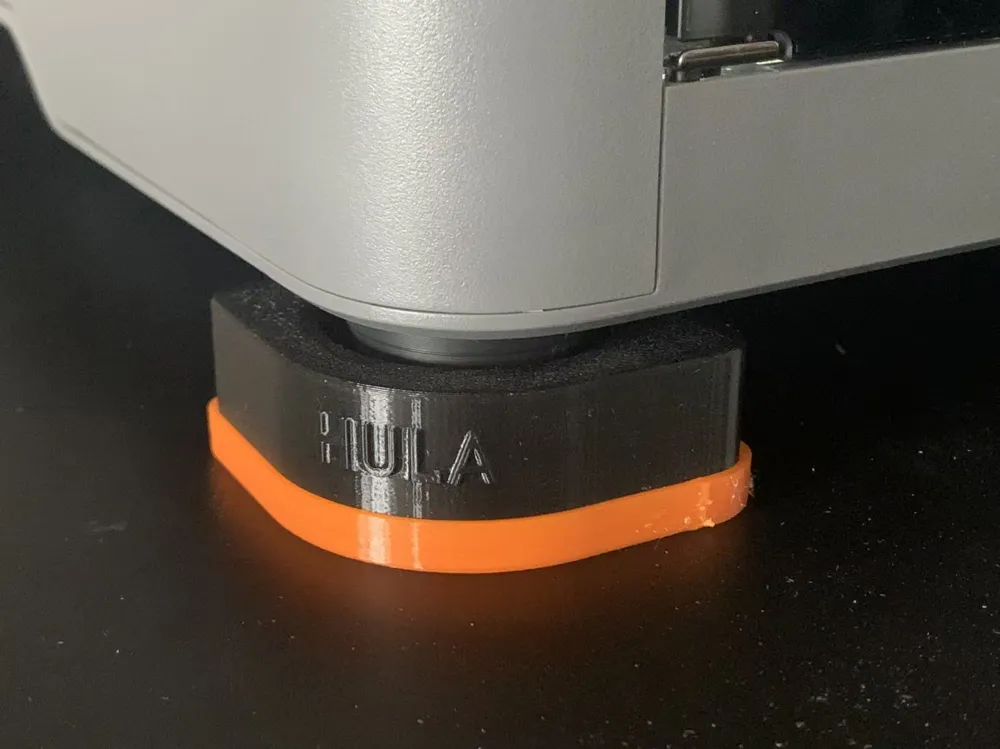
- No need to remove the original P2S feet; directly embed the feet into the adapter's groove
- Adjust the positions of the four feet and perform printer calibration again.
【Note】
- This model does not include the main HULA parts
- For all details, principle analysis, and installation guidelines regarding HULA, please carefully refer to the original HULA to ensure you learn and understand its installation and use before installing and using this adapter.
License

You shall not share, sub-license, sell, rent, host, transfer, or distribute in any way the digital or 3D printed versions of this object, nor any other derivative work of this object in its digital or physical format (including - but not limited to - remixes of this object, and hosting on other digital platforms). The objects may not be used without permission in any way whatsoever in which you charge money, or collect fees.


Comment & Rating (116)