Search models, users, collections, and posts

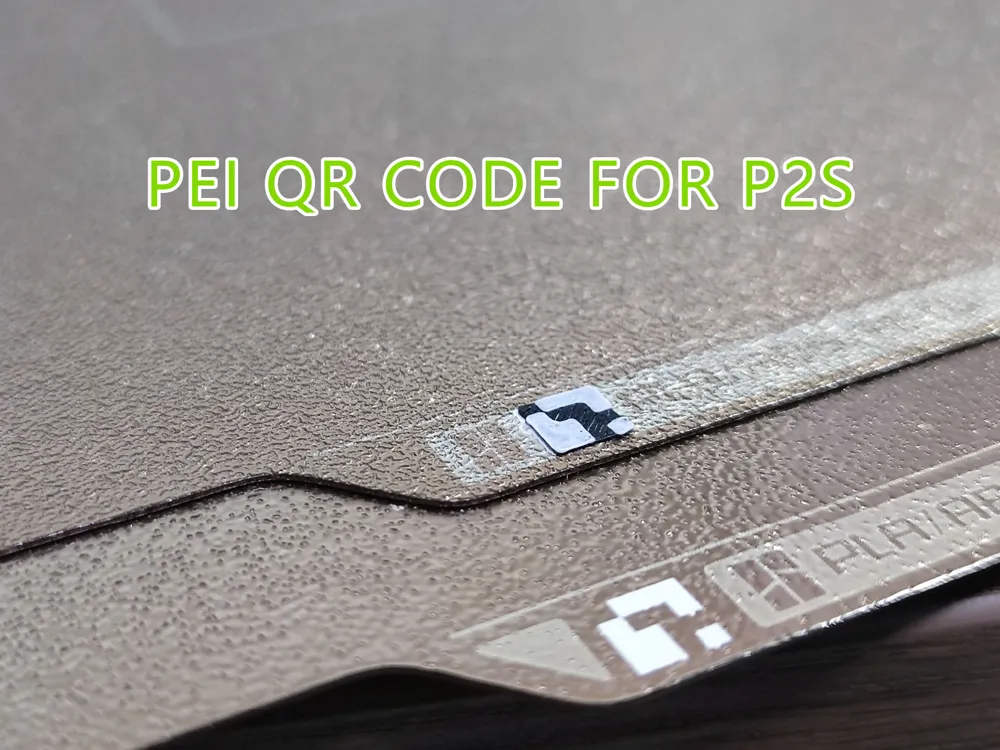
Build Plate PEI QR Code for P2S build plate detection QR code
IP Report
Print Profile(1)

0.2mm layer, 2 walls, 15% infill
Designer
42 min
4 plates
Open in Bambu Studio
Boost
132
439
26
1
306
149
Released
Description
Content has been automatically translated.
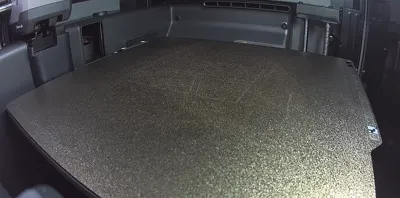
Note: Based on feedback from multiple friends and my expanded testing, it can currently be confirmed that the P2S machine, apart from the textured pei plate (textured pei), still has defects in identifying other types of printing plates, and it is highly likely that it will prompt that the printing plate cannot be recognized, Therefore, friends who need to use other types of printing plates can wait for the official new printing plates to go on sale, and I will continue to follow up with testing.
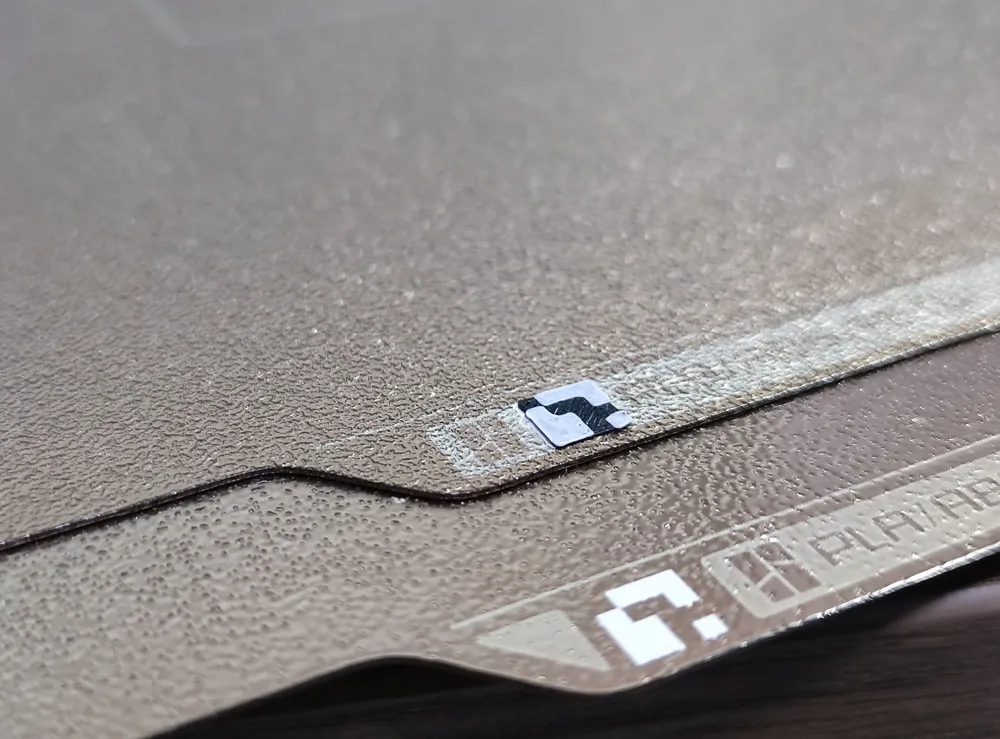
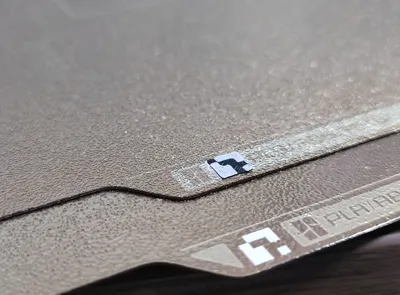
The QR code for P2S's printing plate detection and identification is not the same as X1's QR code, which makes previous printing plates unable to pass P2S's printing plate detection.
Print this QR code, directly paste it over the original QR code, and it will pass P2S's printing plate detection.
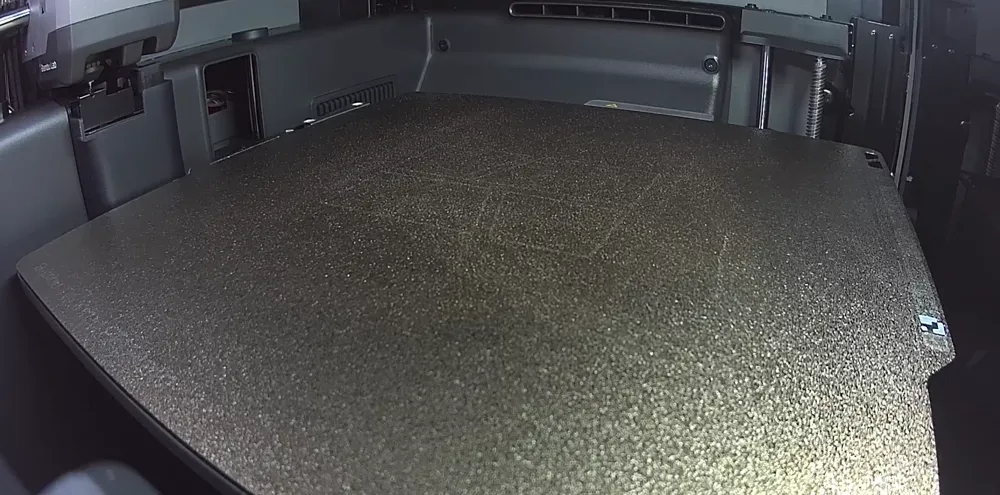
For third-party printing plates, the approximate position of the QR code is as follows. Actually, a slight deviation will not affect recognition.
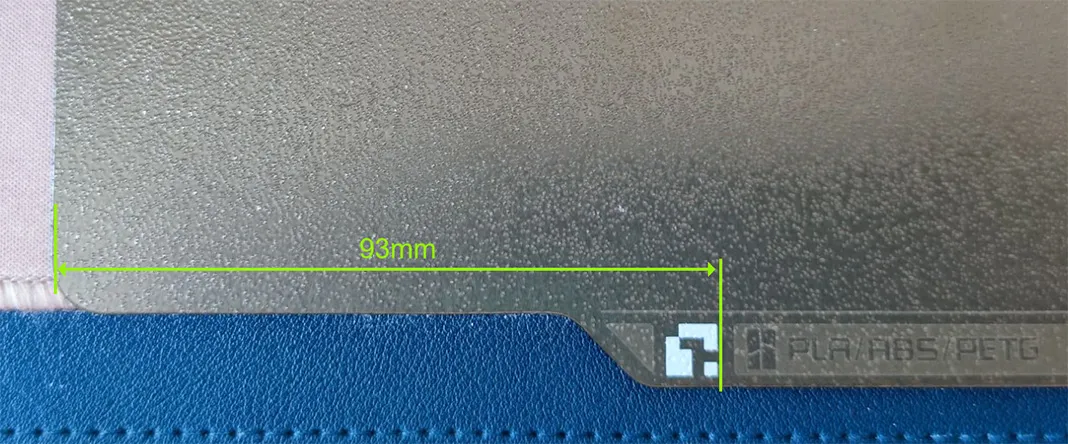
Note: The PEI plate heats up during printing, so please use temperature-resistant materials such as PETG to print the QR code.
License

This user content is licensed under a
Creative Commons Attribution-Noncommercial-NoDerivatives


Comment & Rating (26)