
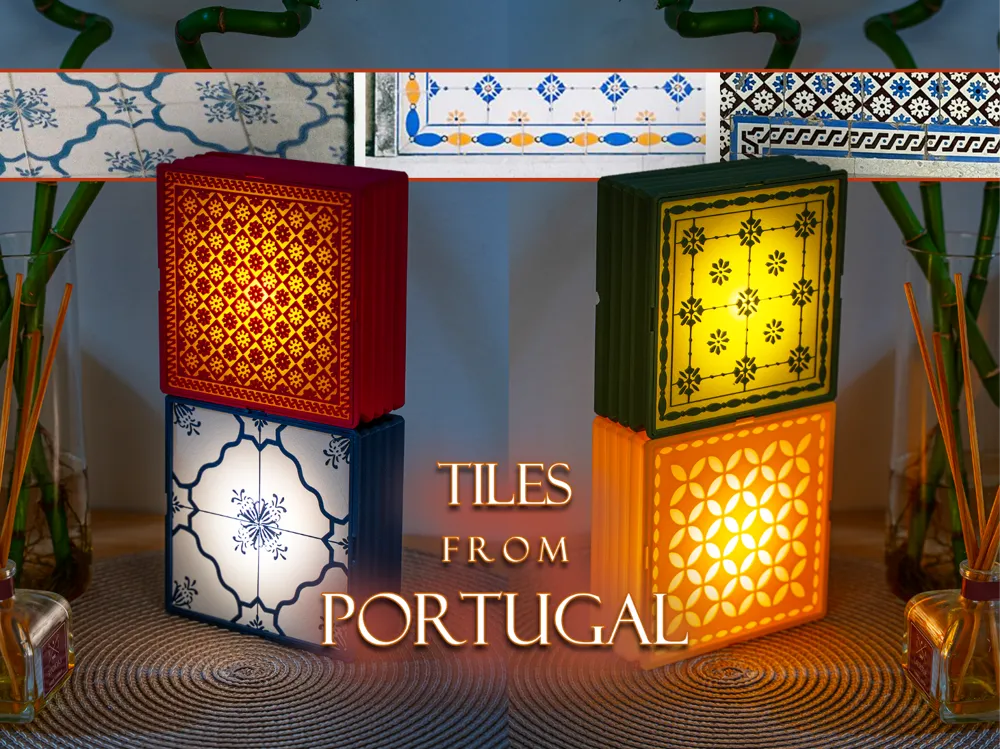
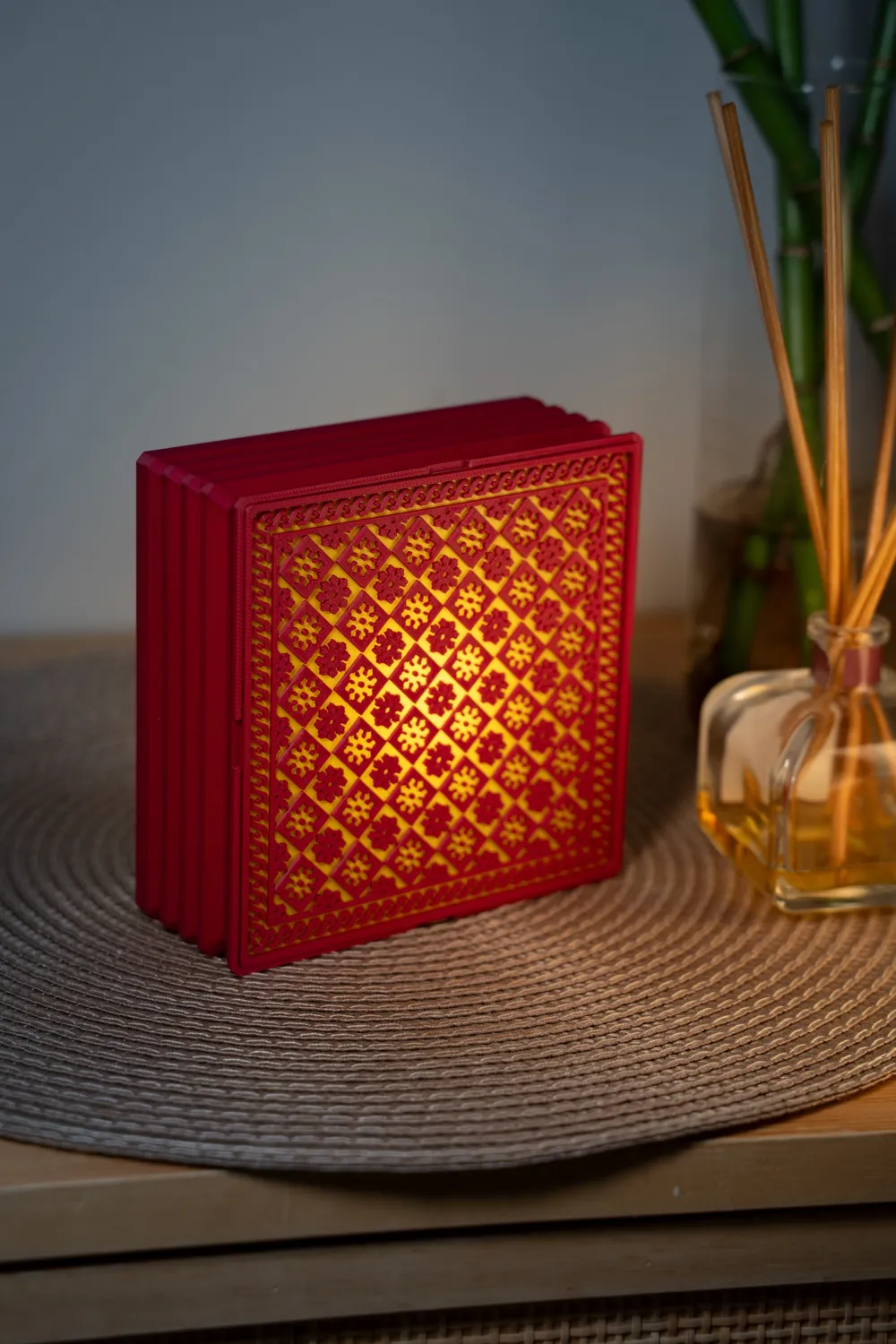
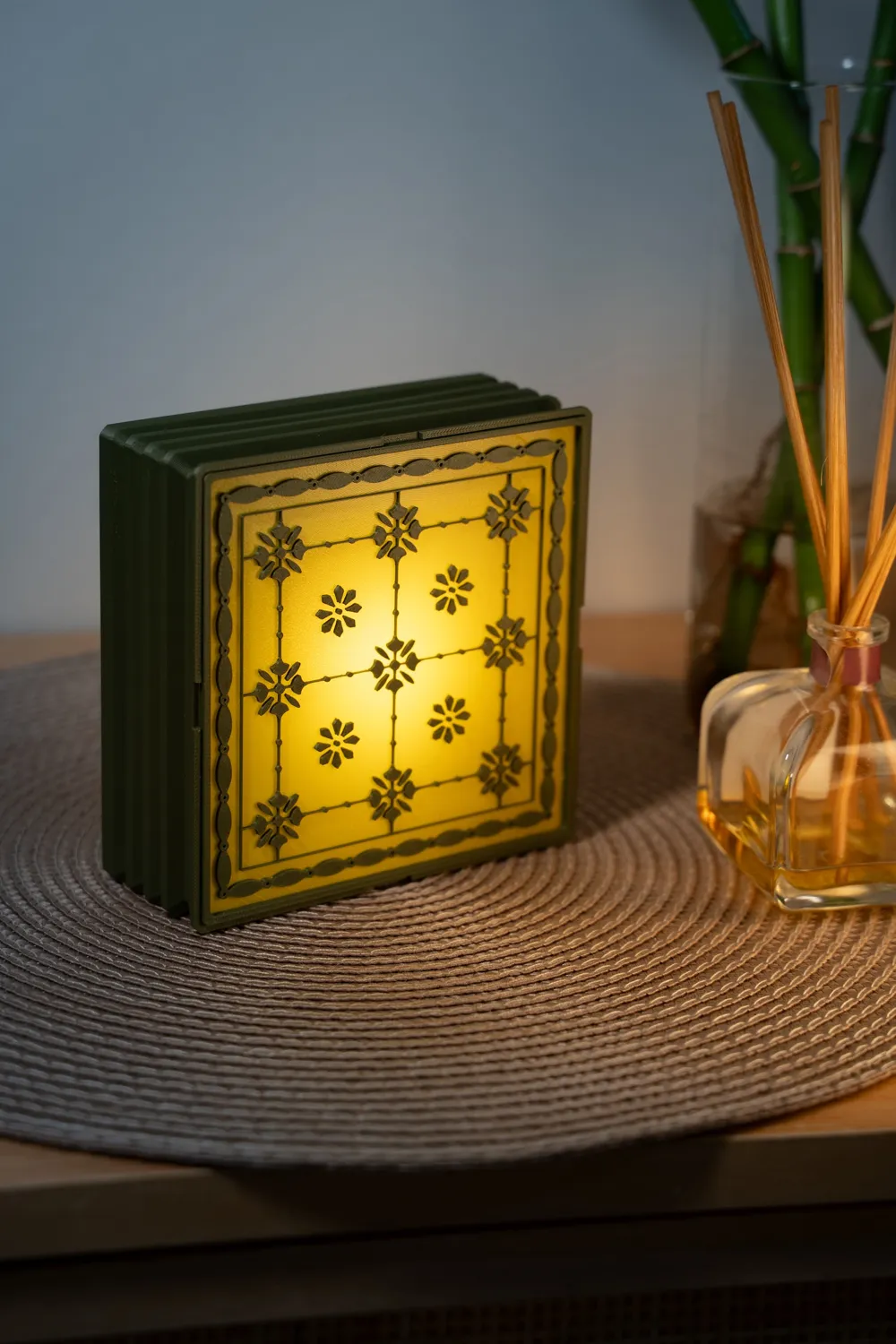
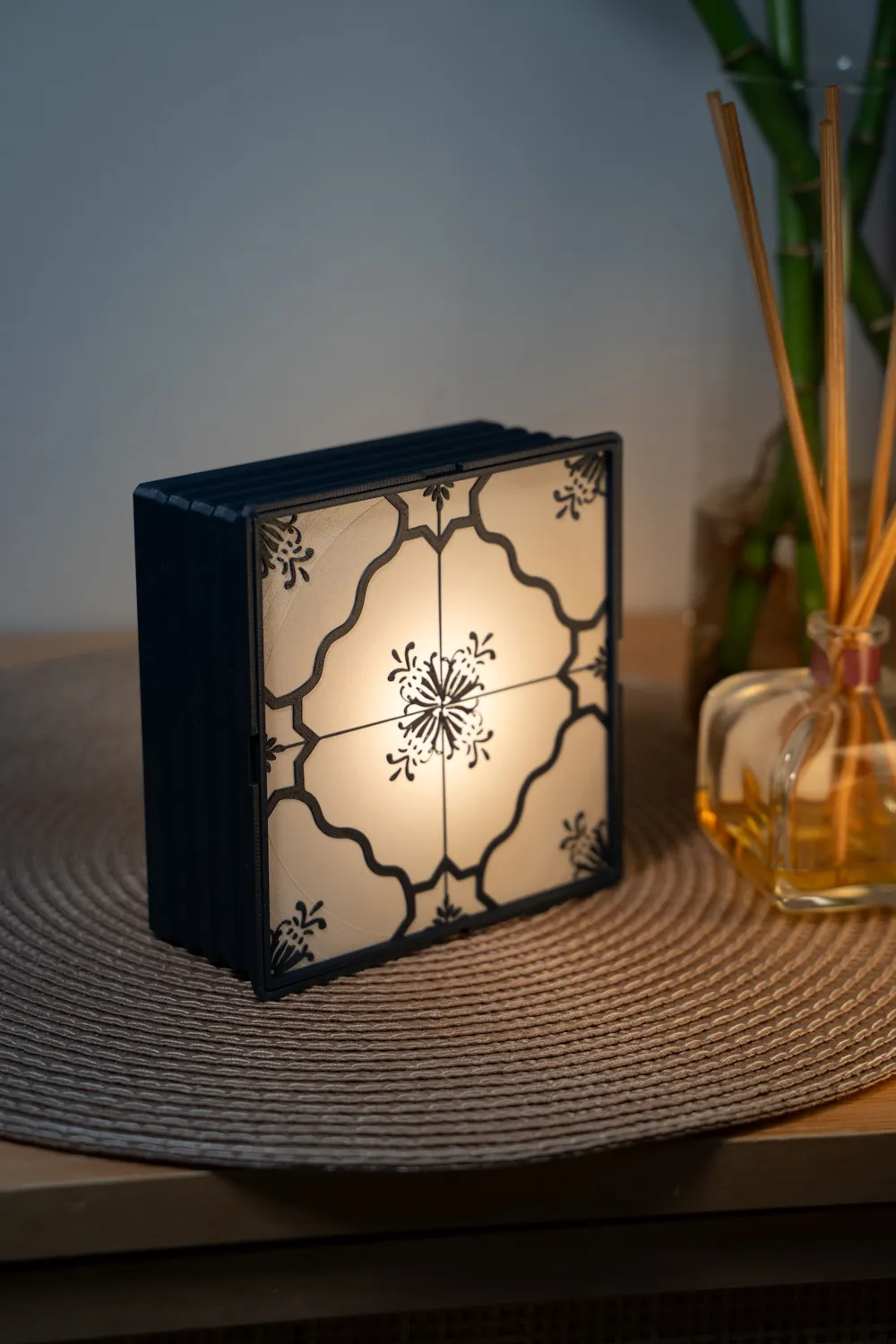
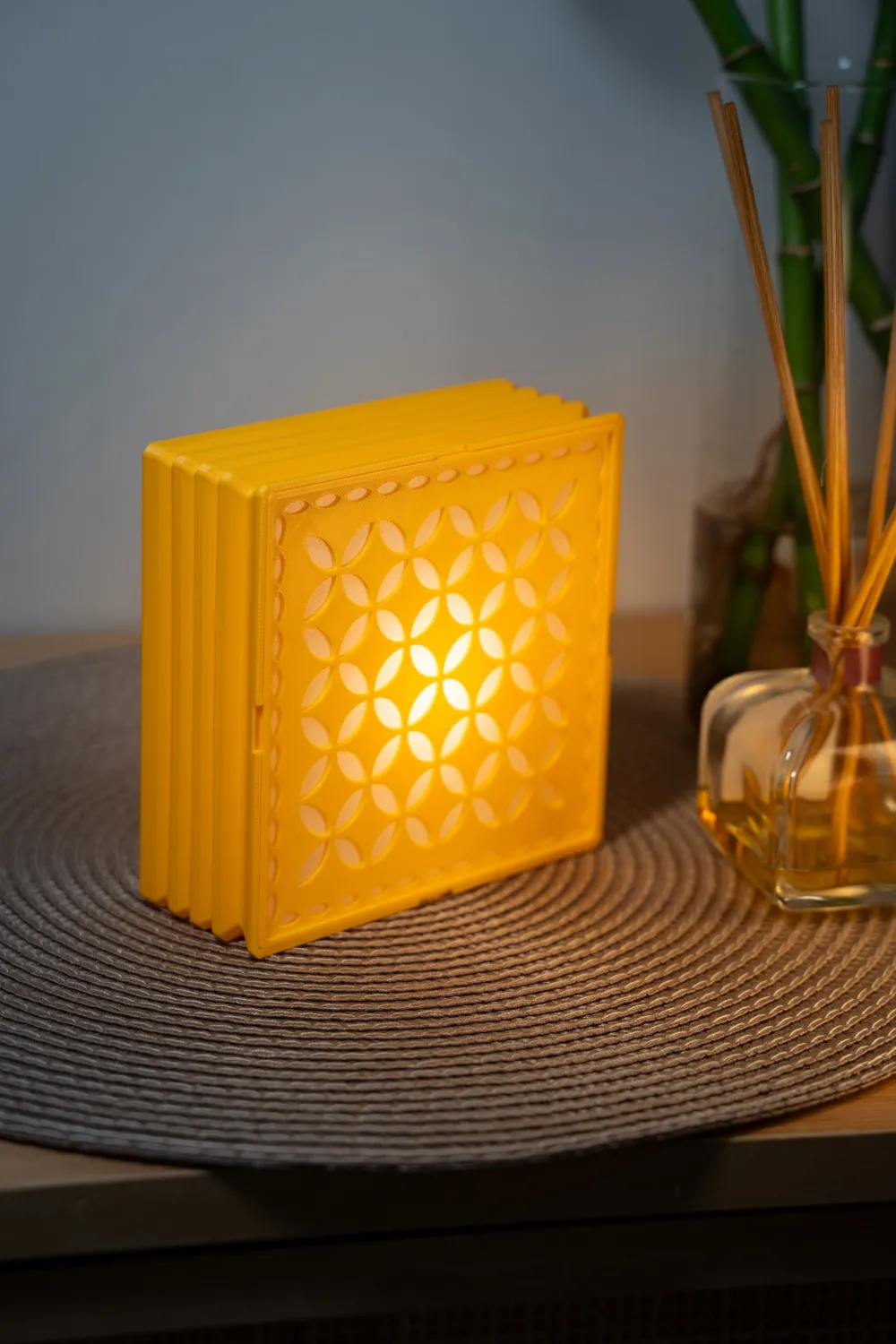
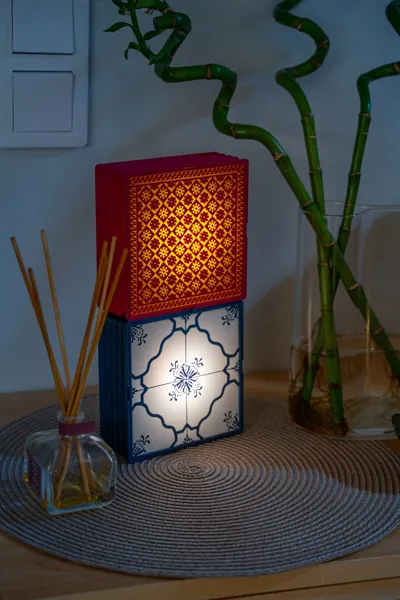
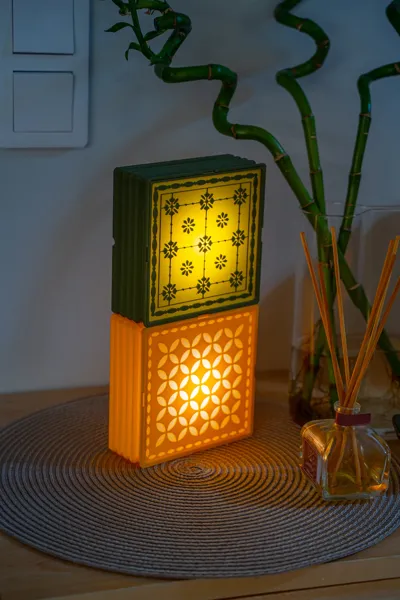
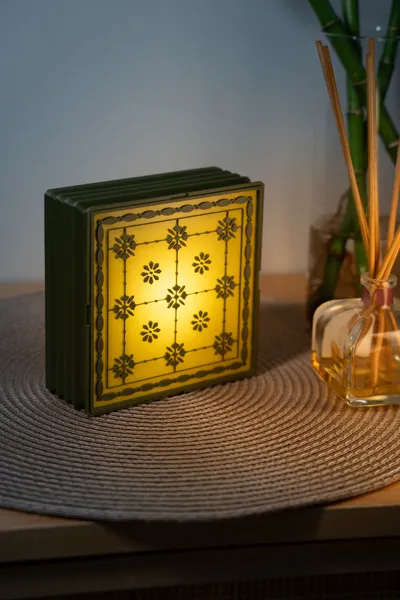
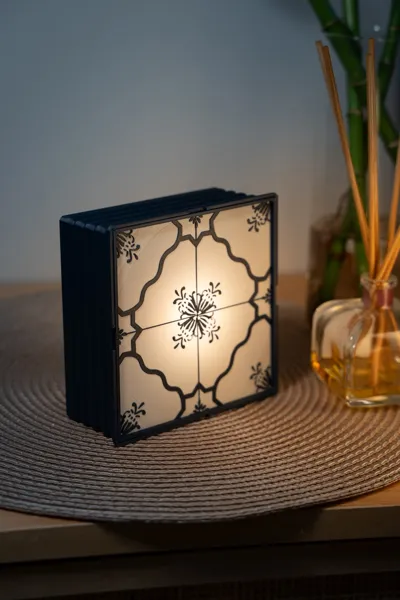
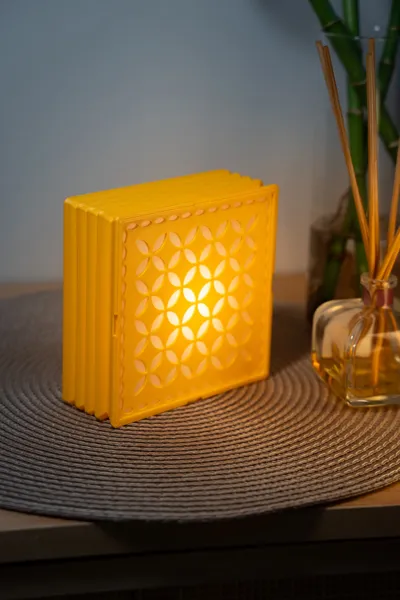
Tiles from Portugal (Wall, Desk or Stackable Lamp)

Print Profile(3)


Bill of Materials


Description
Updates:
2025 11 08: I have fixed the base so now the tiles don't fall/remove easily from the base.
No AMS
No AMS needed, however if you have an AMS there is a profile to use it.
For the No AMS profile I have added a pause in the second layer for you to change the filament.
When the printer pauses, go to the filament menu in your printer, unload the filament, and load the next one. Then Resume the print.
Note:
- Use bed leveling and flow calibration to get a perfect first layer.
- Make sure your printer firmware is updated (The No AMS profile uses a feature in the last firmwares)
Tiles:
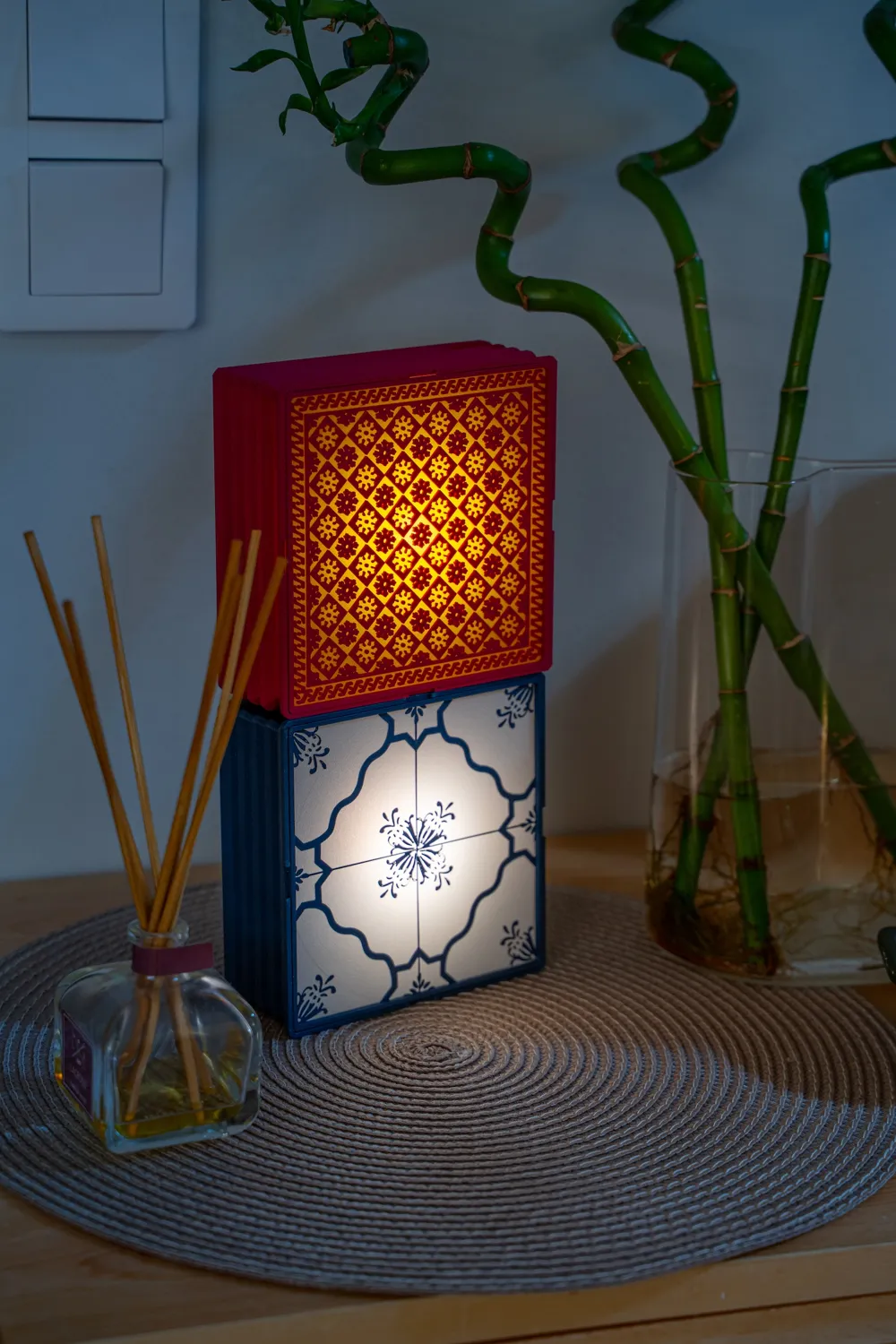
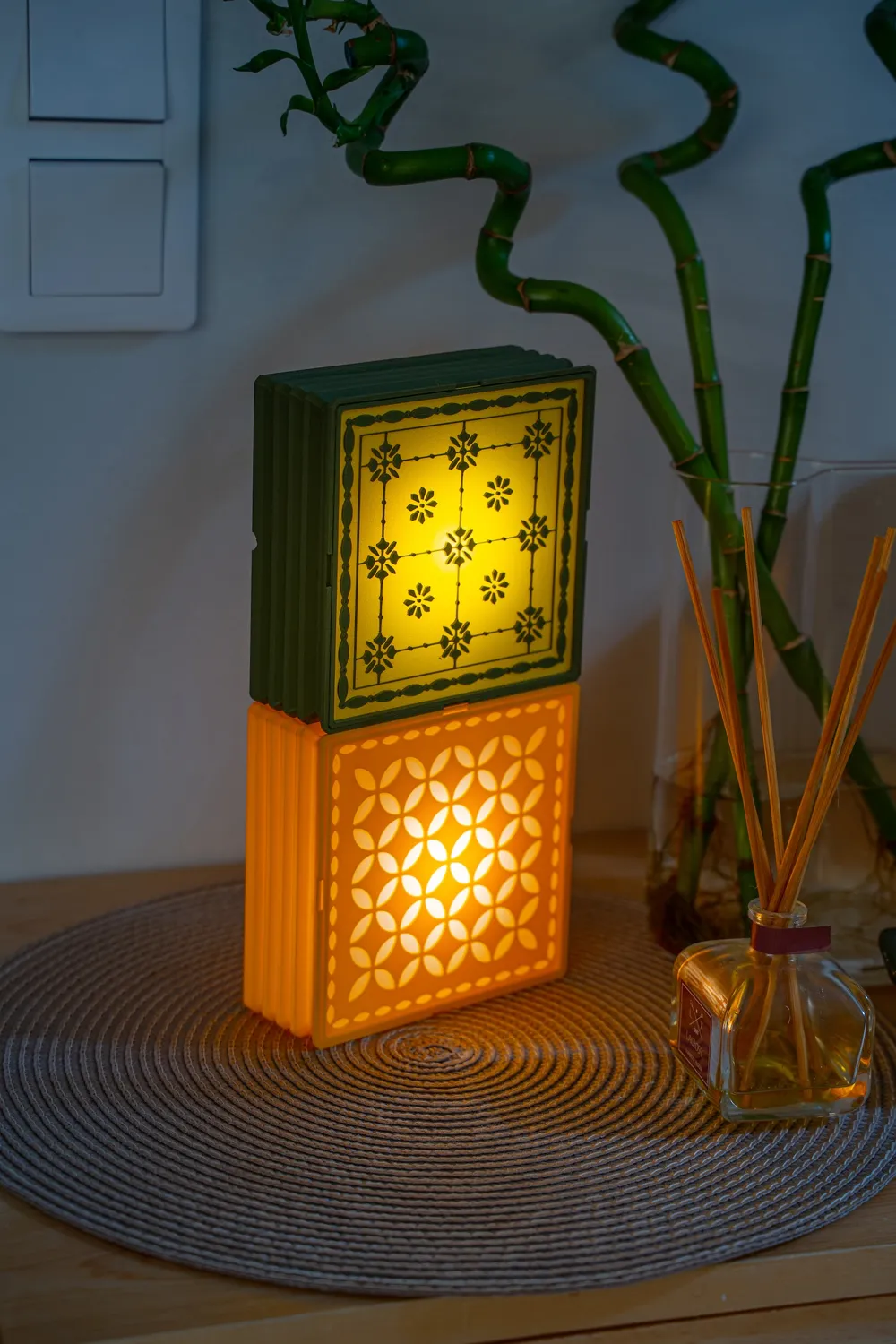
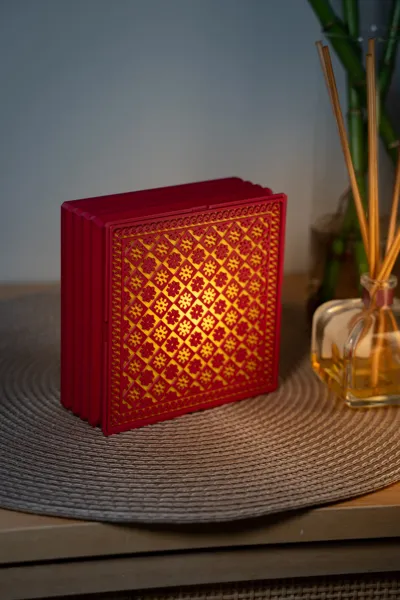
I have placed each tile in a different plate.
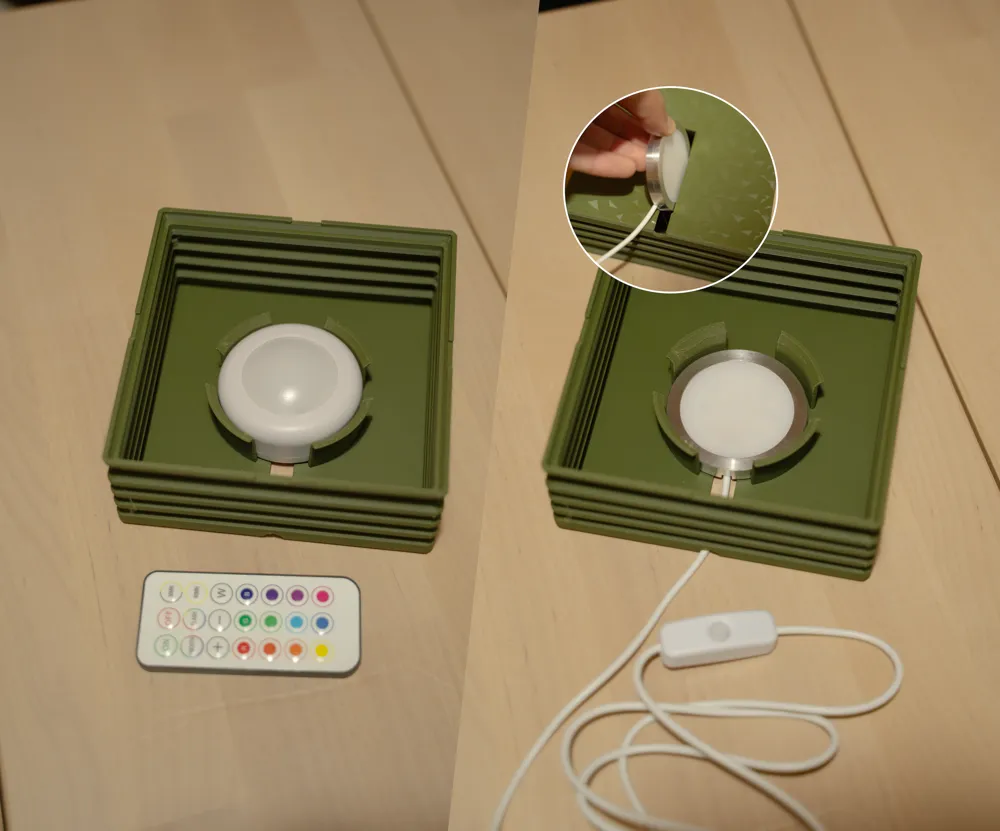
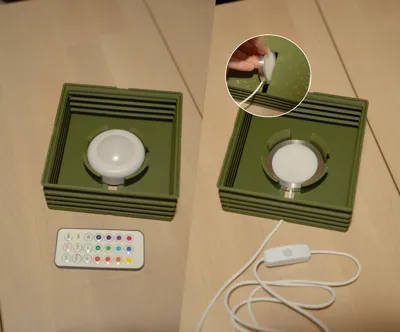
Light Source: You can use both:
Filament:
- Choose a light color filament for the Tile background (first layer) so it allows more light to be transmitted.
Print settings:
There is a ready made profile, use it. if you face a problem read this:
- The first layer of the tile: You should perform bed leveling and flow calibration in your print and then there should not be gaps, if you get gaps between the lines and it bothers you, you can fix it by increasing the flow rate in your filament settings.
Wall Mount:
The lamp is not heavy, so just use a good double sided tape and it will stay in place.
Other tiles:
Moroccan: https://makerworld.com/en/models/1750390-tile-lamp-wall-desk-or-stackable-lamp#profileId-1860837
Let me know if you have questions.
Also what style of tiles you like to have next?
License

You shall not share, sub-license, sell, rent, host, transfer, or distribute in any way the digital or 3D printed versions of this object, nor any other derivative work of this object in its digital or physical format (including - but not limited to - remixes of this object, and hosting on other digital platforms). The objects may not be used without permission in any way whatsoever in which you charge money, or collect fees.


Comment & Rating (13)