
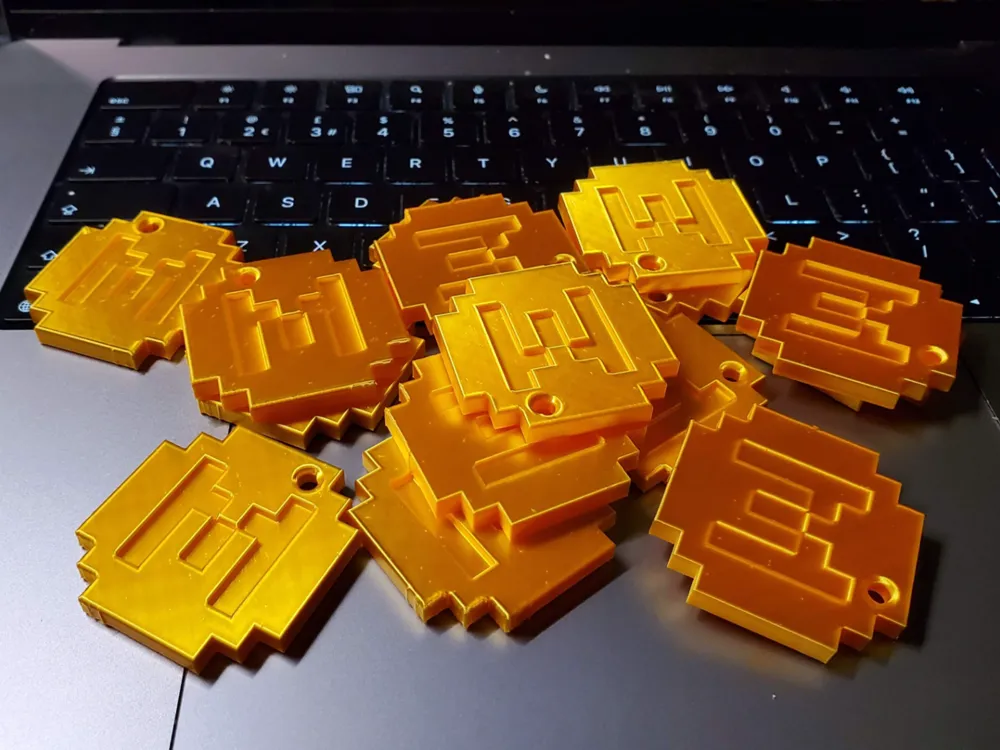
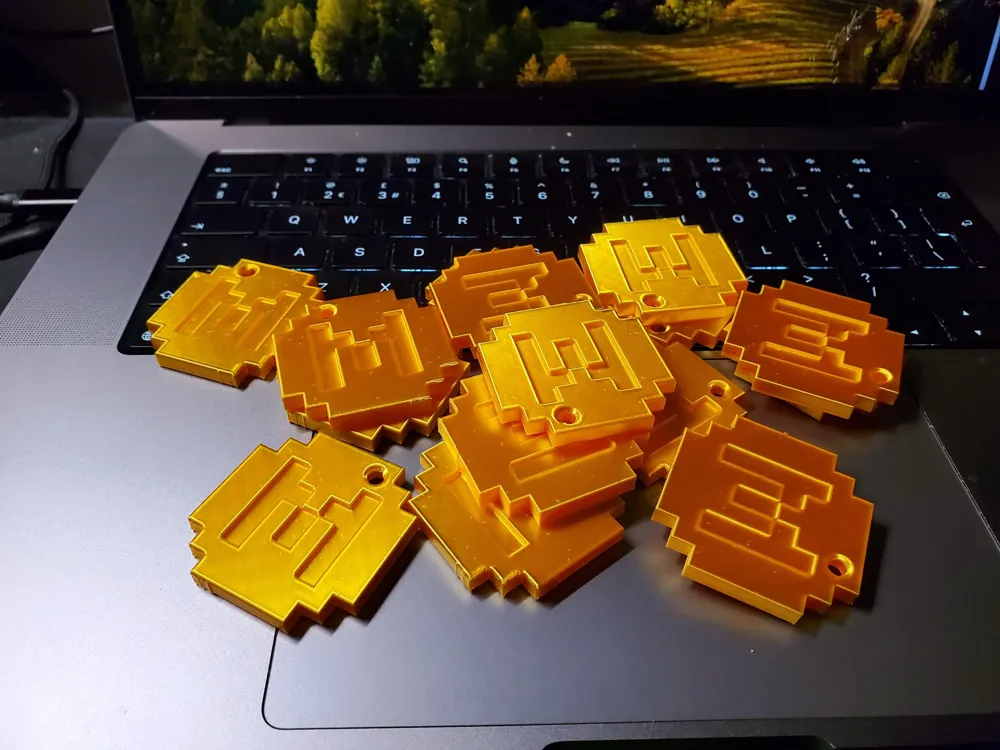
Minecraft Minecoin Stack (plus keychain version)
Print Profile(2)


Bill of Materials


Description
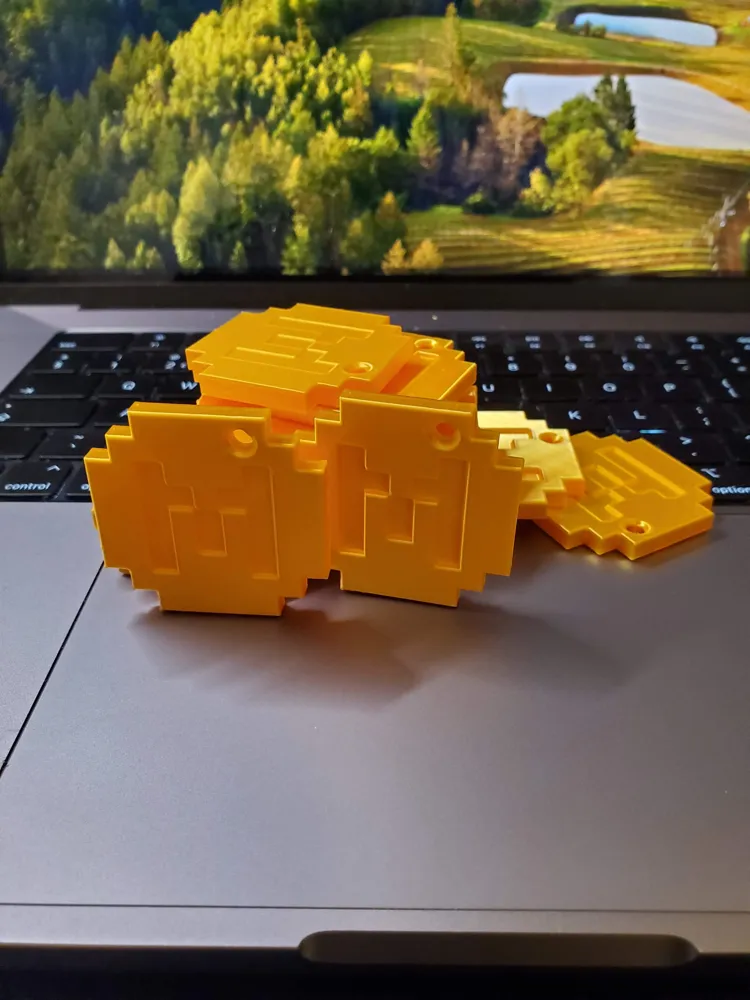
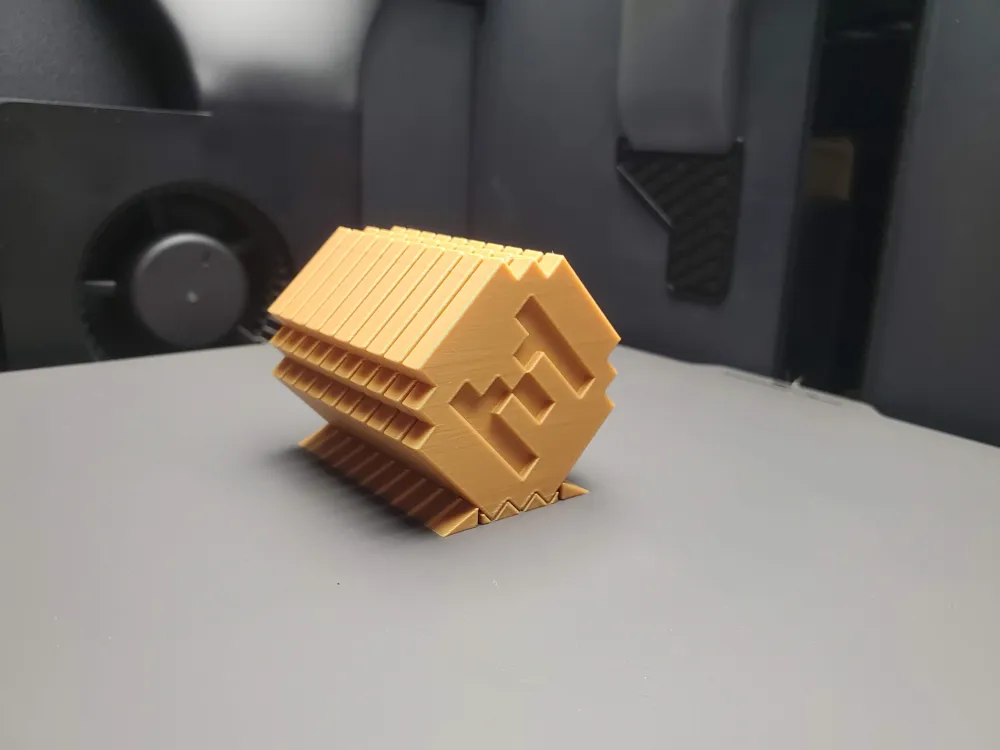
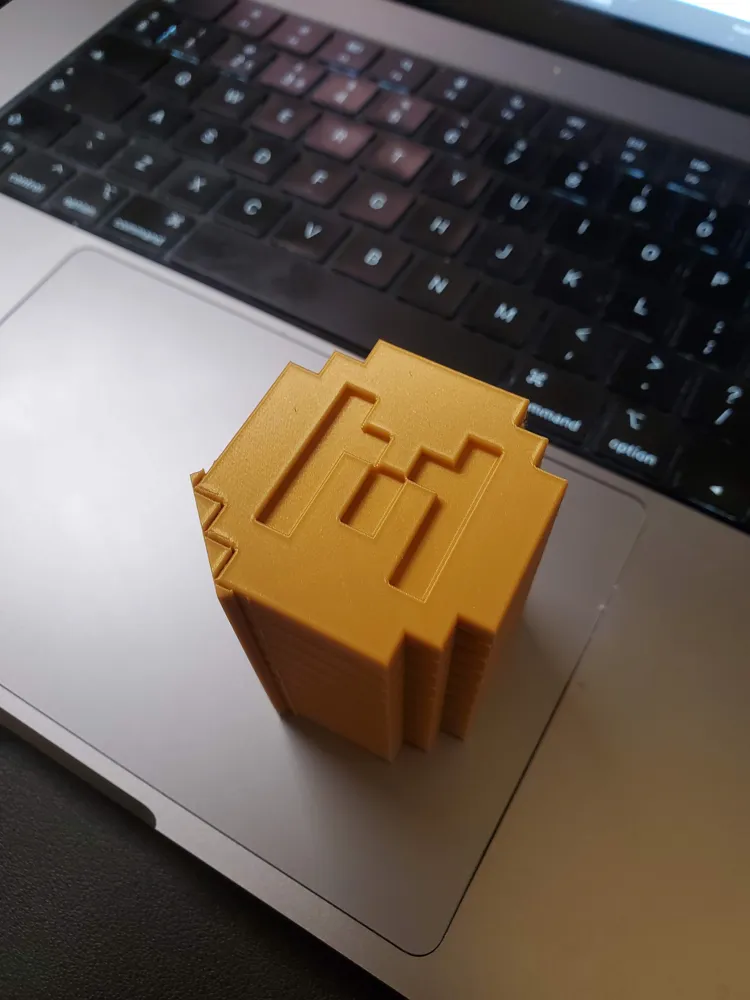
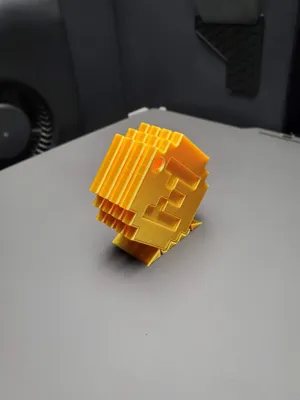
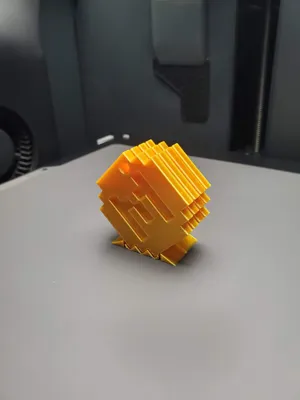
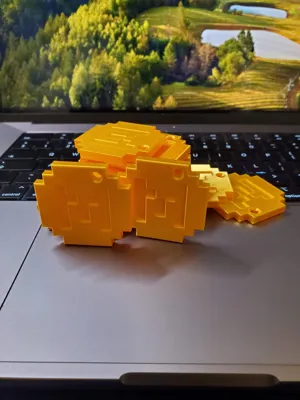
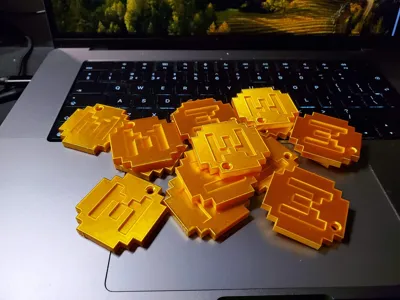
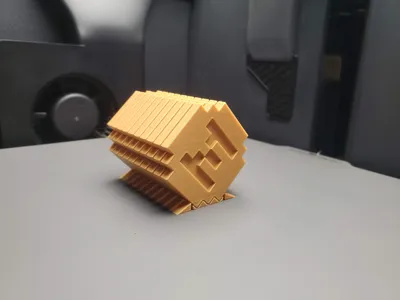
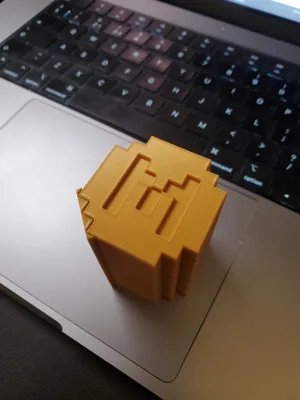
Minecraft Minecoin Stack – Printable Set of 10 (Optimised Orientation for Perfect Finish)
Token and Keychain versions.
This model is a high-quality 3D printable version of the Minecraft Minecoin, designed for smooth, clean results and easy batch printing.
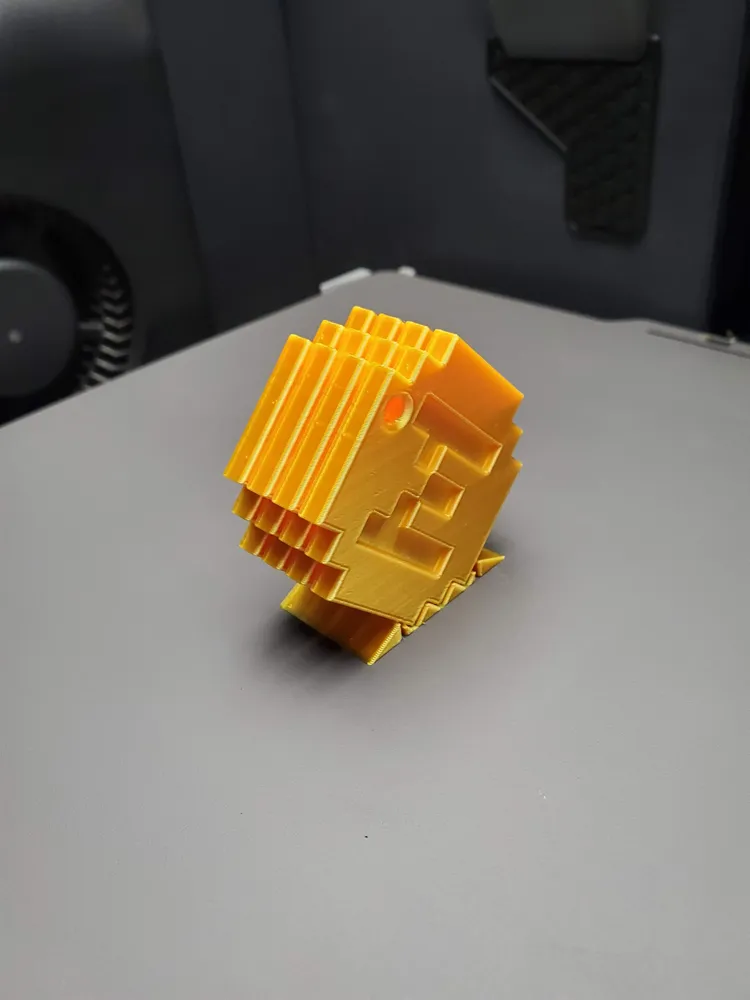
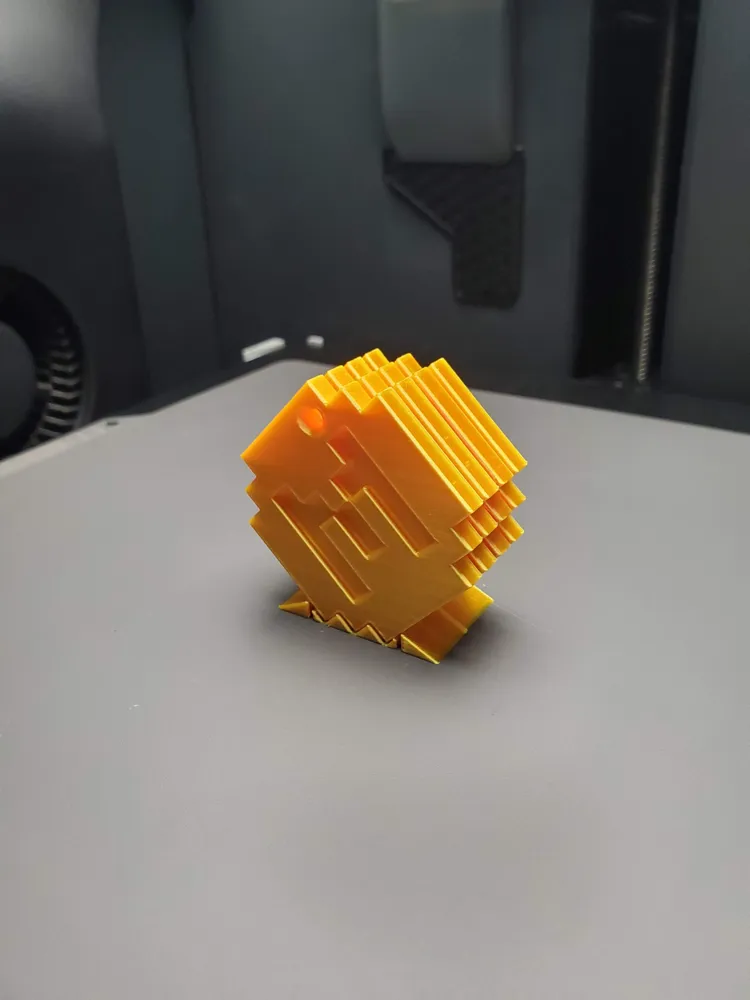
Each print set contains 10 Minecoins, and the amount can be adjusted. Arranged in a special orientation that minimises surface artefacts and delivers the best finish possible — no need for complicated supports or sanding afterwards. The print speed is intentionally reduced to achieve the smoothest possible silk finish and enhance the metallic shine.
Print notes:
- Material: Bambu PLA Silk+ Gold
- Speed: reduced to 40mm/s for the best silk finish.
- Temperature: due to a small amount of a contact area with the build plate, I recommend using Cool Plate SuperTack and raising the temperature to 55ºC, for Textured PEI – raising the temperature to 65ºC or using a glue stick.
Support removing steps:
- Please don't split the model by the force, you can break the print.
- Take coins from the plait.
Move the side supports 10-20 times and gently remove it

Gently disassemble the main support from the coins using an opener tool or something similar.
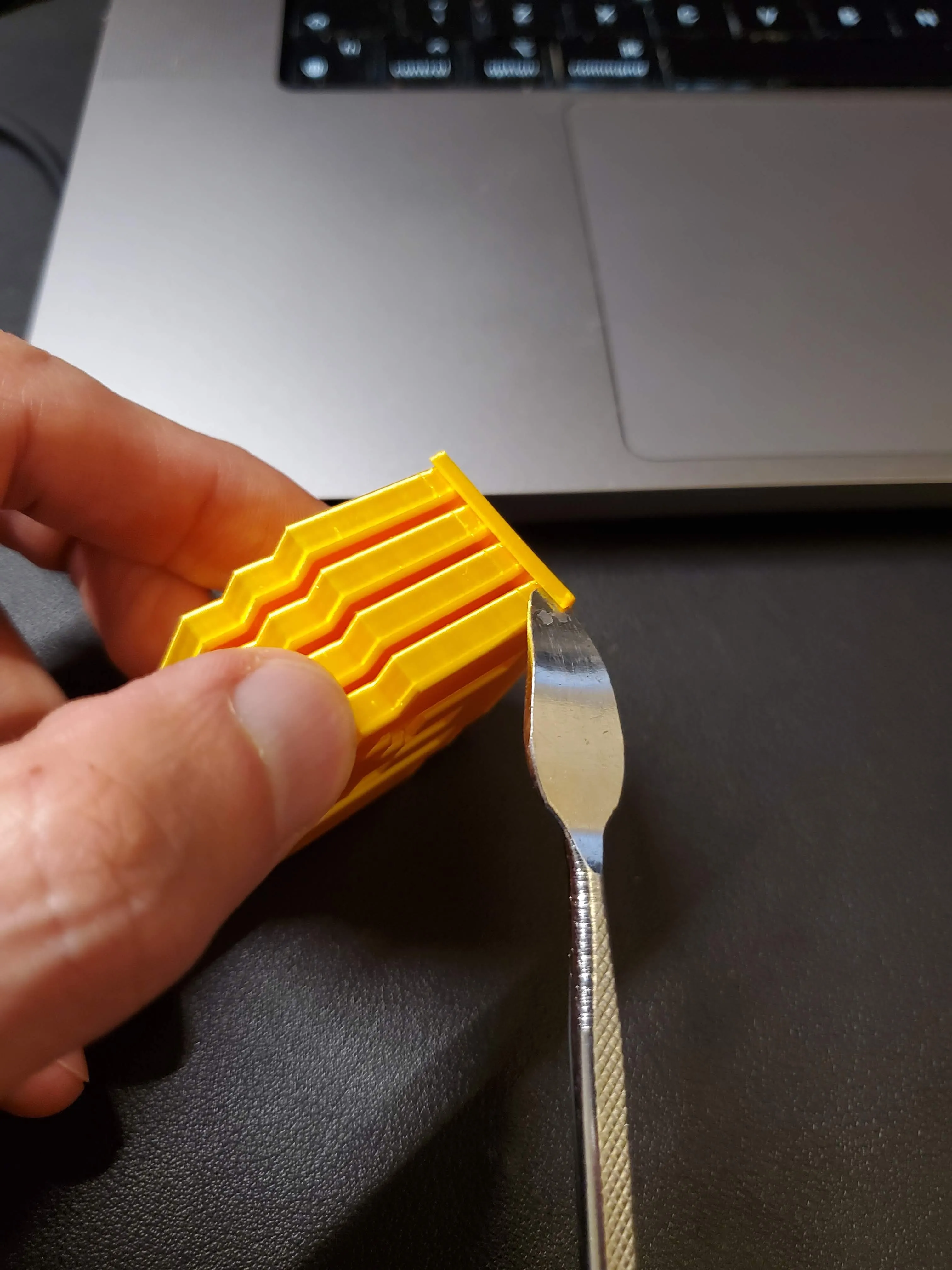
- Enjoy your print.
To reduce the amount of coins, follow the next steps:
(right click on the assembly) Disassemble the set by splitting into objects
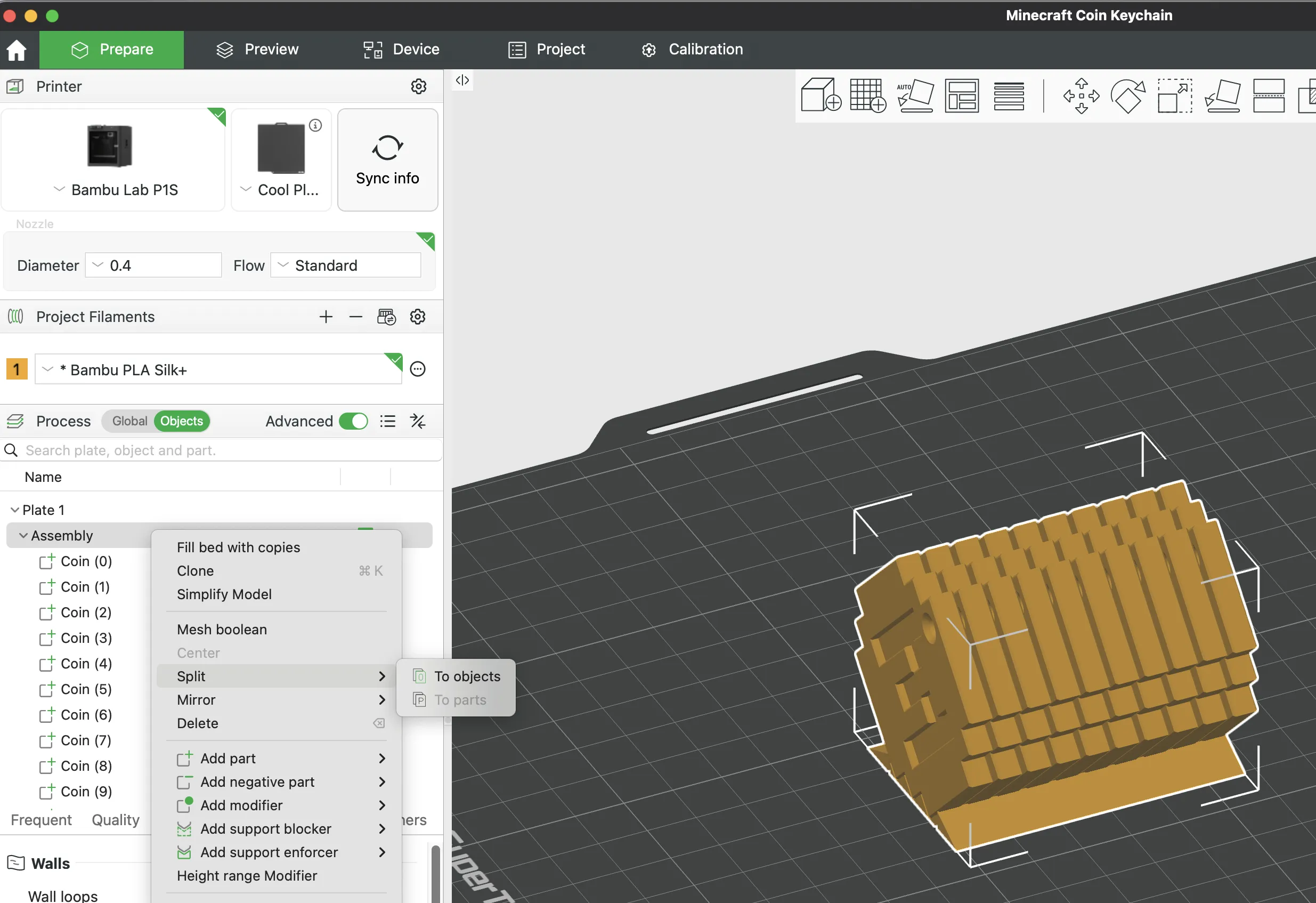
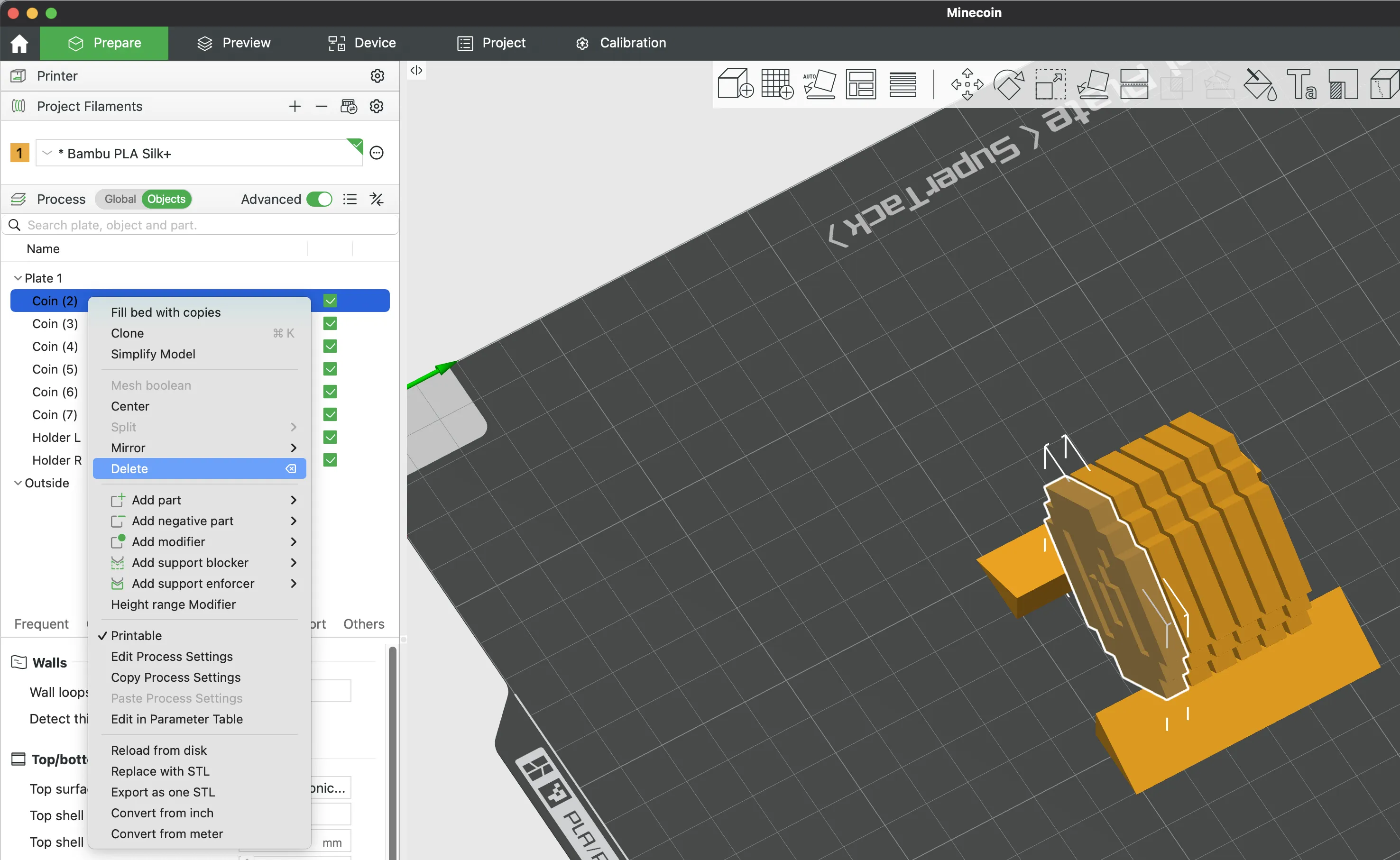
(right click on an object) Delete the coins from the top and bottom (if you need only 4 coins, just leave numbers 3,4,5,6)
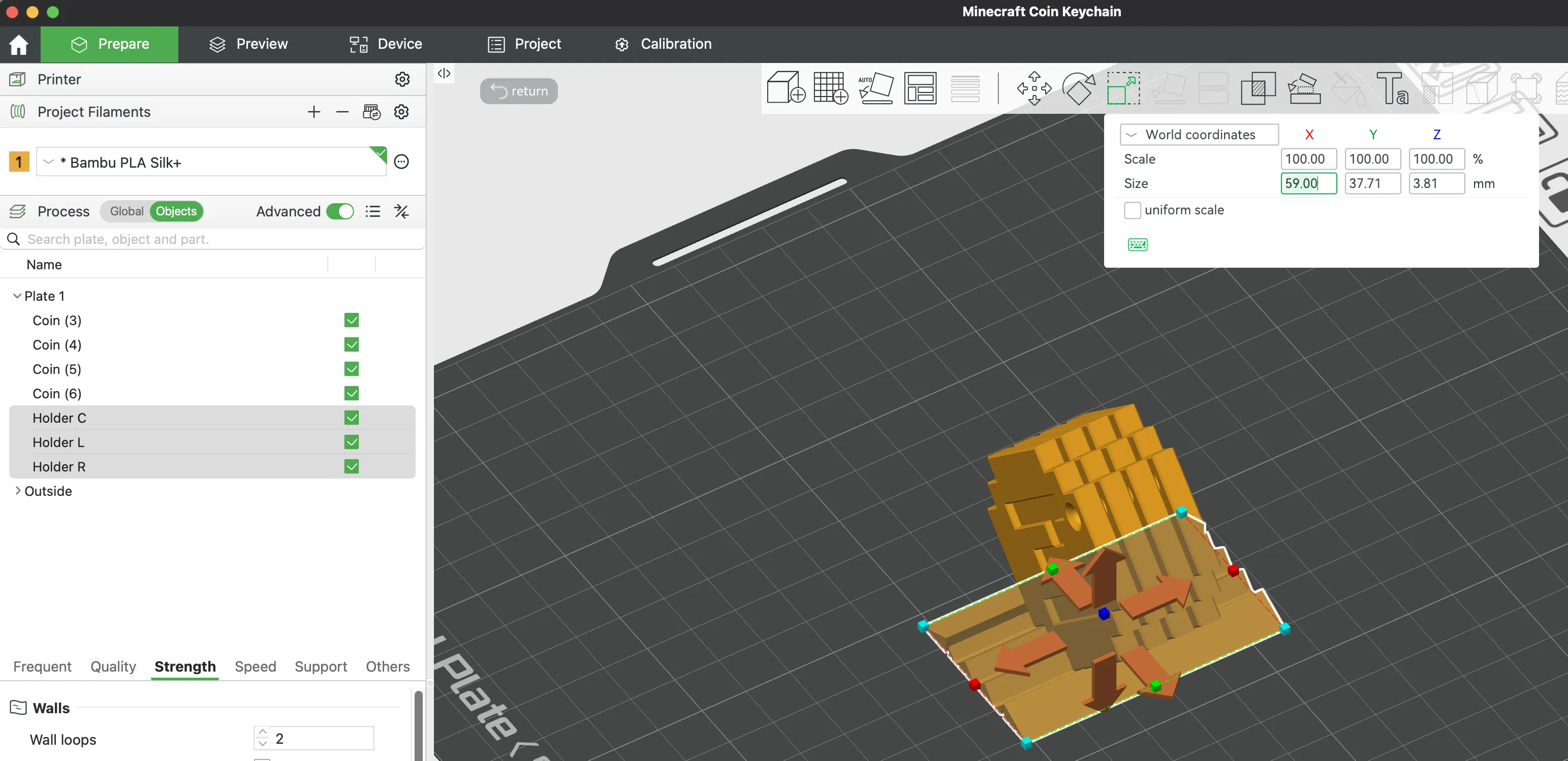
Resize supports (before the resize please uncheck - uniform size)
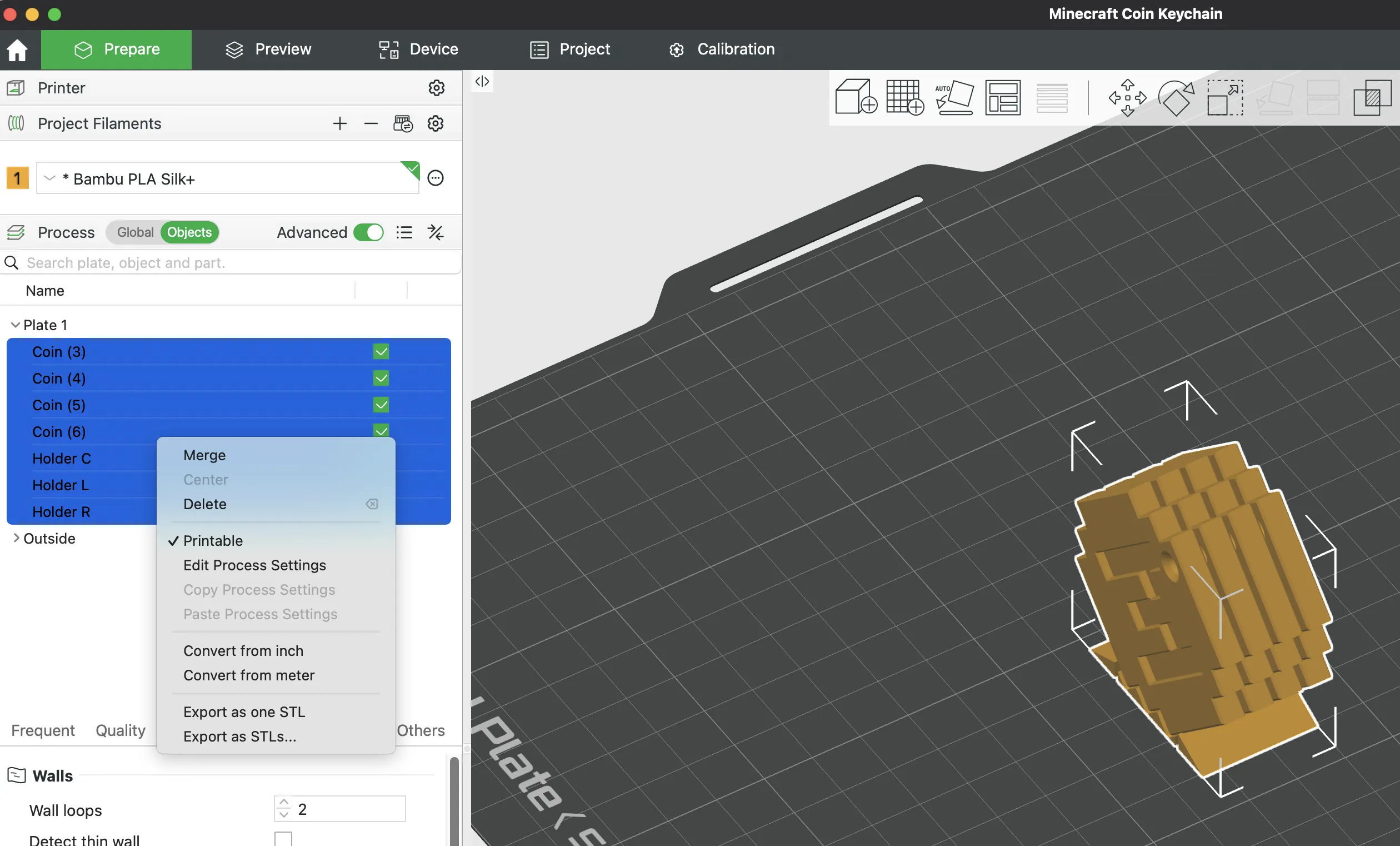
(select all and right click on the objects) Merge objects into one assembly
License

You shall not share, sub-license, sell, rent, host, transfer, or distribute in any way the digital or 3D printed versions of this object, nor any other derivative work of this object in its digital or physical format (including - but not limited to - remixes of this object, and hosting on other digital platforms). The objects may not be used without permission in any way whatsoever in which you charge money, or collect fees.


Comment & Rating (10)