
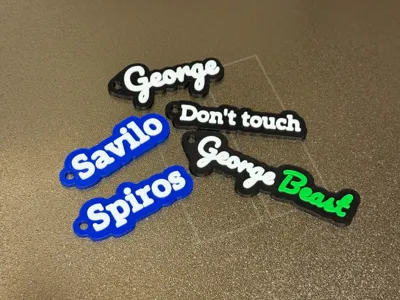
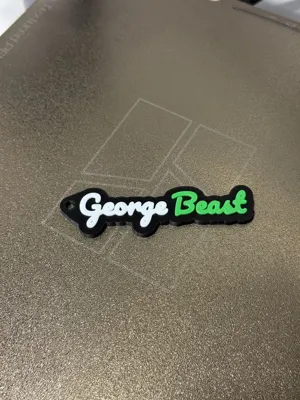
Customizable Name Tag Single and Multi-Color
Print Profile(2)


Description
Boost Me (for free)
Boost me if this parametric helped you!
***Read the Description to save time***
🏷️ Parametric Name Tag — Single & Multi-Color Maker
Designed & coded by 3dinsidegr
© 2025 — All rights reserved
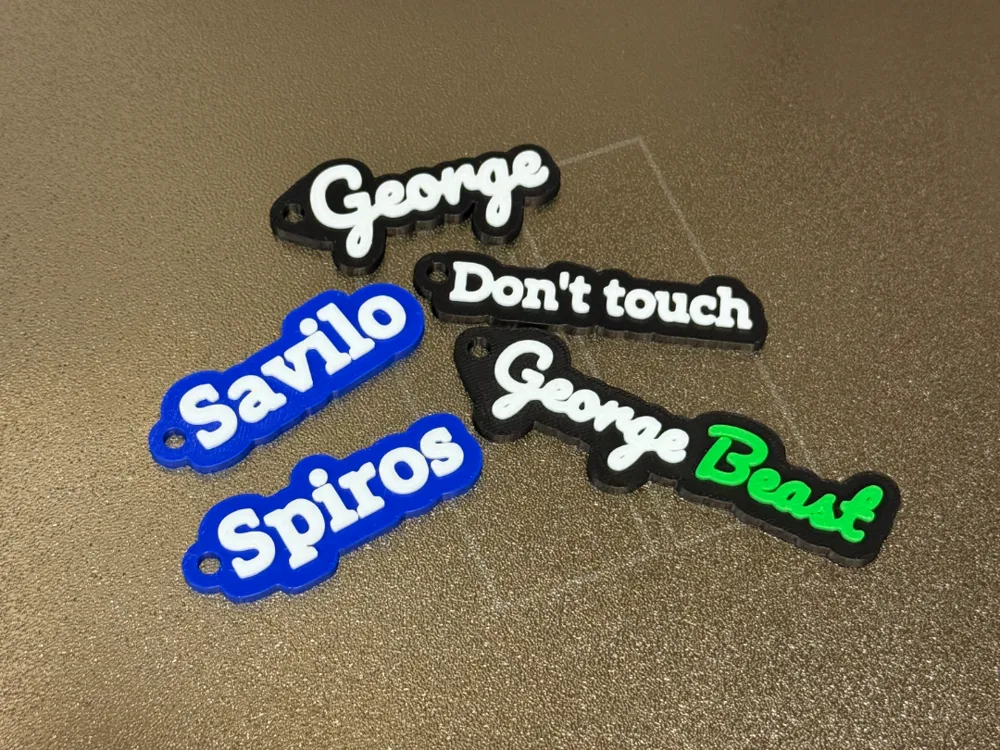
🌟 Create Fully Custom Name Tags — Instantly
This is a next-generation OpenSCAD parametric system designed to make personalized name tags accessible to everyone.
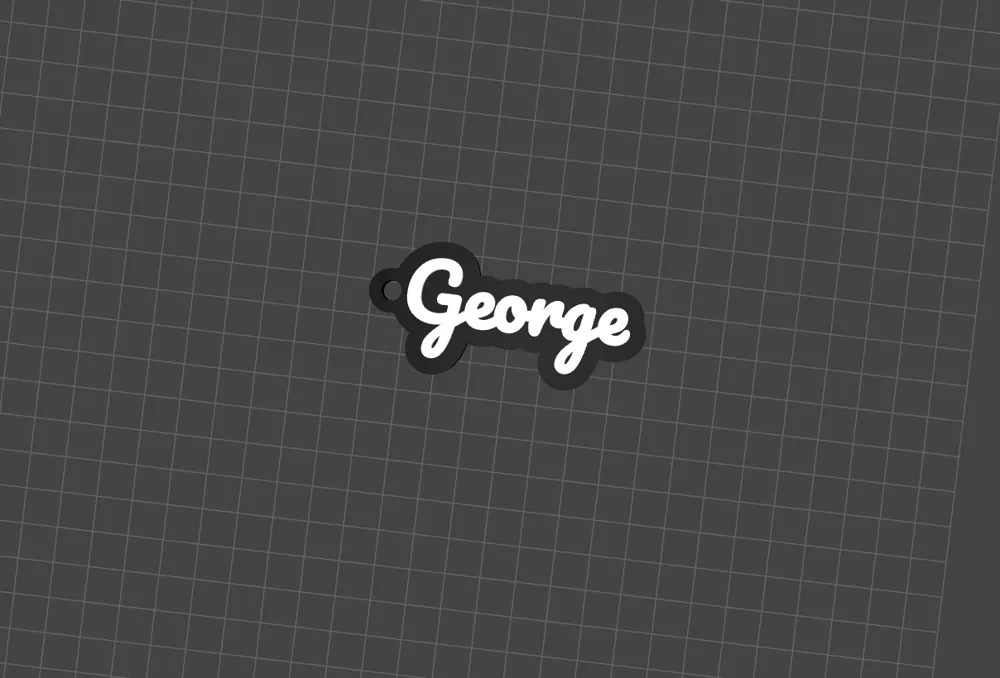
Even if you’ve never touched a 3D design tool before, you can open this file in the Customizer, type your name, select colors, and export a print-ready model in seconds.
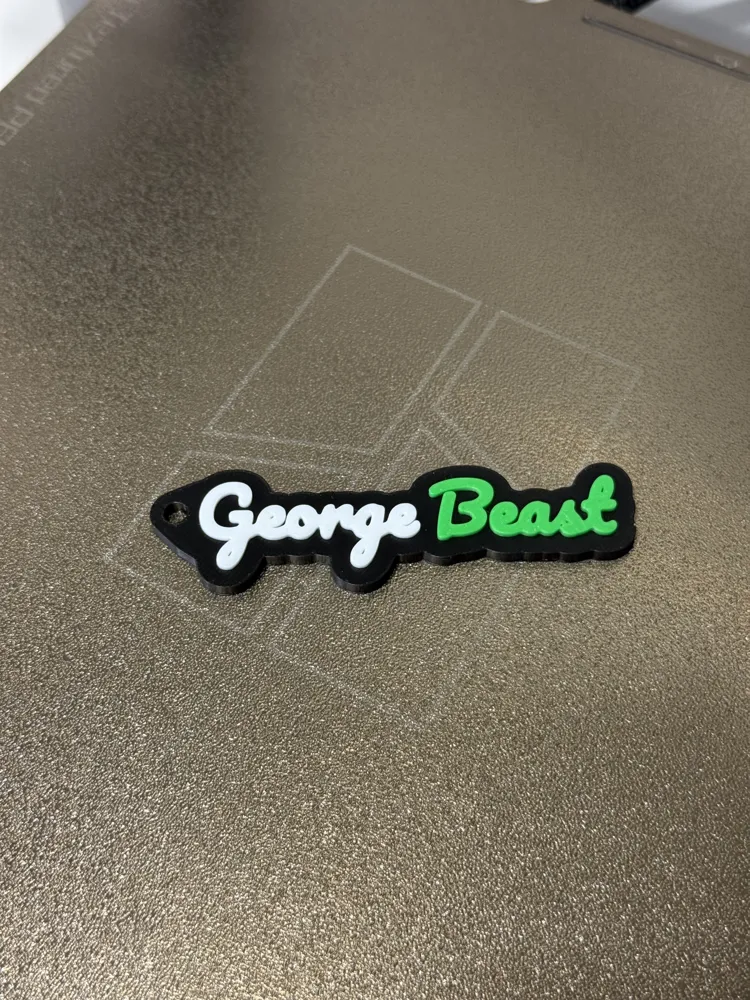
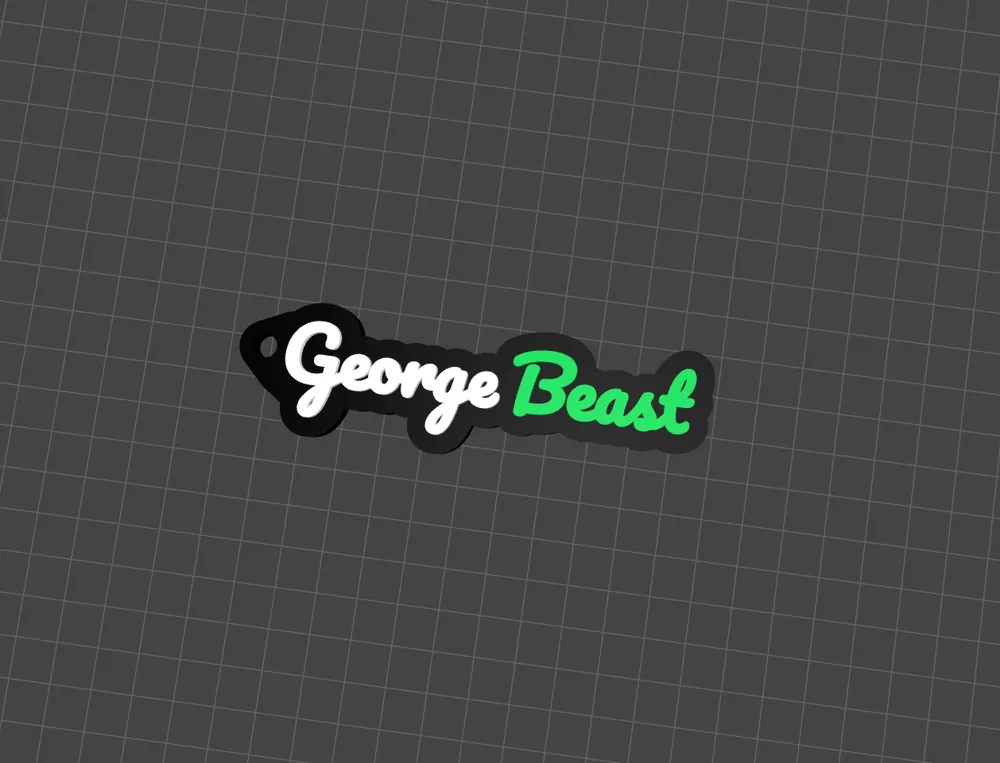
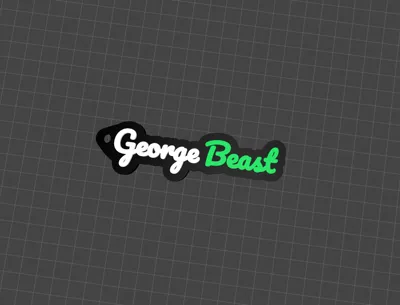
The multi-color feature is what truly makes it stand out — you can assign a different color to each text segment, meaning you can produce single-color or multi-color name tags in one model. Export as 3mf and you are ready!
For professionals and print farm operators, the system also provides precise per-segment positioning, outline control, and parametric hooks, allowing you to batch-produce clean, consistent, centered tags effortlessly.
⚙️ Main Features
- 🧠 100% parametric design — every part of the model can be customized through numeric inputs.
- 🎨 Full multi-color support (up to 4 segments, each with independent color, outline, and offset).
- 📏 Automatic centering system that keeps the tag aligned regardless of text or hook position.
- 🪝 Parametric hook & bridges — adjust size, angle, strength, or remove it completely.
- 🧱 Minkowski outline mode for smooth rounded borders.
- ✍️ Font-independent system — choose any included font family.
- ⚡ Optimized for print speed and clean extrusion, ideal for multi-color printers like Bambu Lab X1C, A1, or Prusa MMU.
🧩 Parameter Reference — Explained One by One
[Appearance]
- base_color_preview 🎨 Defines the preview color of the main base in the OpenSCAD viewport. → Purely visual — helps test color combinations before printing.
[Font Selection]
- font_family_name 🖋️ Lets you pick the typeface (Pacifico, Roboto, Montserrat, etc.). → Gives full control over the look — playful, elegant, or minimal.
[Global Text Settings] 🌍
- text_align_horizontal / text_align_vertical 📐 Controls how the text aligns inside the tag — left, center, right / top, center, baseline, bottom.
- text_stroke_thickening_mm 🖋️ Adds a thin offset to make text strokes thicker and more visible when embossed. → Improves readability on small prints or textured surfaces.
- name_tag_starting_point_on_build_plate 📍 Sets the initial position of the entire tag on the build plate. → Essential for perfect placement before slicing.
- global_offset_left_right_mm / global_offset_up_down_mm ↕️ Moves all text segments together as one unit. → Great for quick centering of the whole design.
[Text Segments 1–4] 🔢 Each segment works independently and supports full customization. For each of the 4 segments:
- segment_text 📝 — The actual text displayed. Leave empty to disable.
- segment_color 🌈 — Defines which filament slot is used for each color.
- segment_size_mm 📏 — (New) Independent height for each segment! → Mix large names with small subtitles easily.
- segment_offset_left_right_mm ↔️ — Moves that text horizontally.
- segment_offset_up_down_mm ↕️ — Moves text vertically.
- segment_outline_mm 🔍 — Controls the “halo” around the text. → Defines the border space the base plate gives around the text.
[Plate (Base)] 🧱
- base_thickness_mm 📏 The thickness of the plate’s main body.
- emboss_thickness_mm 🔝 How high the text rises above the plate surface.
- use_minkowski_outline ✨ Enables smoothing for rounded edges.
- minkowski_segments ⚙️ Higher = smoother but heavier geometry.
[Hook / Ring] 🔑
- hook_enabled ✅ Turns the hook on or off.
- hook_outer_diameter_mm / hook_inner_diameter_mm ⭕ Define the ring’s outer and hole size.
- hook_offset_left_right_mm / hook_offset_up_down_mm 📍 Control the hook’s position relative to the plate.
- hook_rotate_deg 🔄 Rotates the entire hook and bridges together.
[Hook Strength — Angled Bridges (optional)] 💪
- hook_bridges_enabled 🛠️ Adds reinforcement bridges between the hook and the plate.
- hook_bridge_mode (“round” / “square”) 🔘
- hook_bridge_angle_deg 📐 The angle of the reinforcement arms.
- hook_bridge_length_mm / hook_bridge_width_mm 📏 Control bridge size and thickness.
- hook_bridge_top / hook_bridge_bottom 🔼
[Quality & Preview] 💎
- circle_resolution / outline_resolution ⚙️ Define polygon resolution for circles and outlines.
- preview_convexity 👁️ Helps OpenSCAD correctly render overlapping 3D parts.
🧱 Geometry & Logic Highlights
- Fully modular structure — each function (_text2d, segments_union_2d, hook_footprint_2d, etc.) is isolated for clean code logic and easy future expansion.
- Automatic bounding box centering (center_x, center_y) ensures the whole tag stays balanced on the build plate, even if text or hook offsets change.
- Embossed text uses independent extrusion for each segment, allowing true multi-color layer slicing in Bambu Studio or PrusaSlicer.
- Hook holes are boolean-subtracted with tolerance for clean bridging during print.
💡 Why This Matters
Most “name tag generators” are either too simple (only one color, fixed hook) or too complex (require CAD skills).
This one bridges the gap — easy for beginners, powerful for pros.
It allows anyone to create ready-to-print, multi-color tags with professional layout precision, all inside OpenSCAD.
UPDATE 1: 6/2/2026
Added independent text size control for each text segment.
Name tag starts at a better point on build plate
I will be glad to rate it and tell me your opinion!
License

You shall not share, sub-license, sell, rent, host, transfer, or distribute in any way the digital or 3D printed versions of this object, nor any other derivative work of this object in its digital or physical format (including - but not limited to - remixes of this object, and hosting on other digital platforms). The objects may not be used without permission in any way whatsoever in which you charge money, or collect fees.


Comment & Rating (10)