Search models, users, collections, and posts

DJI Mic magnet replacement
IP Report
Print Profile(1)

0.2mm layer, 3 walls, 10% infill
Designer
11 min
1 plate
Open in Bambu Studio
Boost
4
15
0
0
4
4
Released
Description
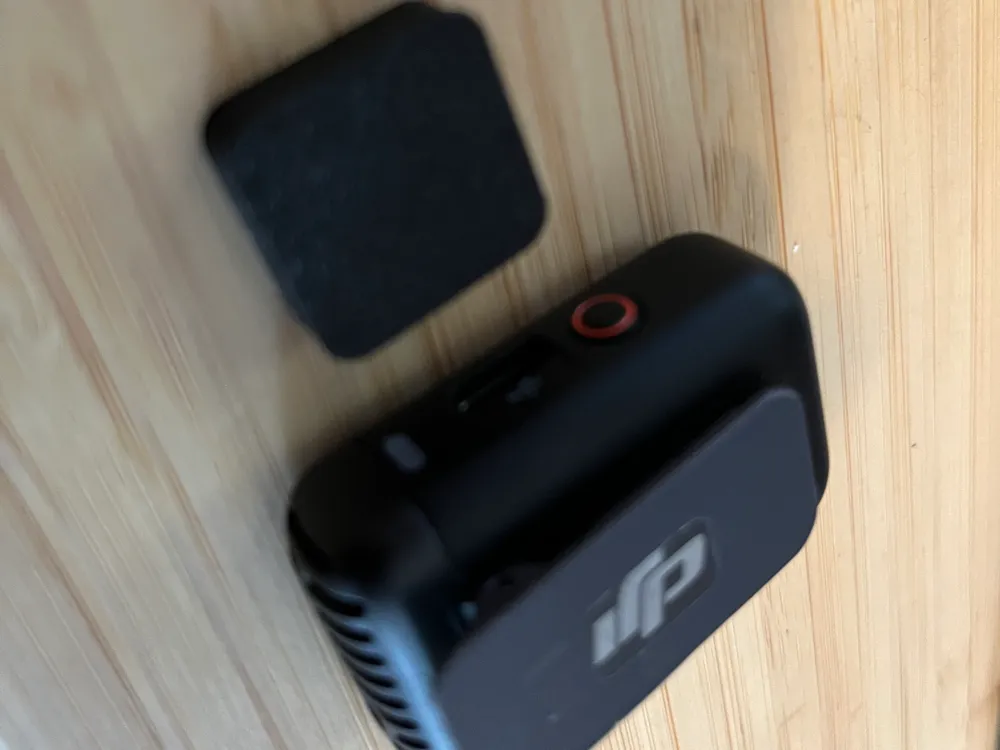
I lost the magnet that holds my DJI Mic 2 transmitter. It was $22 for a replacement and was out of stock. 3d printer to the rescue.
Bill of materials
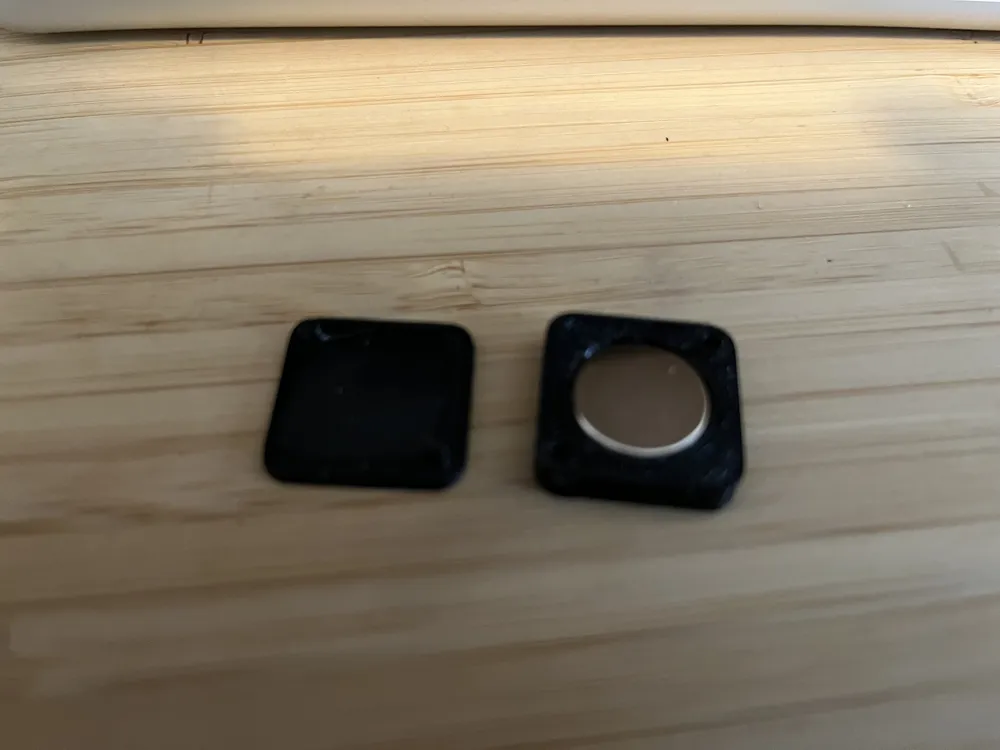
- 14mm x 3mm (recommended) magnet OR 14 x 2mm magnet
- 3d printer glue (optional but highly recommended)
Assembly
- Print the top and bottom
- Ensure that it can close before proceeding
- Snug fit the magnet into place, orientation doesn't matter
- Add a tiny drop of glue in the two grooves and a couple of tiny drops around the magnet
- Carefully close the lid and hold it firmly in place for about 10 seconds. Allow it to dry for a full minute before using.
This should work for any DJI transmitter but I've only tested it on the Dji Mic 2. In theory, it should work on any microphone system since it's just a magnet.
License

This user content is licensed under a Standard Digital File License.
You shall not share, sub-license, sell, rent, host, transfer, or distribute in any way the digital or 3D printed versions of this object, nor any other derivative work of this object in its digital or physical format (including - but not limited to - remixes of this object, and hosting on other digital platforms). The objects may not be used without permission in any way whatsoever in which you charge money, or collect fees.


Comment & Rating (0)