
Smartphone Docking Station USB-C Phone Stand

Print Profile(1)

Bill of Materials


- Apple USB-C Kabel 60 Watt x 1: https://amzn.to/47uNqAz
Description
Every time I take my smartphone off the MagSafe charging station, I notice how warm it has become - inductive charging is not only inefficient and slow but also not good for the battery, as a lot of energy is converted into heat
Therefore, my smartphones are usually connected by cable - but who doesn't know this problem? Cables everywhere - no order, and then the eternal search for the charger, looking for a free socket, and plugging it in
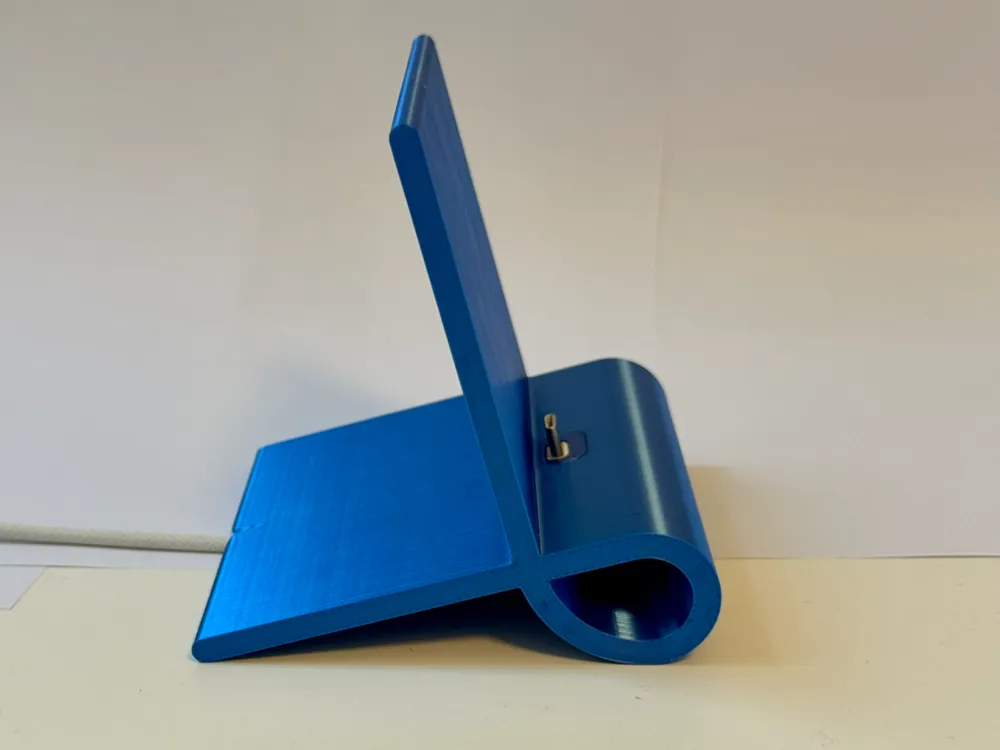
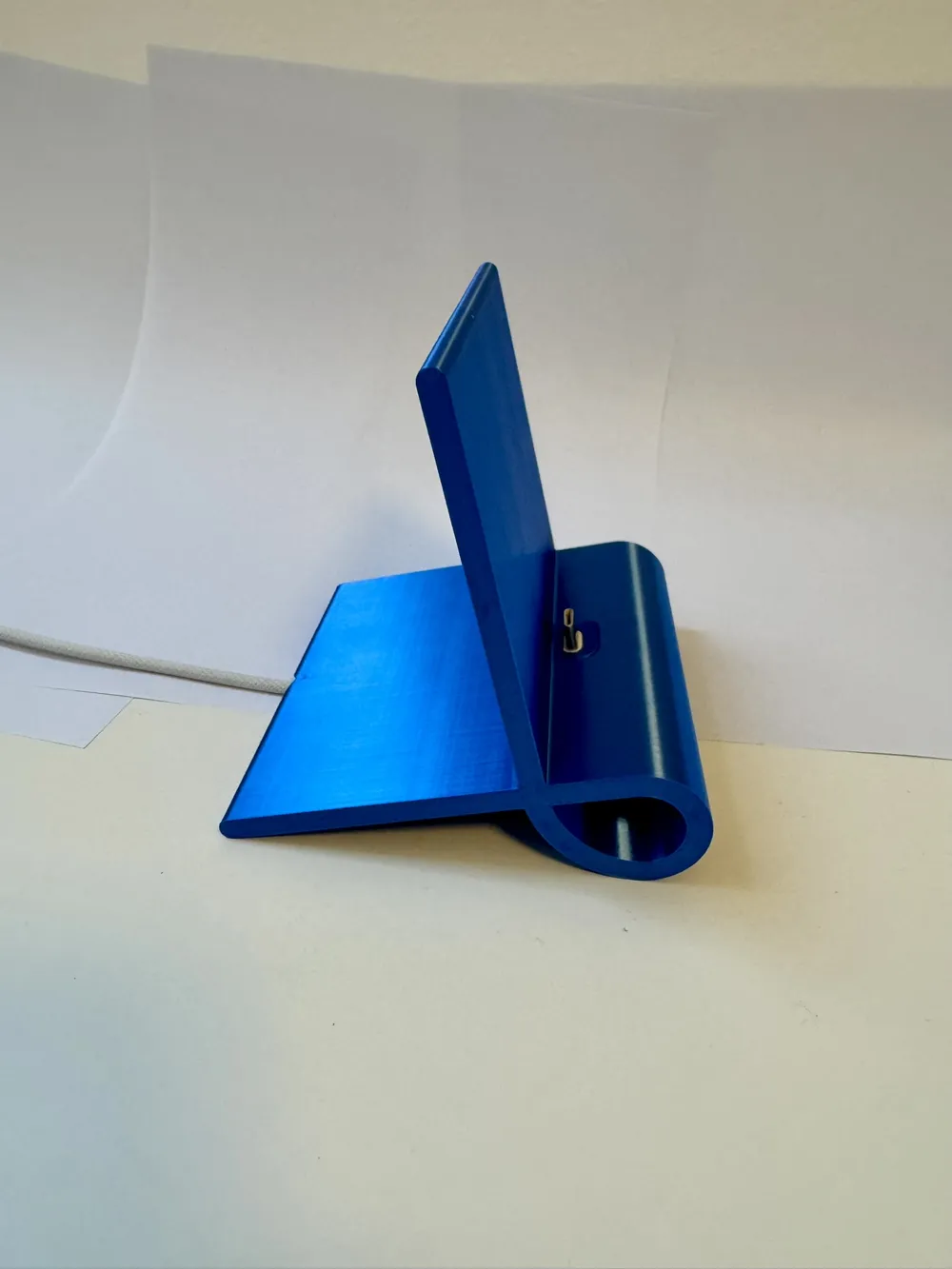
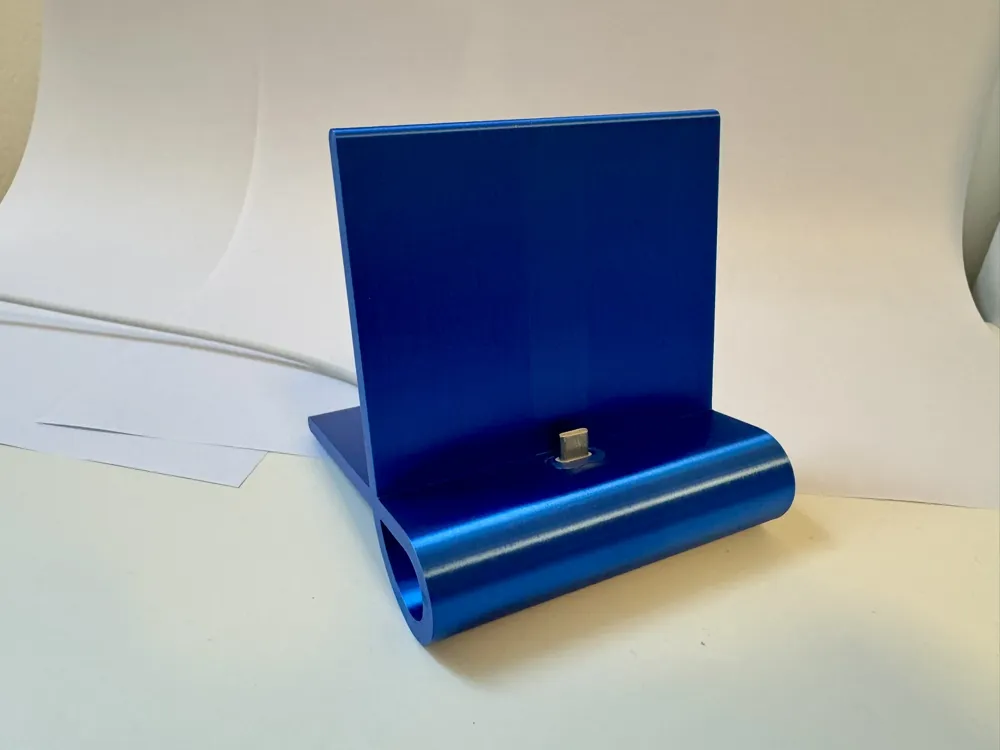
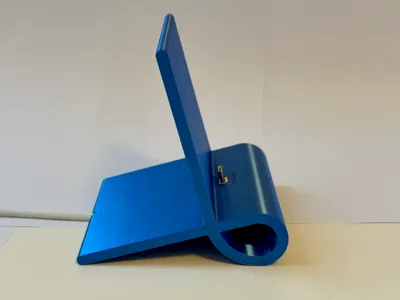
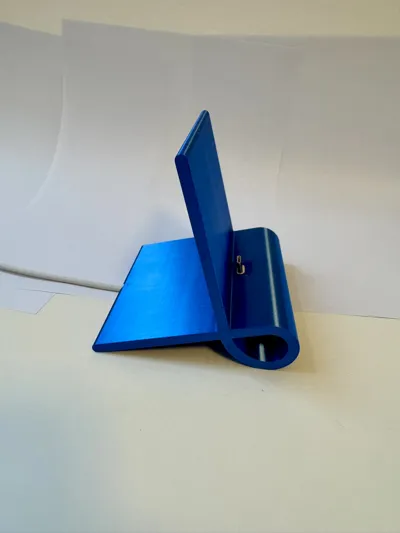
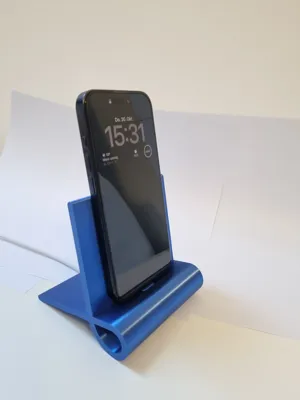
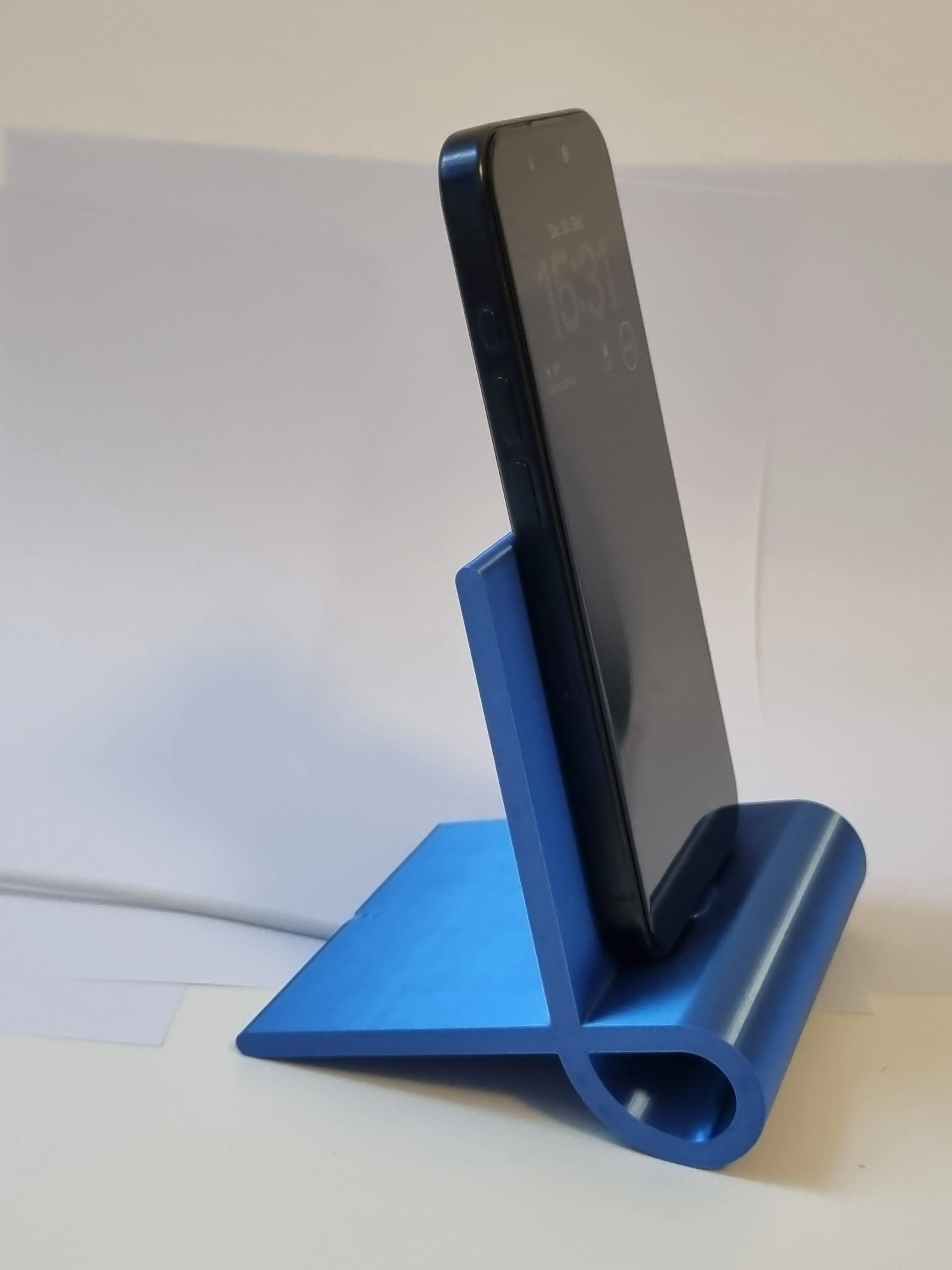
With the beautifully designed docking station for smartphones that I created, all these issues come to an end! The smartphone gets its place on the desk, nightstand, in the kitchen, or on the sideboard
Since the design is very minimalistic, it was developed for the very short Apple USB-C 60W connectors
Here's an Amazon link to the compatible cables - if you order there, I'll get a few cents for my work
Currently, only this cable fits - I am already working on universal solutions
Boost Me (for free)
If you already have such a cable, I would appreciate a like, boost, or recommendation
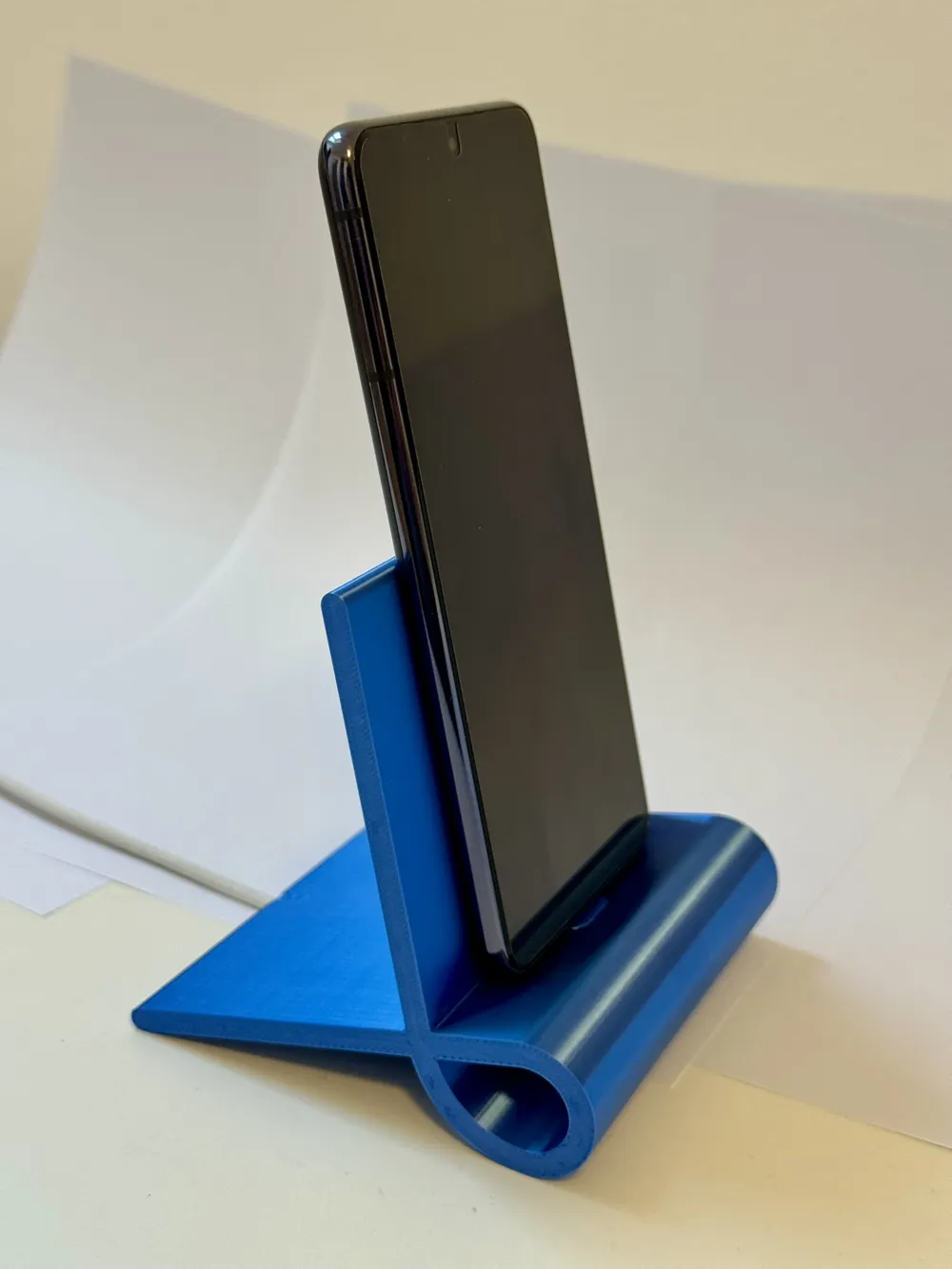
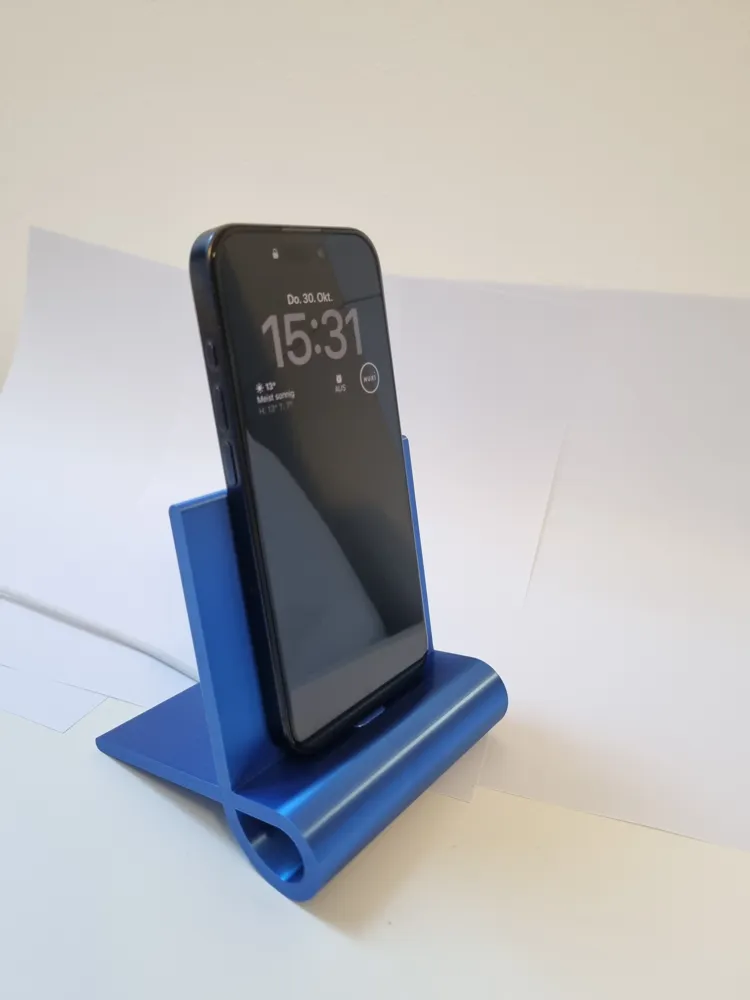
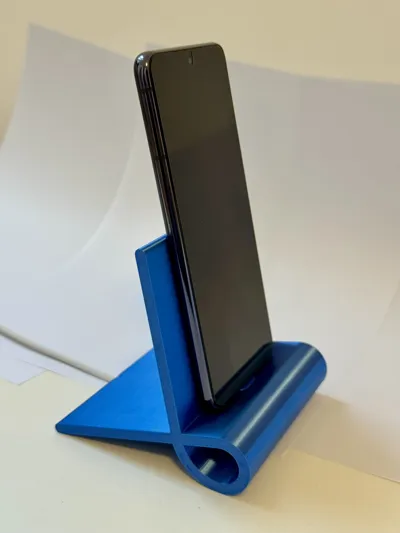
The stand is currently designed to fit smartphones of normal thickness without a case - Tested with iPhone 15 Pro and Samsung Galaxy S21 - Feedback on other smartphones is expressly welcome. Judging by Apple's dimension drawings, all iPhones with USB-C should fit
I am already working on inserts for iPhones with protective cases and on larger versions for tablets - every boost, download, print, or like helps here :-D Thanks
First, the assembly instructions
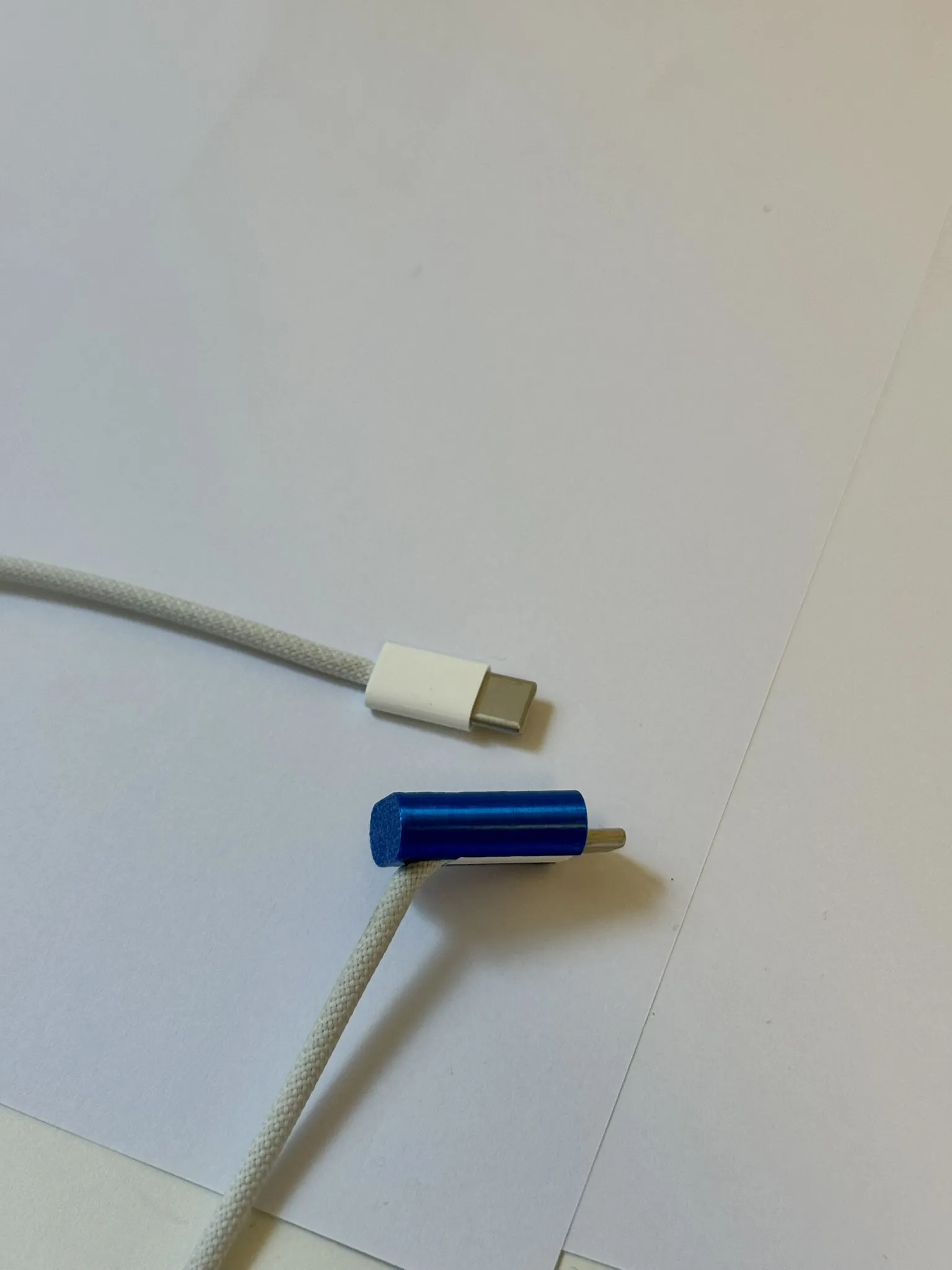
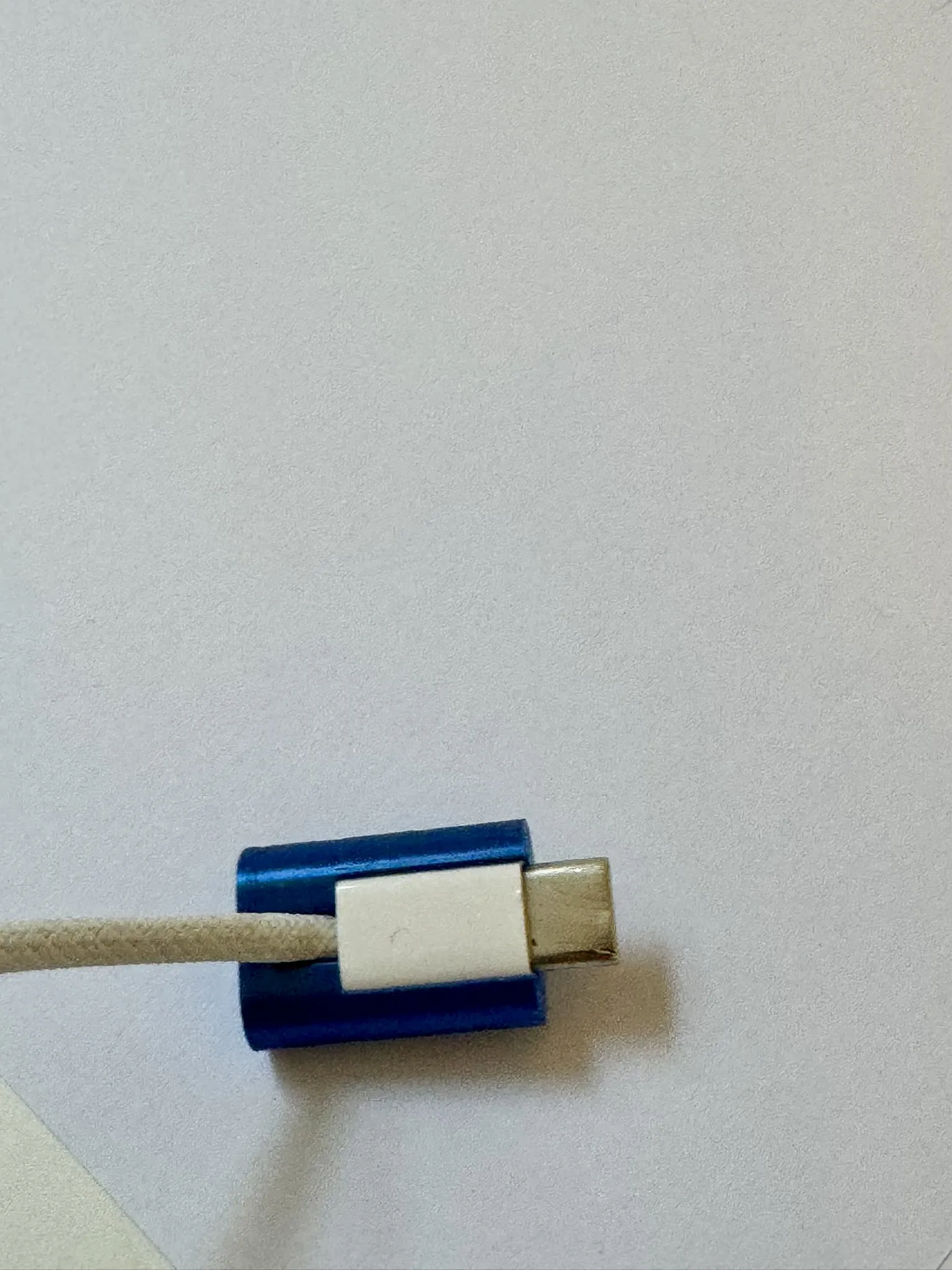
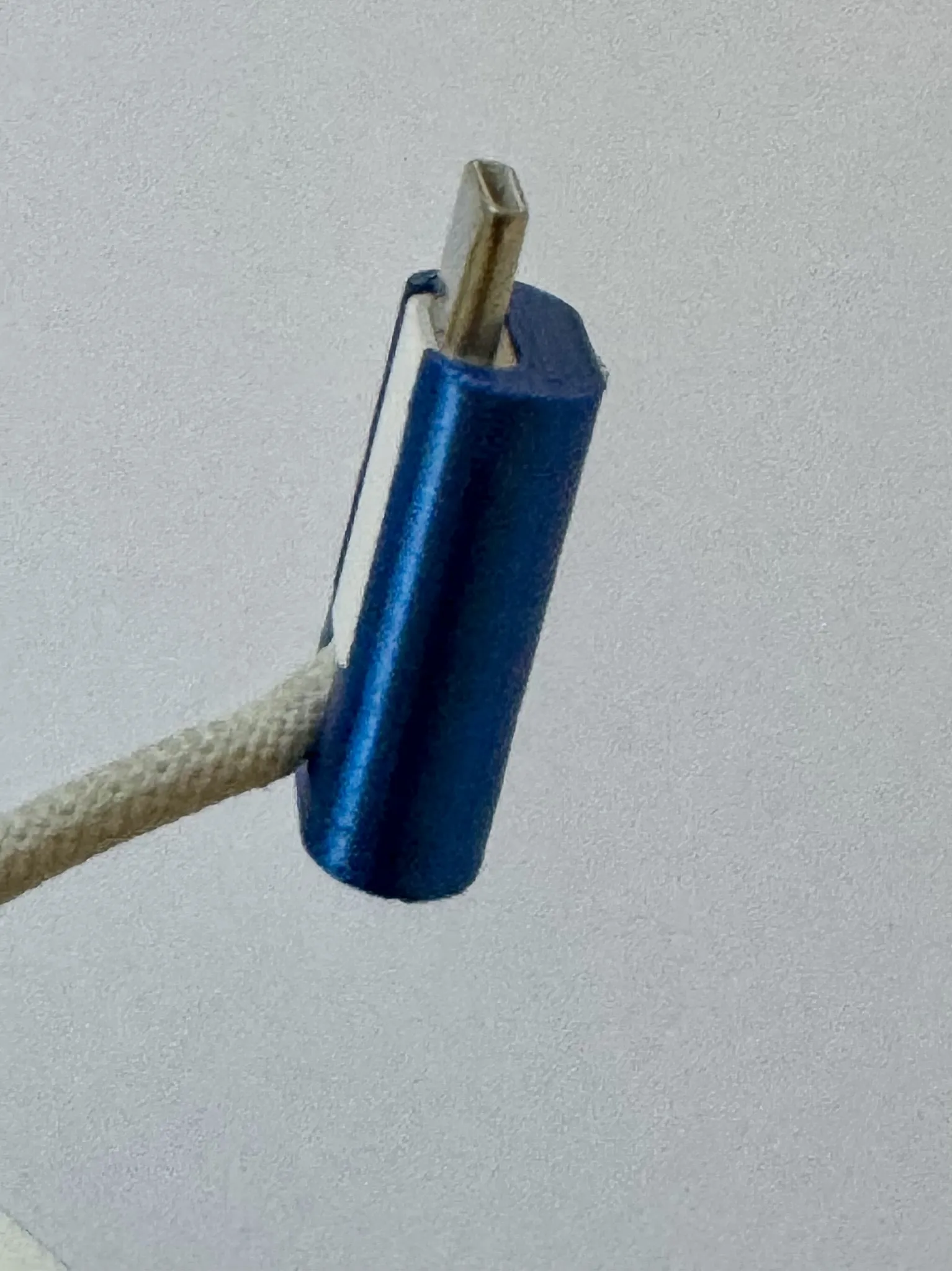
Push the USB-C connector into the recess of the insert from above - the tolerances are intentionally tight so that the smartphone stands as securely as possible on the docking station afterward - the play in the USB-C connector itself is already large enough ;-)
The cable should fit absolutely flush
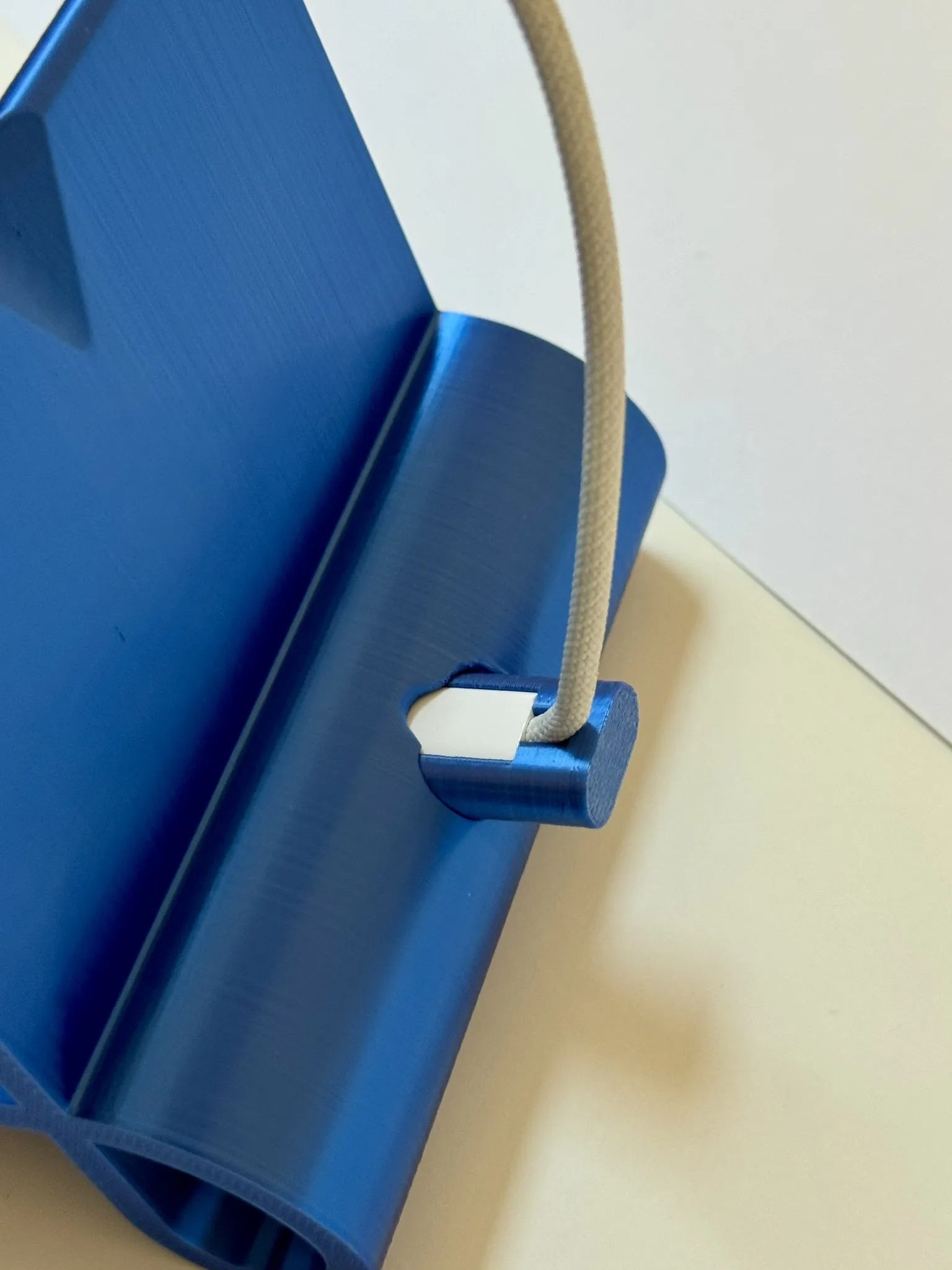
Now slide the insert with the cable into the docking station from below - here too, the tolerances are tight - you might need to guide it a little from above so that the insert slides into the upper hole
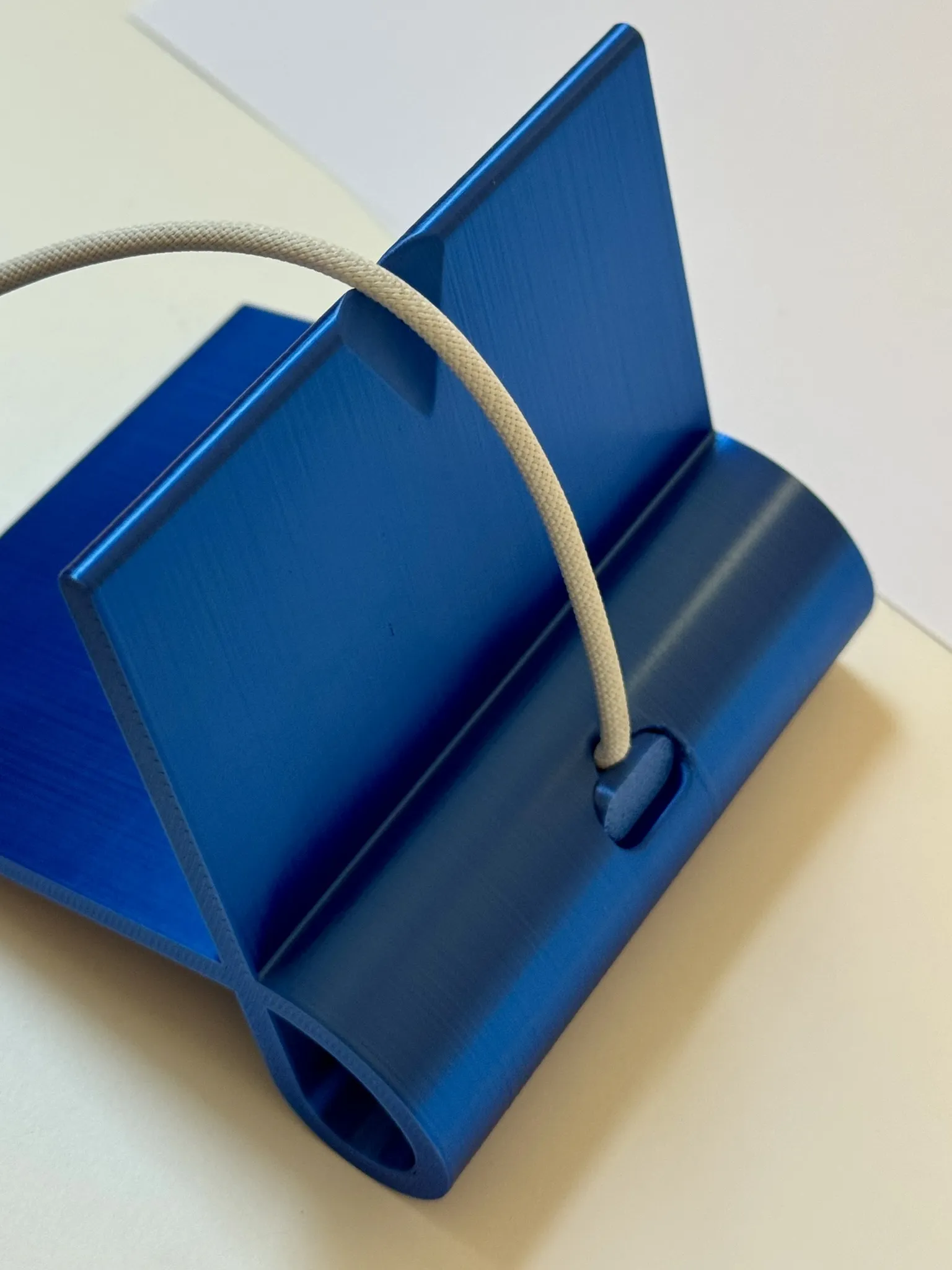
Now push the insert a little further in than it actually needs to be, so that it protrudes slightly at the top
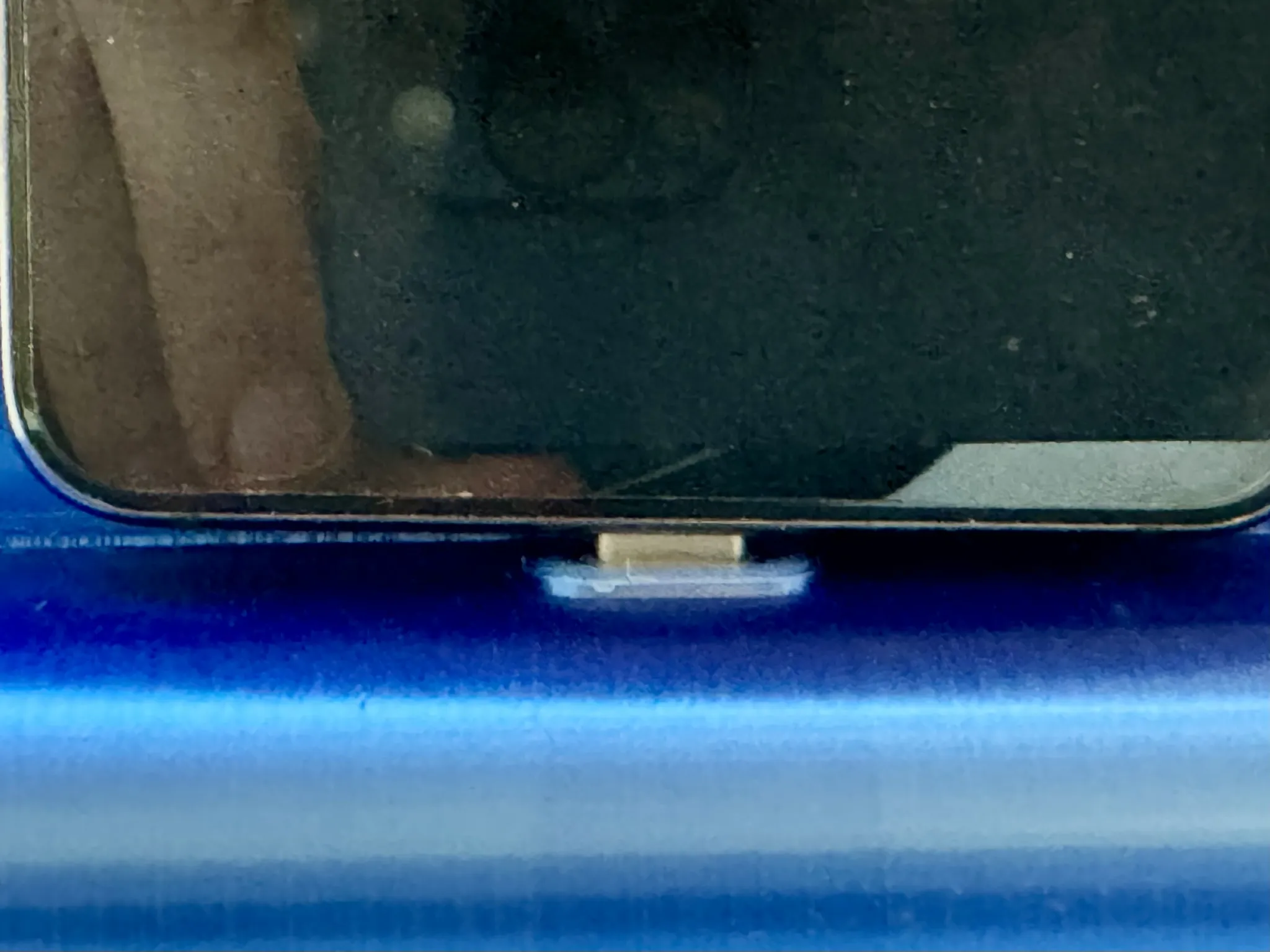
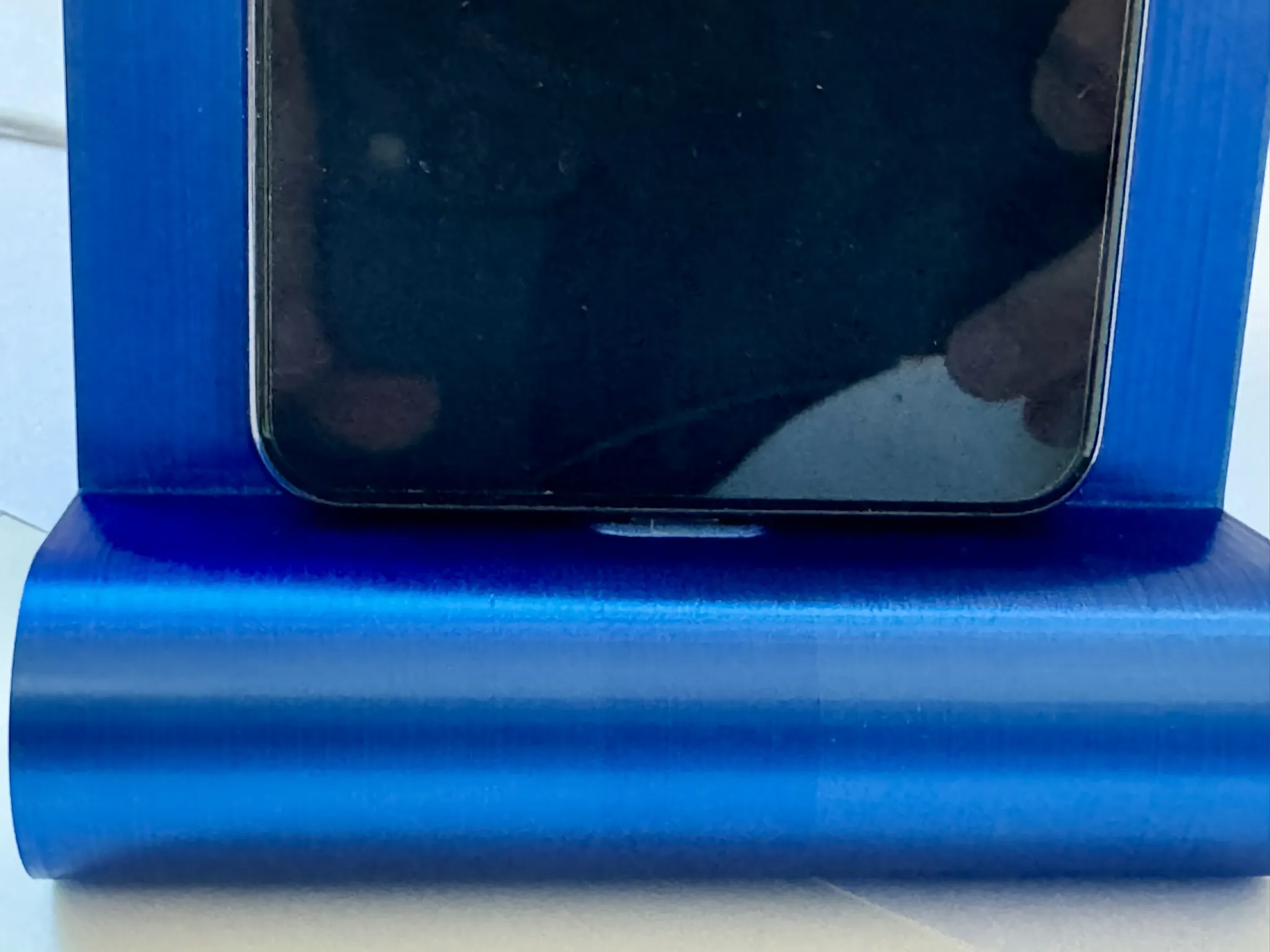
Now place your smartphone on the USB-C connector and gently push it down until the smartphone rests flush on the docking station on both sides - you have now found the perfect fit for your smartphone
License



Comment & Rating (8)