
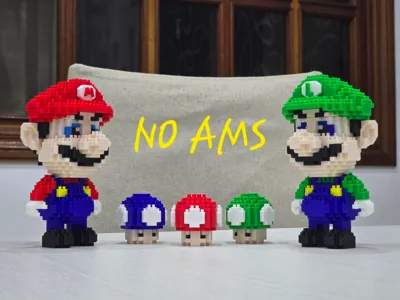
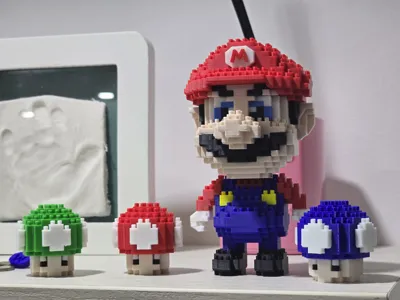
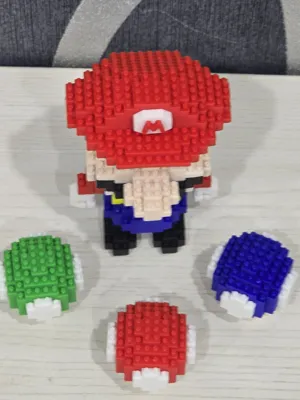
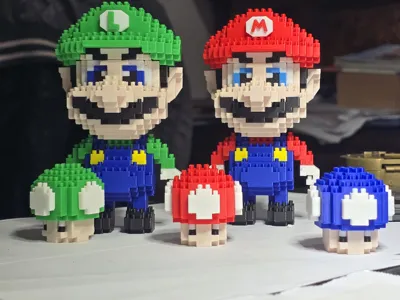
Super Mario Bros brick style
Print Profile(1)

Description
Boost Me (for free)
If you want to support me
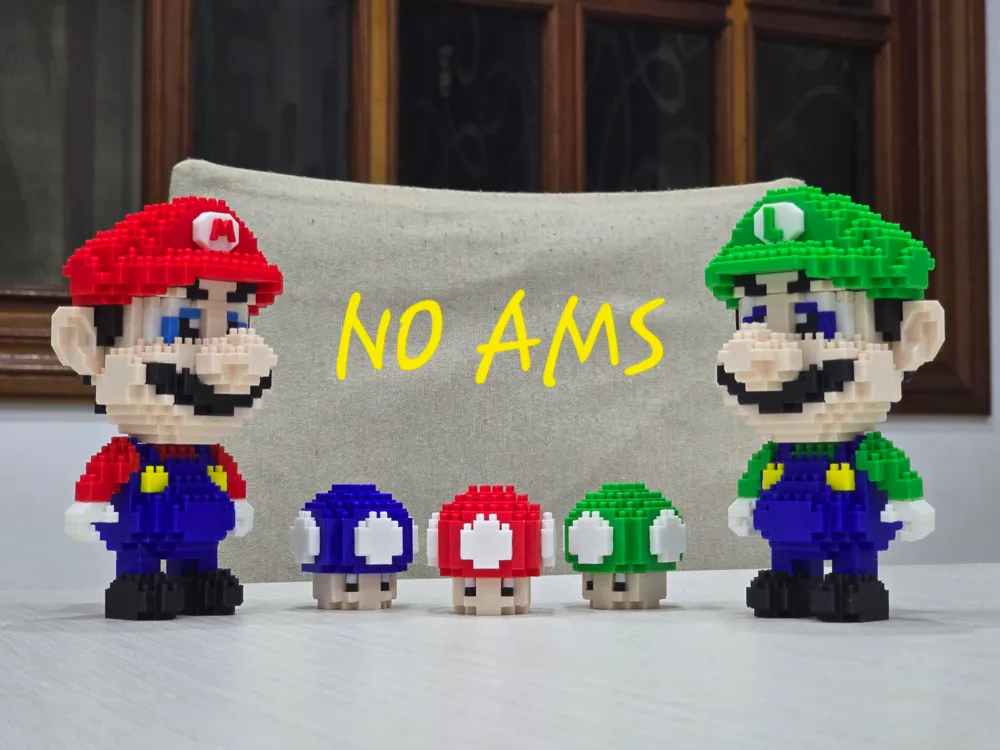
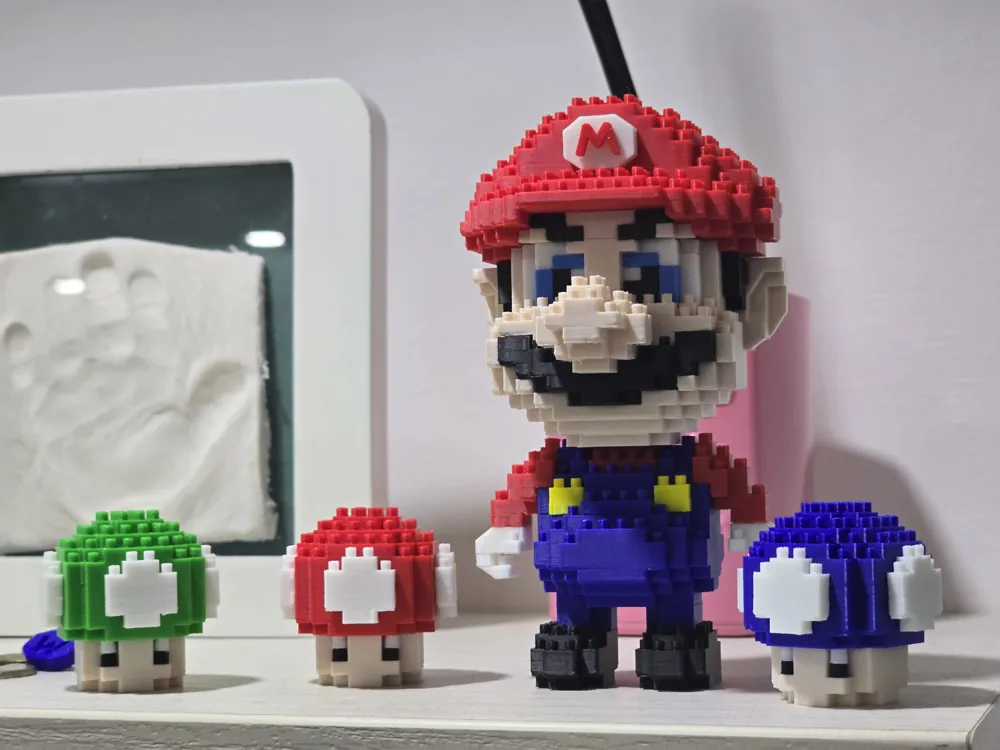
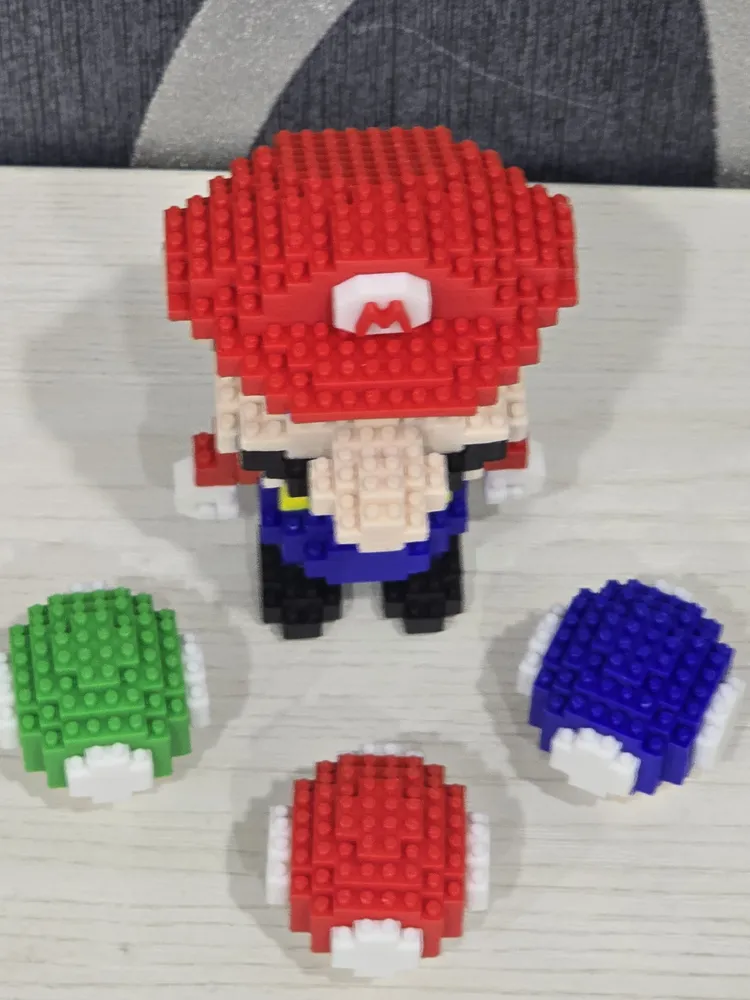
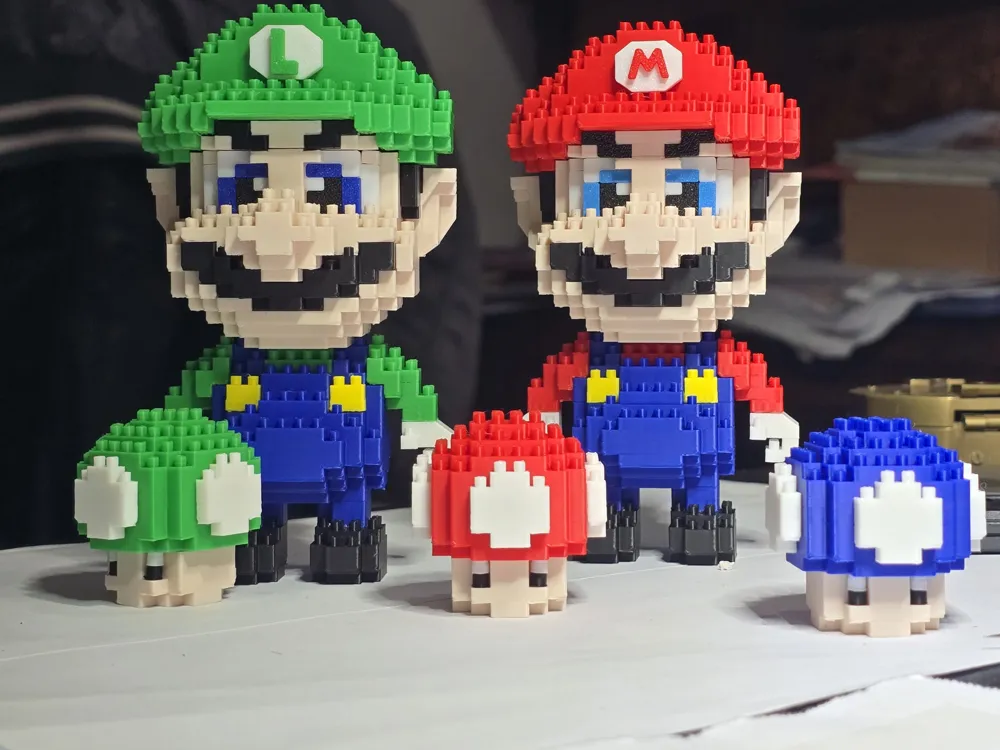
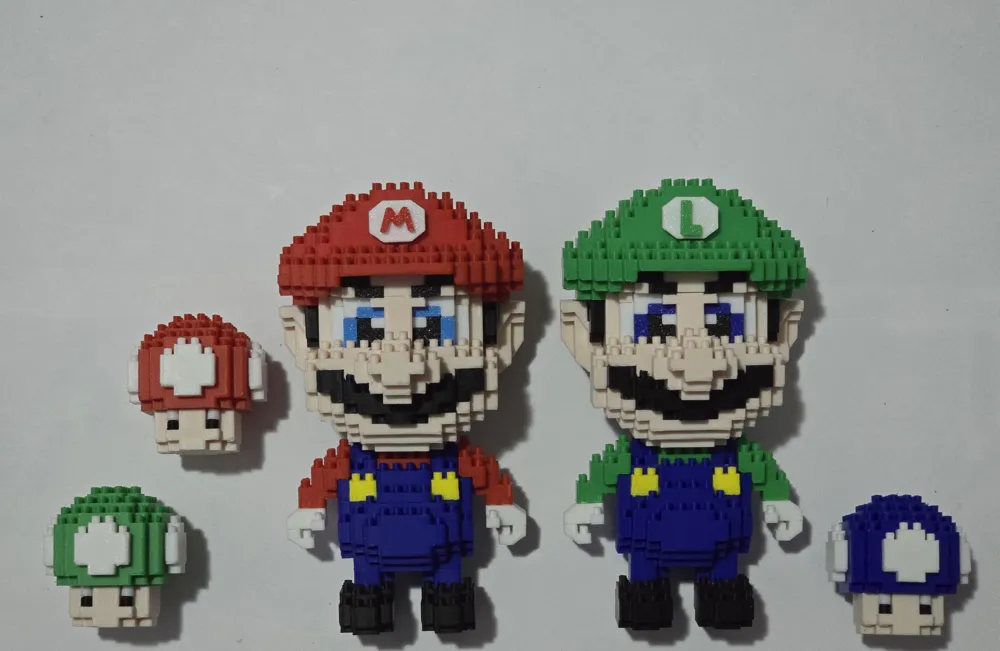
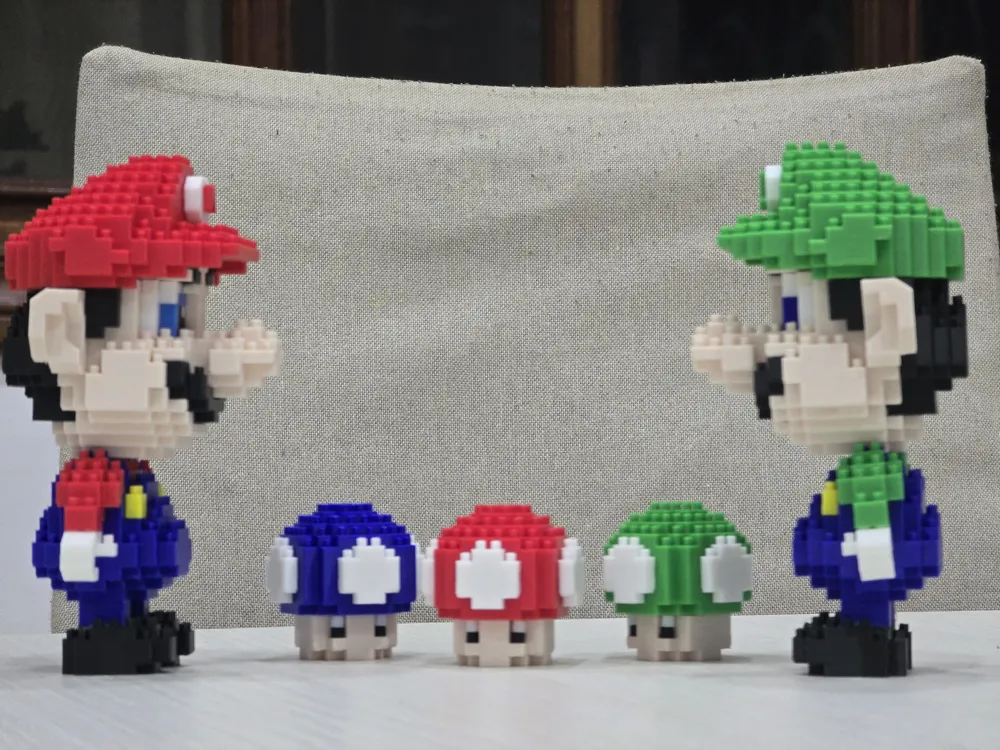
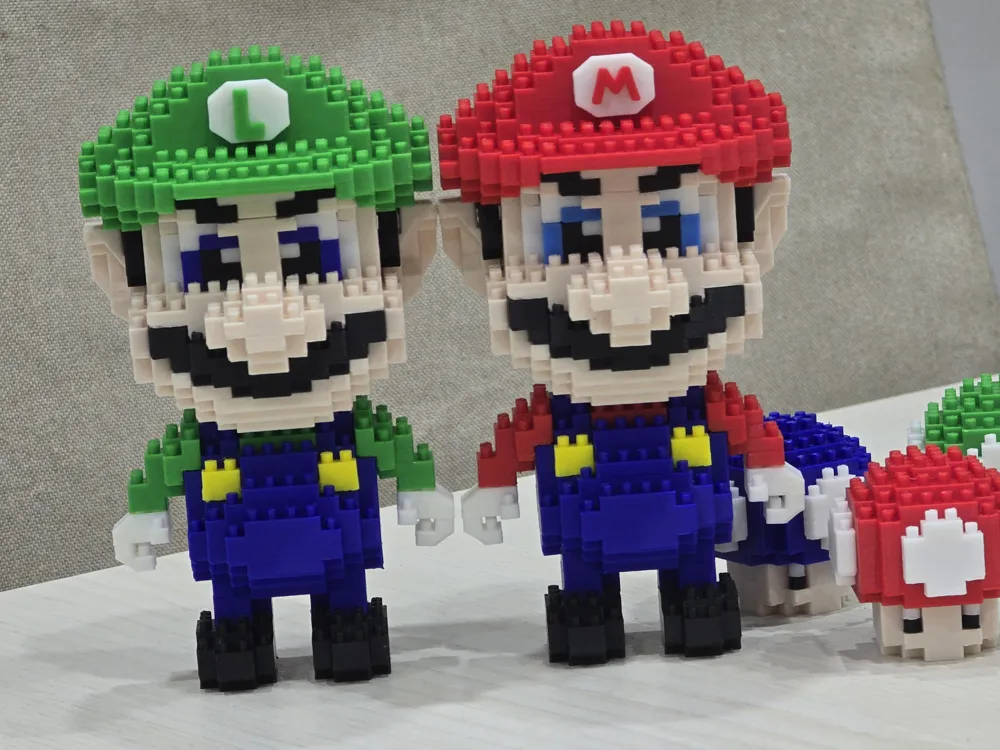
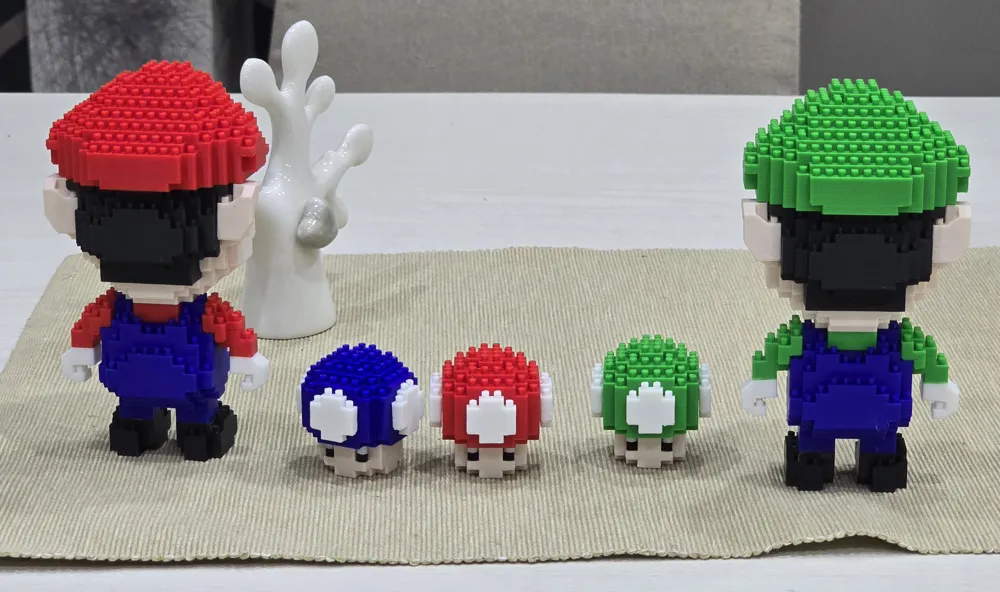
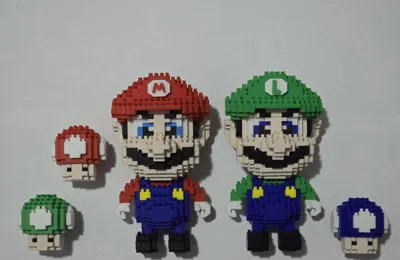
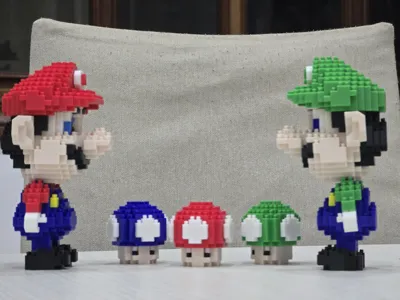
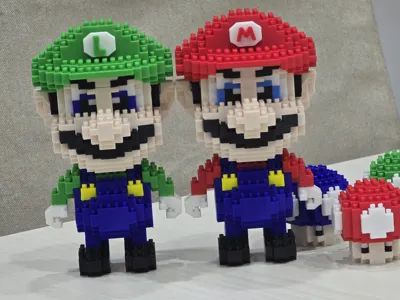
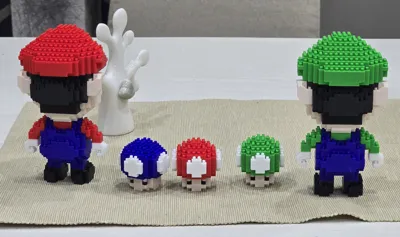
And after the mushrooms (https://makerworld.com/en/models/1932025-super-mario-brick-characters#profileId-2074089) here are Mario and Luigi!
I designed the model with Fusion 360 in such a way that I DO NOT HAVE TO USE THE AMS and to facilitate other makers, I created a few essential interlocking and easy-to-assemble pieces. Assembly might seem difficult at first glance, but if you follow the illustrated PDF guide I've attached, it becomes a breeze
There are 6 print plates, each plate requires one color
I used the following colors:
PLATE 1 GREEN (Red for Mario) for the hat, arms, neck, and Luigi's logo
PLATE 2 BLUE for irises, legs, and torso
PLATE 3 BEIGE for the face
PLATE 4 WHITE for the eye base, hands, and the emblem on the hat
PLATE 5 BLACK for hair, mustache, sideburns, pupils, and eyebrows
PLATE 6 YELLOW for the buttons
The guide is for Luigi, but it also works for Mario; just change the color of plate no 1 from green to red, using the slicer. Otherwise, nothing changes. Of course, you can vary the colors as you wish using the slicer
Specifically, the shoes, hair, and sideburns (which I made black) can also be made brown, while the irises (which I made blue) can be light blue or cyan. To do this, simply keep only the desired parts on the print plate, deleting the others, and during printing, change the color to the one you want. It's very simple!
I hope to make many people happy, especially the children I love. Have fun. Long live 3D printing!
Documentation (2)
License

You may create derivative works based on this object, provided that all such derivative works are published exclusively on the MakerWorld platform and include proper attribution to the original creator. You may not share, upload, host, distribute, or publish this object—or any derivative work of this object—on any other digital platform, marketplace, or distribution channel. Commercial use of this object and any derivative works is strictly prohibited. This includes, but is not limited to, selling, renting, sublicensing, or using the object in any context in which you receive monetary compensation or other financial benefits.


Comment & Rating (0)