
CyberGrip Pro
Print Profile(2)


Bill of Materials
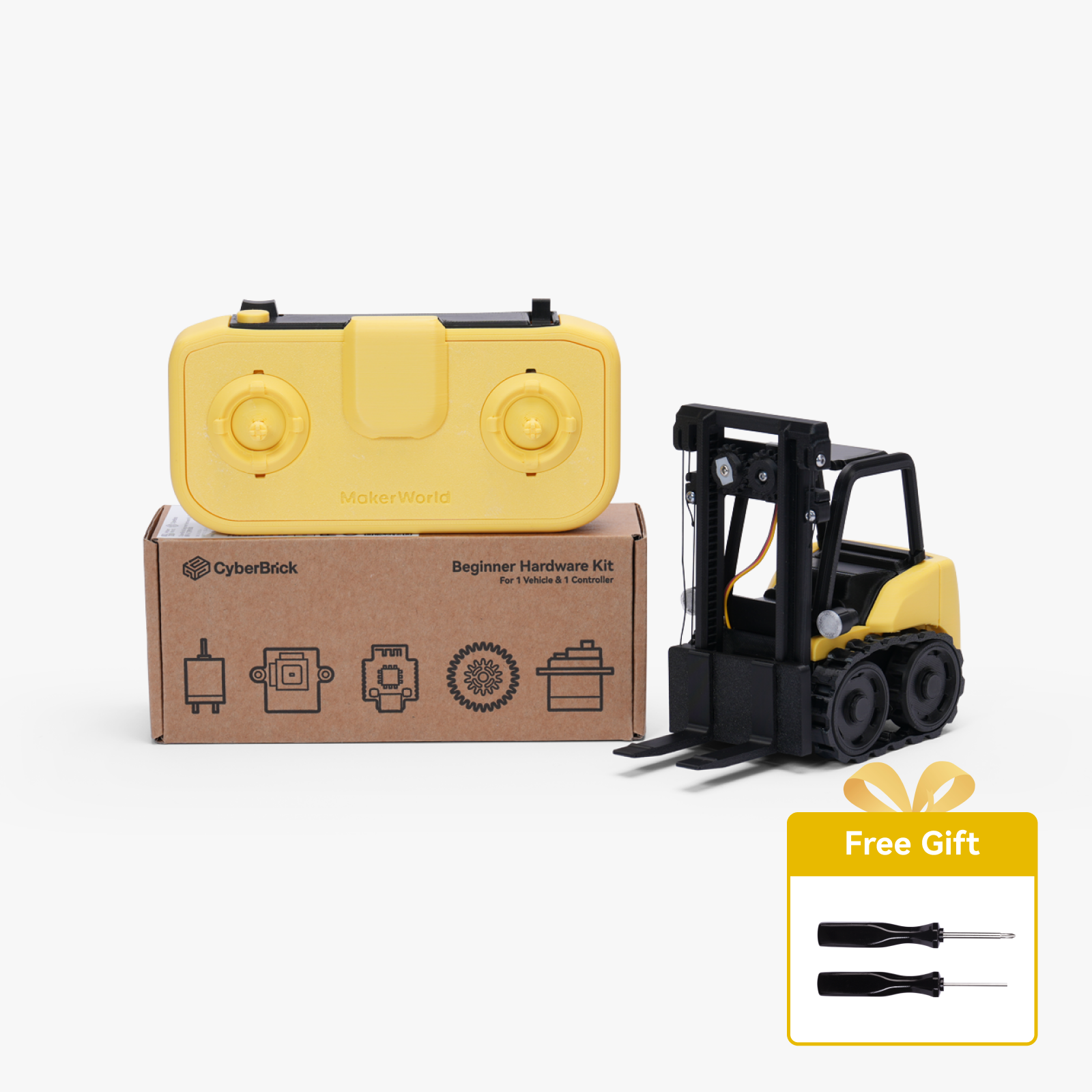



Description
Description
Description:
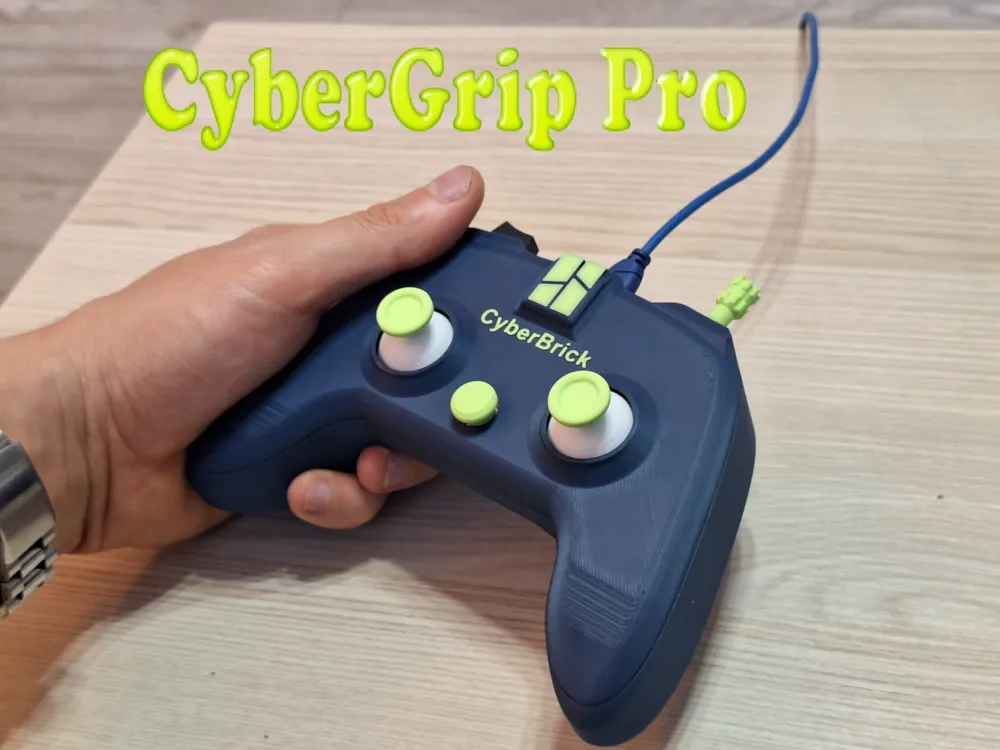
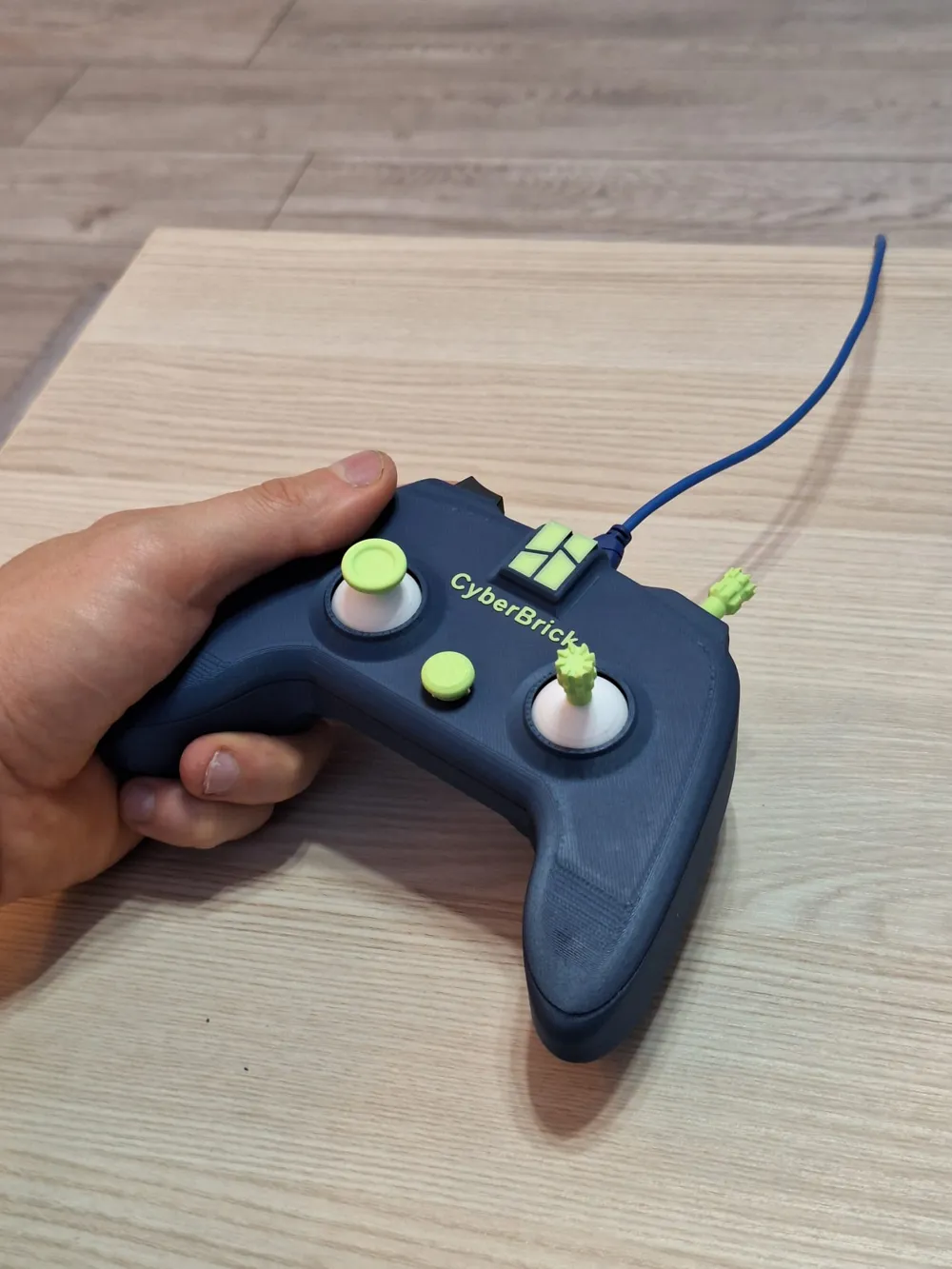
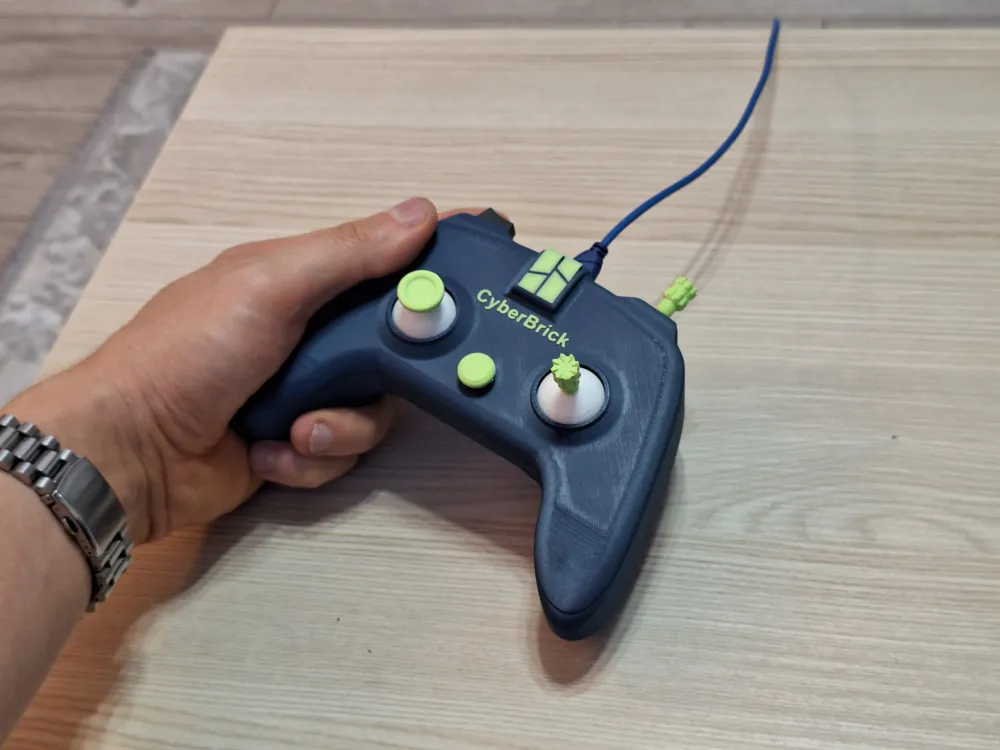
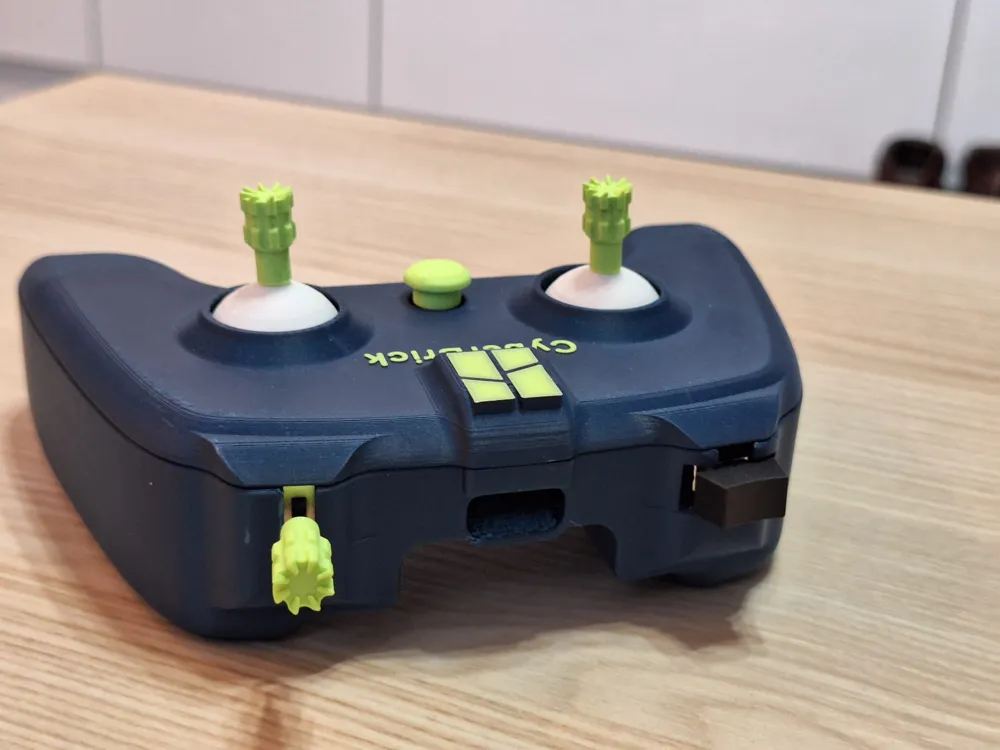
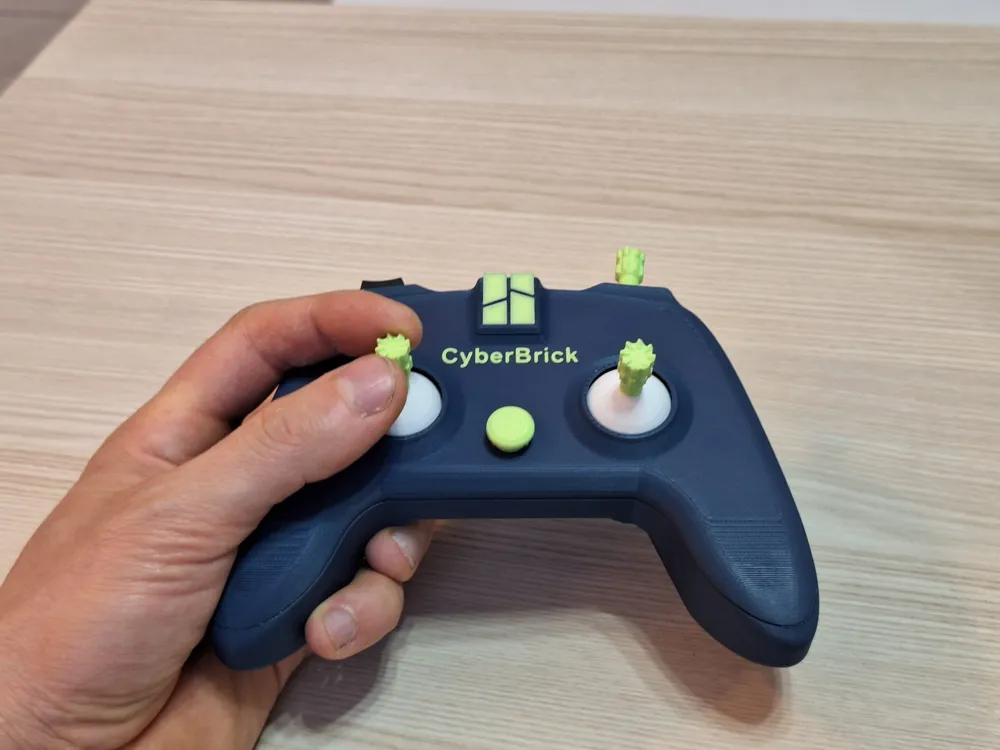
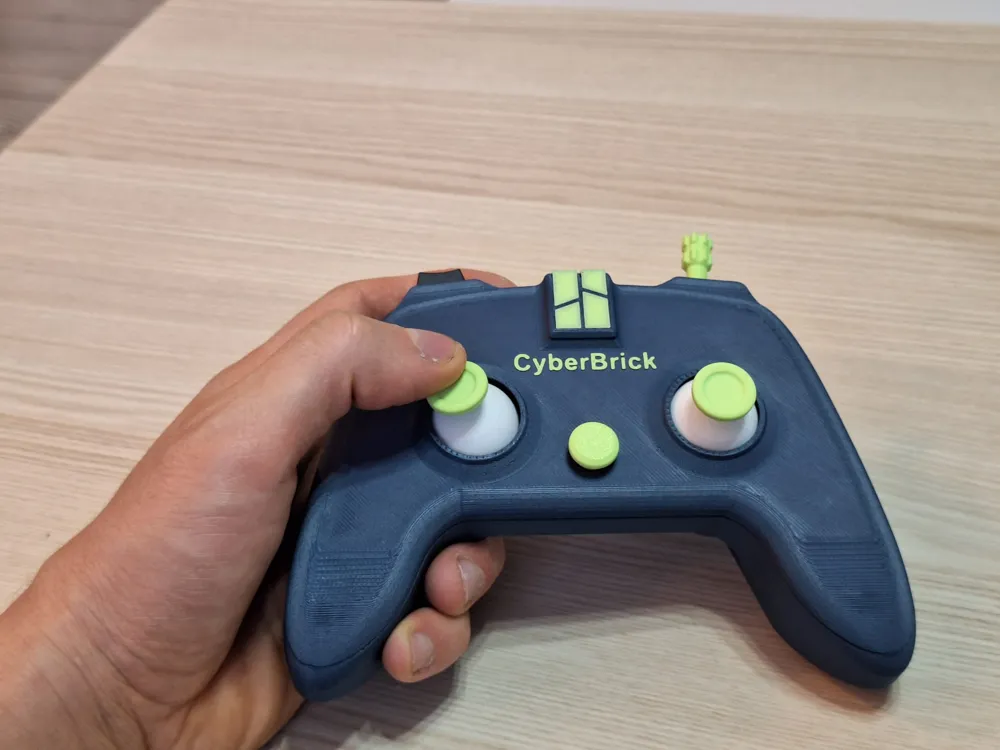
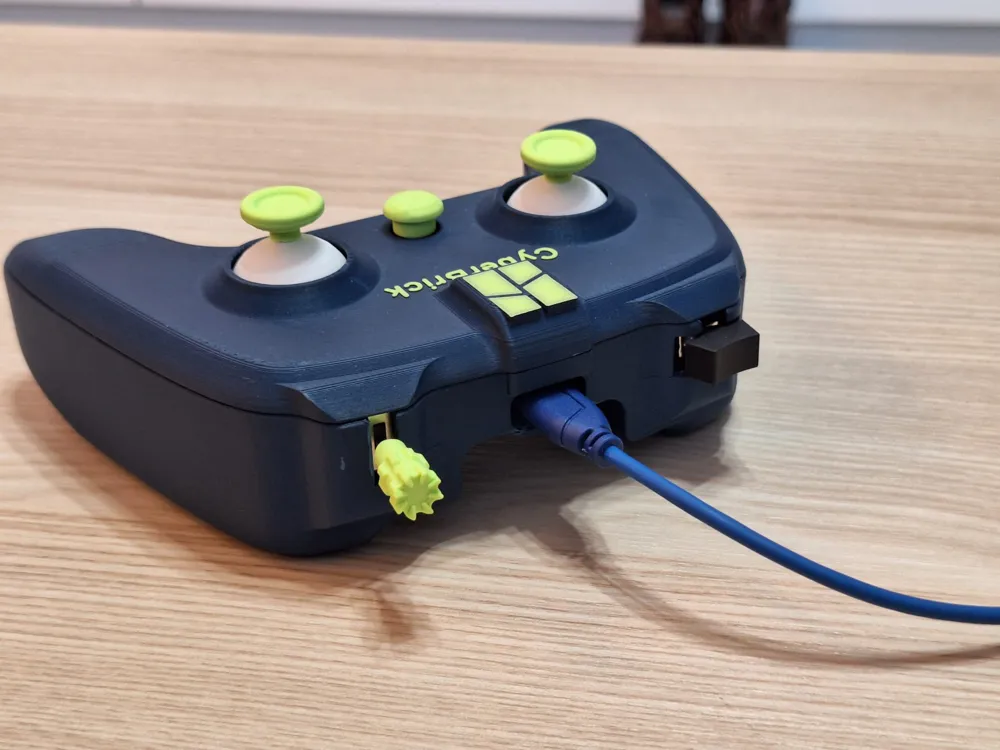
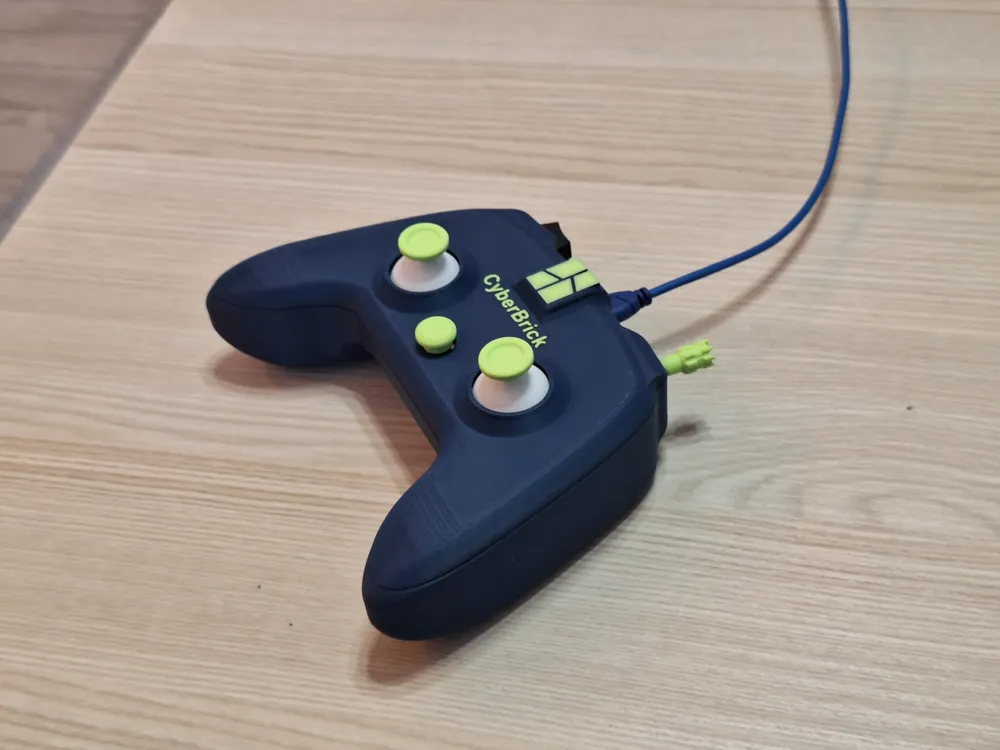
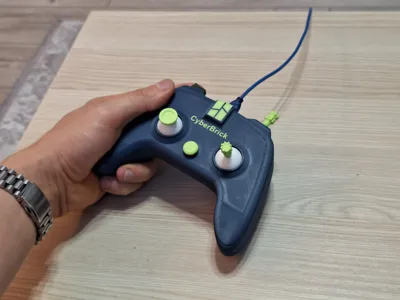
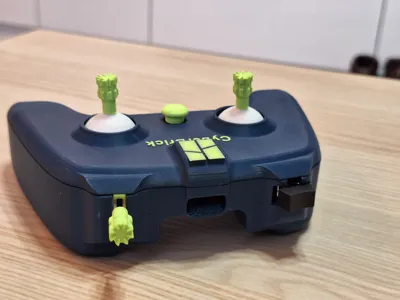
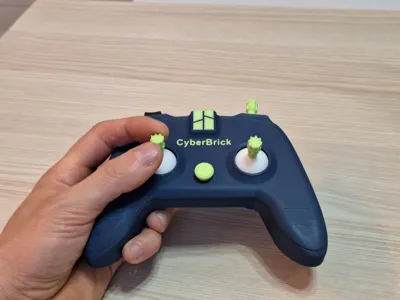
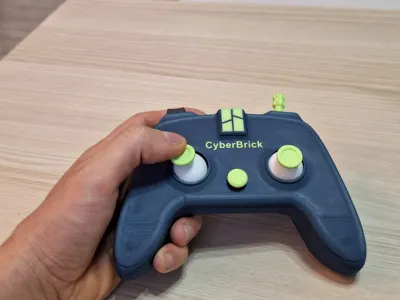
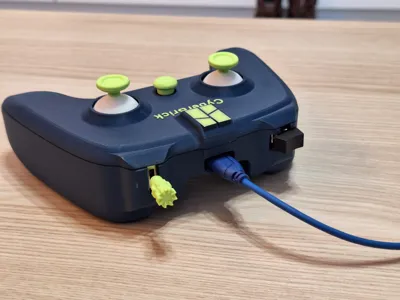
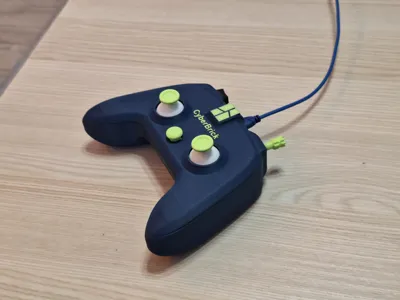
CyberGrip Pro is an ergonomic, handheld controller designed for seamless integration with the CyberBrick ecosystem. It features all original buttons and joysticks from the official kit, plus USB-C access for programming while is conet to usb-C no need for battery . The cable can be securely attached for stable use, and users can choose from three joystick pad styles for personalized comfort. Built for makers, it ensures easy disassembly and smooth updates without hassle.
Below you'll find a PDF with detailed assembly instructions.
Key Features:
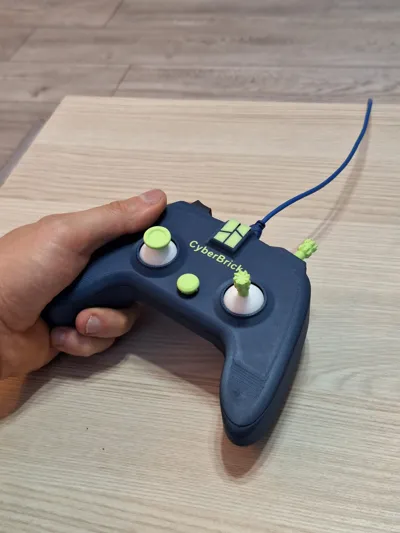
- Ergonomic Design: Comfortable grip optimized for long use and various hand sizes.
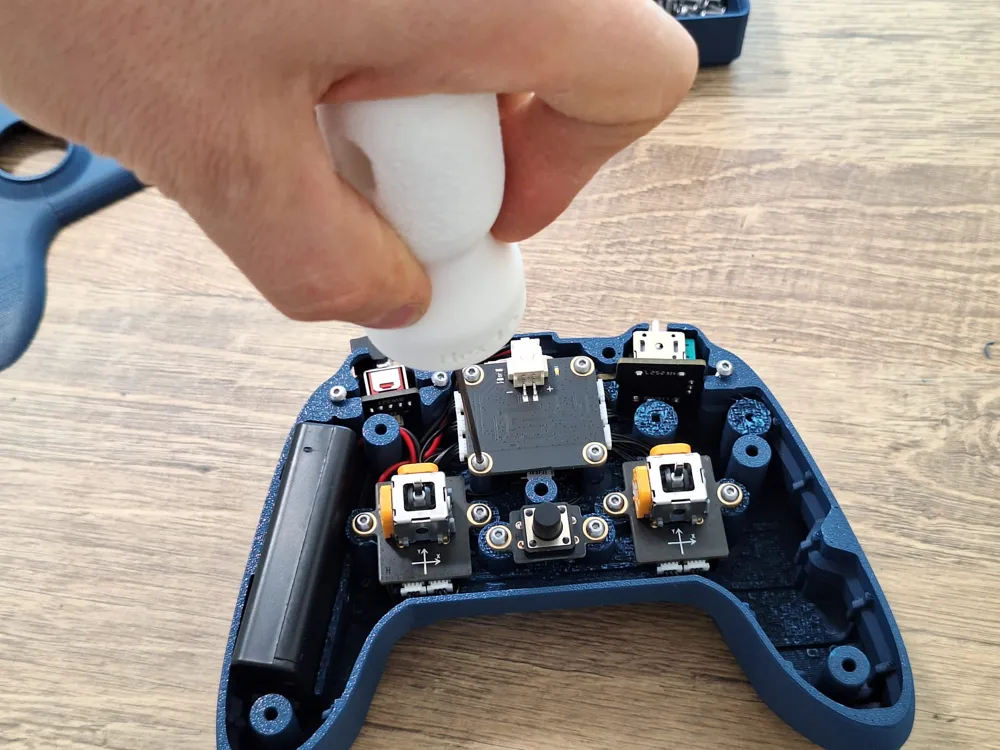
- Full Compatibility: Includes all original CyberBrick buttons and joysticks for native control.
- USB-C Access: Easily connect for programming
- Secure Cable Slot: Keeps the USB-C cable firmly in place during use.
- Wired Operation Mode: Functions without battery when connected via USB-C.
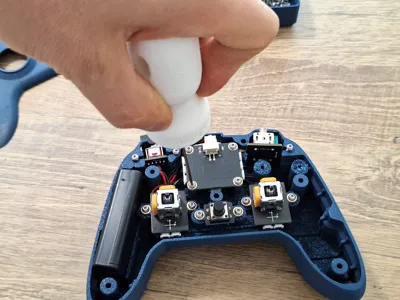
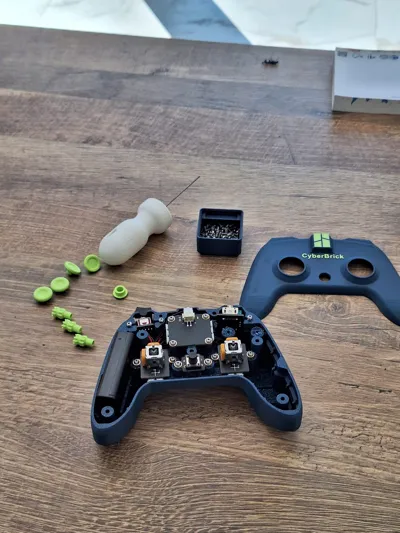
- Tool- Maintenance: Uses only the original 2.5 mm screws for easy disassembly and reassembly.
- Quick Programming Access: Plug-and-play USB-C port allows fast updates and code changes.
- Interchangeable Joystick Pads: Choose from 3 styles—classic dome, flat disc, or textured grip—for personalized control.
I apologize for needing support. As a designer, I always strive to create independently, but in this case, I couldn't manage it alone.
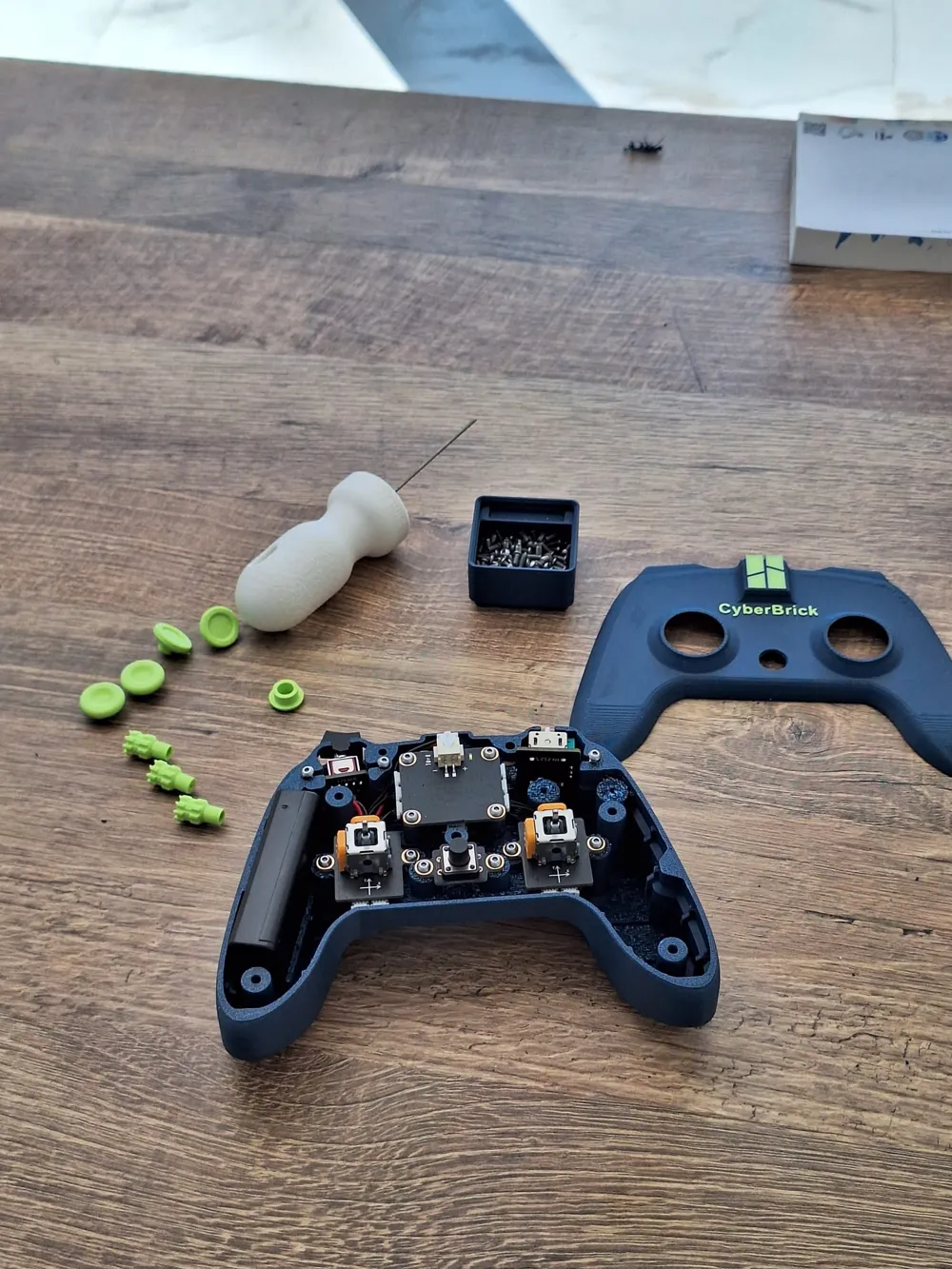
Carefully remove the support. Below is a photo showing the pin layout—use it to avoid accidentally removing the wrong part. Be very cautious when using pliers.
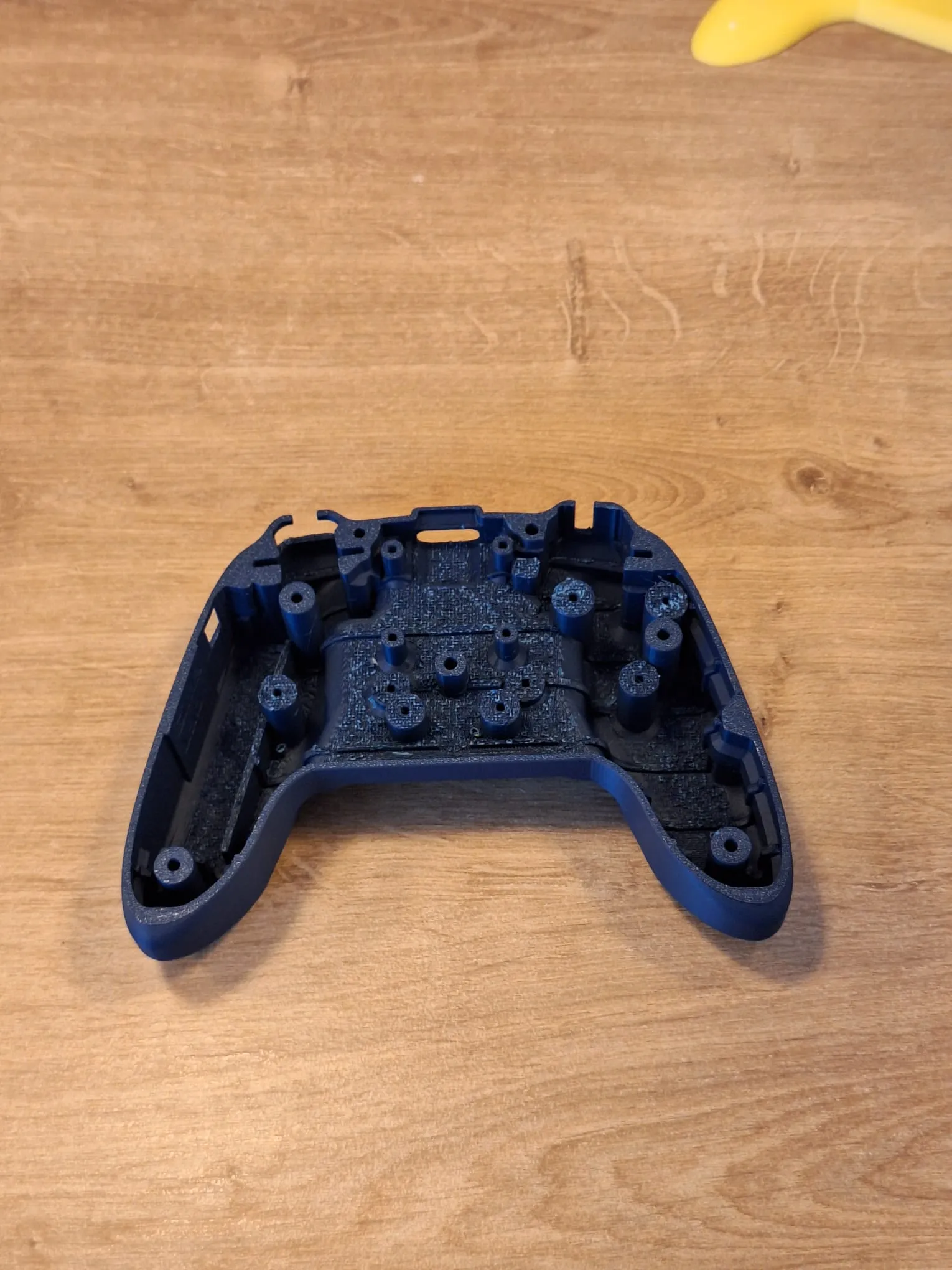
To easily install all 21 screws required for assembly, I recommend printing one of my custom tools:
CyberBrick Screw Ease – Hex 1.5 mm
This tool is specifically designed to provide a comfortable grip for 1.5 mm hex screws, making the assembly process smoother and more efficient.
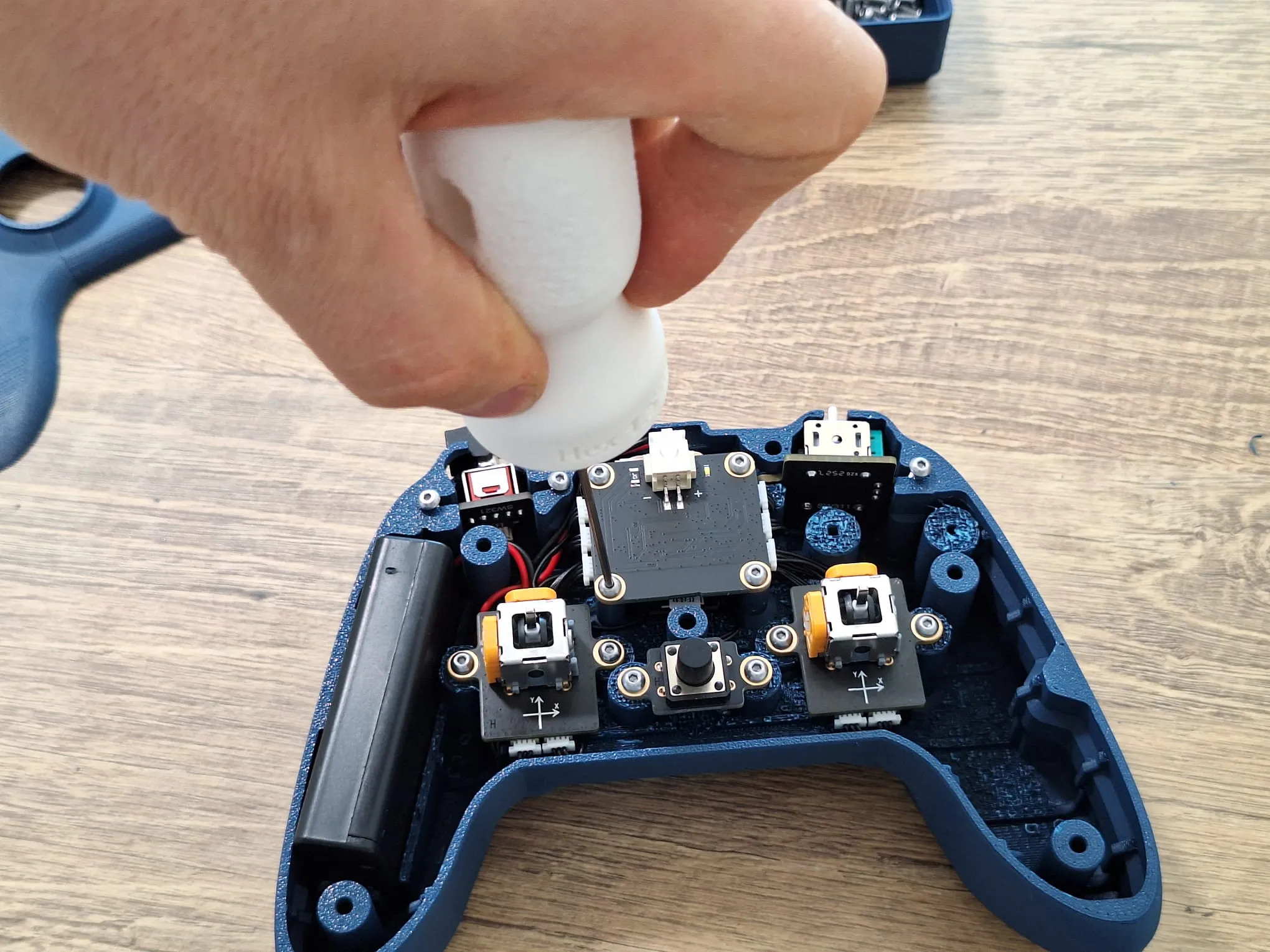
after the remove the suport on top part i recomand to scribe very well those 2 parts to ensure the proper fit . the rest is not important to clean very well
Boost Me (for free)
boost me for free
Documentation (1)

License

You shall not share, sub-license, sell, rent, host, transfer, or distribute in any way the digital or 3D printed versions of this object, nor any other derivative work of this object in its digital or physical format (including - but not limited to - remixes of this object, and hosting on other digital platforms). The objects may not be used without permission in any way whatsoever in which you charge money, or collect fees.


Comment & Rating (30)