
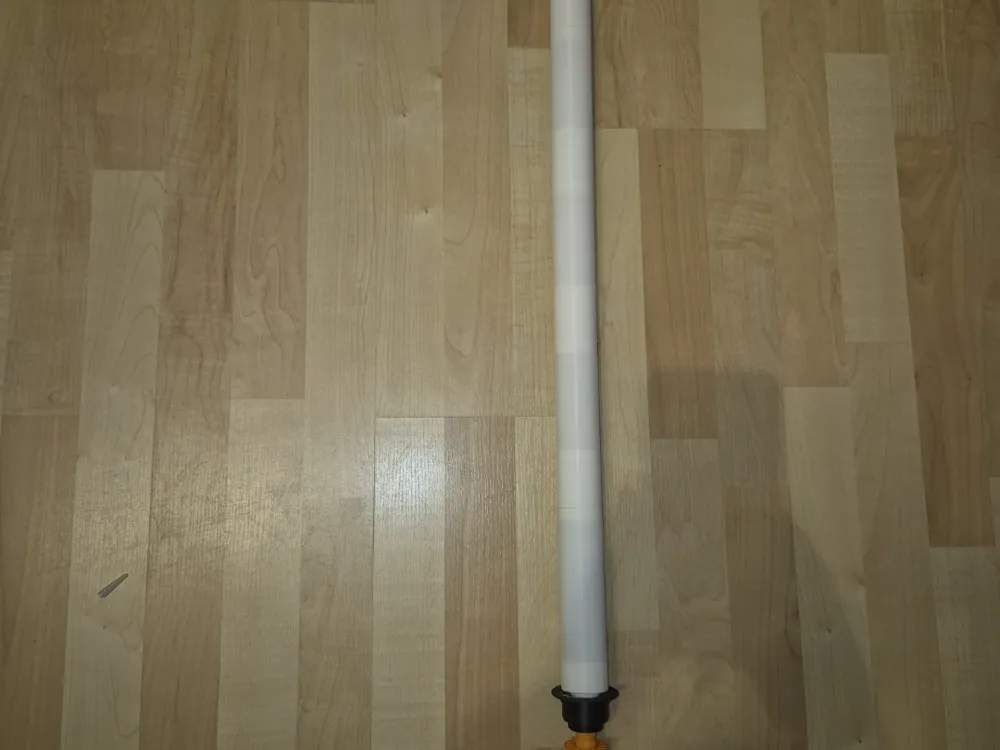
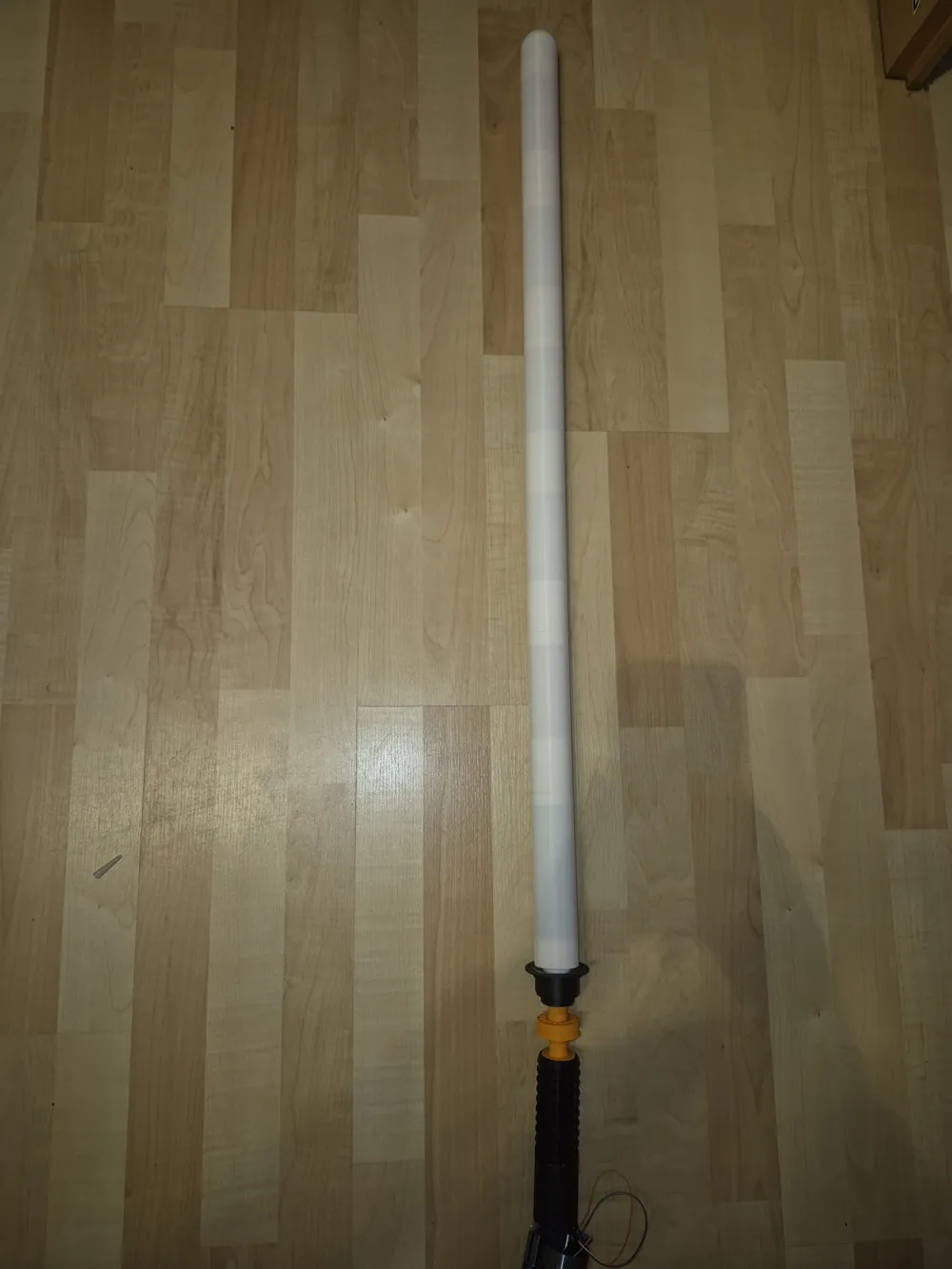
Universal lightsaber blade, with illumination
Print Profile(1)

Description
With this model, you can equip any lightsaber hilt with a blade of approx. 1m. You have the choice of whether to even install a 2m NeoPixel RGB strip in the sword.
For illumination, you need an Arduino Nano, a WS2812B 2m RGB strip, cables, and a 5V battery pack. I use two 18650 batteries as the battery.
This is the code for the Arduino Nano:
#include <FastLED.h>
#define NUM_LEDS 120
#define DATA_PIN 4
CRGB leds[NUM_LEDS];
#define BLADE_GREEN CRGB(0,255,0)
#define TIP_WHITE CRGB(255,255,255)
#define TIP_SIZE 5 // Number of LEDs at the tip
#define DELAY_UP 20 // Speed of powering up
#define SHIMMER 50 // Brightness for shimmer
void setup() {
FastLED.addLeds<WS2812B, DATA_PIN, GRB>(leds, NUM_LEDS);
FastLED.clear();
FastLED.show();
// Power-on animation from bottom to top
for(int i=0; i<NUM_LEDS/2; i++) {
// Base green
leds[i] = BLADE_GREEN;
leds[NUM_LEDS-1-i] = BLADE_GREEN;
// Optional: slight shimmer on adjacent LEDs
if(i>0) {
leds[i-1].fadeToBlackBy(SHIMMER);
leds[NUM_LEDS-i].fadeToBlackBy(SHIMMER);
}
FastLED.show();
delay(DELAY_UP);
}
// Tip white
for(int i=0; i<TIP_SIZE; i++){
leds[i] = TIP_WHITE;
leds[NUM_LEDS-1-i] = TIP_WHITE;
}
FastLED.show();
}
void loop() {
// Blade permanently green with white tip
for(int i=TIP_SIZE; i<NUM_LEDS/2; i++){
leds[i] = BLADE_GREEN;
leds[NUM_LEDS-1-i] = BLADE_GREEN;
}
// Optional: subtle “Glow” effect
for(int i=TIP_SIZE; i<NUM_LEDS/2; i++){
byte flicker = random8(10); // small flicker for Glow
leds[i].nscale8(250 + flicker);
leds[NUM_LEDS-1-i].nscale8(250 + flicker);
}
FastLED.show();
delay(30);
}
All these values can be adjusted to change the color or the number of LEDs.
A suitable battery holder for this lightsaber: https://makerworld.com/en/models/602073-obi-wan-lightsaber-with-iluminated-crystal-chamber#profileId-524475 can be found here: https://makerworld.com/en/models/1944563-battery-holder-for-lightsaber#profileId-2088800
License



Comment & Rating (0)