
slider for dishwasher
Print Profile(1)

Description
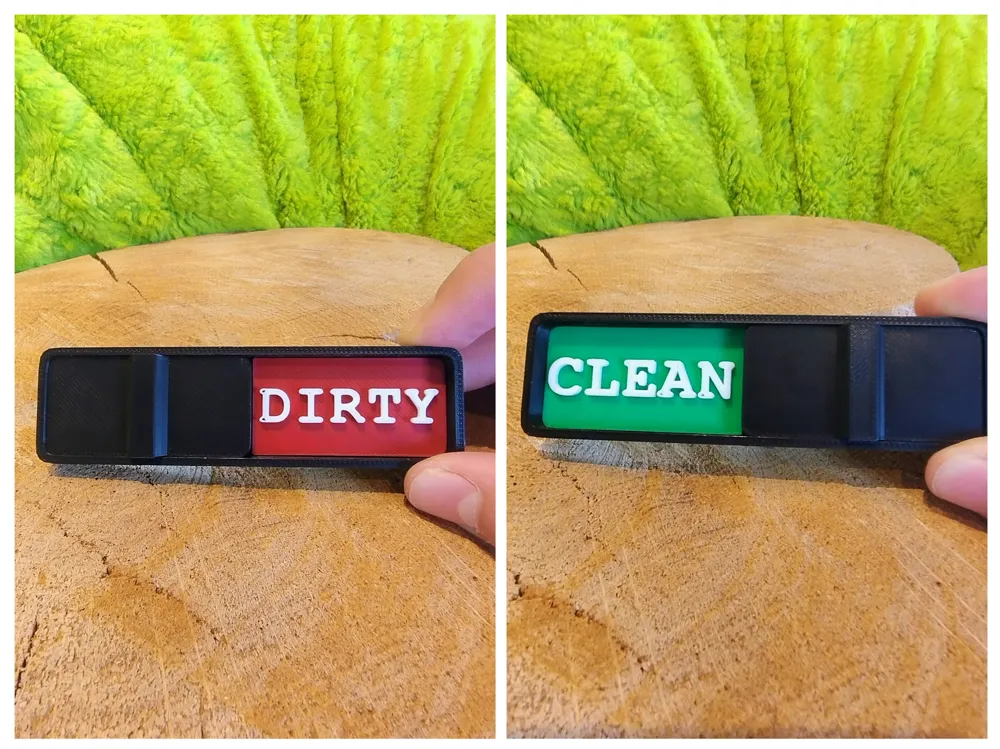
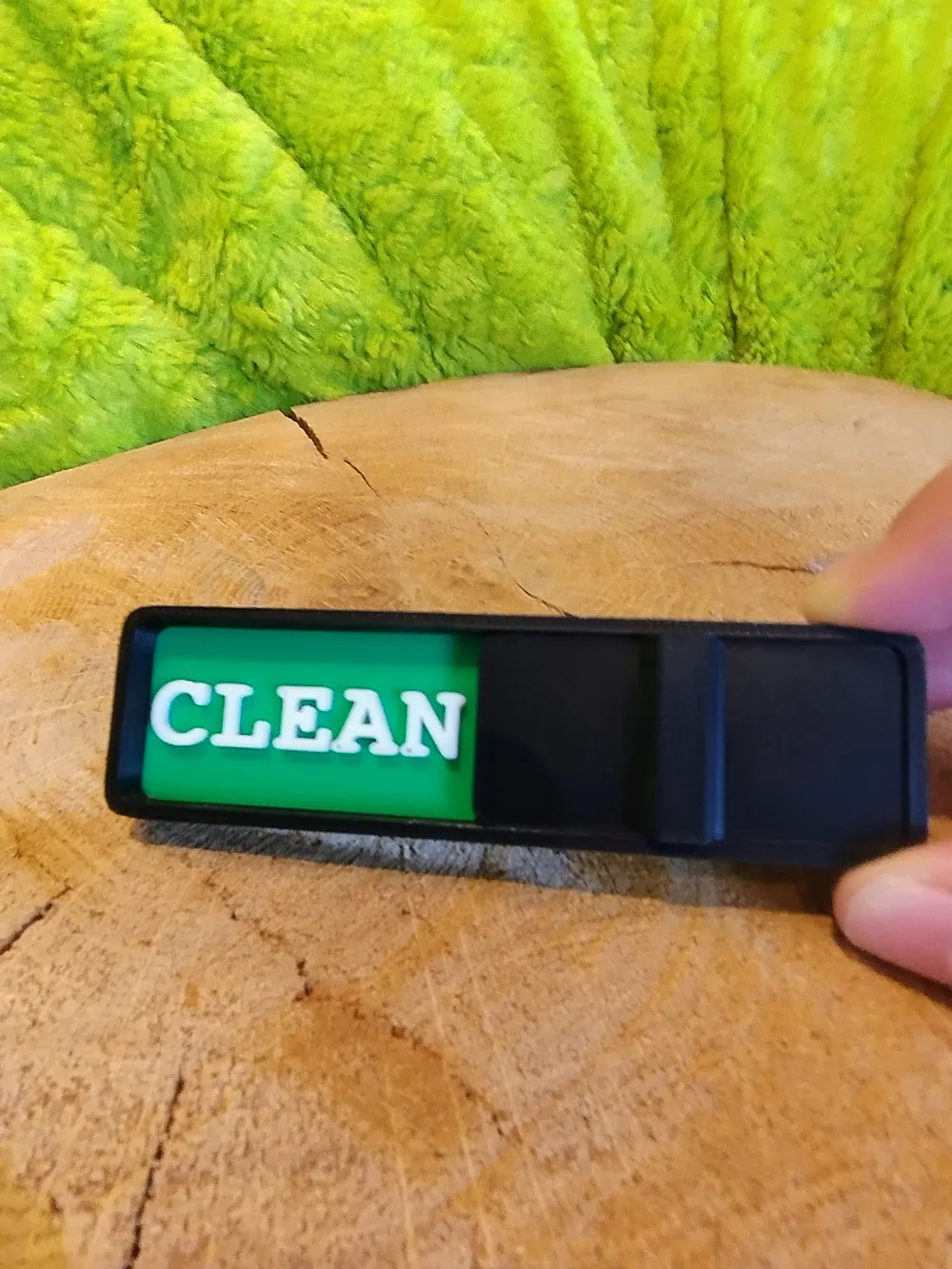
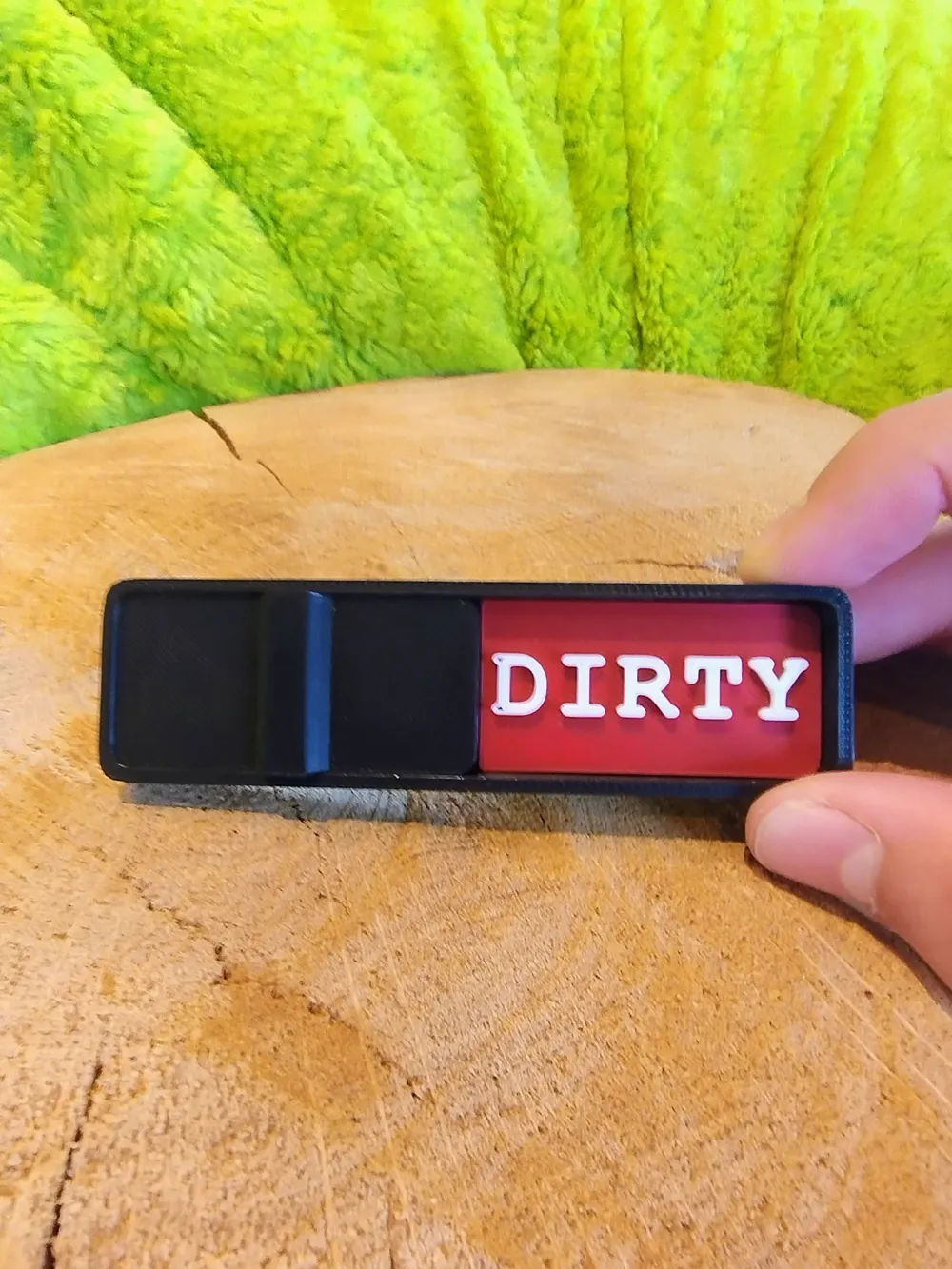
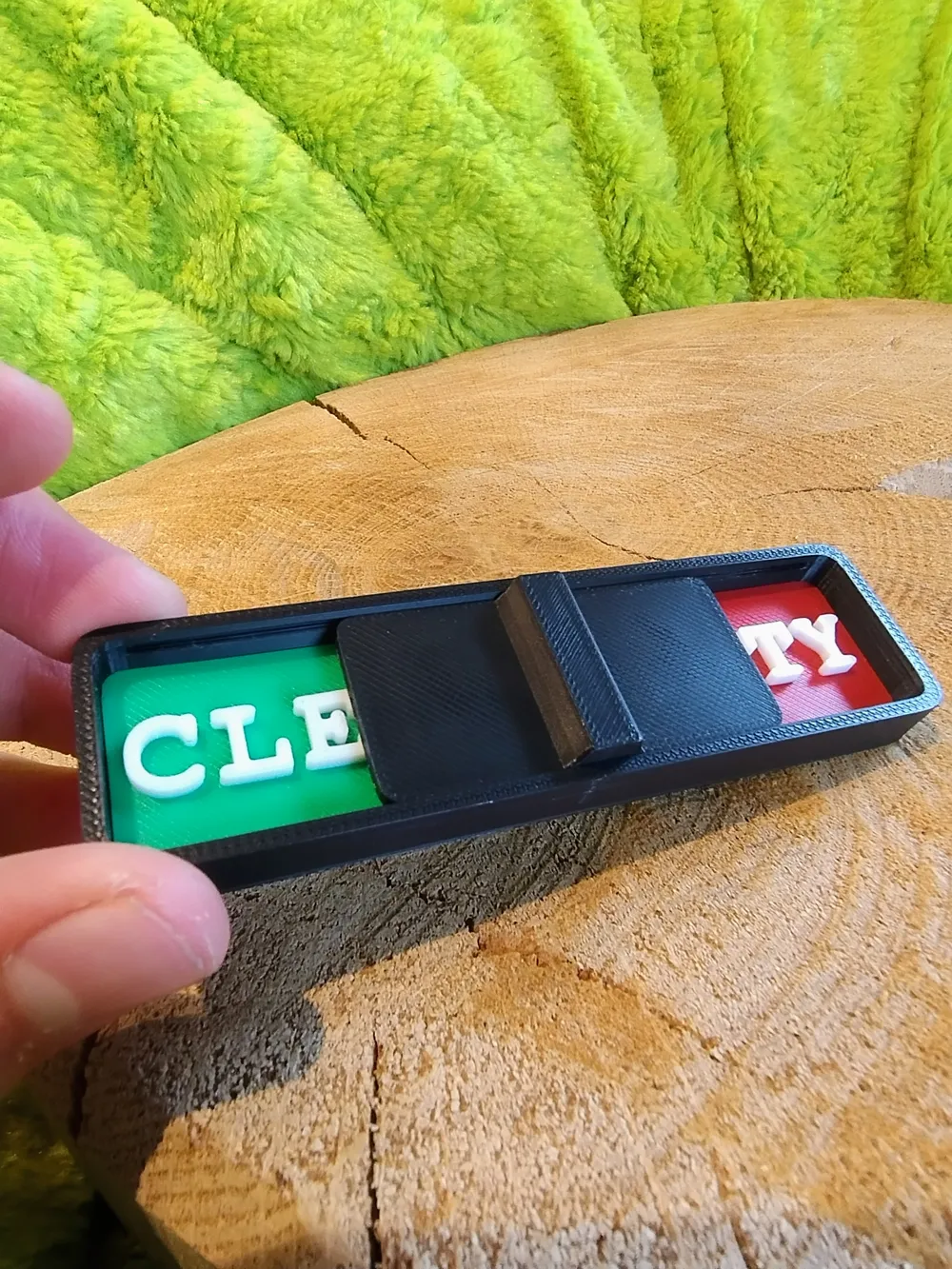
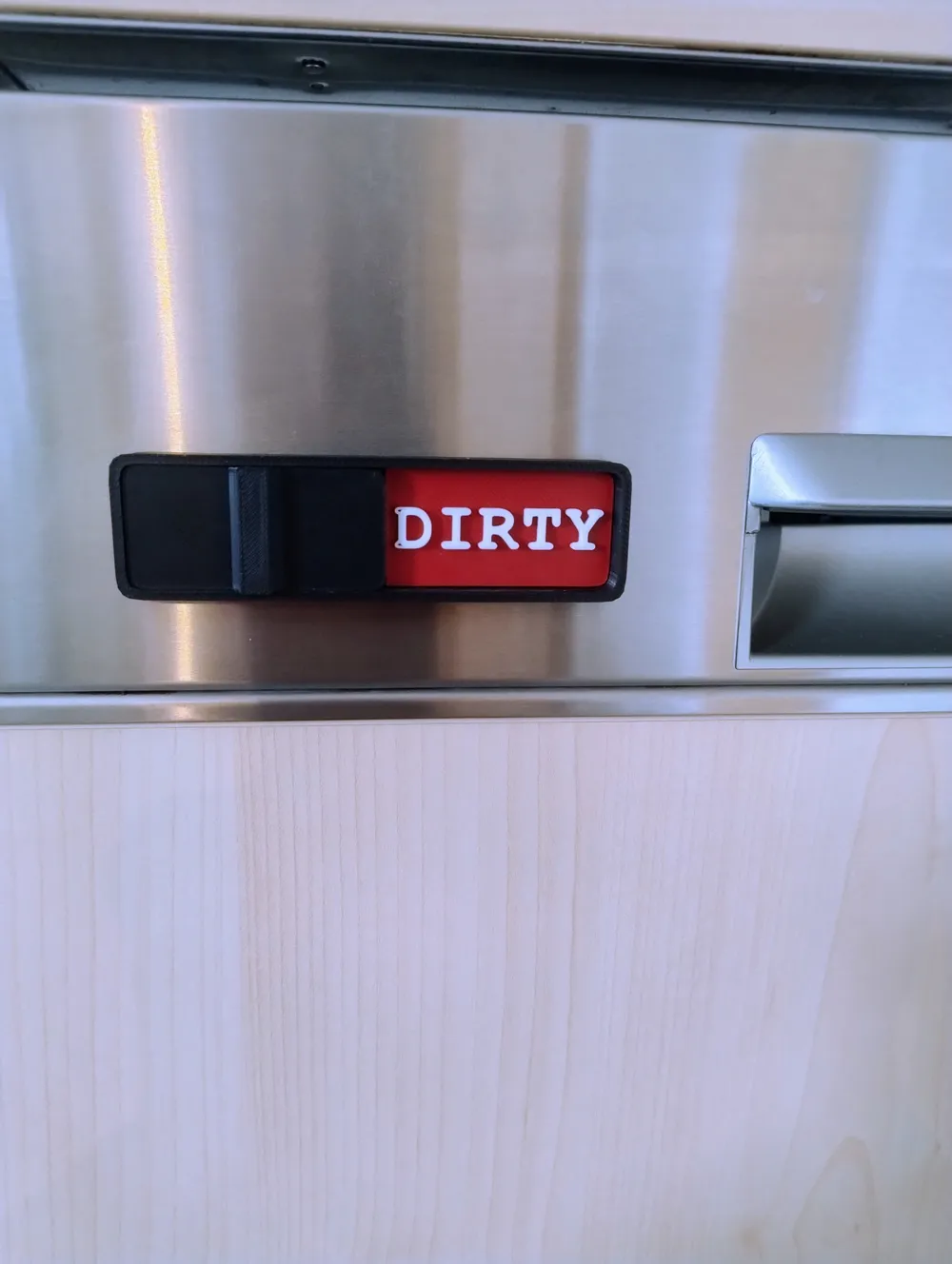
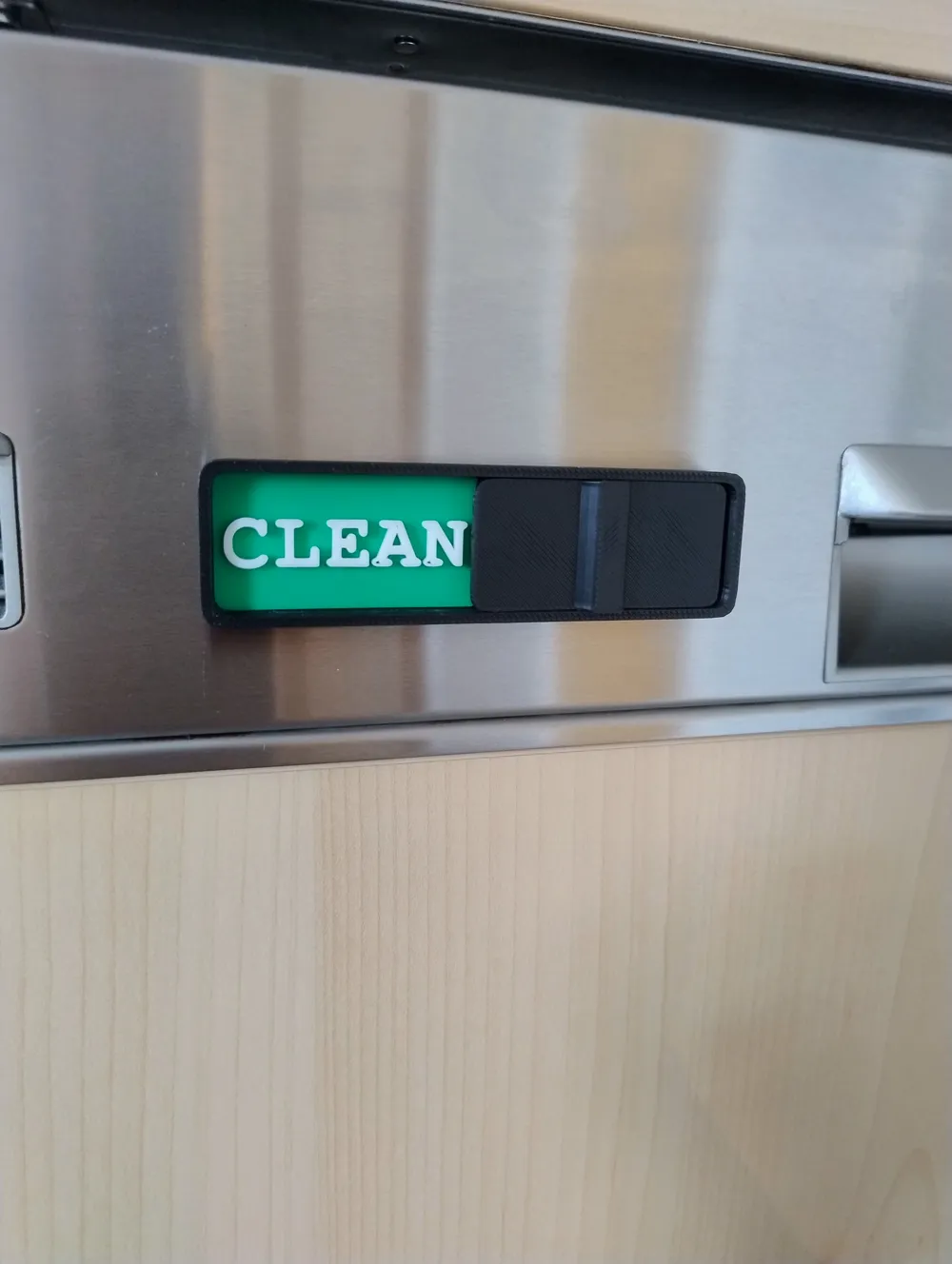
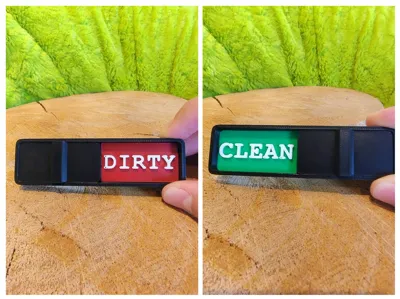
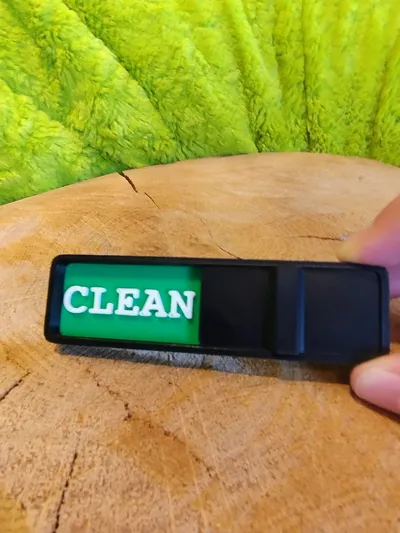
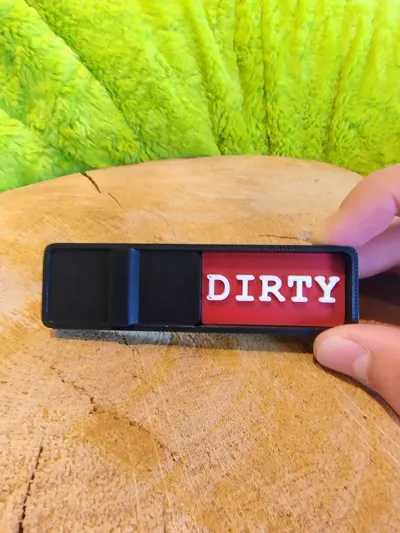
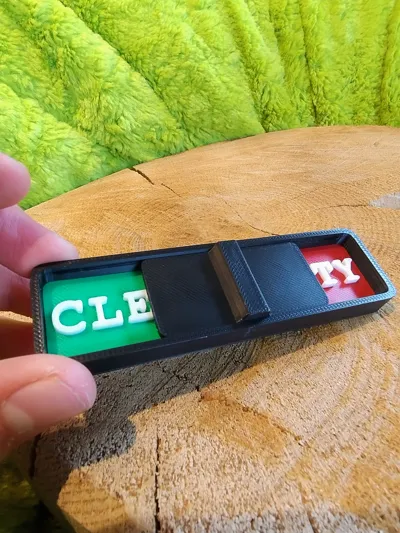
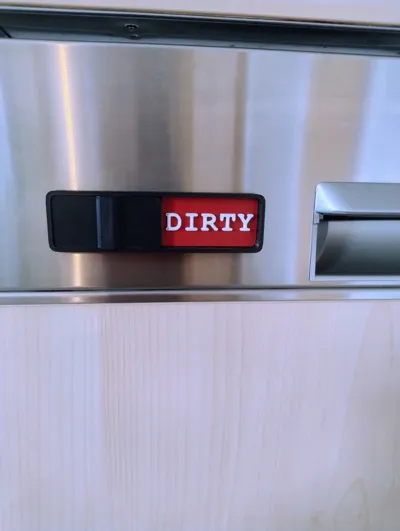
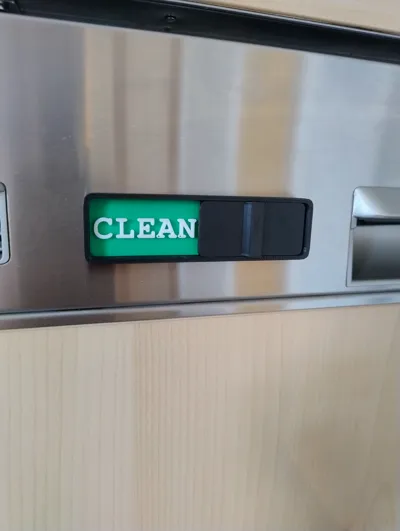
Insert the two signs “CLEAN” (green) and “DIRTY” (red) into the slots of the black holder. Then carefully push the slider into the fixture from the front until it moves smoothly back and forth. Move the slider to the left for DIRTY and to the right for CLEAN. Afterwards, the slider can be attached to the dishwasher using adhesive tape.
License

You shall not share, sub-license, sell, rent, host, transfer, or distribute in any way the digital or 3D printed versions of this object, nor any other derivative work of this object in its digital or physical format (including - but not limited to - remixes of this object, and hosting on other digital platforms). The objects may not be used without permission in any way whatsoever in which you charge money, or collect fees.


Comment & Rating (9)