
Perfect Large-Span Bridge Printing Without Support
Print Profile(1)

Bill of Materials

Description
Description
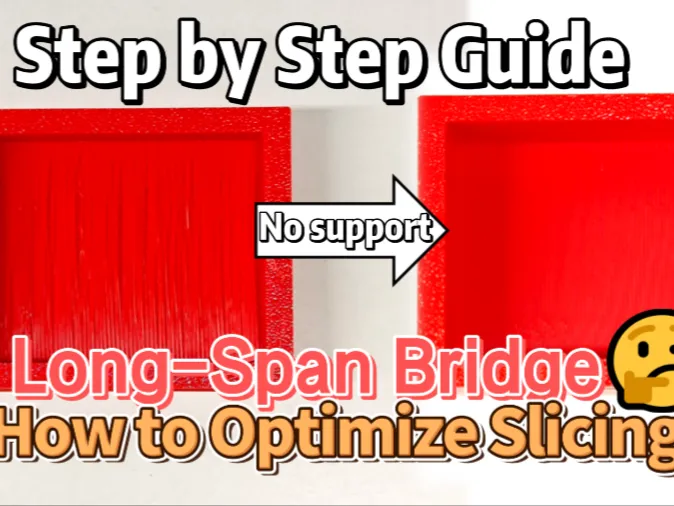
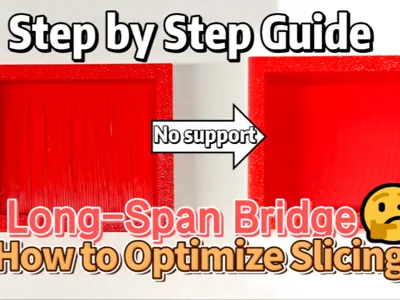
Hello fellow makers! We've received numerous inquiries from the community: Is it possible to achieve smooth, flat, and flawless overhanging bridge effects for large-span prints without using supports? Our answer is a definite YES!
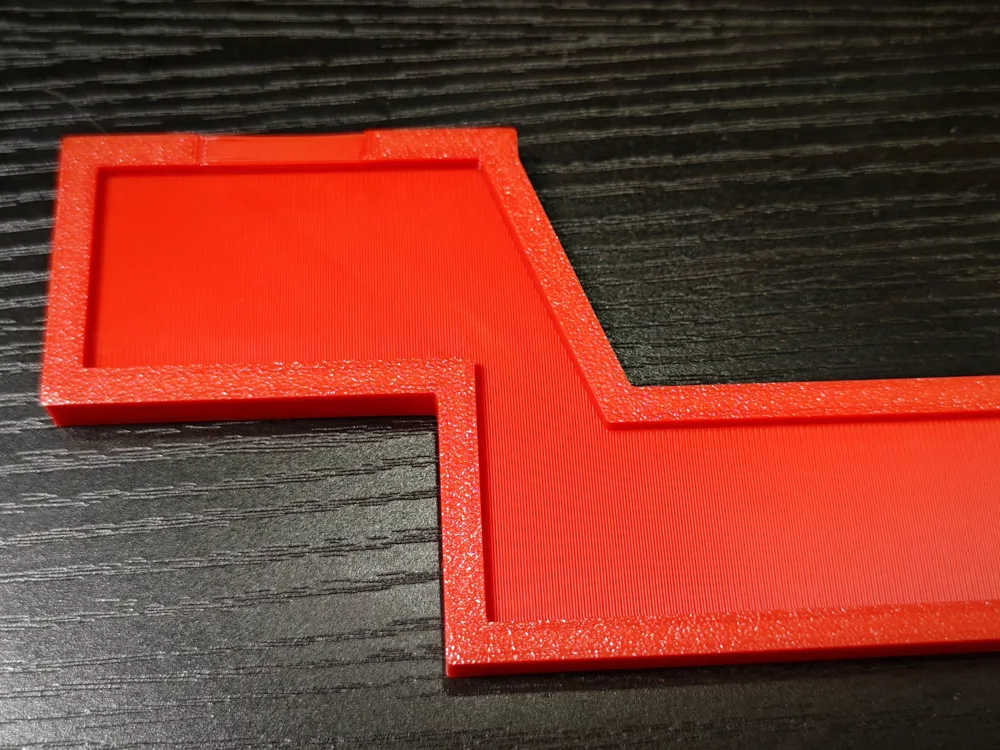
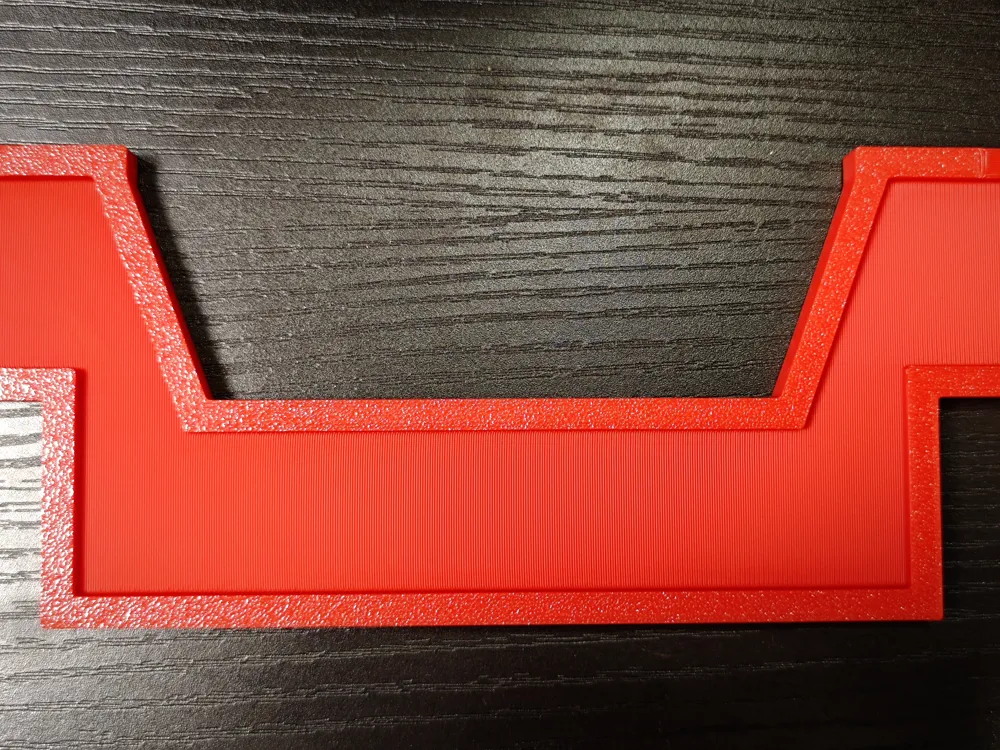
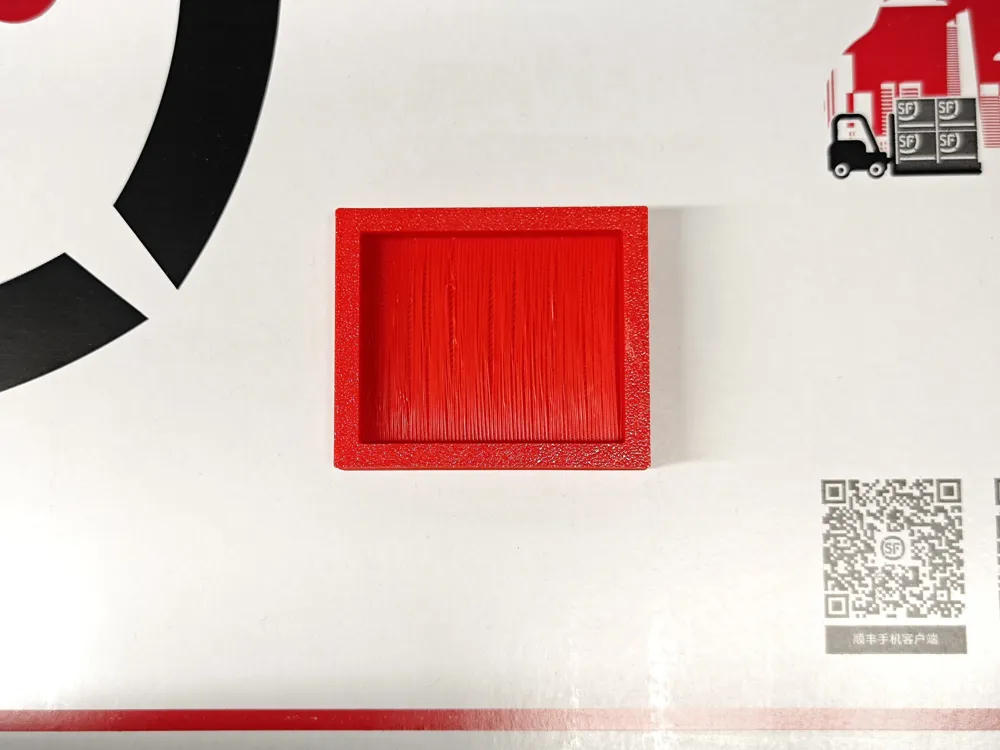
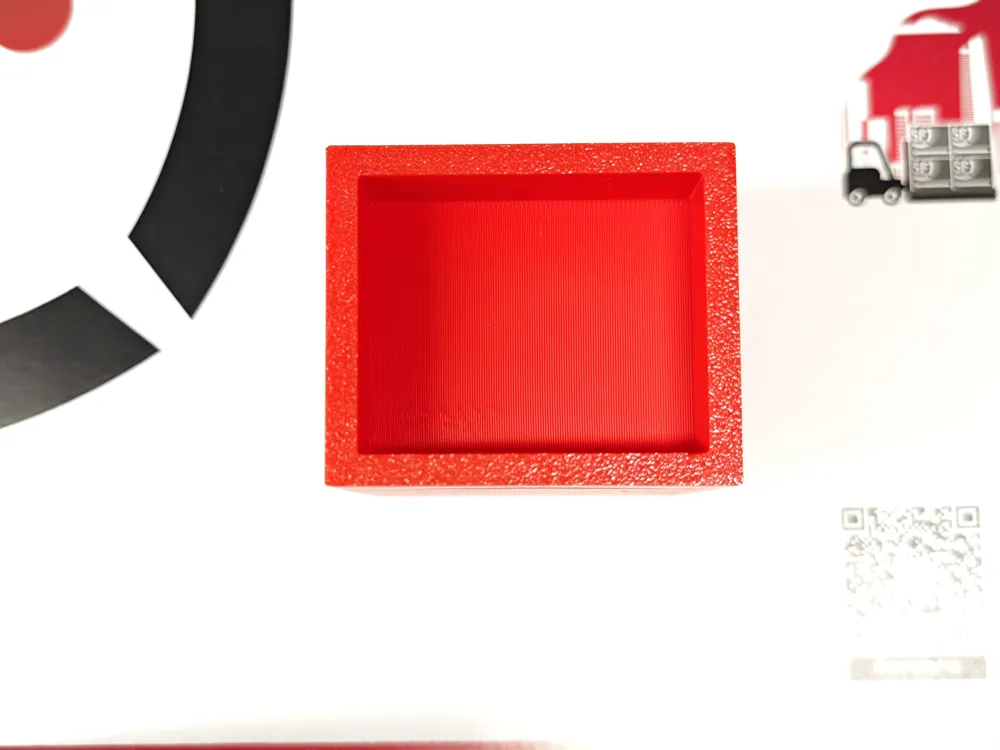
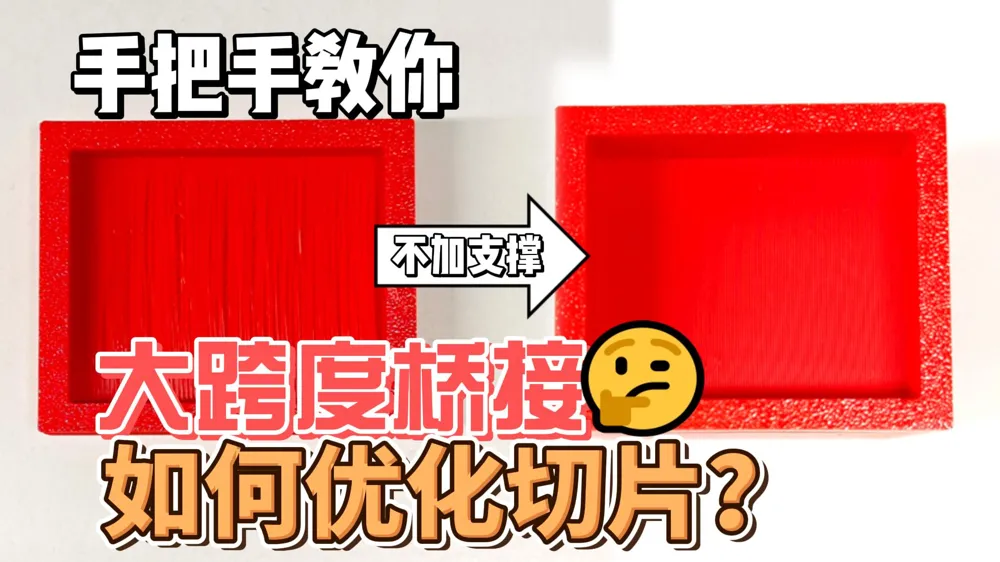
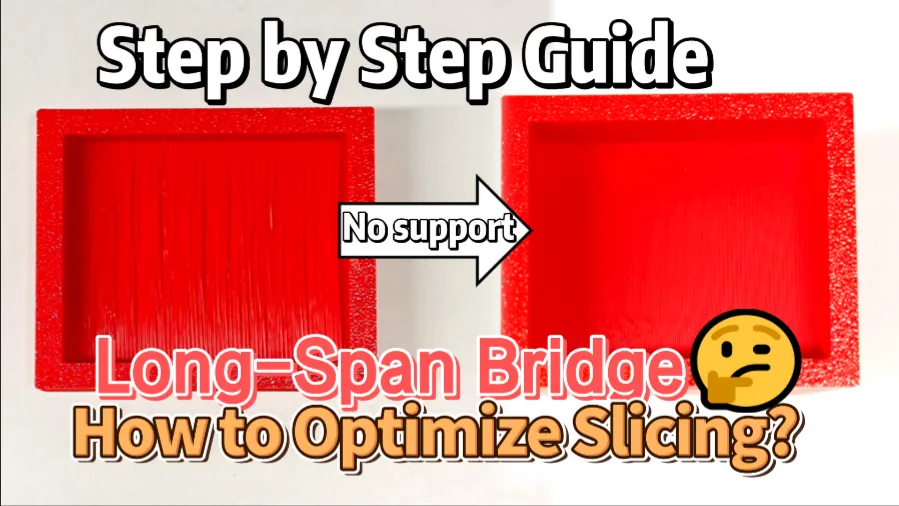
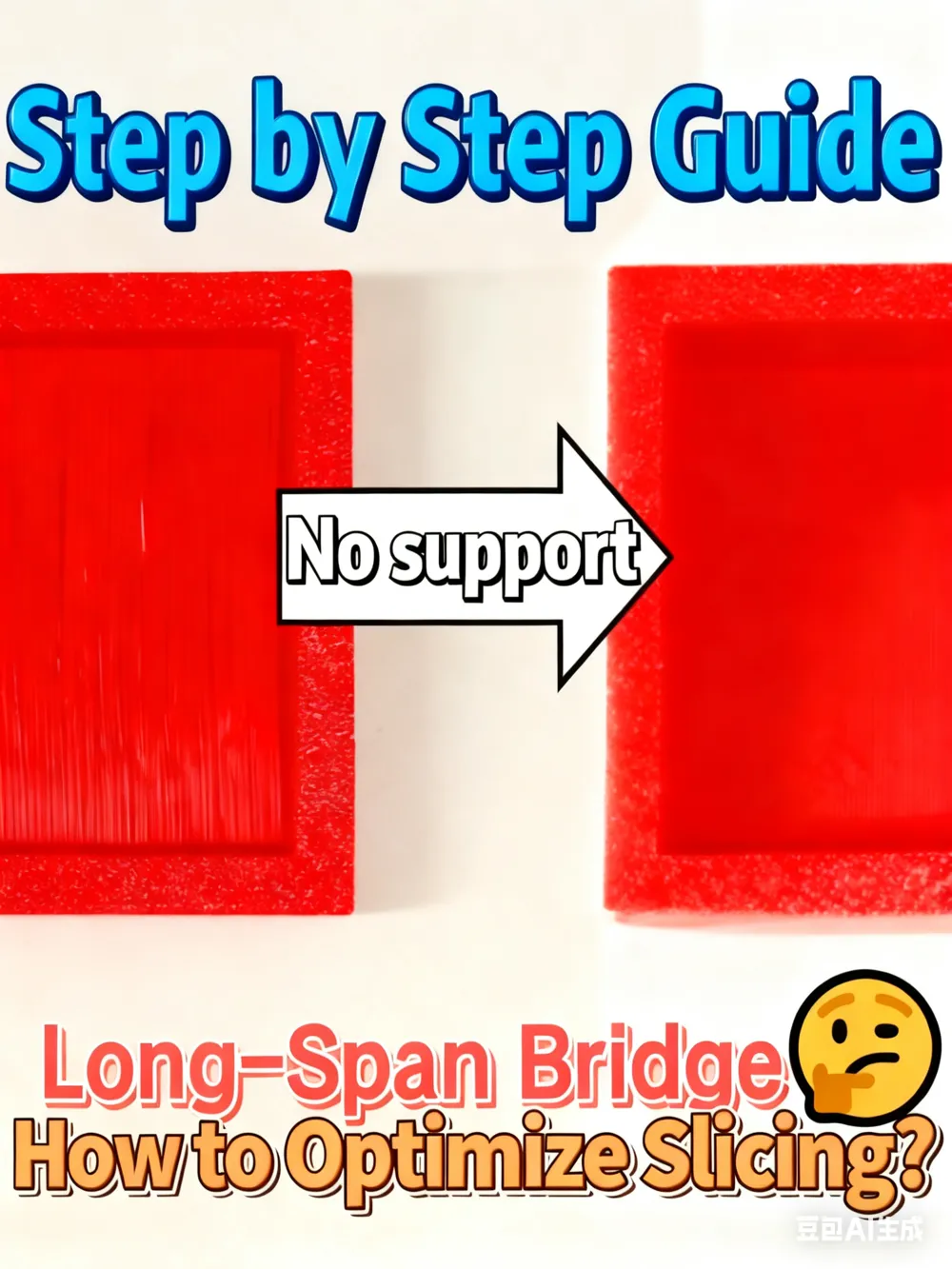
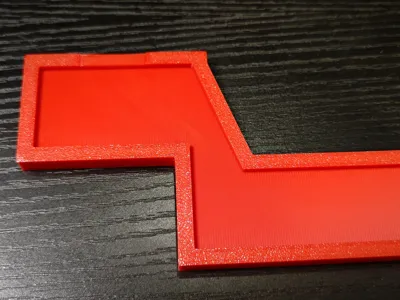
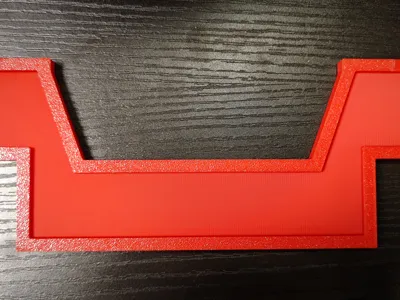
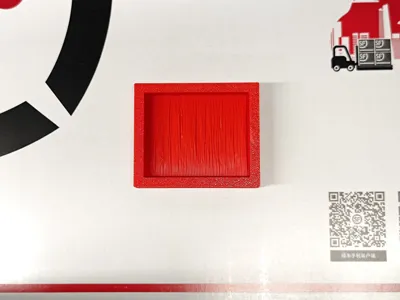
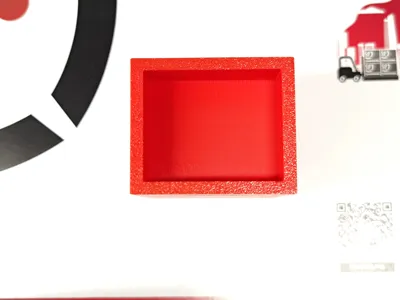
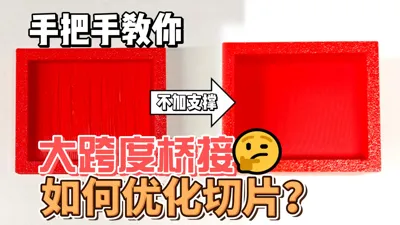
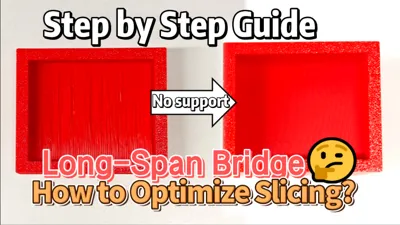
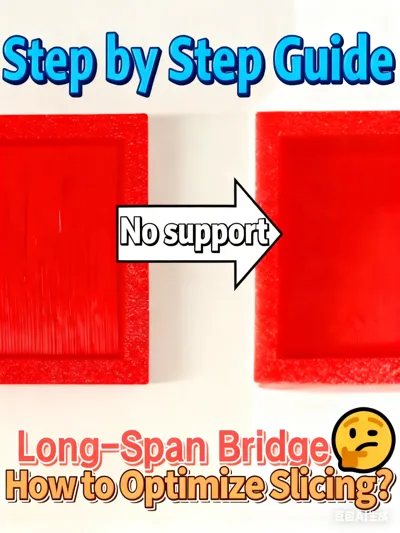
Compare the two models we prepared: one shows the overhanging effect before optimization, and the other after optimization. The optimized version is even comparable to the overhanging effect achieved with support materials—yet it requires no supports at all!
Supports are a widely used feature in slicing software, essential for improving print success rates in scenarios like overhanging bridges, fully suspended structures, and specific geometric shapes. However, supports are not a one-size-fits-all solution: removing them can be tricky, and the surface quality after removal often leaves much to be desired.
After extensive testing, we've found that only 4 key parameter adjustments are needed to achieve perfect large-span bridge printing without supports. The optimized test model features tightly connected adjacent lines in the overhanging area, with a smooth, flat surface, dense texture, and excellent flatness—all without any supports!
Boost Me (for free)
boost me if u like this guide
Step-by-Step Parameter Setup Guide
- Process Column - Quality Settings: Scroll down to find "Bridge Flow" and set it to 1.5.
- Process Column - Speed Settings: Scroll down to find "Bridge Speed" and set it to 10mm/s.
- Material Configuration - Cooling Mode: Click "Edit Configuration" next to the material, then scroll down to find "Fan Pre-Start Time" and set it to 4 seconds.
- Material Configuration - Speed Limit: In the same material editing interface, set "Minimum Print Speed" to 15mm/s.
After completing these settings, slice the model as usual and send it to print—you'll get perfect bridge effects without any supports!
This model is designed for makers who struggle with support removal and surface quality issues. It includes the optimized test model file for direct printing and verification. Download it now to experience hassle-free large-span bridge printing!
Compatible with most FDM 3D printers. For different materials (PLA/ABS/PETG), slight adjustments to fan speed may be needed, but the core bridge parameters remain effective.
License

You shall not share, sub-license, sell, rent, host, transfer, or distribute in any way the digital or 3D printed versions of this object, nor any other derivative work of this object in its digital or physical format (including - but not limited to - remixes of this object, and hosting on other digital platforms). The objects may not be used without permission in any way whatsoever in which you charge money, or collect fees.


Comment & Rating (2)