
P2S Left Side External Exhaust Fan
Print Profile(2)


Description
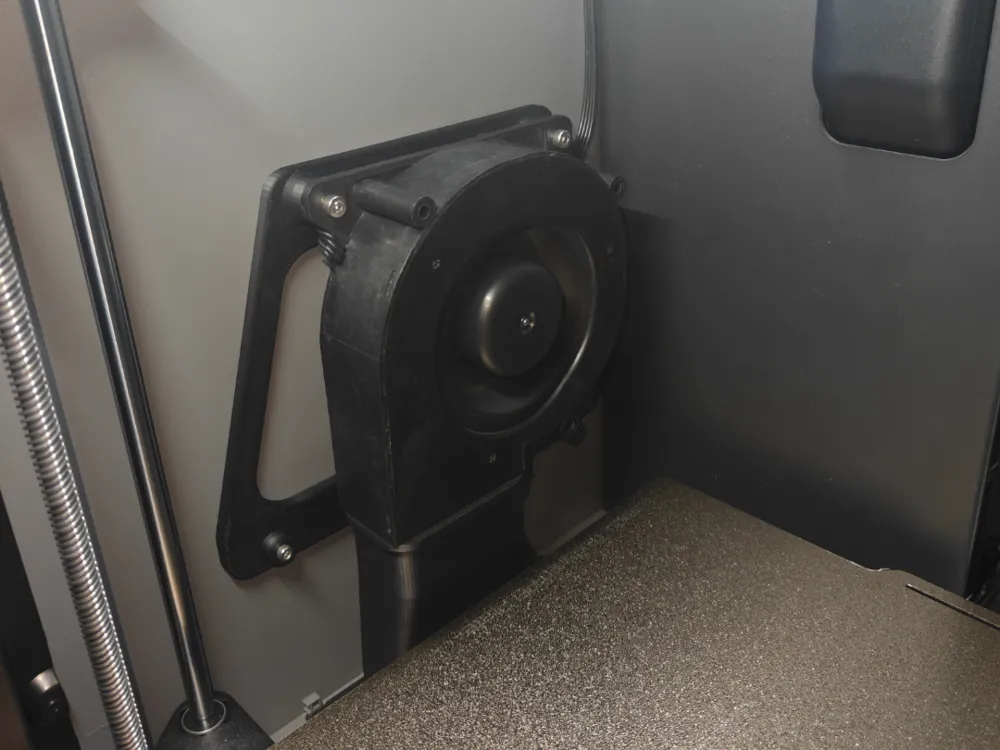
This model is a modification for the empty fan slot on the left side of the P2S, adding a fan to exhaust air outwards
Materials required:
1. 12032 blower fan 24V 0.6A (requires 4-wire PWM speed control support)
2. 3 M4*4*5 heat-set inserts
3. 3 M4*10 screws
4. 3 M3*8 screws
5. SH1.25 4PIN electronic connector cable
Modification steps:
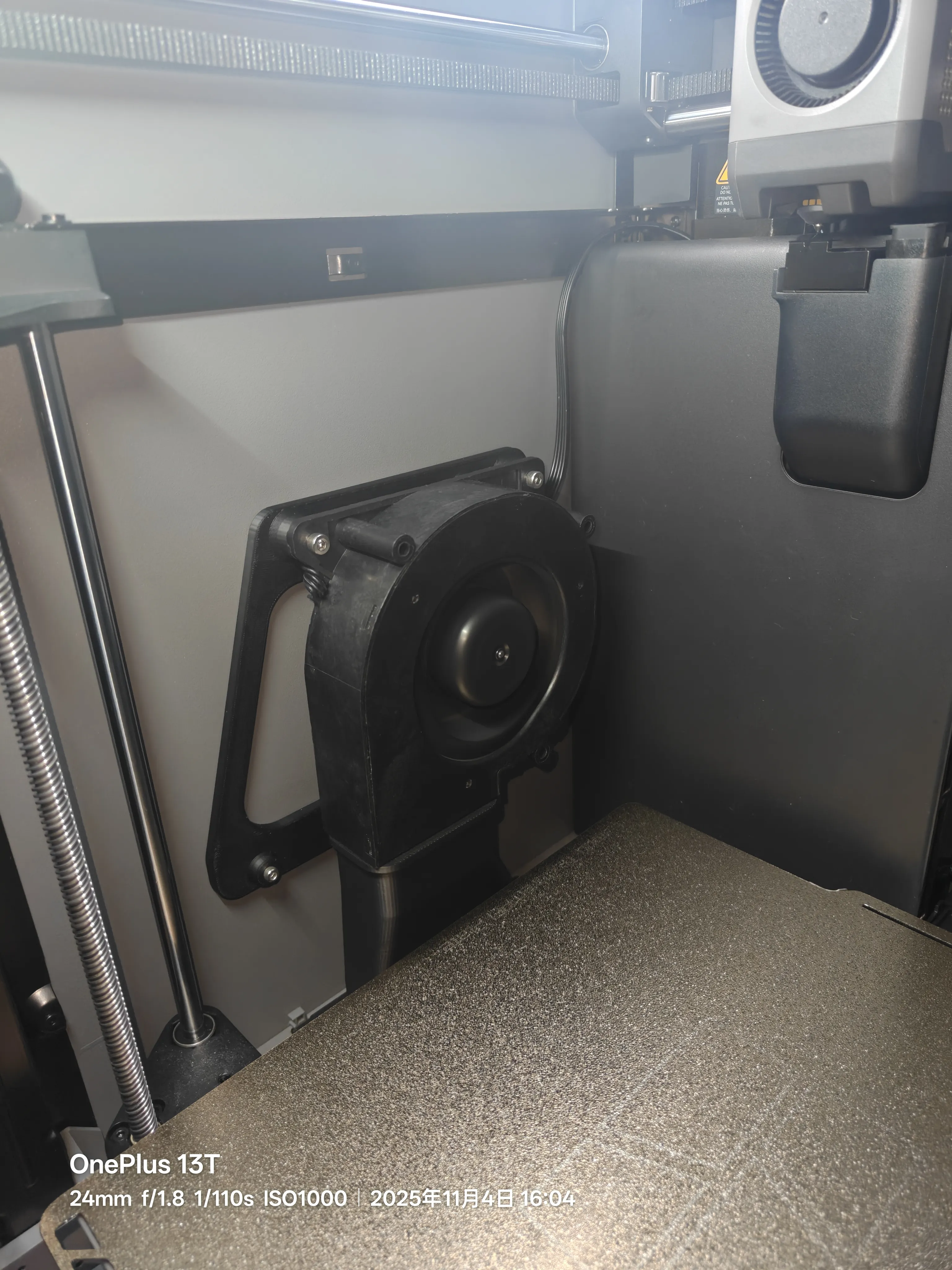
1. Print the model and install the fan and the model onto the left side panel (as shown in the figure below)
2. Open the rear cover of the P2S; refer to the Bambu Lab official tutorial for specific steps:
https://wiki.bambulab.com/zh/p2s/maintenance/install-auxiliary-part-cooling-fan-left
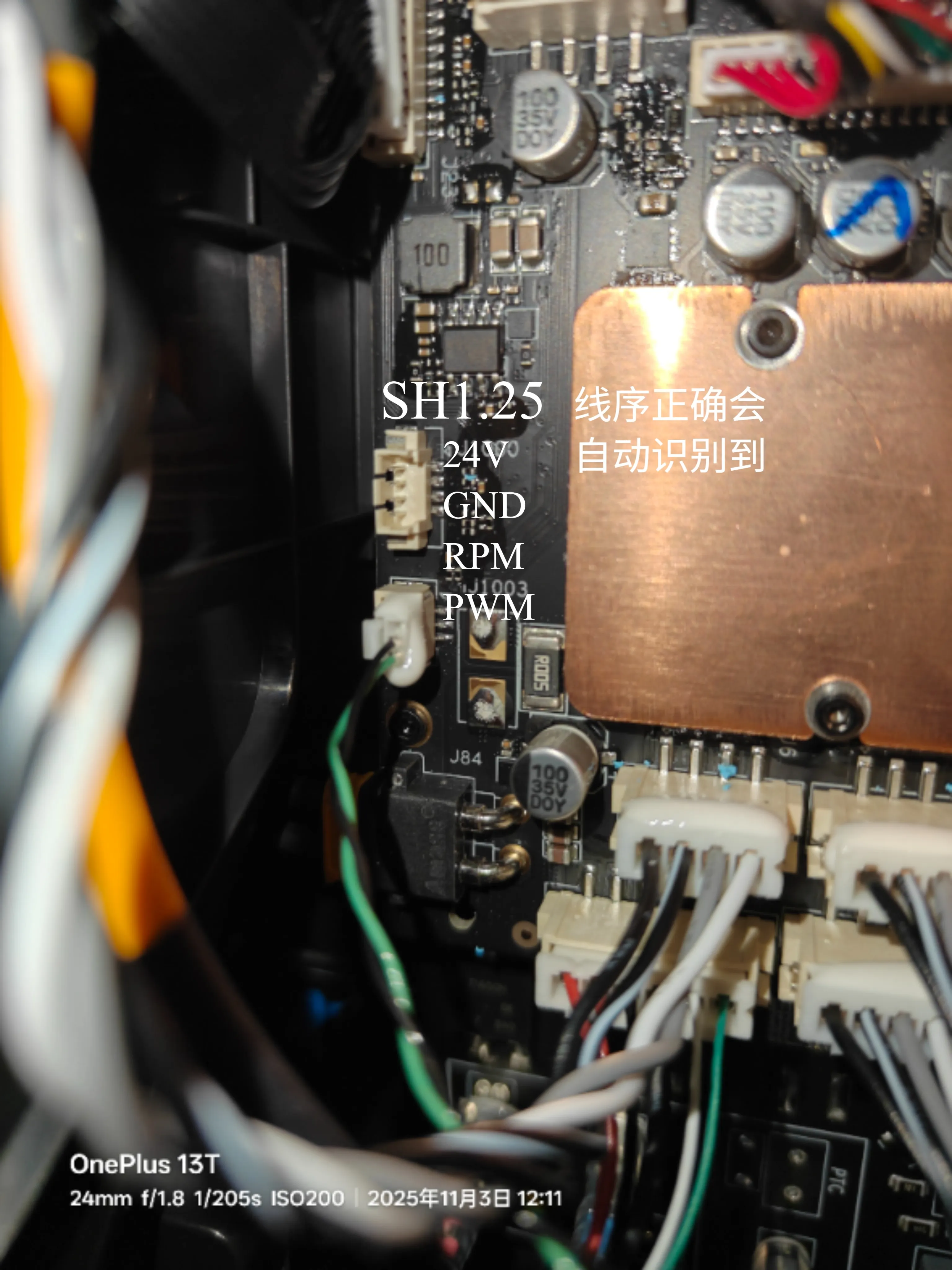
After removing the cover, locate the empty J1000 socket, route the fan cable from the front to the back, and plug it in here. The pinout definition is shown in the figure below:
From top to bottom are: 24V power, negative pole, speed detection, speed control signal
3. Do not install the rear cover first and perform a power-on test. If the wiring is correct, the printer will automatically recognize and display the left fan, as shown in the figure below:
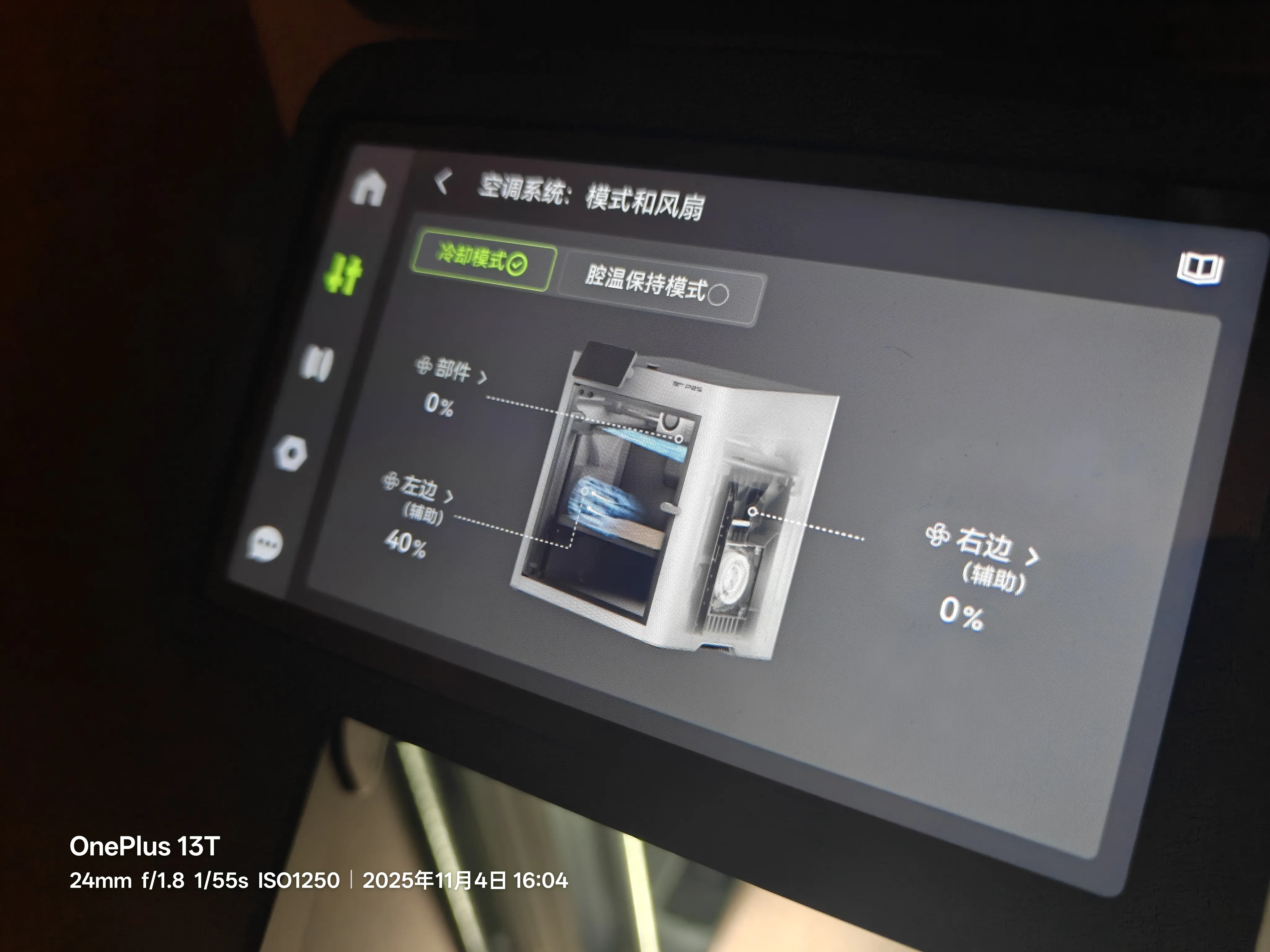
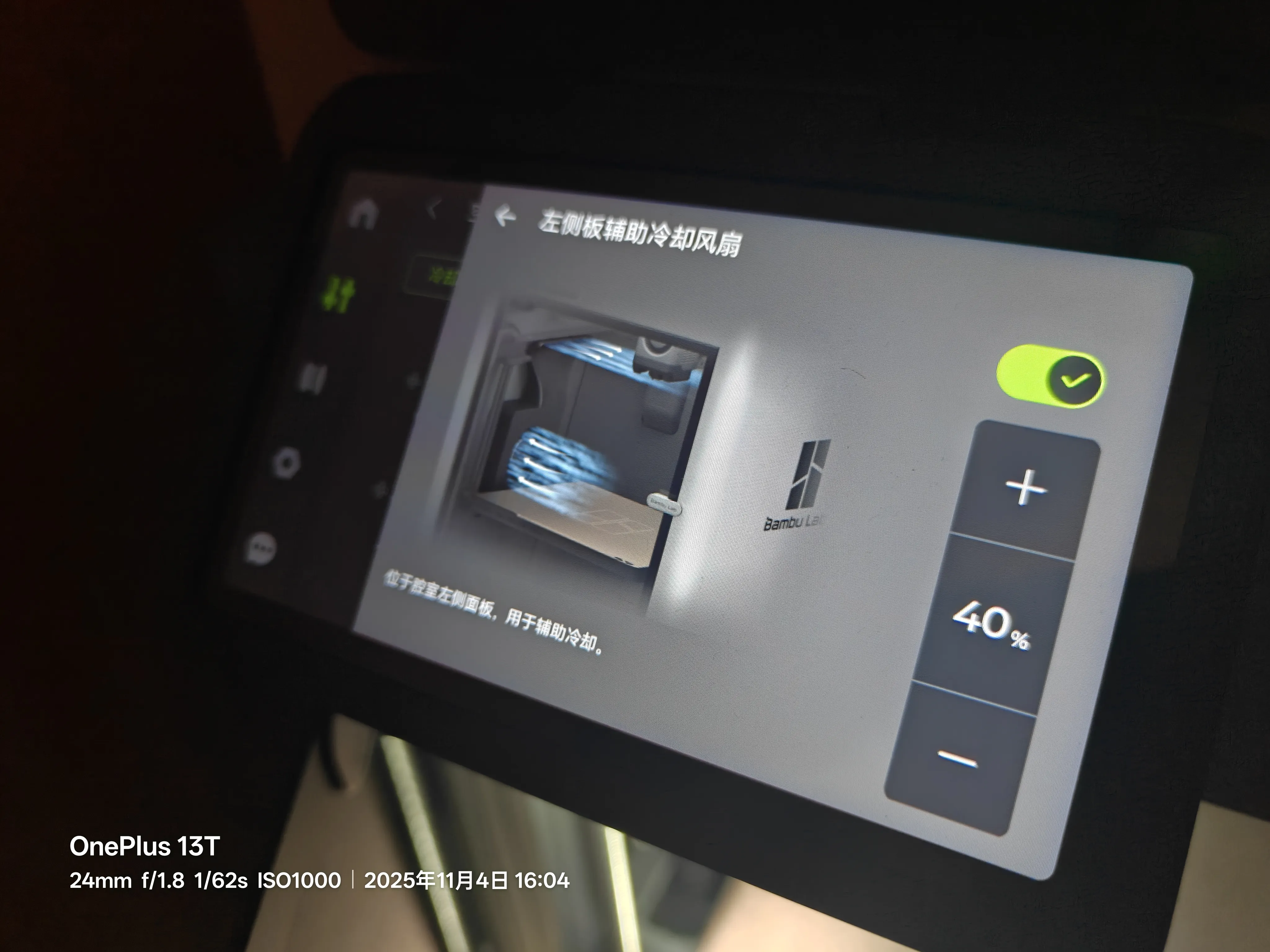
4. Power off and reinstall the rear cover
Note: This model is only adapted to the blower fan I use. If you want to adapt it to your own blower fan, please modify the model yourself.
License



Comment & Rating (7)