
Parametric Paint Rack (Vase Mode)
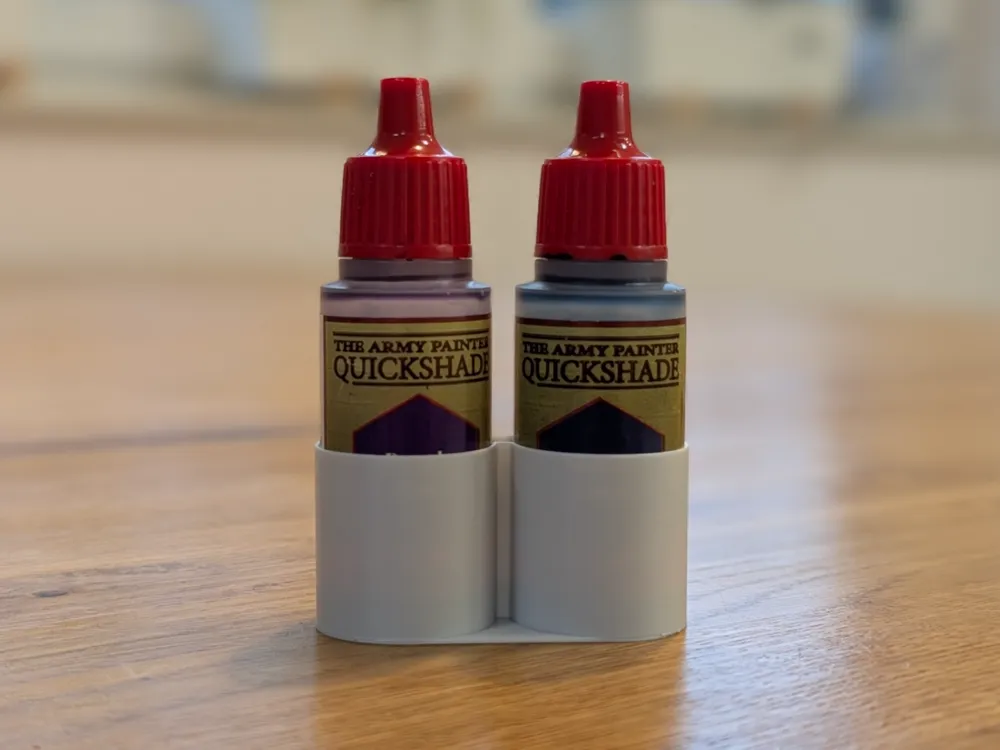
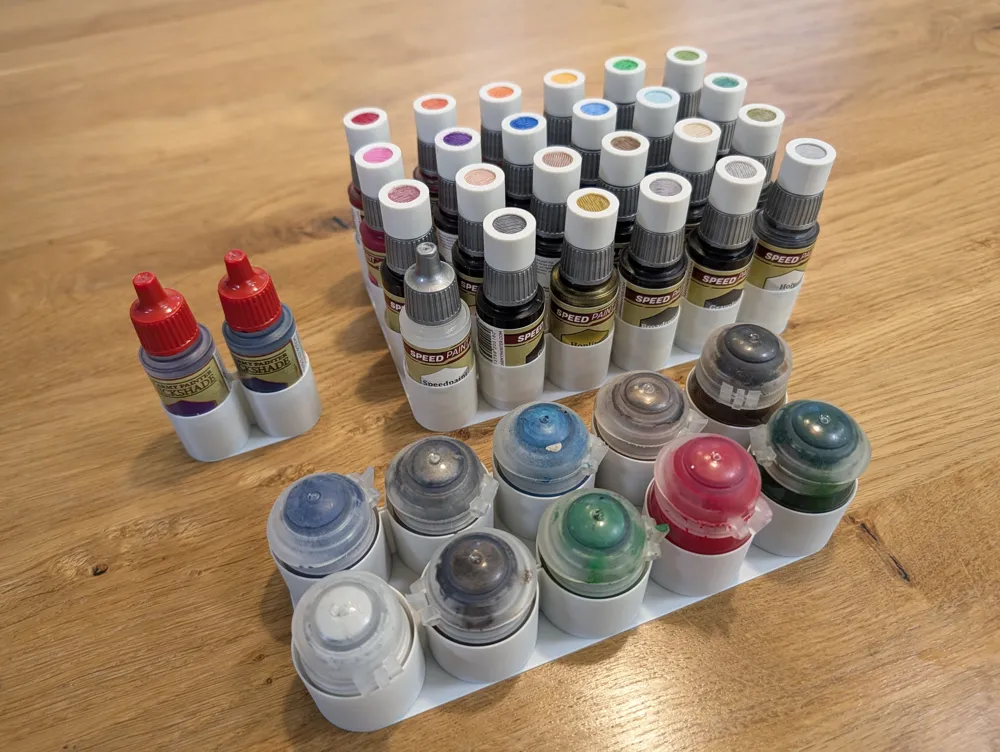

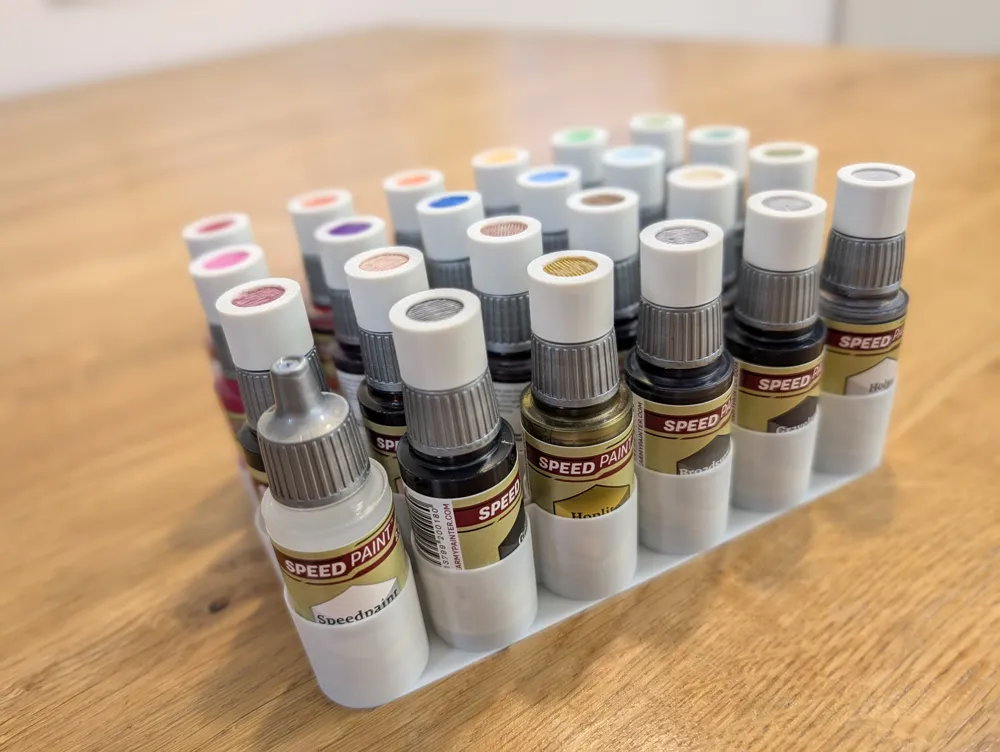
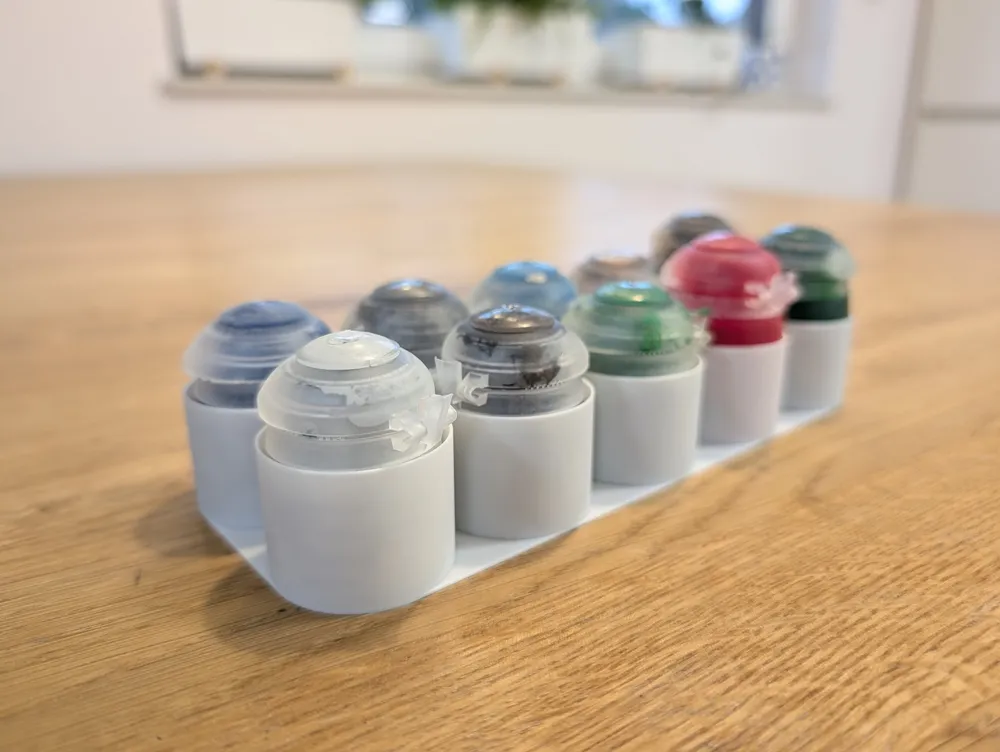
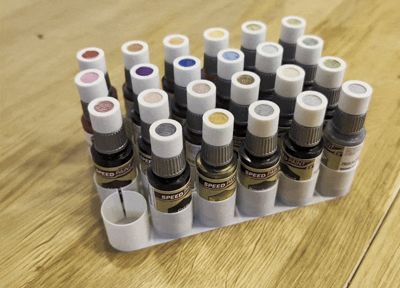
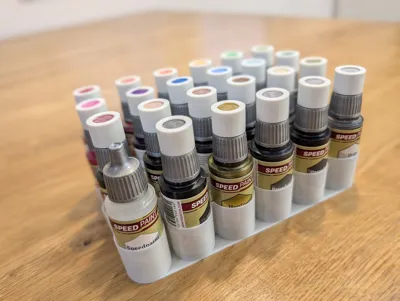
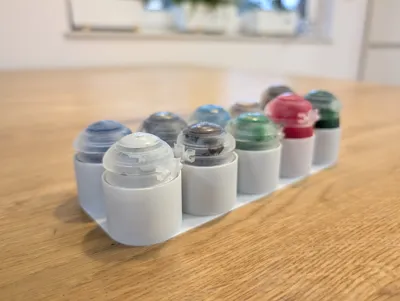
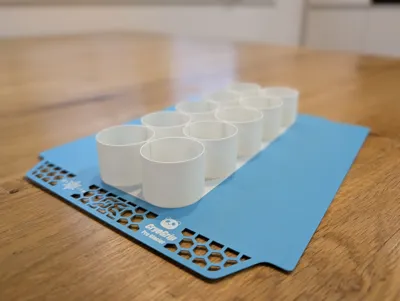
Print Profile(3)
![Army Painter [1x2] - Test fit print](https://makerworld.bblmw.com/makerworld/model/US7fc4b688a42a5c/470910498/instance/2025-11-10_3e4de6e8beab18.jpg?x-oss-process=image%2Fresize%2Cw_100%2Fformat%2Cwebp)
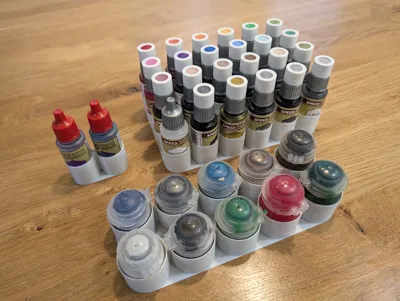
![Army Painter [6x4]](https://makerworld.bblmw.com/makerworld/model/US7fc4b688a42a5c/470897281/instance/2025-11-10_a696c6559649c.jpg?x-oss-process=image%2Fresize%2Cw_100%2Fformat%2Cwebp)
![Citadel [2x5]](https://makerworld.bblmw.com/makerworld/model/US7fc4b688a42a5c/470900452/instance/2025-11-10_0d72e11dd6cf9.jpg?x-oss-process=image%2Fresize%2Cw_100%2Fformat%2Cwebp)
Description
This is a fast-printing, fully parametric rack/holder for your miniature paints.
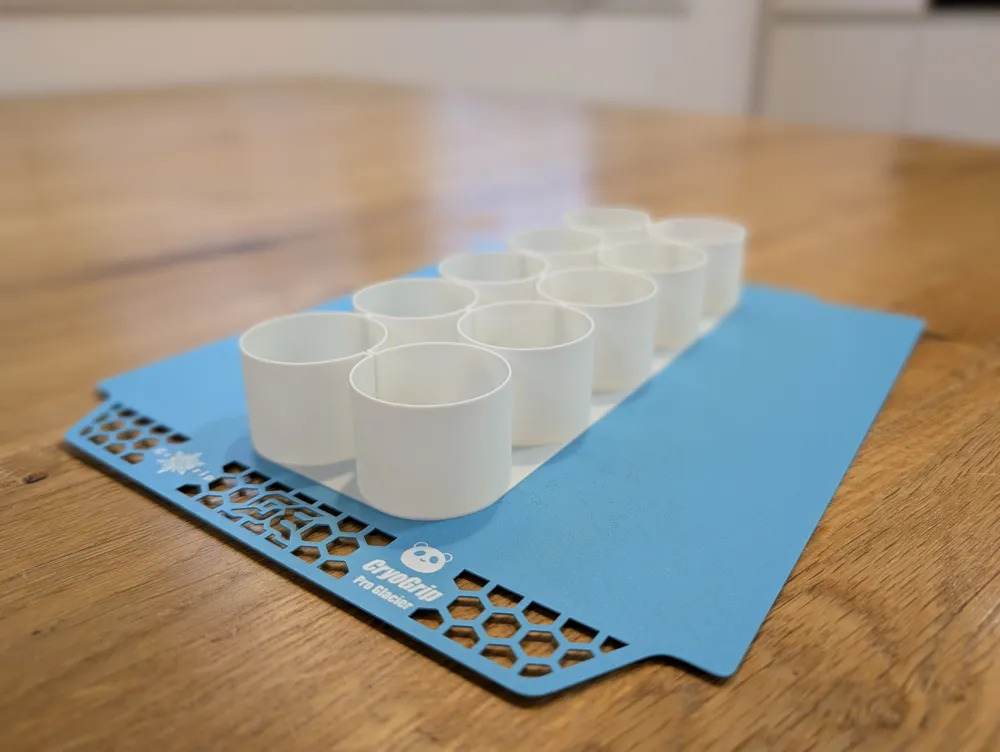
Model is designed to be printed as one continuous, solid object using your slicer's "Spiral Vase" mode - fast to print while still being strong and functional. I tried to add and measure most bottles I know :)
1. Using the Provided Print Profile
The included print profile is already configured with the correct "Spiral Vase" settings.
You can customize the model to fit your needs:
- Change the number of rows and columns.
- Select your paint bottle brand from the list.
- Adjust the fit_clearance for a looser or tighter fit.
After you customize, just slice and print!
2. Manual Slicer Settings (For Customization / Other Slicers)
This is a fully parametric model. You can customize all of its features to create the perfect rack for your desk.
Required Slicer Settings: This model must be printed with the "Spiral Vase" checkbox = ON. This will correctly print the solid base and all the tubes in one continuous line.
The slicer_extrusion_width Parameter: This is the most important setting for making sure your bottles fit perfectly.
In "Spiral Vase" mode, you usually print a single wall that is thicker than your nozzle (e.g., 150% wider) for better strength. This parameter must match your slicer's "Outer wall" line width. The model uses this value to "pre-compensate" for the thickness of the printed line, making your fit_clearance setting 100% accurate.
In Bambu Studio, find this setting in: Process -> Quality -> Line Width -> Outer wall
Example 1: Using a 0.4mm Nozzle
- In Bambu Studio, set your "Outer wall" Line Width to 0.6mm.
- In this model, set the slicer_extrusion_width to 0.6.
Example 2: Using a 0.8mm Nozzle
- In Bambu Studio, set your "Outer wall" Line Width to 1.0mm.
- In this model, set the slicer_extrusion_width to 1.0.
If these two values don't match, the bottle holes will be too loose or too tight.
Boost Me (for free)
Thx :)
This remix is based on

License



Comment & Rating (0)