
A1 Z-axis Mounted Cable Guiding Bracket
Print Profile(1)

Description
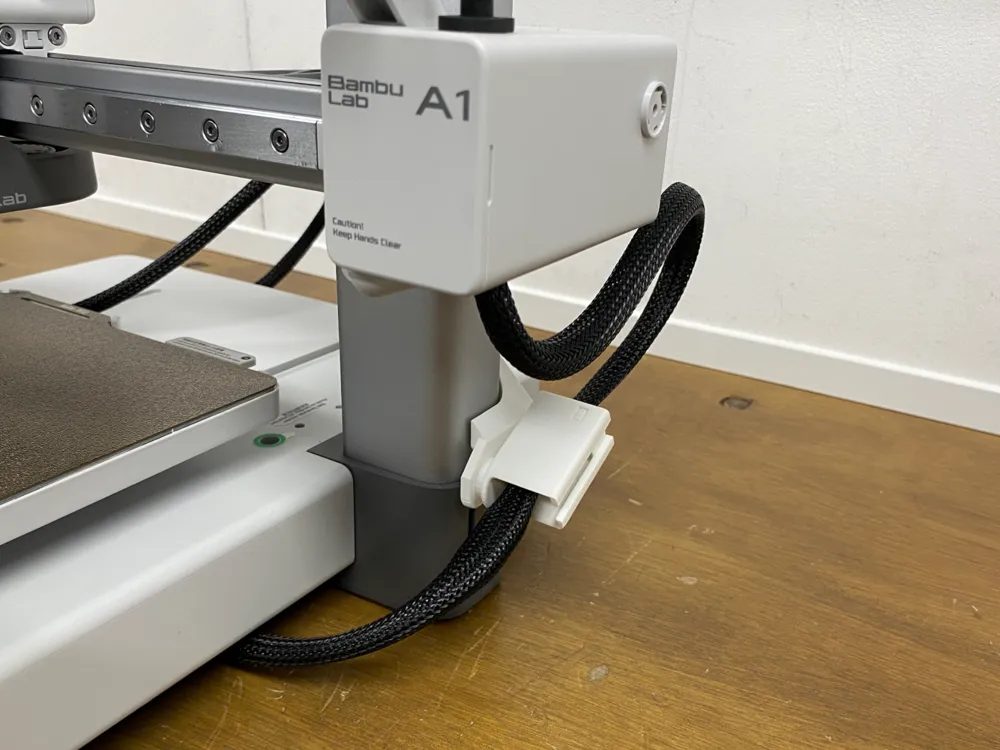
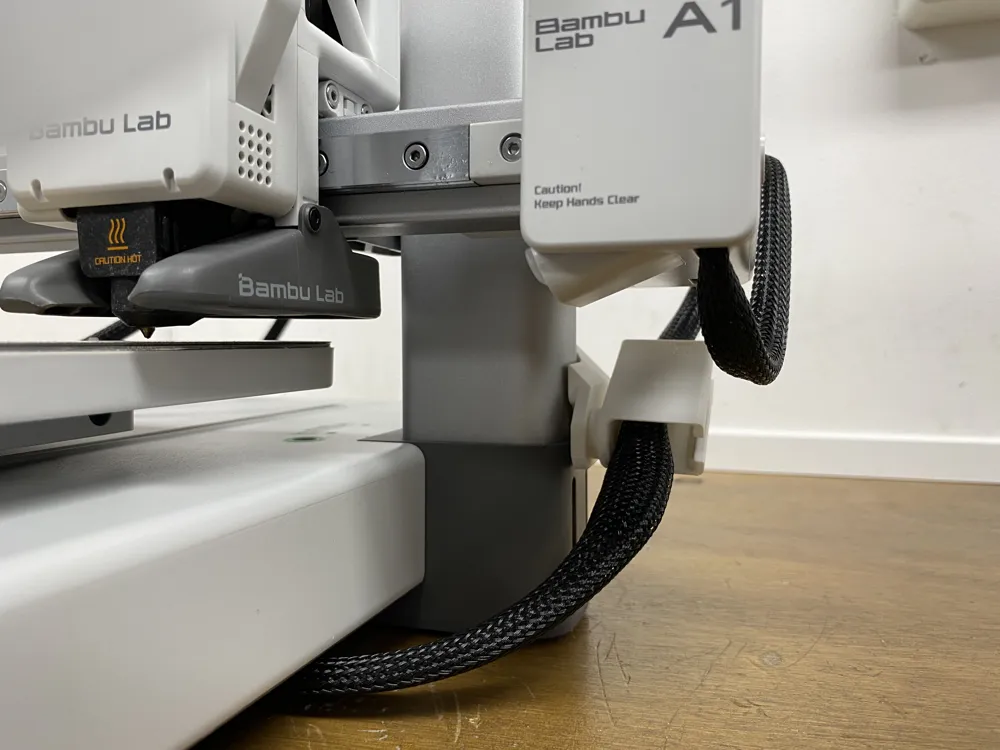
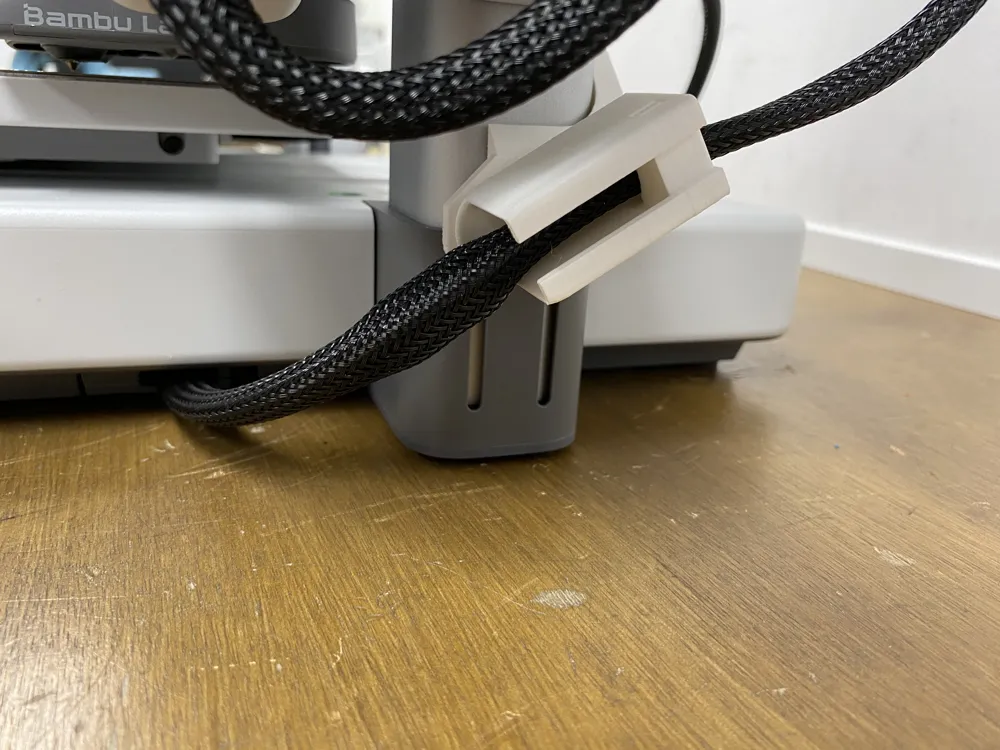
A1 Z-axis Mounted Cable Guiding Bracket
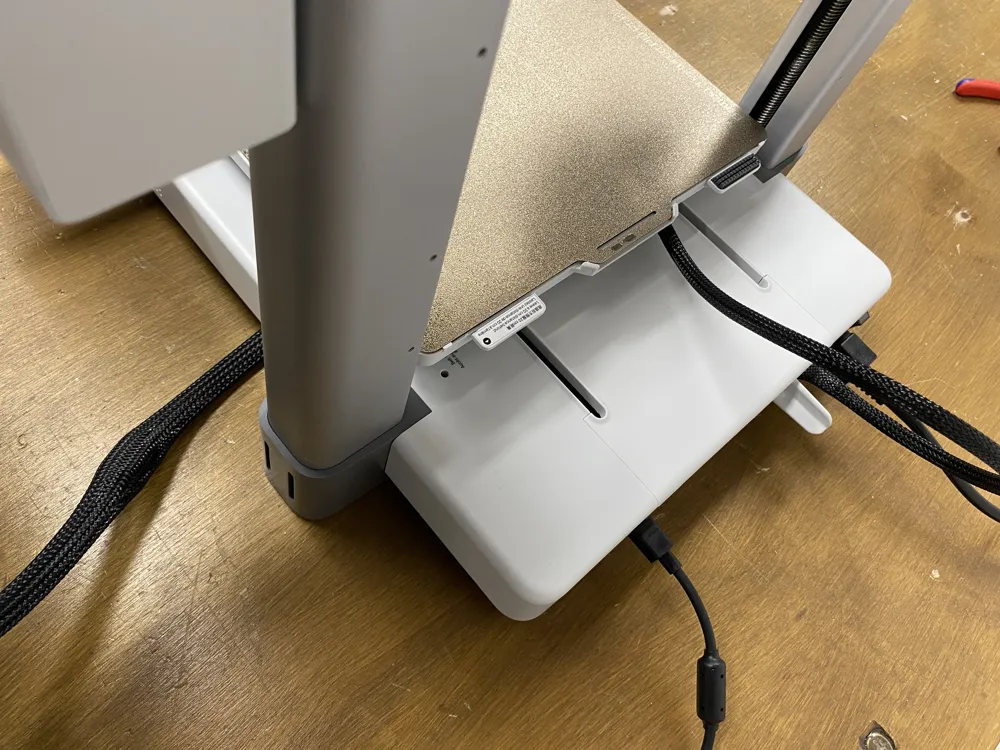
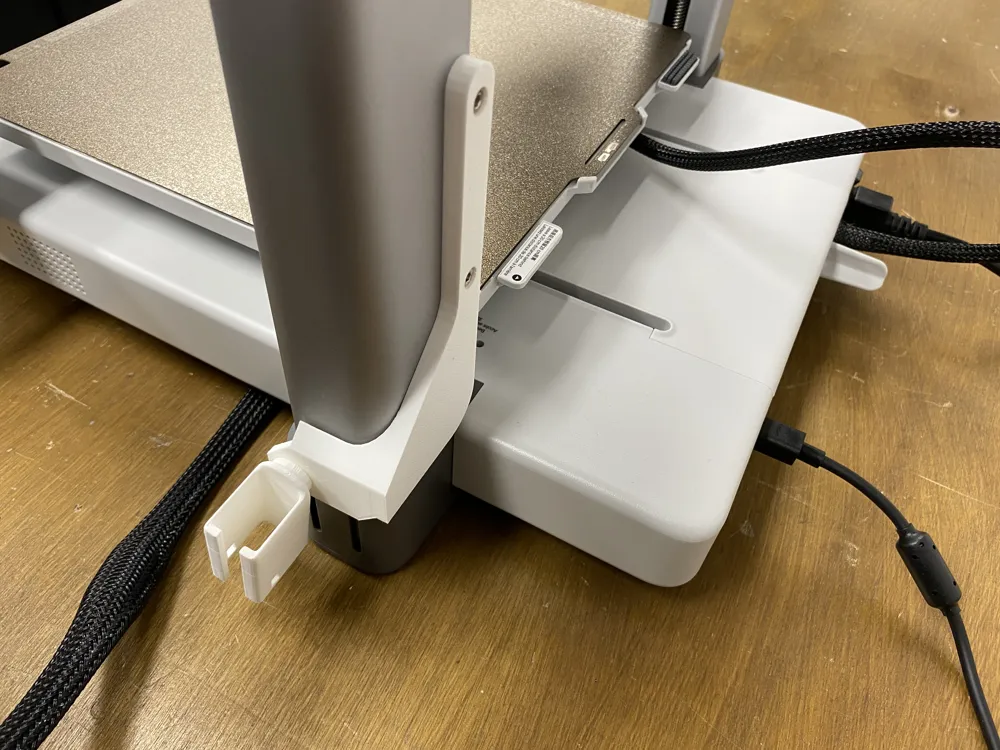
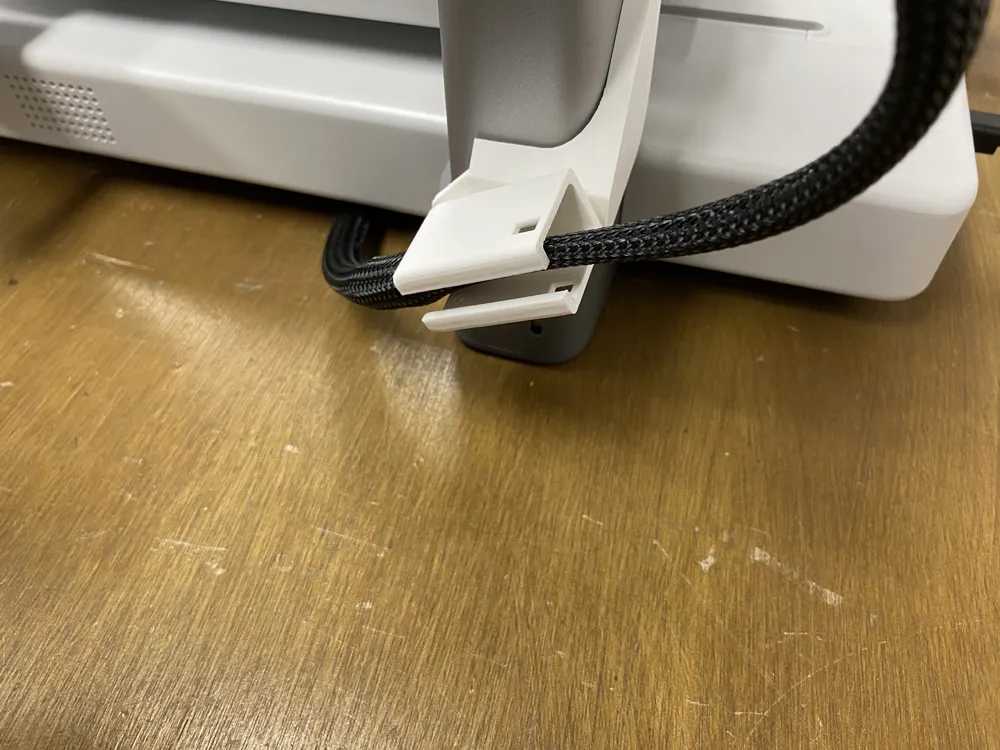
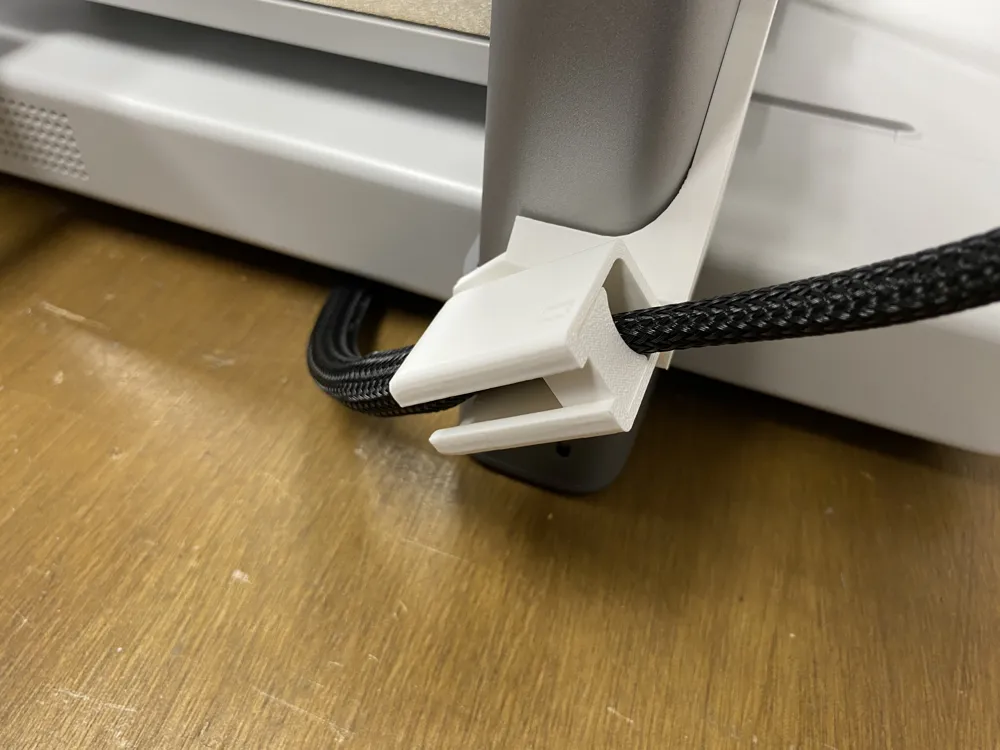
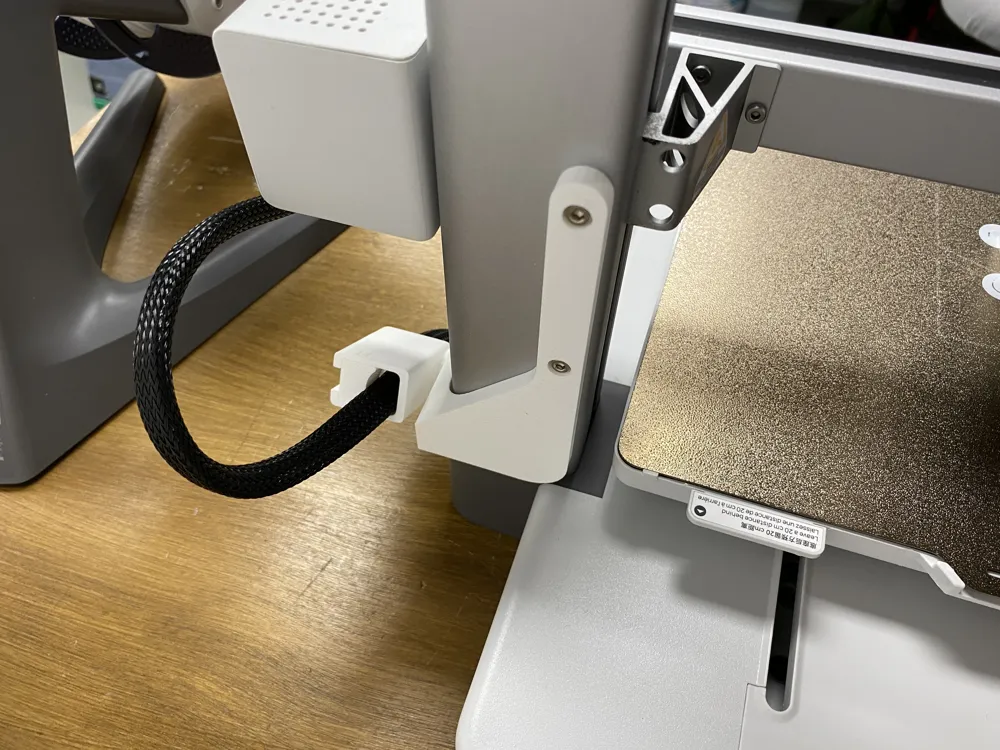
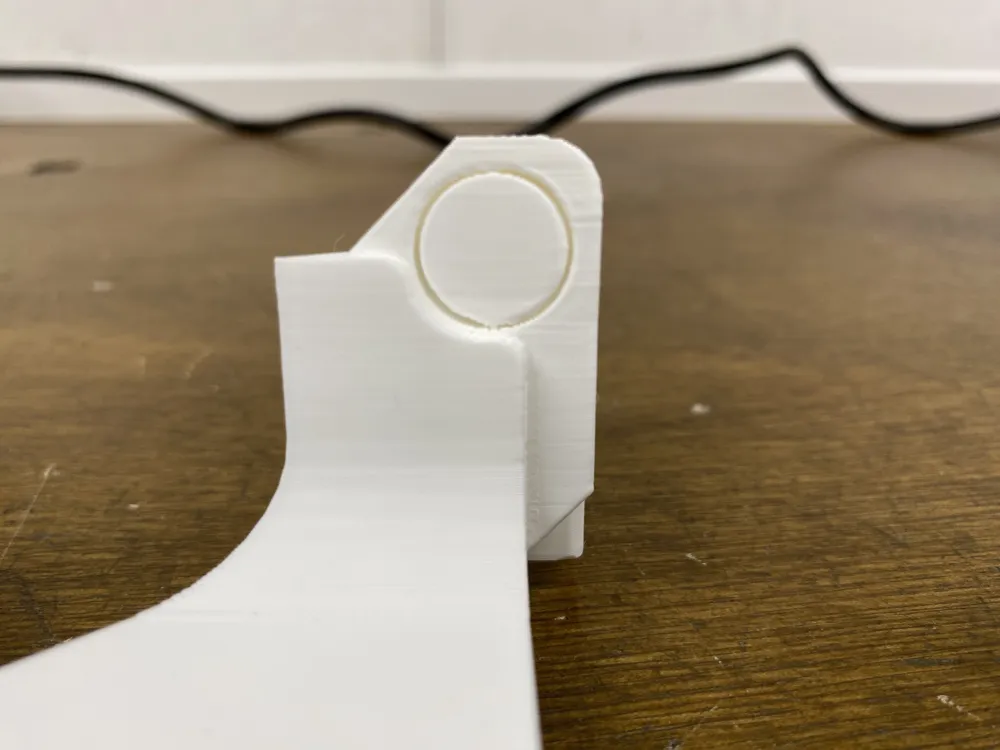
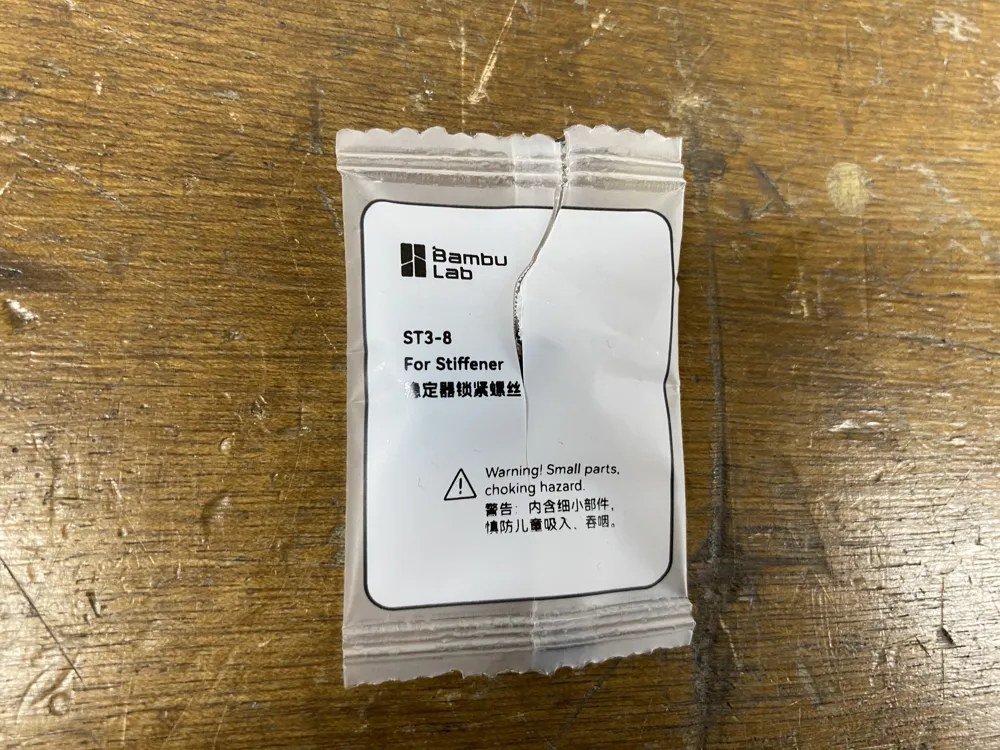

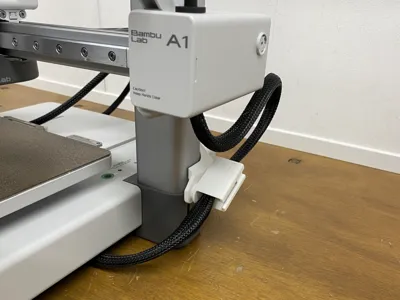
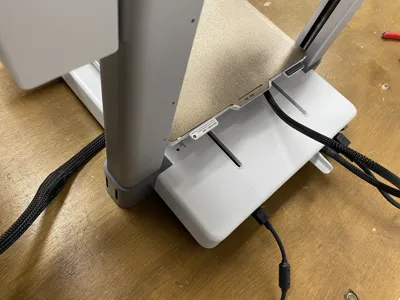
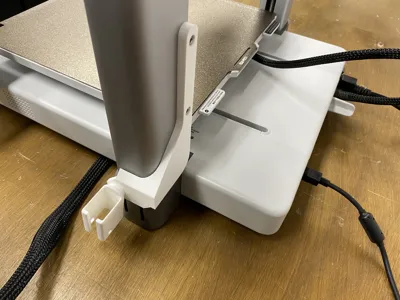
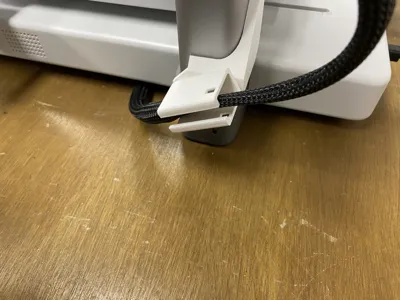
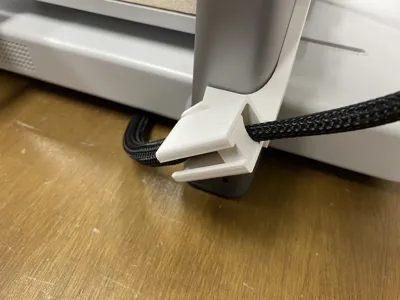
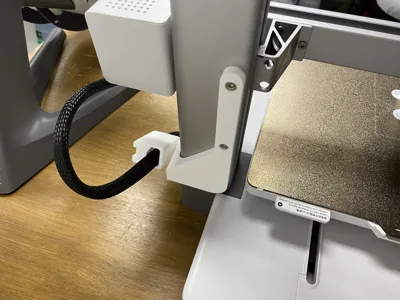
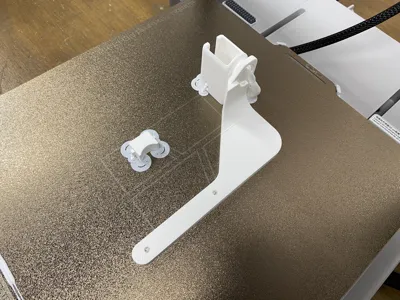
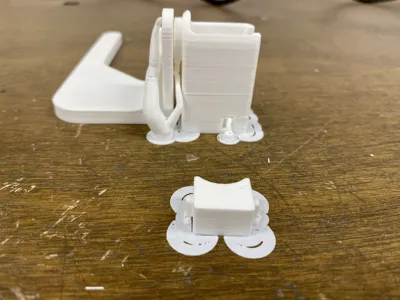
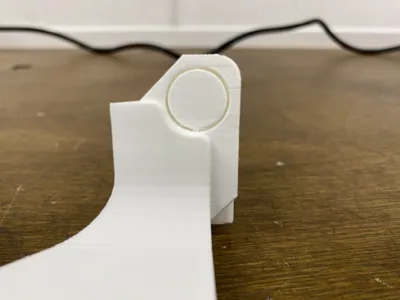
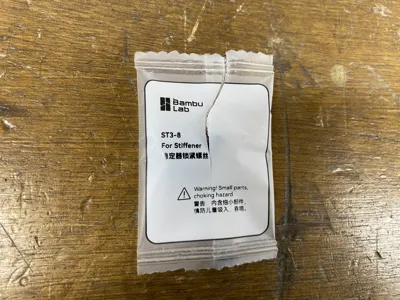
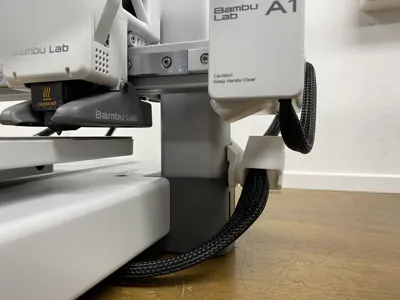
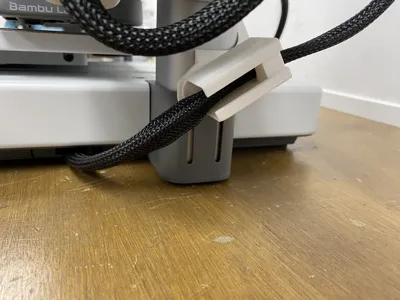
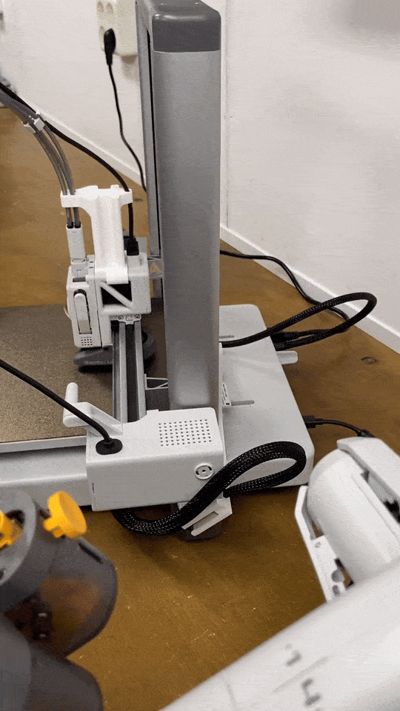
This simple bracket guides the Z-axis cable along the side of the 3D printer, preventing it from touching the AMS-LITE if you have one positioned next to it. The bracket can rotate, ensuring that the cable never becomes too tight when the 3D printer moves to its highest position. And at its lowest position it has enough clearance see the pictures. The A1 has several mounting holes that were originally used for transport brackets during shipping. These holes are now used to mount the new bracket. I used M3x5 socket head screws to attach the bracket but you can also use the screws for the stiffener that came with the printer (see Pictures). After that, you can place the cable inside and secure it with the small block which slides in tightly.
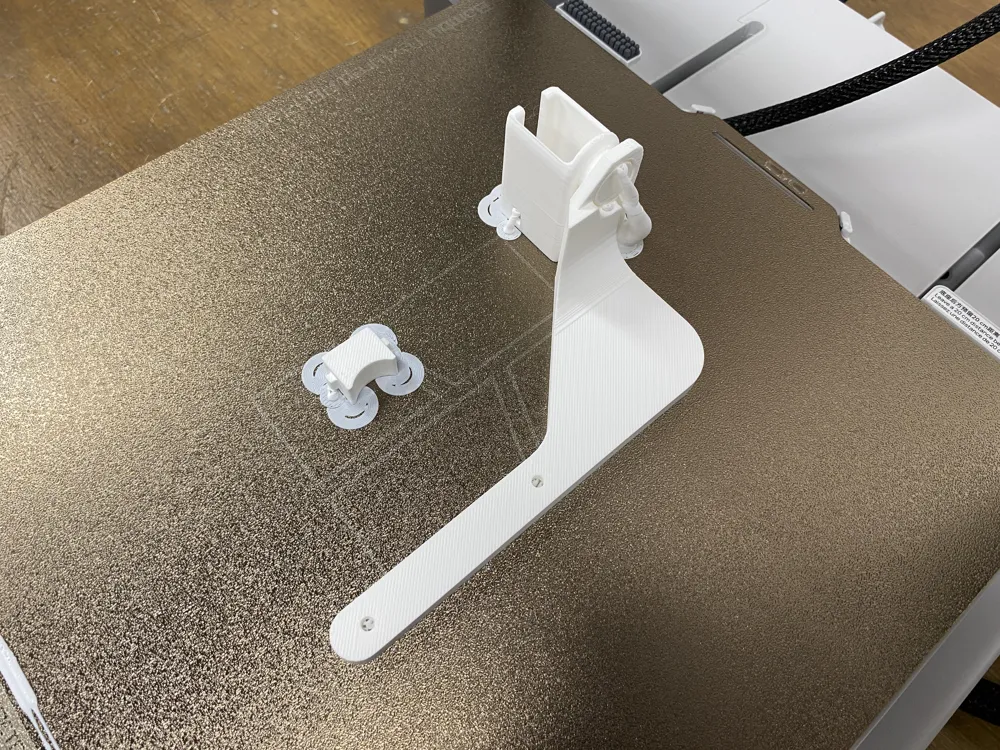
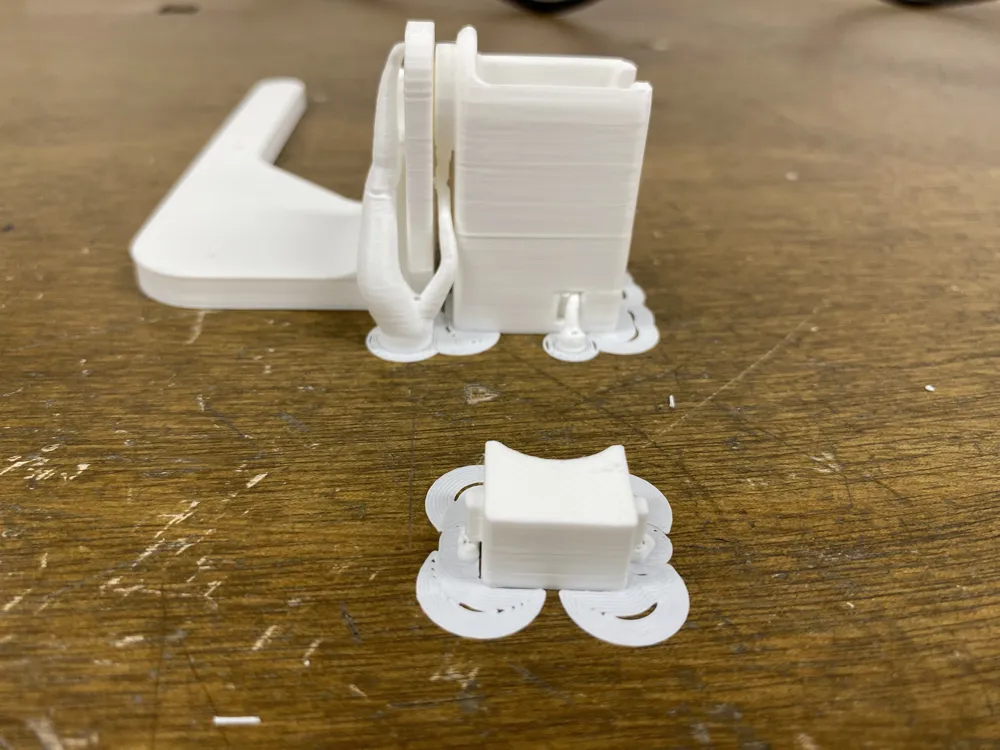


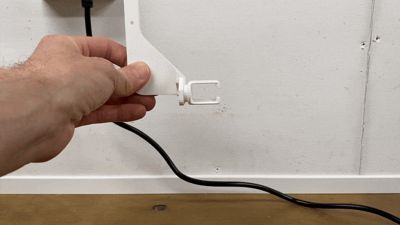
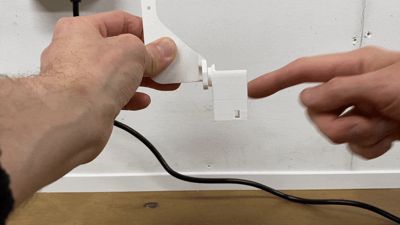
Note: Use brim & tree supports when printing. Once the print is finished, remove all supports and apply enough force to break it free so it can rotate (see the first GIF). You may need to use a knife (always becarefull using a knife) to clean away some residue around the rotating disc for smooth rotation movement (see the second GIF). And to watch it in action (see the third GIF).
Filaments used:
- Generic PLA
Printer details:
- Created on a Bambu Lab A1
- Printed with a 0.4 mm stainless steel nozzle
- Build plate: Textured PEI Plate
License

You shall not share, sub-license, sell, rent, host, transfer, or distribute in any way the digital or 3D printed versions of this object, nor any other derivative work of this object in its digital or physical format (including - but not limited to - remixes of this object, and hosting on other digital platforms). The objects may not be used without permission in any way whatsoever in which you charge money, or collect fees.


Comment & Rating (47)