

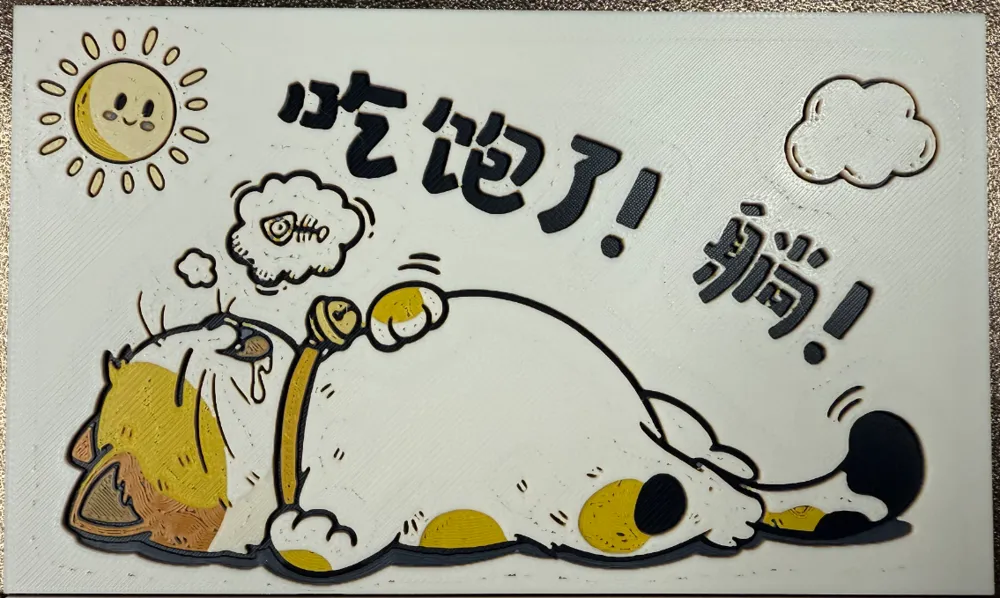
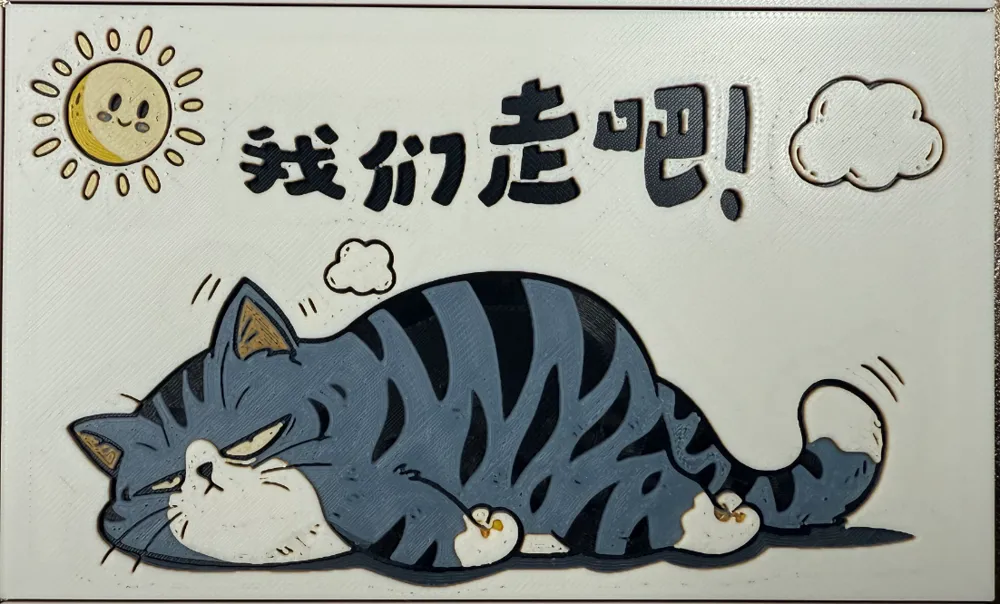
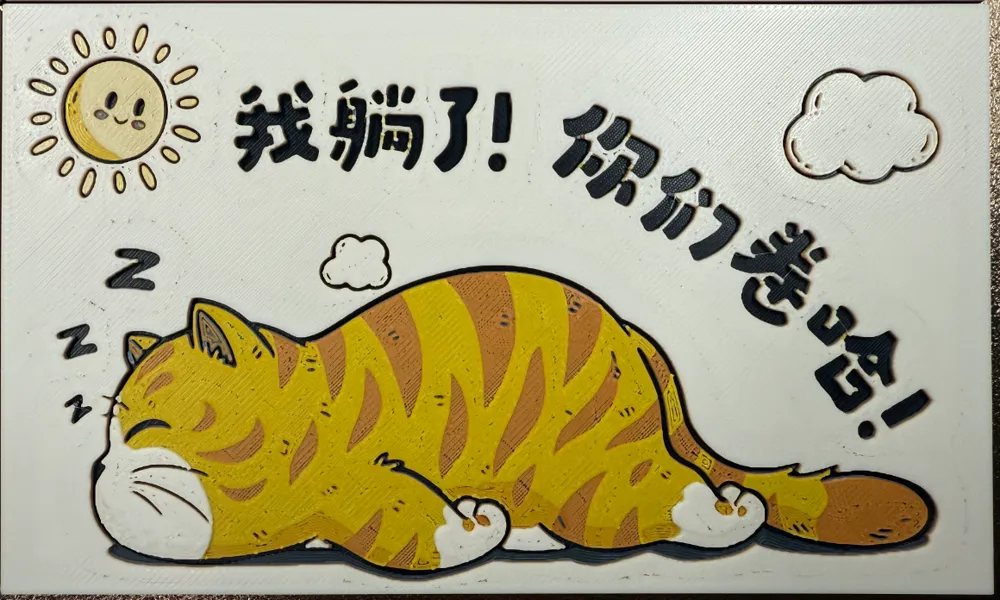
160*100*80 - Tissue Box - Pattern - Animal - Three Kittens
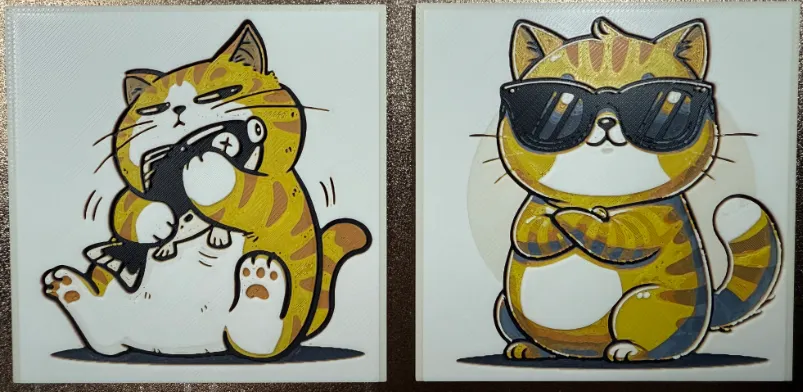
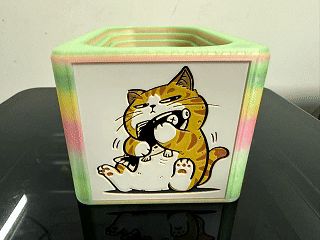
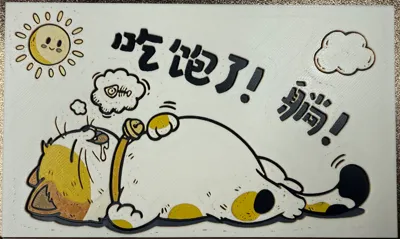
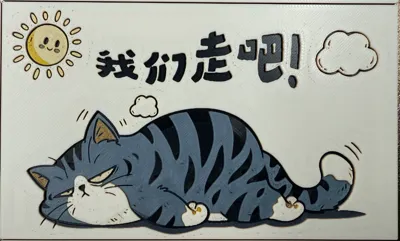
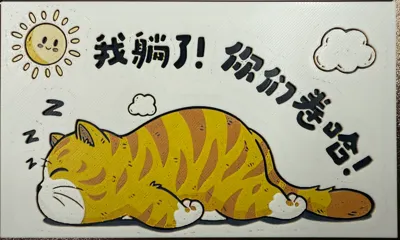
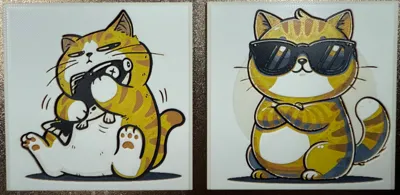
Print Profile(1)

Description
These patterns are suitable for the 7-ring recessed decorative tissue box designed by JJJ
Even without a multi-color system, you can achieve multi-color printing by inserting pauses at the corresponding layers to manually change filament

Tissue box body download:
China site (CN):
Global site (Global):
https://makerworld.com/zh/models/1846435-7-ring-descending-decoratable-tissue-box#profileId-1973220
China site (CN) other patterns:
https://makerworld.com.cn/zh/collections/1414210
Global site (Global) other patterns
https://makerworld.com/collections/15421595
================================================
Boost Me (for free)
The main images for the cat series are from open-source networks, but the images have been almost entirely redesigned, re-arranged, and re-colored, which took a lot of time. If you like them, please give a boost to support me, thank you~
================================================
pattern-animal-cat-A.3mf
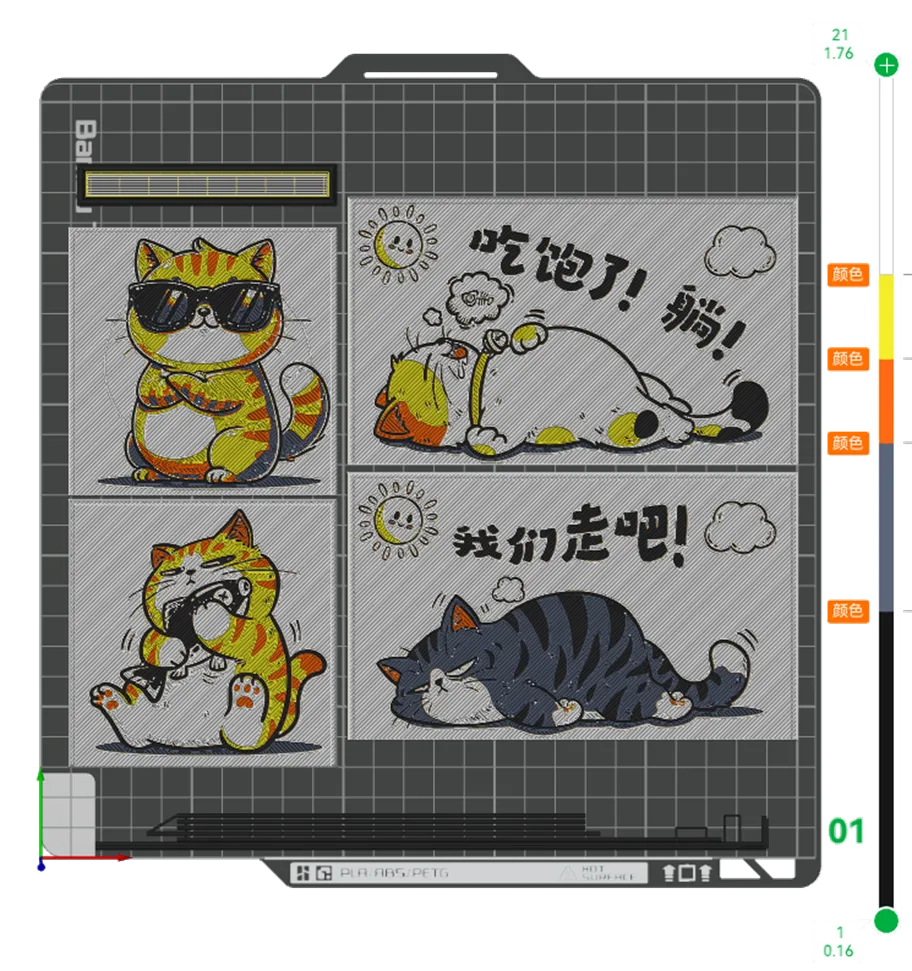
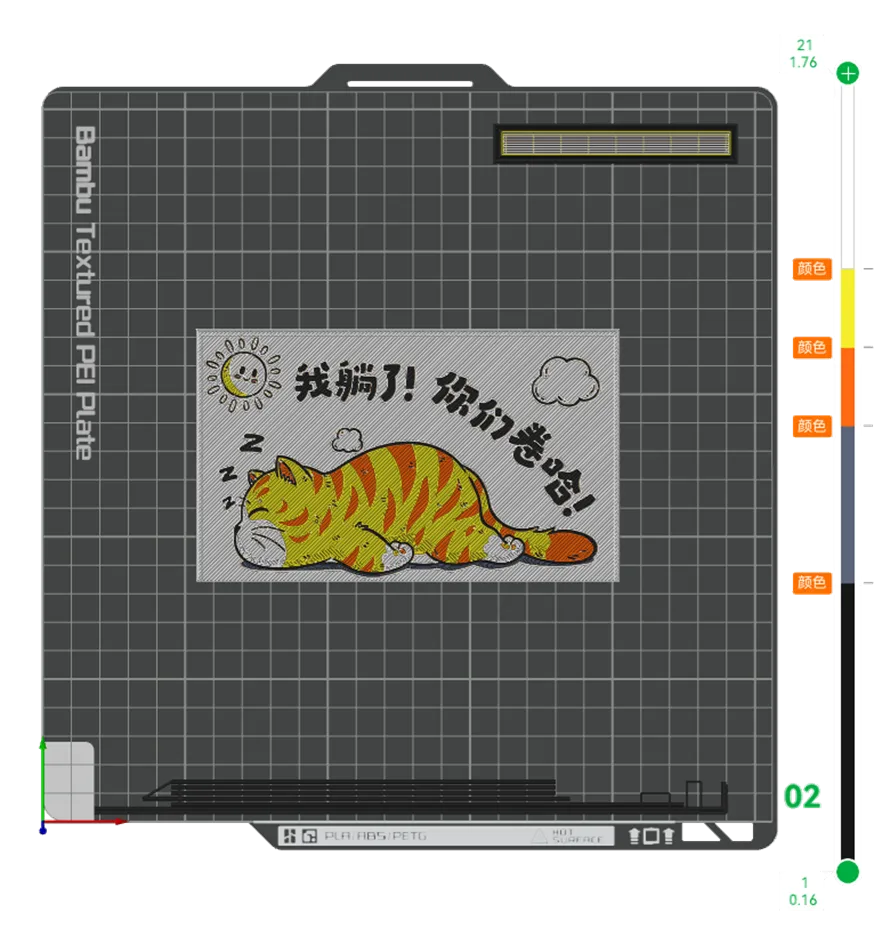
Configuration parameters:
100% infill, 0.08mm layer height, 0.16mm first layer height
Actual thickness 1.76mm
Black: PLA BambuLab Basic Black Translucency Value (TD): 0.6
Blue Gray: PLA BambuLab Basic Blue Gray Translucency Value (TD): 3 (If you only have one AMS and don't want to manually change filament, you can omit this color)
Orange: PLA BambuLab Basic Orange Translucency Value (TD): 5.5
Yellow: PLA BambuLab Basic Yellow Translucency Value (TD): 6
White: PLA BambuLab Basic Jade White Translucency Value (TD): 5
This print uses 5 or 4 types of filament
Filament change instructions:
Initial print color: Black
Change to Blue Gray at layer #8 (0.72mm) (If this color is removed, start with Orange from here)
Change to Orange at layer #12 (1.04mm) (If Blue Gray is removed, there's no need to switch here, just jump directly to layer #14)
Change to Yellow at layer #14 (1.2mm)
Change to Jade White at layer #16 (1.36mm) until completion
================================================
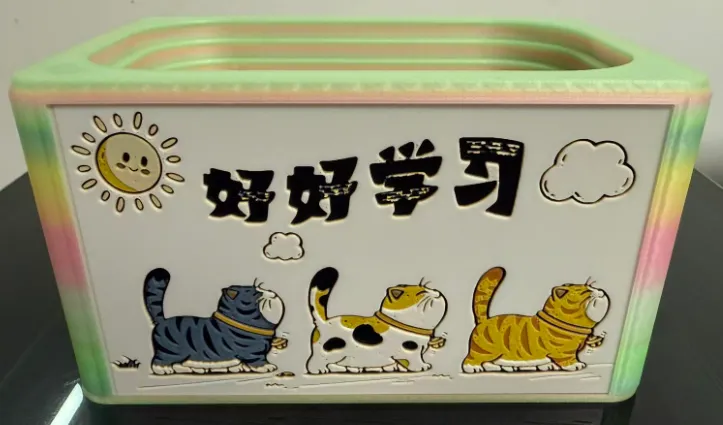
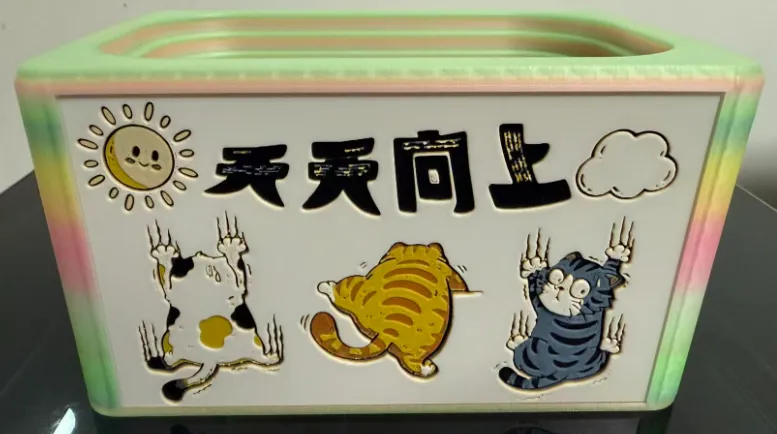
The following two images are exclusive to fans and will be shared in the QQ group files
License

You shall not share, sub-license, sell, rent, host, transfer, or distribute in any way the digital or 3D printed versions of this object, nor any other derivative work of this object in its digital or physical format (including - but not limited to - remixes of this object, and hosting on other digital platforms). The objects may not be used without permission in any way whatsoever in which you charge money, or collect fees.


Comment & Rating (0)