
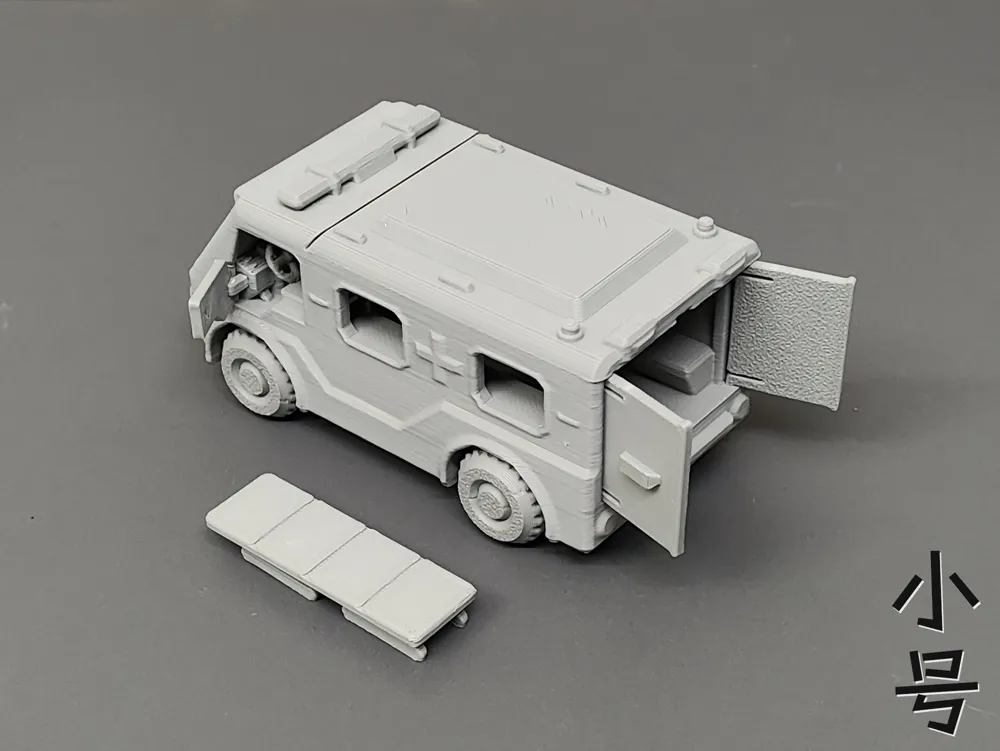
Ambulance (multi-part articulated, no hardware required)
Print Profile(2)


Description
Boost Me (for free)
Your likes and boosts are my motivation to update!!! Thank you~
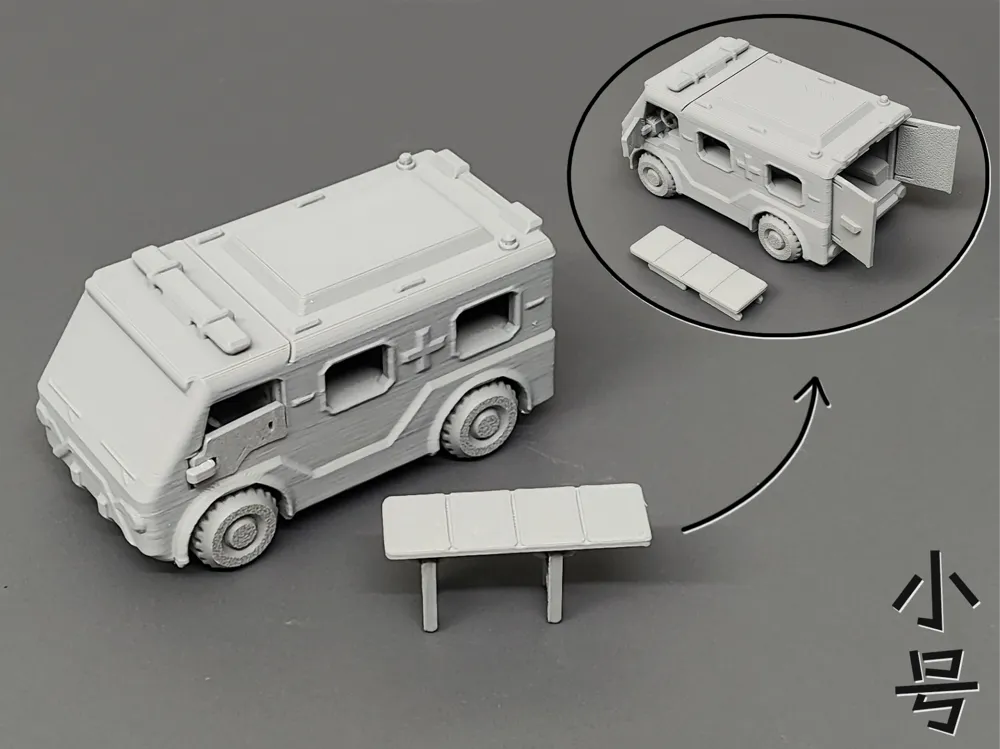
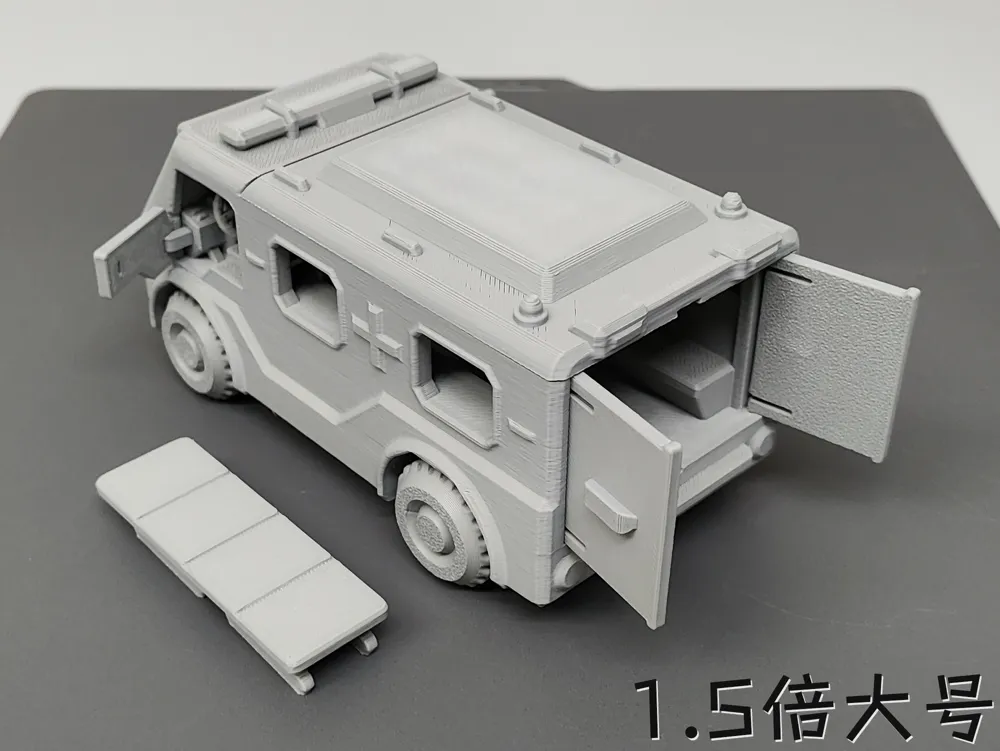
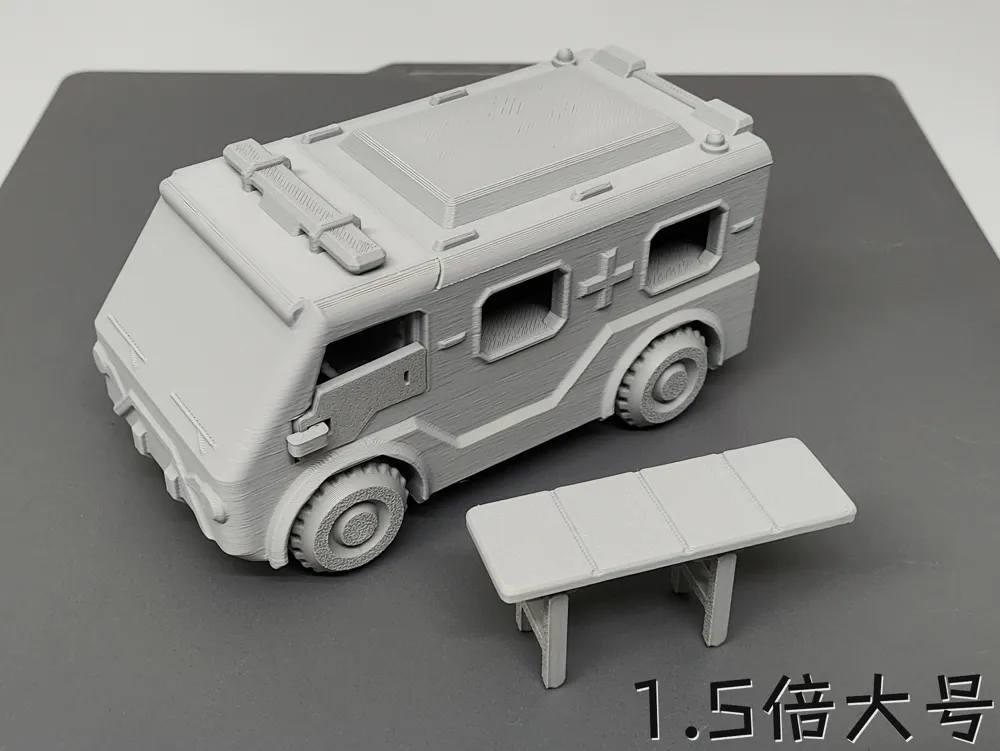
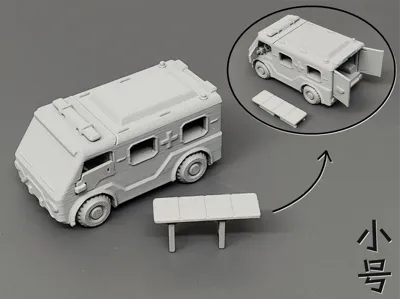
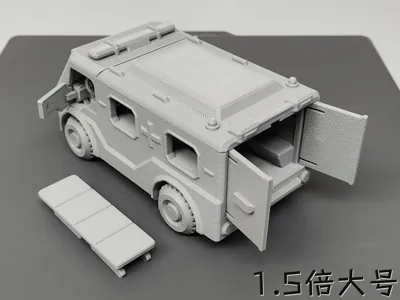
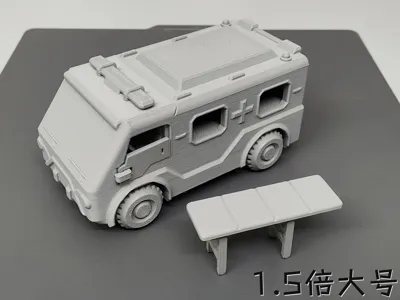
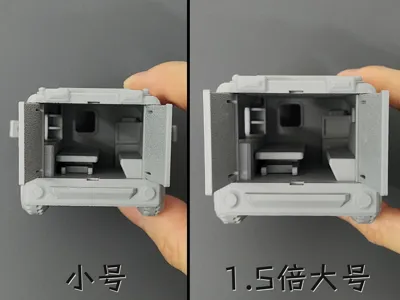
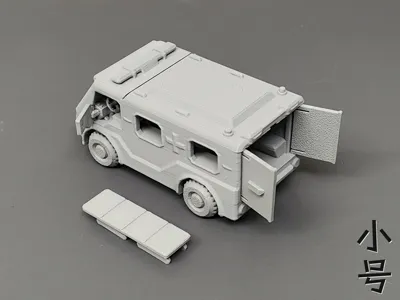
This is a no hardware required ambulance, with wheel axles using the 3rd generation optimized printed spring design!! Due to its small size, the stretcher wheels did not print as ideally and were difficult to install, so they were omitted!! (Small size LWH approx: 84.3*45.6*42mm)
Precautions:
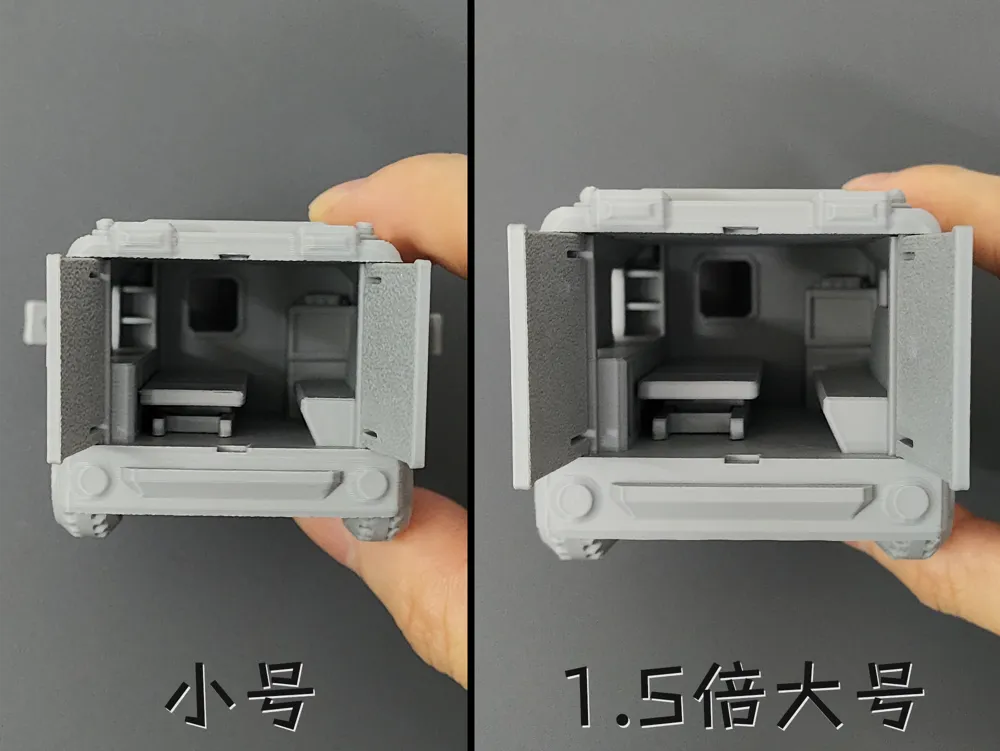
1. Because the entiresmall vehicleis relatively small, the strength of the doors, latches, steering wheel, and stretcher legs is not very high, and there are not many details inside the cockpit!!
2. Before printing, please ensure that the filament can print a 12.4mm overhang (large size 18.6mm, mine has no significant sagging without supports), otherwise the car doors might not close!! Or be prepared to manually make adjustments..!!

The GIF below shows the wheel assembly diagram:
Recently, some new users reported that the wheels are difficult to install (personally, they snap right in for me), so here's an installation guide (previous ones will also be added gradually)..!!
First, two reasons need to be ruled out: ① no excessive first layer overflow, ② the filament should not be too hard (PLA Basic is relatively hard, and too many walls will also make it hard)
Tilt the wheel into one side of the axle buckle, then press with your thumb on thered circled area, and apply force with your index finger on theside of the wheel to press it in (using leverage), the installation method for the other wheel is the same!!

The GIF below shows the car body assembly diagram:
It's simple, so no detailed text description is needed!! Pay attention to thecockpit pin installation, when using a hard object to push it in, make sure not to push it crookedly, which could break the pin!!
The GIF below shows the rear door assembly diagram:
Tilt and twist it into the slot; if the roof slot is too small, it's likely due to first layer overflow, use a sharp small knife to expand it yourself (Use tools with caution and safety in mind!!)


The GIF below shows the stretcher assembly diagram:
Be careful when installing the legs to avoid breaking the latches or legs
Note: 1. Both PLA and PETG can be printed. It's best to understand the characteristics of these two materials before printing to avoid printing failures!! For example, PLA can become brittle if left for a long time or at low temperatures, while PETG has good toughness. Please choose the filament that suits you!!
2. If it's for younger children, and the parts are small and easy to disassemble, it's better to glue them firmly with 502 or other adhesives to prevent them from being swallowed!!
3. If there are no special requirements, please do not use your own advanced process settings for printing~ to avoid printing failures!!
If your printd part has local spaghetti, or the filament doesn't stick to the build plate, please recall if you touched that area (hands secrete sweat and oil, touching it has a very high chance of causing spaghetti) or if the build plate is dirty. The solution is to search online for how to clean a 3D print plate!! If other problems occur, please describe it in the comments section and add pictures, so it's easier for us to solve it~ Otherwise, I can't imagine the situation = =!!
License

You shall not share, sub-license, sell, rent, host, transfer, or distribute in any way the digital or 3D printed versions of this object, nor any other derivative work of this object in its digital or physical format (including - but not limited to - remixes of this object, and hosting on other digital platforms). The objects may not be used without permission in any way whatsoever in which you charge money, or collect fees.


Comment & Rating (21)