
Split DIY Keycap (including Tea Rescue Planet Mini Mahjong Keycap, Slicer Tool DIY Tray)
Print Profile(1)

Description
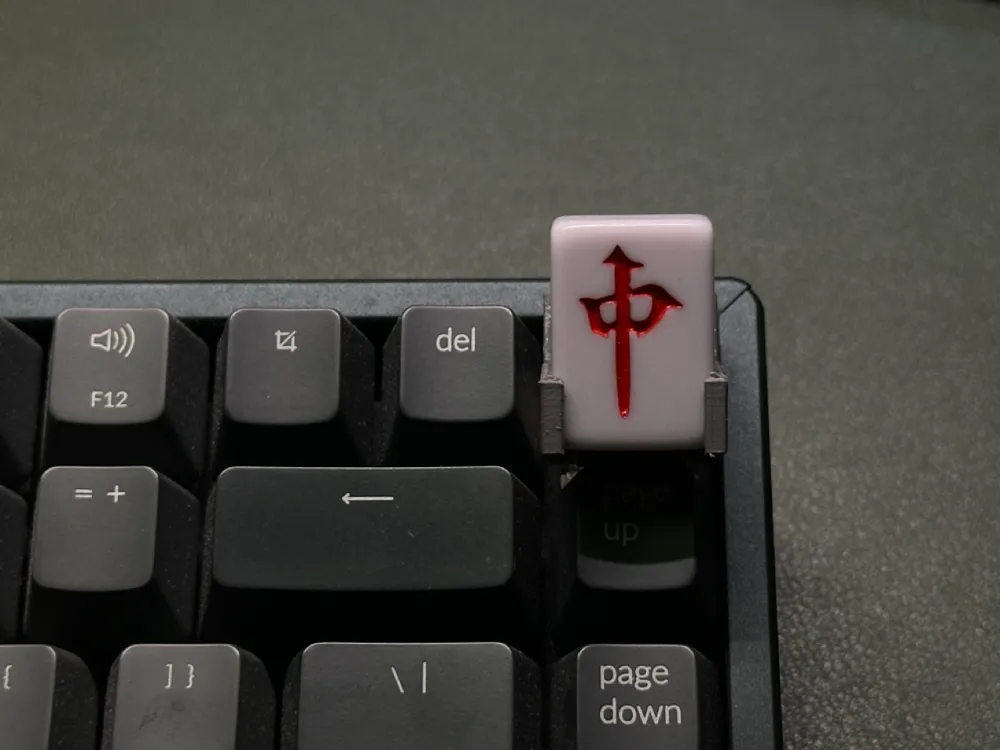
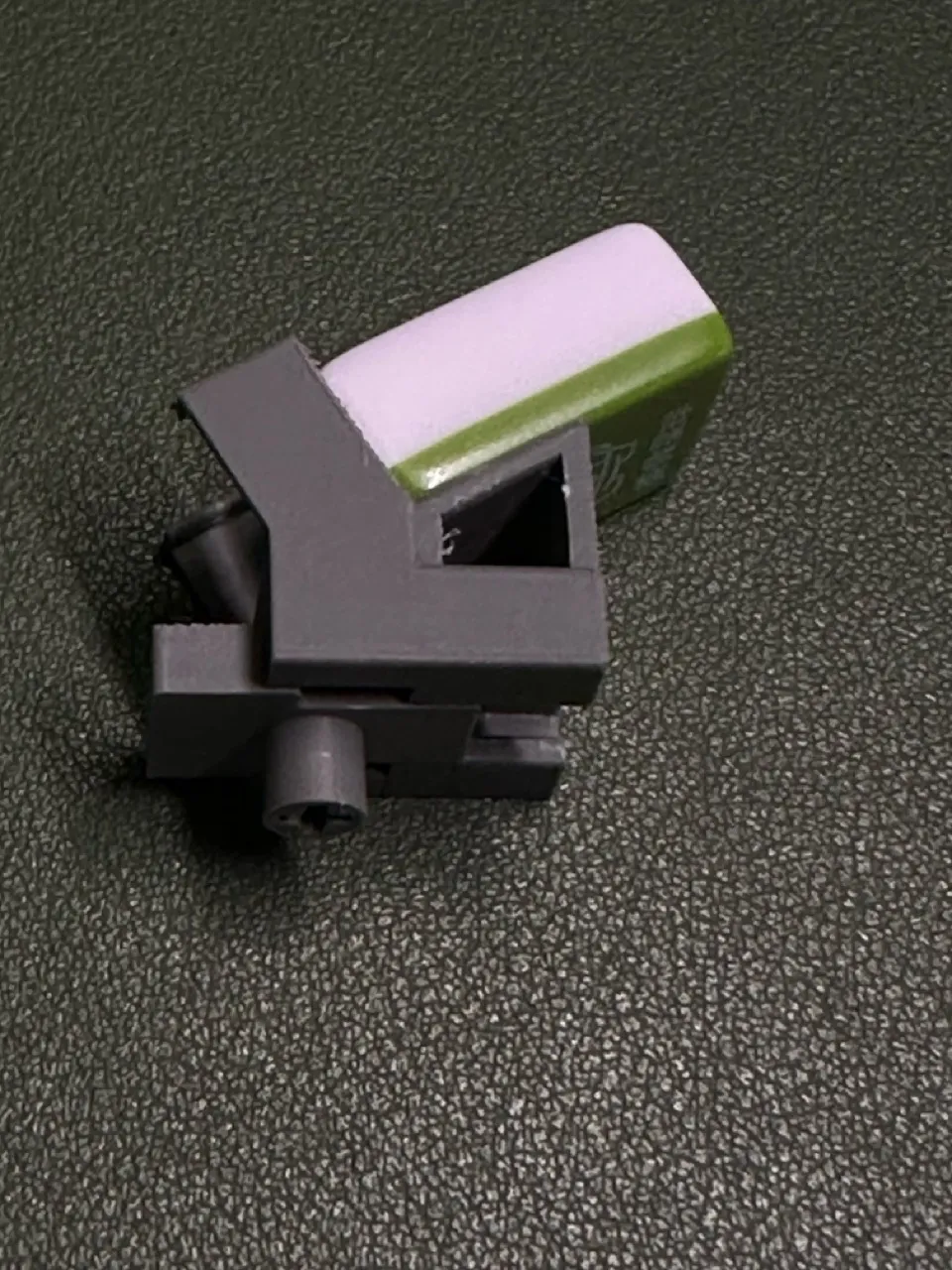
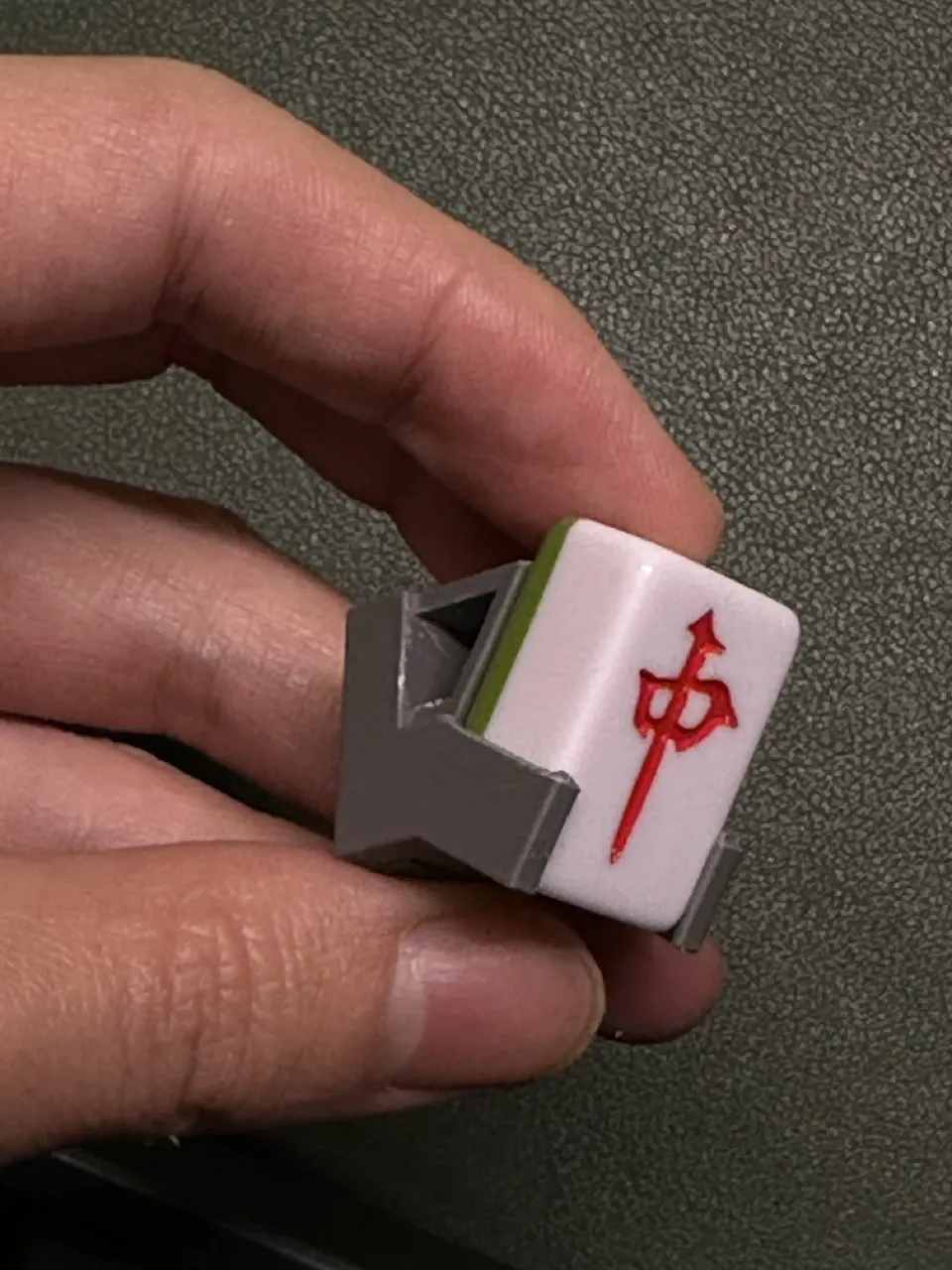
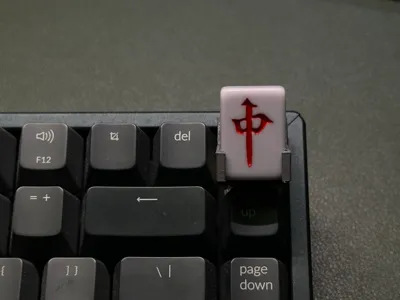
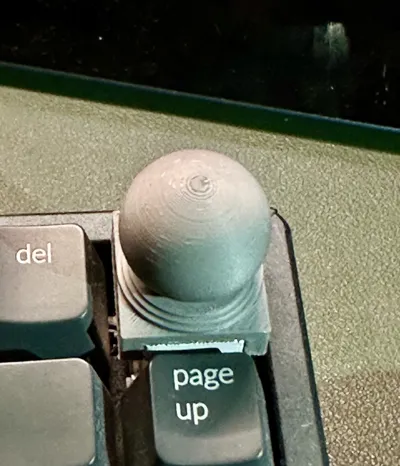
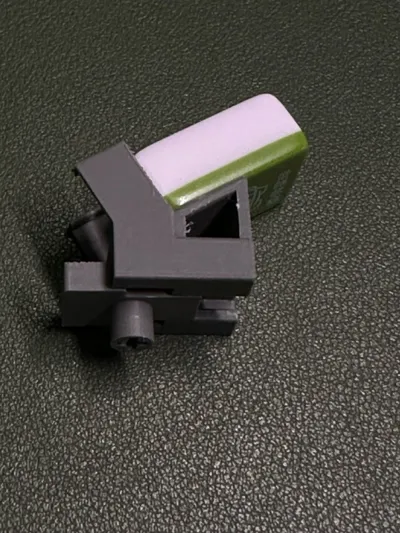
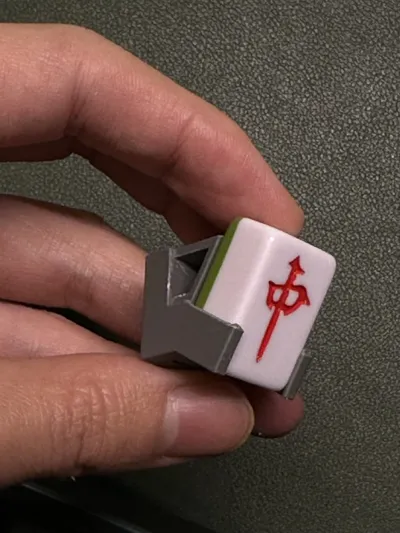
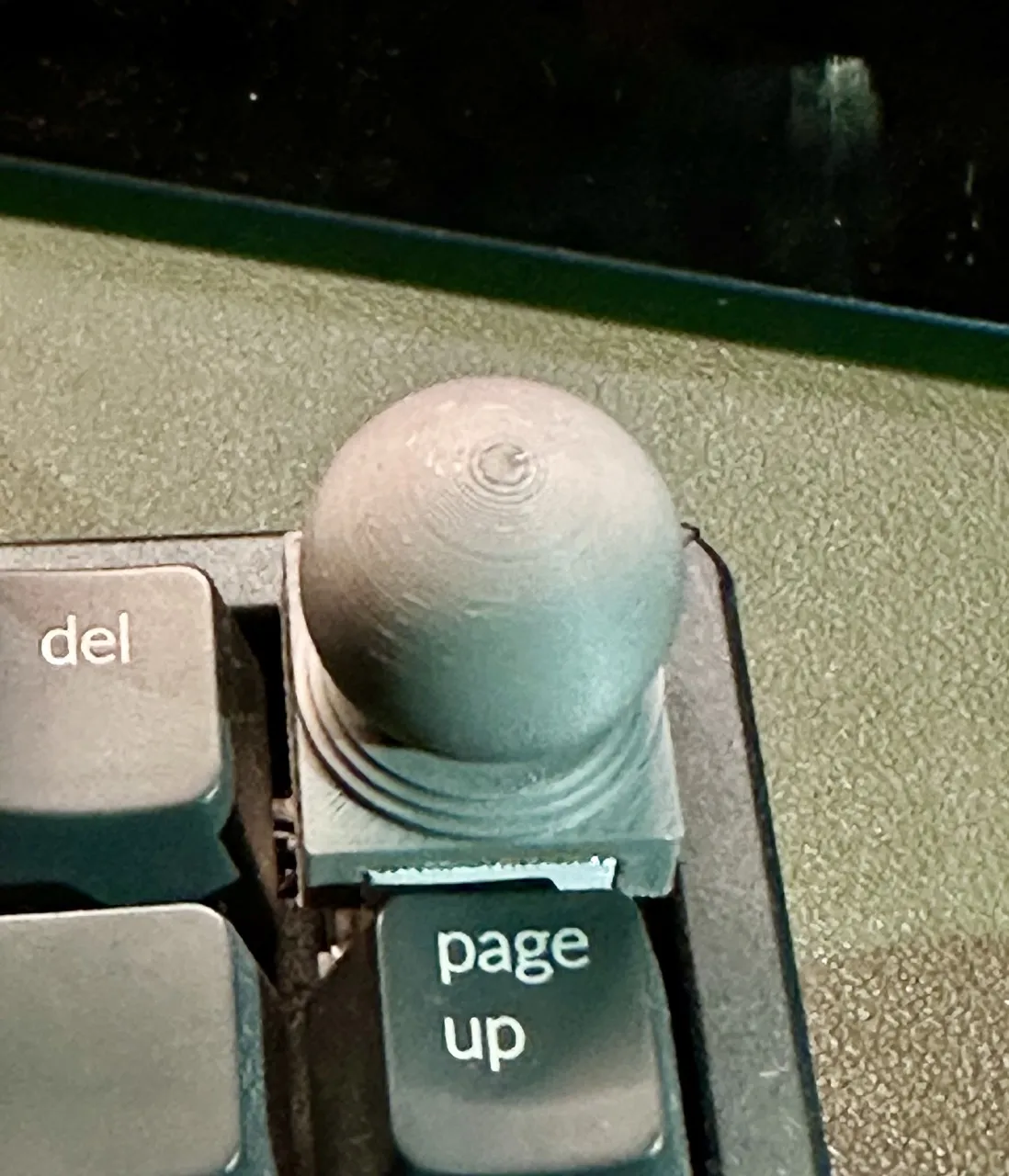
Reusing the small mahjong tiles left over from "Drinking Tea to Save the Planet" for waste utilization. The RGB lighting key on the Jingdong Jingzao K2 keyboard is rarely used and often accidentally pressed, so I specifically replaced it with mahjong keycaps to prevent accidental touches and for a more aesthetic look!
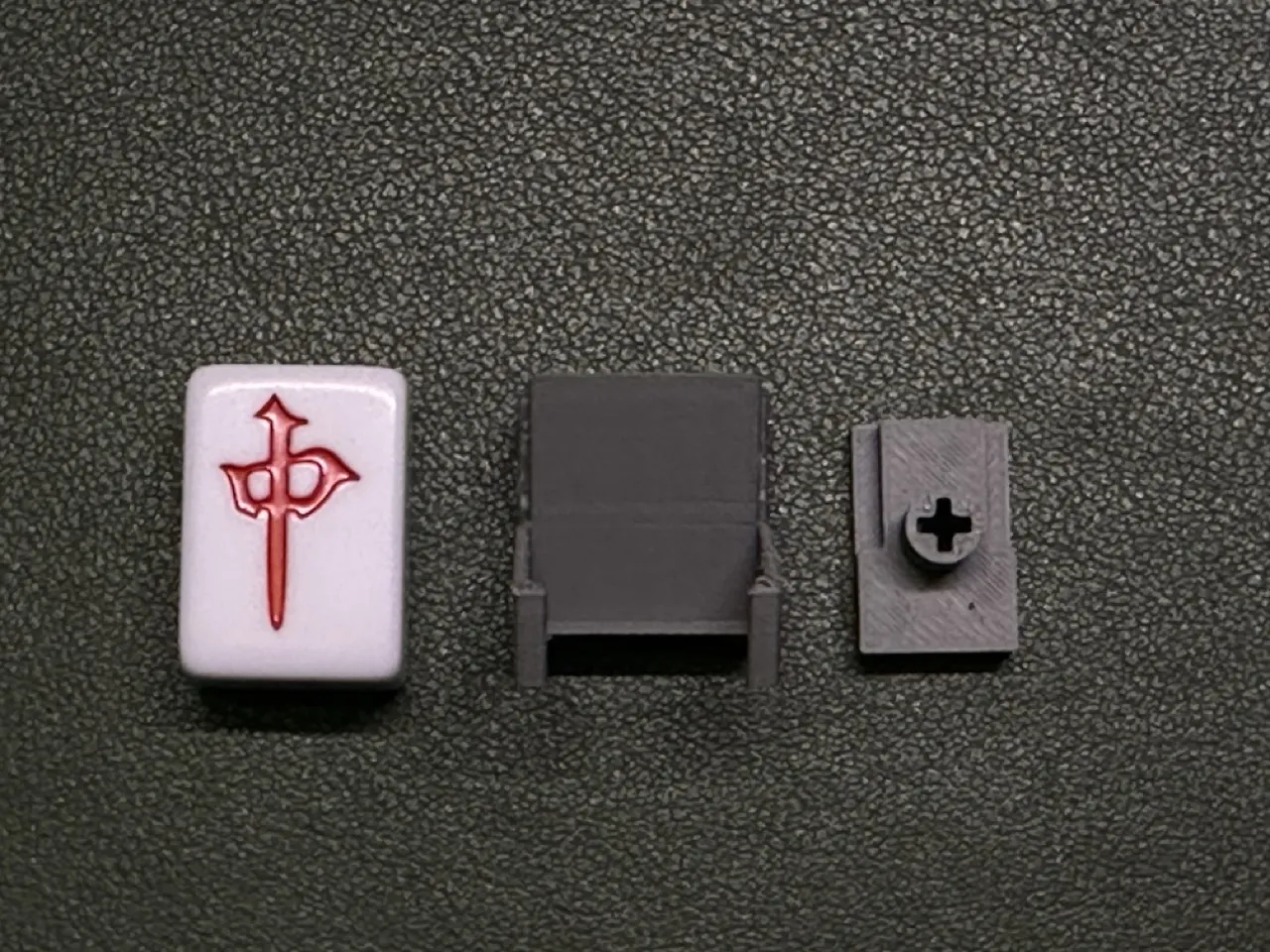
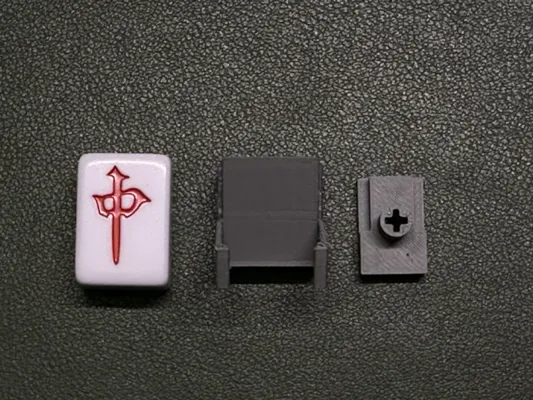
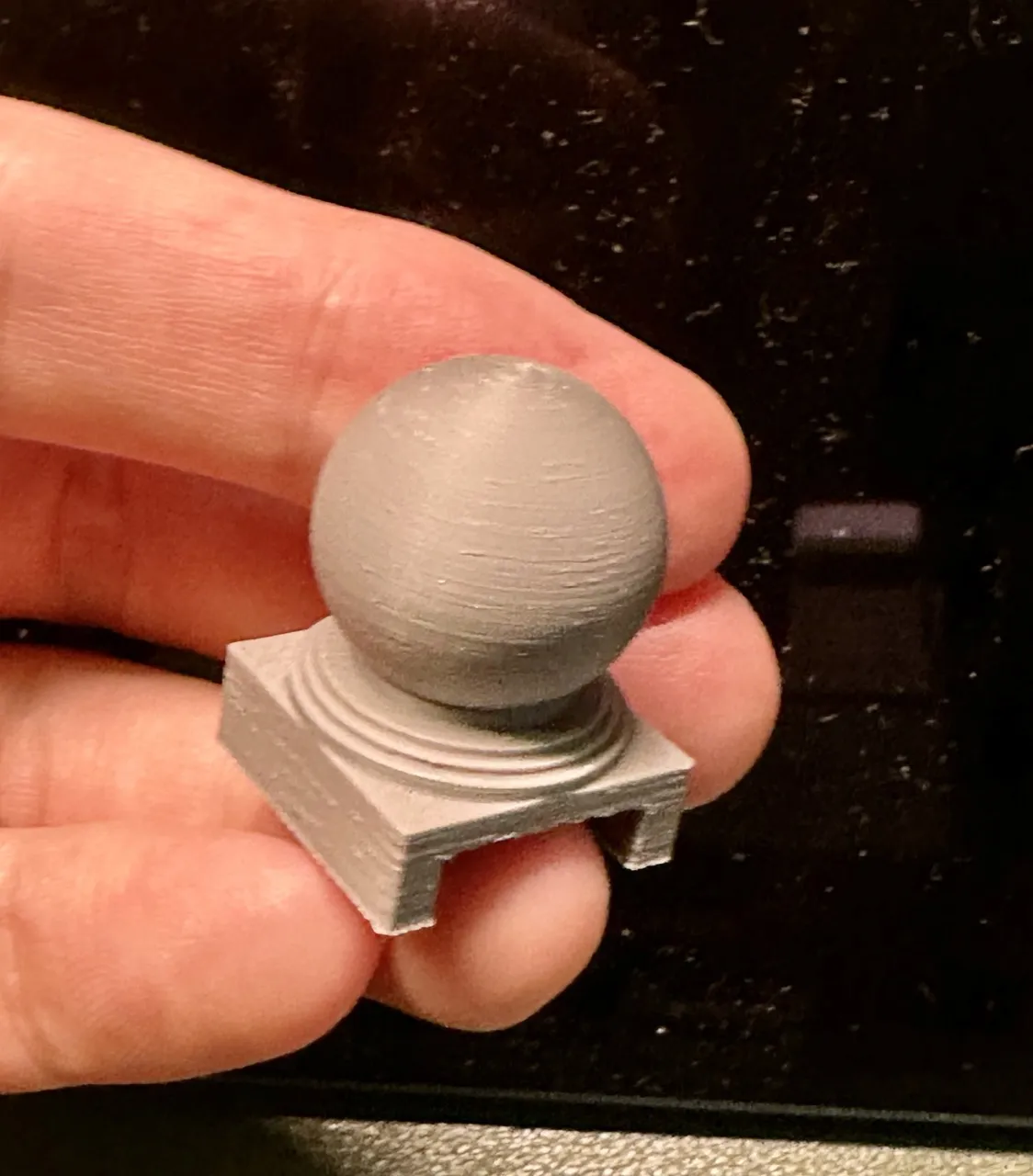
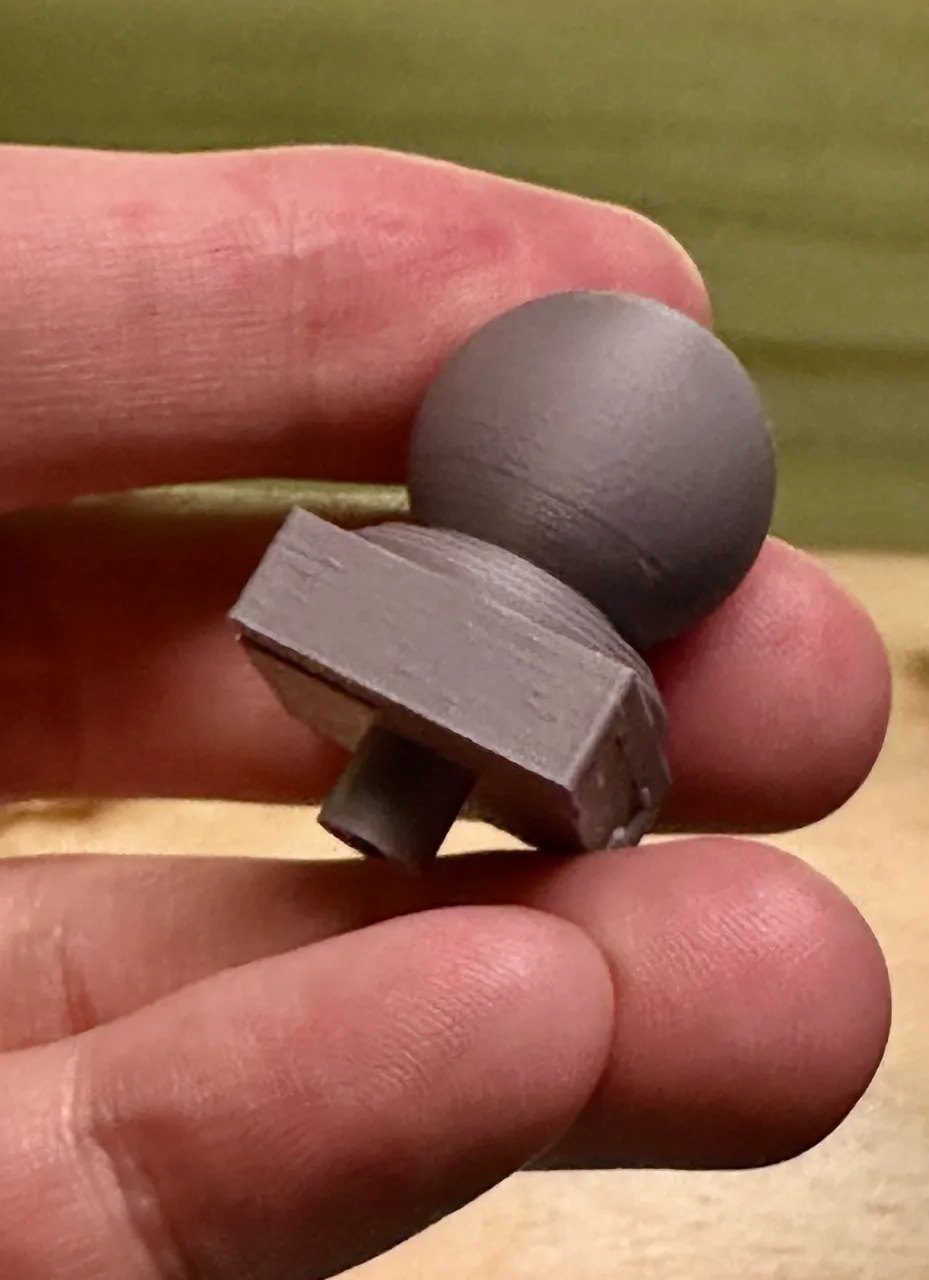
The keycap consists of two parts: one is the switch base, and the other is the keycap body (the small mahjong tile is not included; I designed it as a holder for the small mahjong tile). You can also place other items of the same size!
Below is a DIY base tutorial
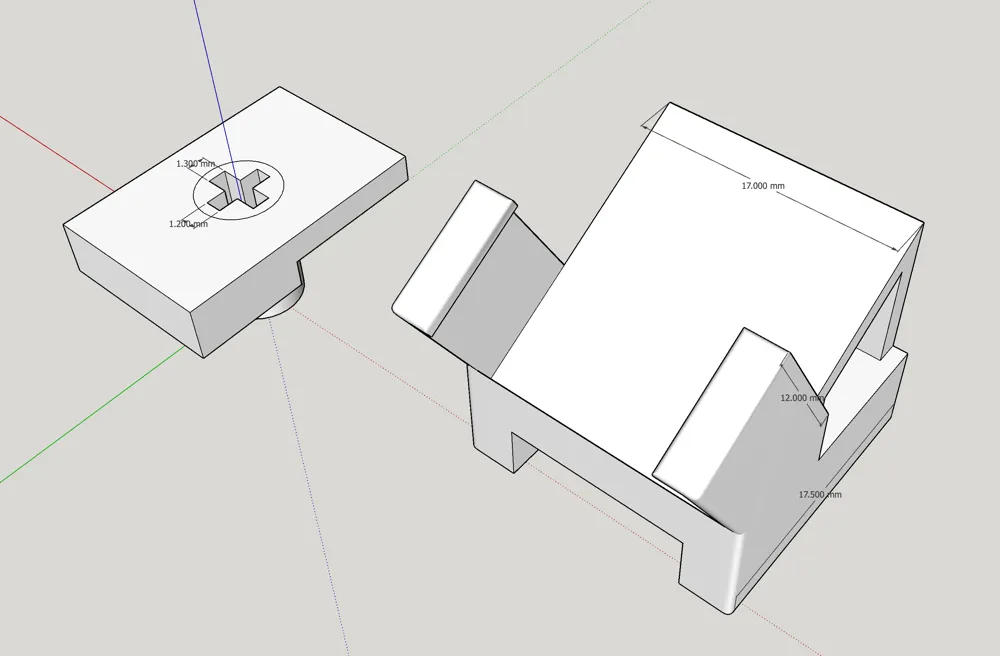
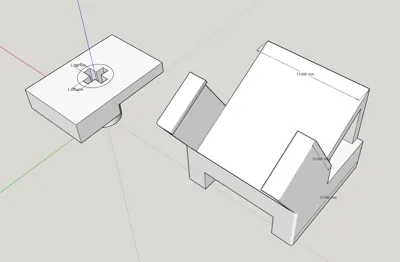
The dimensions of the small mahjong tile holder are as follows:
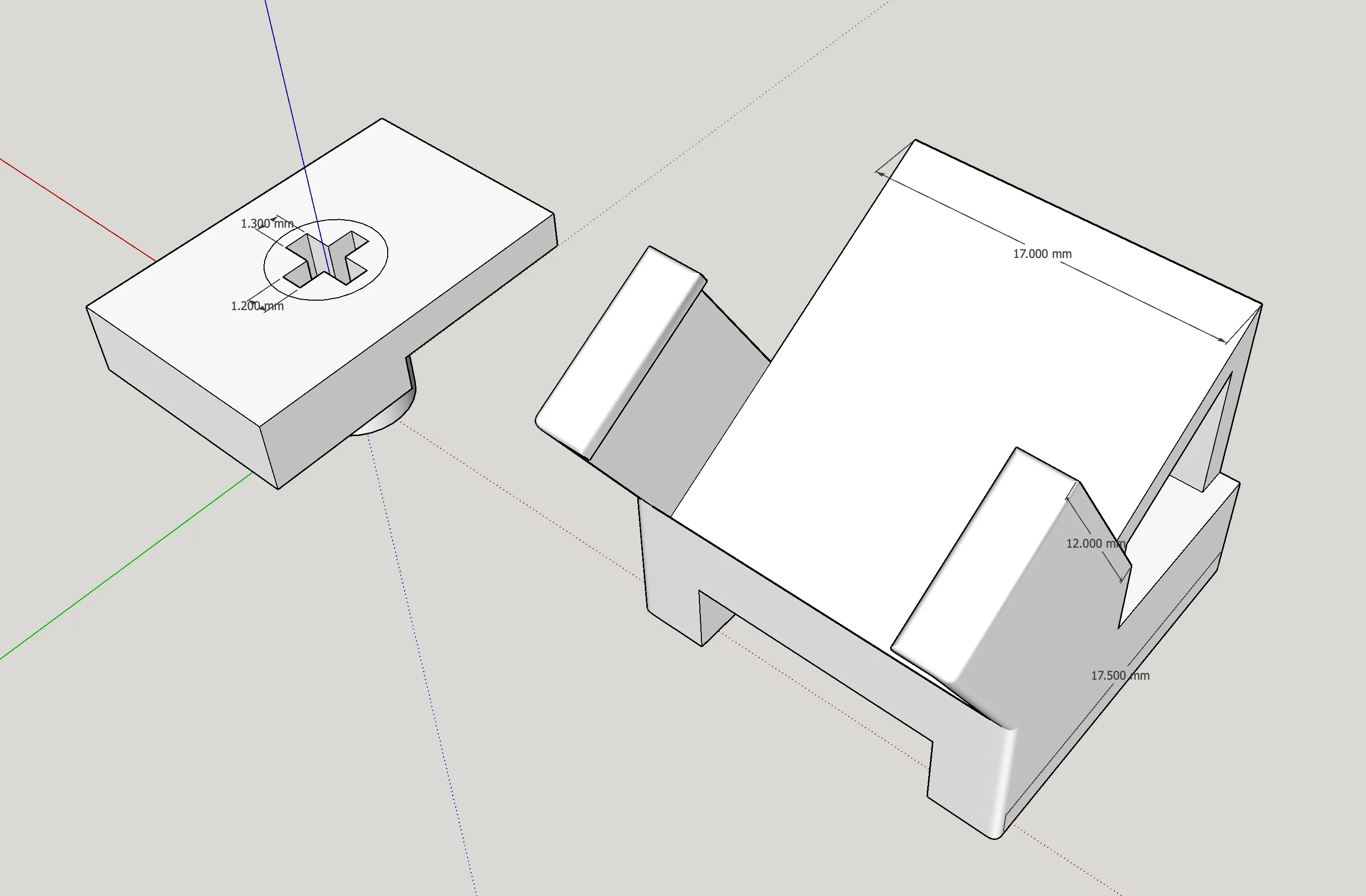
Slicer Tool DIY Tray:
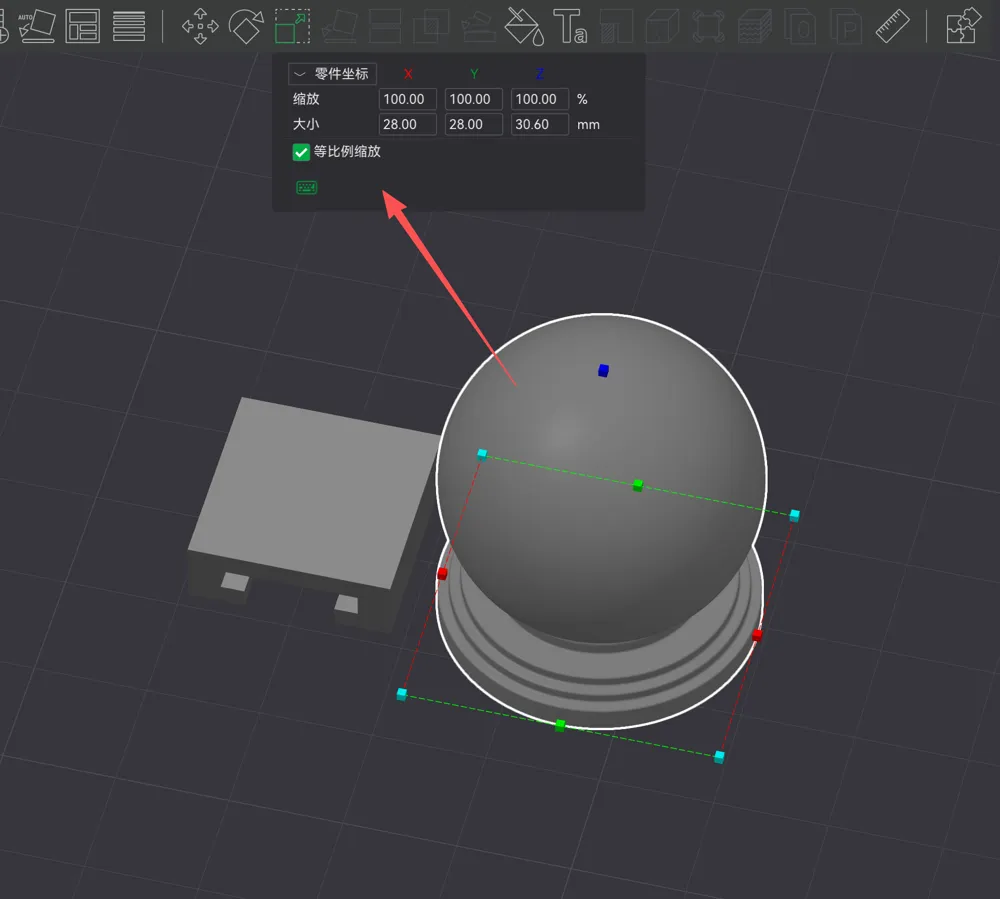
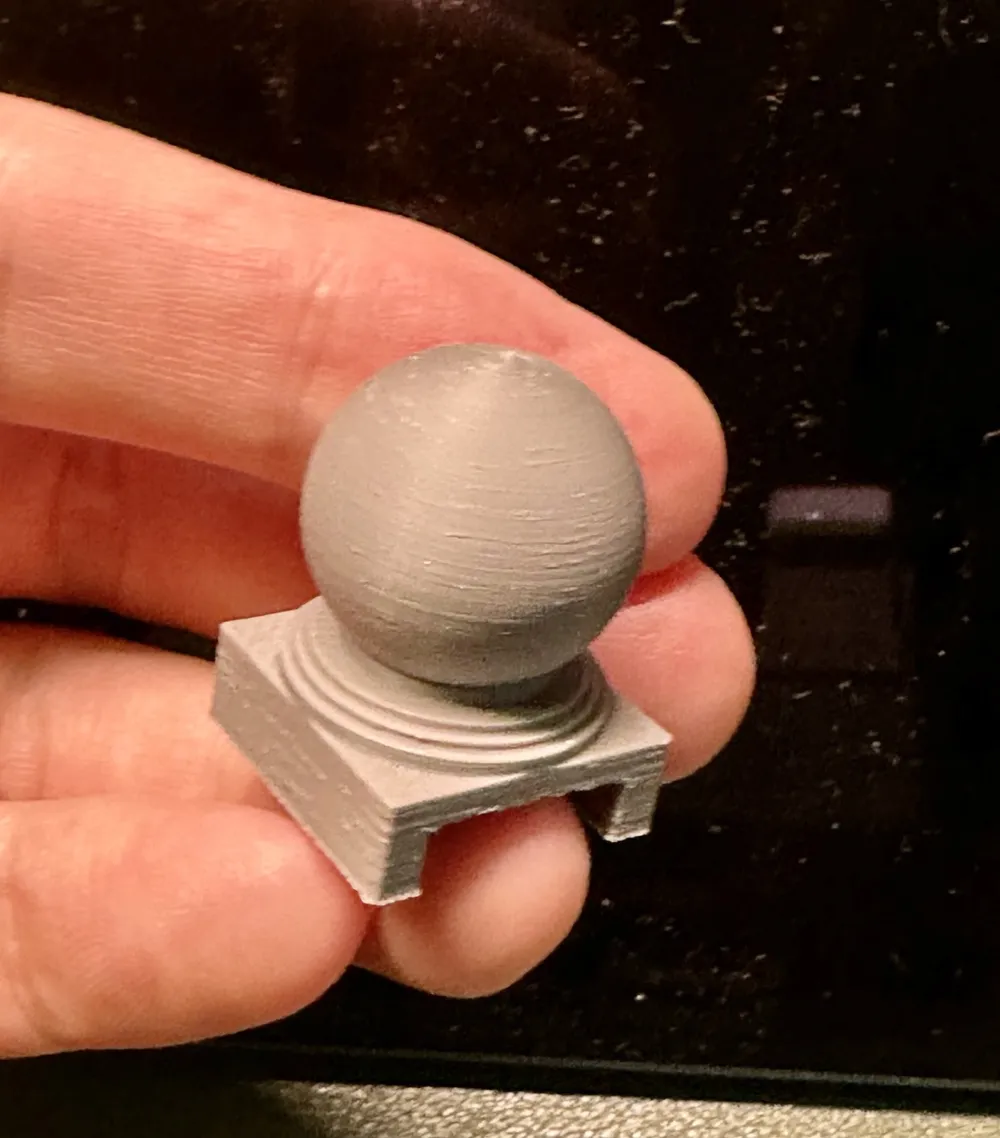
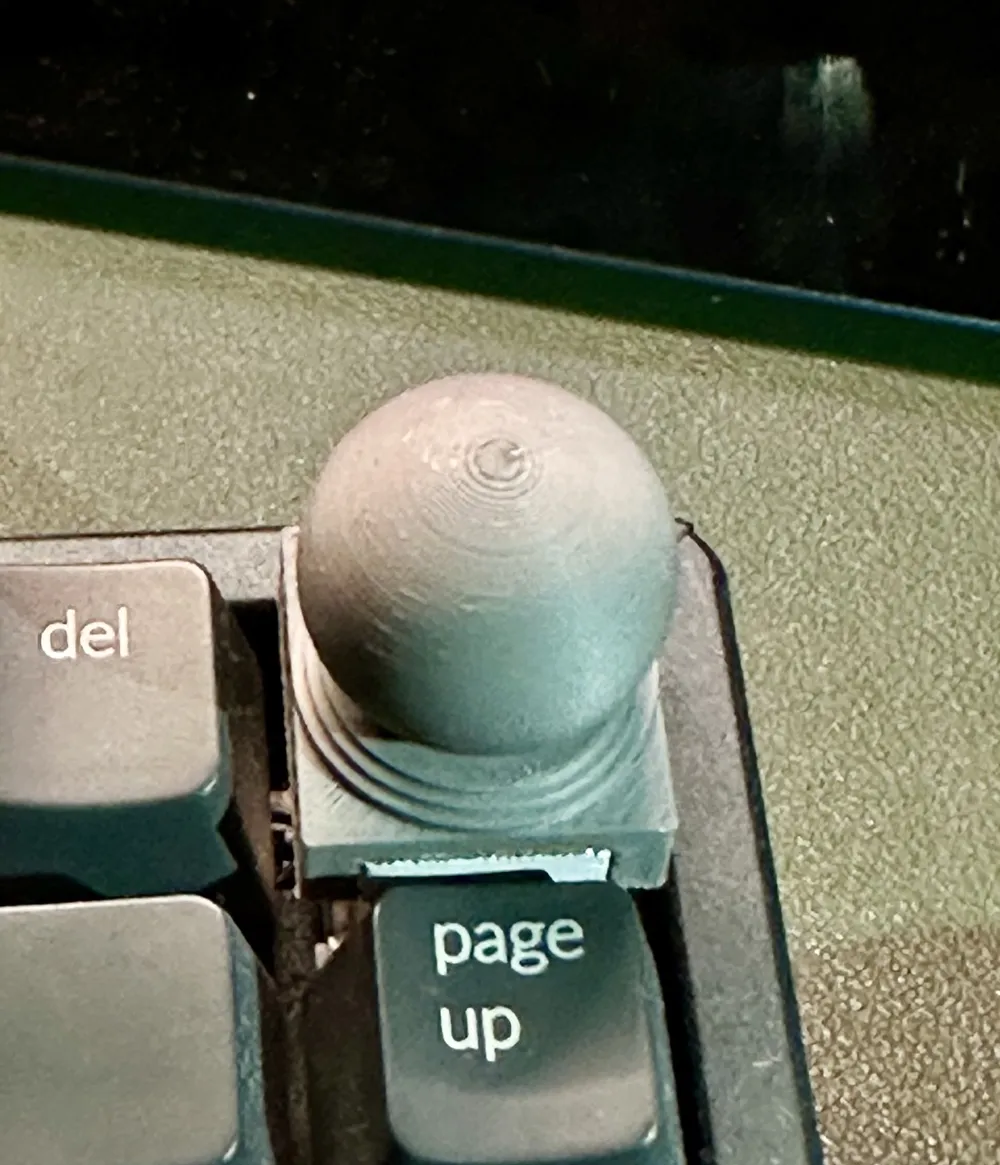
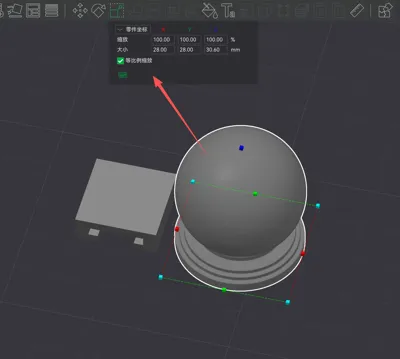
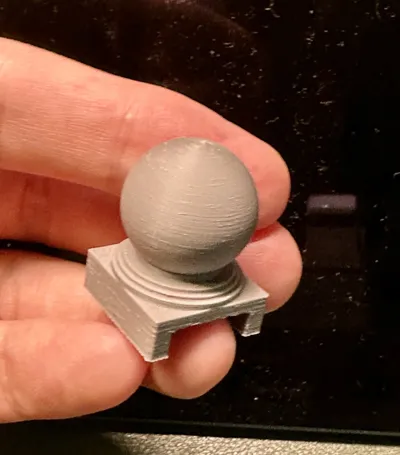
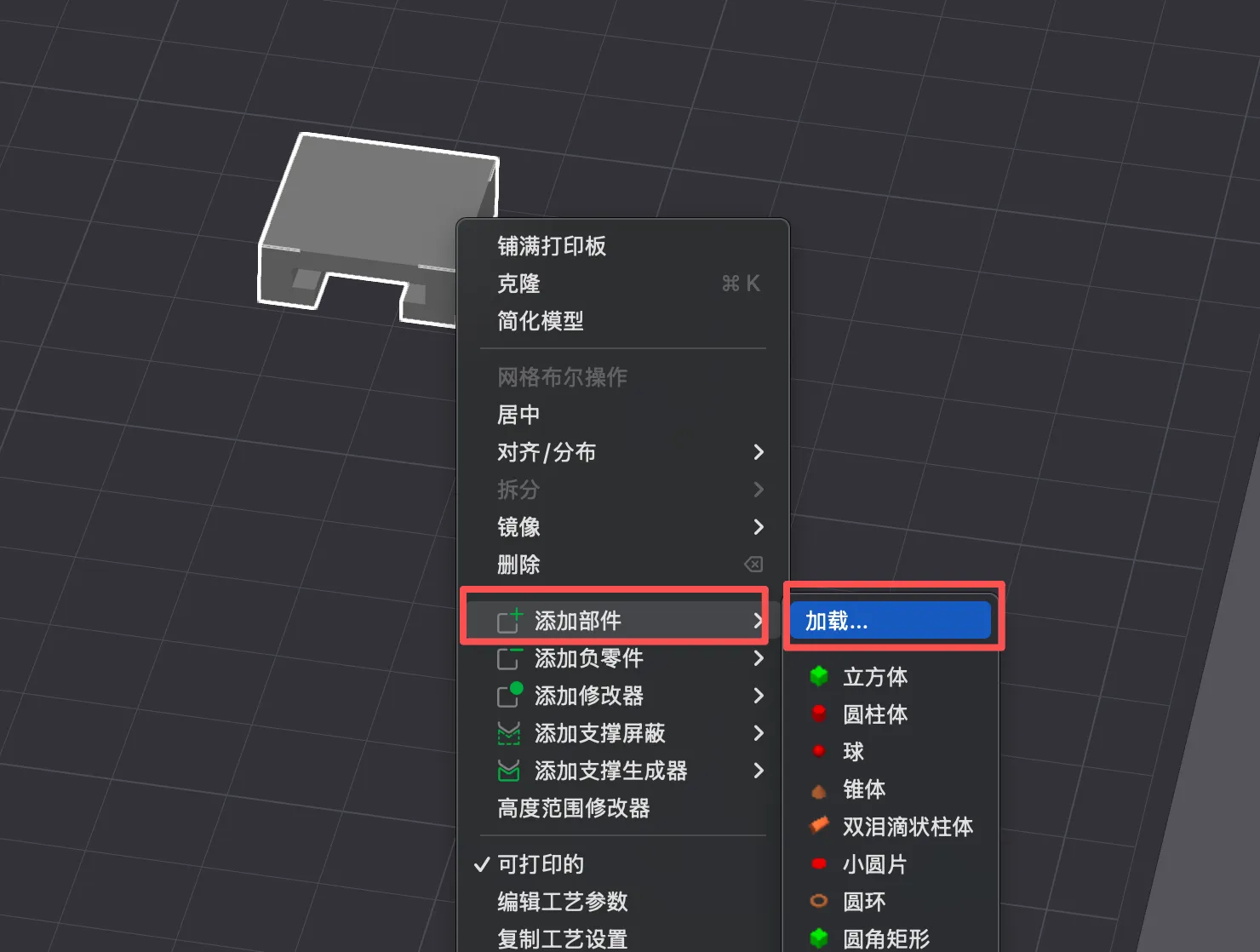
1. First, download the desired model. I'll use the stone pier model as an example. Select the DIY tray, add parts, load, and choose the .stl model file
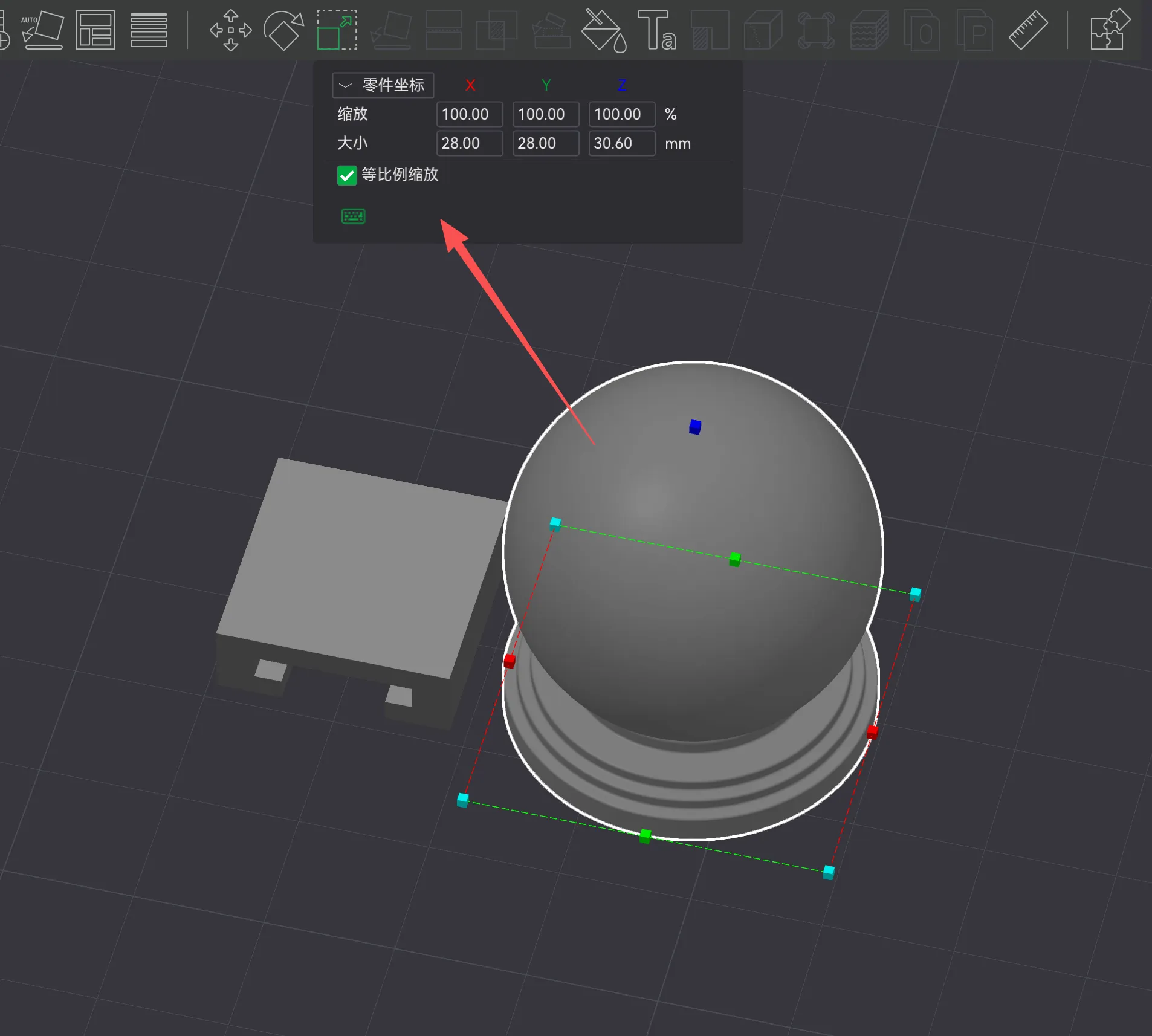
2. Adjust the model size proportionally. The length and width dimensions are limited within the tray
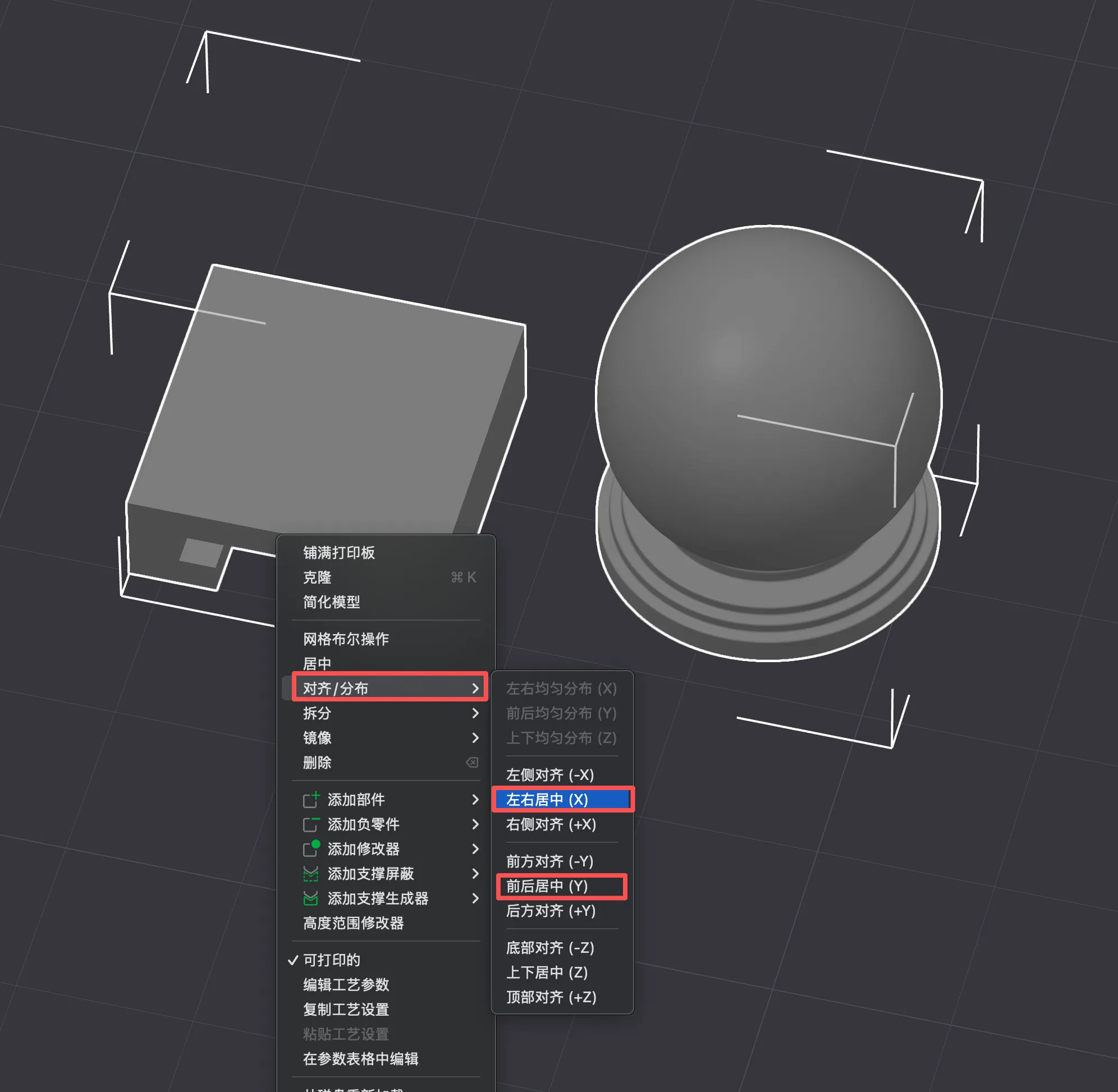
3. Select the tray and model for center alignment
4. Move the model's position. The bottom of the model and the top of the base should fit perfectly
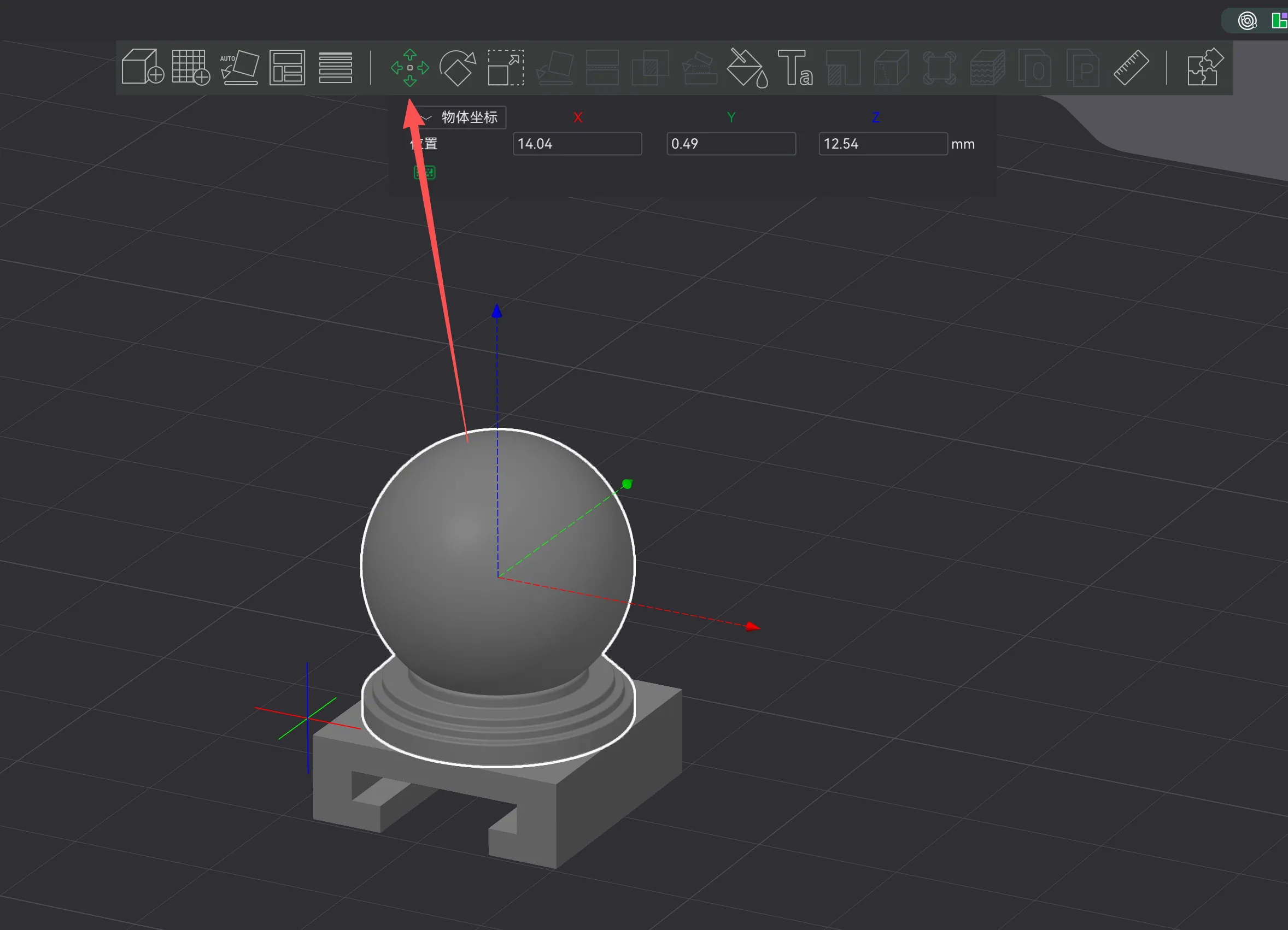
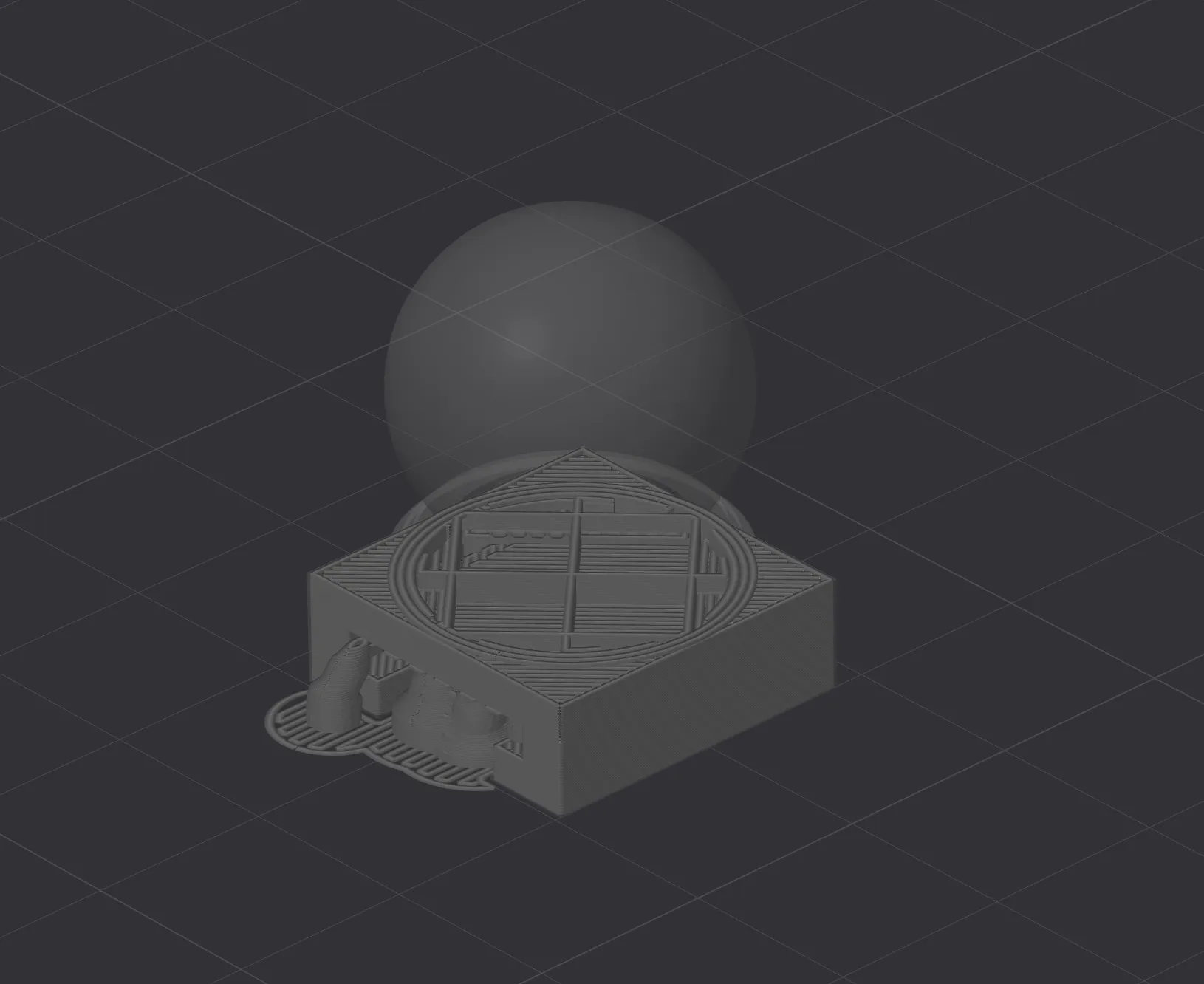
5. Slice to check if the tray and model fit perfectly. If there are no issues, you can print!
License



Comment & Rating (0)