
Print Profile(1)

Description
Boost Me (for free)
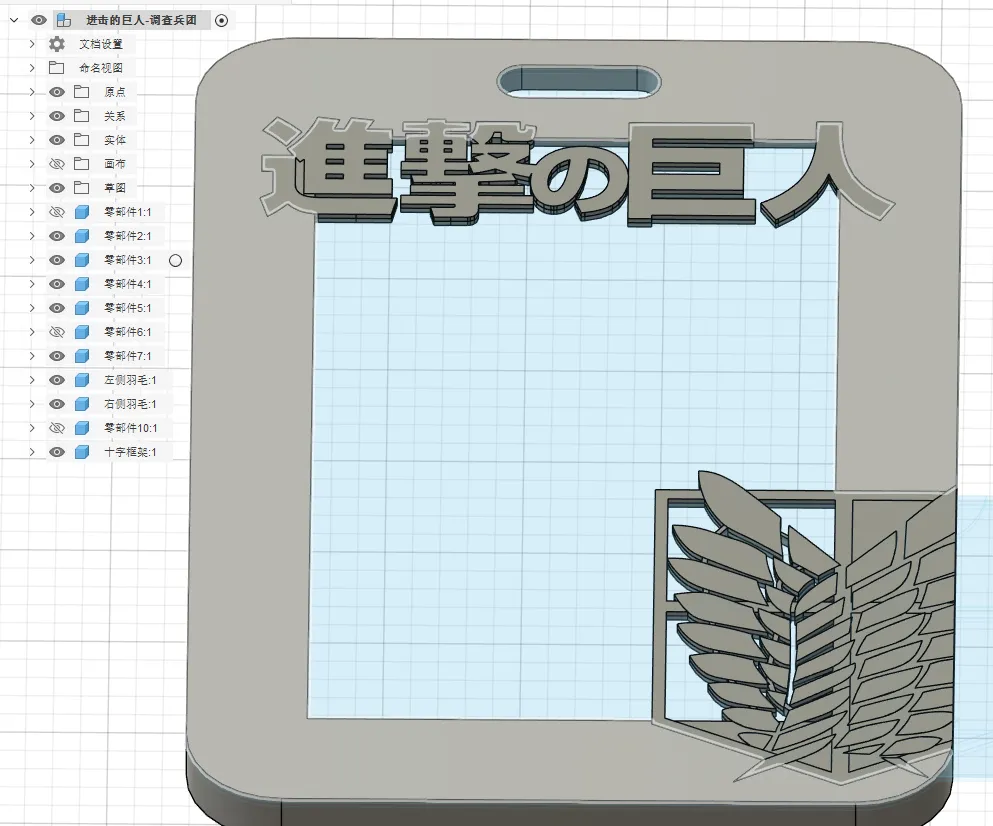
If you enjoyed this model, please consider giving it a boost. It means a lot!
心脏を捧げよ!
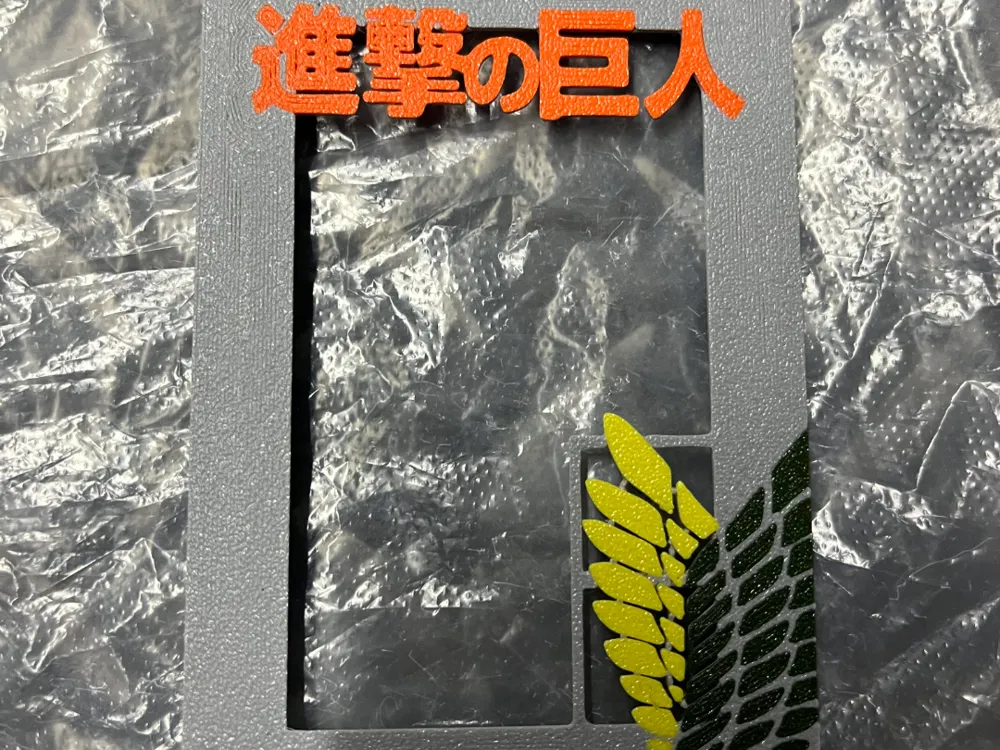
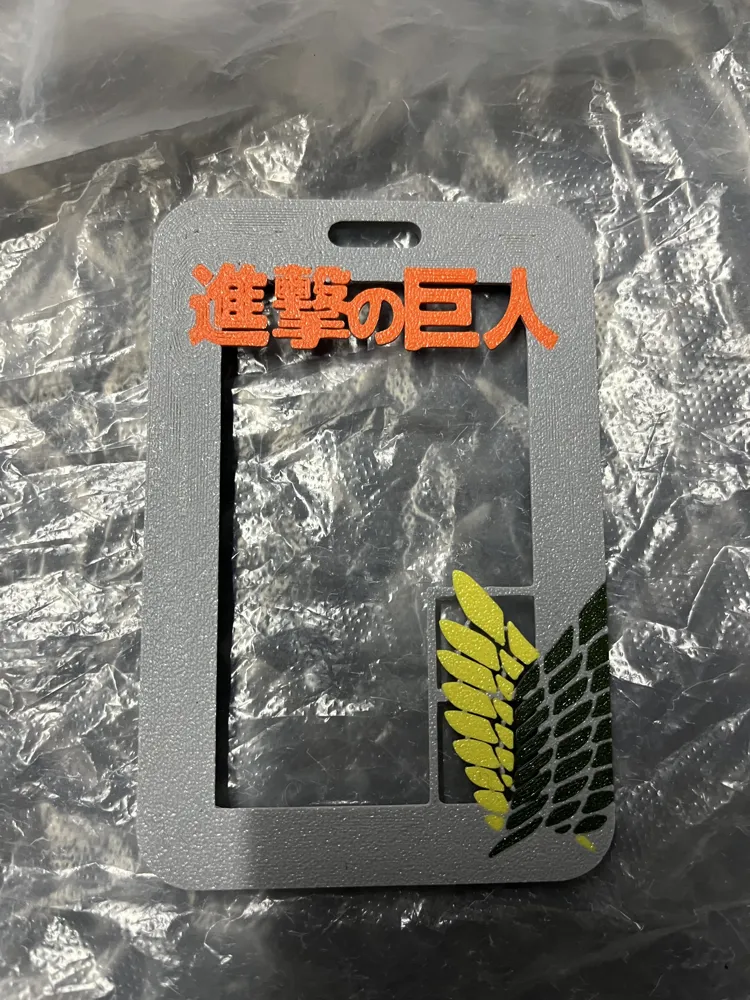
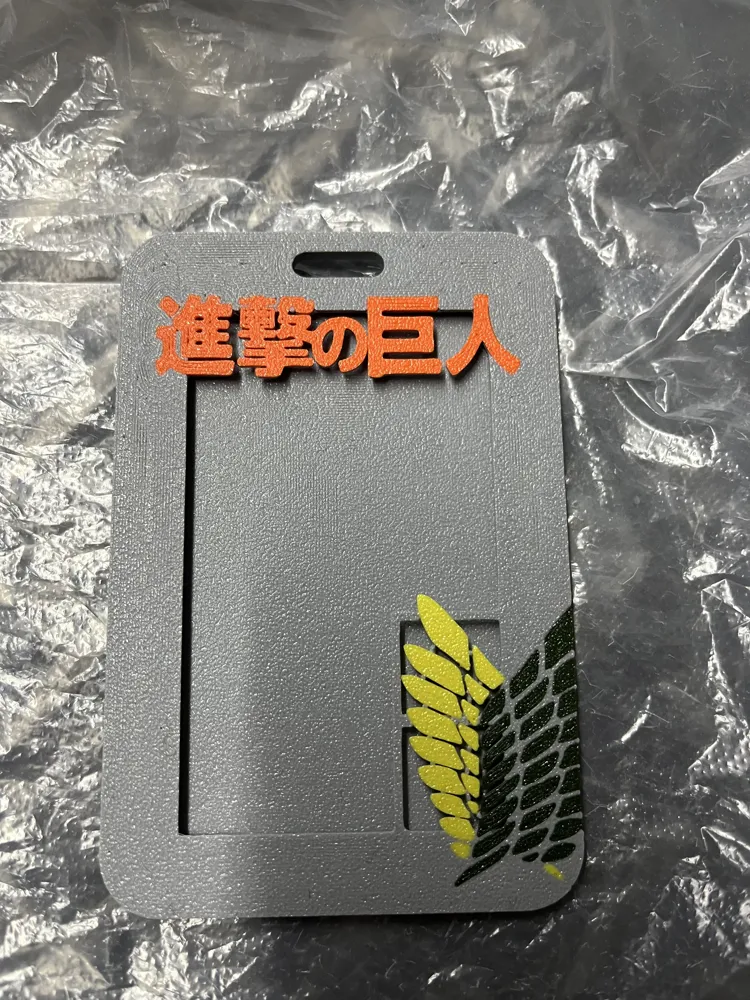
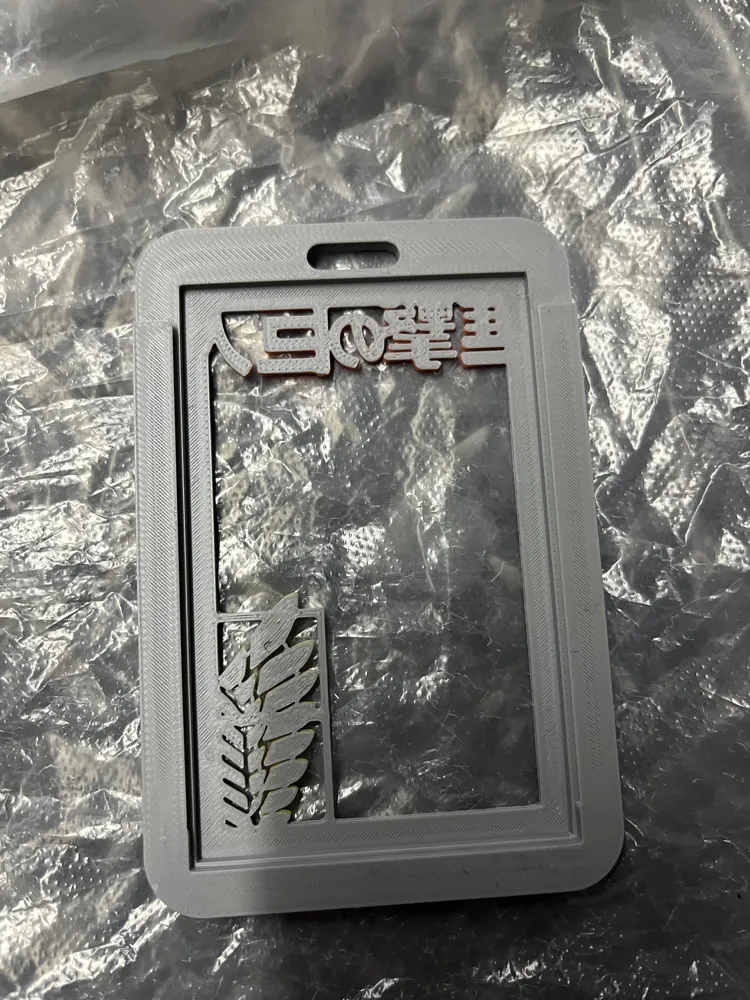
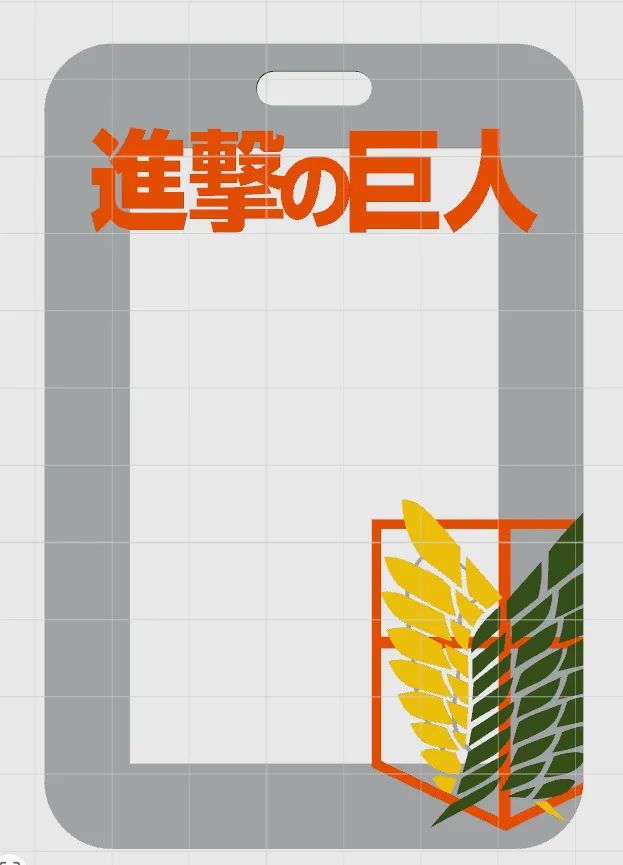
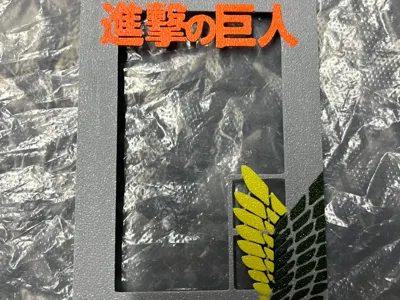
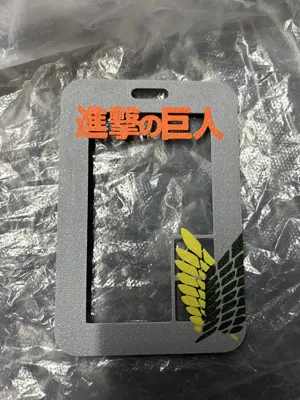
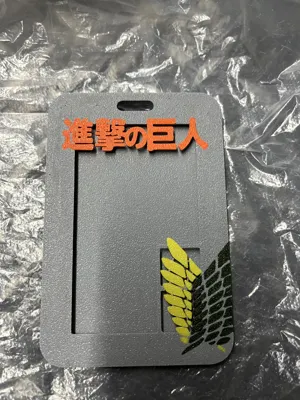
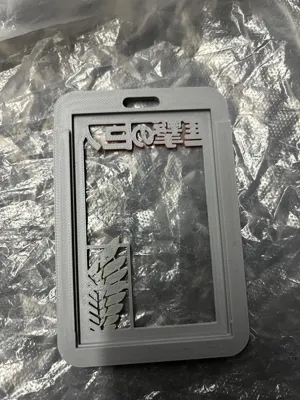
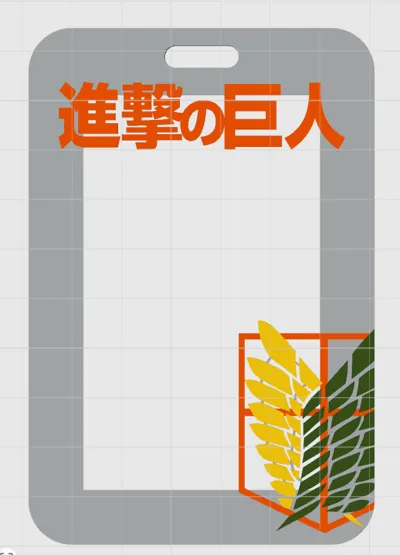
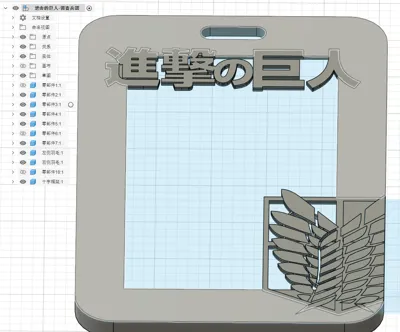
Card holder designed with Attack on Titan Survey Corps elements:
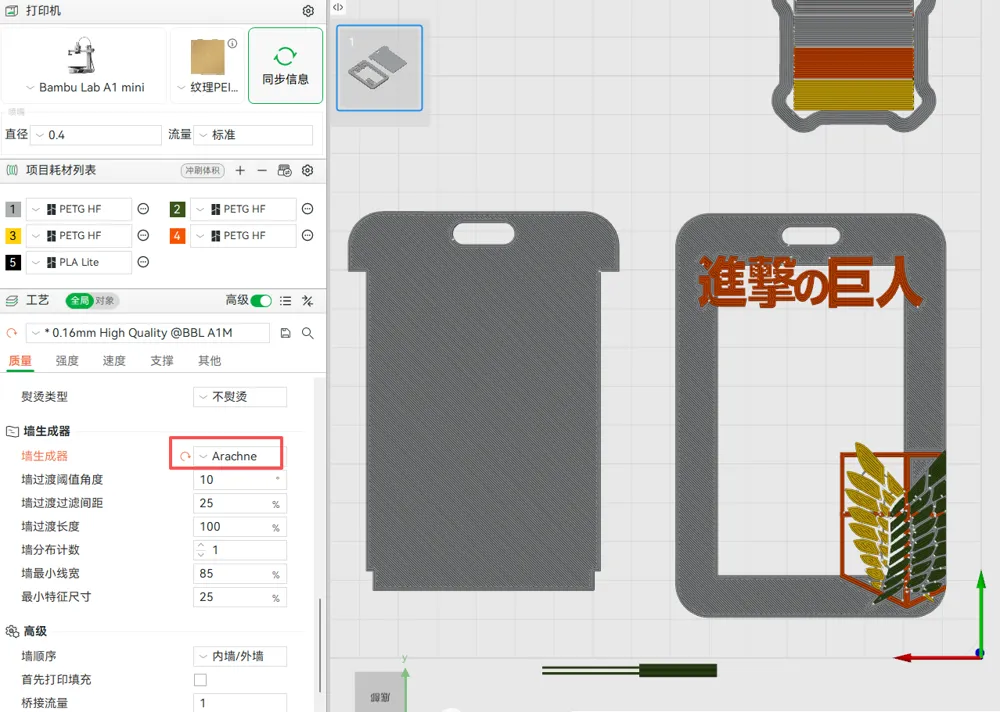
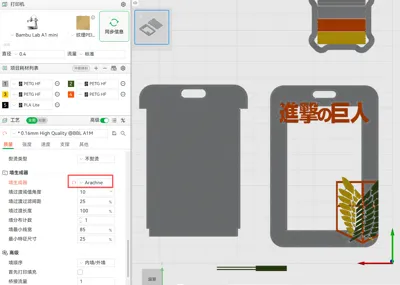
1. Multi-color print layers are only 3, making it fast even without AMS!
2. Optimized multi-color structure, ensuring strength while saving purge
3. Each part is modeled as a separate object (down to each feather), allowing individual coloring for easy customization with your preferred colors!
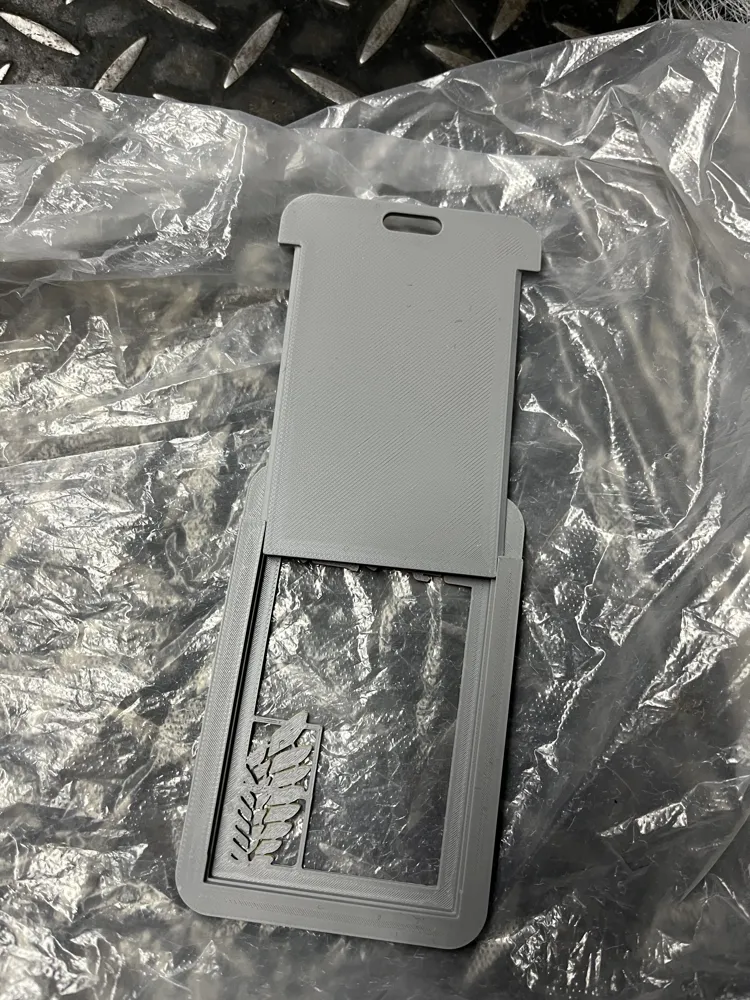
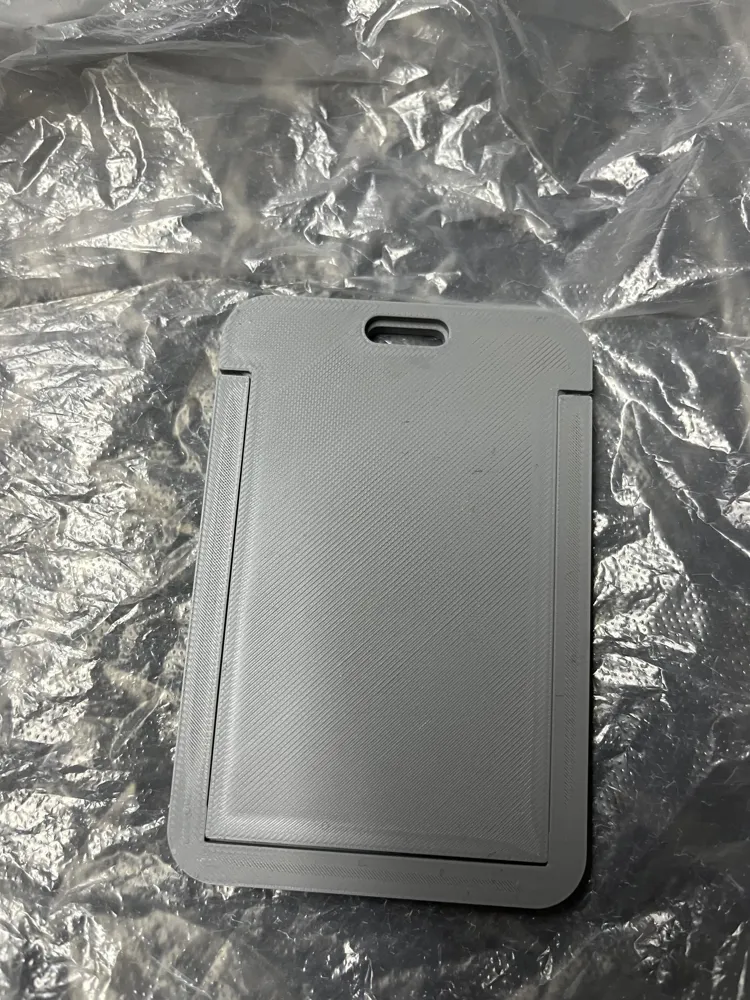
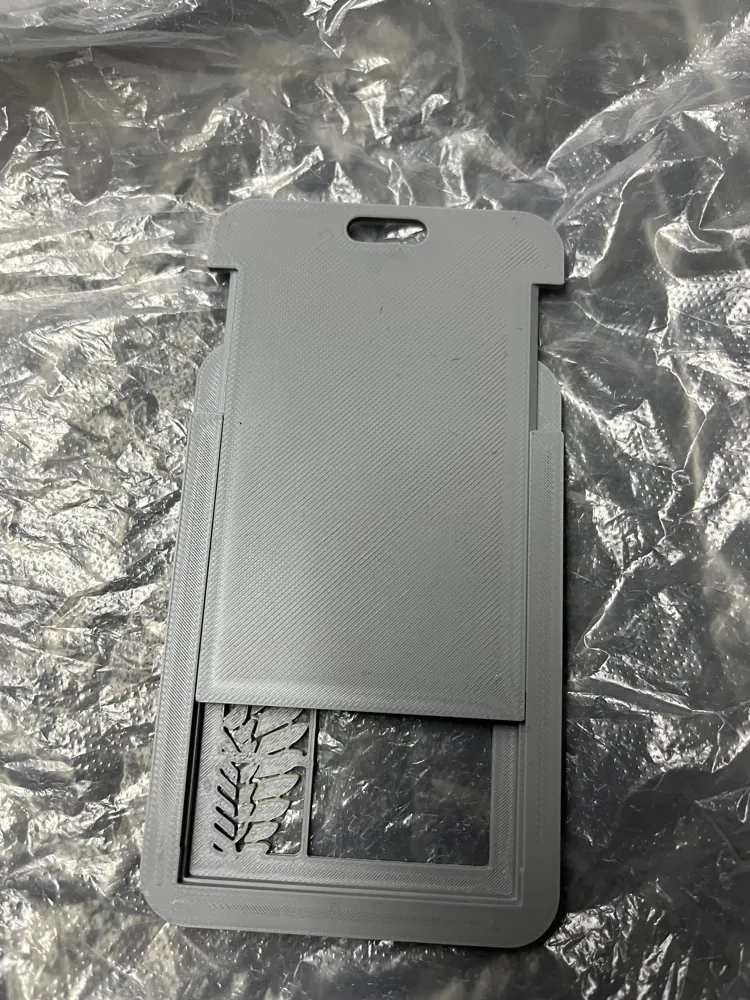
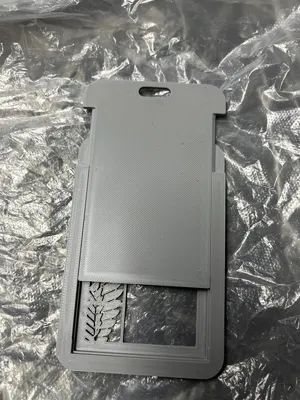
Compatible with 99% of card holders on the market, badges and text are placed in areas that do not obstruct card information and are hollowed out
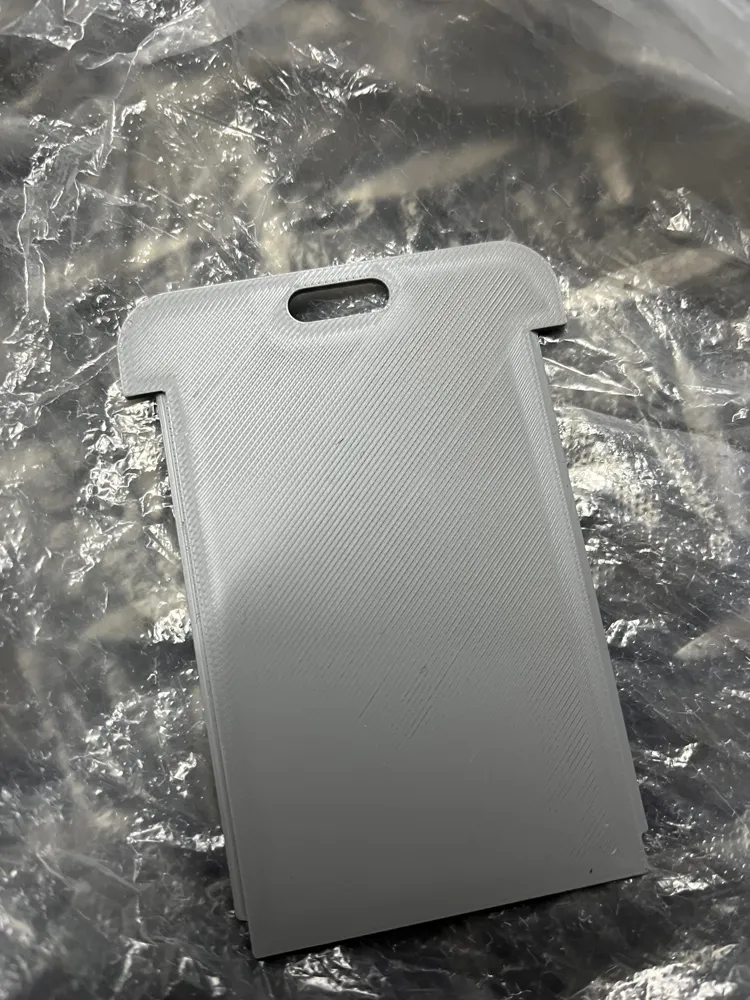
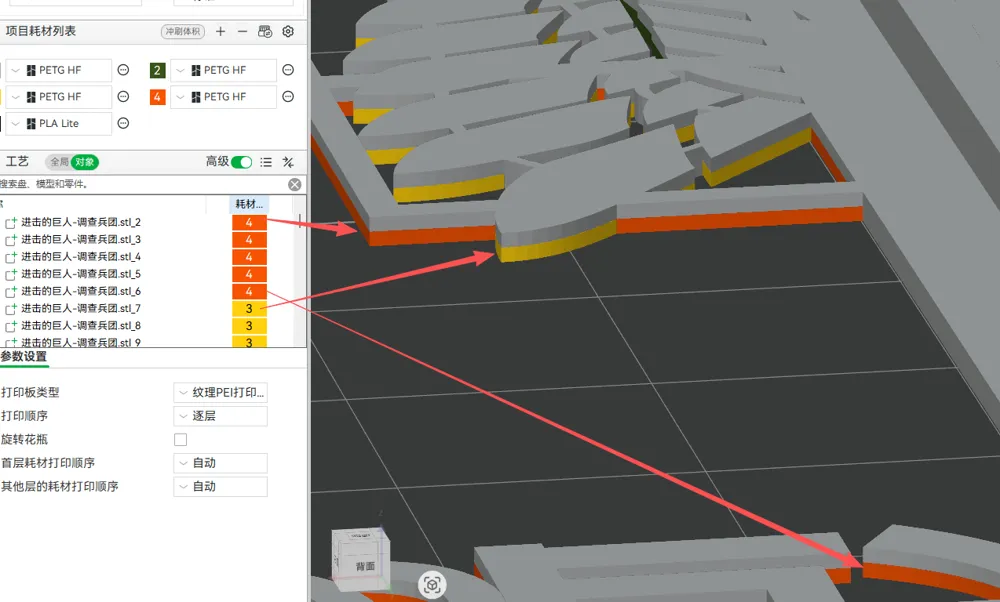
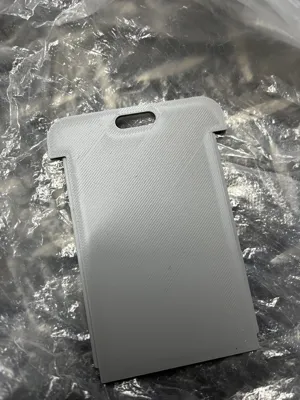
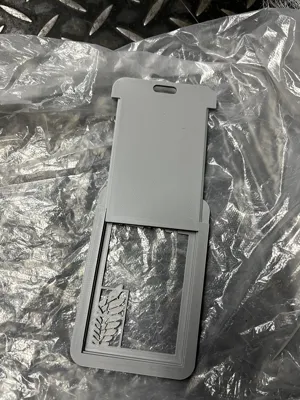
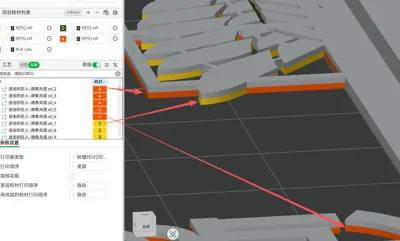
The total thickness of the text and badge is 1mm. To reduce the number of multi-color layers (saving filament) and for better adhesion, only the bottom surface (topmost surface) of the multi-color part is 0.5mm. Only three layers require multi-color filament changes, so manual filament changes won't take long without AMS! The remaining 0.5mm is connected to the main frame, serving as the base for the multi-color layers, which not only increases strength but also improves the connection between the multi-color part and the main frame (see last image)
To allow for quick color changes, the aforementioned different colored parts are separated into different objects. You can switch to the 'Objects' tab to change the color of a specific part
Unfortunately, I cannot group them because once grouped, the slicer warns me of a conflict in the third layer print, which might lead to print failure. Therefore, I reluctantly had to keep many objects separate (If anyone knows the reason, please enlighten me). However, you can still quickly select the corresponding parts by color
Do not move if unnecessary! Otherwise, the parts may separate, leading to print failure! It is recommended to monitor the first layer!
License

You shall not share, sub-license, sell, rent, host, transfer, or distribute in any way the digital or 3D printed versions of this object, nor any other derivative work of this object in its digital or physical format (including - but not limited to - remixes of this object, and hosting on other digital platforms). The objects may not be used without permission in any way whatsoever in which you charge money, or collect fees.


Comment & Rating (2)