
Elegant Penguin Reading Multi-color separated parts version

Print Profile(1)

Description
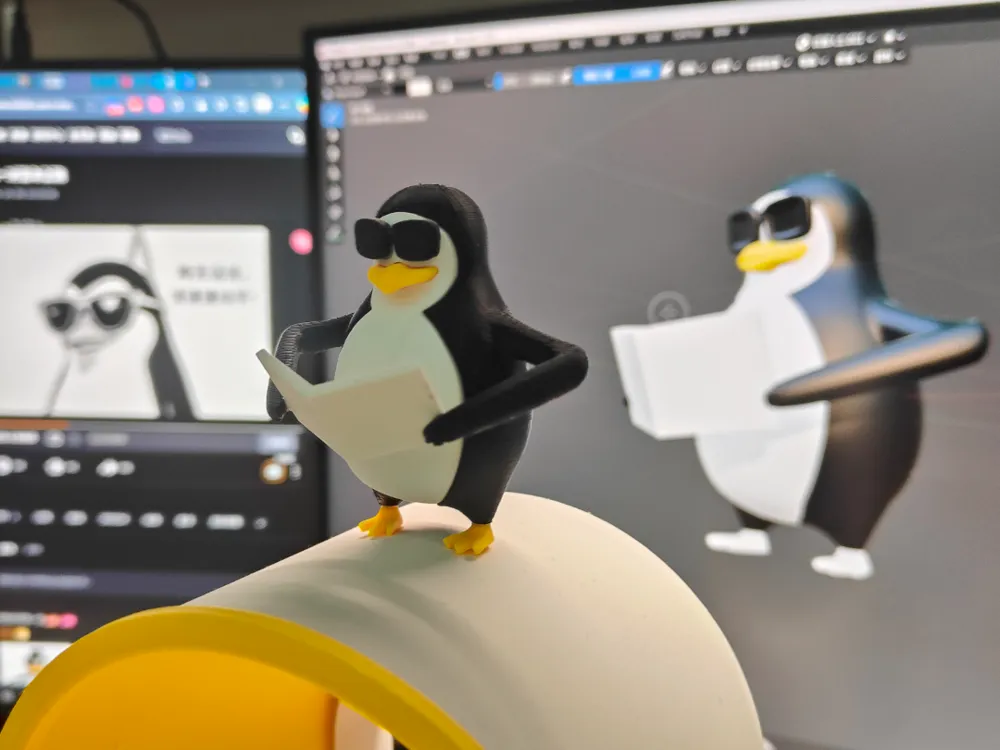
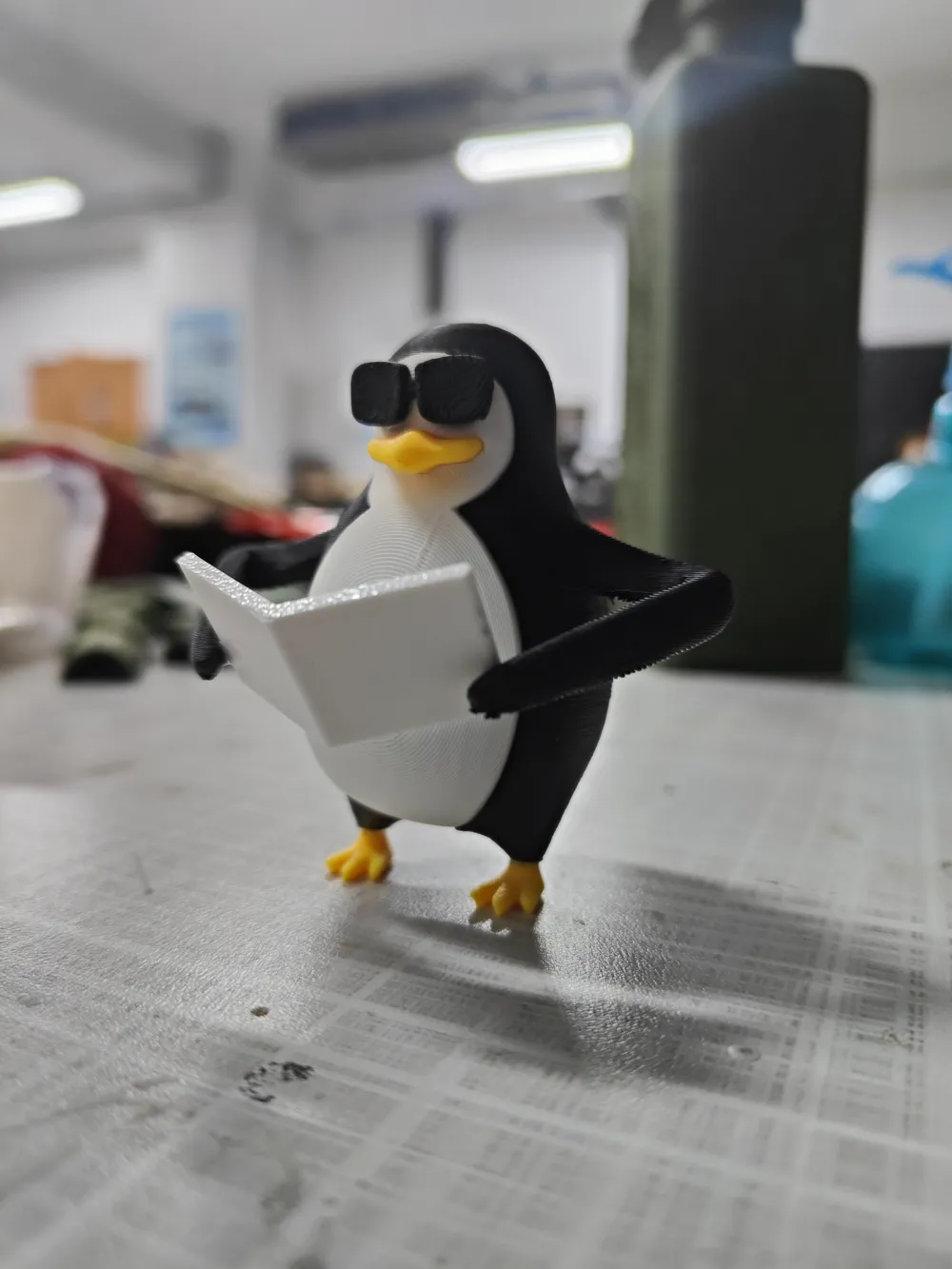
At a classmate's request, I spent an hour hand-sculpting and separating the parts for this penguin model in Blender, based on a meme picture they sent
Total height is over 60mm, with three-color separated parts, and a total printing time of under two hours
It's rare to do something abstract to relax
Also, I'll share some experience and tips
For models that just need to be printed, and where precision and assembly aren't a major concern, there's no need to focus too much on the model's Boolean operations and topology
The modifier is a very useful slicer feature; no matter how intricate the model's topology is, using a modifier can generally ensure good Boolean effects for the model
Additionally, when exporting models, it's best to export each part as a separate STL file; this way, their relative positions can be maintained when imported into slicing software
When modifying models, if you want to replace a part within an assembly, you don't need to import it separately and then assemble it; you can select the part within the object, right-click, and choose "Replace STL", which allows you to directly modify the part model while preserving its current position. This also applies to modifiers and other types
License

You shall not share, sub-license, sell, rent, host, transfer, or distribute in any way the digital or 3D printed versions of this object, nor any other derivative work of this object in its digital or physical format (including - but not limited to - remixes of this object, and hosting on other digital platforms). The objects may not be used without permission in any way whatsoever in which you charge money, or collect fees.


Comment & Rating (0)