
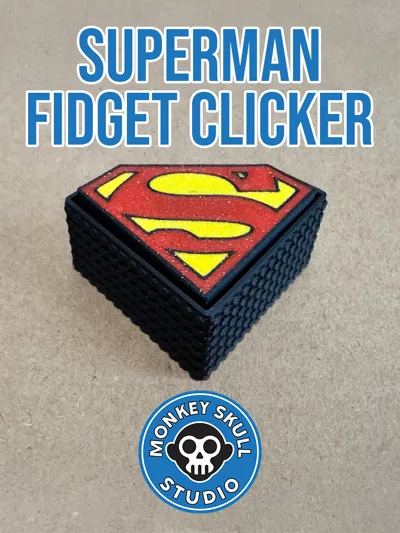
Superman Logo Mechanical Clicker - Fidget Toy
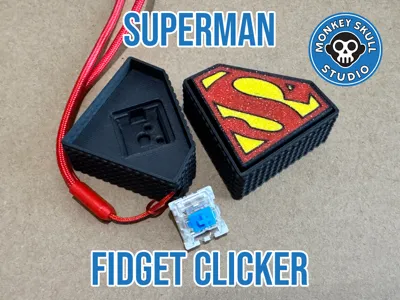
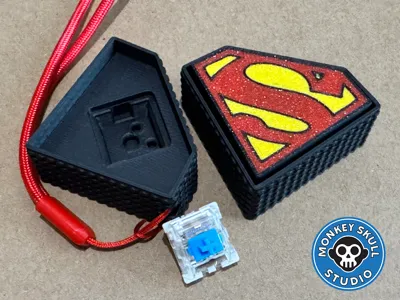
Print Profile(2)



Description

--------------------
Please like and follow to be notified of all of my designs - some more exciting stuff in the pipeline!
--------------------
*** YOU WILL NEED KEYBOARD SWITCHES - SUCH AS https://amzn.to/4rum85Q (UK) or https://amzn.to/3OaodW7 (US) ***
A fidget toy fit for the Man of Steel.
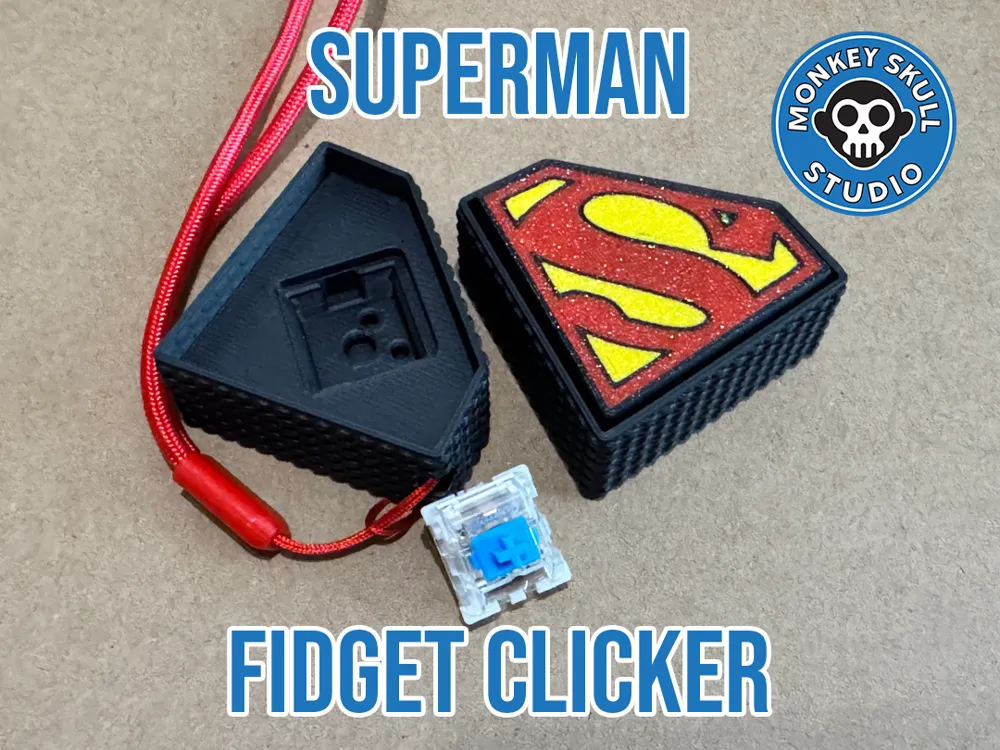
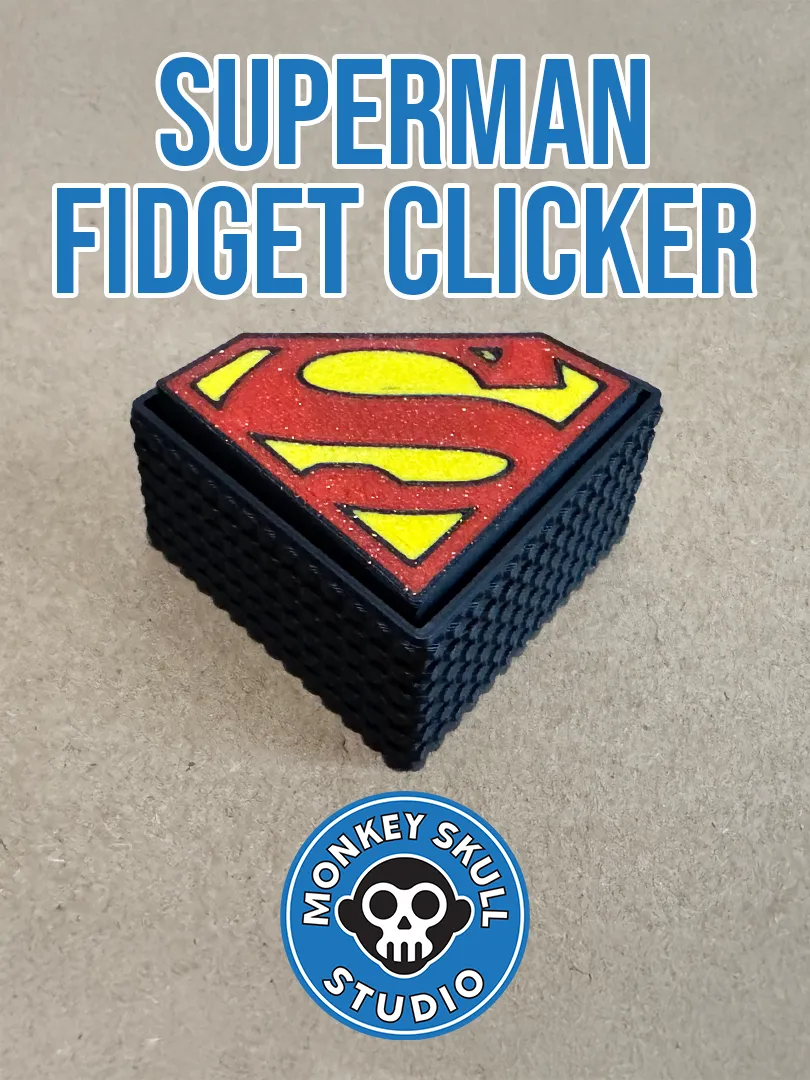
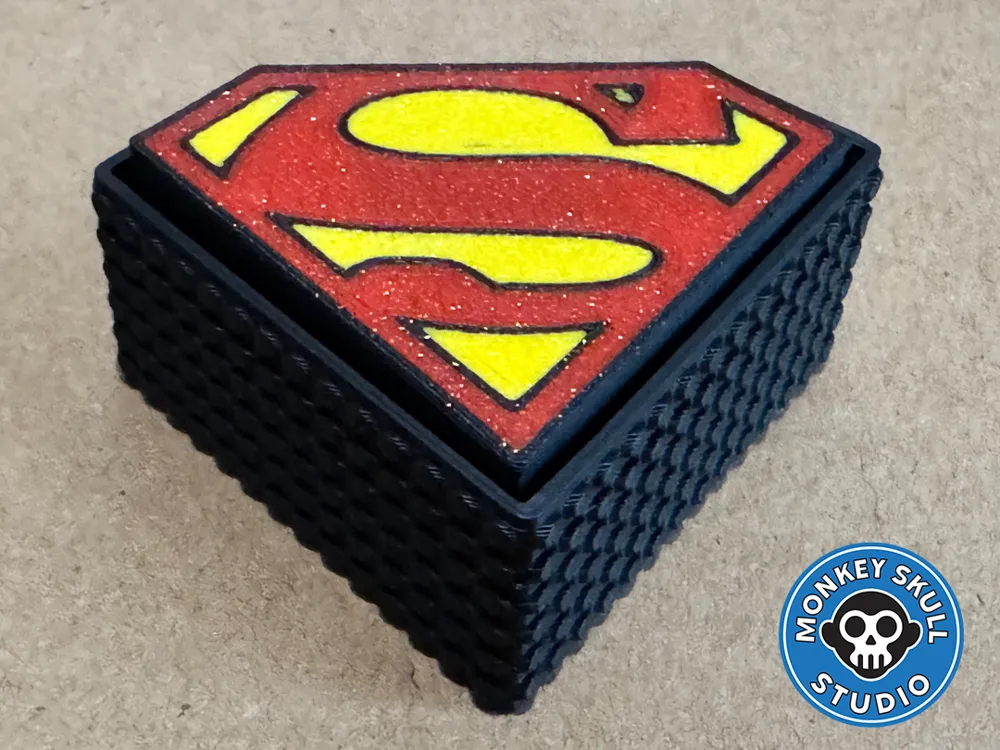
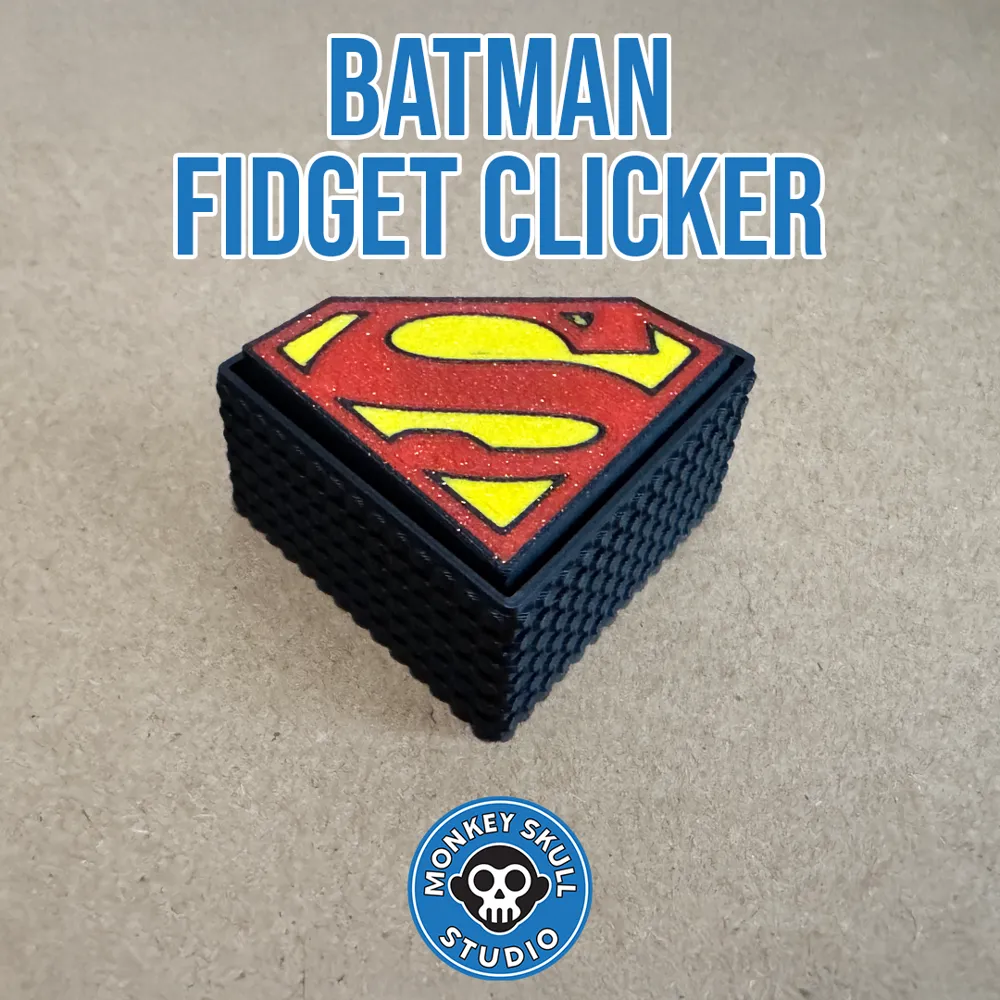
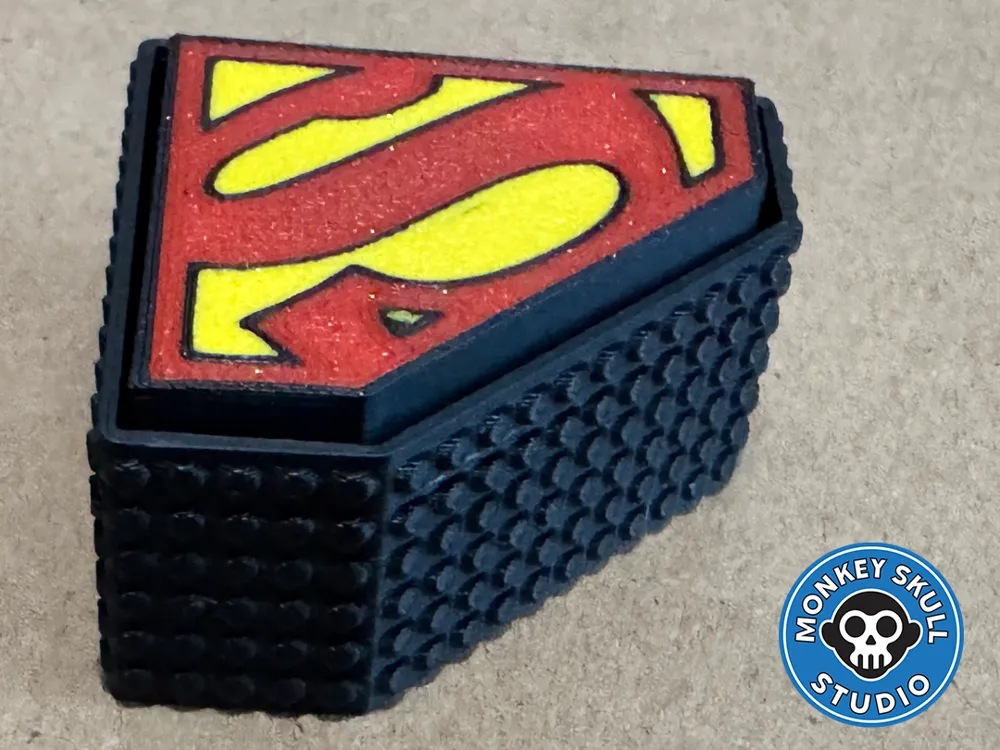
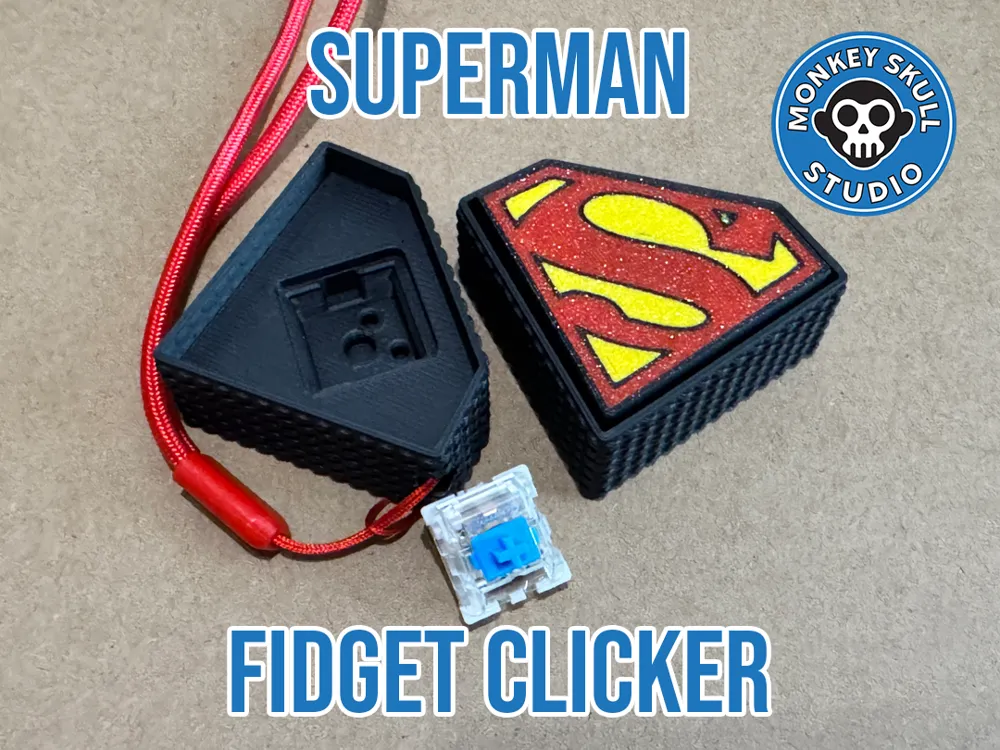
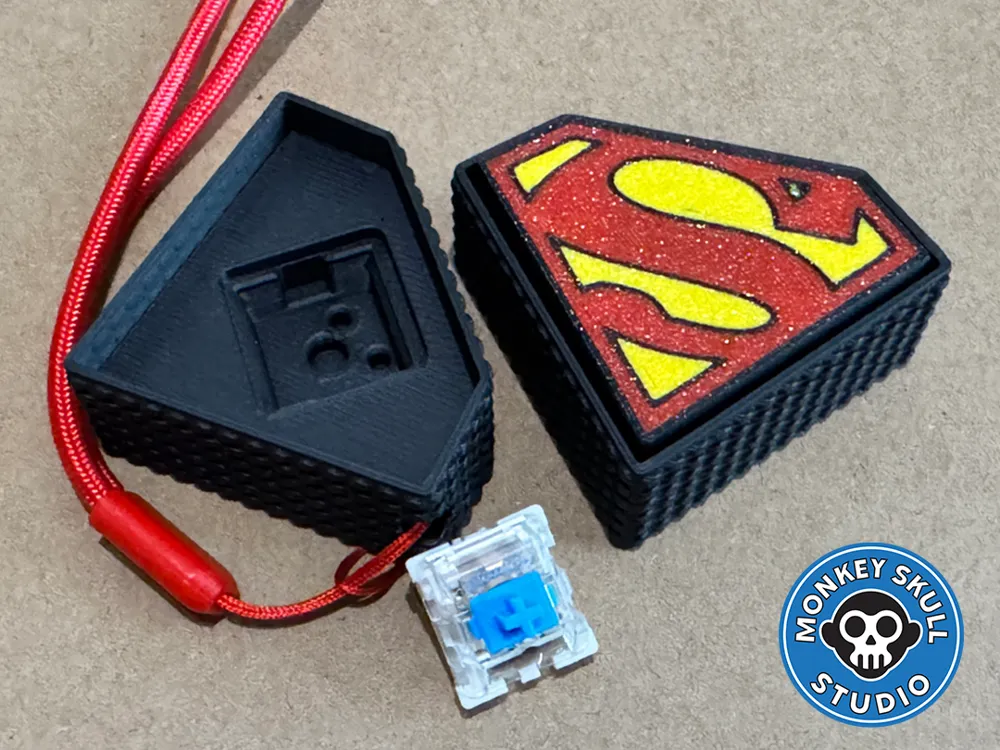
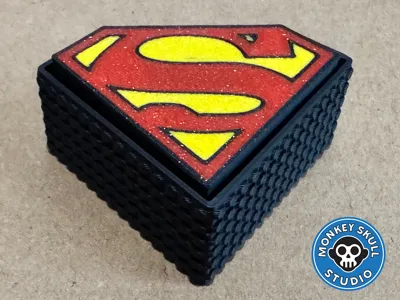
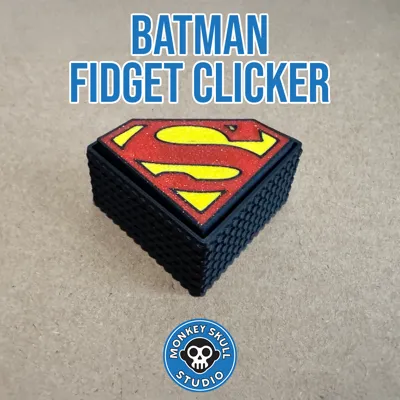
This Superman Mechanical Clicker features the iconic 'S' shield logo in full multicolor. It houses a standard mechanical keyboard switch to provide a satisfying, super-tactile click perfect for your desk or everyday carry.
Features
- Multicolor Design: Optimized for AMS printing with distinct Red, Yellow, and Blue sections.
- Two Base Versions:
- Standard Base: Clean look for desktop display.
- Keyring Base: Includes a hole for attaching to keys or a lanyard.
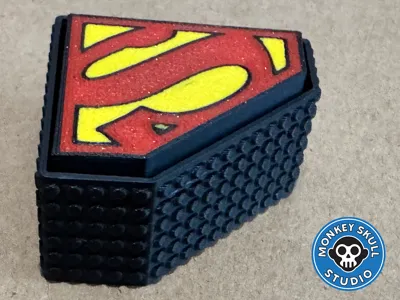
- Tactile Grip: The base features a knurled texture for a solid feel.
Boost Me (for free)
Support the Design If you enjoy this model, please consider giving it a Boost! It helps me create more heroic designs.
Bill of Materials (Hardware)
- 1x Mechanical Keyboard Switch (Standard Cherry MX style).
- Recommendation: A Blue switch for a loud click, or a Red/linear switch for a smoother feel.
Print Settings
- Wall Generator: Arachne (Highly recommended for clean logo borders).
- Material: Standard PLA (Red, Yellow, Blue).
- Layer Height: 0.2mm.
- Supports: None required.
- Infill: 15% Gyroid.
Assembly
- Insert the mechanical switch into the Base (friction fit).
- Align the Superman Logo Cap with the switch stem.
- Press down firmly until seated.
Please like and follow for more…
Boost Me (for free)
If you like the model, please consider a boost
License



Comment & Rating (8)