
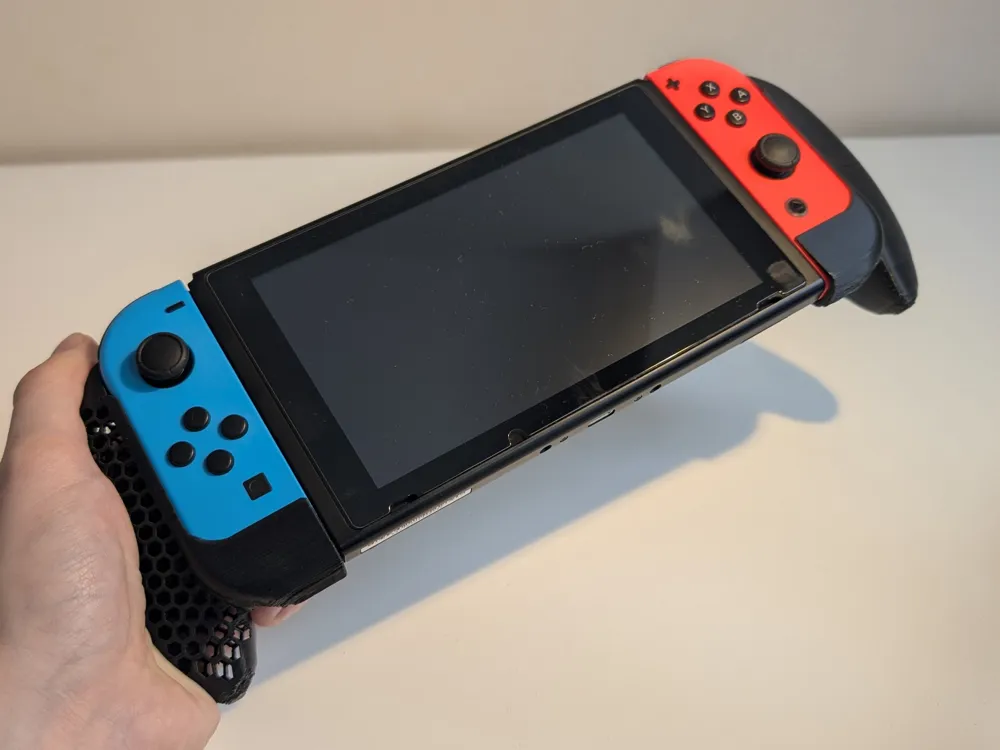
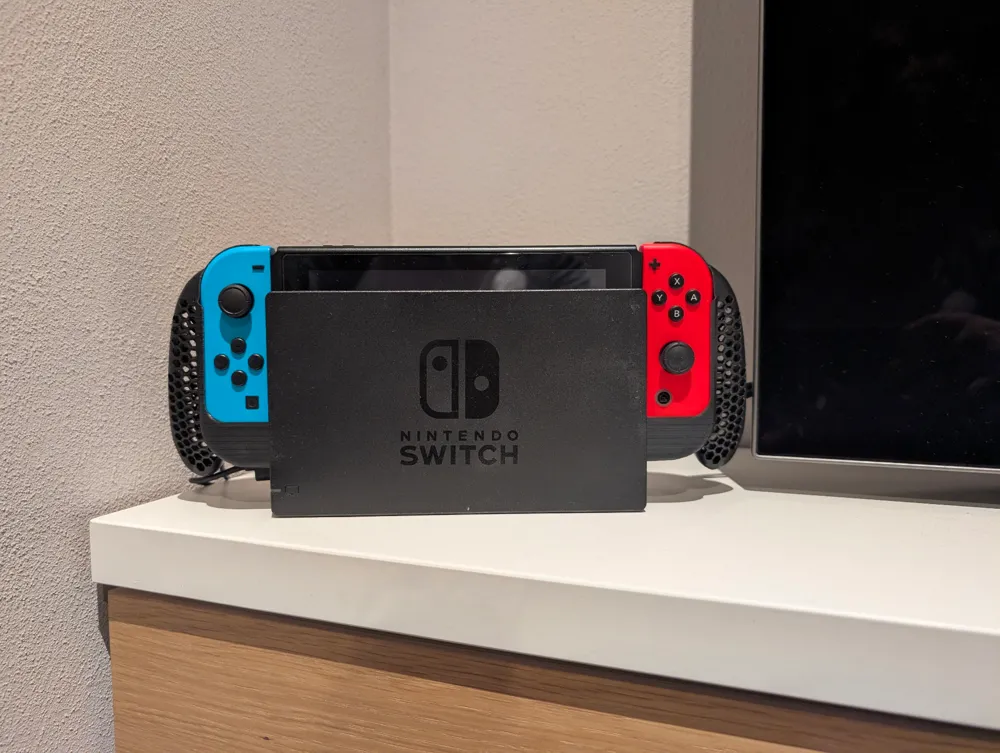
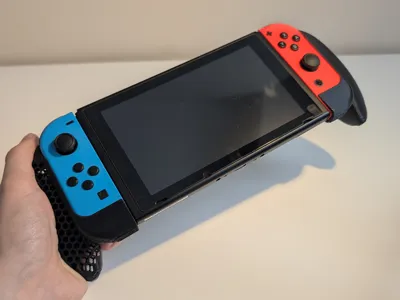
NintendoSwitch JoyConController Comfort Grip Shell
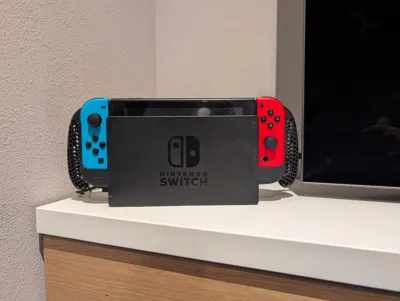
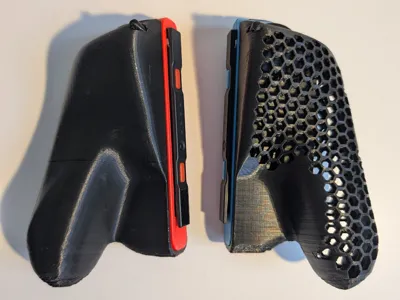
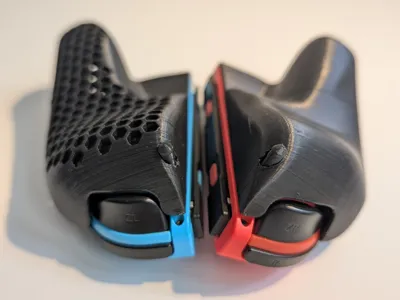
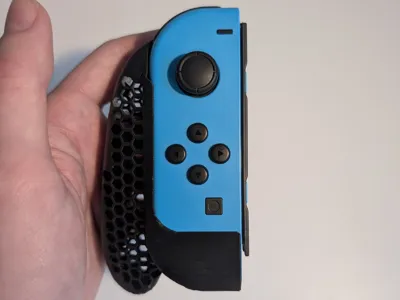

Print Profile(6)


Description
Boost Me (for free)
Consider boosting if you liked this design! :)
UPDATE 5/12/2024: Edited to remove that little bottom nudge that caused some wear on the screw holes of the joycons!
UPDATE: Fixed a difficult overhang that caused print failures in the honeycomb model!

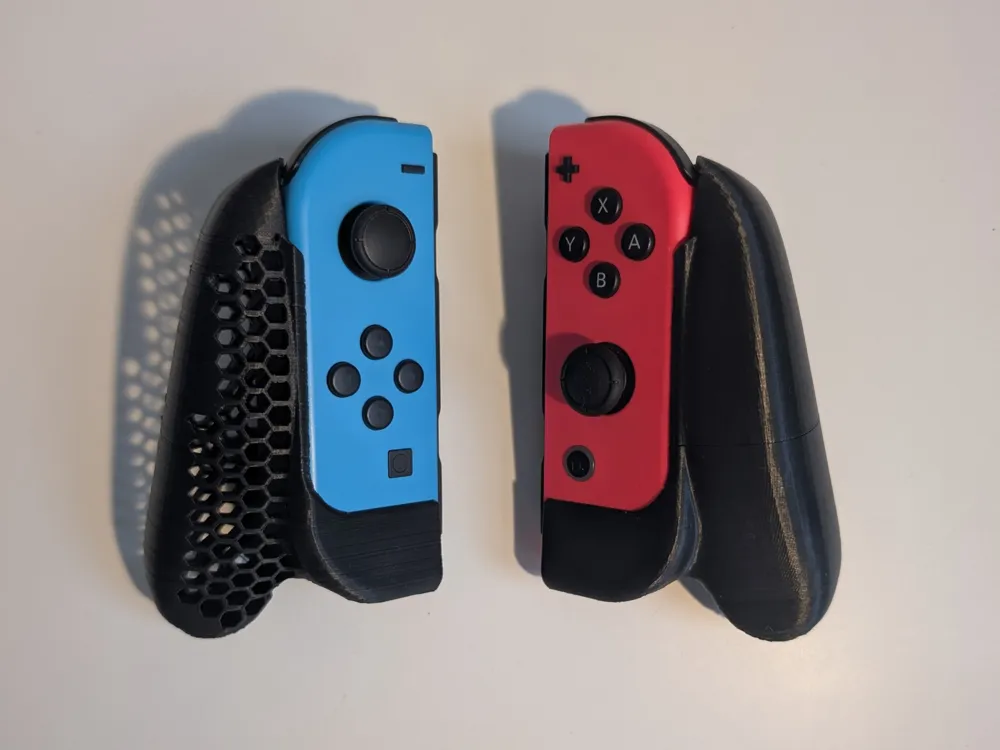
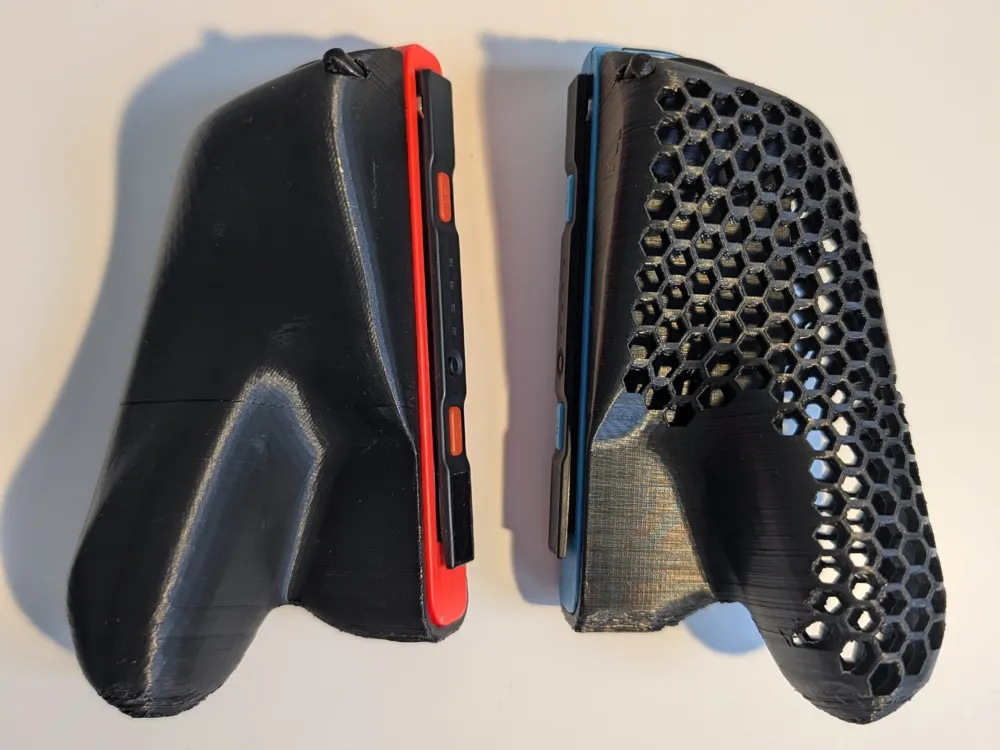
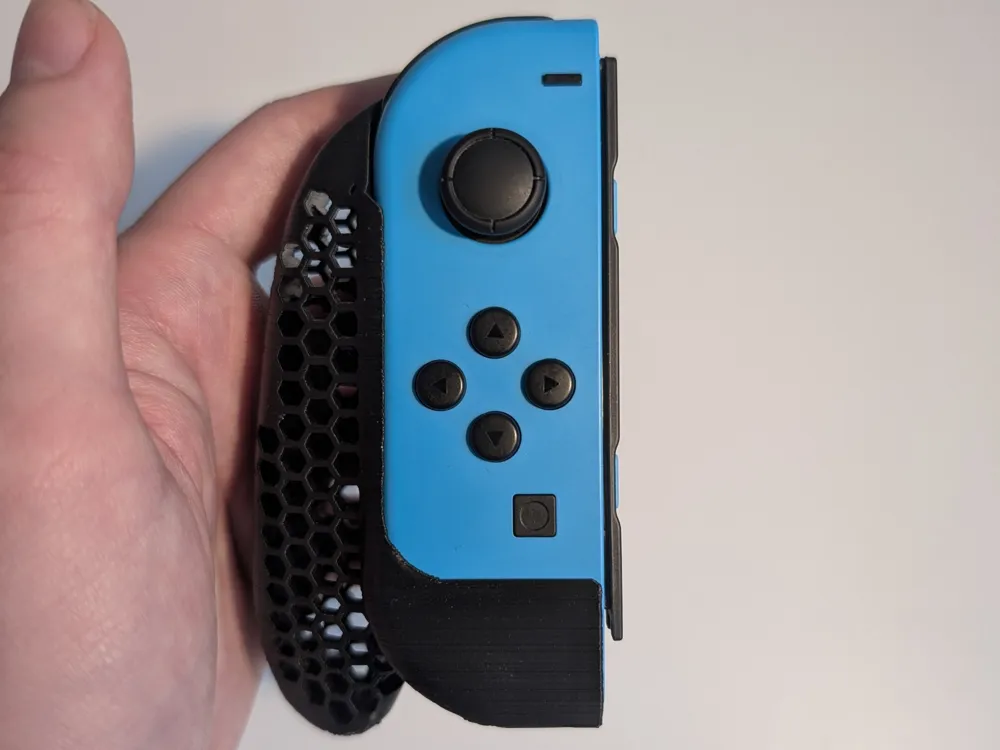
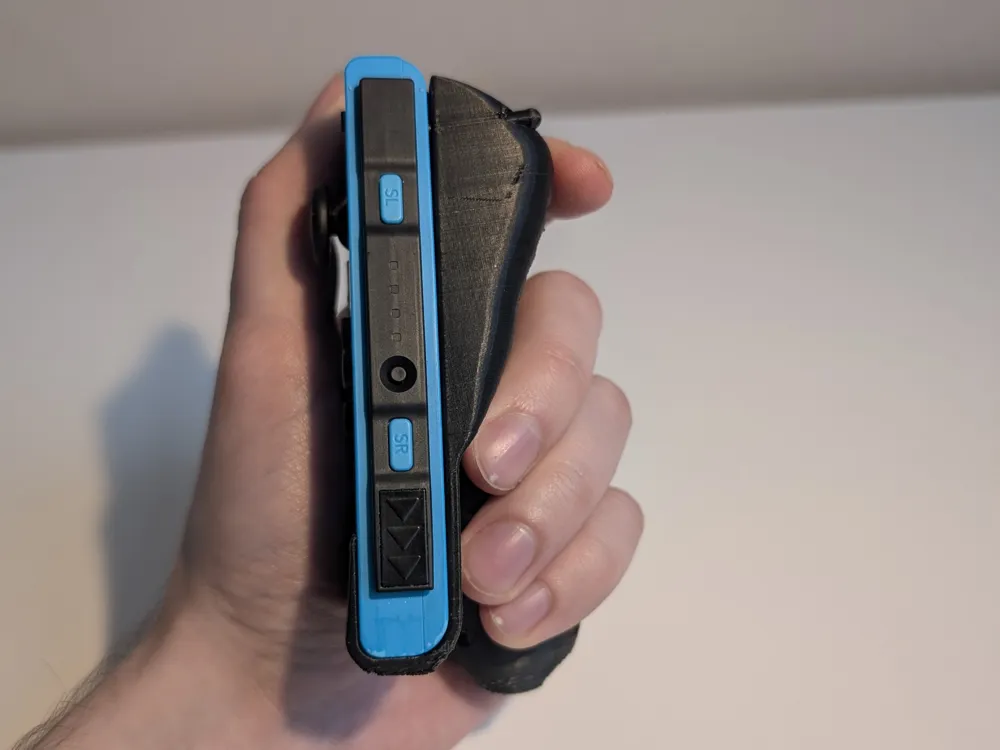
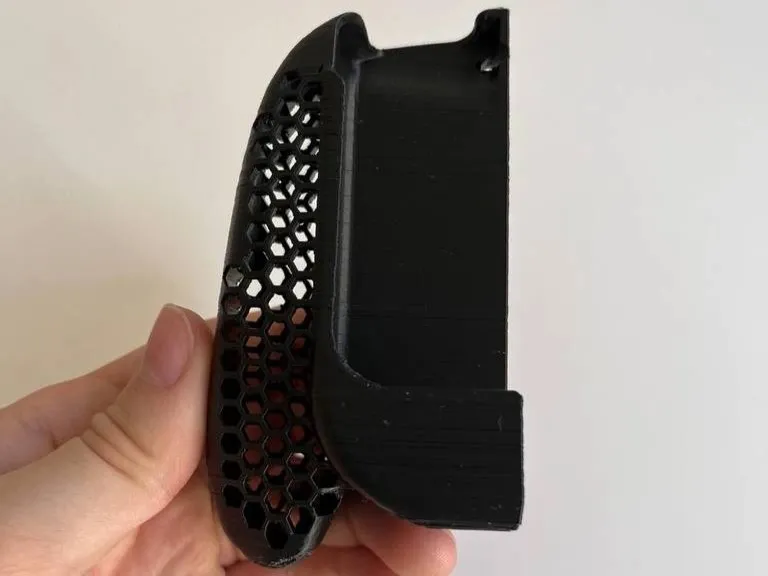
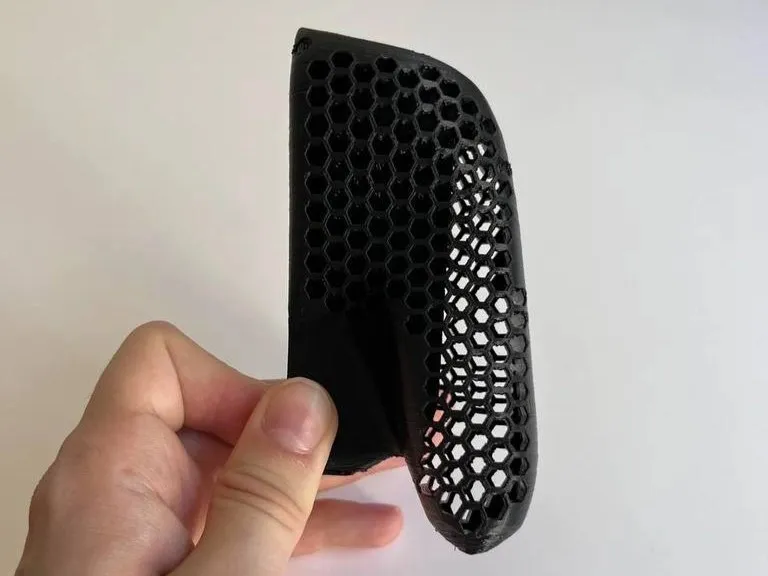
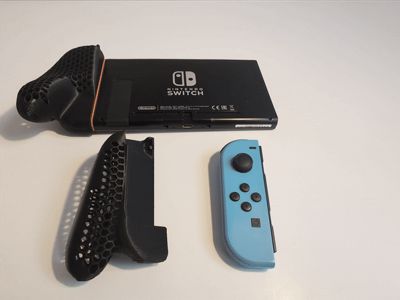
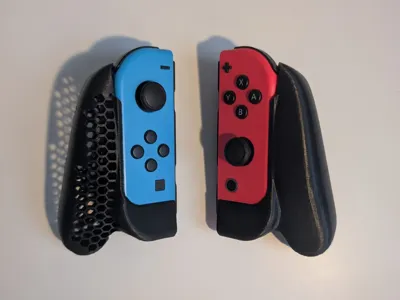
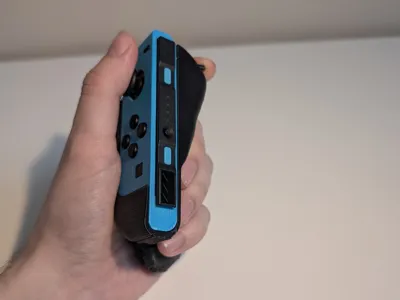
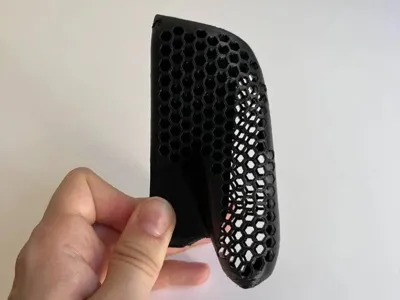
EDIT: Added another version: the body has been emptied and honeycomb pattern holes on the surface, print with supports as in the pictures!
Remix of Nintendo Switch Portable Comfort Grip by Halasox (https://www.thingiverse.com/thing:3440526).
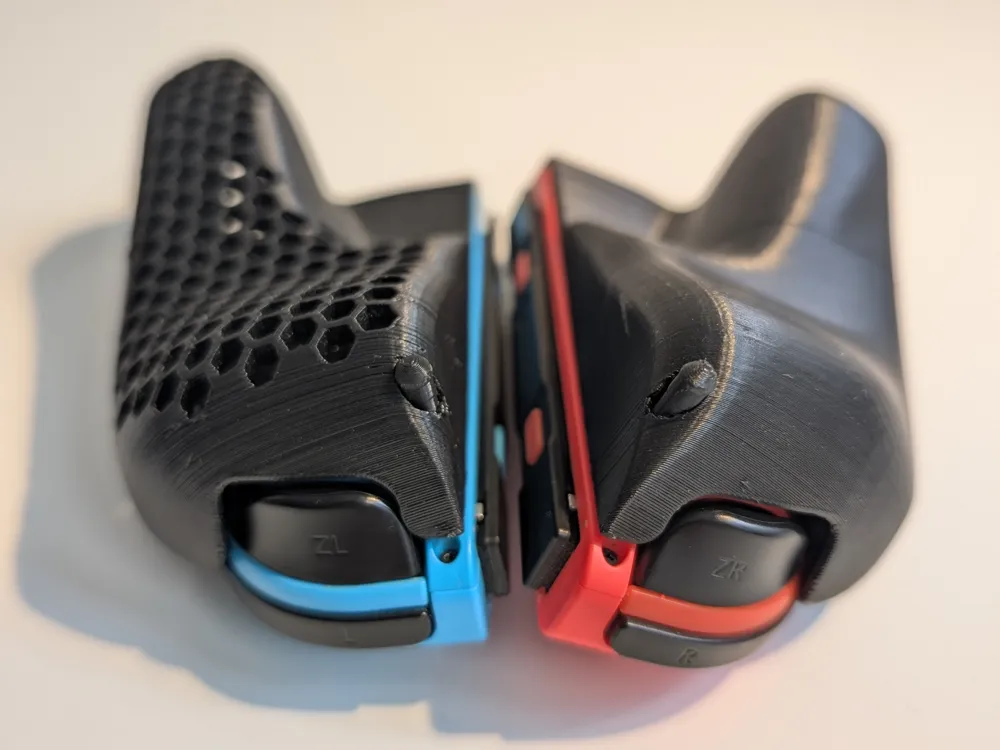
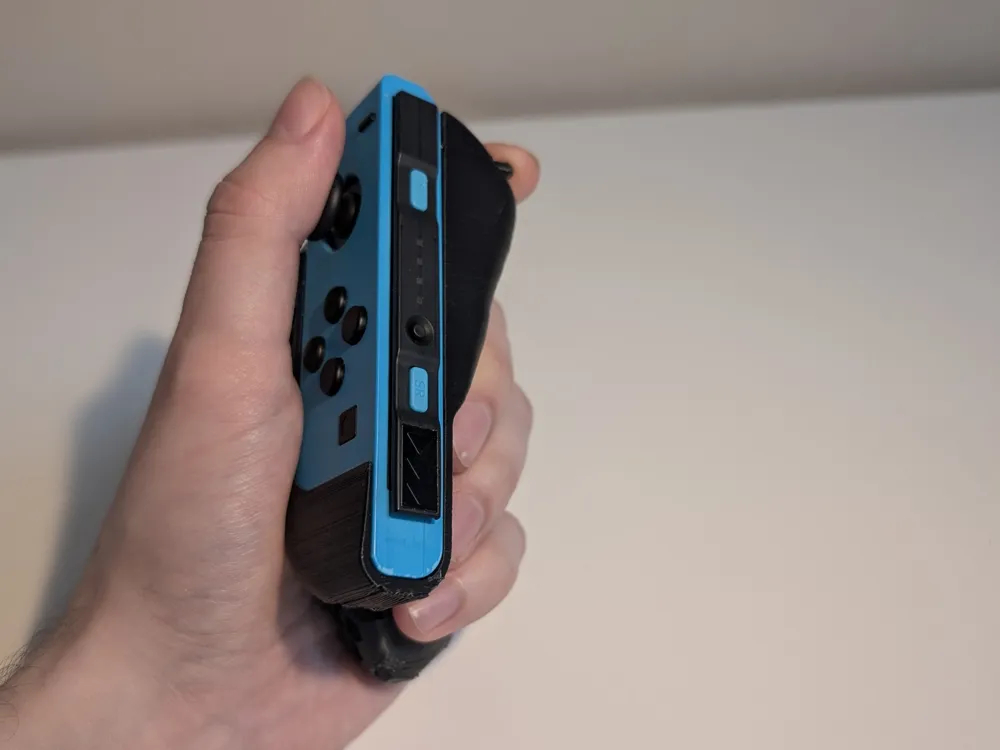
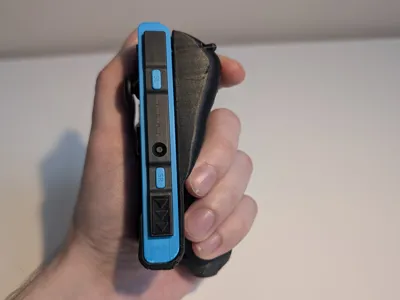
The original design was great but it lacked of a way to disconnect the joycons from the console, so I added a hole and a pin in order to press the button.
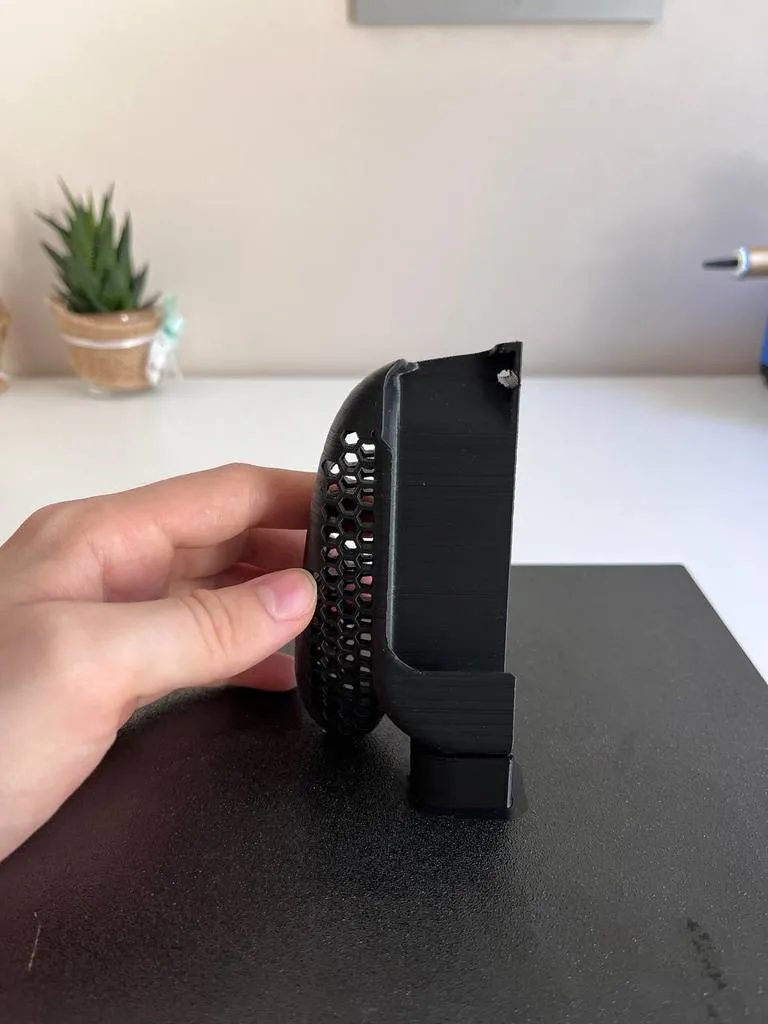
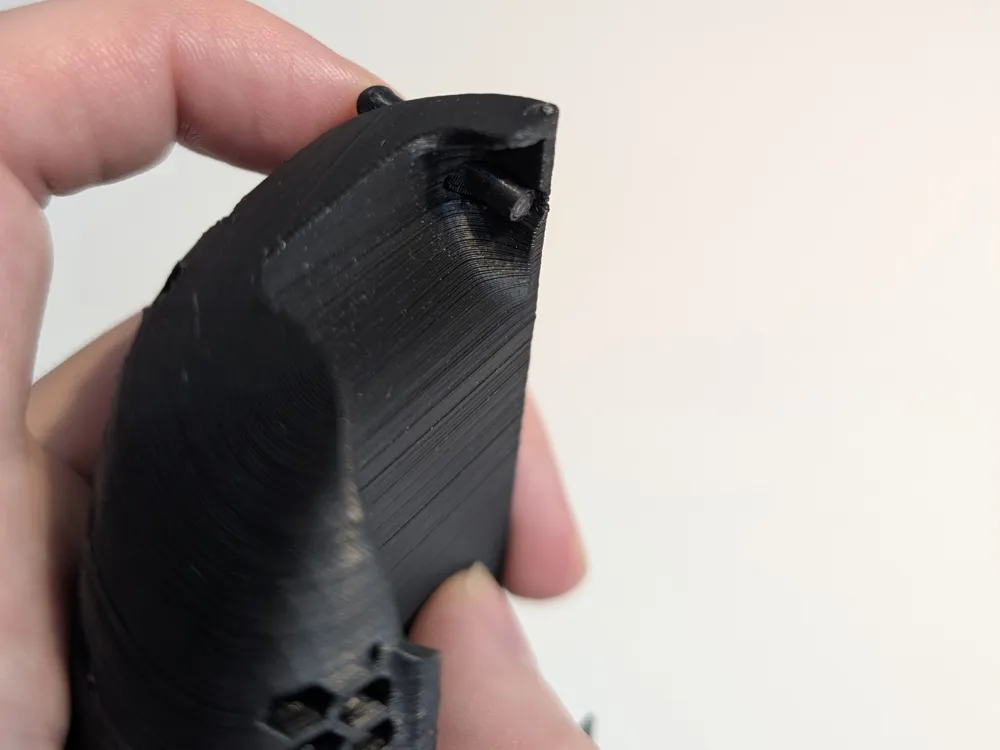
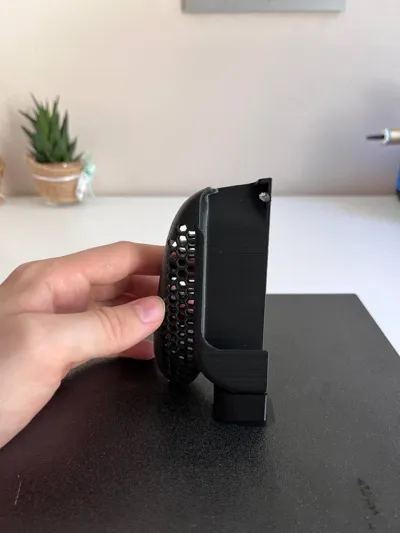
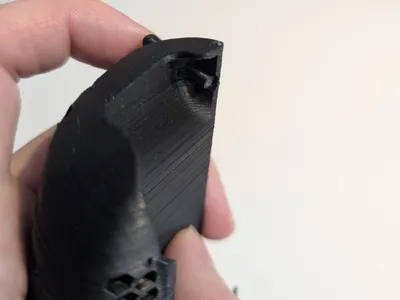
Supports are needed only in the 90° overhang that supports the bottom of the joycon, so you can add support blockers in any other place. That part and the bottom of the handle always printed with a rough surface even with support interface enabled (see last picture) and I wasn't able to improve it, so if anyone has suggestions please comment!
slightly
The STL files are for the left JoyCon but you can mirror it in your slicer to obtain the right one (same goes for the pin since it is slightly asymmetric).
When importing to the slicer select to import as object with multiple parts, if prompted.
Print the pin vertically (rounded top up) and keep the same orientation of the STL for the Grip body.
To assemble, insert the pin from the front of the grip by forcing it inside the hole, the rounded tip should slightly come out of the back side (where your fingers will rest). Once through, it should not fall out.
Printed on Anycubic Kobra Neo @ 0.12mm layer height and 45 mm/s speed.
Print Settings
Printer Brand:
Anycubic
Printer:
Kobra
Rafts:
Yes
Resolution:
0.12mm
Infill:
40%
Filament:
Black
Category: Video Games
This remix is based on
License



Comment & Rating (458)