
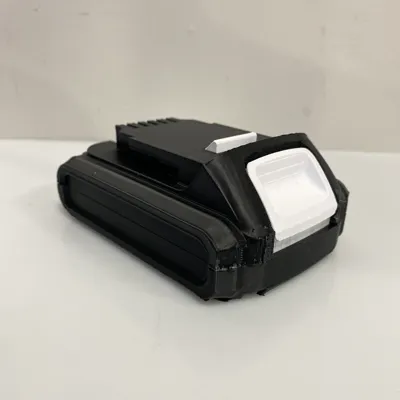
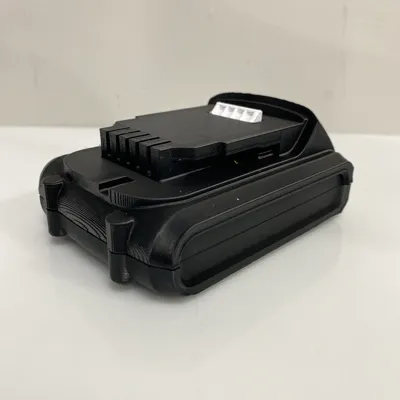
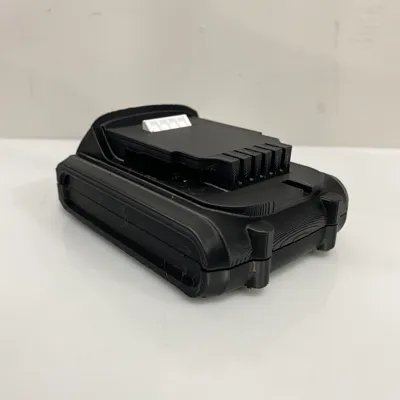
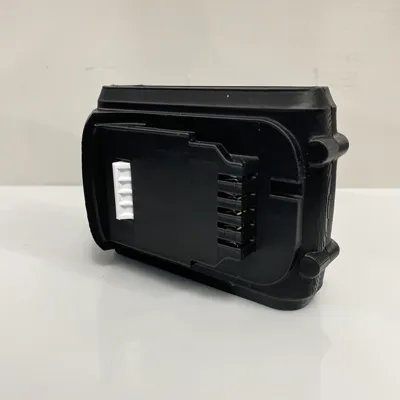
DeWalt DCB201 Battery Case (Top & Bottom)
Print Profile(1)

Description
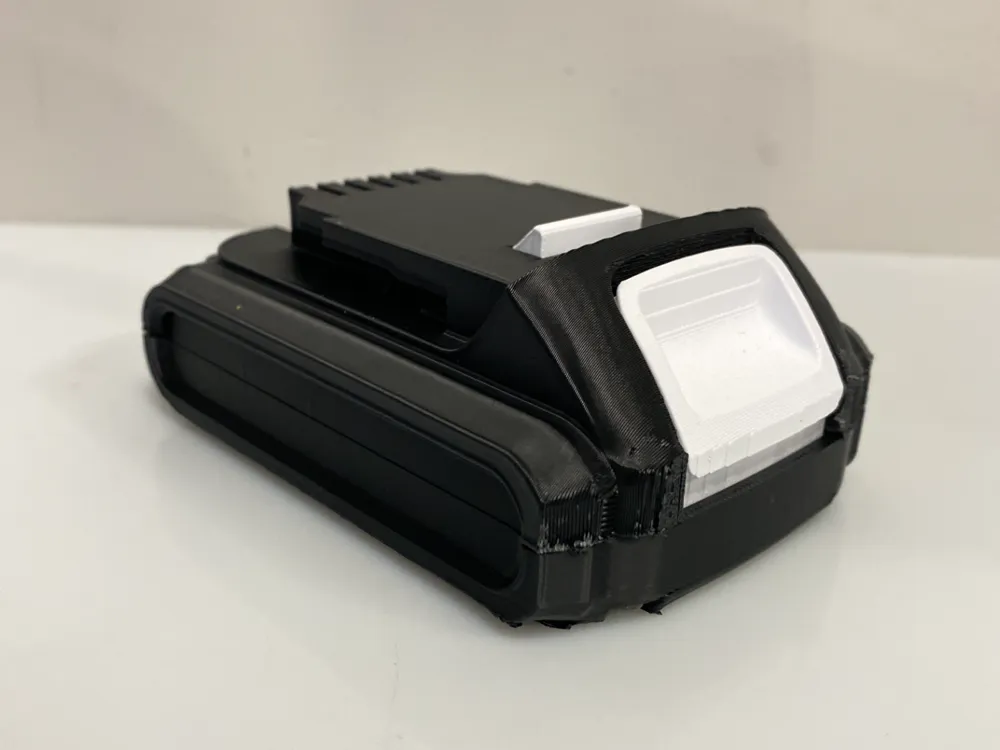
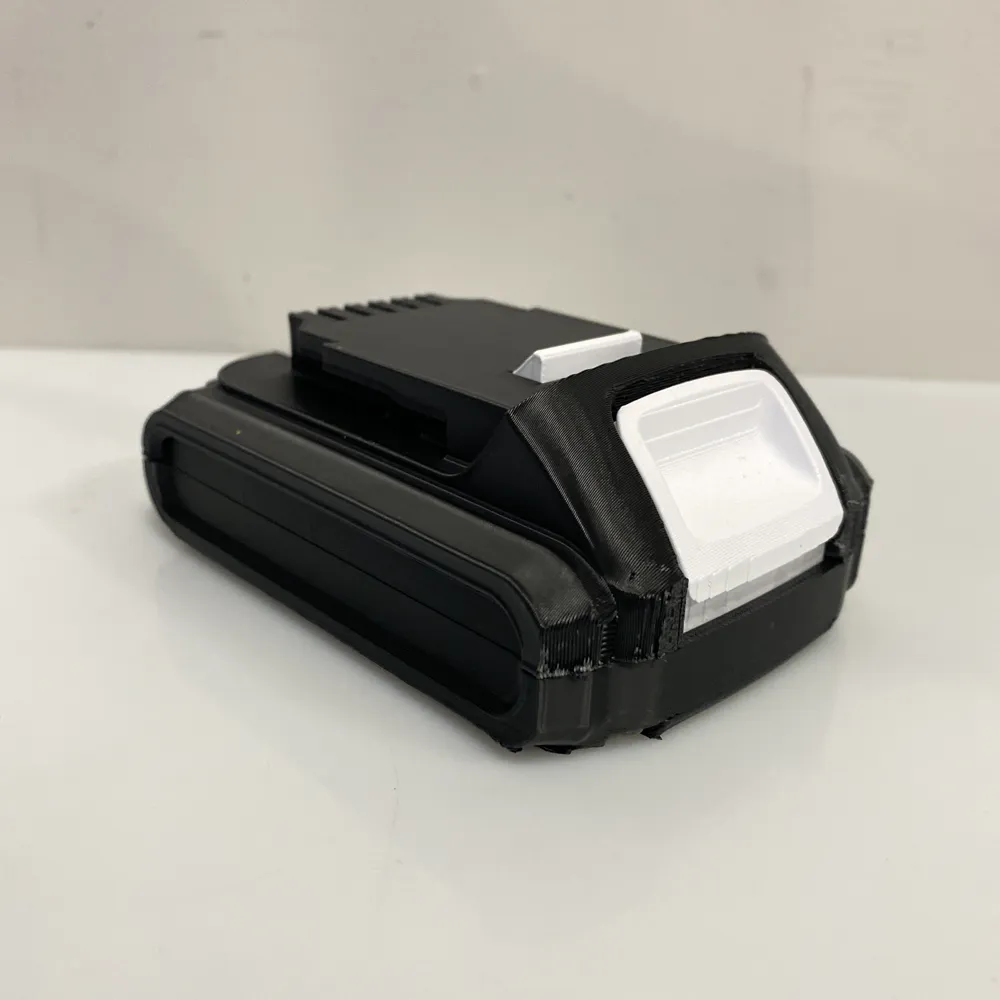
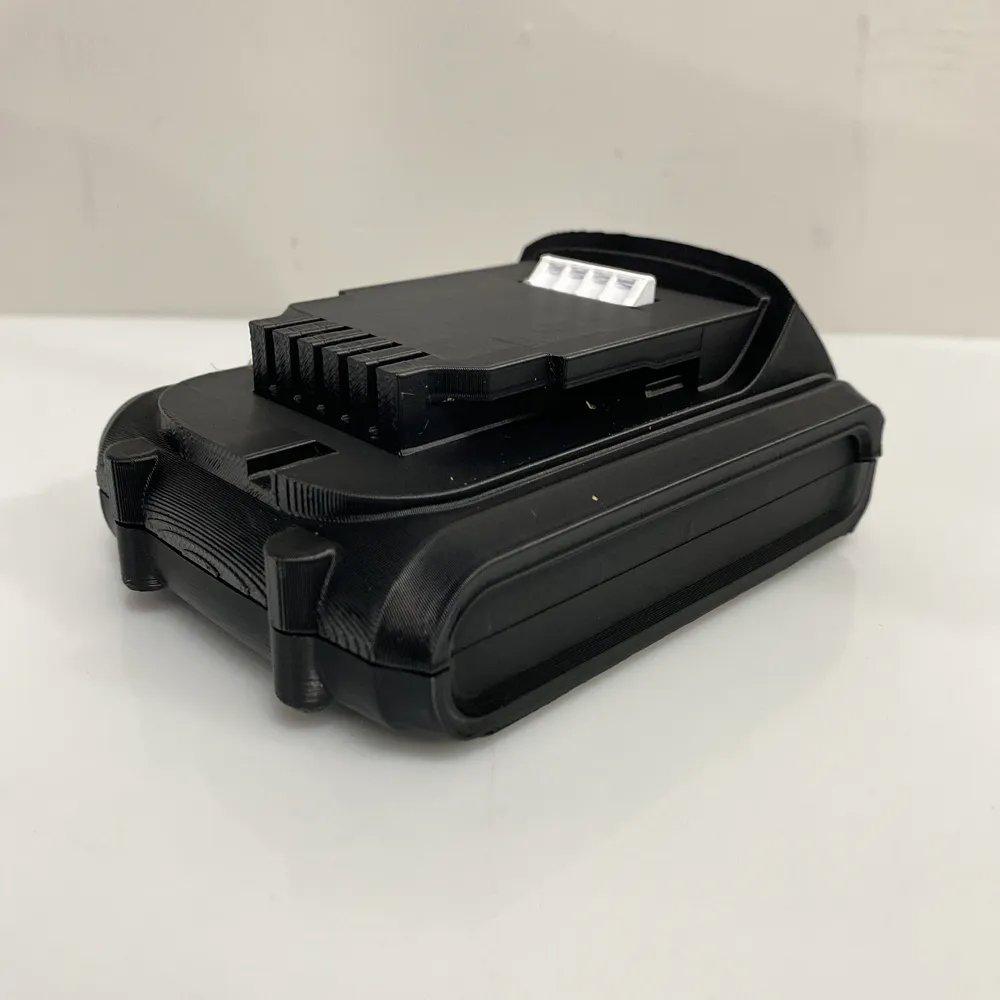
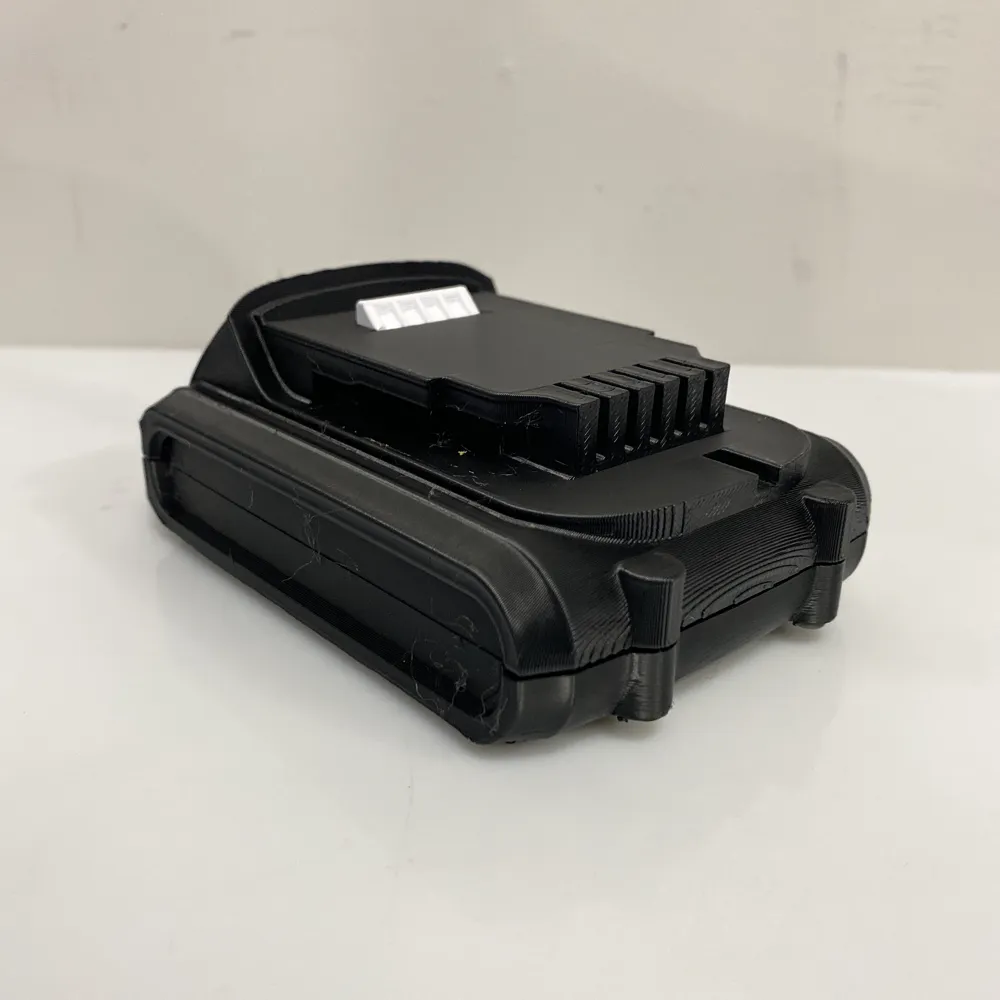
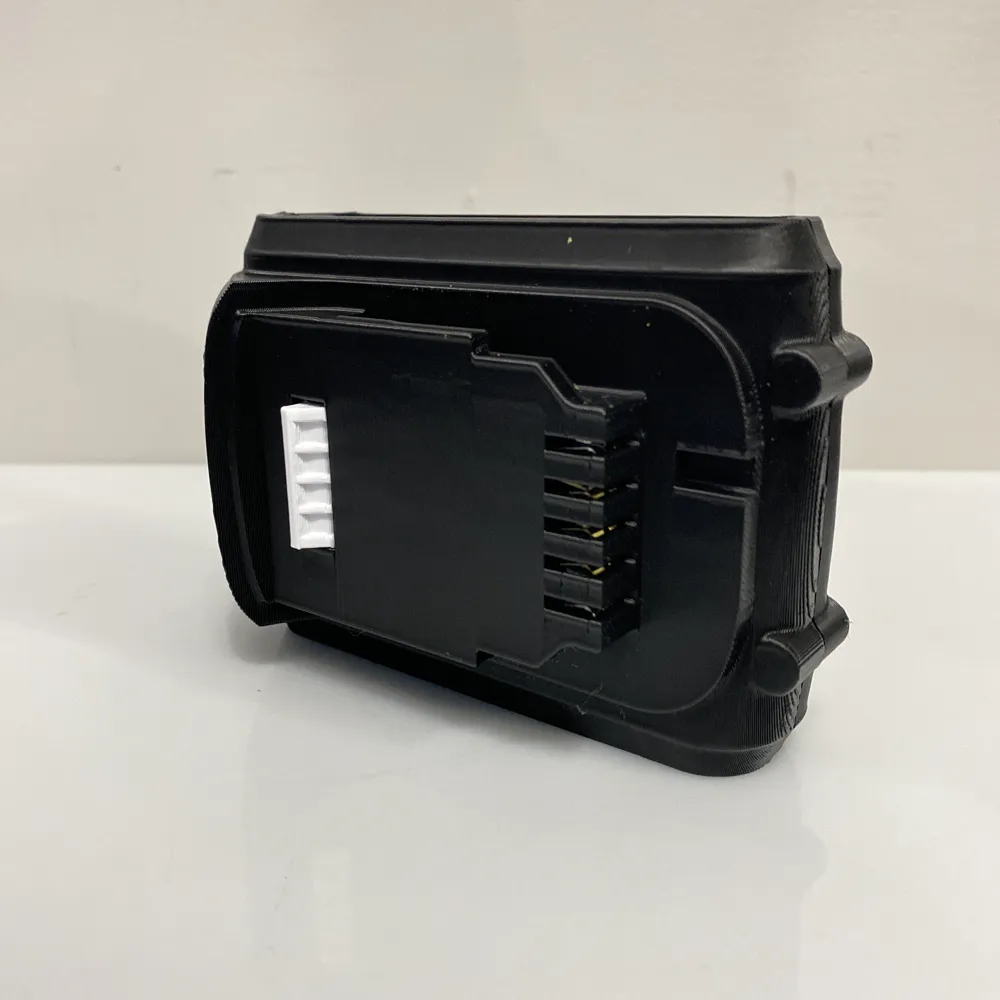
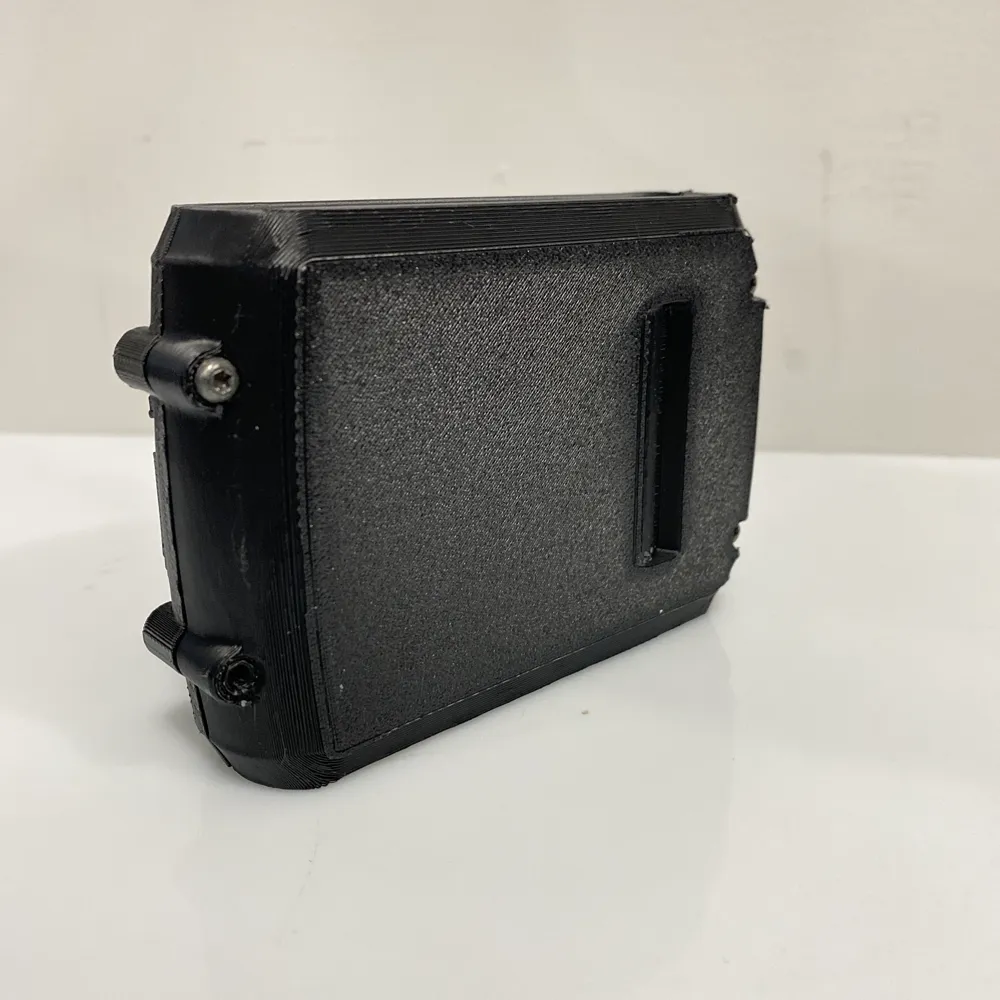
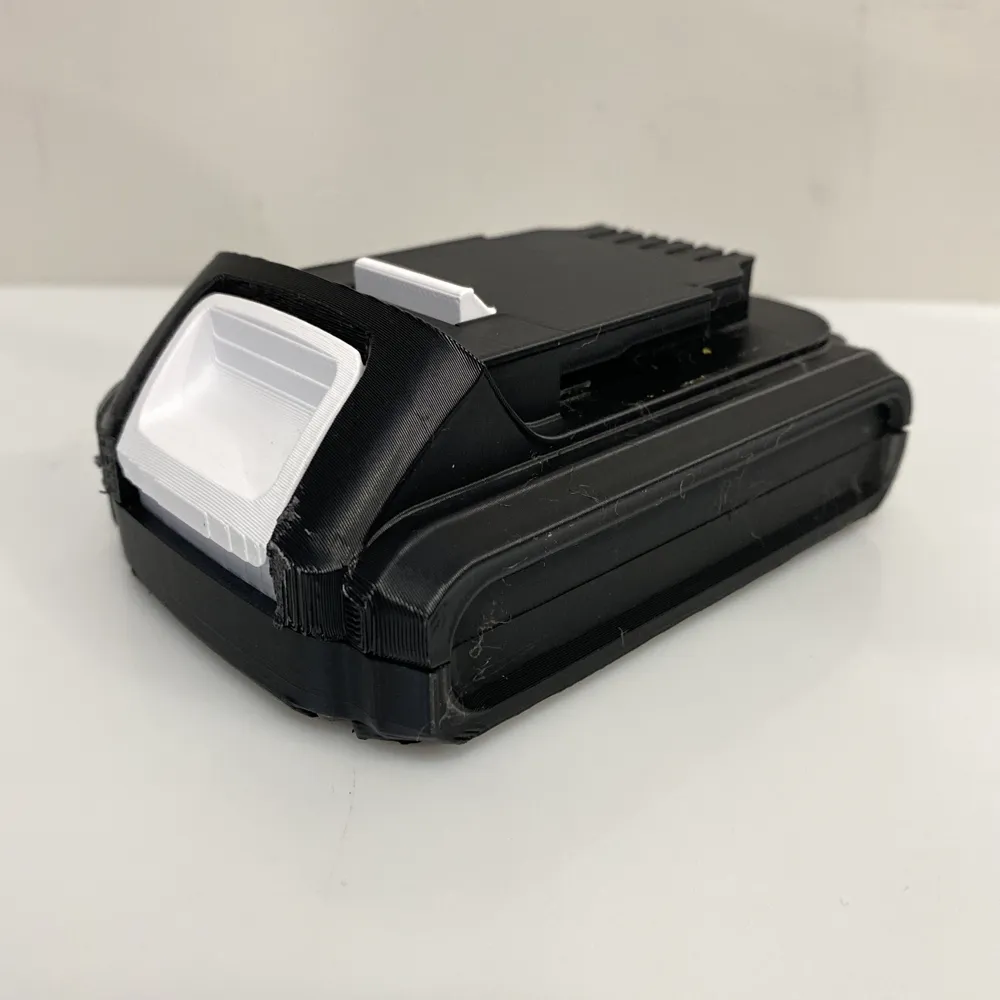
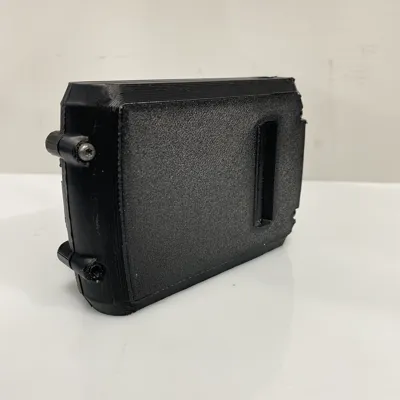
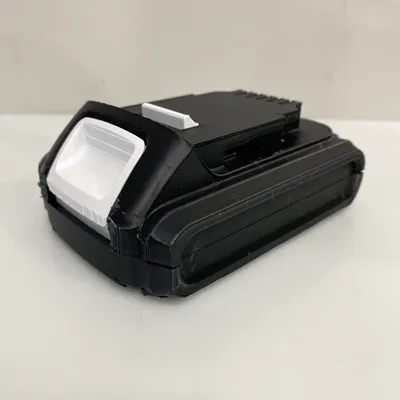
Battery Cover / Case for Dewalt 20V DCB201 Battery Pack. Included is the lower and top. I hope you find this helpful for fixing your broken Dewalt battery pack. Batteries are a tight fit, but they should still install. (dependent on your print settings and filament choice)
A few important notes, prior to final assembly, here are a couple of recommended tips. When you get the upper half printed, try putting it on your tool to make sure the battery terminals come through properly. I had to do a couple of revisions to the model to get it to fit, so I expect it should be OK, but best to check prior to assembly. You'll be able to see the terminals from the tool coming through.
Also once you assemble the full pack with the batteries in it, test the release button and make sure the latch isn't above the mating surface, otherwise you might have a hard time getting the pack removed from your tool because it won't disengage properly. If it does get stuck, you hopefully will still have access to the screws to take the bottom off the pack. This might help, but be proactive and check prior to putting the pack on your tool.
If you need the release button, please see my other Dewalt Battery Holder. It has the release in that file. It's the same button and confirmed it works.
I would recommend that if you only need one half, that you print both halfs to make the complete shell. The 3D version might not be 100% compatible with original shell.
License



Comment & Rating (17)