
Greeting Card Creator - Customizable, Foldable
Print Profile(1)

Description

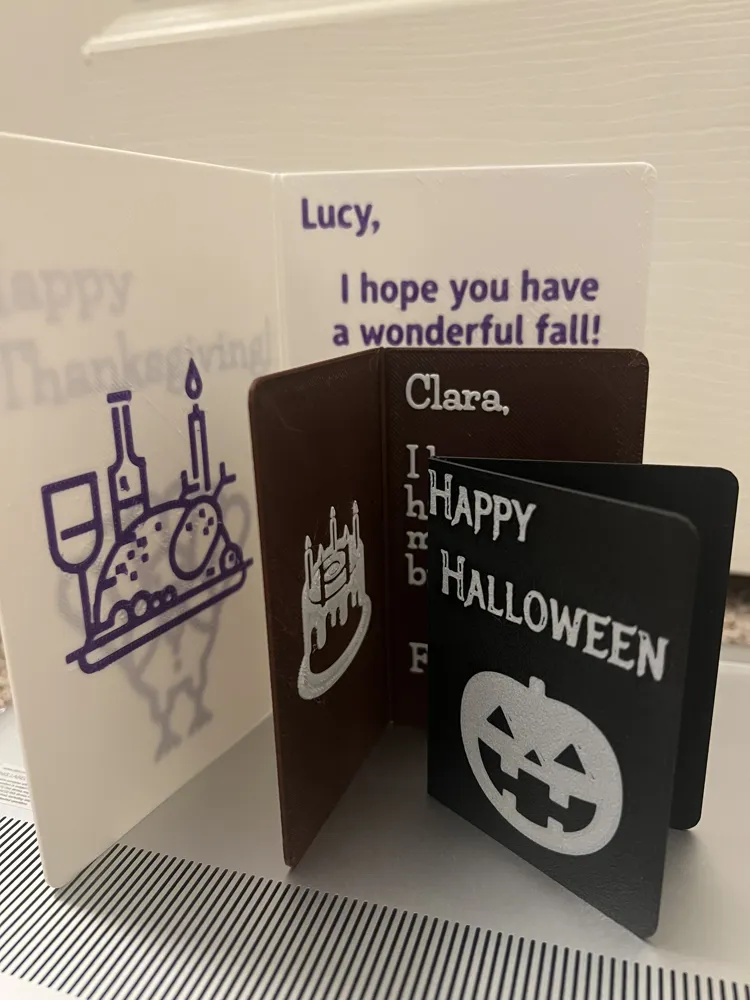
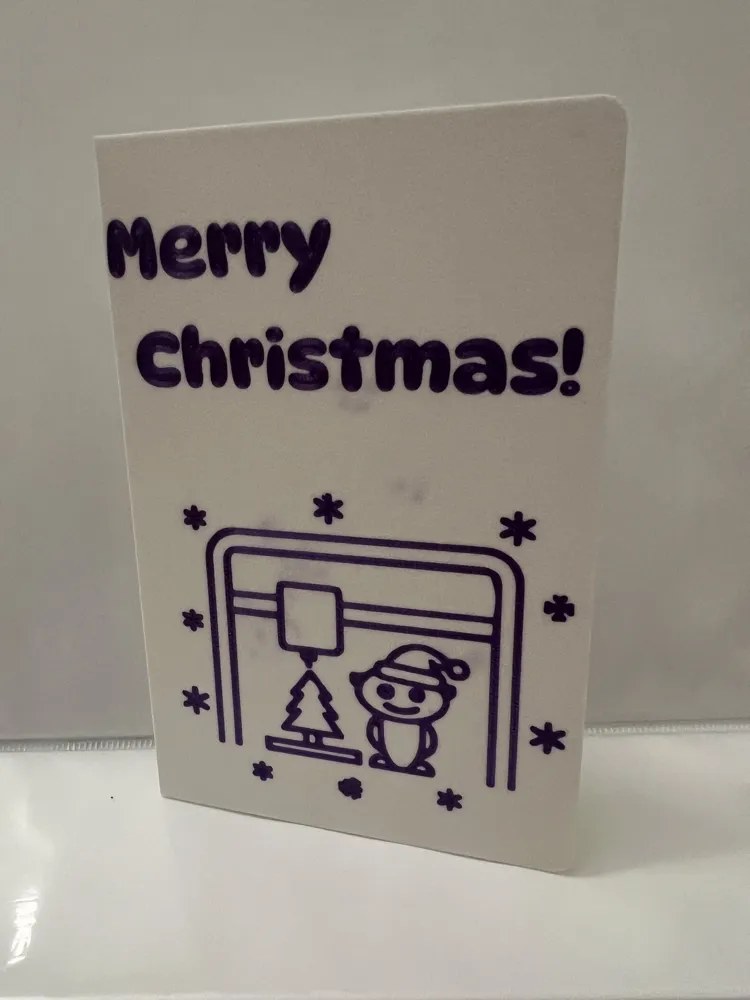
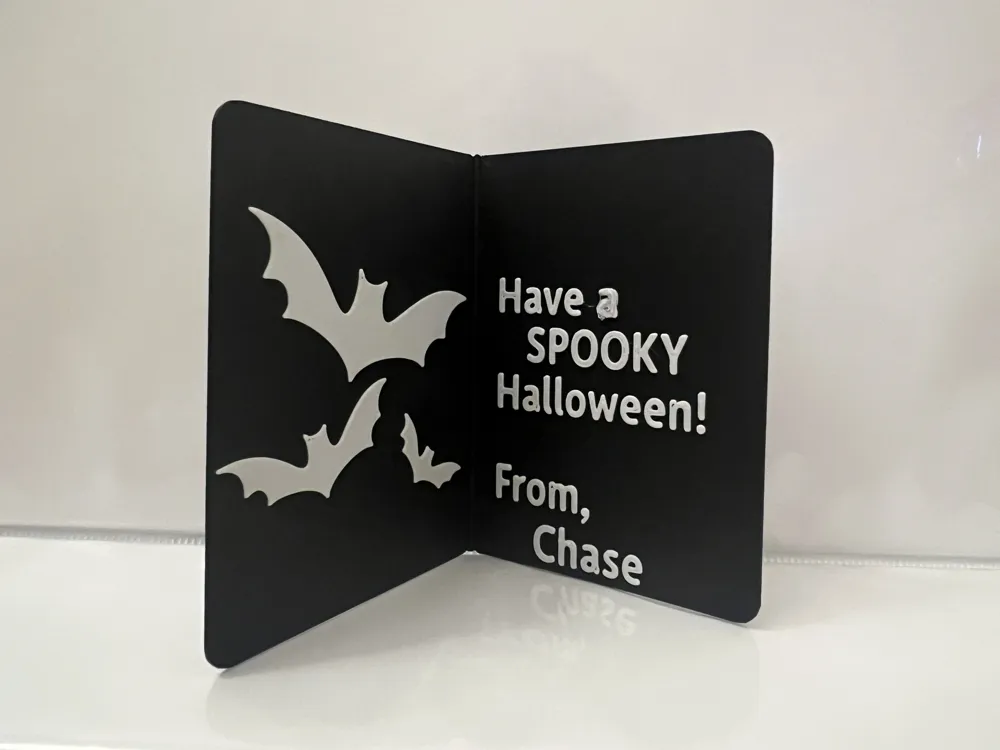
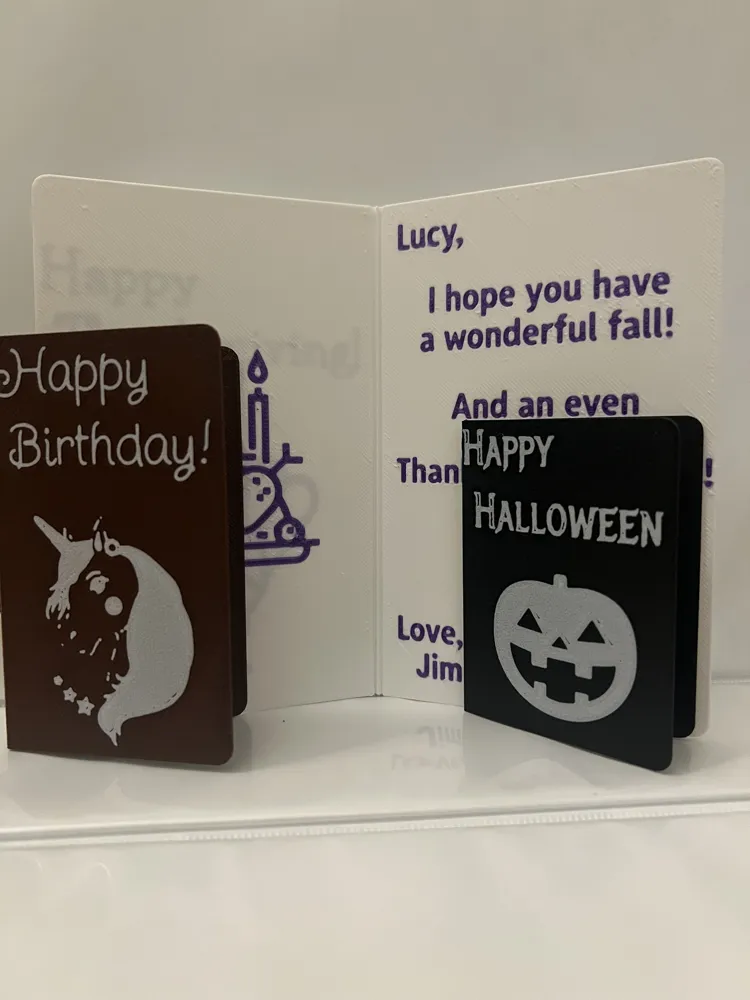
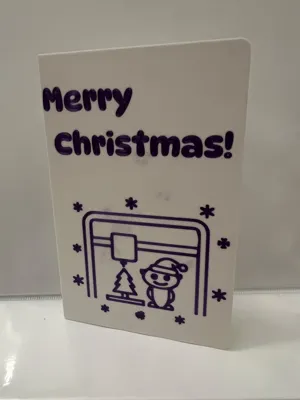
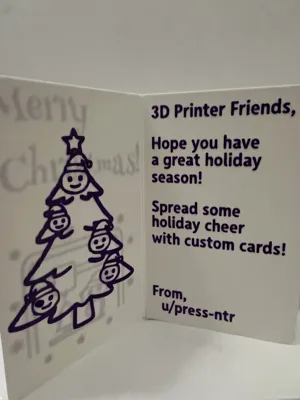
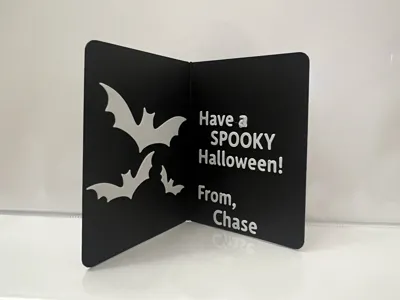
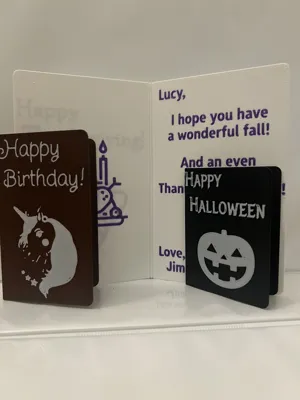
Create a card for any occasion – NO AMS REQUIRED!
This card was designed with minimal filament changes in mind. Even if you do not have an AMS, you can print this with only TWO manual filament changes.
Get Started
- Press the green Customize button to design your card.
- Add your text, choose your fonts, and upload your images.
- When done, click Download (top right), select your printer, and SAVE AS 3MF.
- Saving as STL will NOT preserve the color data.
Features
Using the Parametric Model Maker, you can add:
- Text
- Two lines on the front of the card
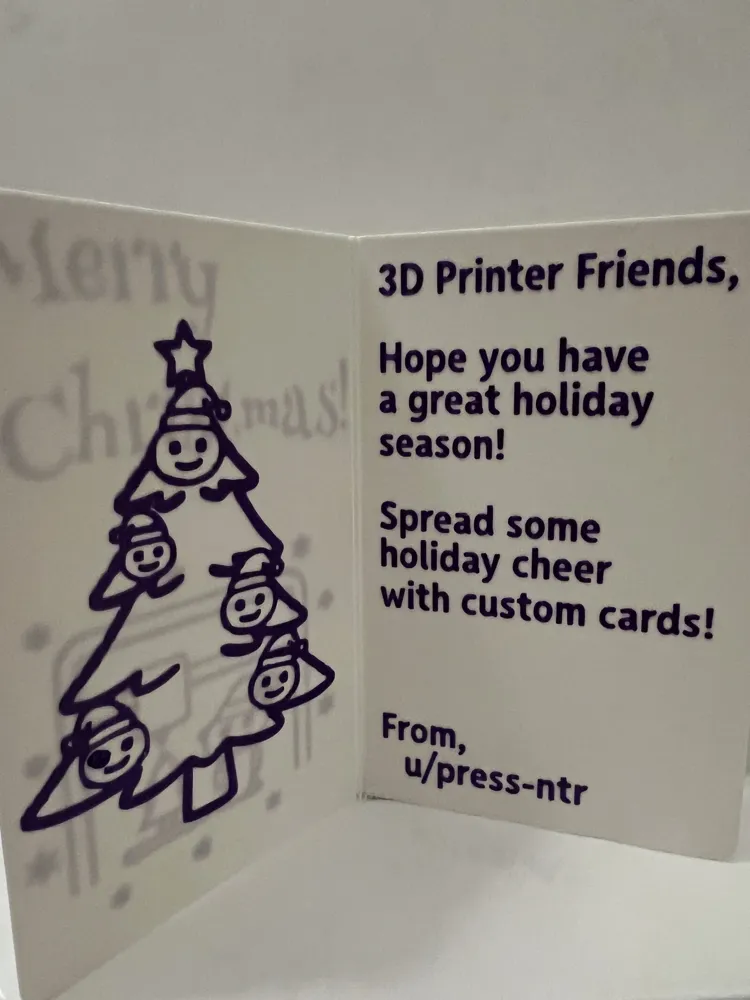
- Up to 8 lines on the inside (plus additional “To” and “From” lines)
- Images
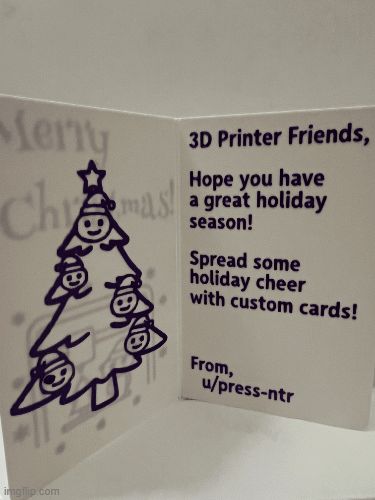
- Resizable custom images on the front and inside of the card
- Font
- Separately configurable font for the front and the inside
- Separately configurable font sizes for the front and inside
- Dimensions
- Adjust the height and width to create anything from a cute note to a jumbo card.
Slicer Settings - IMPORTANT
The model is meant to be printed with the default .20mm Standard profile.
However, to prevent colors from bleeding through the card, you must change the following:
Strength > Top/bottom shells:
- Top paint penetration layers: 1
- Bottom paint penetration layers: 1
Adding Images
You may use any SVG with a transparent background. It will automatically get scaled down to the proper size. Additional scaling is available in the customizer.
Printing without an AMS
These cards can easily be printed by injecting manual filament changes into the gcode generated by the slicer. (In fact, I don't even own an AMS, so this is how I print all my cards!) There are a couple of ways that this can be done; however, the easiest way is to use my gcode patching website. Here's how it's done:
- Generate your card and download the 3MF.
- Slice with the settings above, but DISABLE the `Prime Tower` in the `Others` tab.
- Export the G-code (File > Export > Export G-code…).
- Upload your G-code to the Midlayer Filament Swapper.
- Download the patched file and print!
- Click the "Need Help?" button on the website for more detailed steps and how to perform the manual filament change.
- Note: While it is unlikely, I am not responsible for any issues/damages that occur when using custom gcode generated from the website.
Contribute
Feel free to create generic cards for any occasion and upload them as profiles to this model. You can do this by designing your card, slicing it with the recommended settings, and adding the 3MF as a profile to this model! This allows people to print cards without needing to design/slice anything!
I recommend giving a descriptive name (like what occasion the card is for) and images of the front and inside of the card for each profile you upload.
FAQ
Where can I get an image?
- Search: SVGRepo (Free)
- Draw: Must have a transparent background
- Use AI:
- Generate an image (e.g., "Cute cartoon unicorn, thick black lines, white background").
- Remove background: remove.bg.
- Convert to SVG: FreeConvert.
Why doesn't the slicer show multiple colors?
You need to save the model as a 3MF. Saving as an STL does not preserve colors.
License

You shall not share, sub-license, sell, rent, host, transfer, or distribute in any way the digital or 3D printed versions of this object, nor any other derivative work of this object in its digital or physical format (including - but not limited to - remixes of this object, and hosting on other digital platforms). The objects may not be used without permission in any way whatsoever in which you charge money, or collect fees.


Comment & Rating (0)