

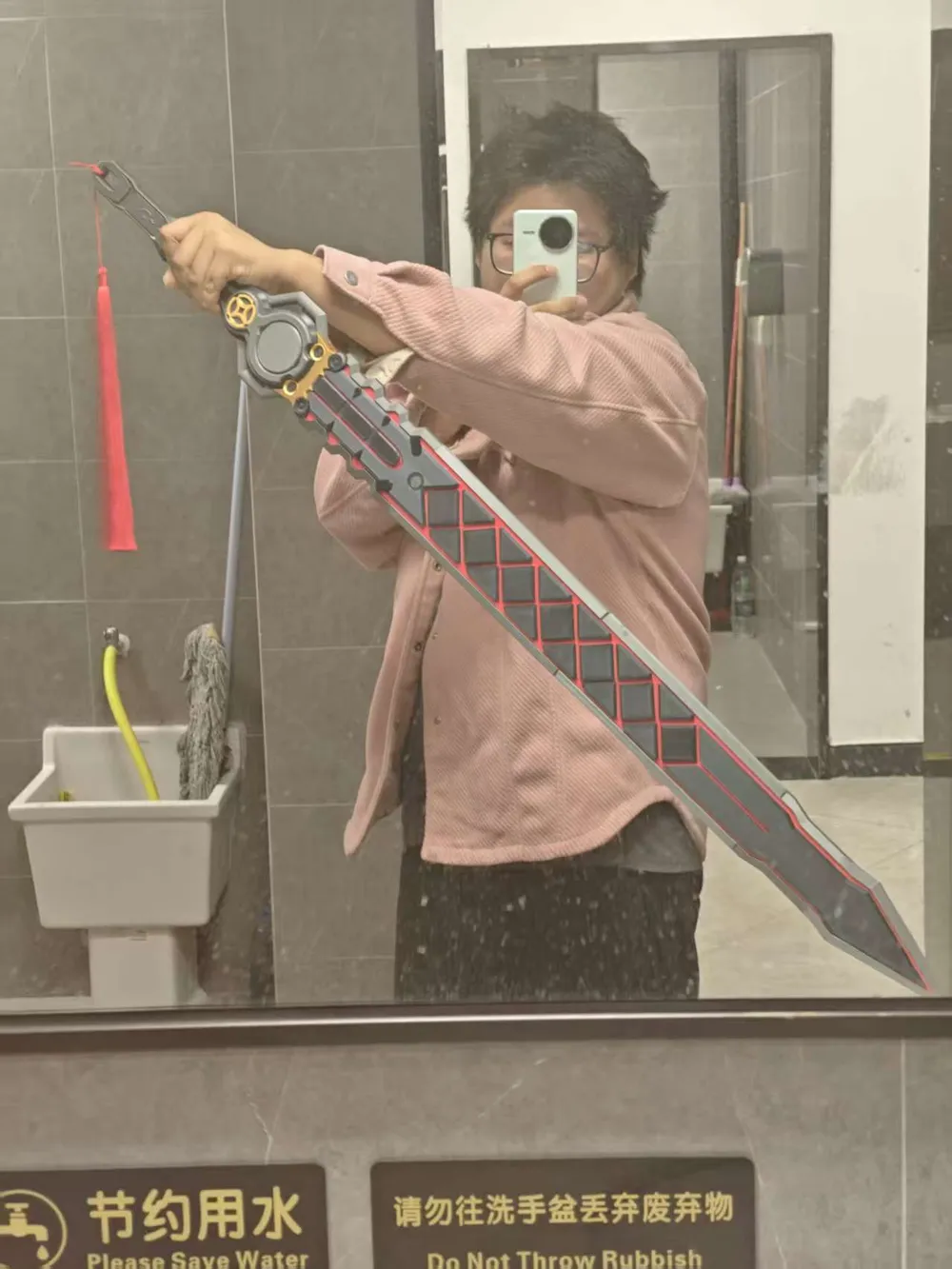
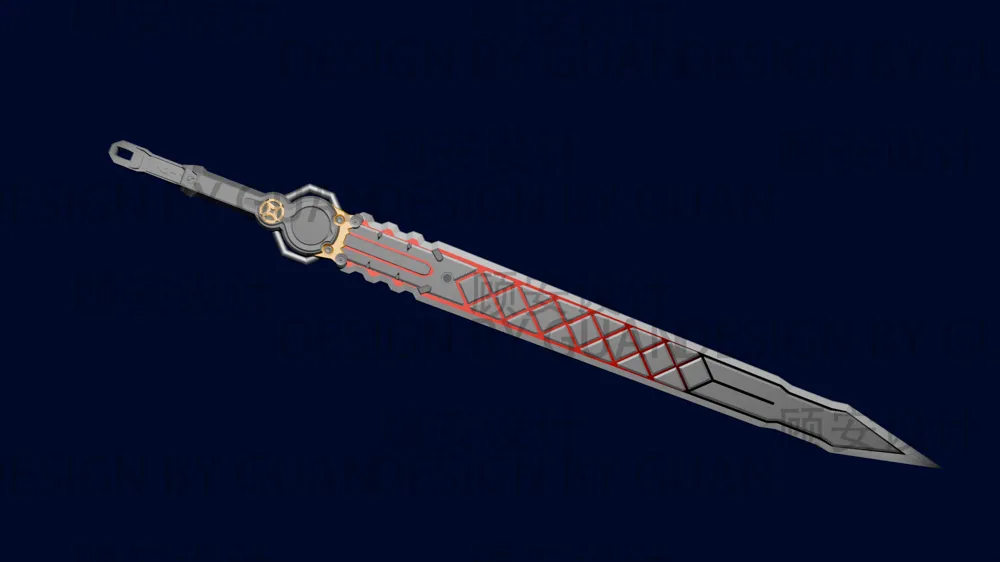
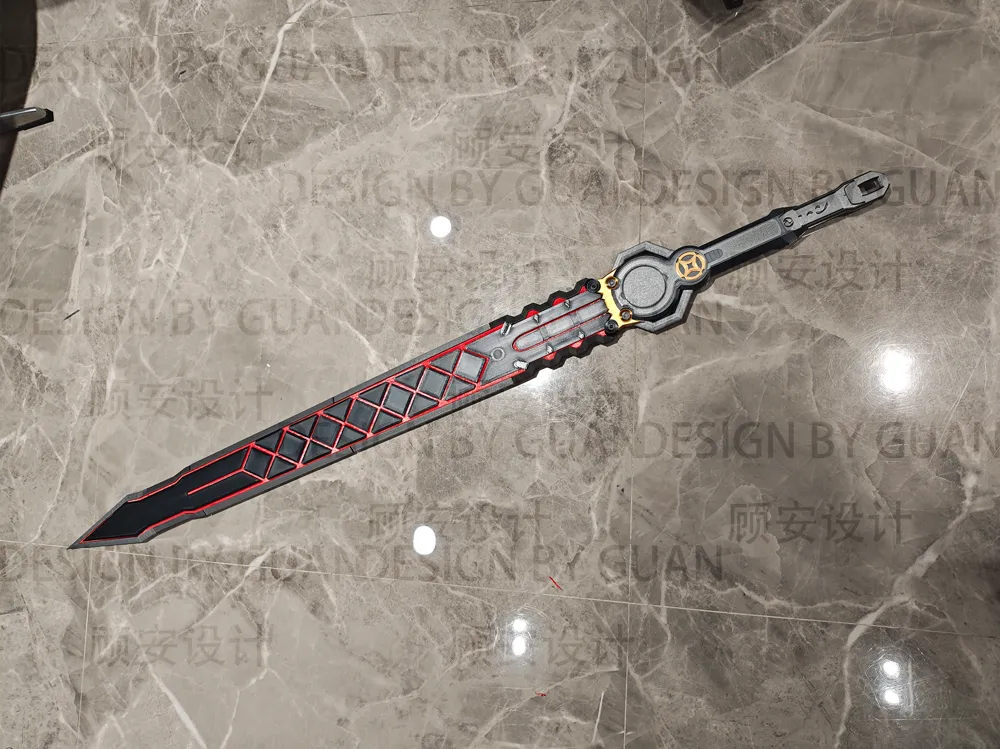
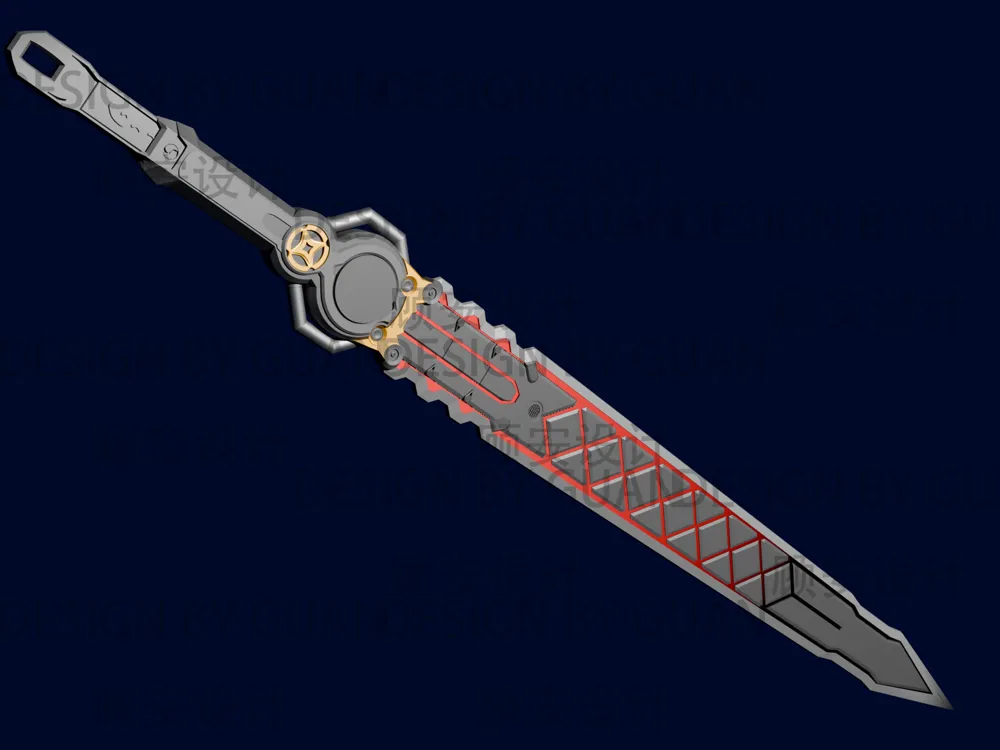
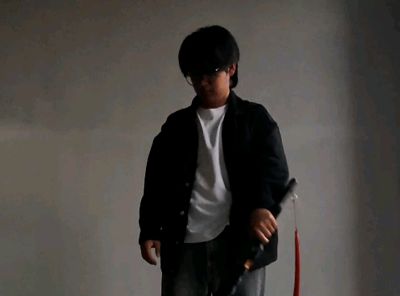
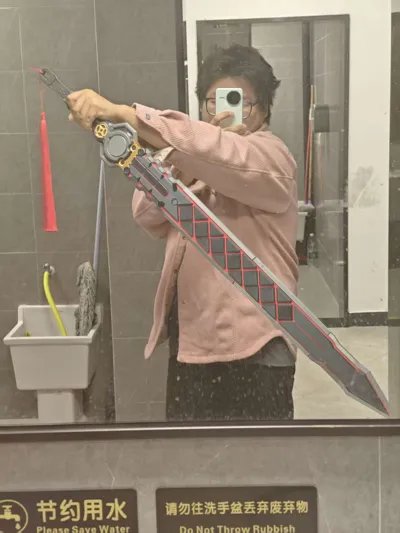
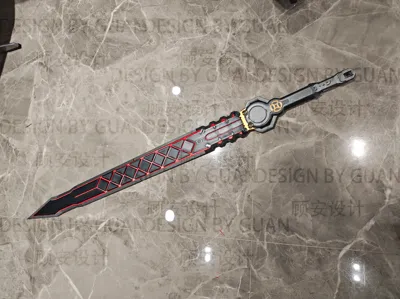
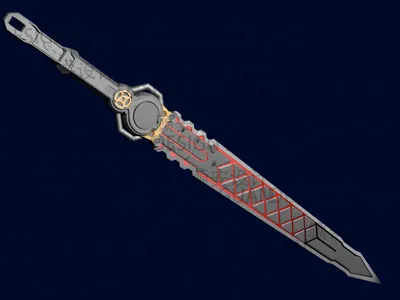
[Zenless Zone Zero] Ye Shunguang's Sword, no AMS needed, fully multi-color with lighting, Ye Shunguang cosplay prop
Print Profile(1)

Description
Boost Me (for free)
I wield my sword to shatter all karma
2026.1.1 Update First, I wish everyone a perfect first layer in the new year, stable supports, smooth surfaces, flat models, no missing material at corners, no sagging overhangs, dry filament, no stringing from retraction, no spaghetti during printing, no hotend clogs, motors never skipping steps, idler pulleys never making abnormal noises, belts always staying new, lead screws rotating smoothly, poop chute not getting jammed, all desired models found, and every 3D print succeeding in one go!
After finishing my final assignments, I brought everyone detailed instructions and accessory diagrams All accessories below are self-purchased with no promotions
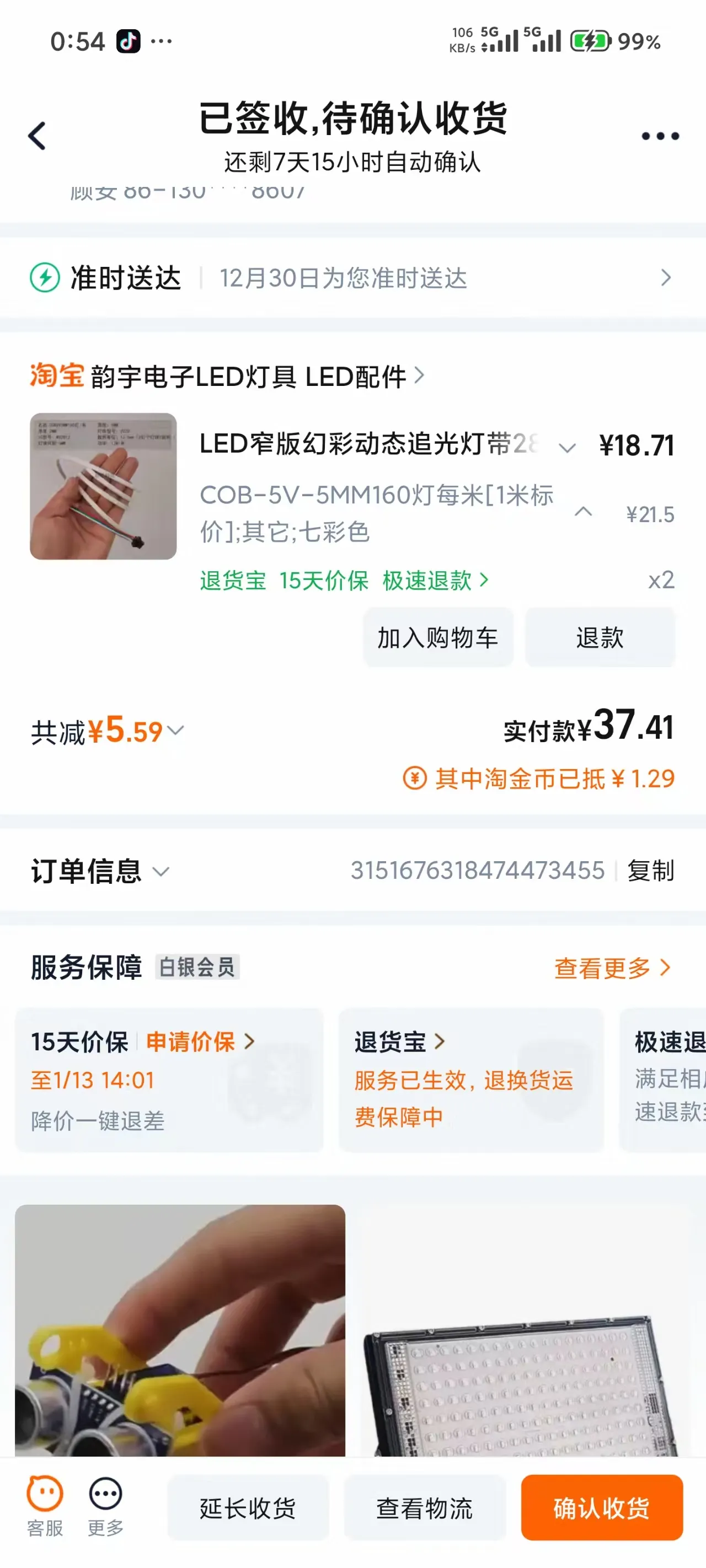
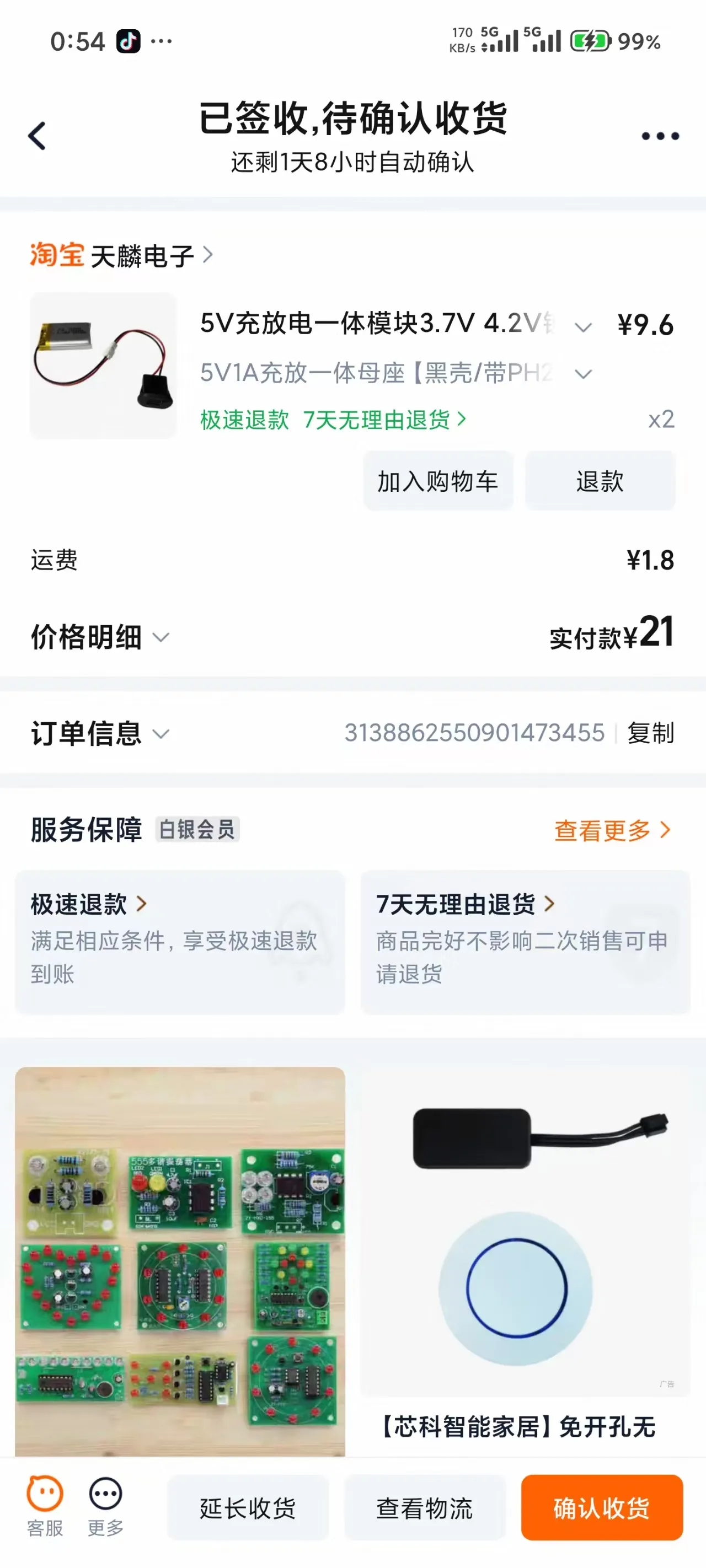
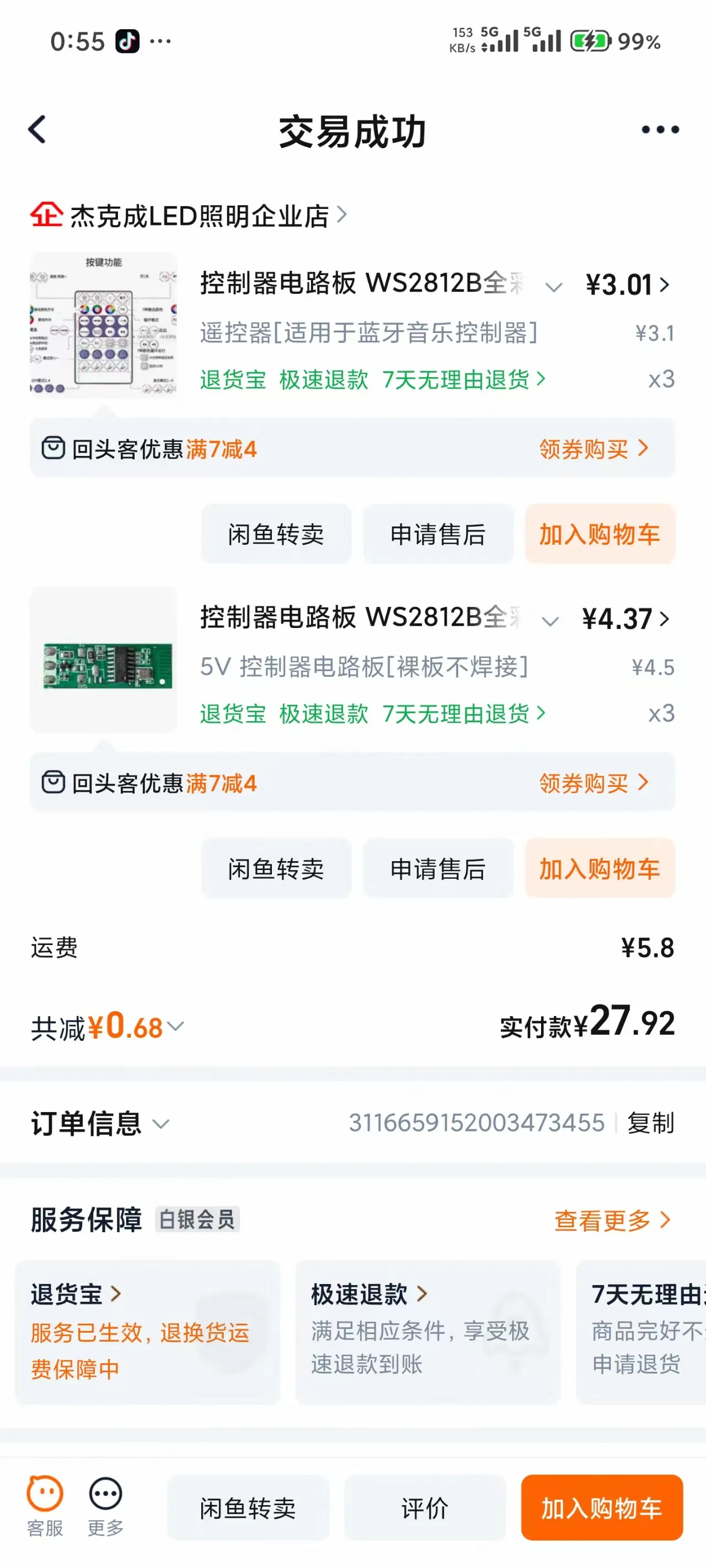
Prepare the above materials
Step one
Assemble the hilt, combine the three parts as shown and glue them
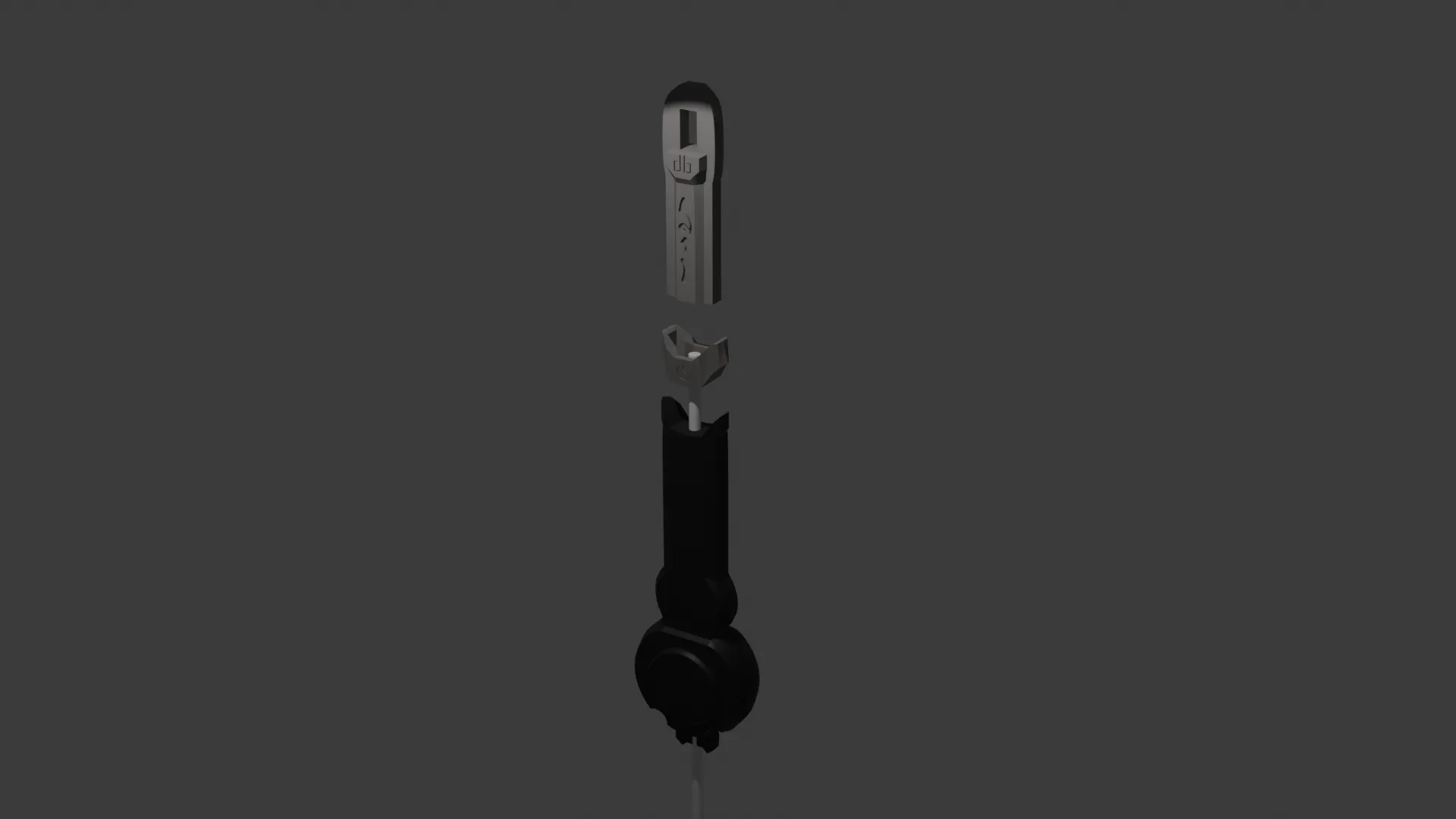
Step two
Attach the hilt decorative stickers to the hilt, paying attention to the direction of the small gold discs
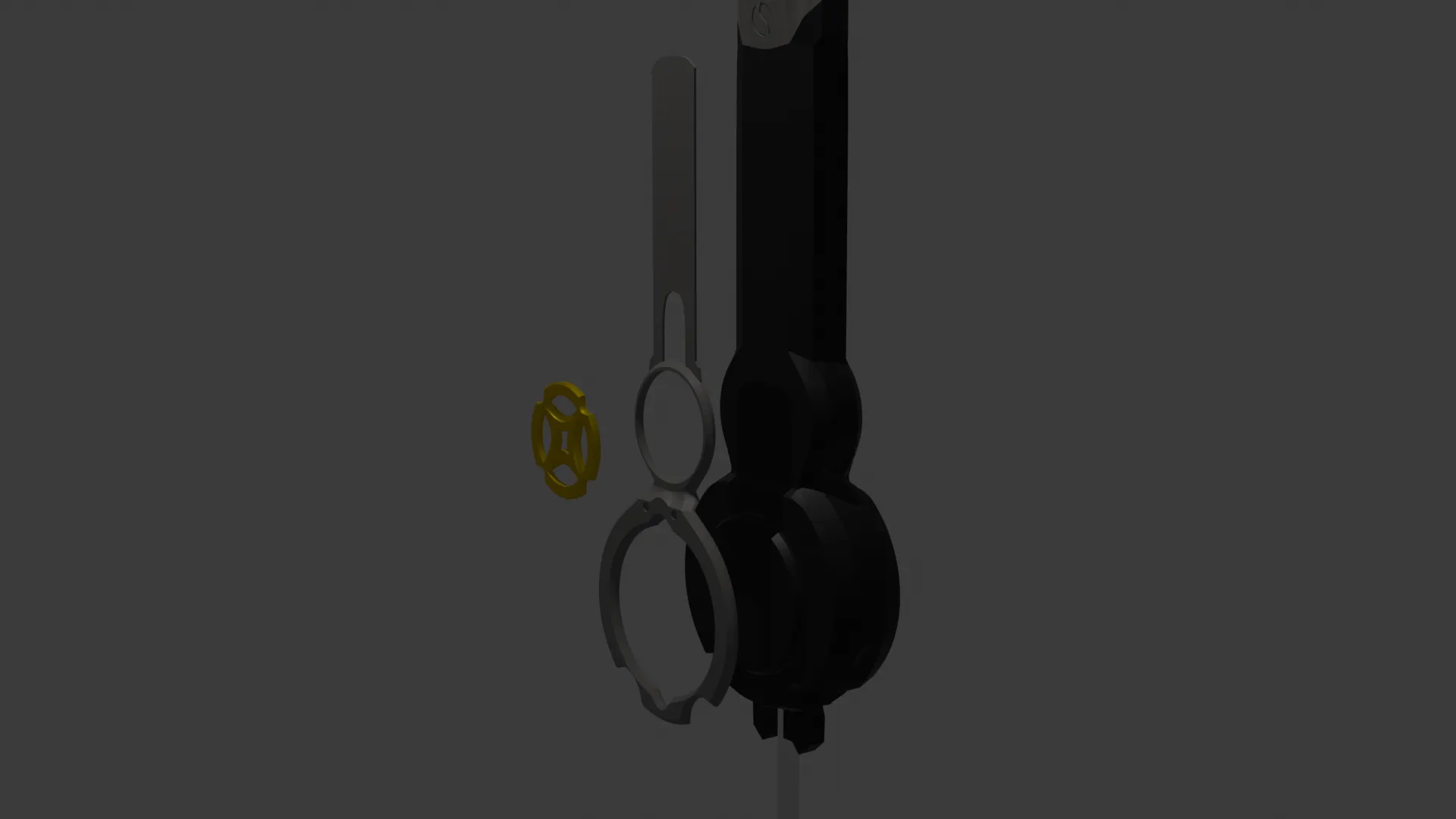
Step three
Assemble the gold connector, snap it in from one side
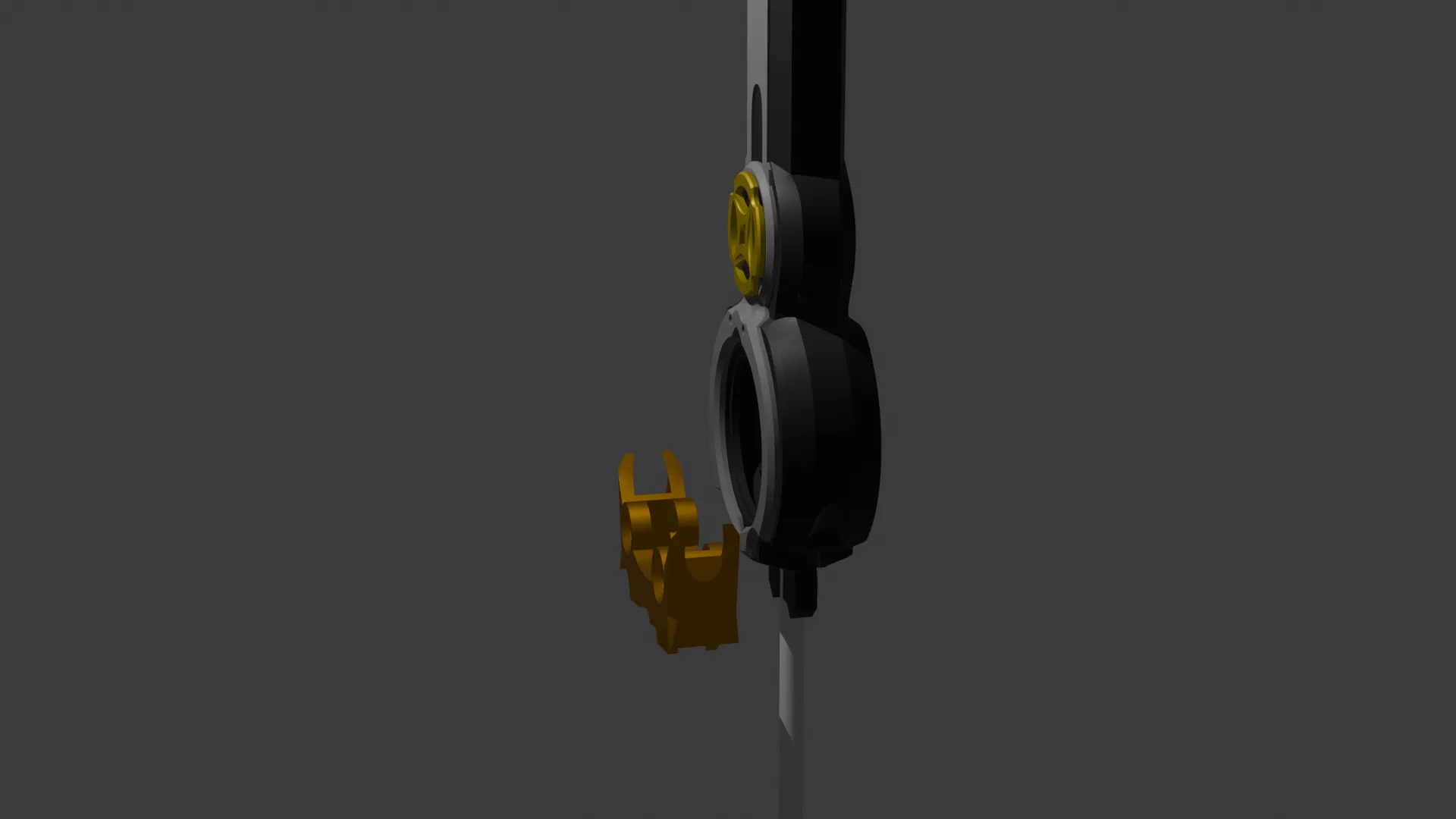
Step four
Assemble the decorative pipes on both sides
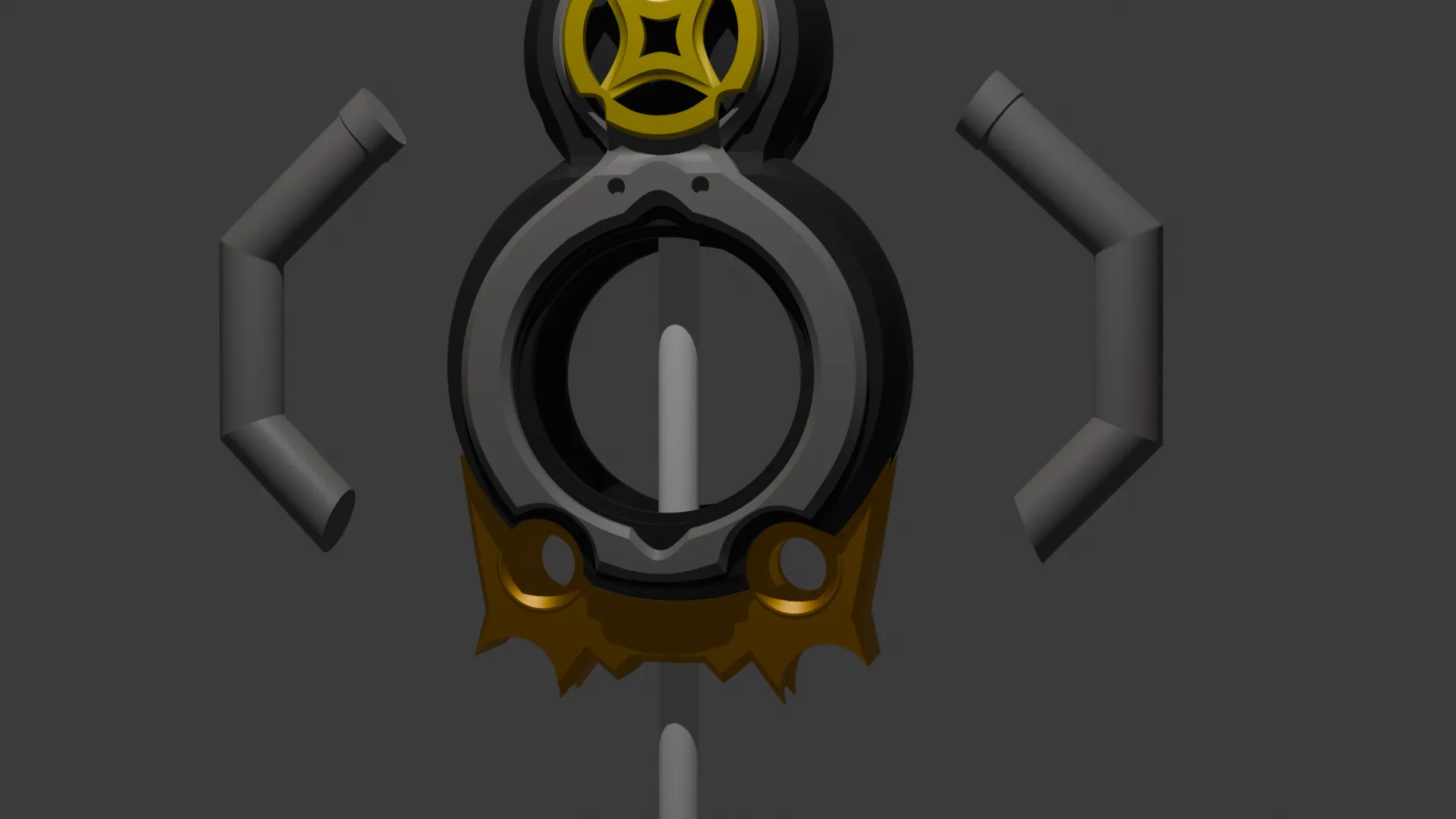
Step five
First apply the decals to the sword body, then insert and align them
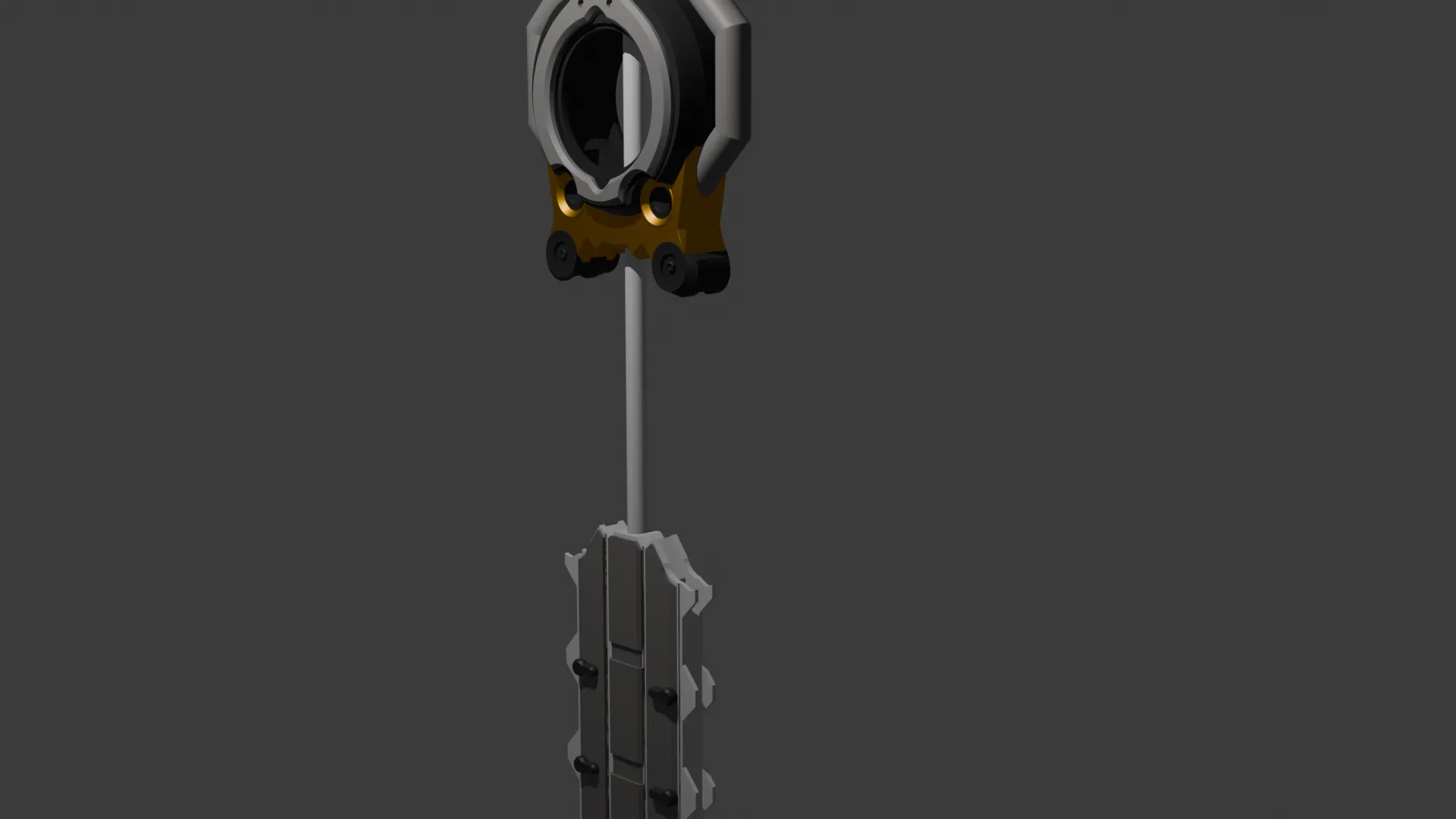
Step six
Insert the black decorative parts from the side and align them
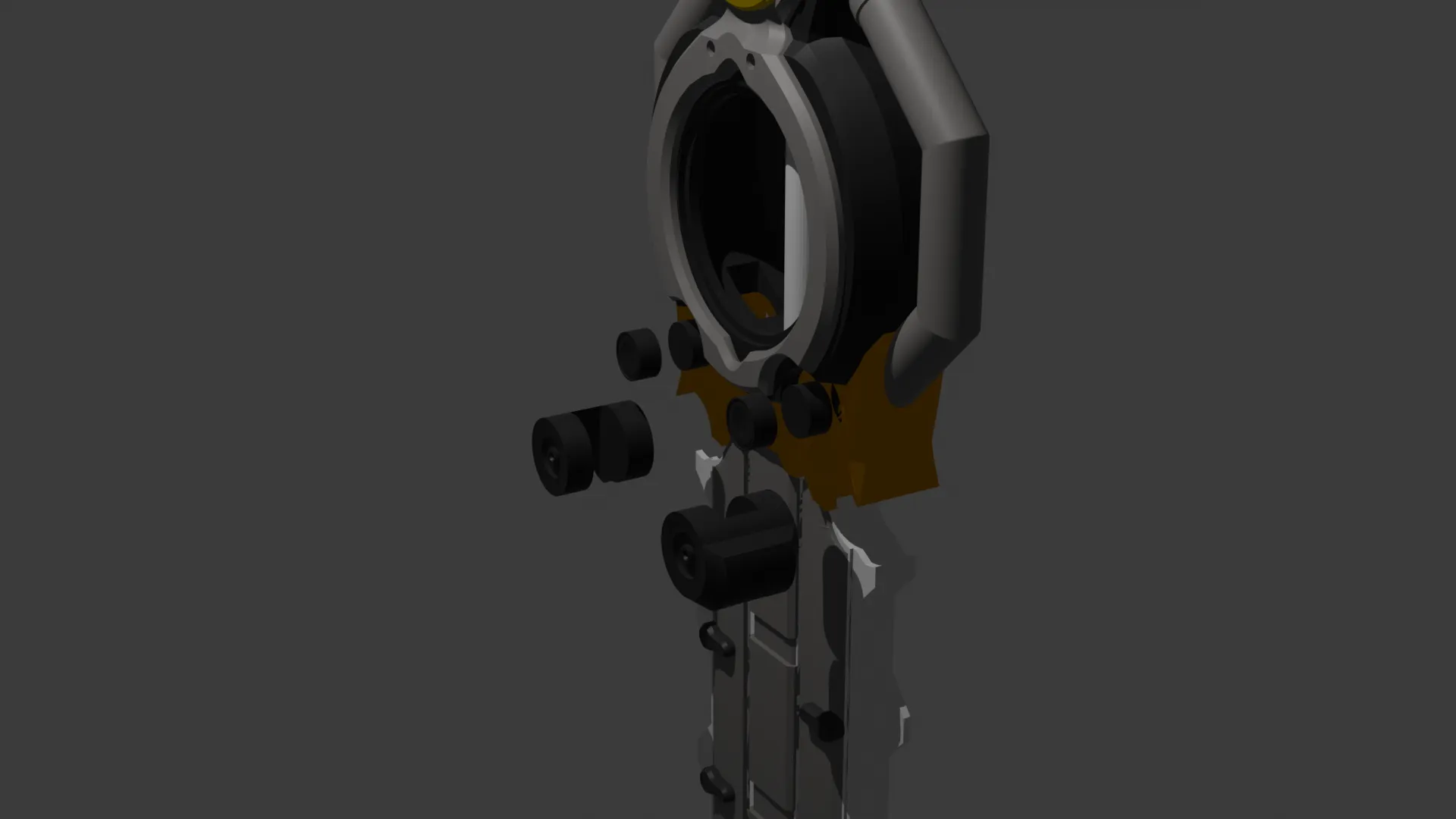
Step seven
After completing the basic assembly above, we will proceed with the lighting tutorial
First, glue the blade sections together, and you will have two parts as shown
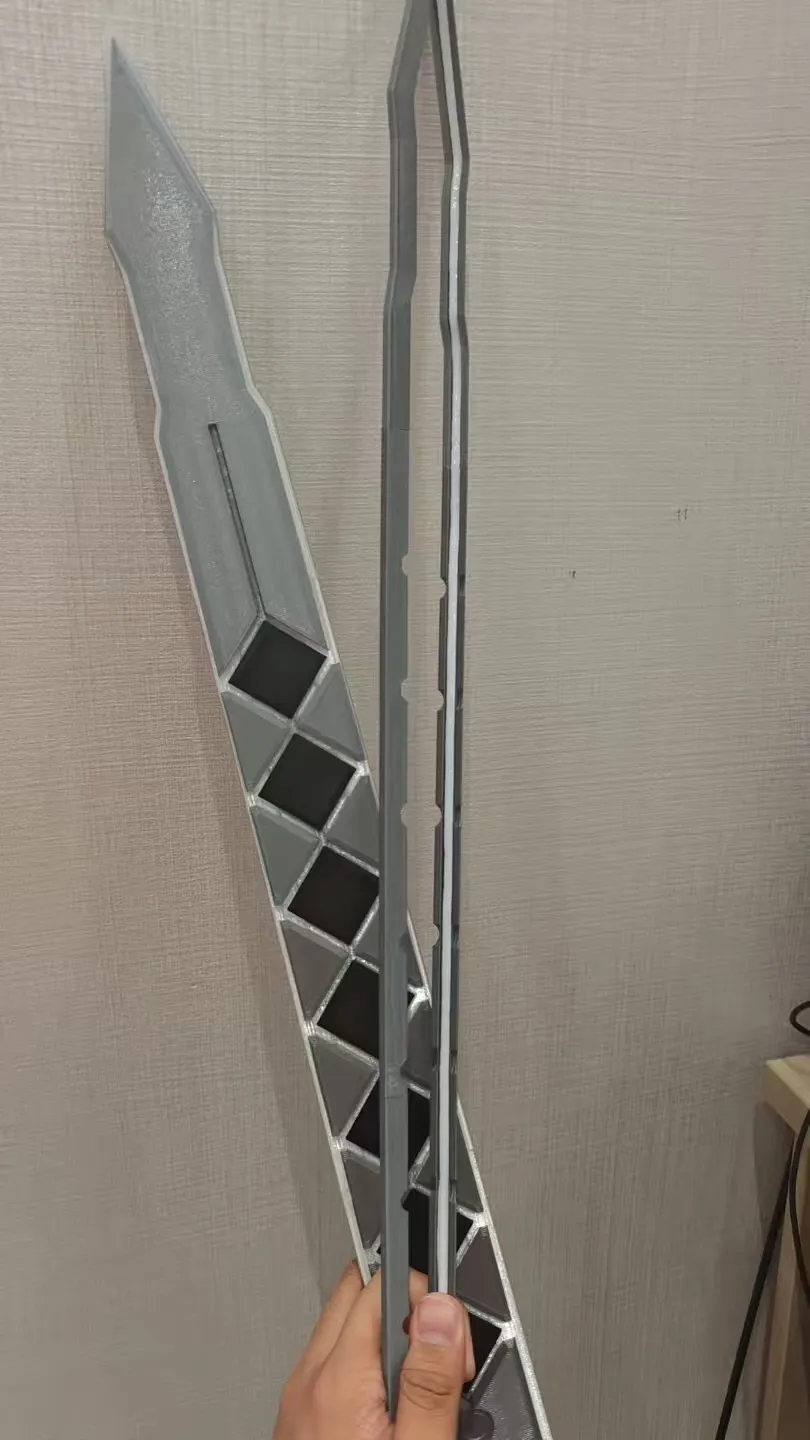
Insert the LED strip into the groove in the blade from the bottom, press it firmly, and cut off any excess
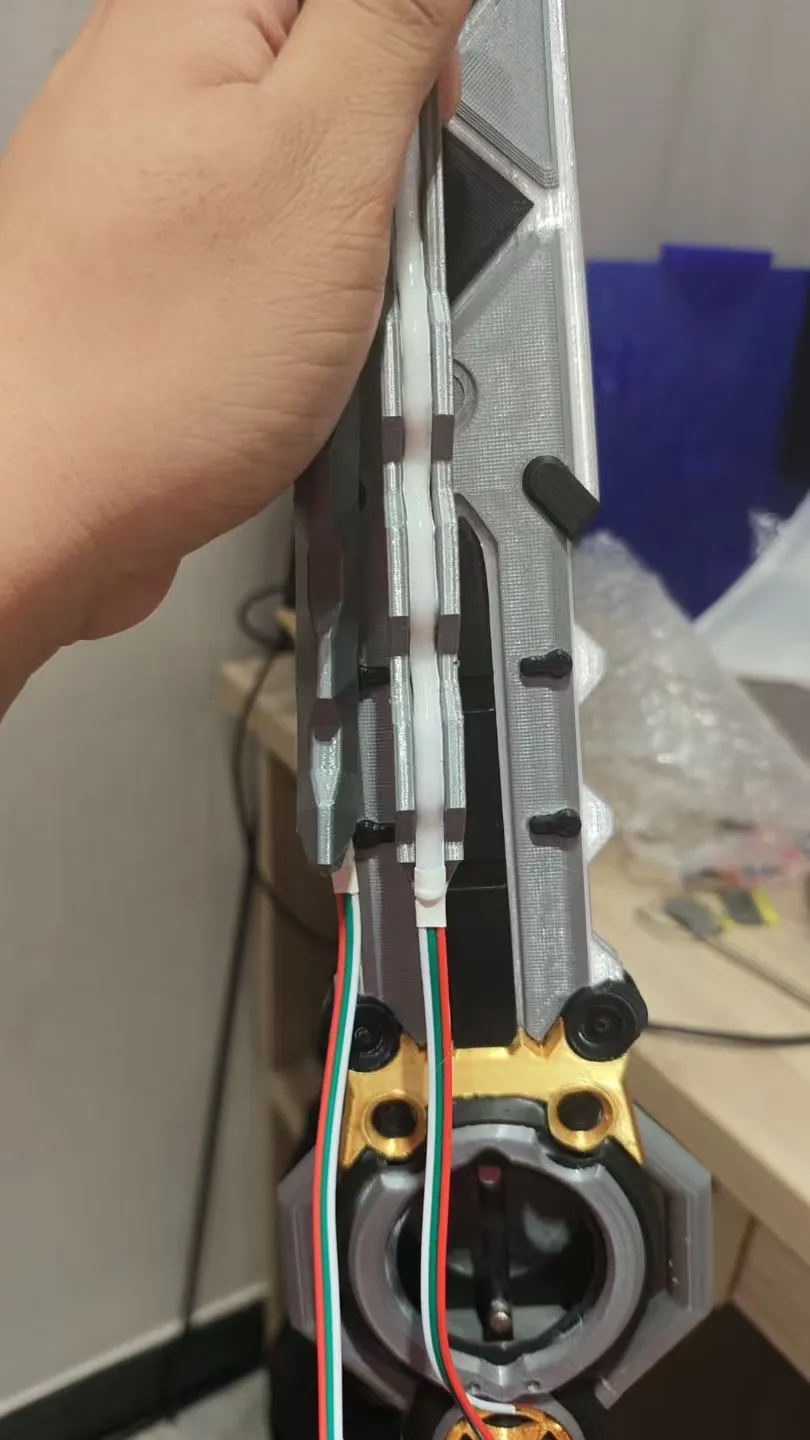
Insert the blade into the sword body from the side, thread the wires through the two openings in the sword body, and secure with glue
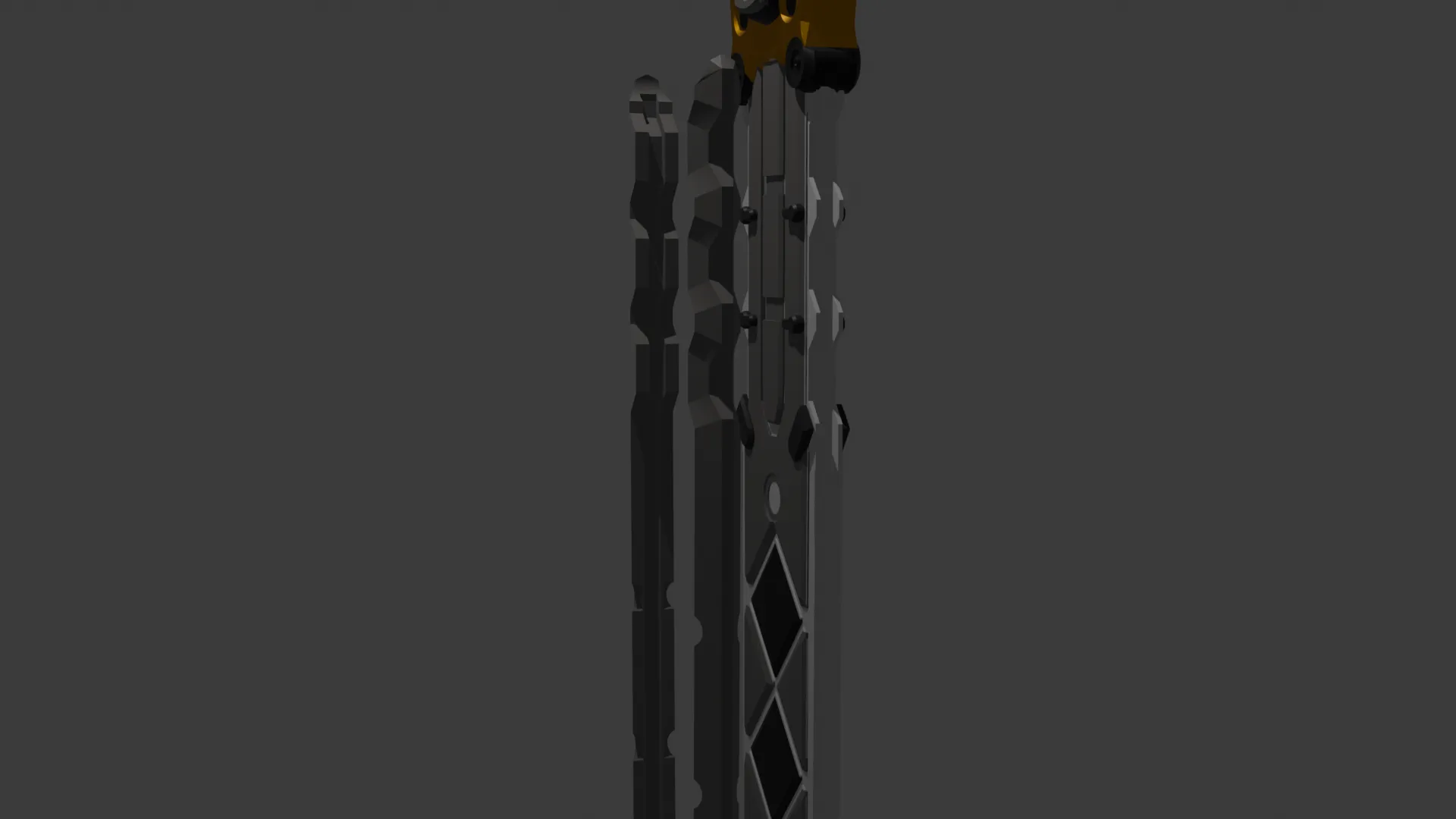
Once assembled, it will look like this
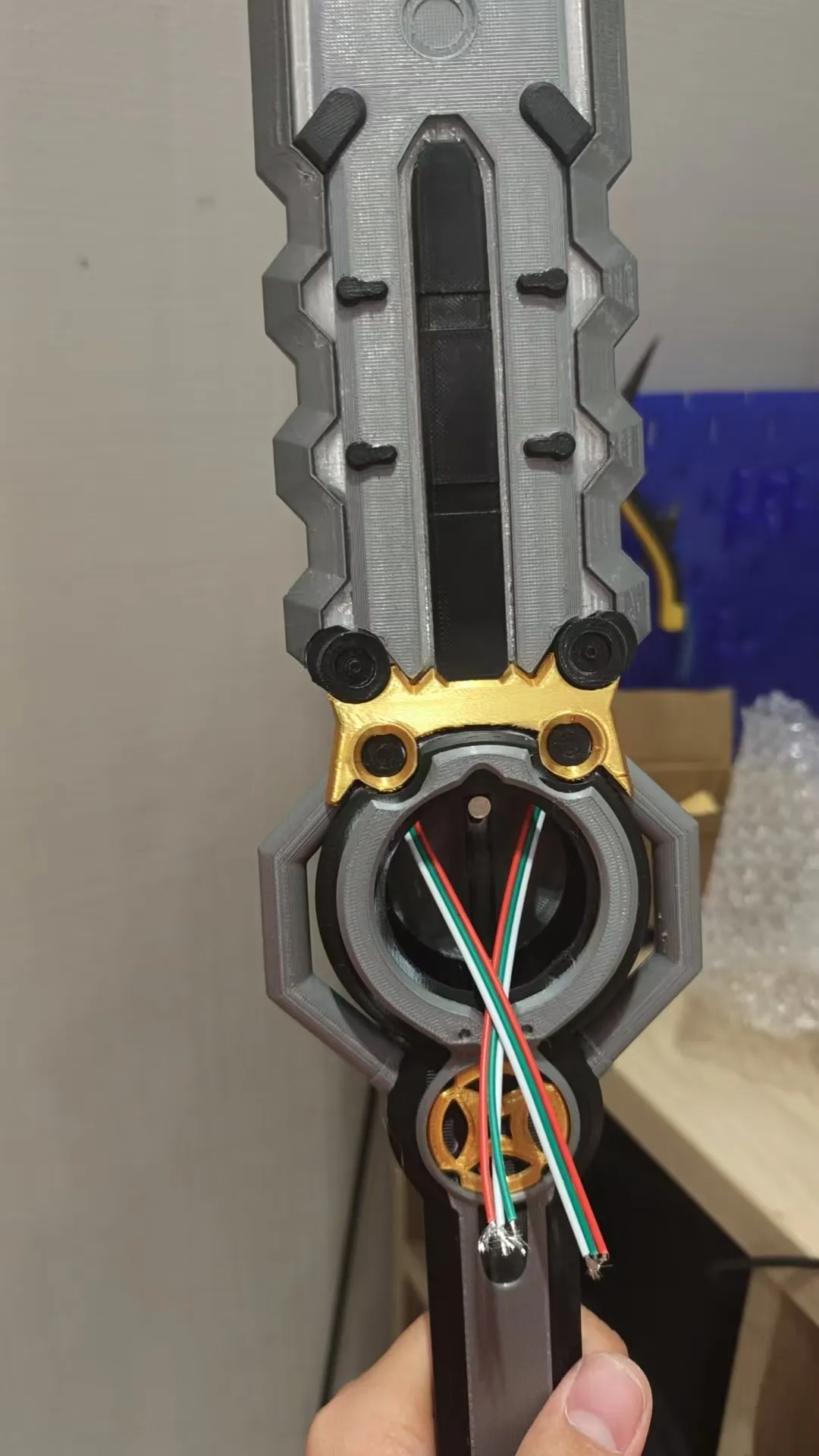
Circuit board wiring as shown
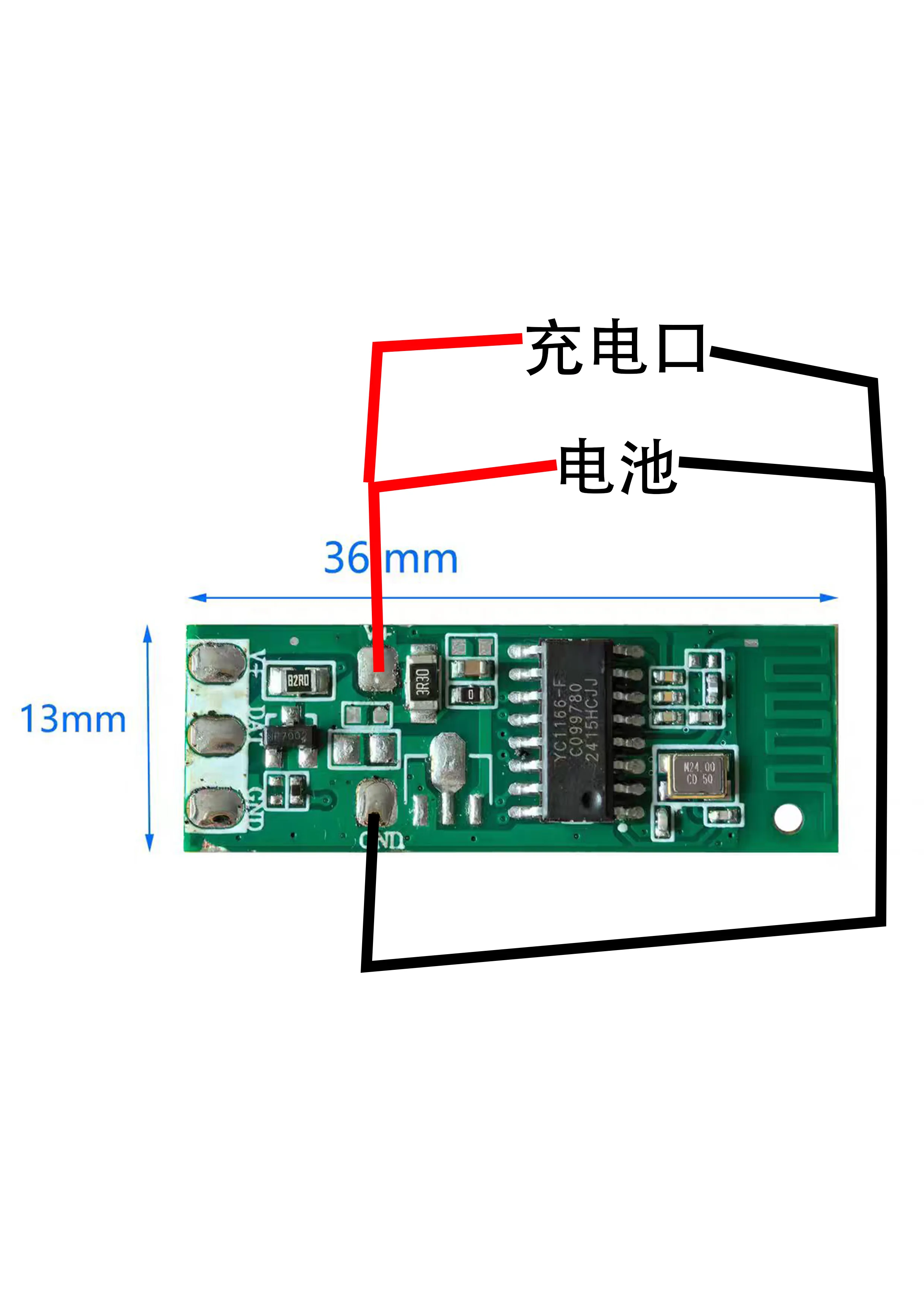
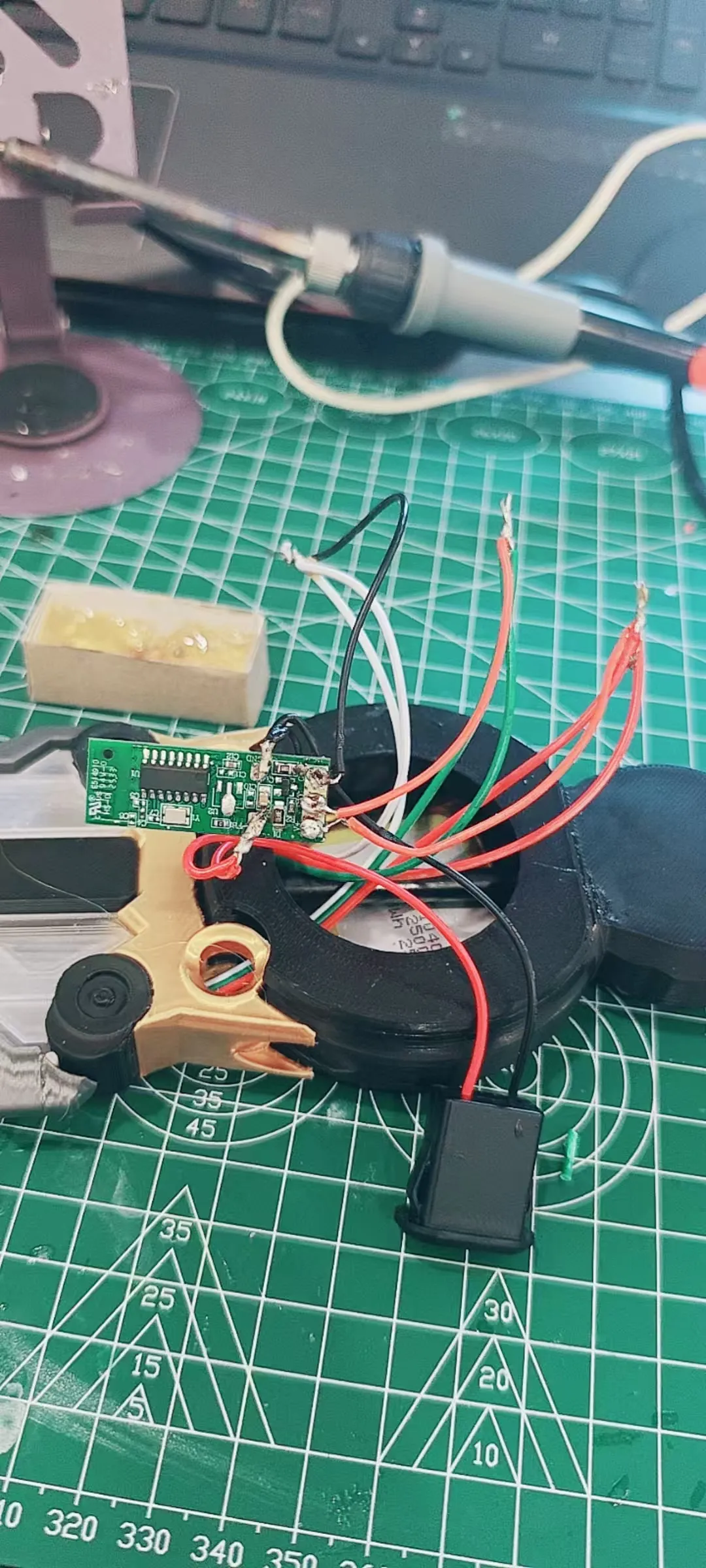
After connecting them correctly, tuck the battery and excess wires into the hollow space and close the cover
Finally, I wish everyone a Happy New Year 2026!
2025.11.27
The common weapon of the new character Ye Shunguang in Zenless Zone Zero I dug a 5mm groove in the blade to embed an LED strip, recreating the red glowing scene from the PV, or you can print it directly with red filament It requires a 6mm*100mm rod as the core, and can be assembled in order
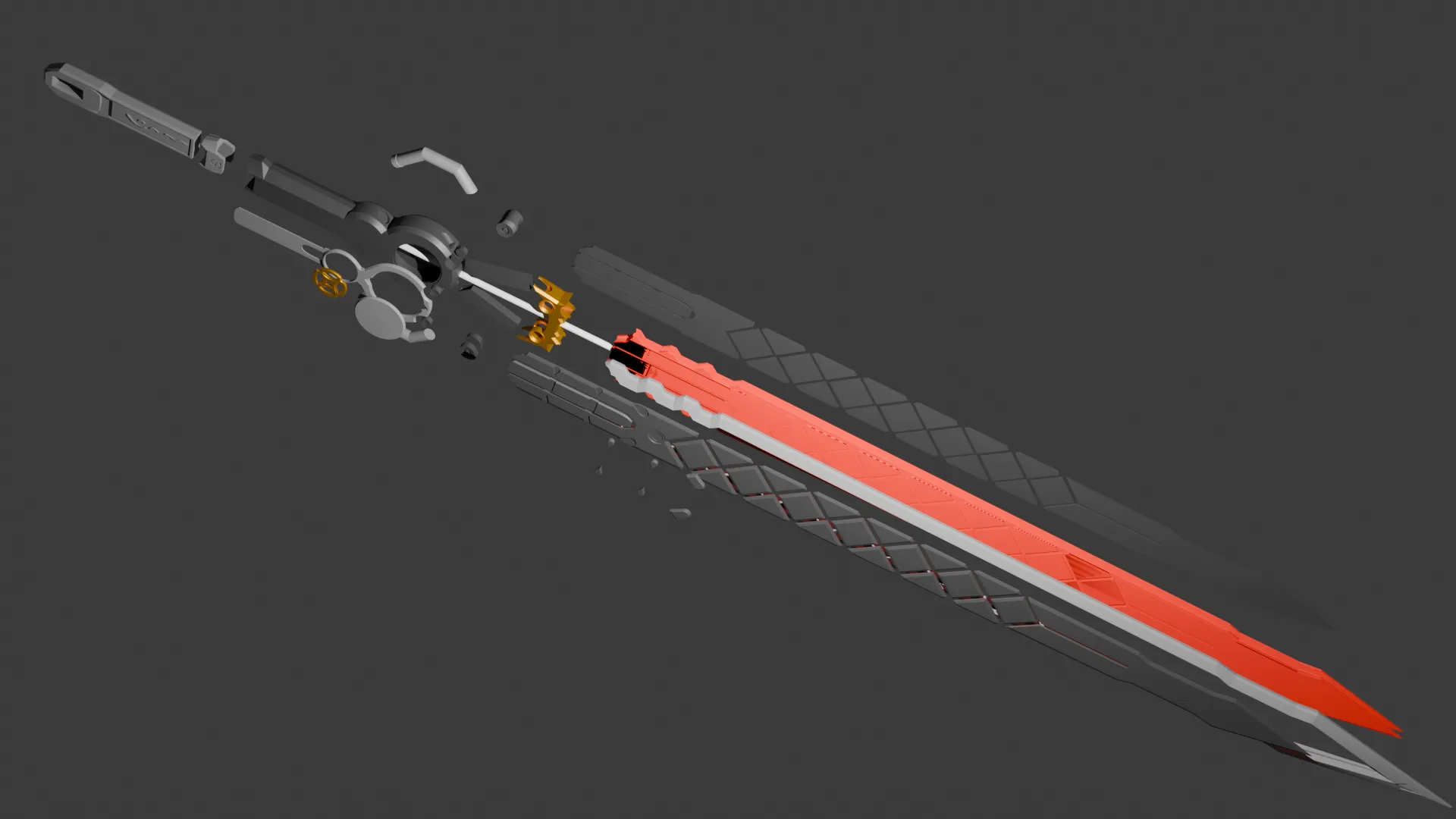
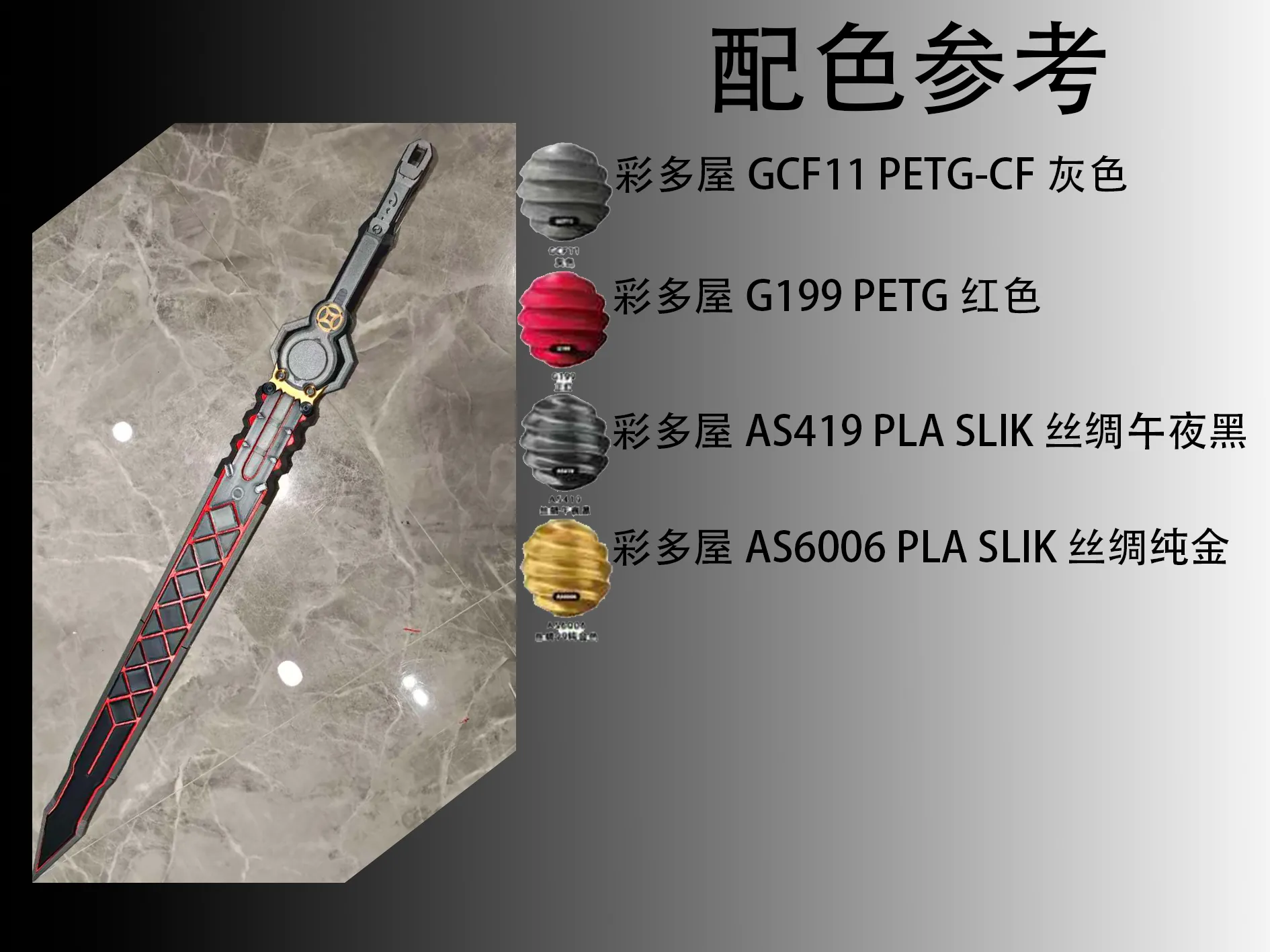
The filament for this project is sponsored by Caiduowu
License

You shall not share, sub-license, sell, rent, host, transfer, or distribute in any way the digital or 3D printed versions of this object, nor any other derivative work of this object in its digital or physical format (including - but not limited to - remixes of this object, and hosting on other digital platforms). The objects may not be used without permission in any way whatsoever in which you charge money, or collect fees.


Comment & Rating (3)