
Print Profile(1)

Description
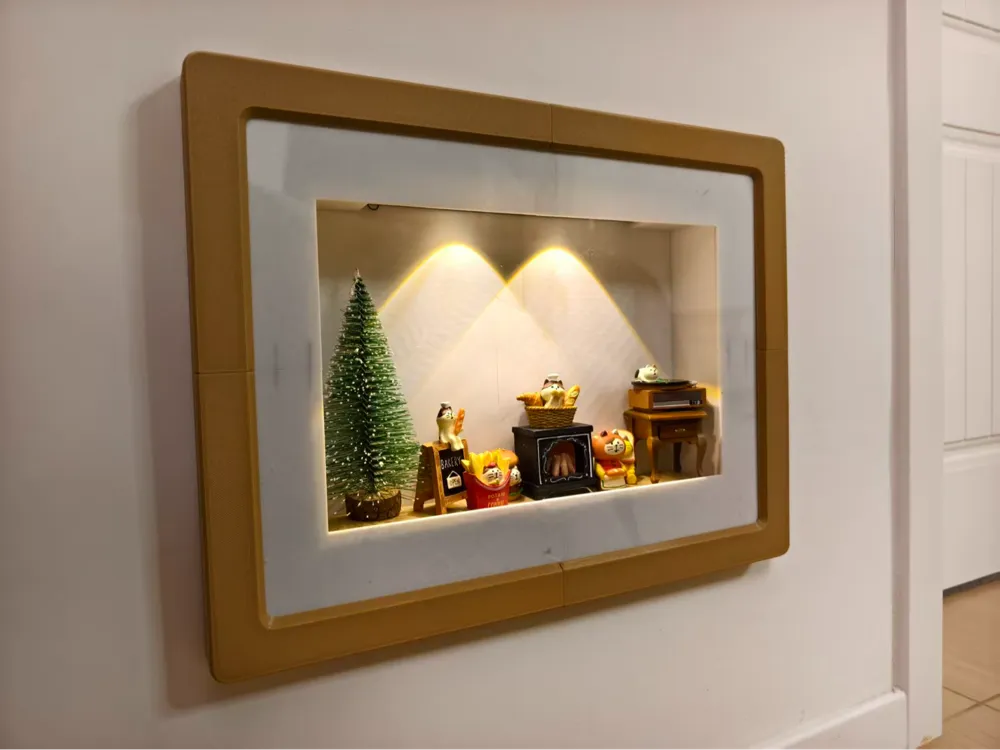
Electrical Box Cover Display Case - Christmas Scene Showcase
Electrical Box Display Case - Christmas Scene Showcase
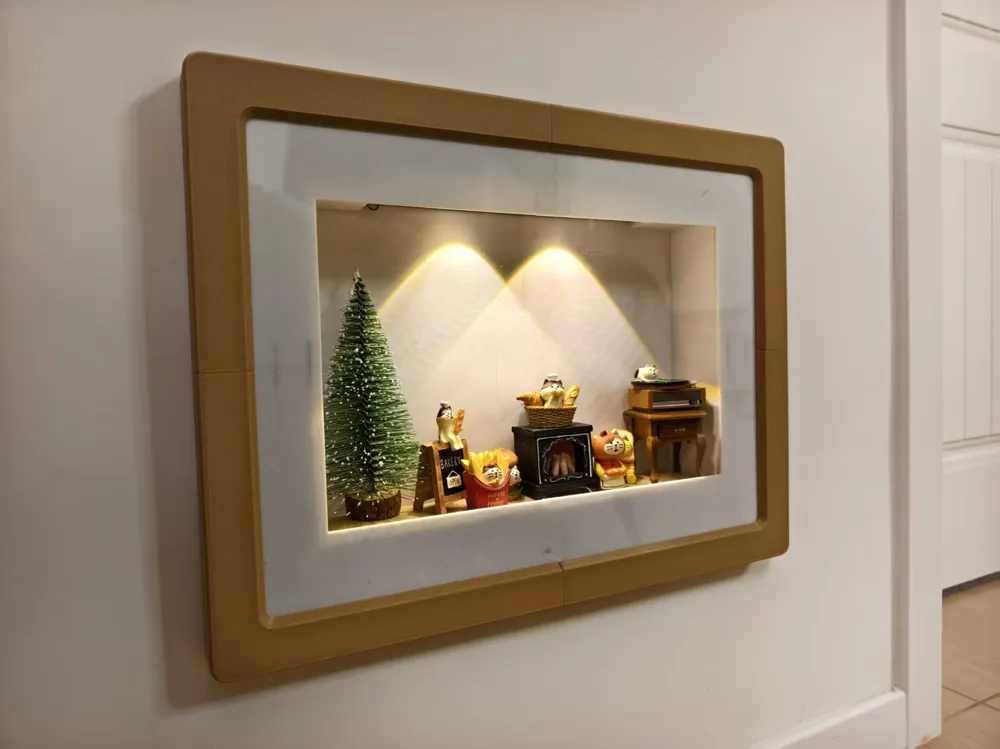
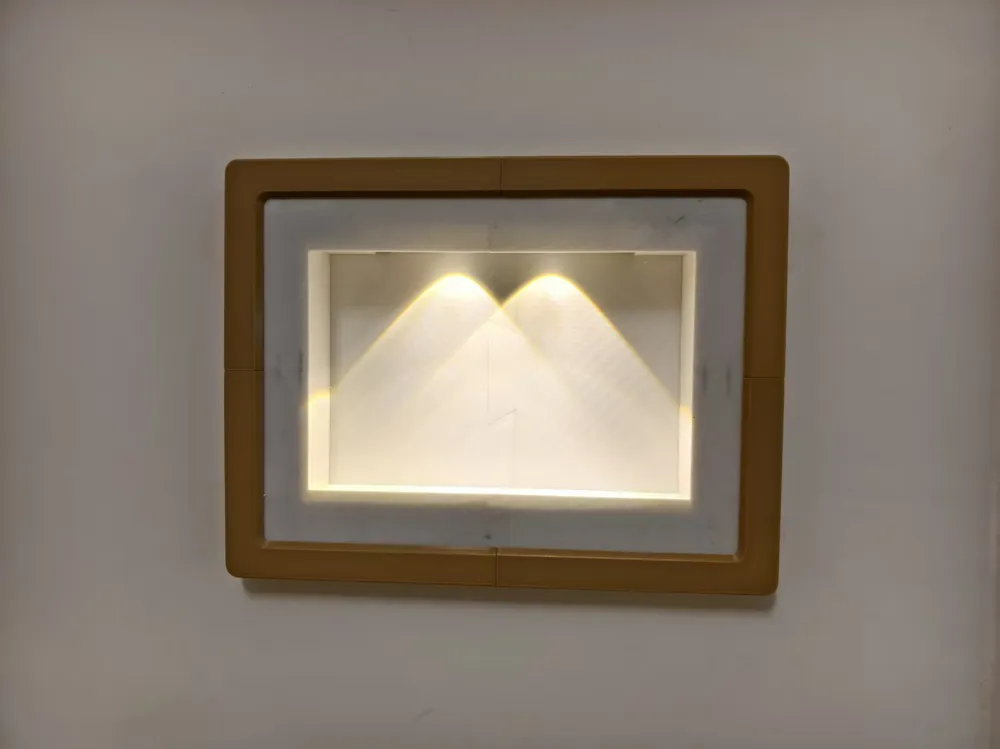
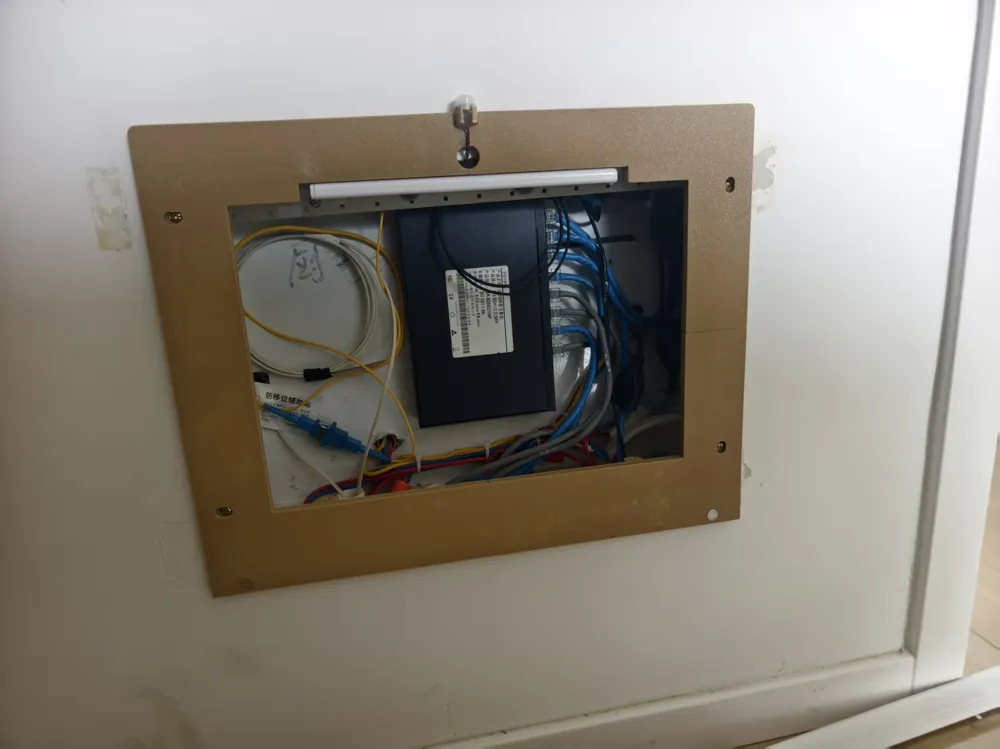
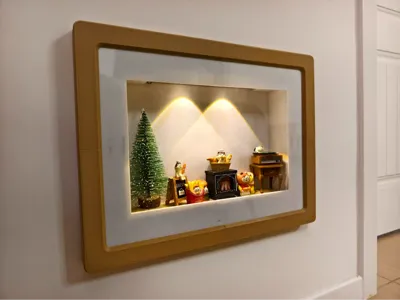
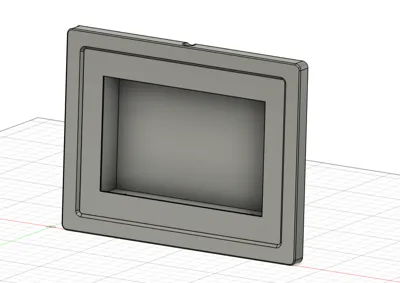
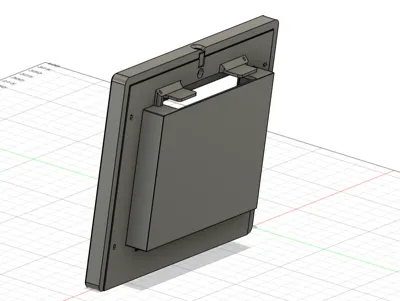
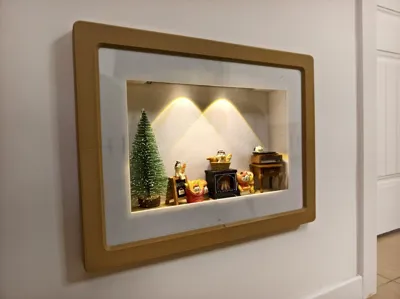
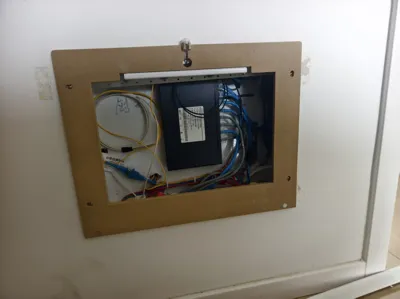
This is a creative transformation project for an electrical box cover, turning an ordinary electrical box into a cozy display case where you can arrange Christmas scenes or other small decorations. It has a built-in motion sensor light that automatically illuminates when someone passes by, creating a warm atmosphere.
This is a creative electrical box cover transformation project that turns an ordinary electrical box into a warm display case for Christmas scenes or other small decorations. Equipped with a motion sensor light, it automatically lights up when someone passes by, creating a cozy atmosphere.
Features
- Scene Display: Transparent acrylic panel design to perfectly showcase internal decorations
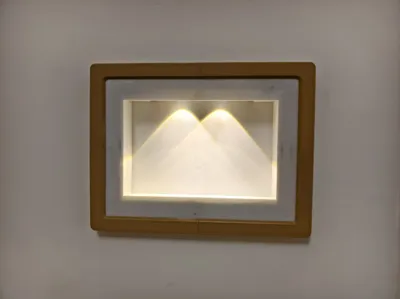
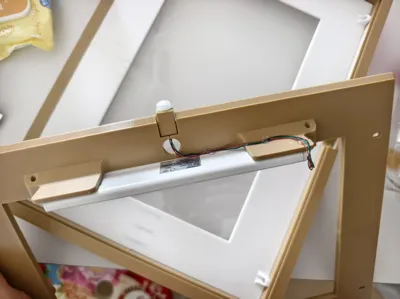
- Smart Sensing: Built-in motion sensor light, automatically lights up when human motion is detected
- Easy Replacement: Slide channel connection design for easy opening and changing internal scenes
- Customizable: Source files provided, supporting modification for different size electrical boxes
- Warm Atmosphere: Warm yellow lighting creates a festive and cozy feeling
Features
- Scene Display: Transparent acrylic panel design to perfectly showcase internal decorations
- Smart Sensing: Built-in motion sensor light that automatically turns on when motion is detected
- Easy Replacement: Slide rail connection design for easy opening and scene replacement
- Customizable: Source files provided, supporting modification for different size electrical boxes
- Warm Atmosphere: Warm yellow lighting creates a festive and cozy feeling
Technical Specifications
Dimensions
- Overall Size: Approximately 430mm × 330mm
- Suitable Electrical Box: 200mm × 385mm screw hole spacing
- 3D Printing Material: Matte PLA or PETG
Technical Specifications
Dimensions
- Overall Size: Approximately 430mm × 330mm
- Suitable Electrical Box: 200mm × 385mm screw hole spacing
- 3D Printing Material: Matte PLA or PETG
Bill of Materials
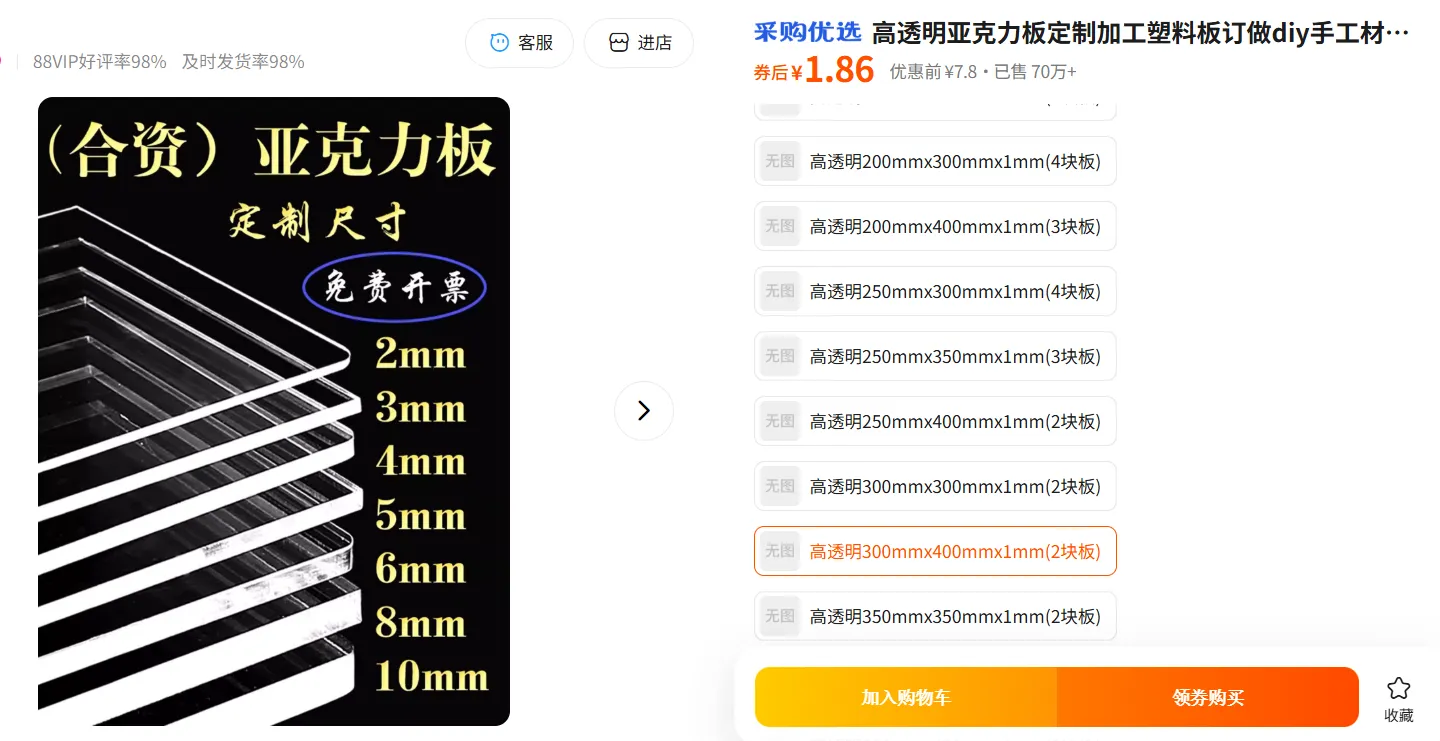
- Transparent Acrylic Panel: 300×400mm × 1 piece
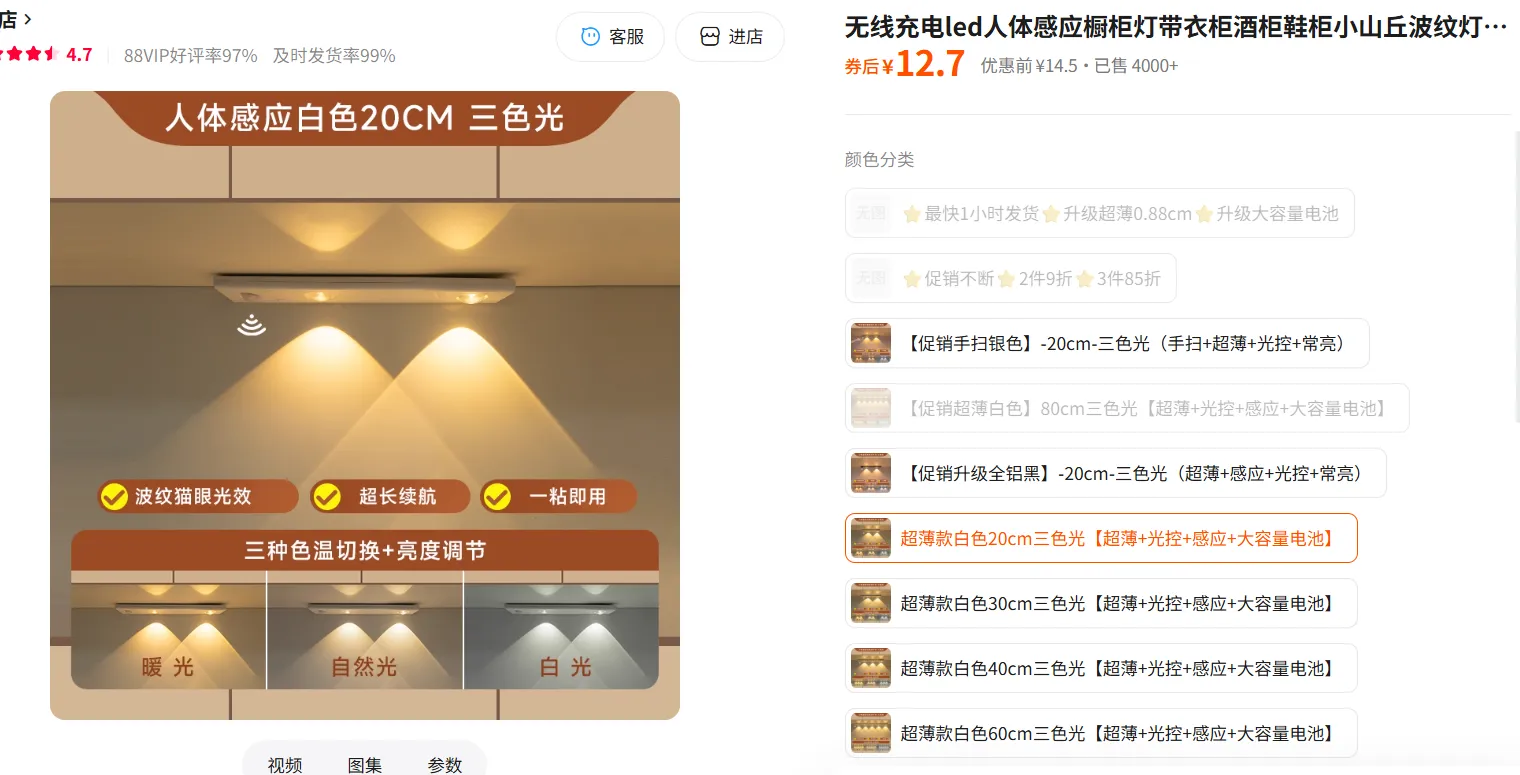
- Motion Sensor Light: Dual LED version × 1 piece
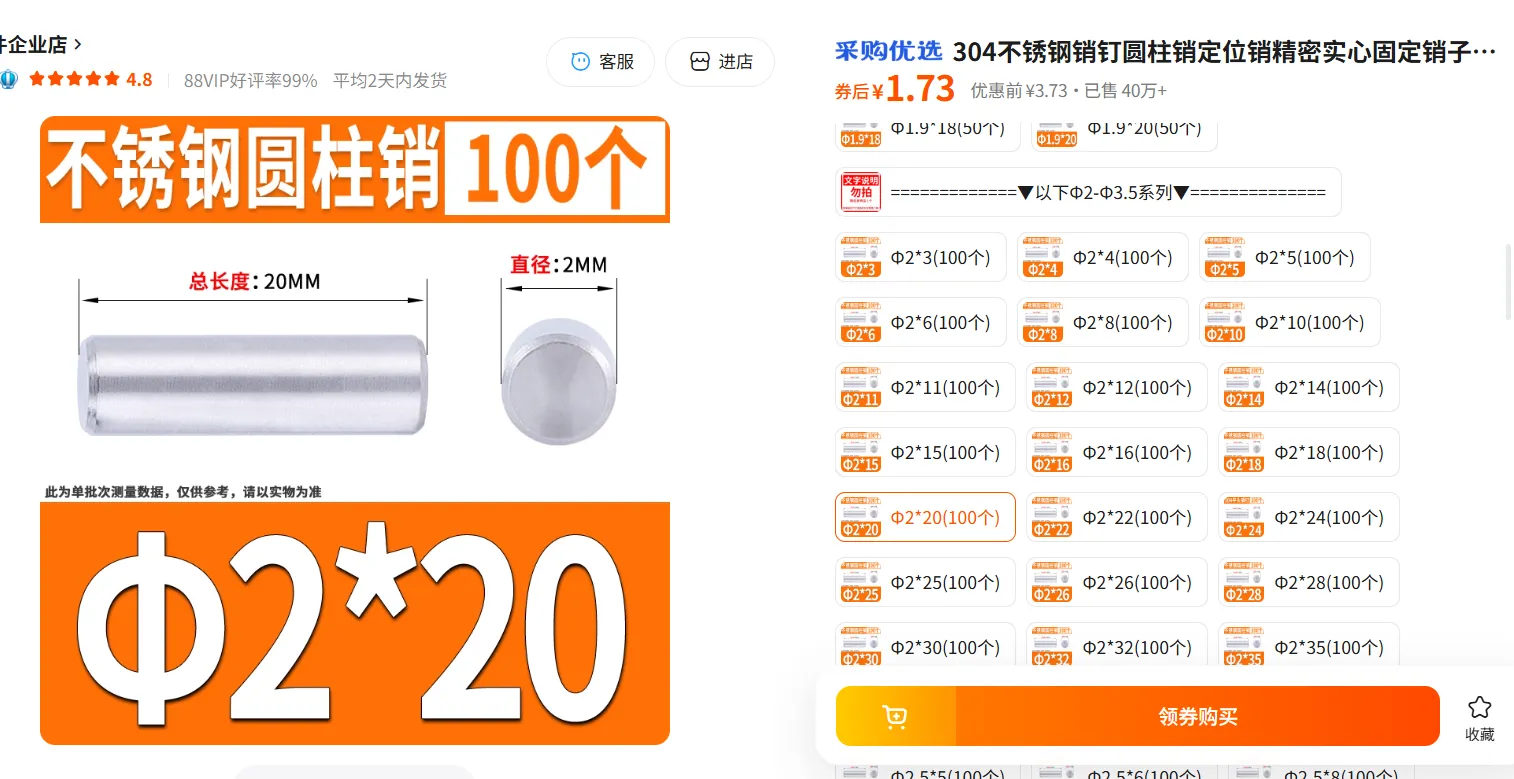
- Stainless Steel Rods: 2×20mm × 20 pieces
- Self-tapping Screws: M3×8mm × 8 pieces
- Wire: For extending sensor light cable (optional)
Bill of Materials
- Transparent Acrylic Panel: 300×400mm × 1 piece
- Motion Sensor Light: Dual LED version × 1 piece
- Stainless Steel Rods: 2×20mm × 20 pieces
- Self-tapping Screws: M3×8mm × 8 pieces
- Wire: For extending sensor light cable (optional)
Simple Assembly Instructions
Step 1: Print All Parts
- Use matte PLA or PETG material
- Recommended layer height: 0.2mm
- Infill: 20-30%
- Supports: Only needed for overhanging parts
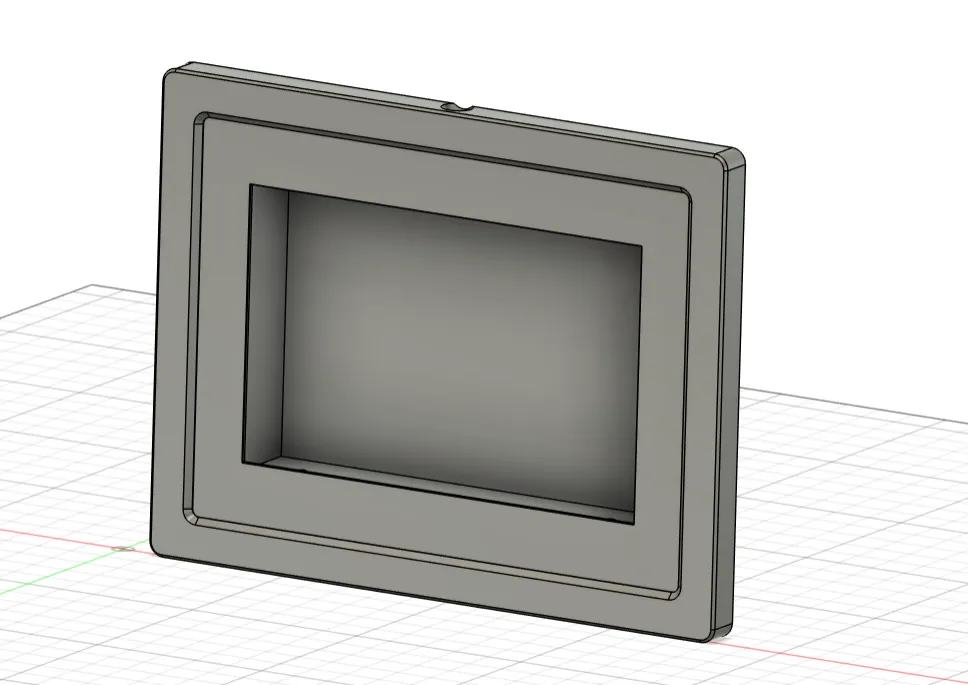
Step 2: Assemble Main Frame
- Join the 4 frame segments together
- Insert 2×20mm stainless steel rods into the pre-drilled 2mm holes
- Ensure all segments are tightly connected with no looseness
Step 3: Install Acrylic Panel
- Insert the panel into the panel fixing frame
- Secure the panel to the main frame with screws
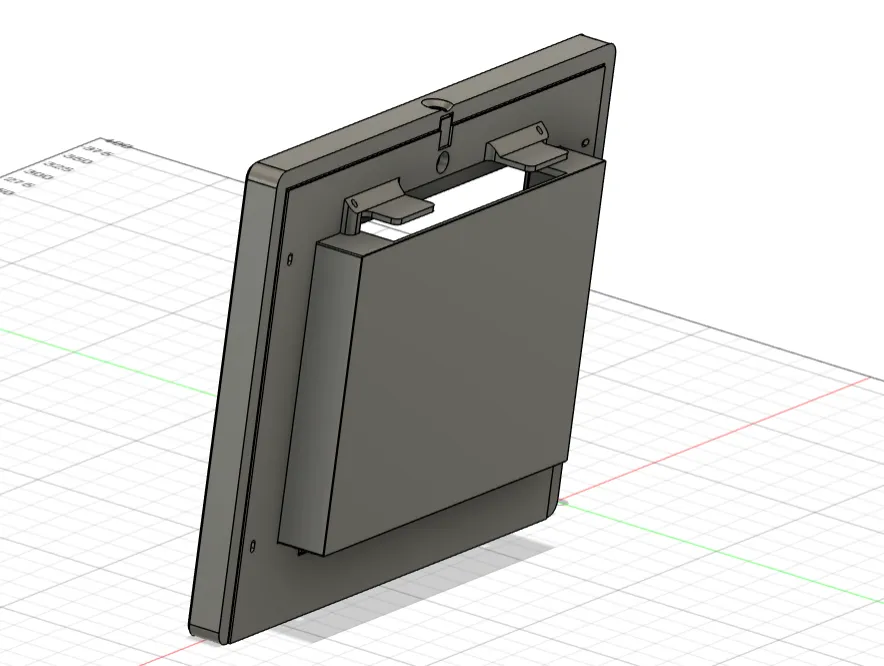
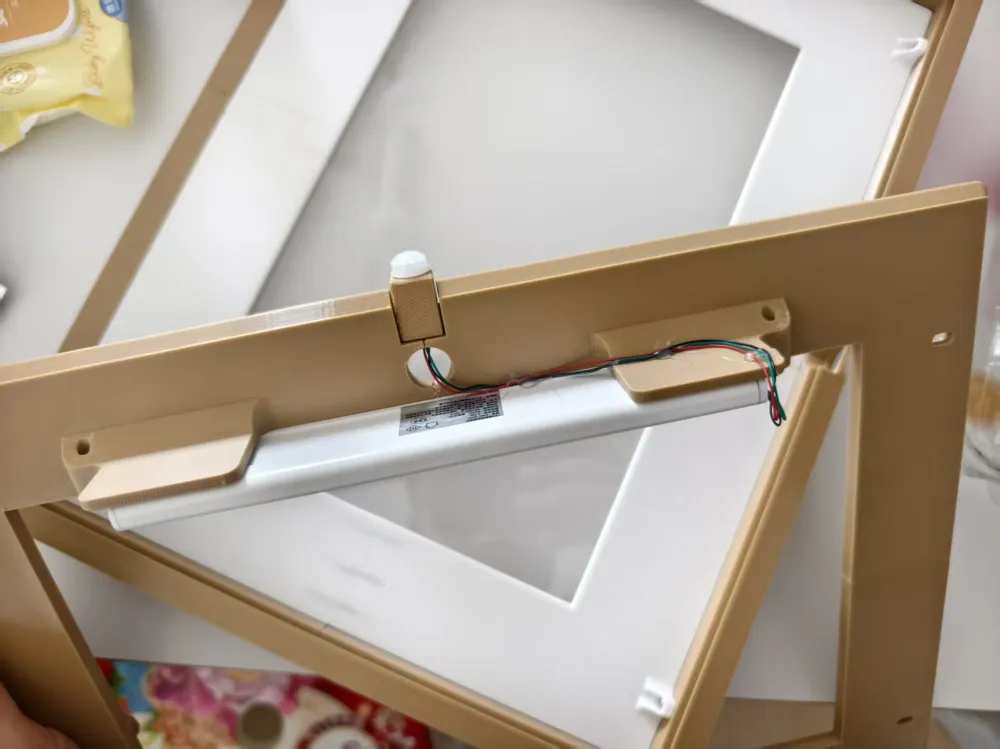
Step 4: Install Sensor Light
- Mount the motion sensor light into the reserved mounting seat
- Ensure the sensor head is aligned with the sensor hole
- Connect power
Step 5: Install to Base Plate
- Connect the assembled frame to the base plate via slide rails
- Ensure smooth sliding for future scene changes
- Fix the base plate to the electrical box
Step 6: Arrange Scene
- Open the panel and arrange Christmas toys or other decorations inside
- Close the panel and test the sensor function
Notes
Safety Reminders
- Electrical Safety: Ensure the electrical box is powered off during installation
- Structural Safety: Ensure all parts are securely connected
- Child Safety: If there are children at home, ensure small parts won't fall off
Maintenance
- Regular Cleaning: Keep the acrylic panel clean for optimal display effect
- Scene Updates: Change internal decorations according to holidays or seasons
Customization Instructions
Size Modification
If your electrical box has different dimensions:
- Modify the size parameters in the source files
- Adjust the length of each frame segment
Function Expansion
Considered expansion features:
- Bluetooth Control: Add Bluetooth module for phone APP control
- Timer Function: Add timer for scheduled lighting
- Multi-color Lighting: Use RGB LEDs for colorful lighting effects
Hope this creative project adds warmth and creativity to your home!
License

You may create derivative works based on this object, provided that all such derivative works are published exclusively on the MakerWorld platform and include proper attribution to the original creator. You may not share, upload, host, distribute, or publish this object—or any derivative work of this object—on any other digital platform, marketplace, or distribution channel. Commercial use of this object and any derivative works is strictly prohibited. This includes, but is not limited to, selling, renting, sublicensing, or using the object in any context in which you receive monetary compensation or other financial benefits.


Comment & Rating (0)