
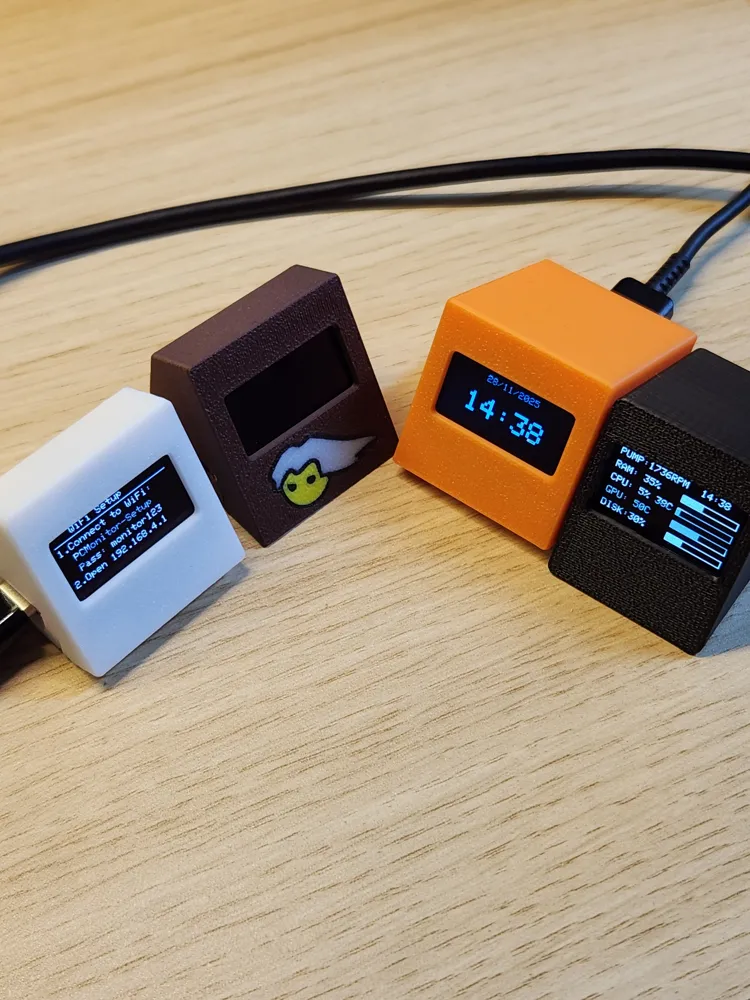
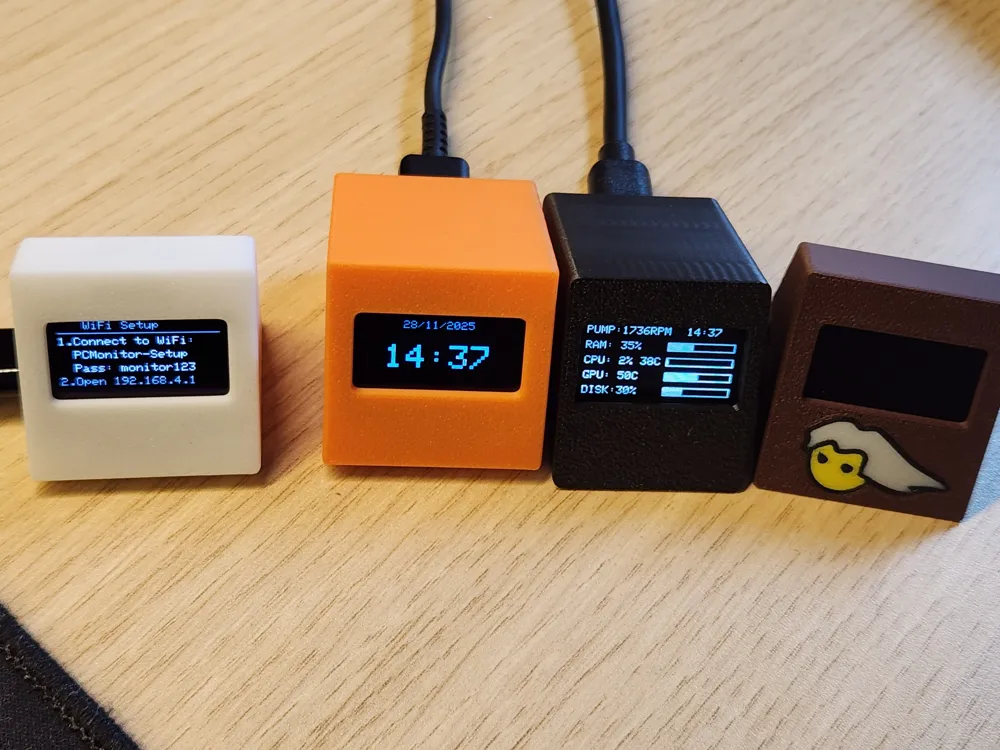
3€ Super simple PC monitoring/clock OLED 0.96"
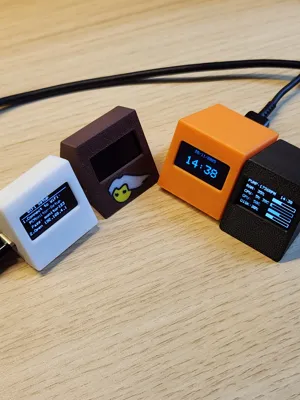
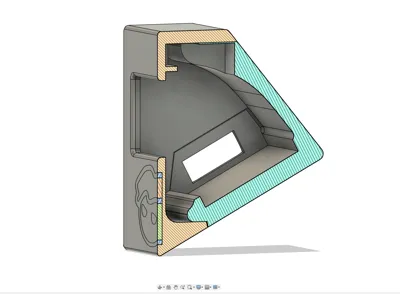
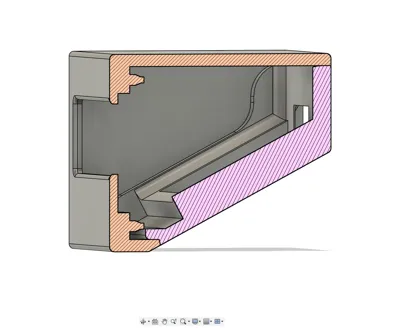
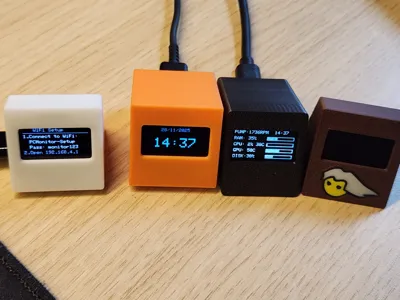
Print Profile(9)
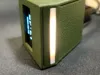


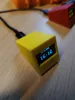
Description
EDIT:
I have added v3 print profile
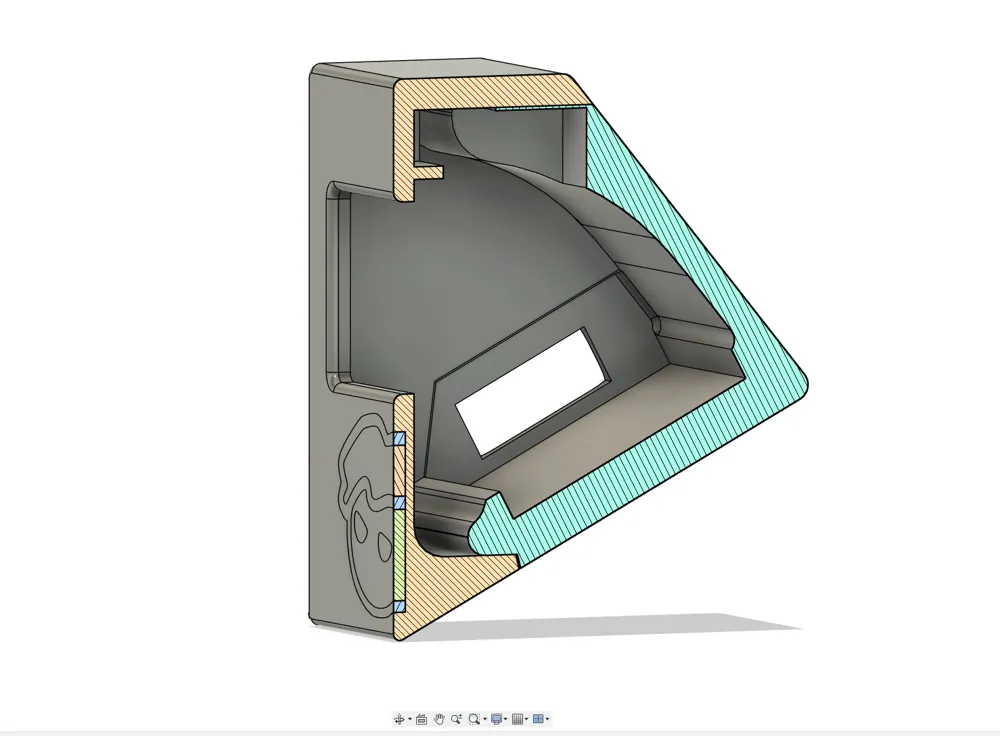
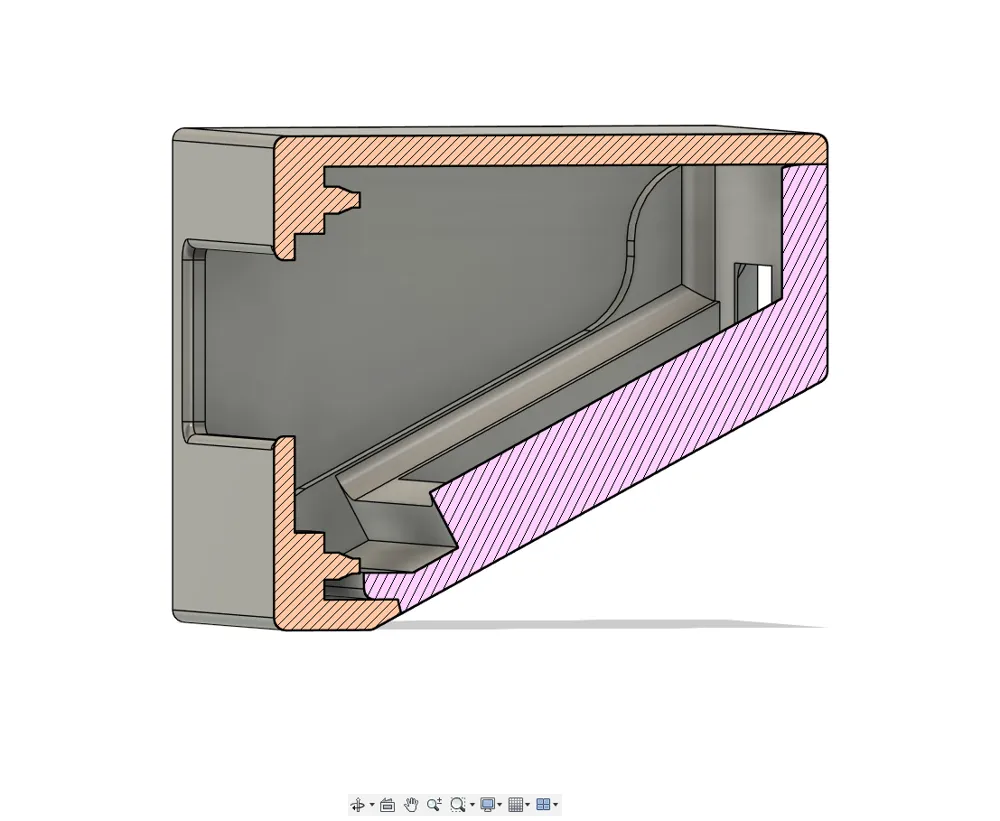
- improved snaps to lock both pieces together
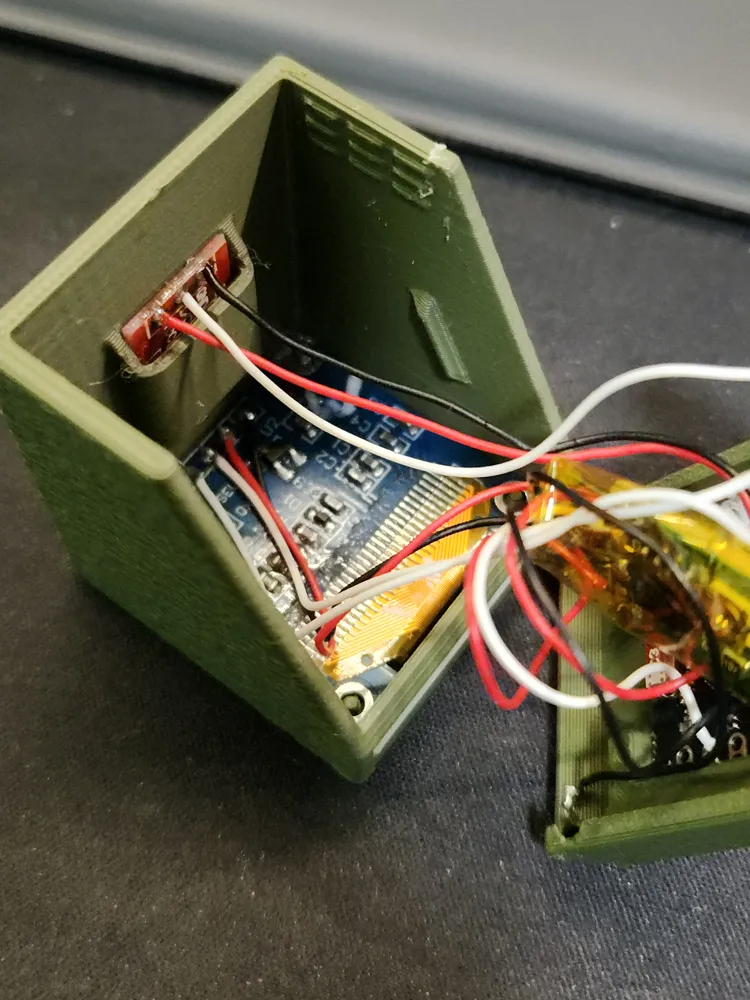
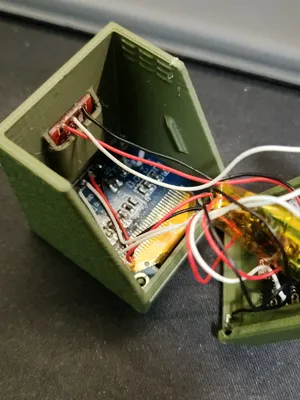
- optional TTP223 sensor space
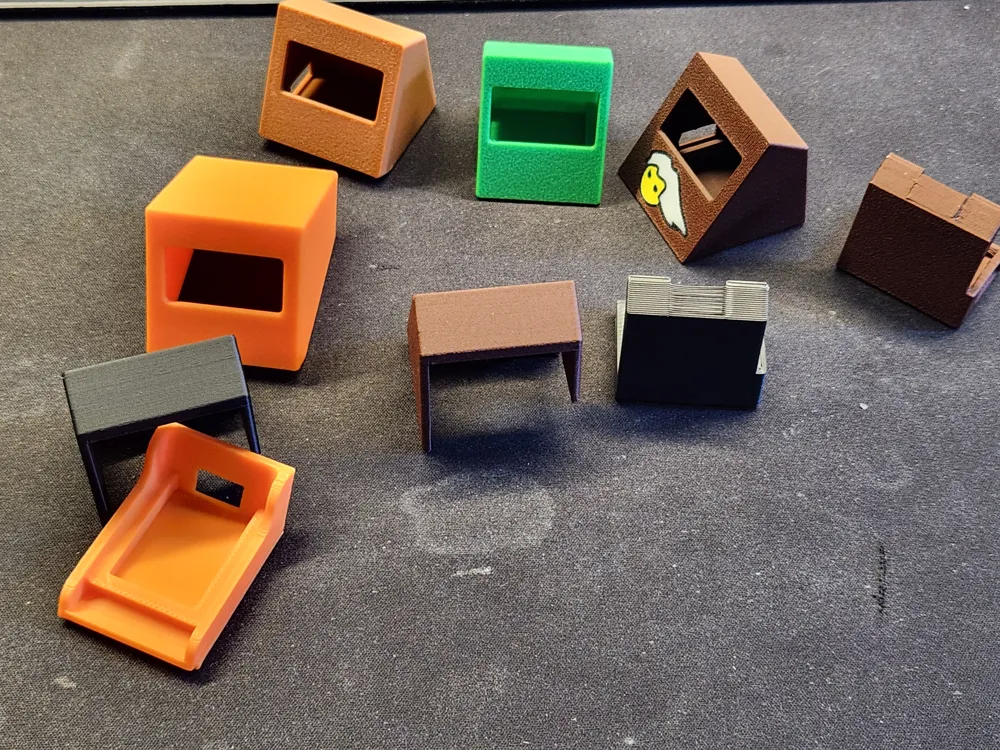
- "New" 0.96" OLED screen has multiple versions, now case is unified so all of them fits the same case
- both cases for Original and New OLED screens, so make sure you pick correct one
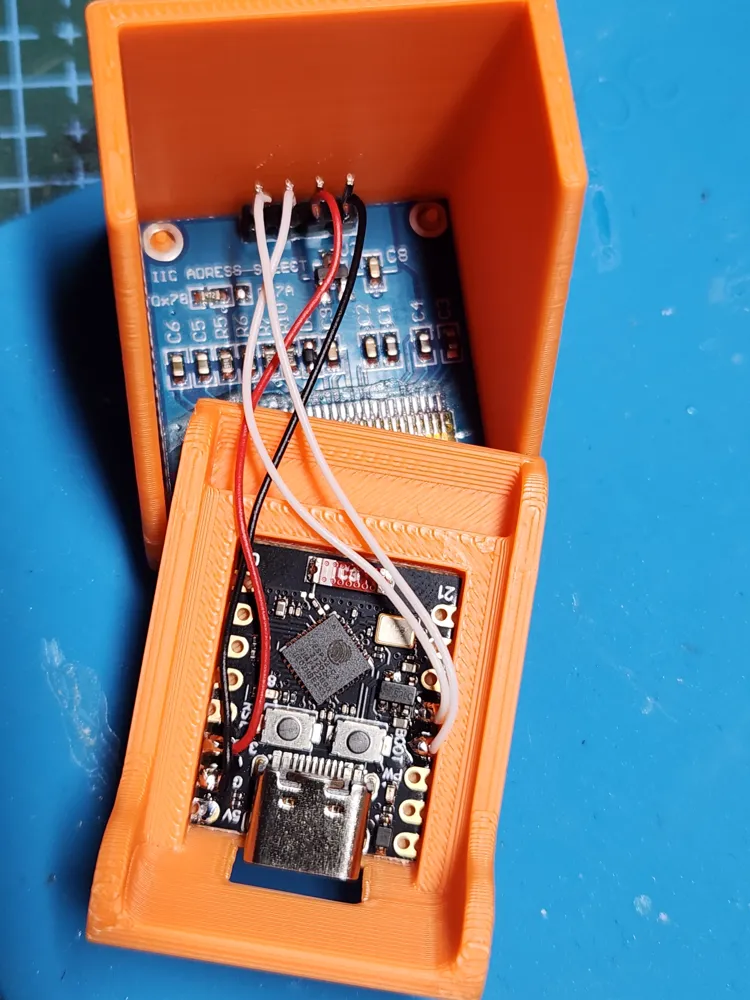
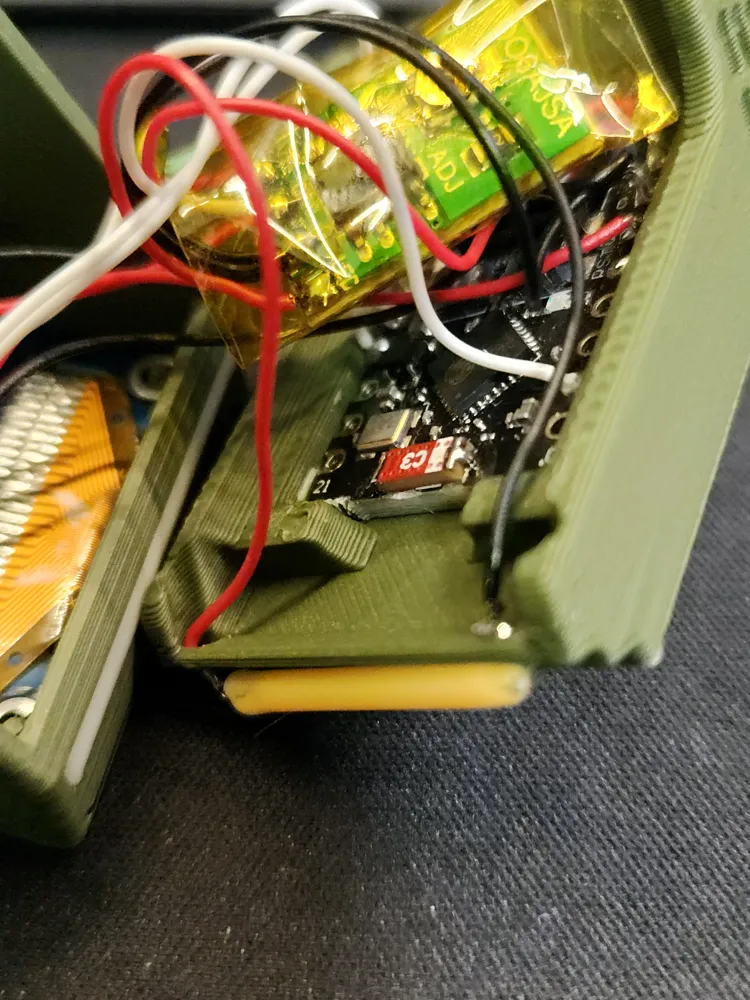
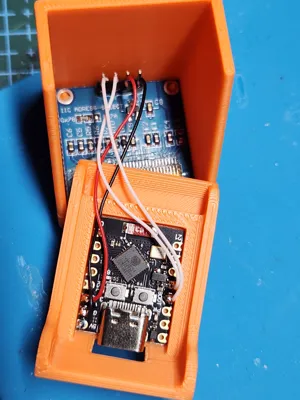
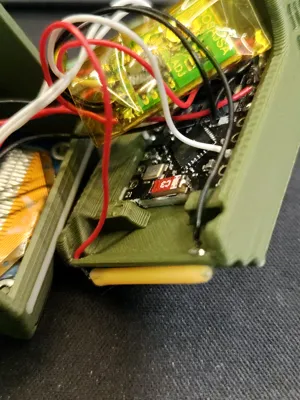
- ESP32-C3 snaps to hold it in place
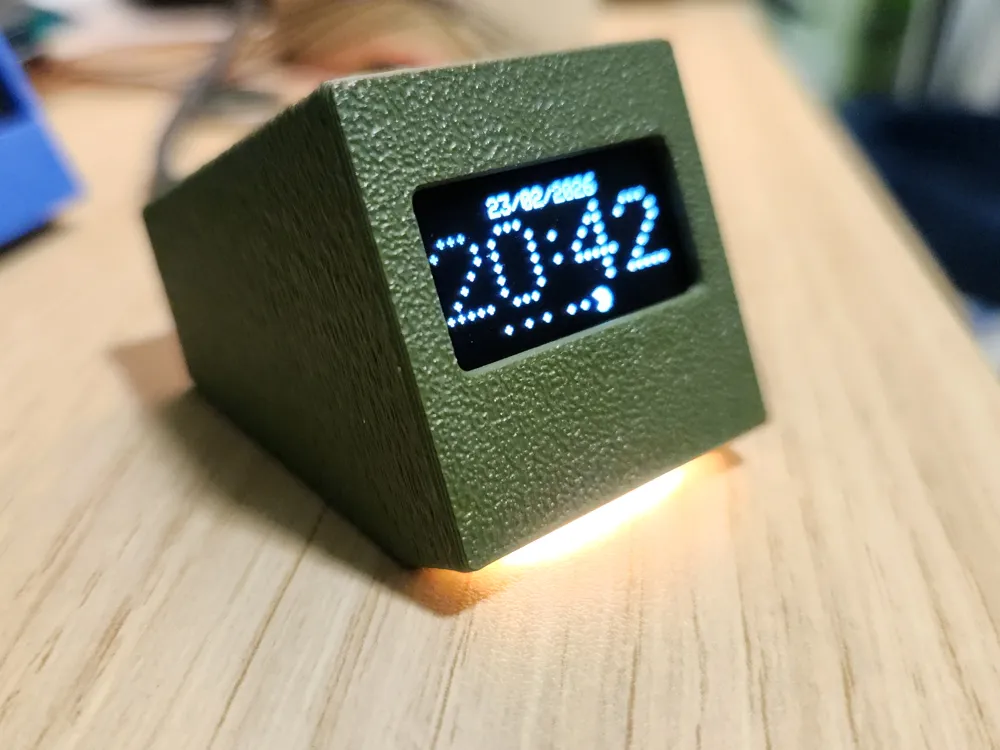
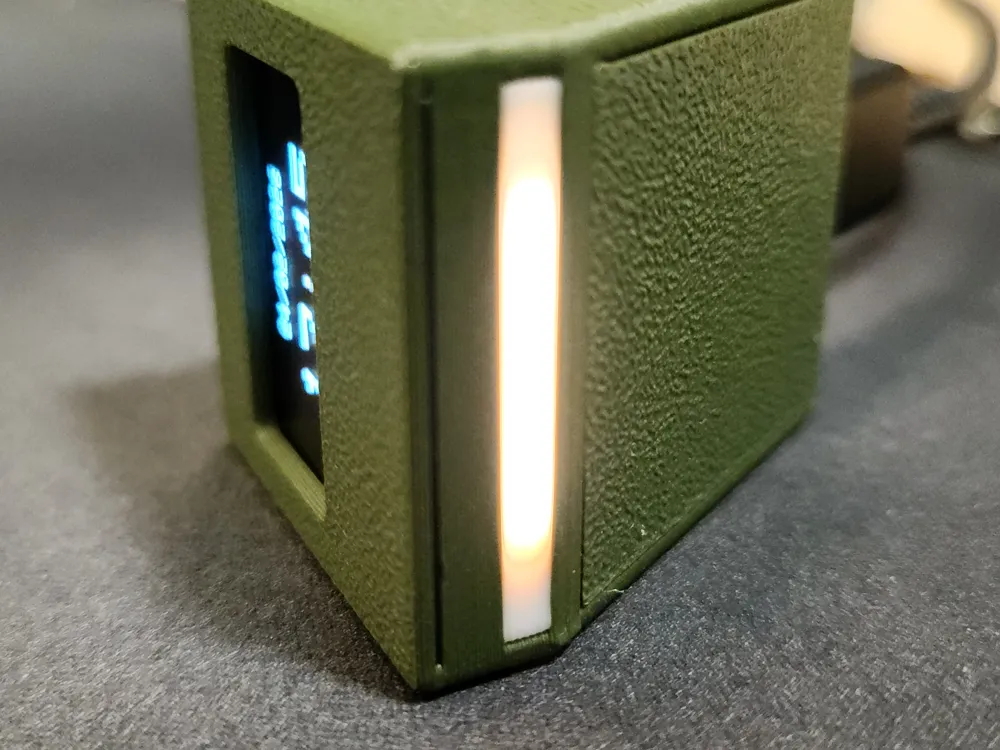
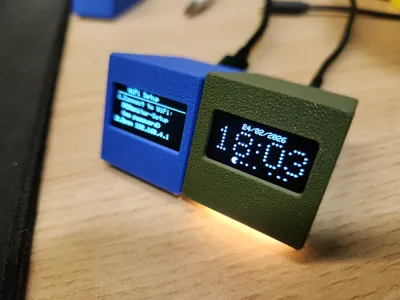
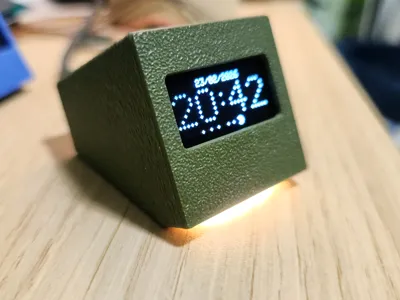
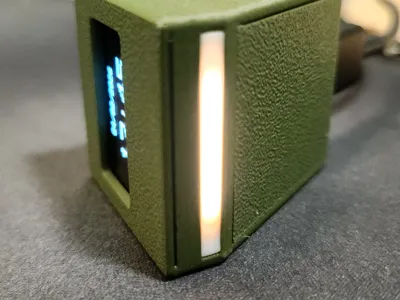
- Multicolor print for optional LED, black “mask” to separate from light bleeding and white bar for led. I'm using 29mm 3v filament led for that. more info on my github.
- Initial version of the case still works fine so feel free to use it :)
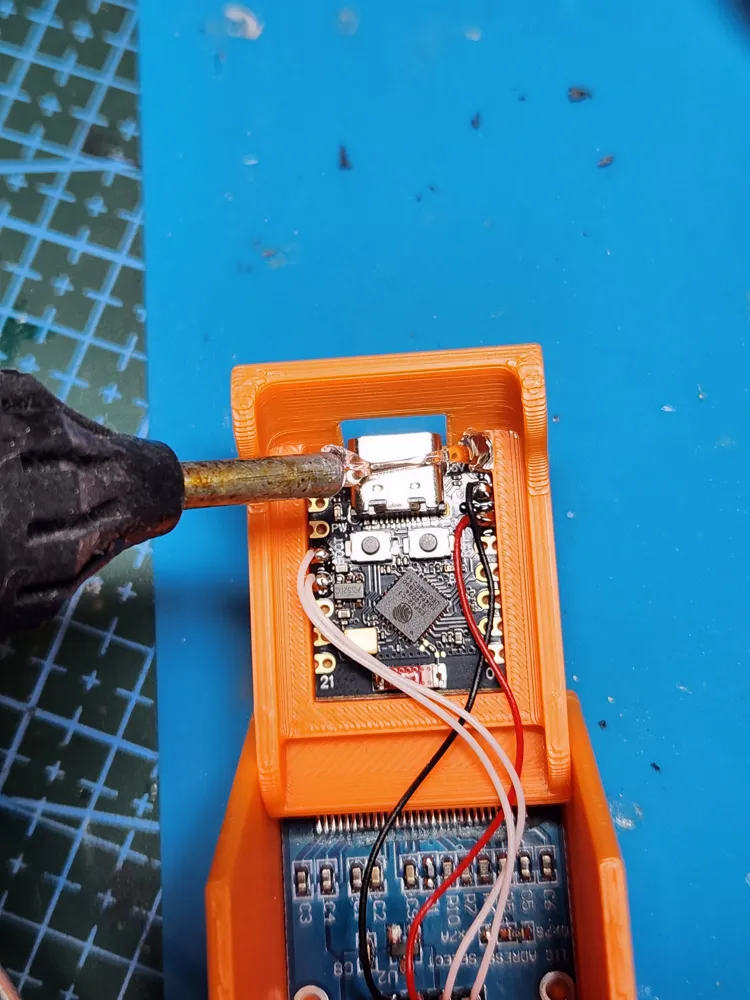
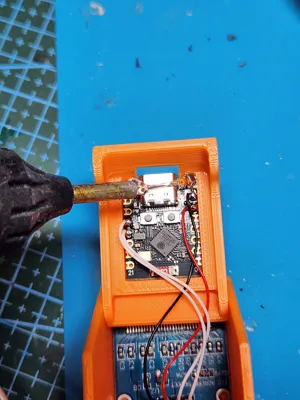
Video assembly (you can skip the LED part if you are not going to use it): https://www.youtube.com/watch?v=M2Oa4PDUUgE
------------------------------------------------------------------------------------------------------
1.3" oled version:
https://makerworld.com/models/2185211
2.42" OLED version:
https://makerworld.com/en/models/2341351
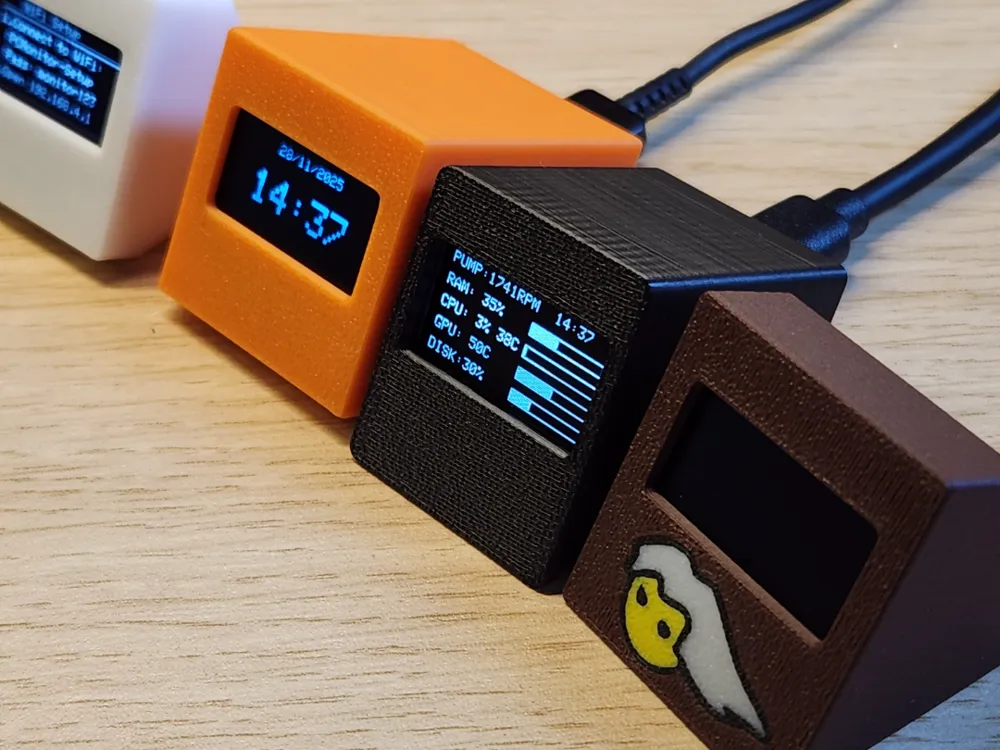
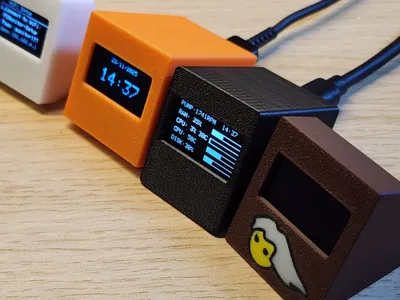
A real-time PC monitoring system that displays CPU, RAM, GPU, and disk stats on a small OLED screen using ESP32 and a companion Python script.

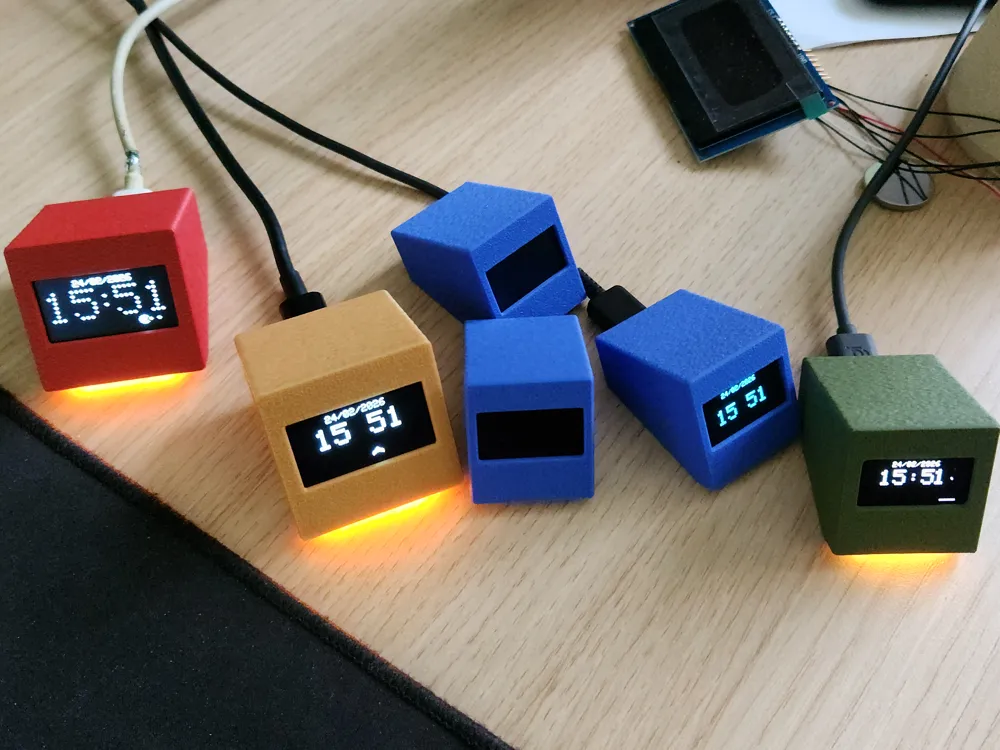
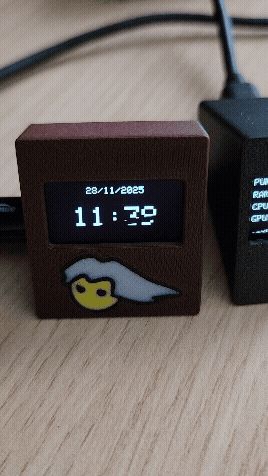
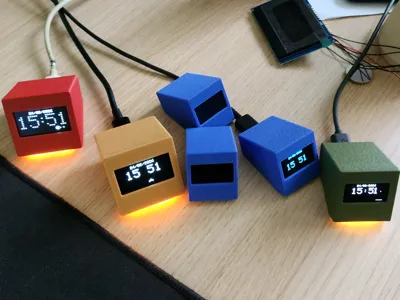
When PC is off, it will display clock and Mario inspired animation. This can be disabled from ESP32 configuration page.
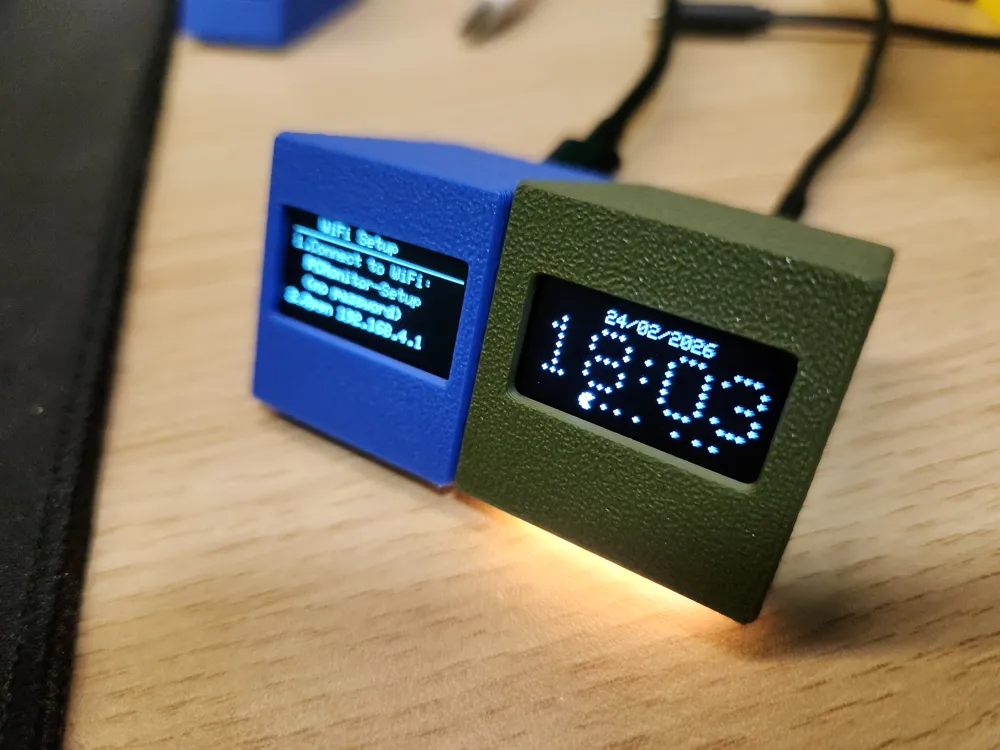
You can use it as standalone clock with animation, in this case just follow on screen instruction to connect to wifi.
To monitor PC, you need to run python script.
Firmware, scripts and how-to available on my github:
https://github.com/Keralots/SmallOLED-PCMonitor
ESP32-C3 SuperMini - commonly avaliable on Aliexpress etc.
I have noticed that some of the cheap ESP32-C3 boards have WiFi related issues on hardware level. After some additional implementations to the code in attempt to fix issues (v1.2.1), some of those issues cannot be fixed as they are on hardware level. Check Github for more info.
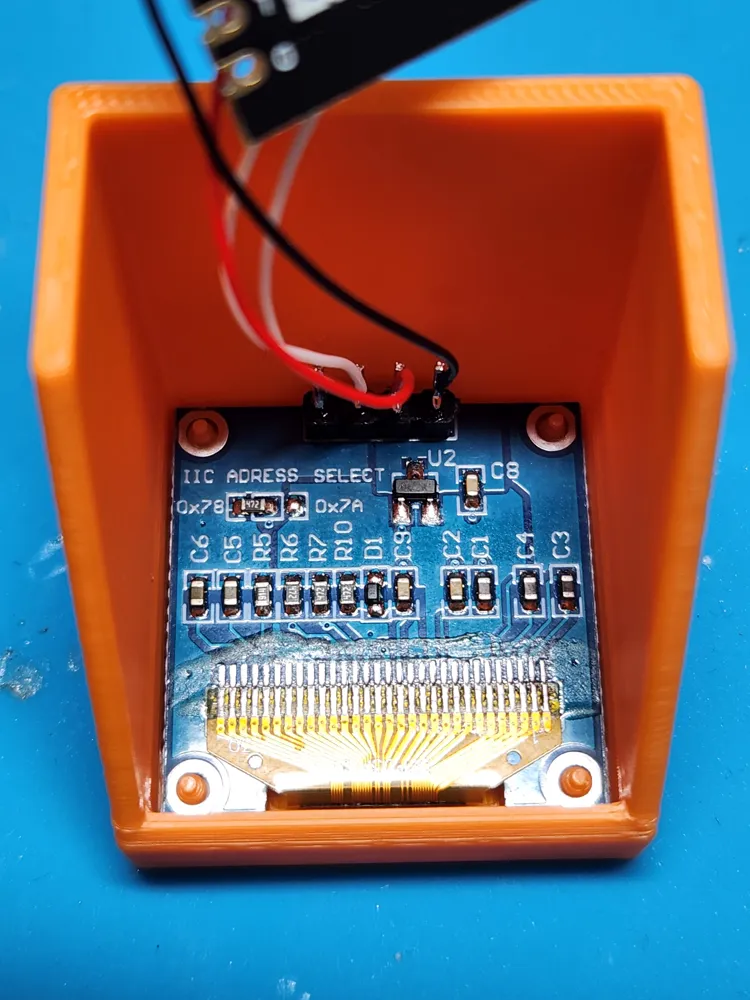
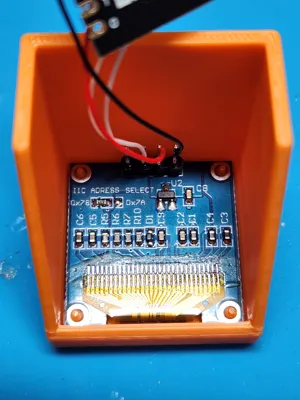
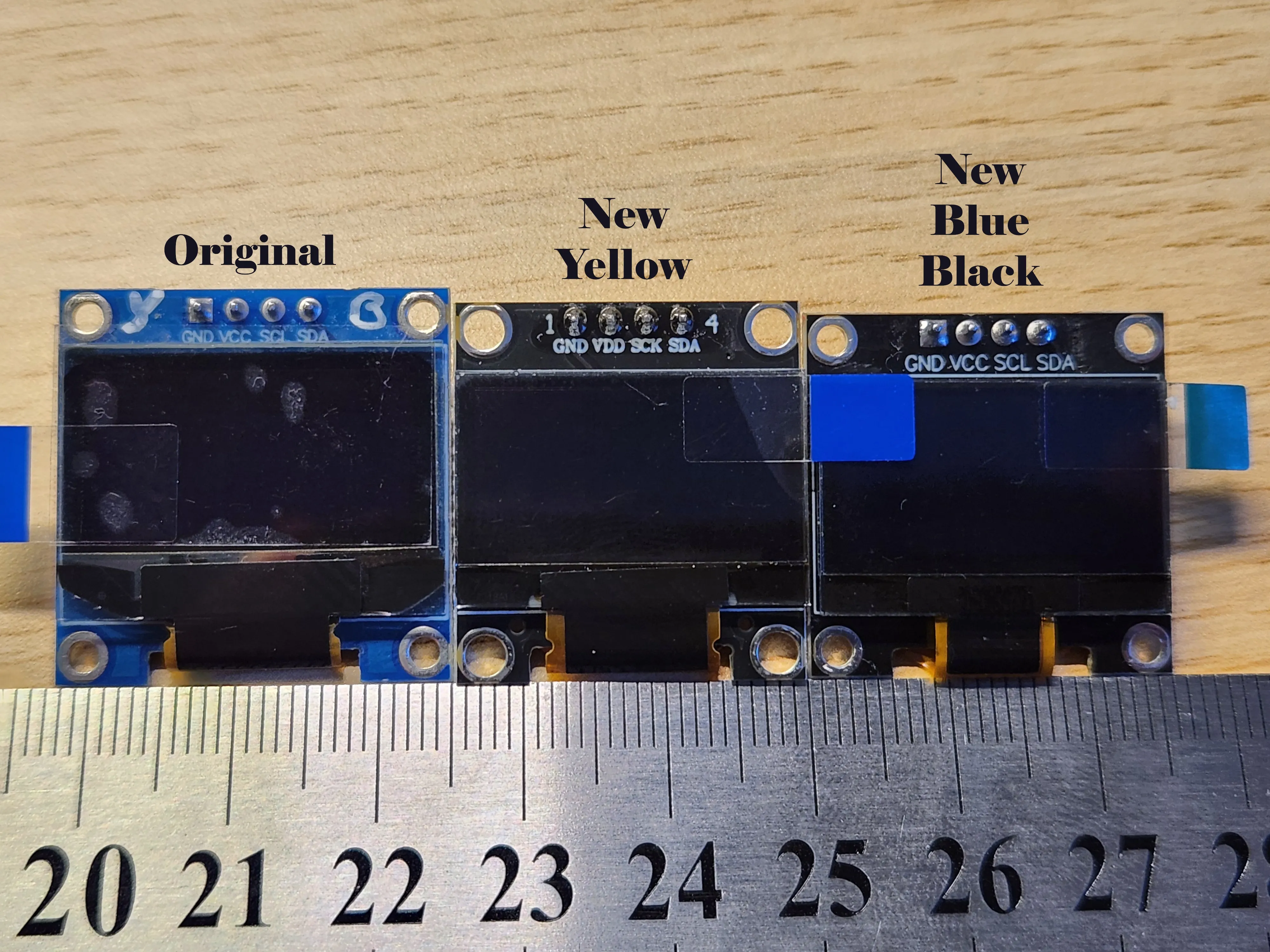
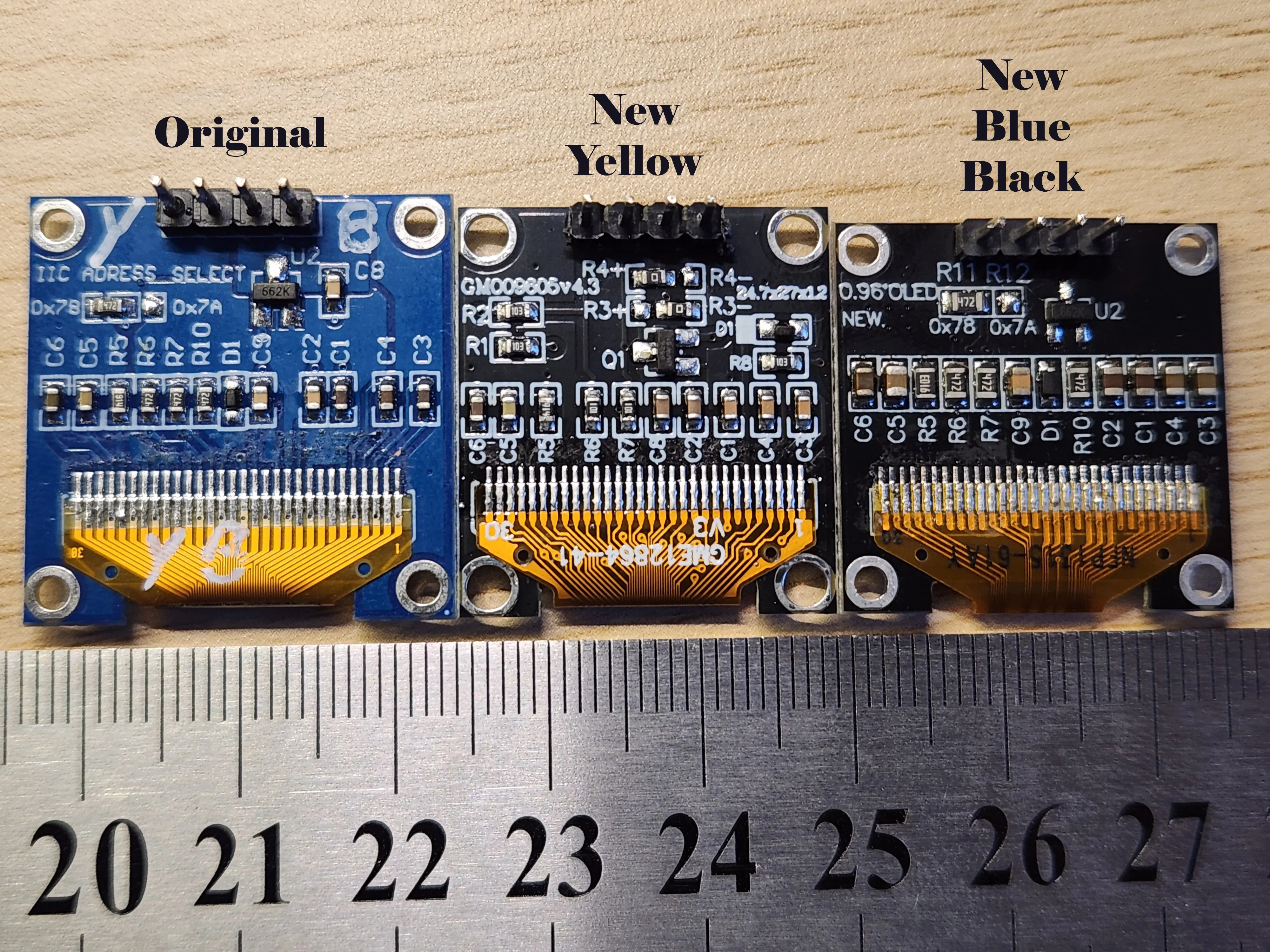
SSD1306 OLED (Be aware that there are different sizes of the same OLED screen on aliexpress.):
EDIT:
I have uploaded cases for both “Orginal” and “New” OLED sizes.
“New” oled sizes are messed up. Yellow and White/Blue have different sizes. I have added new profiles accordingly.
Display comparsion of “Original” vs “New Yellow” vs “New Blue/White” version from Aliexpress:
Orginal: 27.6 x 27.9mm
New Yellow: 24.85 x 27.00mm
New Blue/White: 26.0 x x 26.0mm
EDIT (new Firmware):
Some of you are asking me for more enchanced version of firmware. Now you can configure all metrics using GUI. No need to manually change code!.
If you want to try it, here is quick instruction:
Download new firmware: https://github.com/Keralots/SmallOLED-PCMonitor/tree/v1.3.0/release/v1.3.0
Flash ESP > you will see message: "No metrics selected"
Download new python script: https://github.com/Keralots/SmallOLED-PCMonitor/blob/main/pc_stats_monitor_v2.py
Or the other version for linux
You have more info in readme: https://github.com/Keralots/SmallOLED-PCMonitor/blob/main/README.md
Run it the same way as old one after installing more dependencies.
On 1st configuration pick only few metrics, they will show up in ESP config at the bottom.
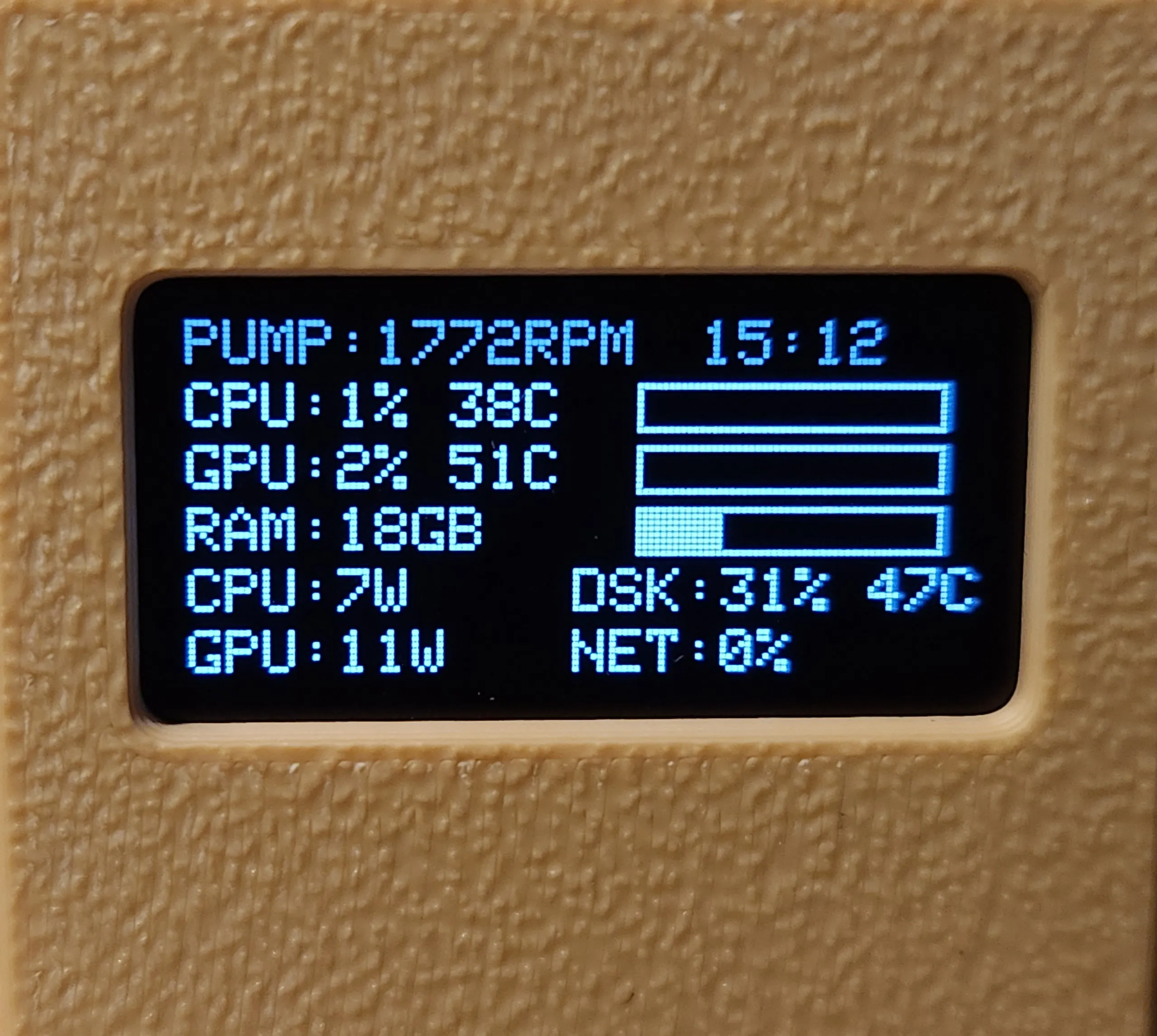
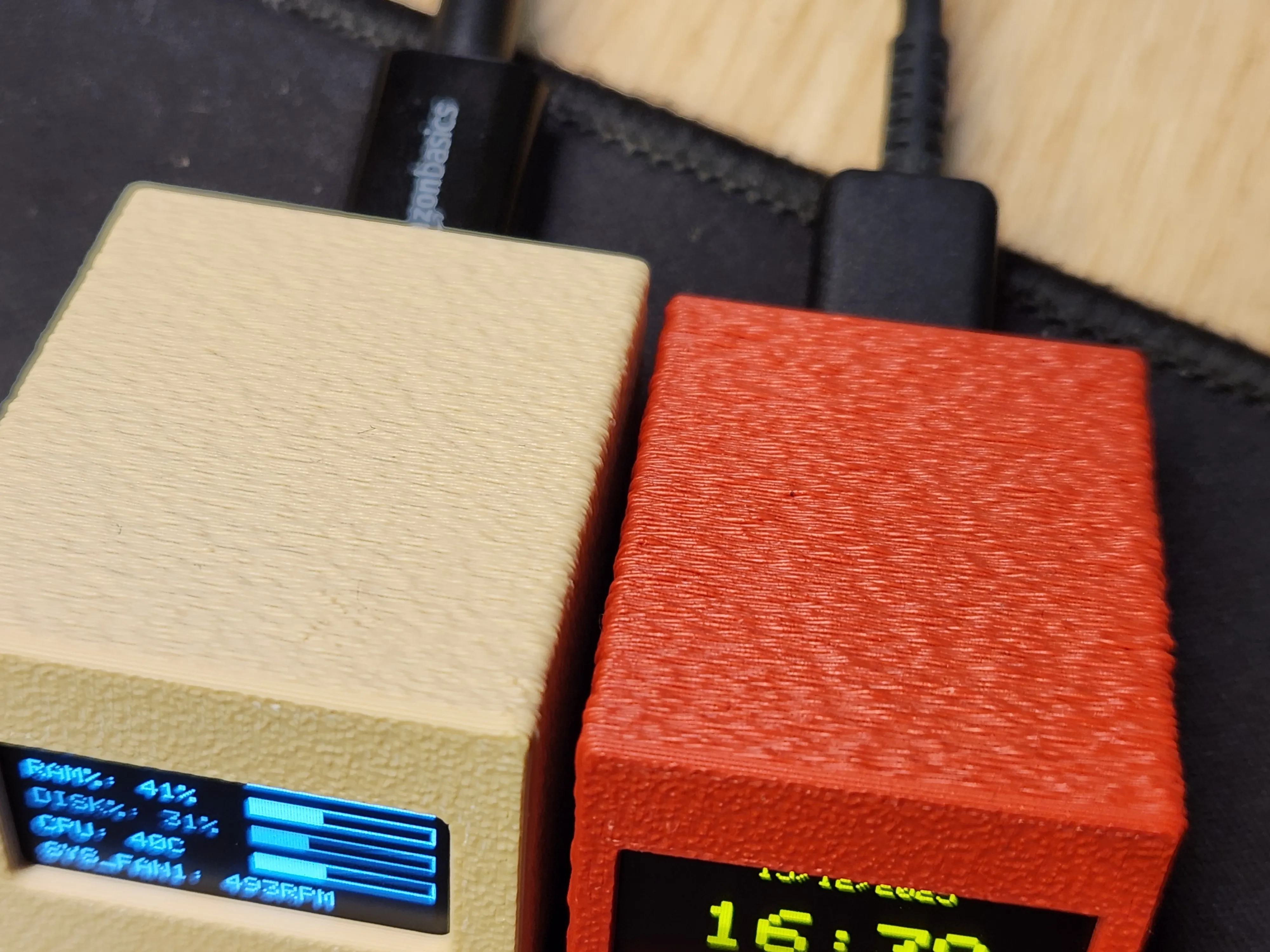
BONUS Idea:
Try with custom Fuzzy Skin Painting with following settings:
Fuzzy Skin point distance: 0.4
Fuzzy Skin thickness 0.2
License

You may create derivative works based on this object, provided that all such derivative works are published exclusively on the MakerWorld platform and include proper attribution to the original creator. You may not share, upload, host, distribute, or publish this object—or any derivative work of this object—on any other digital platform, marketplace, or distribution channel. Commercial use of this object and any derivative works is strictly prohibited. This includes, but is not limited to, selling, renting, sublicensing, or using the object in any context in which you receive monetary compensation or other financial benefits.


Comment & Rating (142)