
Sidio Compatible Quarter Crate Dividers
Print Profile(9)


Description
Boost Me (for free)
If you enjoy this design feel free to Boost Me.
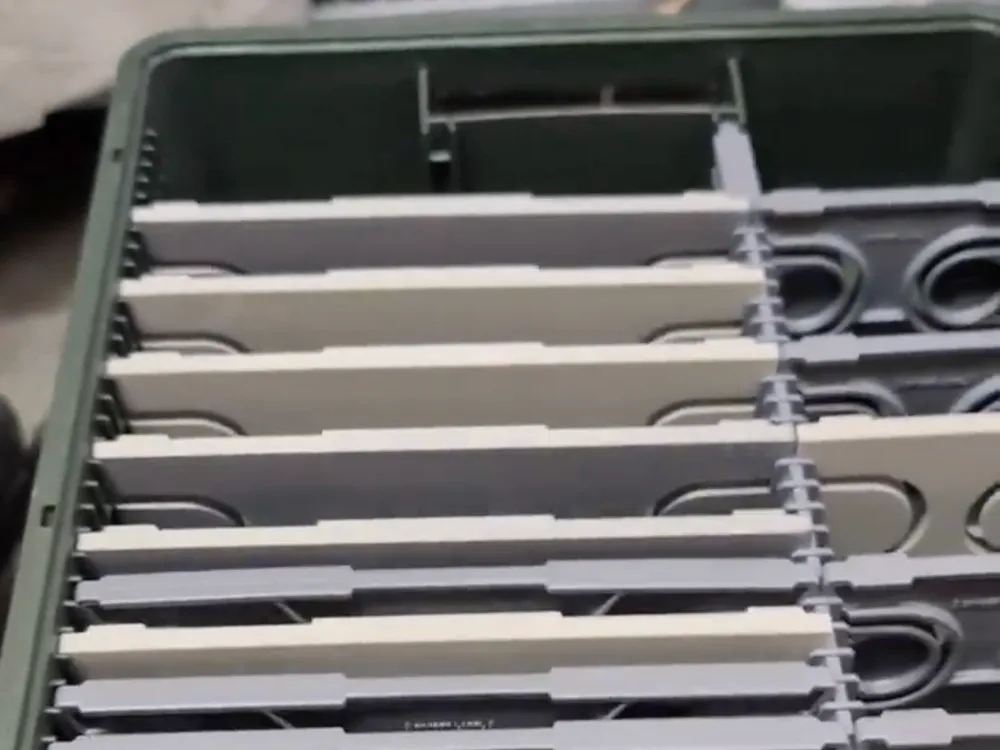



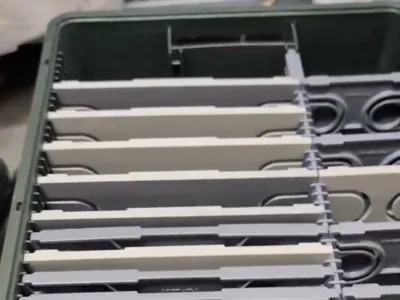
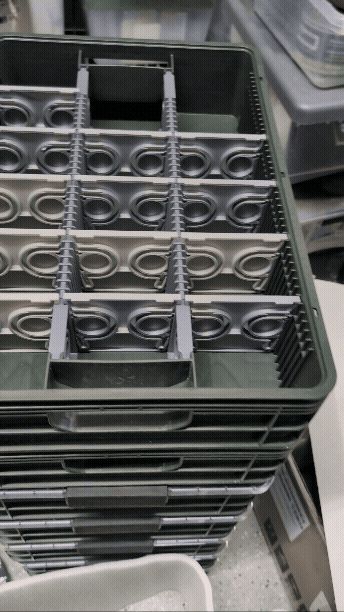
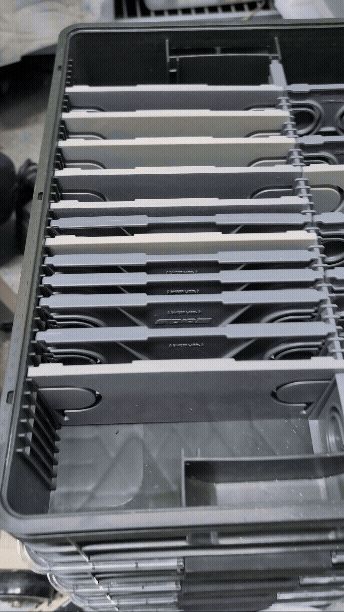
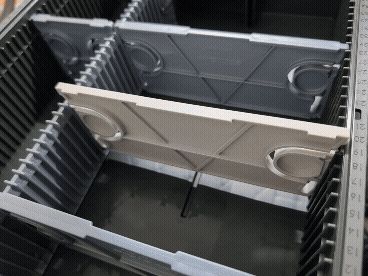
Sidio Compatible Quarter Crate Dividers
Center Divider NOW Available! Other crate sizes coming soon!
Due to how tight the tolerences are please use my print profiles. If you decide to use your own please be aware you are doing so at your own risk. Necessary parameters Print outer/inner order, 3 Walls, and for the T keys for the Center Divider please use a brim due to the two sharp corners.
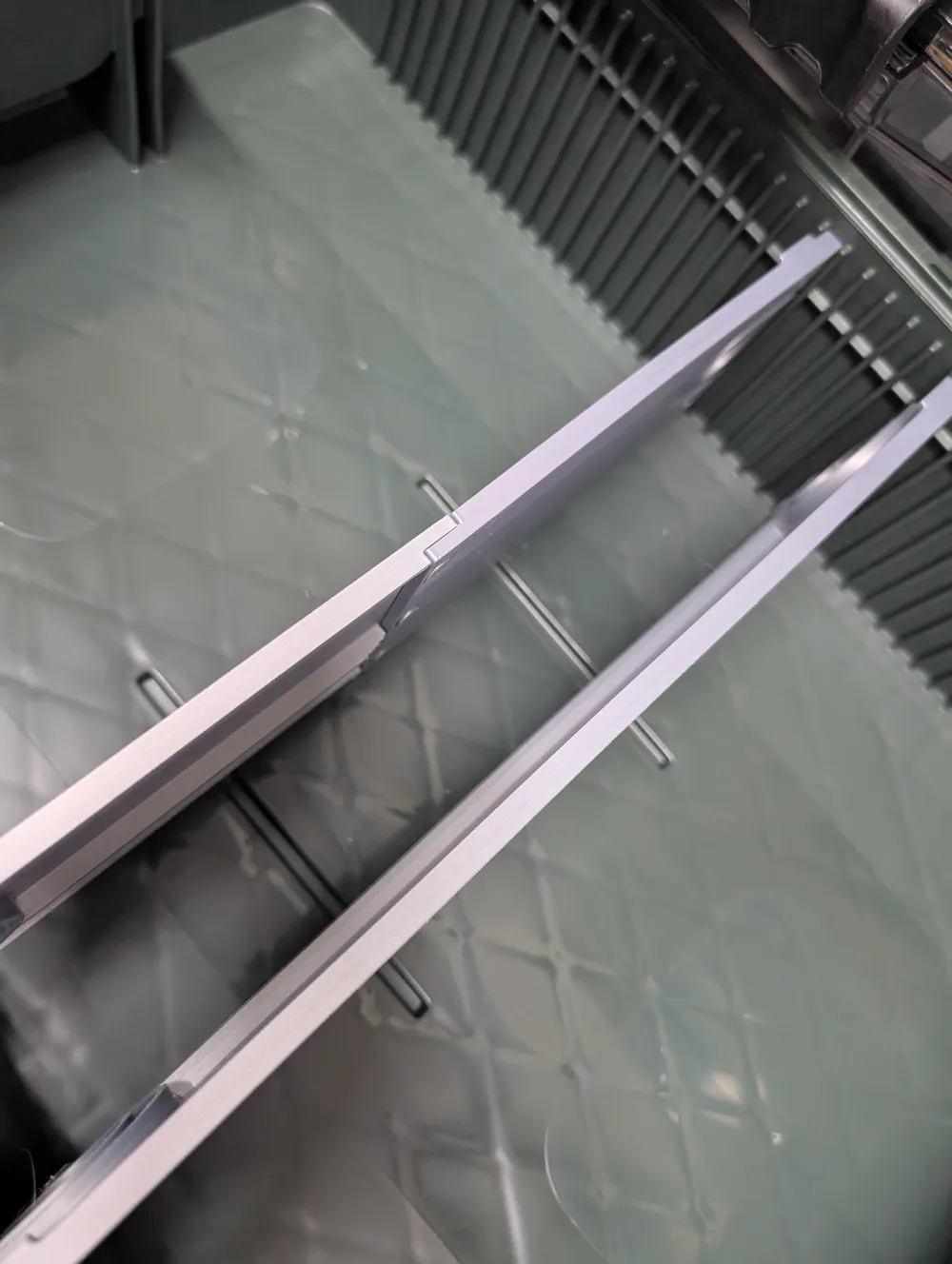
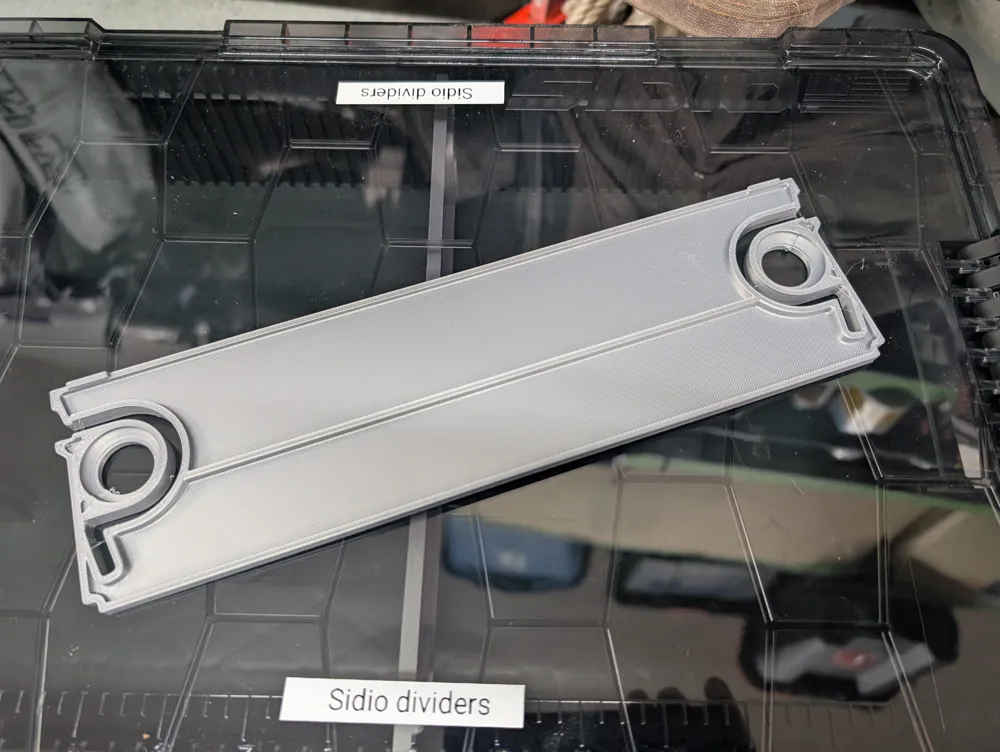
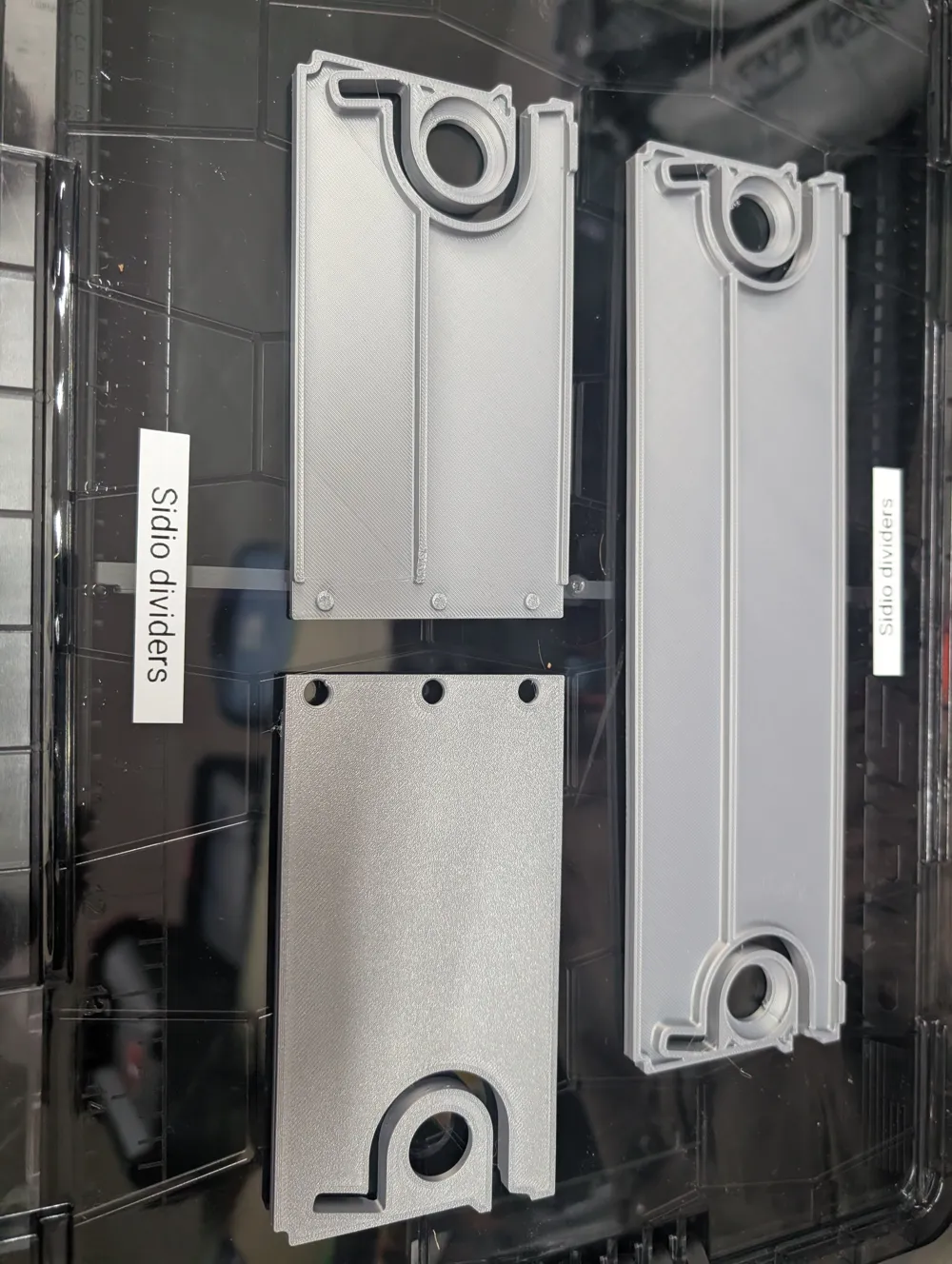
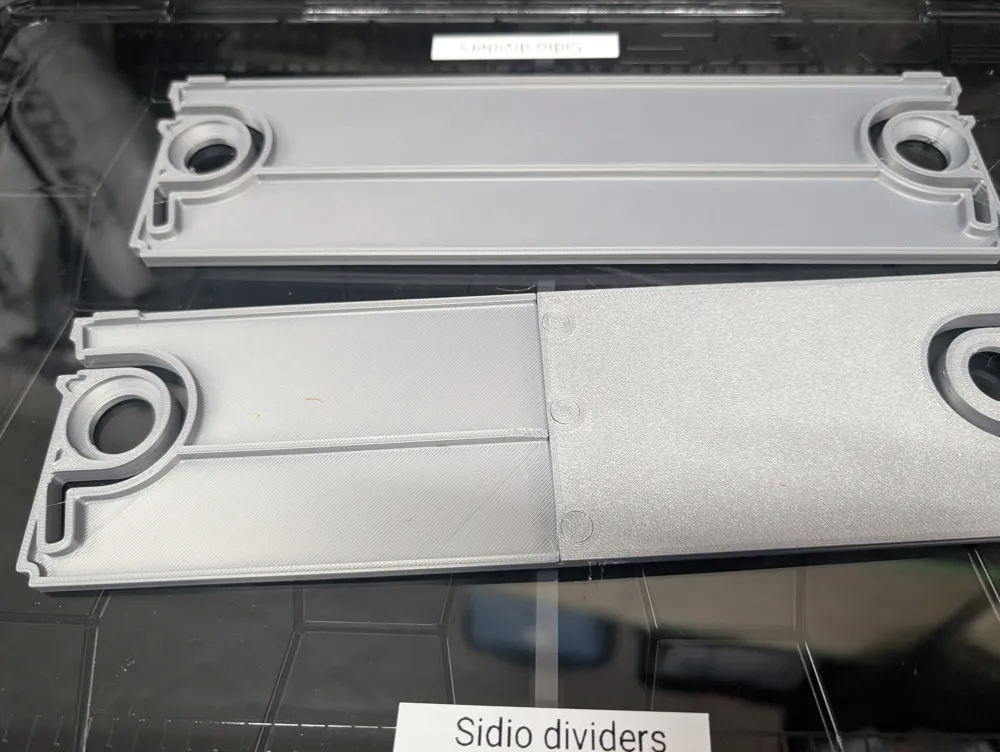
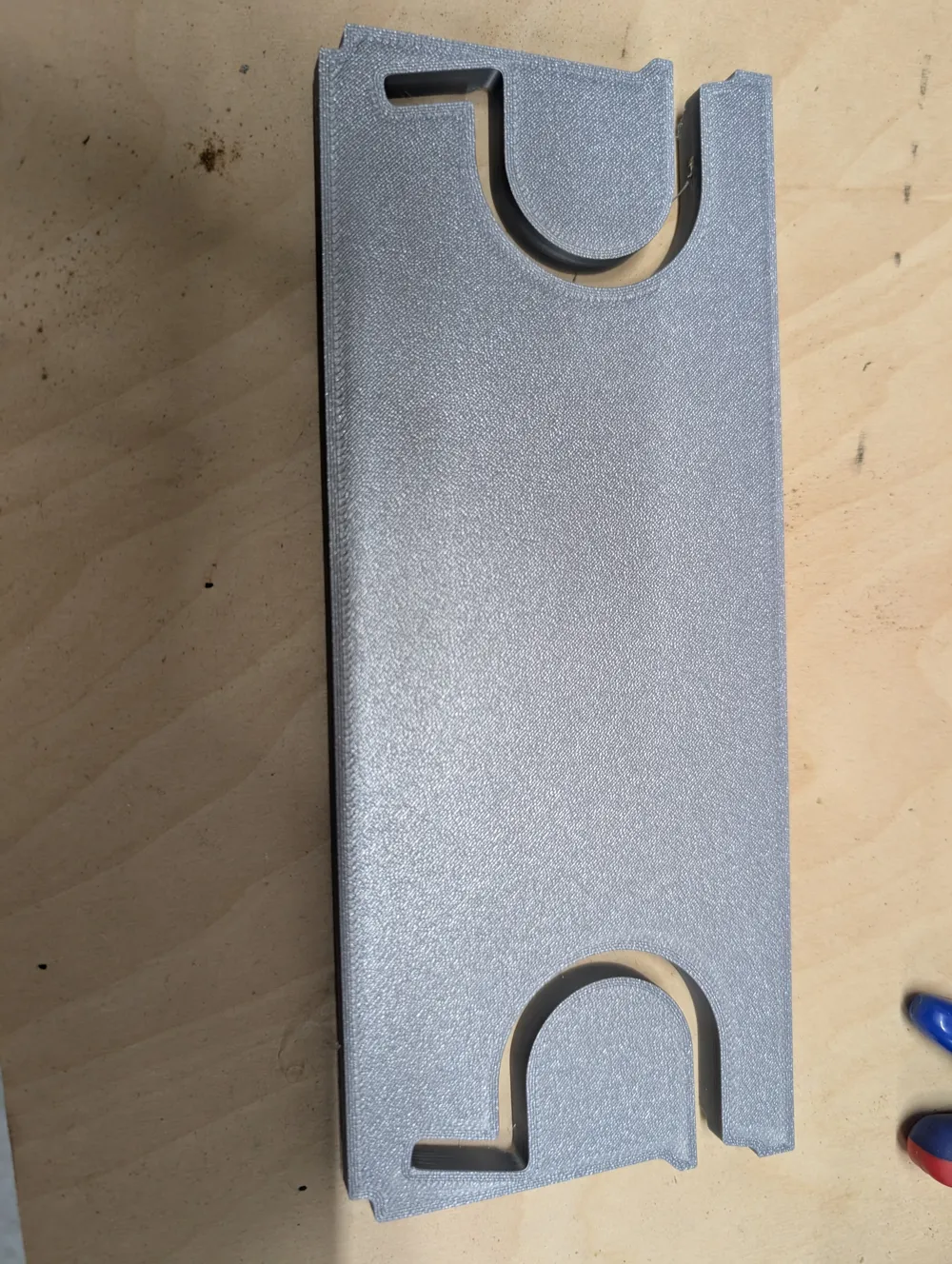
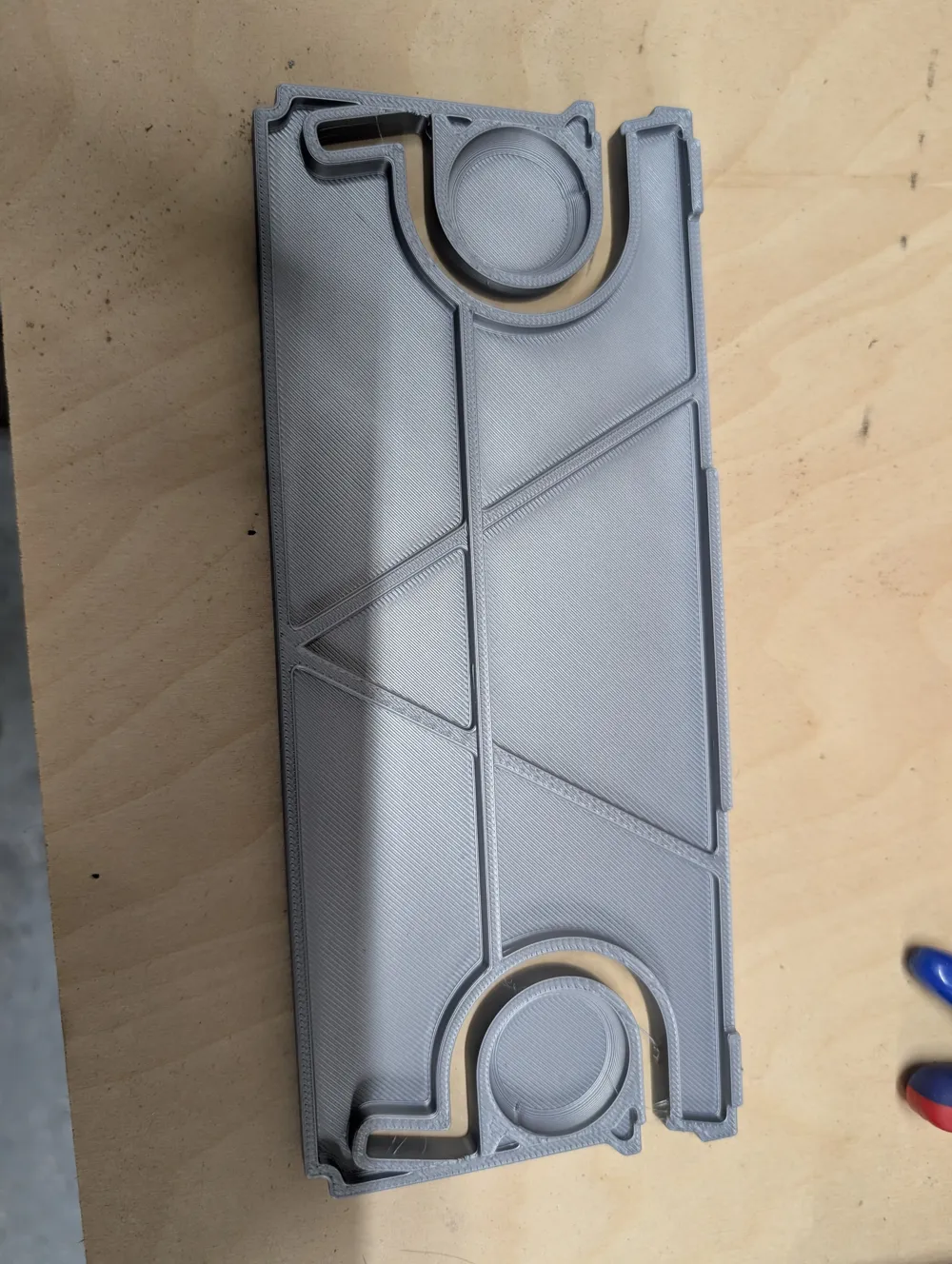

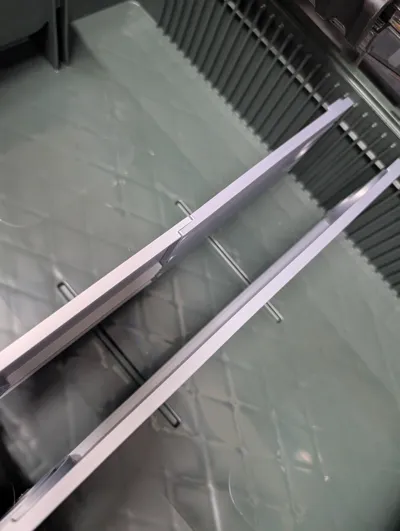
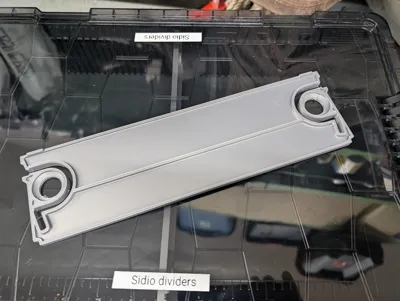
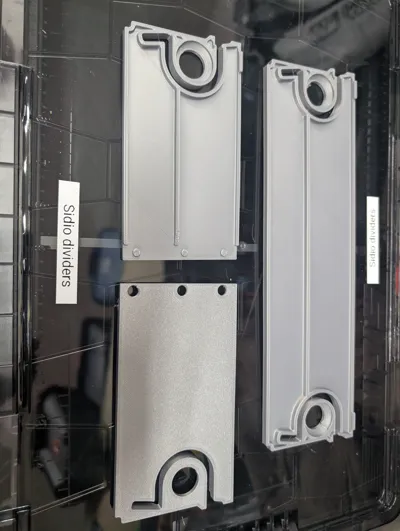
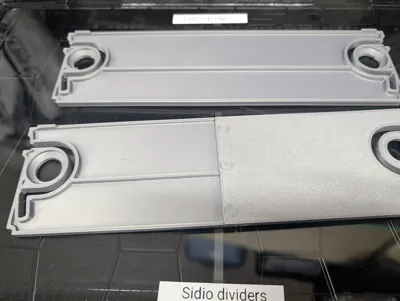
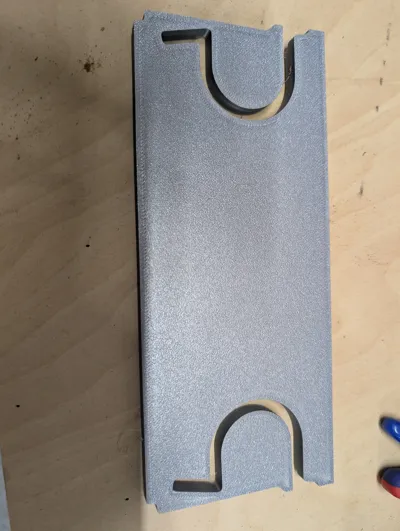
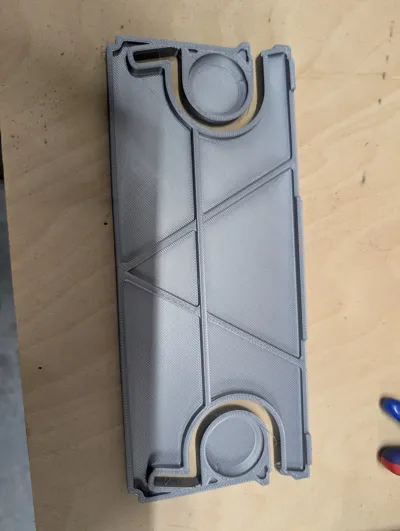
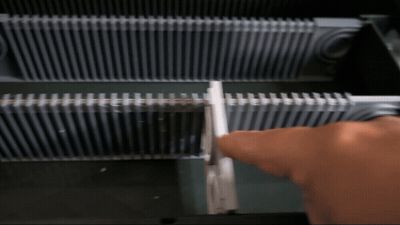
If you use Sidio Quarter Crates for storage and organization these are a perfect fit, print in place, and dividers require NO SUPPORTS. There are Full Width Span, 1/3, and 2/3 Dividers that fit perfectly. For Full Width Single Piece H2 Only due to the size; however, I have made pressure fit Full Span models for smaller printers! For the Full Span multi part (single plate) you can use glue, but the settings are dialed in enough that you should just need to pressure fit them. This is very tight as I did not want to use glue, but use a vice to push them together once they are lined up. For the ⅓ and ⅔ dividers, you will need 1 or 2 center dividers to use the ⅓ and ⅔ sizes. I will be adding a printable center divider for the quarter crate shortly.
I have printed and use these with PLA, PETG and PLA Tough+. I haven't seen any real difference between them and primarily use the PLA to reduce cost. If anyone is interested in other filaments for any reason, just let me know and I can add my profiles.
Instructions for Center Divider
Snap Fit the Left and Right Side together by laying them on their Back. Lift the Right side up and line it up with the cutouts on the left side. Slowly apply pressure until it snaps into place. Do not over force it in case the are not properly lined up. Do this for the Font and Back plates.
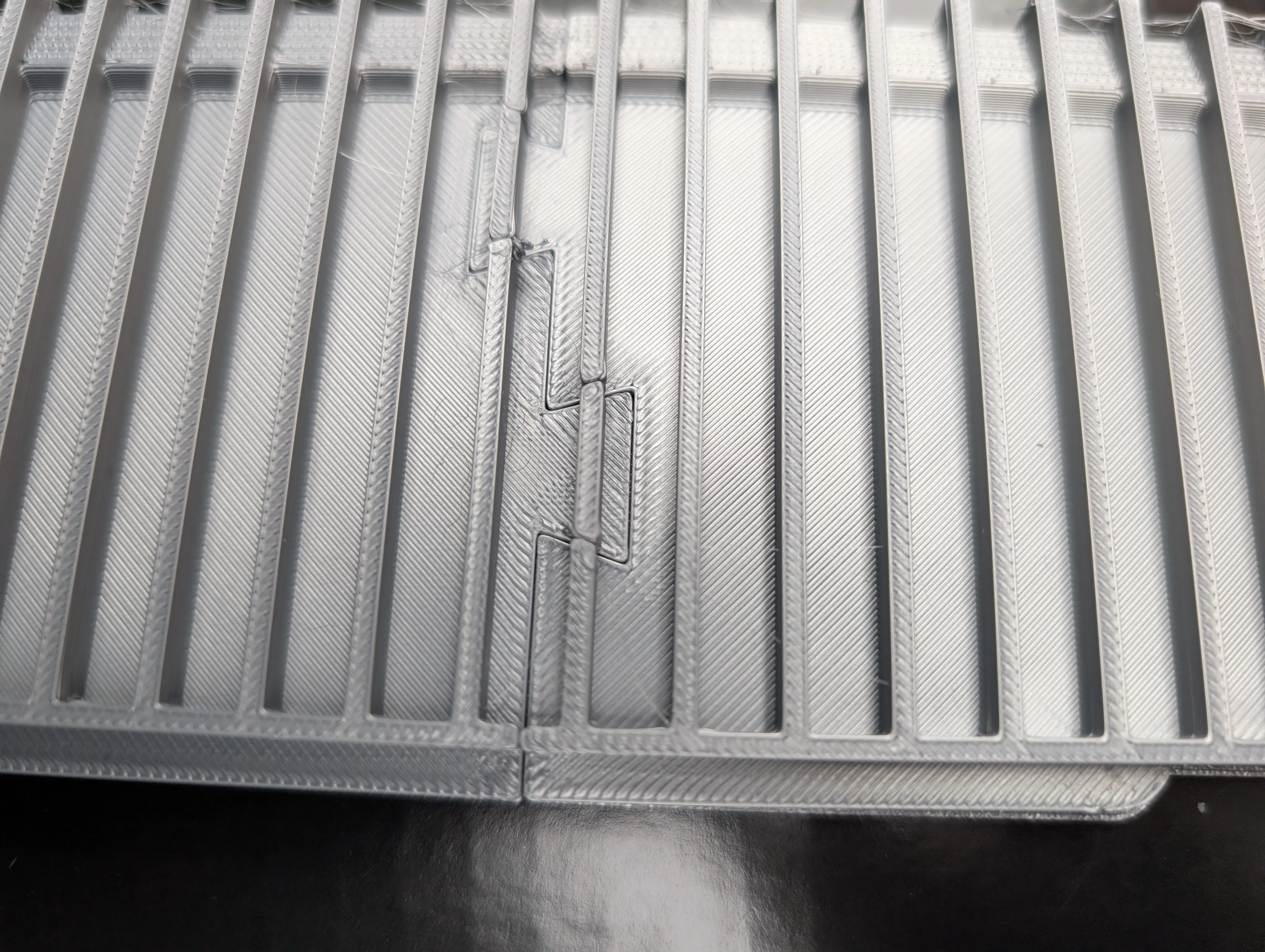
Line up the Front and Back Plates
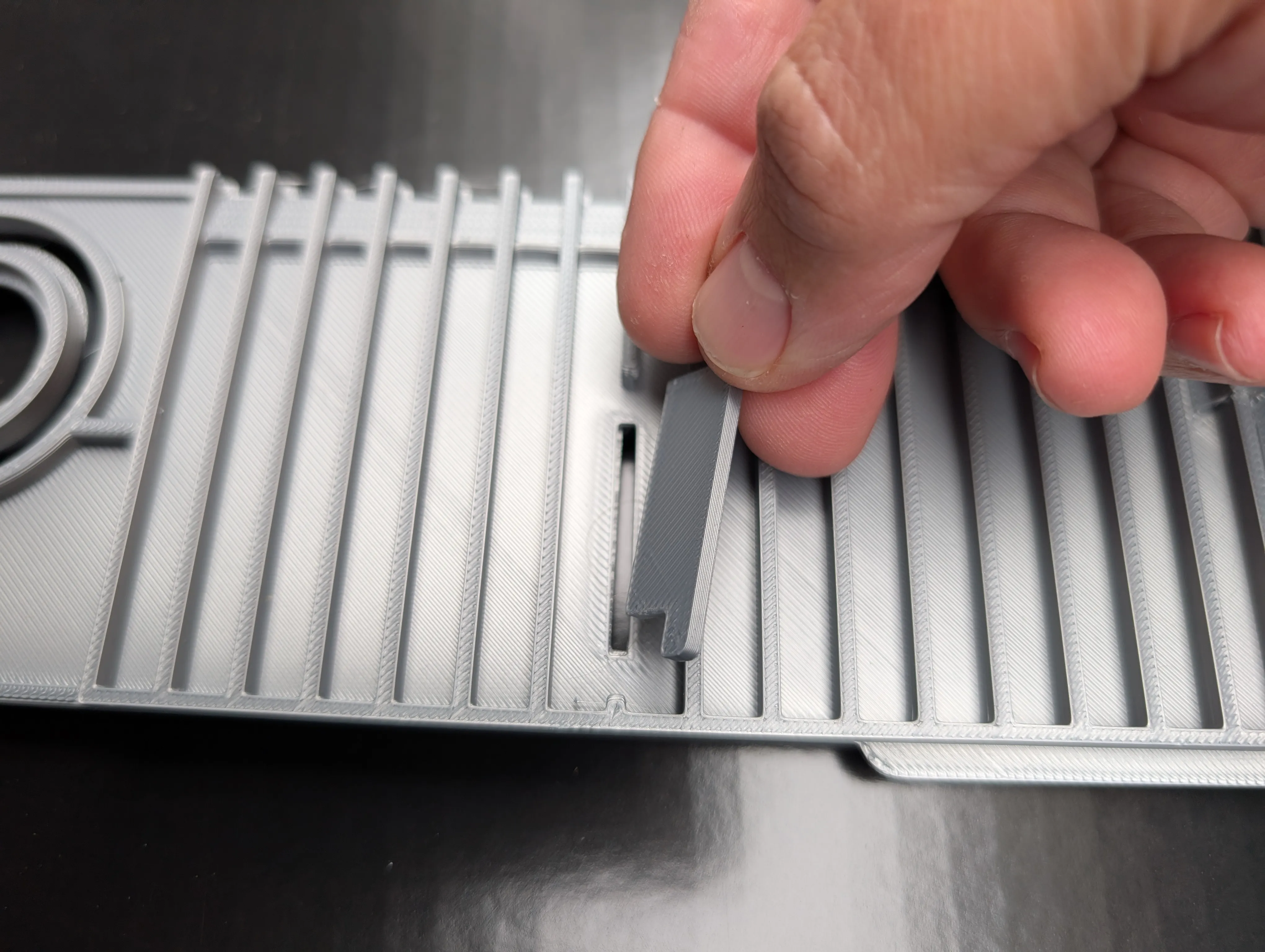
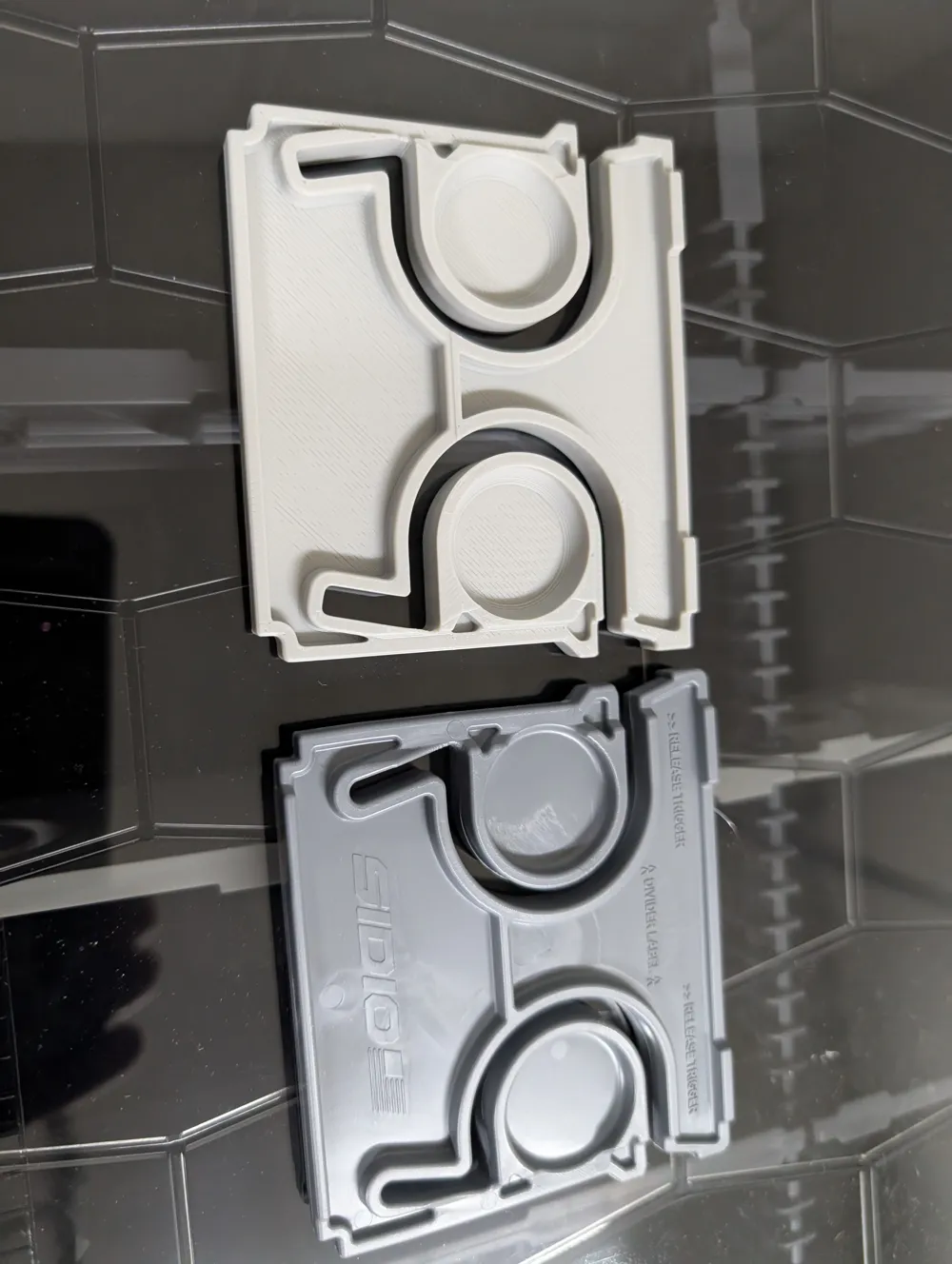
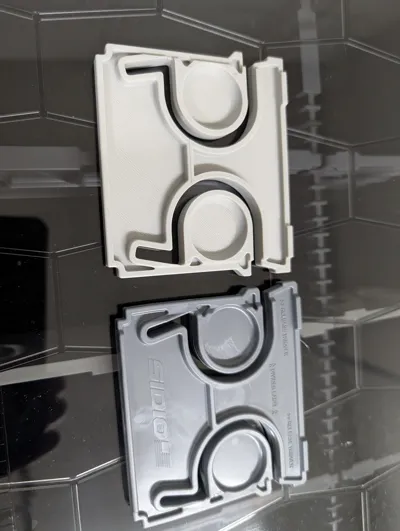

Slide the T Shaped Key into the left slot. Again make sure it is lined up with the hole and both the front and back are lined up. (The key only fits on the left side as there is a cutout in the ridge so that it can not be pushed through.

Flip the Divider over

Slide the T Shaped Key into the left slot on this side the same as you did on the first Front side.

- (Optional) Gluing the cutouts by opening the Front and Back plates a little to apply glue on the right and left side. You can also add a small amount to the key areas. I do NOT use glue with my dividers as they tolerences are tight enough and have not had them weaken at all.
Hope you Enjoy the Dividers and appreciate any feedback! Please watch out for my half and full sized dividers coming in the near future.
License

You shall not share, sub-license, sell, rent, host, transfer, or distribute in any way the digital or 3D printed versions of this object, nor any other derivative work of this object in its digital or physical format (including - but not limited to - remixes of this object, and hosting on other digital platforms). The objects may not be used without permission in any way whatsoever in which you charge money, or collect fees.


Comment & Rating (27)