
Ravioli Roller and Stamp (100% food safe)


Print Profile(0)
Description
Hey,
I've designed some kitchen helpers to make ravioli.
I've been making homemade ravioli for years and they cut the time I need in half and prevent me from making a mess.
I designed them to be able to use plastic wrap to make them 100% food save. I know it's a big concern for many.
The size of the ravioli will be 50x50mm.
If you like the files an want to support me feel free to like, and/or add a make :)
Printing
A set consists of: 3x Knobs, 1x Stamp and 1x Roller.
All parts are oriented correctly
Do not use the *_fuzzy.stl files for normal printing. These are used as a mask for applying the fuzzy skin!
Print Settings:
Just use your default profile:
- 10% infill
- no support needed (if your printer can handle overhangs, otherwise enable tree support
- You can use fuzzy skin for a better look and feel. Sadly you can't just enable the setting (see chapter below)
Assembly:
Pretty self explanatory. Wrap the Roller and the stamp in plastic wrap. Screw in the knobs to keep them in place and you're ready to go.
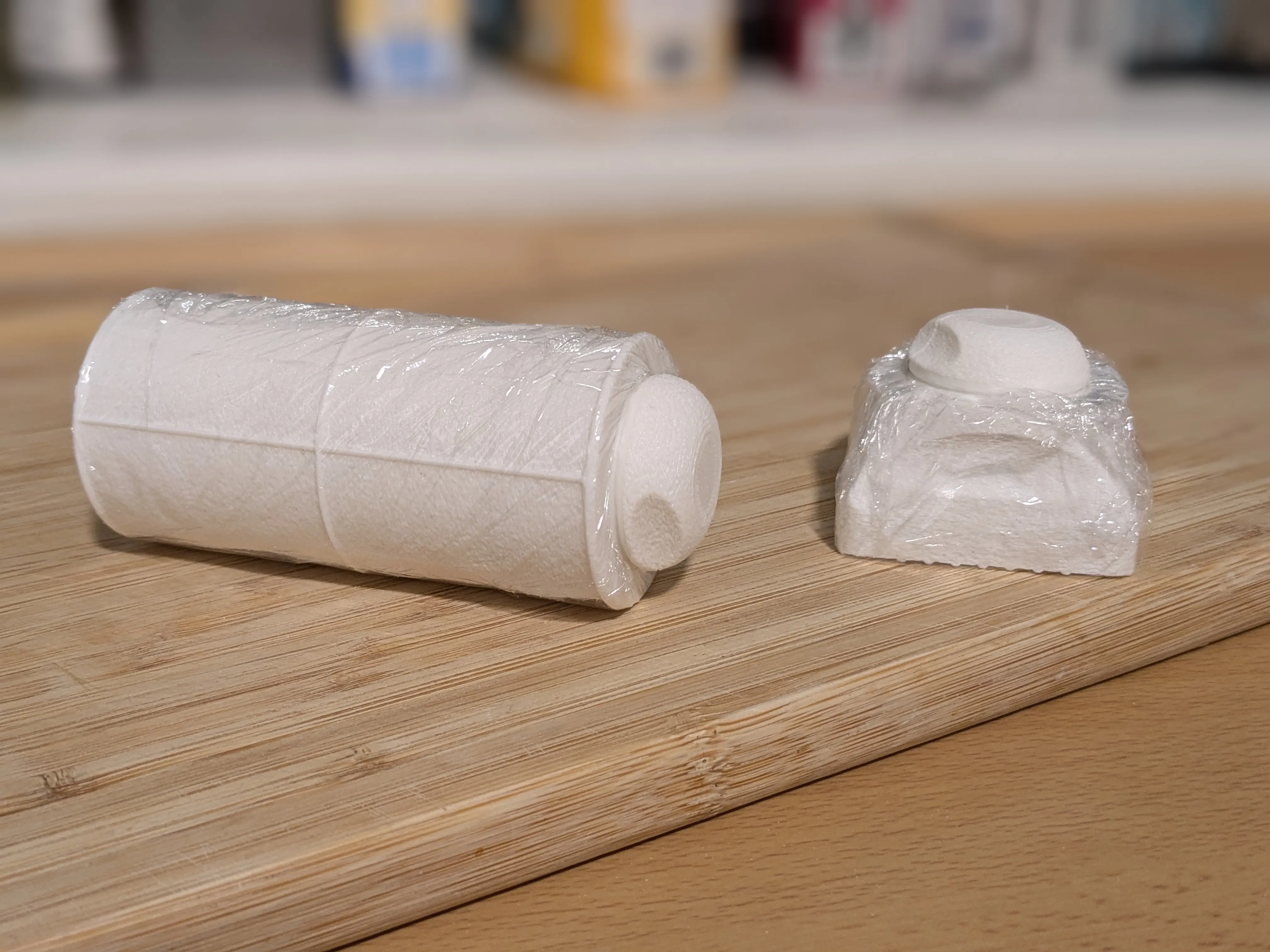
How to use the prints:
- Roll out your the dough with your pasta machine
- Use the roller to mark the ravioli shape
- Fill one half with the filling of your choice
- Flip the bottom half of the dough and cut it into pieces
- Use the stamp in a rolling motion. Start with the side where the fold it. Then roll it down flat. That will remove any air in the raviolis and they won't burst.
Tips for pasta making:
If you are new to pasta making there are some beginner pitfalls that can make your life a lot harder.
The Dough:
The most important thing is the dough.
The dough should be as dry and hard as possible. When you start to knead it should nearly fall apart. Don't get scared and add additional water it will automatically get more wet after you let it rest. You need a lot of strength when kneading the dough. It's a full body workout. If you make pasta often you probably can cancel your gym membership ;)
A harder dough also results in pasta with more bite to them. Otherwise they can end up being very soft and mushy.
If the dough is too wet, it will stick to anything when rolles out. Especially if you roll it out thin, it will stick to your working surface and rip when you try to get it off.
Knead it till the dough i only nearly falling apart, wrap it in plastic wrap and put it into the fridge for 30min to 1 hour. The water in the dough will get more distributed doing this and gluten will begin to develop on their own.
After the fridge you can knead it more easily for a while again.
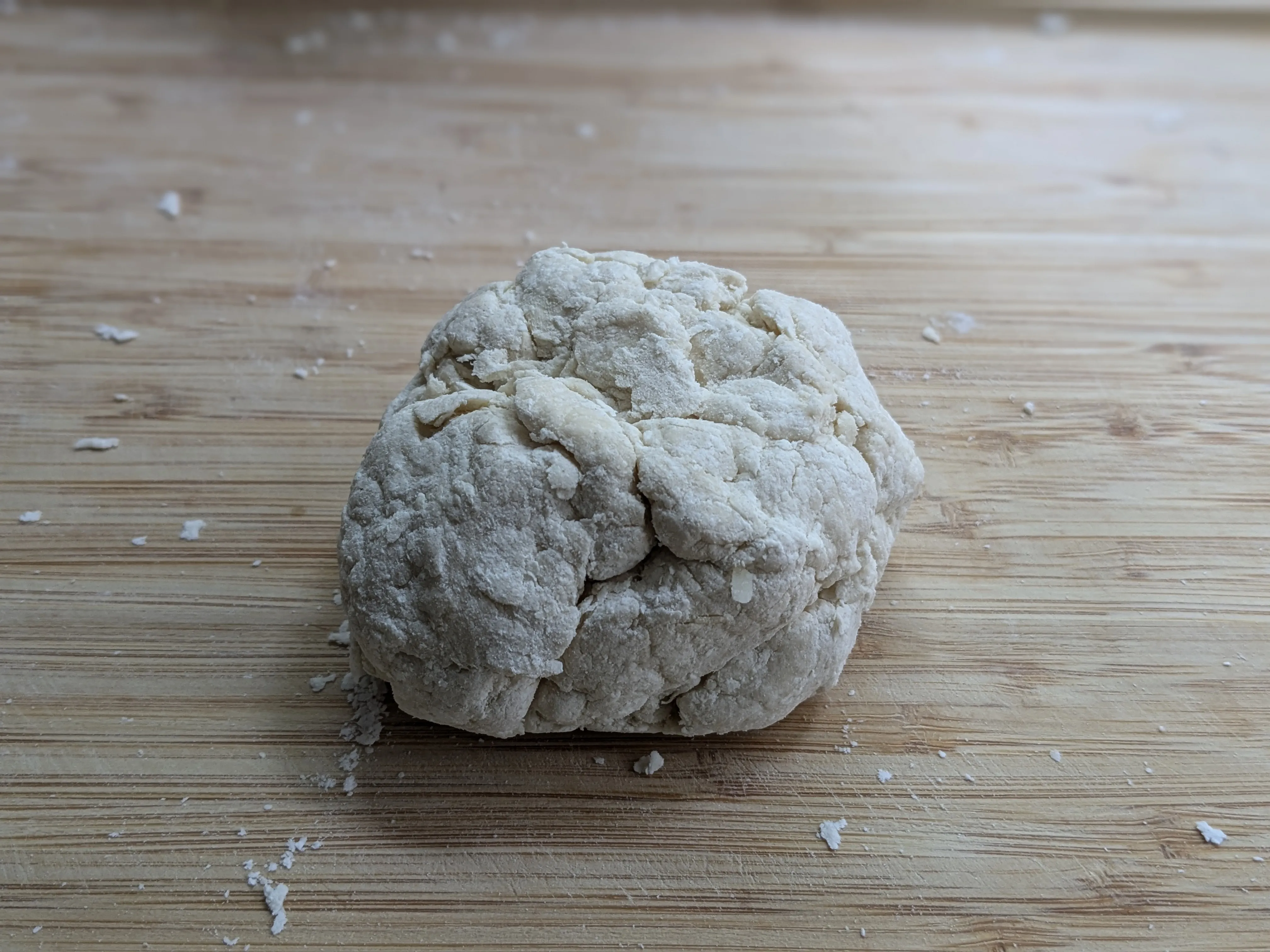
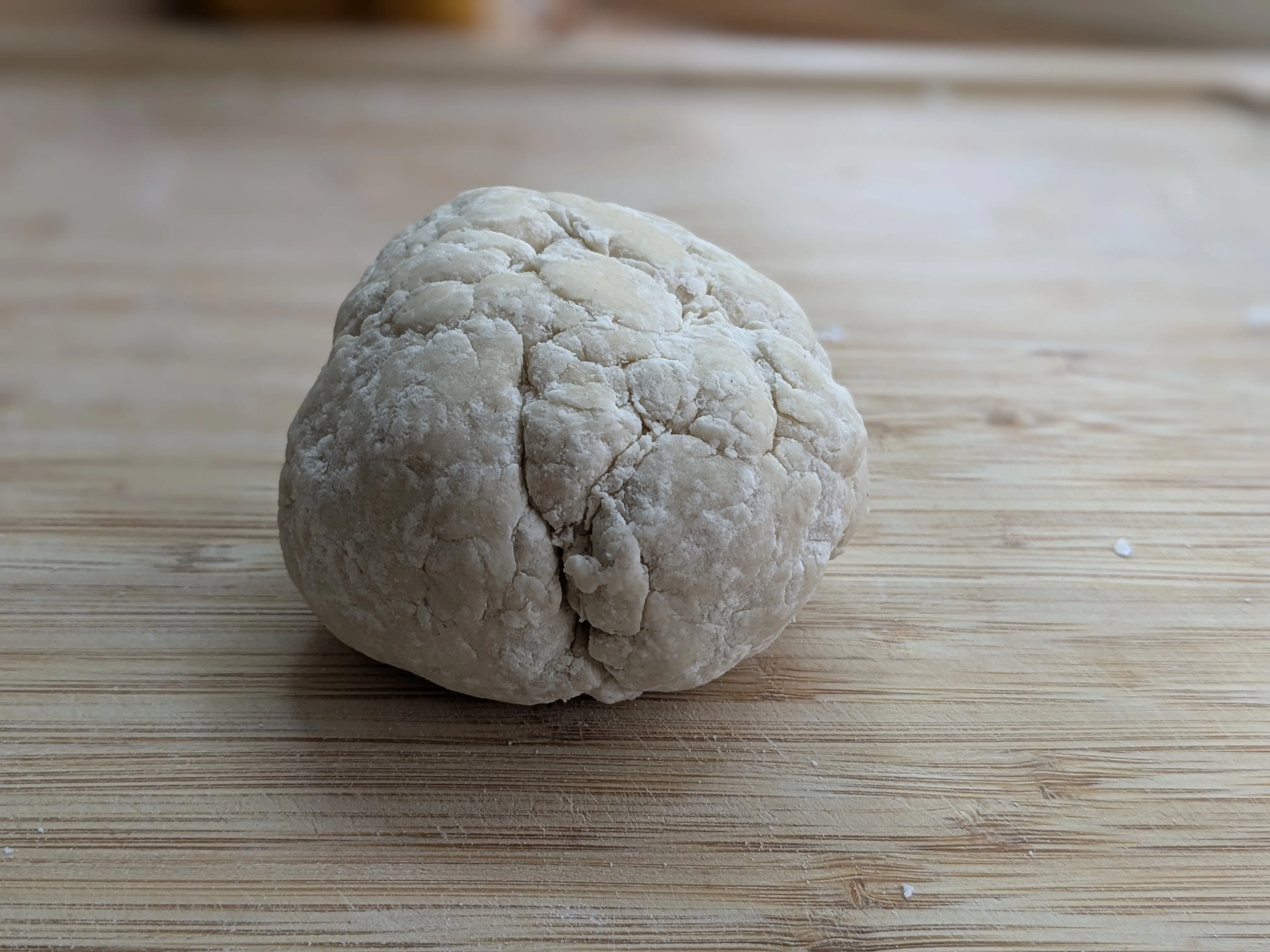
Left after kneading, Right after resting in the fridge (without any additional kneading).
The dough will hold together a lot better after resting.
Rolling out the dough:
I highly recommend using a pasta machine. Rolling out the very dry dough by hand is very difficult.
Try to flatten the dough by hand and put it through the widest setting of your machine.
Run it through the two more narrow settings.
Fold the dough in half and start again with the widest setting.
In the dough might tear at the beginning doing this. This is totally normal and should go away after a few more passes.
When the dough is very homogeneous and there are no longer dry spots, you can start to go thinner. Always do one pass for each thickness.
If your dough is too wet, you should use some flower to prevent it from sticking.
The dough has the perfect hydration when it does not stick at all.
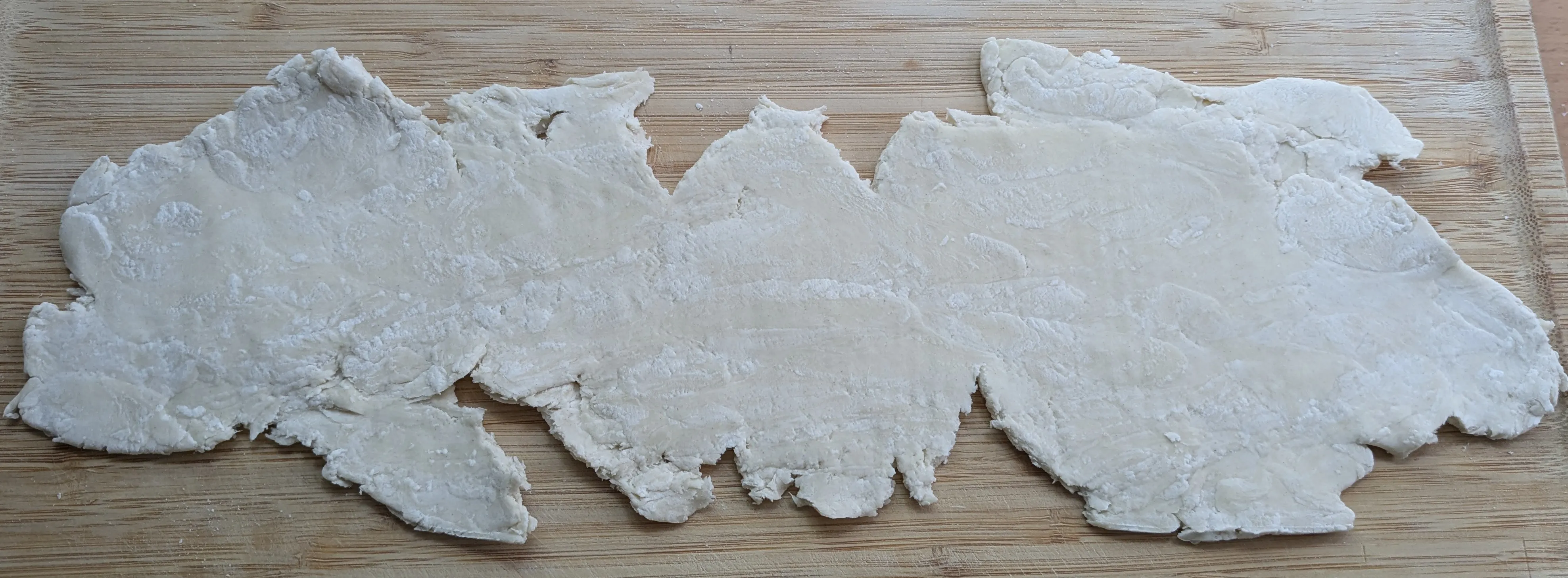
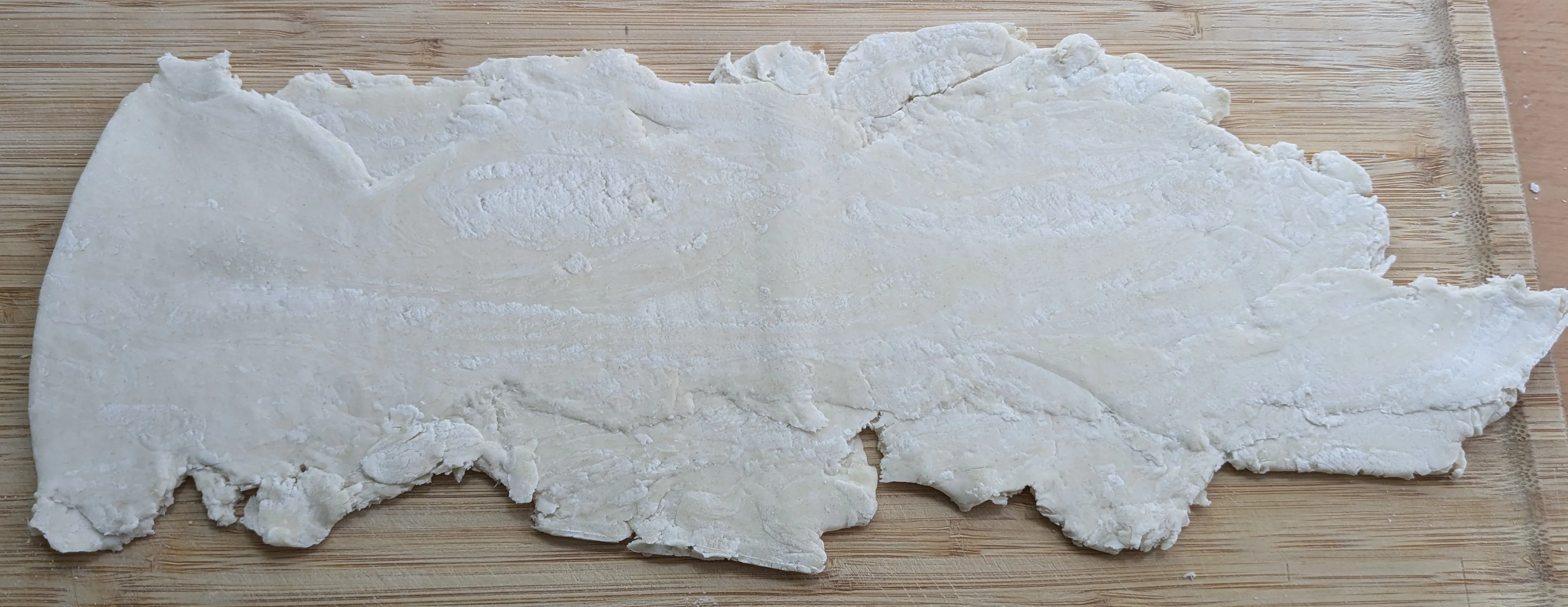
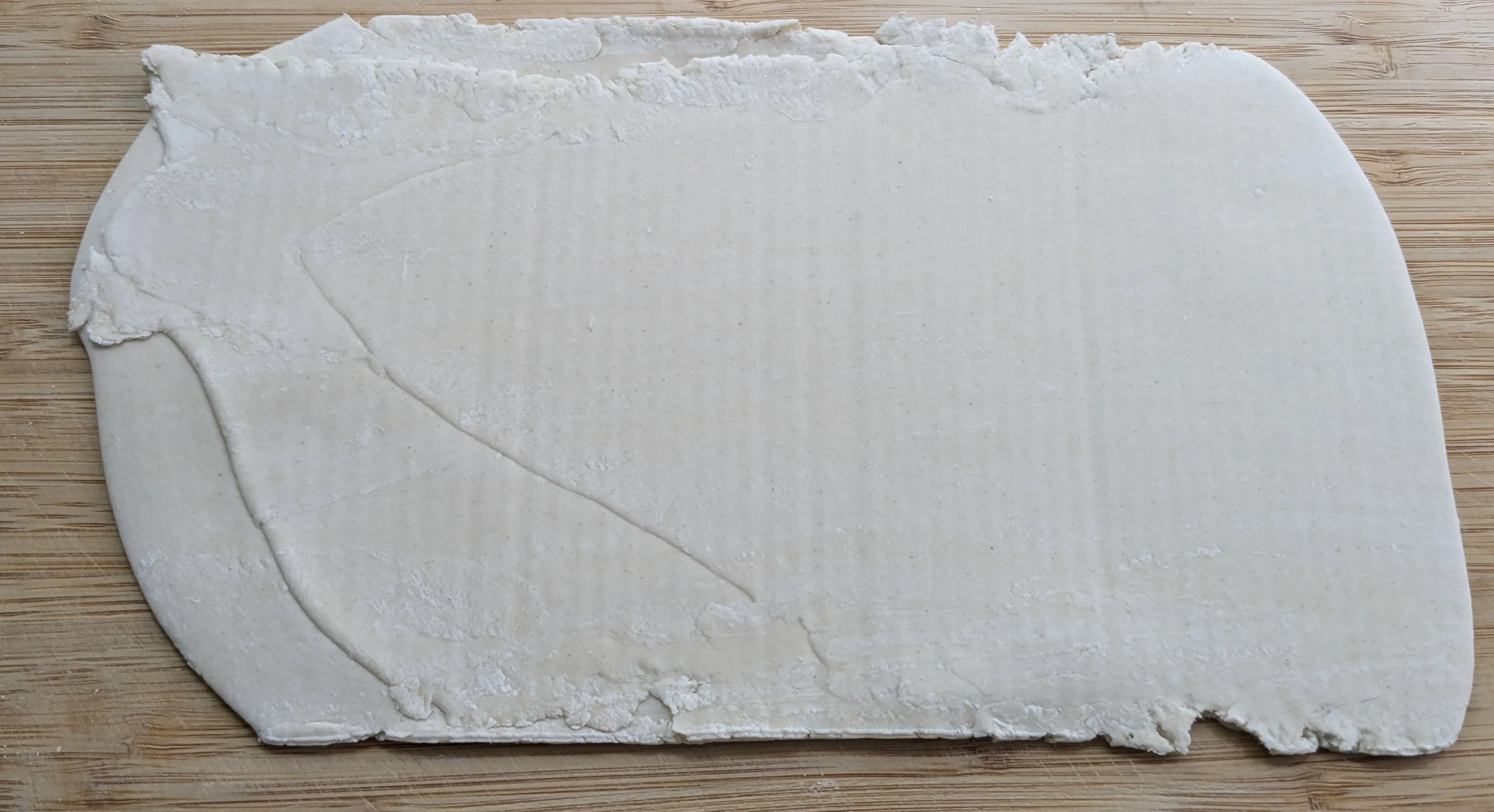
(1st pass, 2nd pass, and the 5th path when it's finished)
Making the ravioli:
This part should be the easiest (and the most fun part as well).
I provided a video for the necessary steps.
Usually i use two teaspoons to place the filling on the dough.
If the top and bottom of the ravioli are not sticking together, wet your finger and run it on the edges. This will make them sticky enough for pressing.
The filling:
The sky is the limit. There are plenty of recipes out there.
My favorite one is: Gorgonzola, cream cheese with herbs, walnuts and spinach.
I'd recommend you giving it a try if you are not scared of blue cheese
Fuzzy Skin:
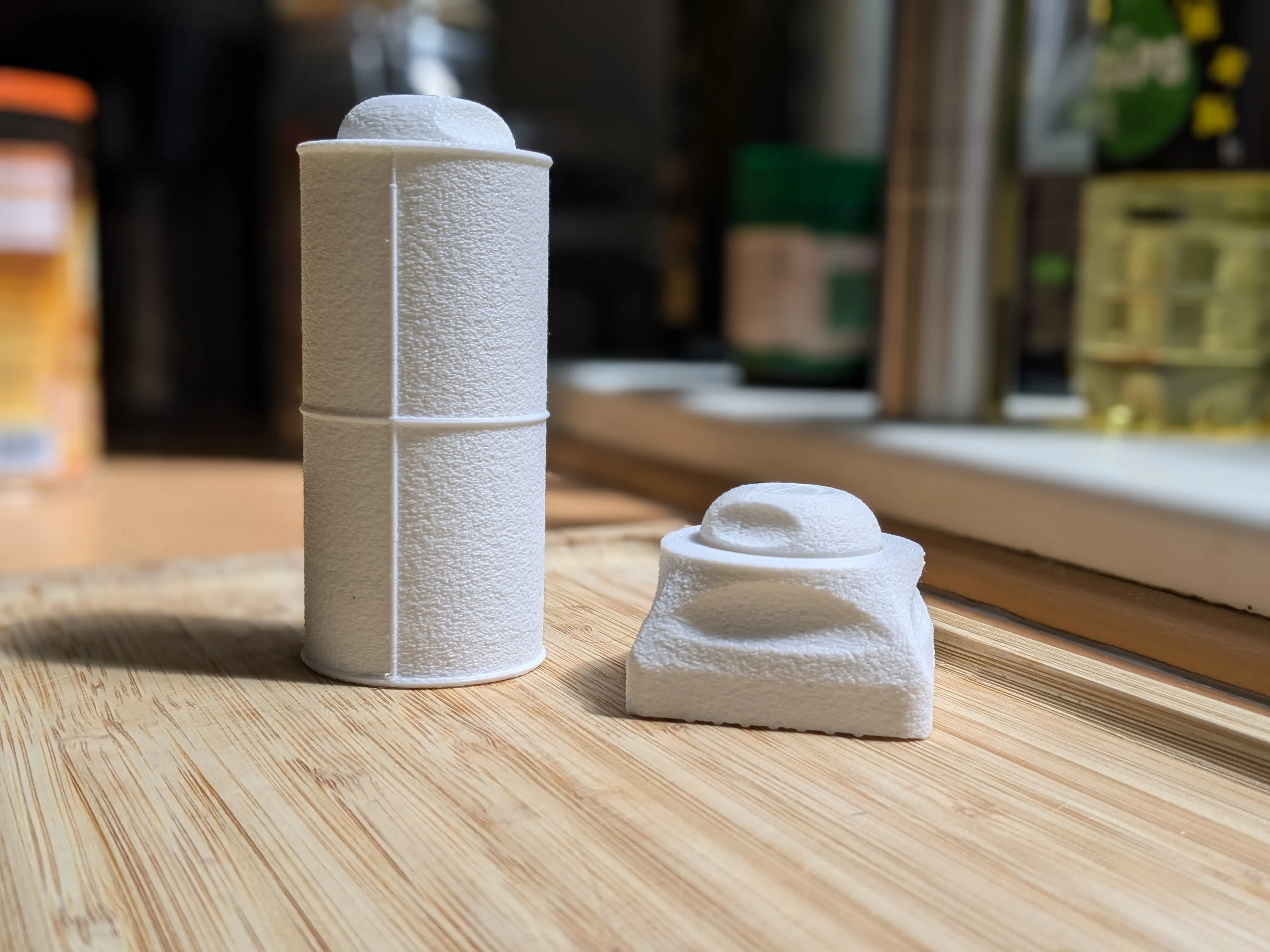
I printed a second pair as a gift and in my opinion they look and feel a lot better with fuzzy skin enabled.
Just be aware the print time will increases by a lot.
It's also not as simple as enabling fuzzy skin. I provided a guide for PrusaSlice and Cura below:
Important: Use the previous to examine the fuzzy skin before you hit print
- The fuzzy skin should not be on the threads
- The fuzzy skin should not be at any part that touches the dough
PrusaSlicer:
- Import the stamp.stl
- You need to be at least in expert mode.
Right click on the stamp in the right toolbar.
In the context menu select Add modifier"Load "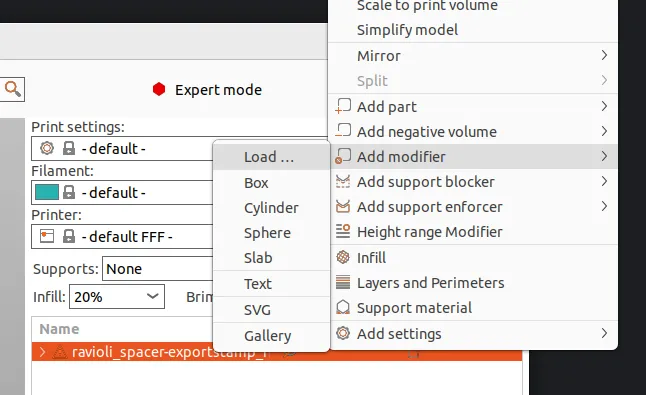
- Select the stamp_fuzzy.stl
- Right click on the stamp_fuzzy" in the right toolbar.
In the context menu click: Add settings Fuzzy Skin - Select all 3 options:
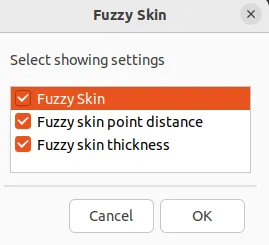
- Press OK. Click on the Fuzzy skin in the right toolbar.
On the bottom are 3 Options, set them to these values:
- Fuzzy skin: Outside walls (this will prevent the threads from becoming fuzzy)
- Fuzzy skin point distance: 0.3
- Fuzzy skin thickness: 0.3 - Hit slice. Everything except the threads and the parts that tough the dough should be covered in fuzzy skin.
- Repeat the same for the roller.
- For the knob I didn't provide a *_fuzzy.stl instead:
- When adding the modifier use Add modifier Box
- Scale the box to be 50mm in all direction (toolbar bottom)
- Add the fuzzy skin to the box like before
- Move the box to height z=31.5mm (it should be above the threads)
- Move the box in x and y so it covers the entire top part of the knob. It should look like this: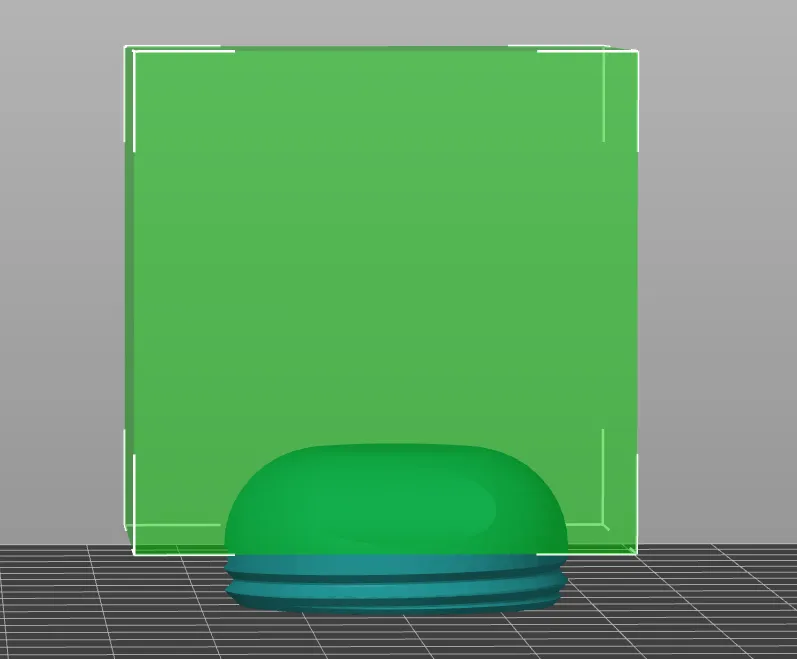
Cura:
- Import the stamp.stl and the stamp_fuzzy.stl
- Select the stamp_fuzzy.stl.
- In the left toolbar hit Per model settings and select the modify settings for overlap tab.
- In the dropdown select Cutting Mesh
- Press Select Settings, filter for fuzzy skin, add all settings
- Adjust the values to this:
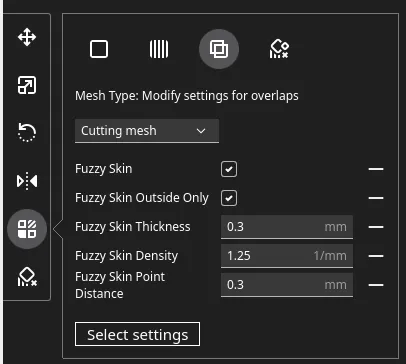
- Use the coordingates of the move tool to exactly align both models on top of each other
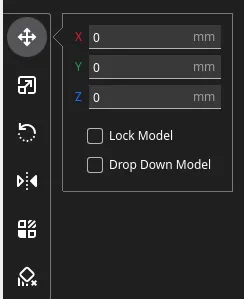
- Hit slice. Everything except the threads and the parts that tough the dough should be covered in fuzzy skin.
- Repeat the same for the Roller.
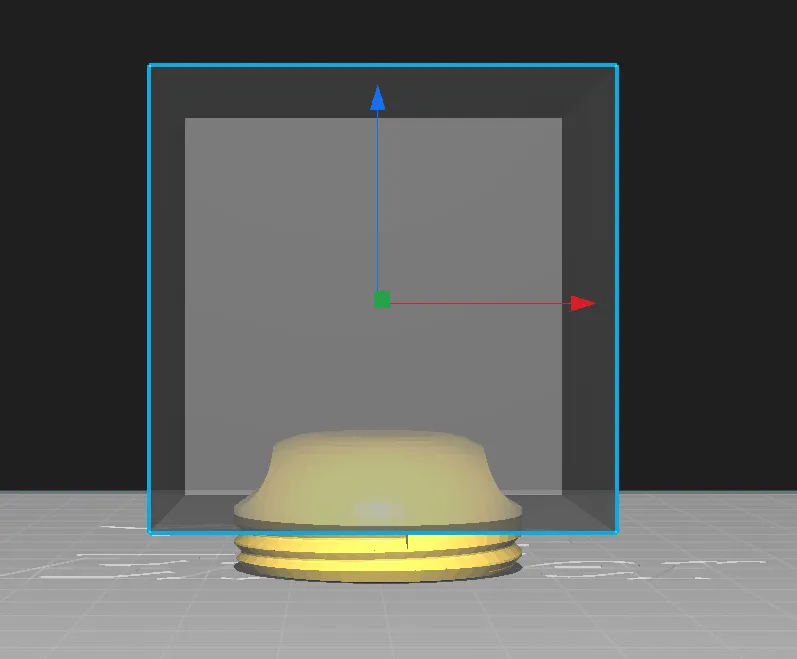
- The knob needs some special treatment:
- import the knob.stl and select the model
- Press support blocker in the left toolbar and press anywhere on the model. This will create a box.
- Select the box and add the fuzzy skin like before ("Per model settings )
- Make the box bigger (e.g. 50x50x50mm)
- Move the box at z=6.5mm (must be above the threads)
- Move the box in x and y so it covers the entire top part of your model.
- It should look like this_
License



Comment & Rating (0)