
Customizable Ornaments | Christmas gift
Print Profile(1)

Description
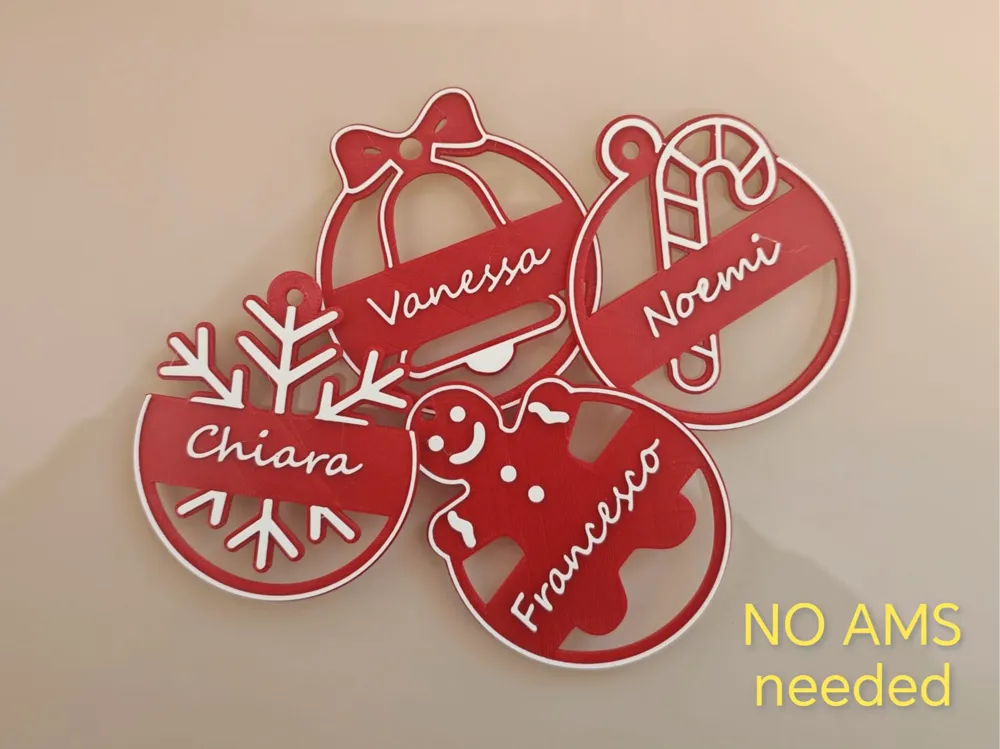
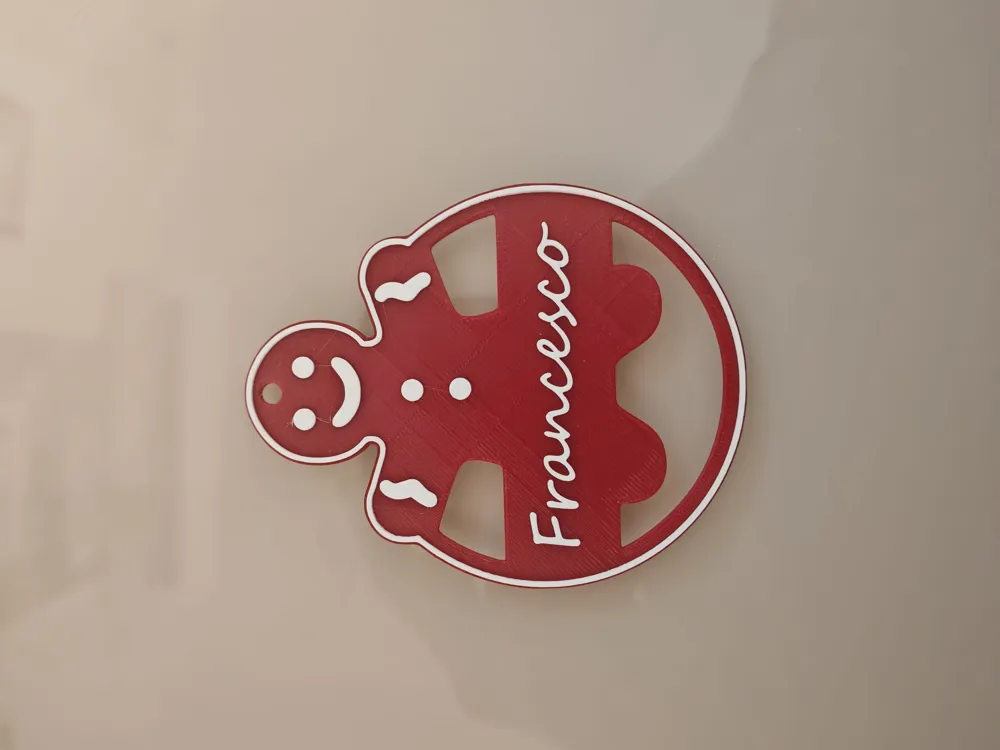
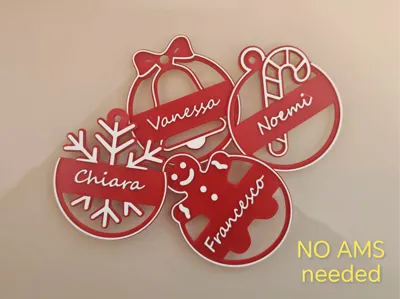
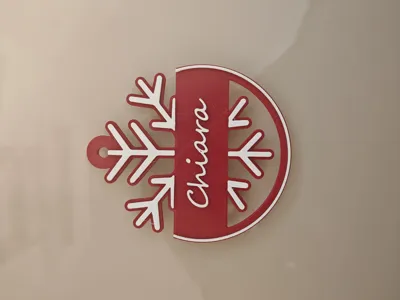
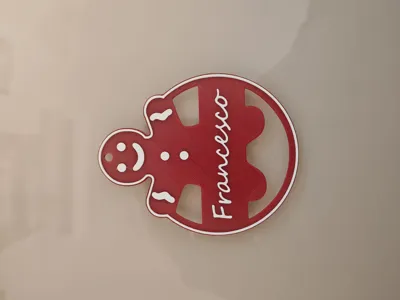
Make your Christmas special with these delightful customizable decorations! Perfect for hanging on the tree, using as place cards, or as unique and thoughtfully designed gift tags.
✨ Key Features
- Complete Set: The model includes all 4 beautiful Christmas-themed figures you see in the image:
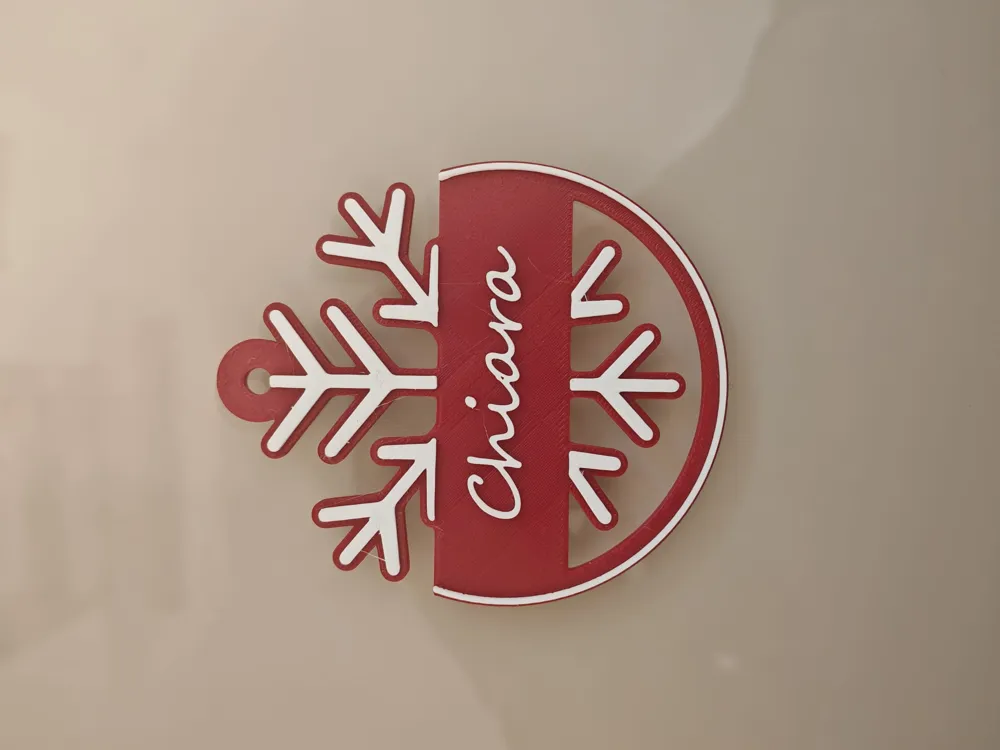
- Snowflake ❄️
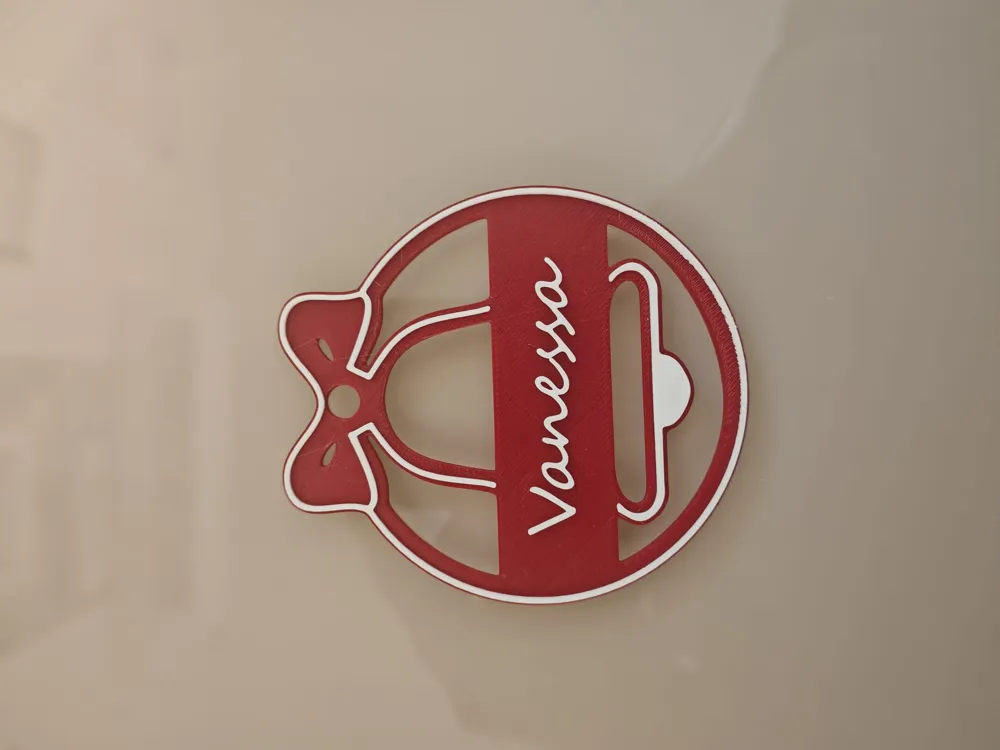
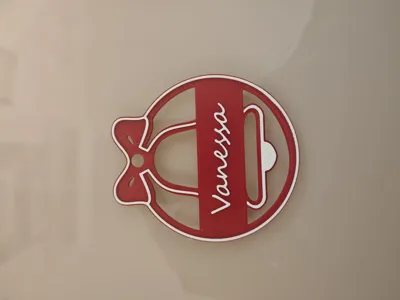
- Christmas Ball with Bow 🎀
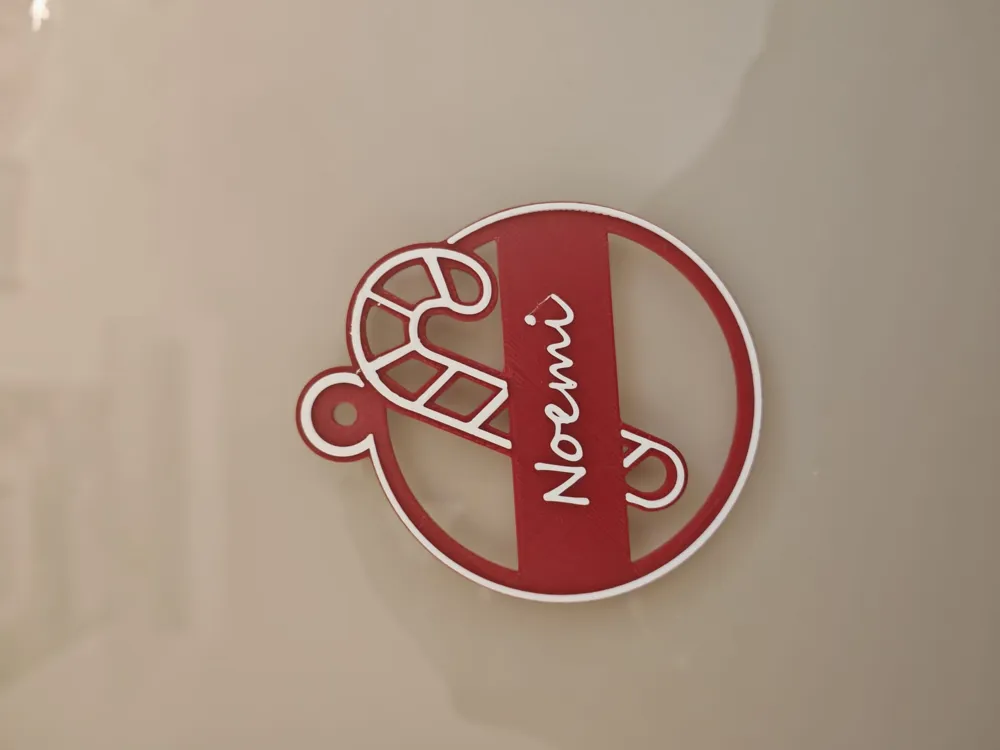
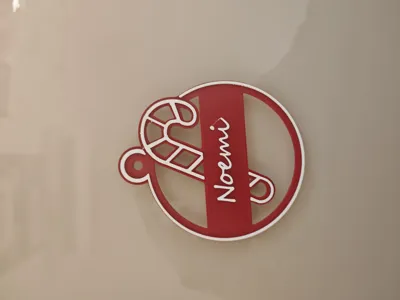
- Candy Cane 🍬
- Gingerbread Man 🧑🍳
- Maximum Customization: You can personalize the names on each decoration to create a unique set for your family, friends, or colleagues.
- Easy Two-Color Printing: Designed to achieve a fantastic two-color effect without using AMS! Follow the instructions below for a perfect result.
🛠️ Instructions for Customization and Two-Color Printing
A. Adding Names (Customization)
Name customization is quick and easy and should be done directly in the slicing software:
- Load the desired model into your Bambu Studio (or other slicer).
- Use the function "Add Text" to insert the desired name.
- Don't worry about the text colors yet; you will set them in the next step.
B. Two-Color Printing (Without AMS)
The file already contains a pause set to facilitate color change:
- Load the model into your slicer.
- Start printing with the first color (e.g., Red, for the base and frame).
- The model includes an automatic pause at layer 11. When the printer stops, change the filament by inserting the second color (e.g., White, for the text and details).
- Resume printing.
📝 Note: The pause has been inserted into the G-code file at layer 11. If you are using a slicer other than Bambu Studio, check that the pause is present or add it manually at layer 11 to ensure two-color printing.
Boost Me (for free)
boost me if it was helpful!
License

You shall not share, sub-license, sell, rent, host, transfer, or distribute in any way the digital or 3D printed versions of this object, nor any other derivative work of this object in its digital or physical format (including - but not limited to - remixes of this object, and hosting on other digital platforms). The objects may not be used without permission in any way whatsoever in which you charge money, or collect fees.


Comment & Rating (6)