
P2S Nozzle Scavenger V4
Print Profile(13)


Description
Boost Me (for free)
【P2S Nozzle Scavenger V4-Bilibili】 https://b23.tv/5EHgxYc
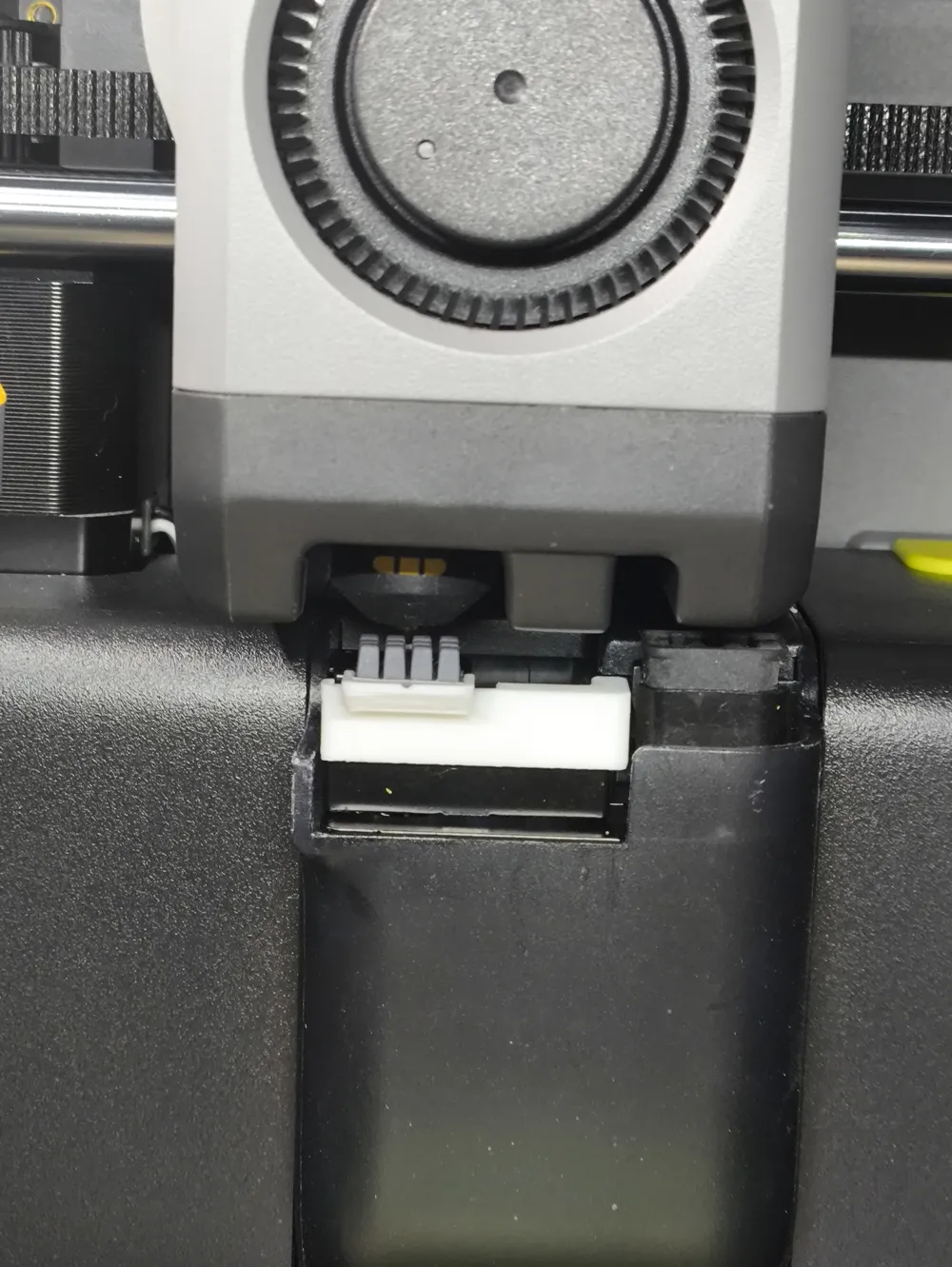
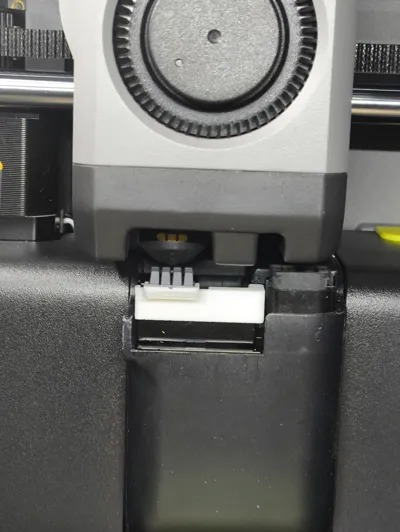
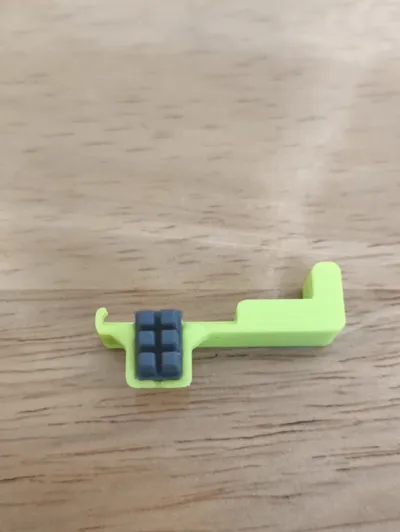
2026/01/06 Update: four-row brush
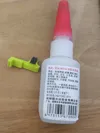
To make it look more harmonious, oil-based glue is needed for adhesion
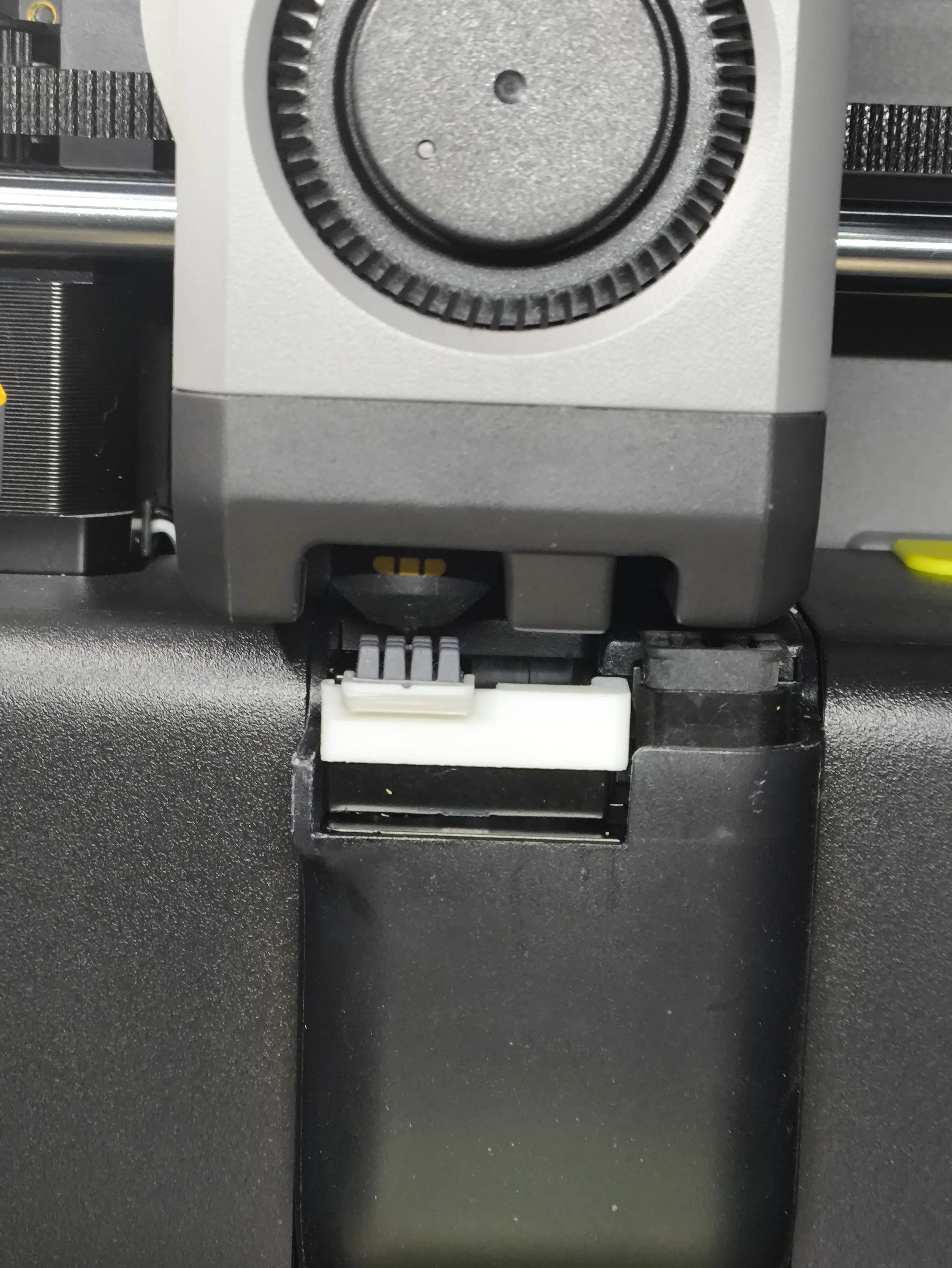
2025/12/28 Update
To save costs, since a genuine brush head costs 15 yuan, it's a bit of a pity to cut off two and throw them away
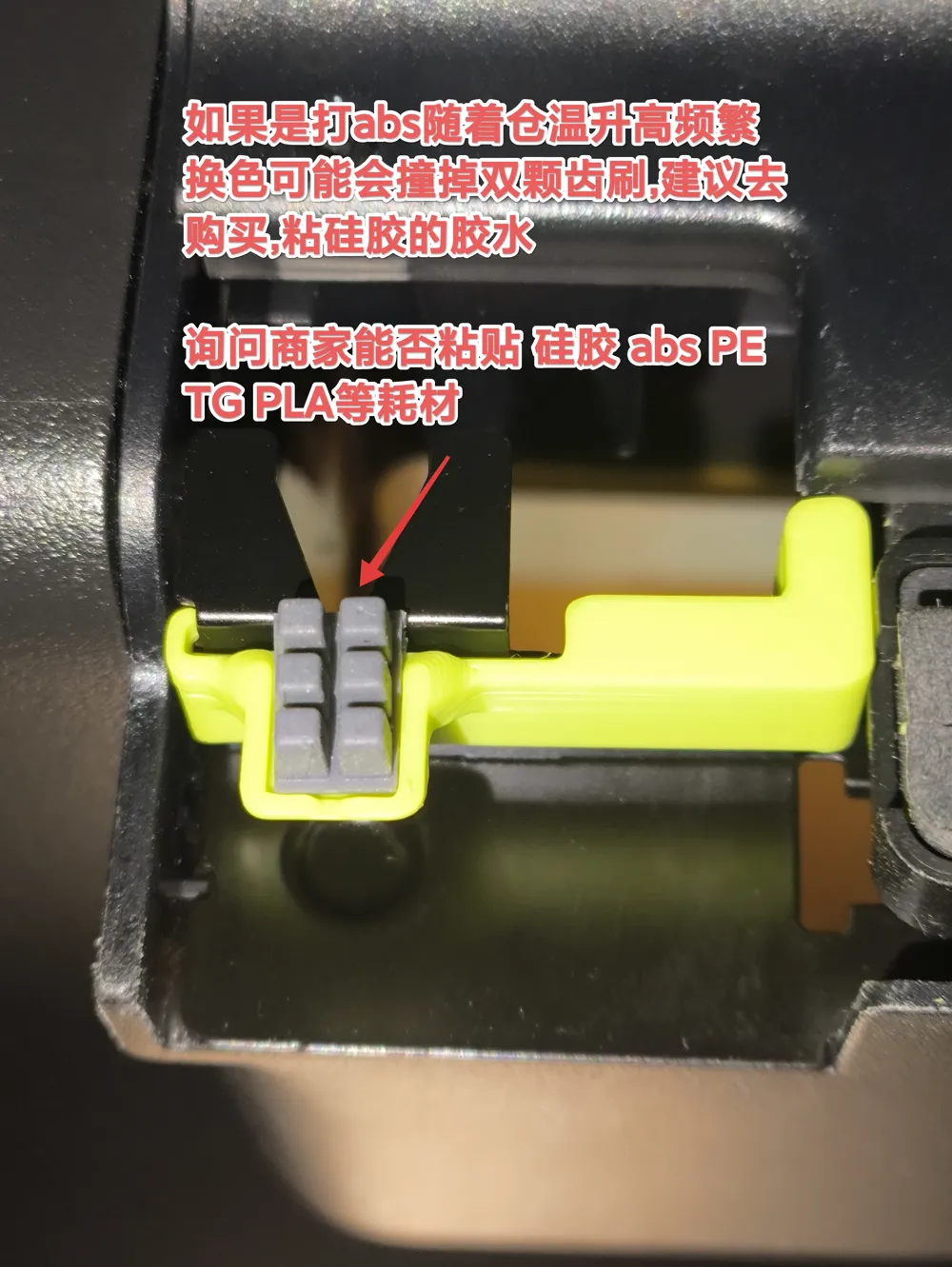
Therefore, it has been upgraded to a dual brush head
Currently, oil-based glue is used, so make sure it adheres firmly
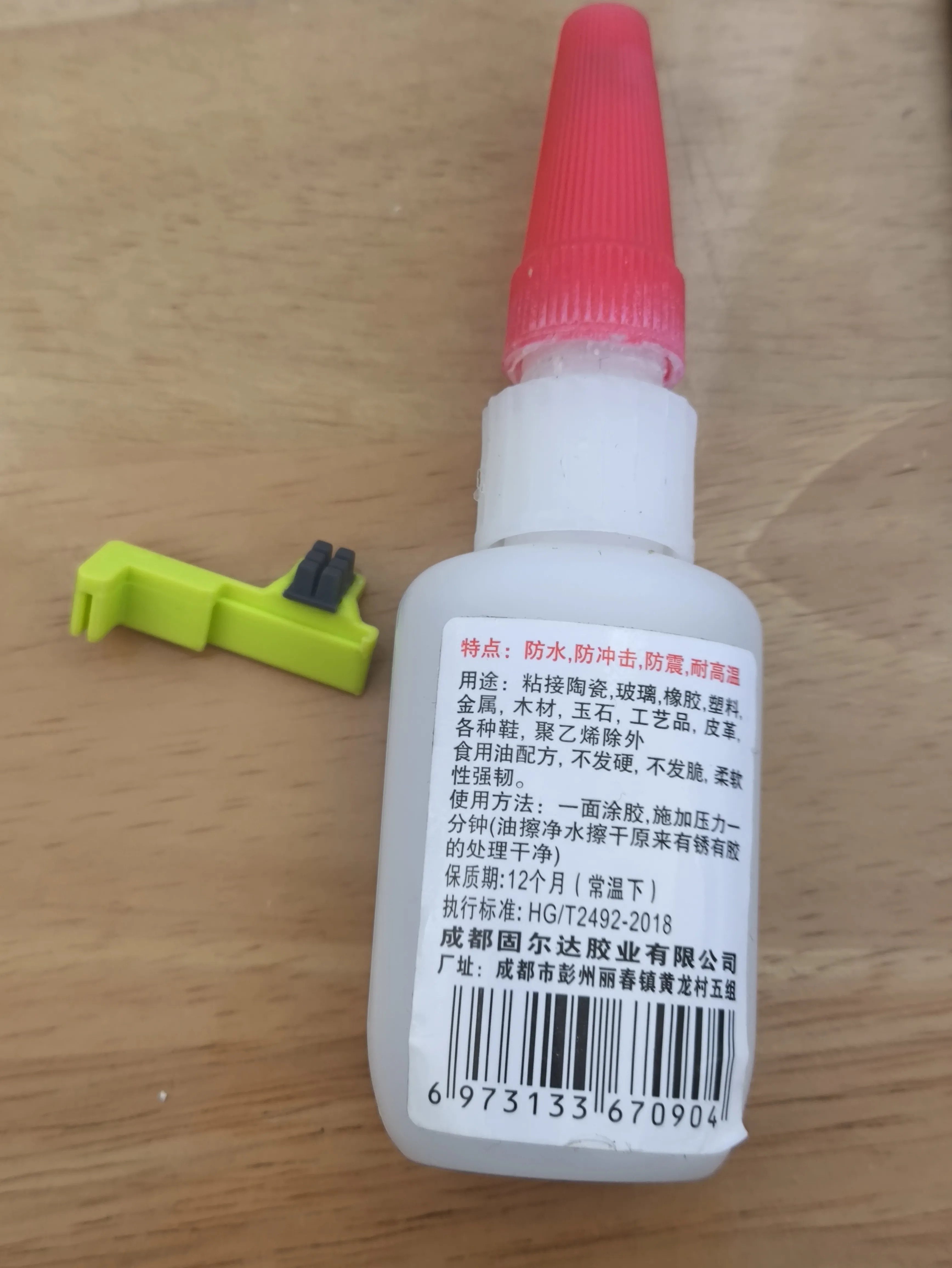
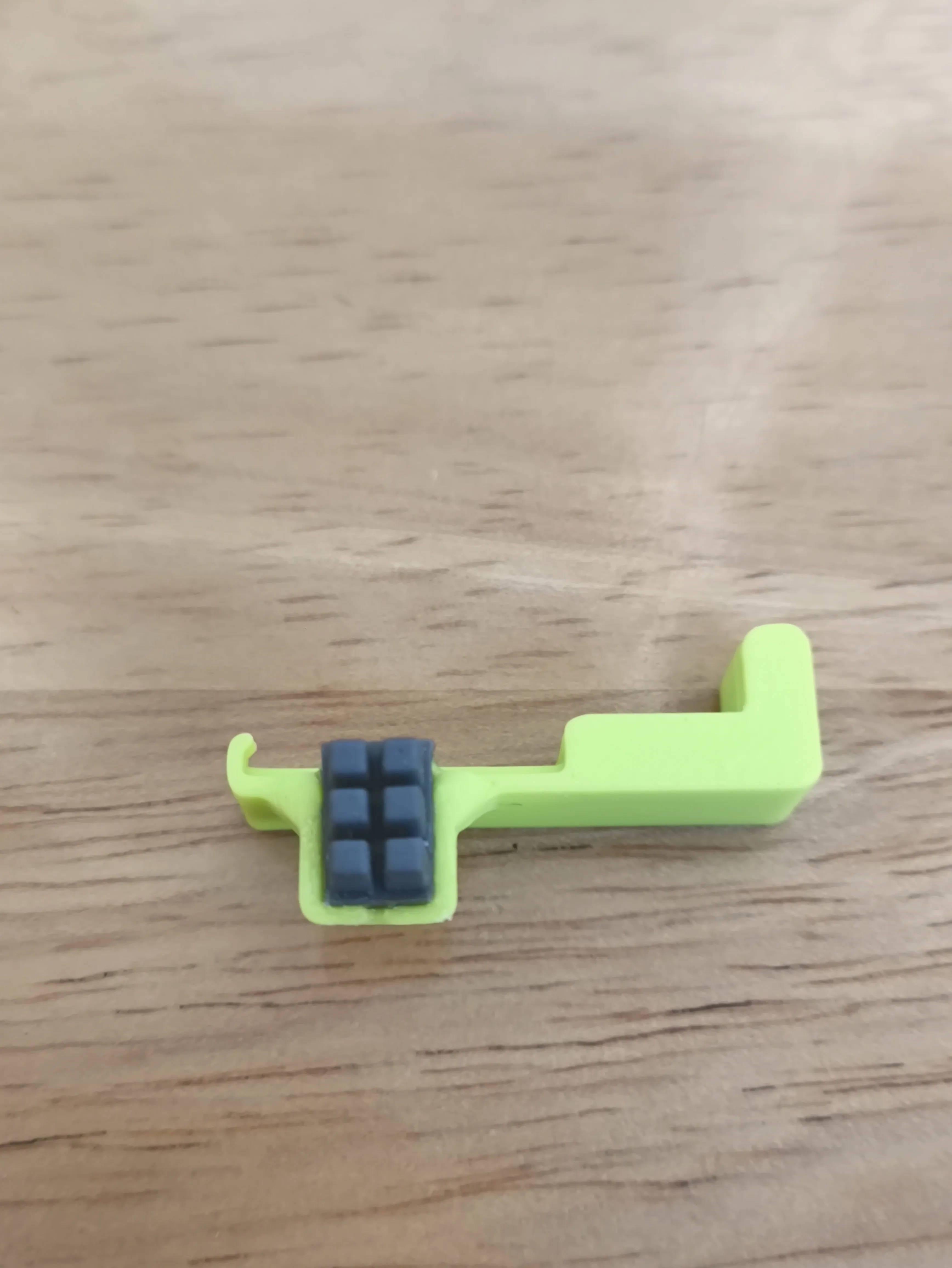
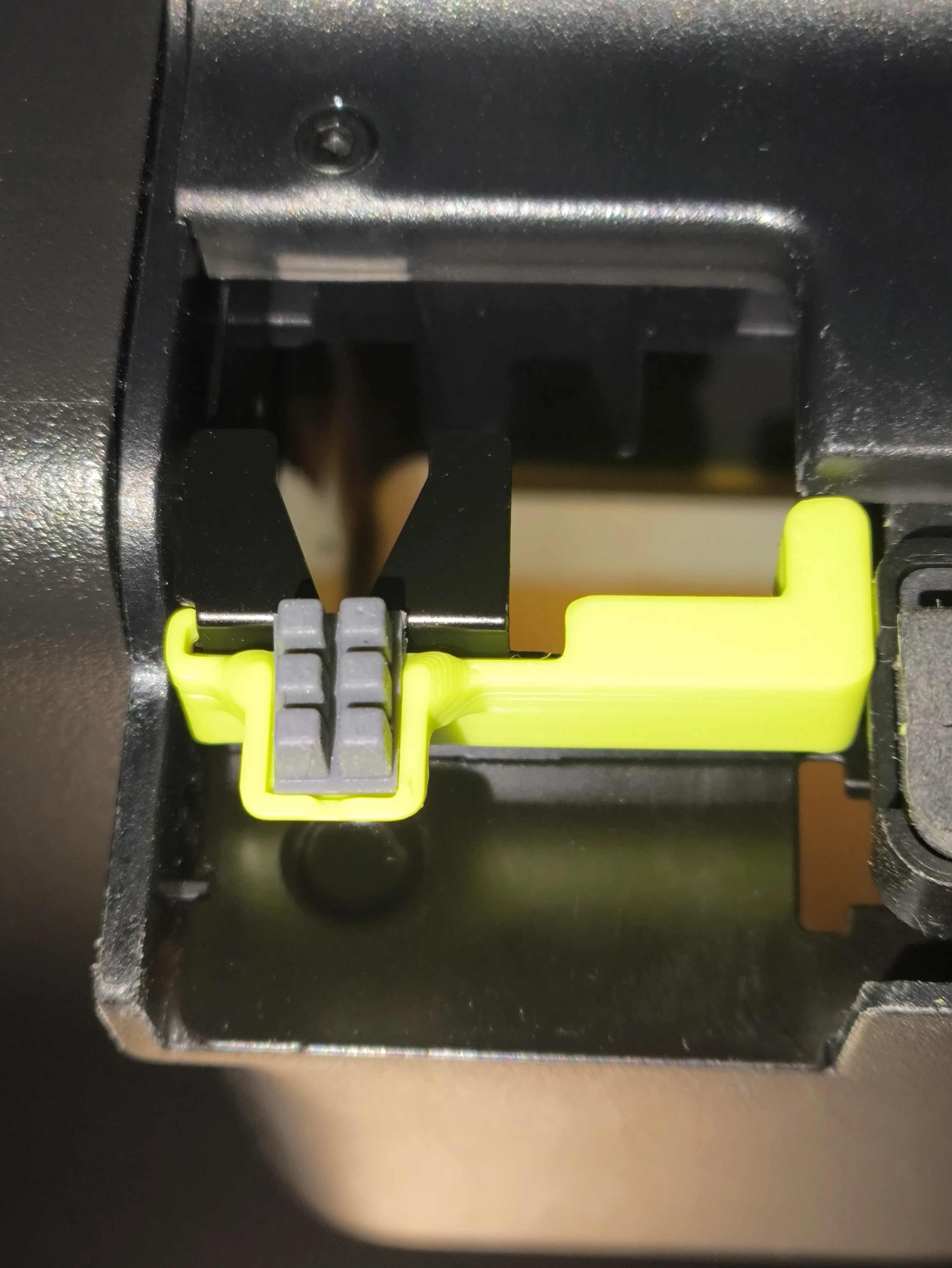
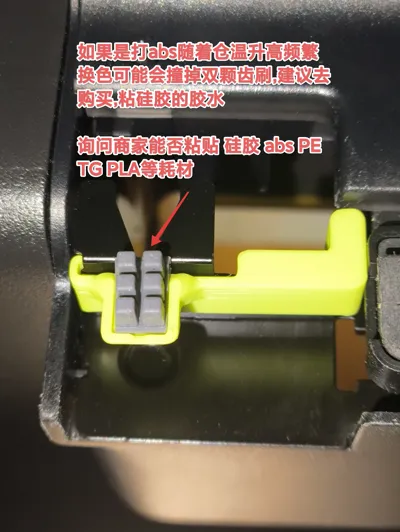
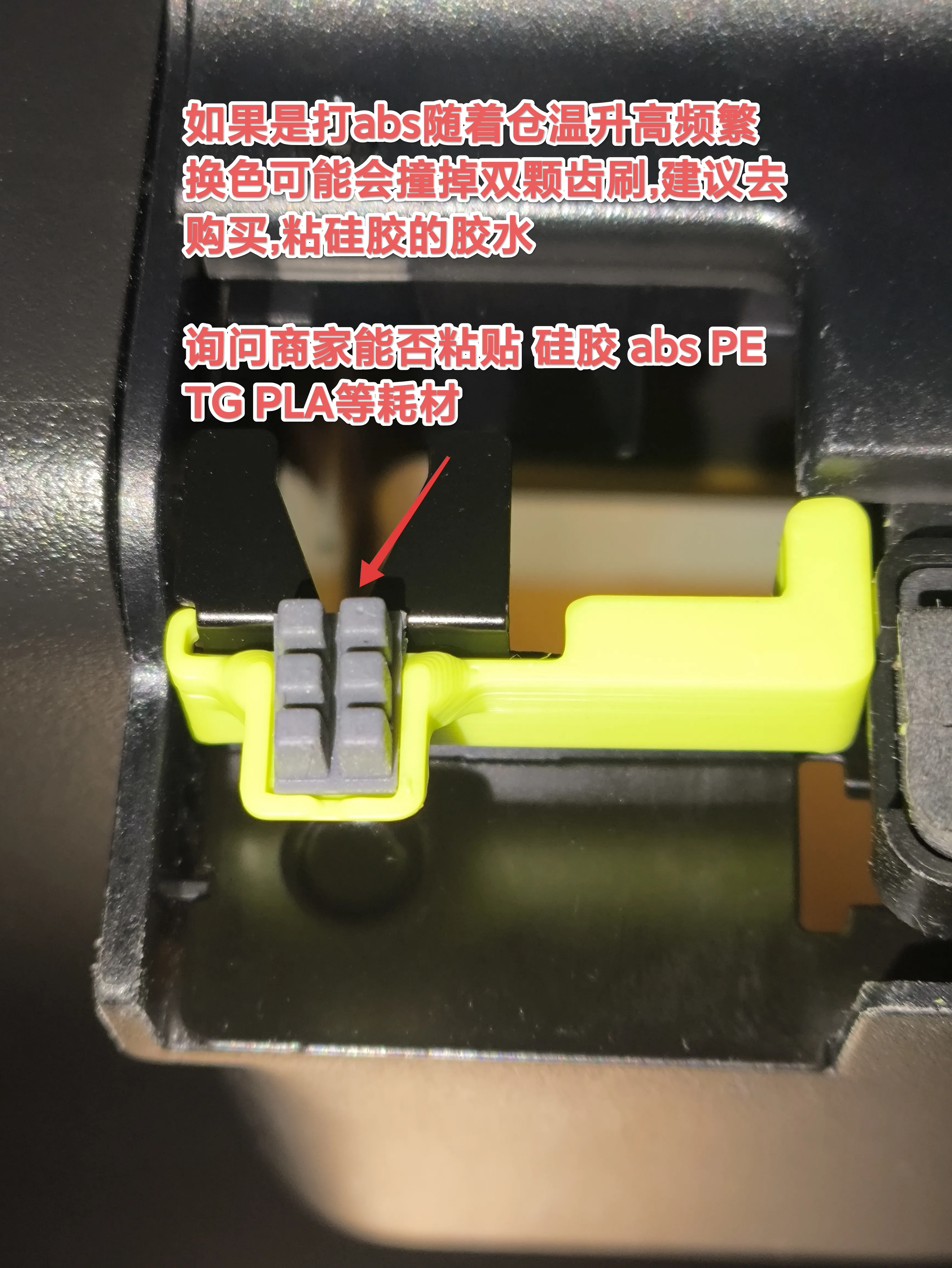
Note: If printing with ABS, as the chamber temperature rises and colors are changed frequently, the dual brush head might be knocked off. It is recommended to purchase silicone glue
Ask the vendor if it can adhere to silicone, ABS, PETG, PLA and other filaments
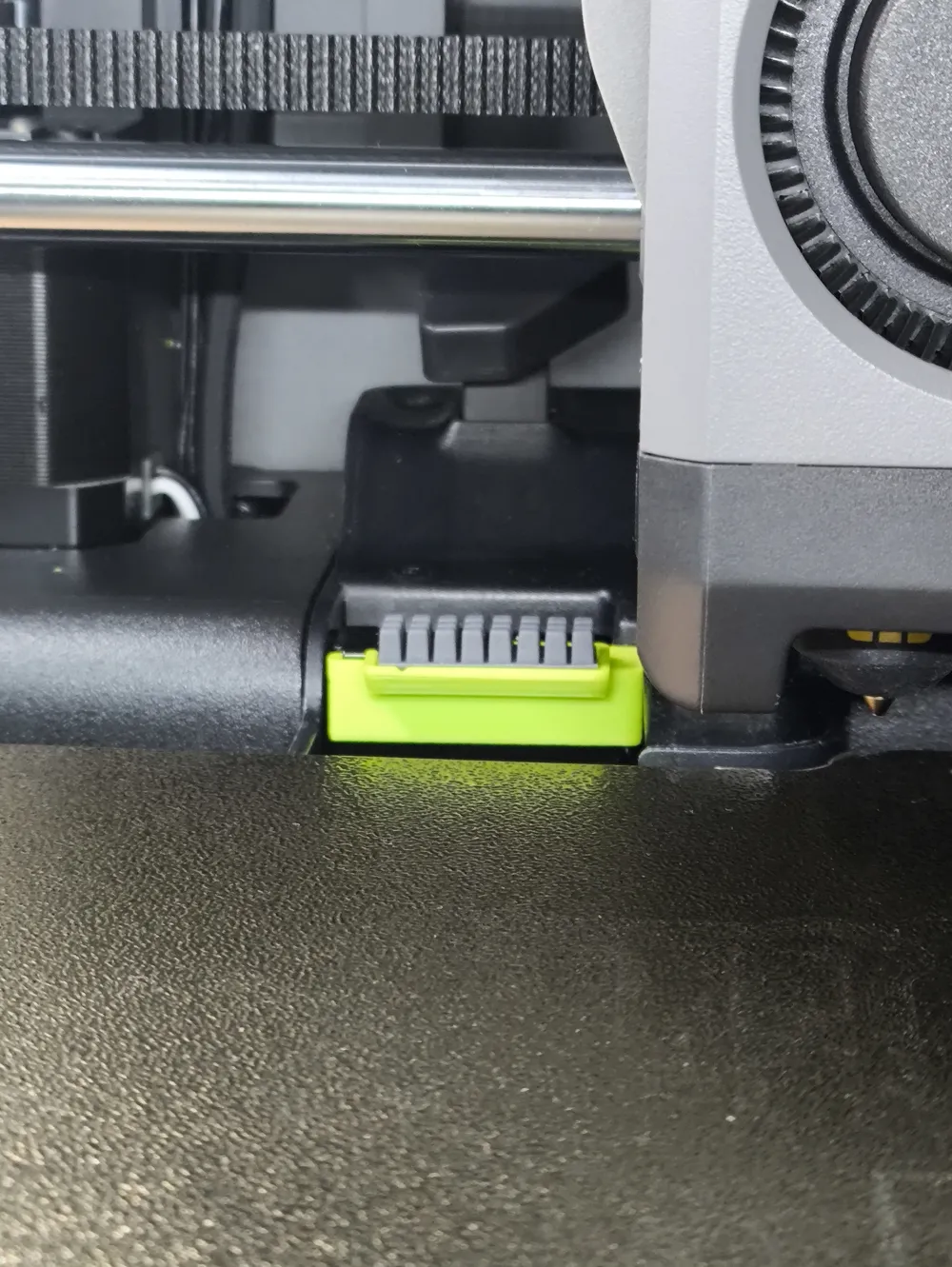
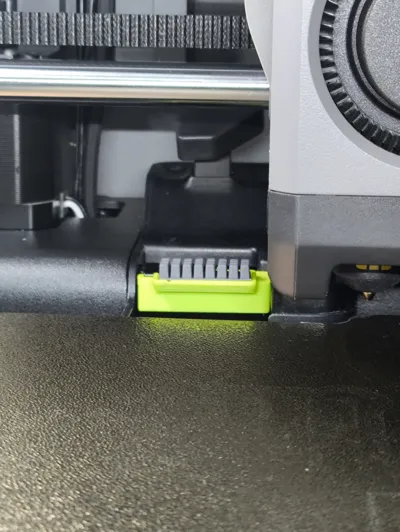
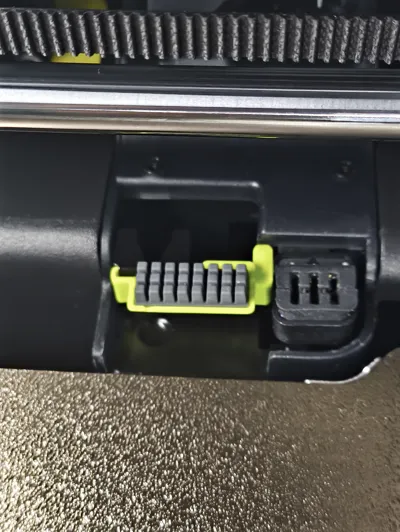
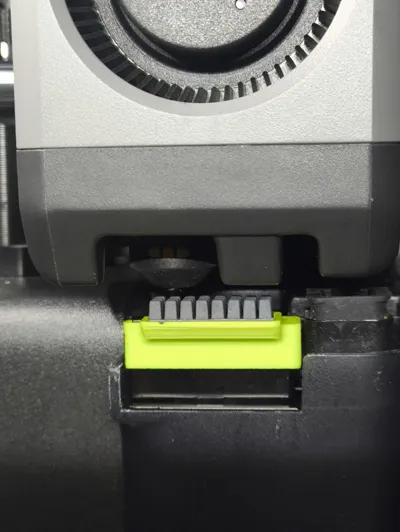
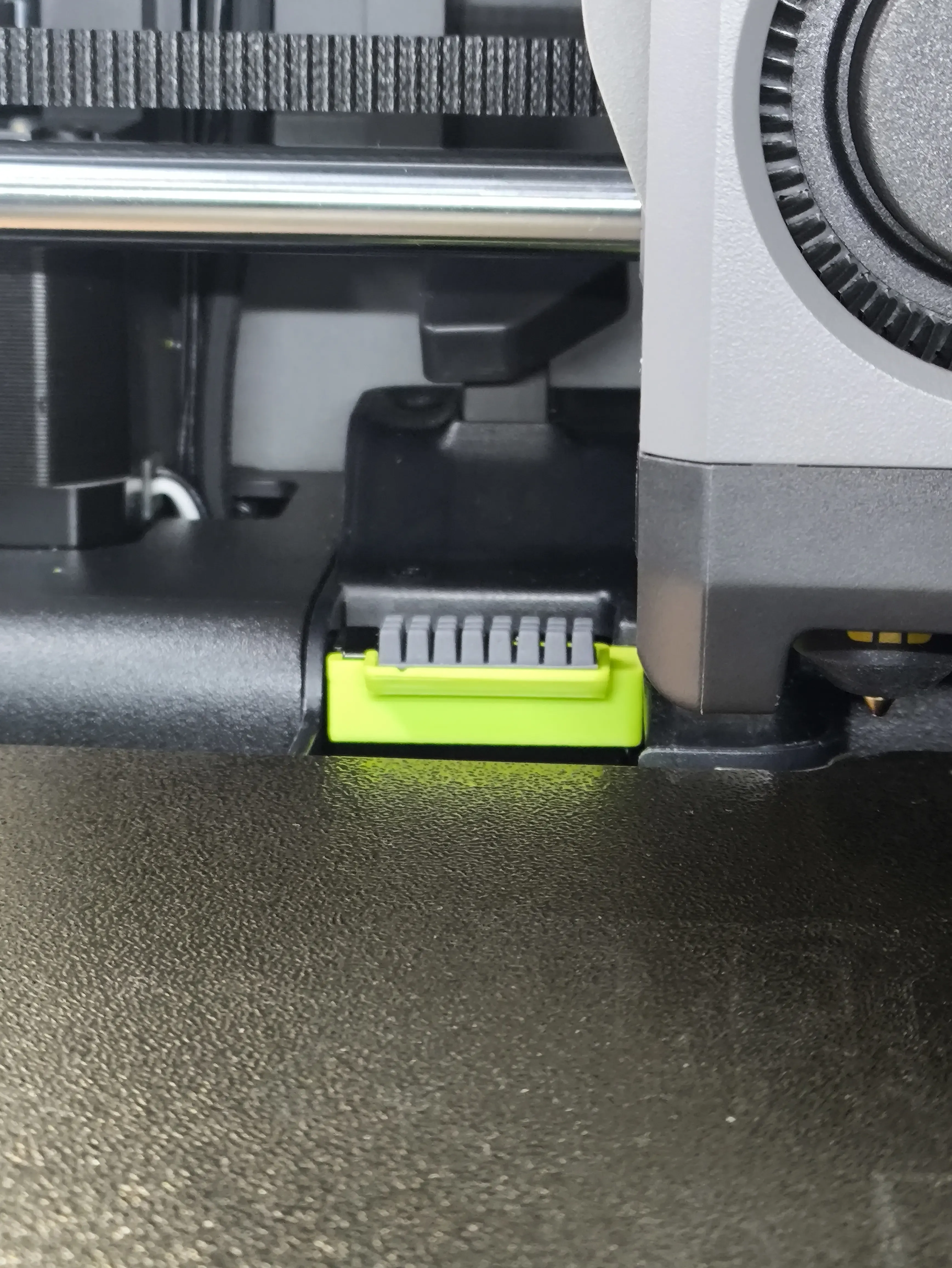
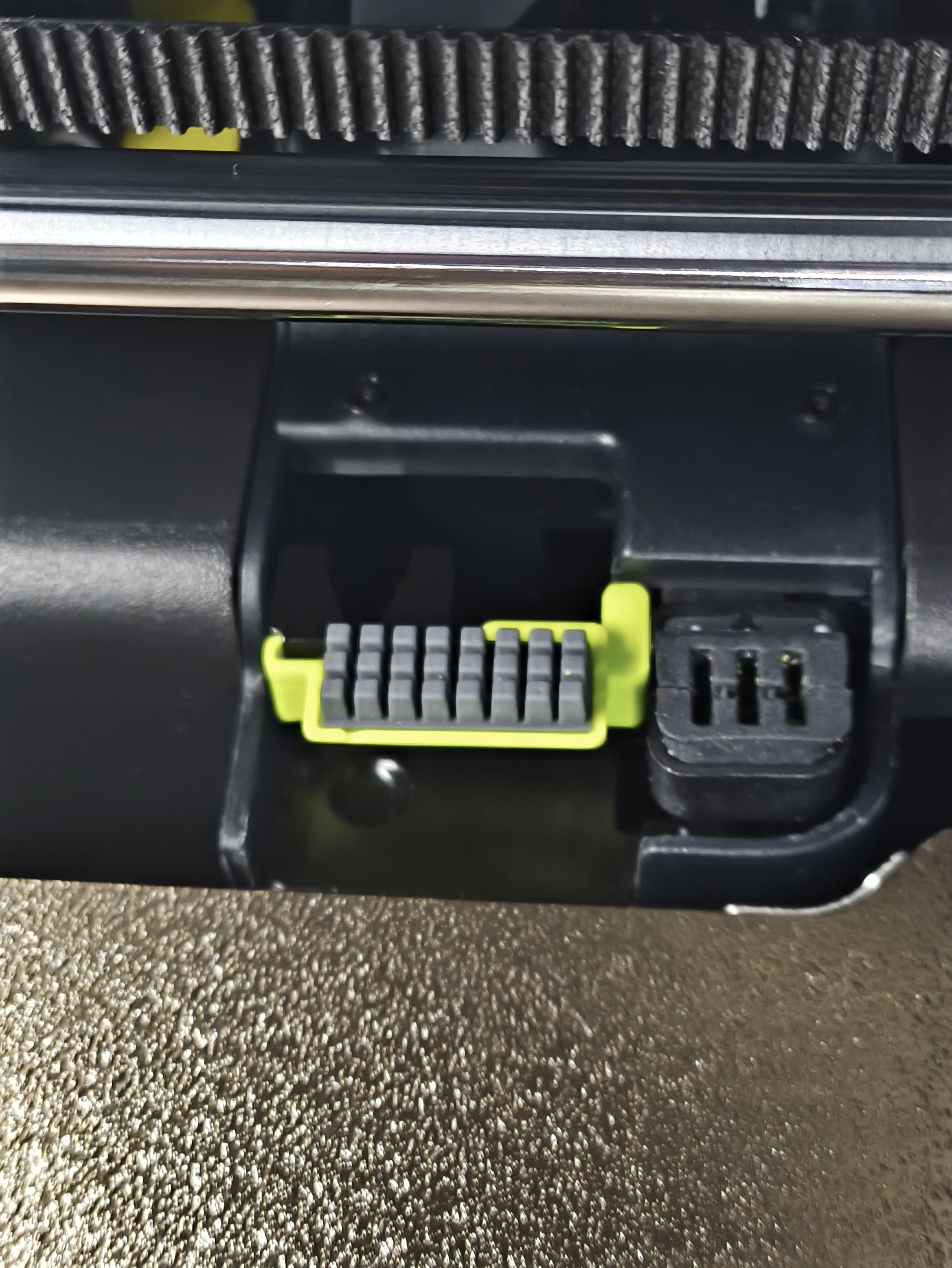
It is recommended to use this eight-tooth brush for peace of mind
A1 brush head needs to be purchased
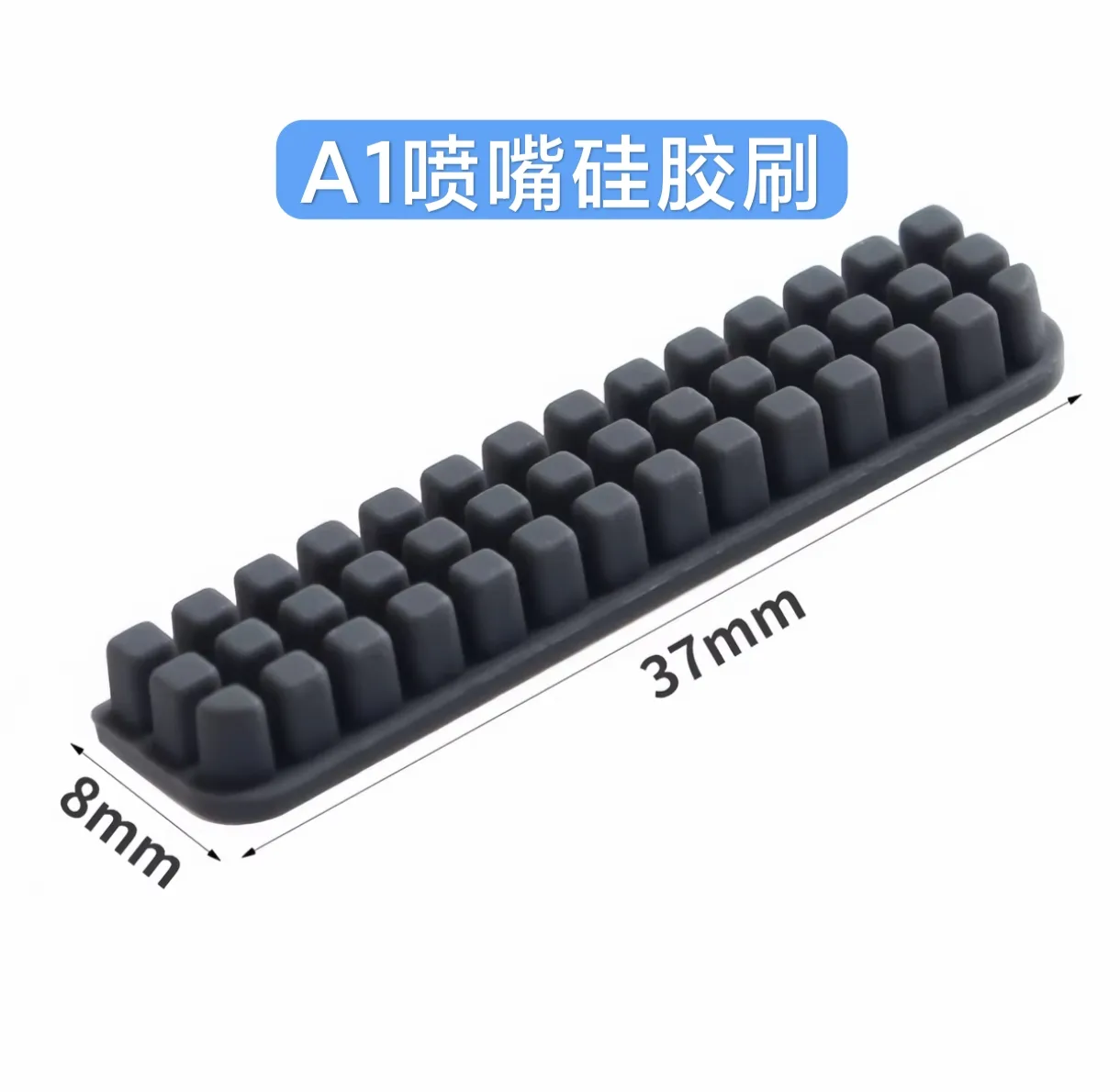
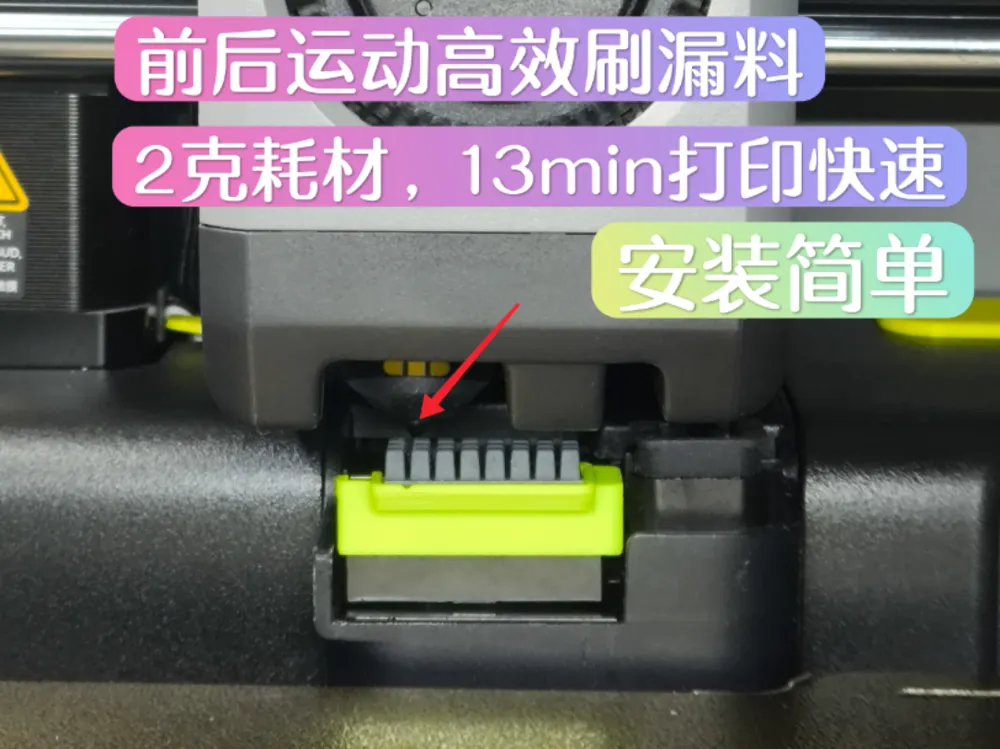

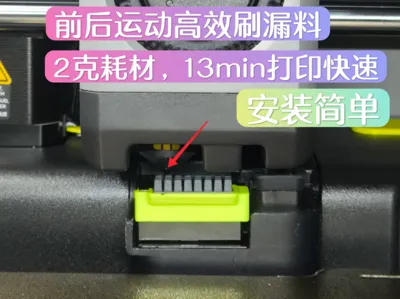
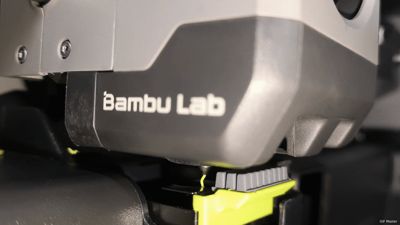
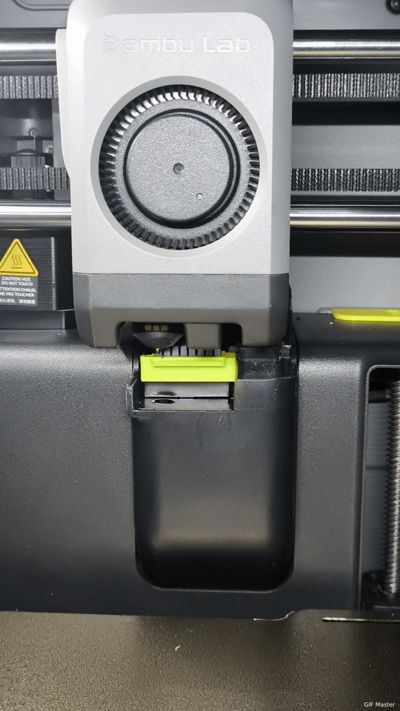
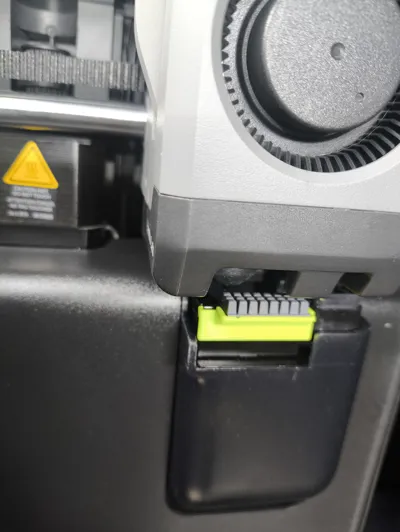
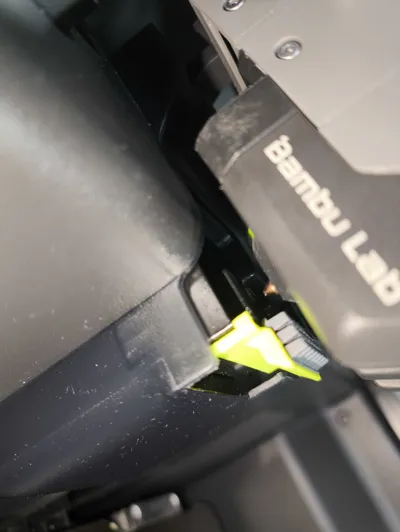
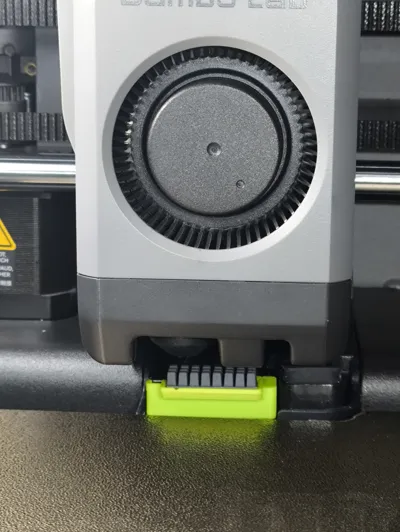
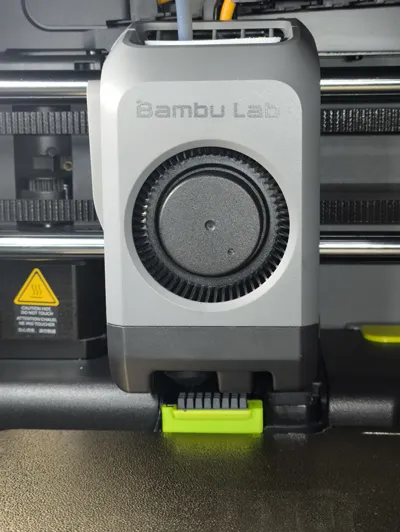
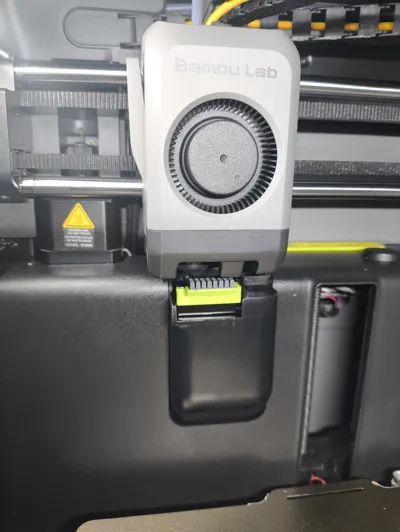
This P2S nozzle wiper is a model evolved from my previous generation Scavenger V1.2. V4 is more efficient, easier to install, and the brush head without a support surface adheres more firmly


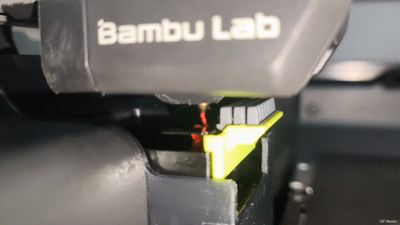
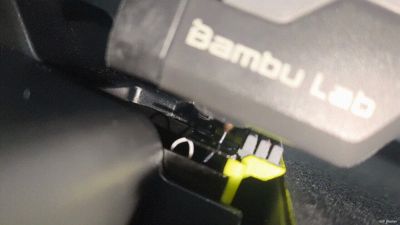
This generation of Scavenger V4 brush head moves back and forth with the scraper, preventing leaked filament from bouncing back onto the build plate and more efficiently handling leaked filament waste
Since the previous generation Scavenger V1.2 was fixed, it might scrape away leaked filament waste, which could then re-enter the center of the build plate
To improve this uncertainty, the brush head moves back and forth to quickly guide the leaked filament waste into the waste chute opening
If the ejector does not clean completely, then brush it

Demonstration GIFs



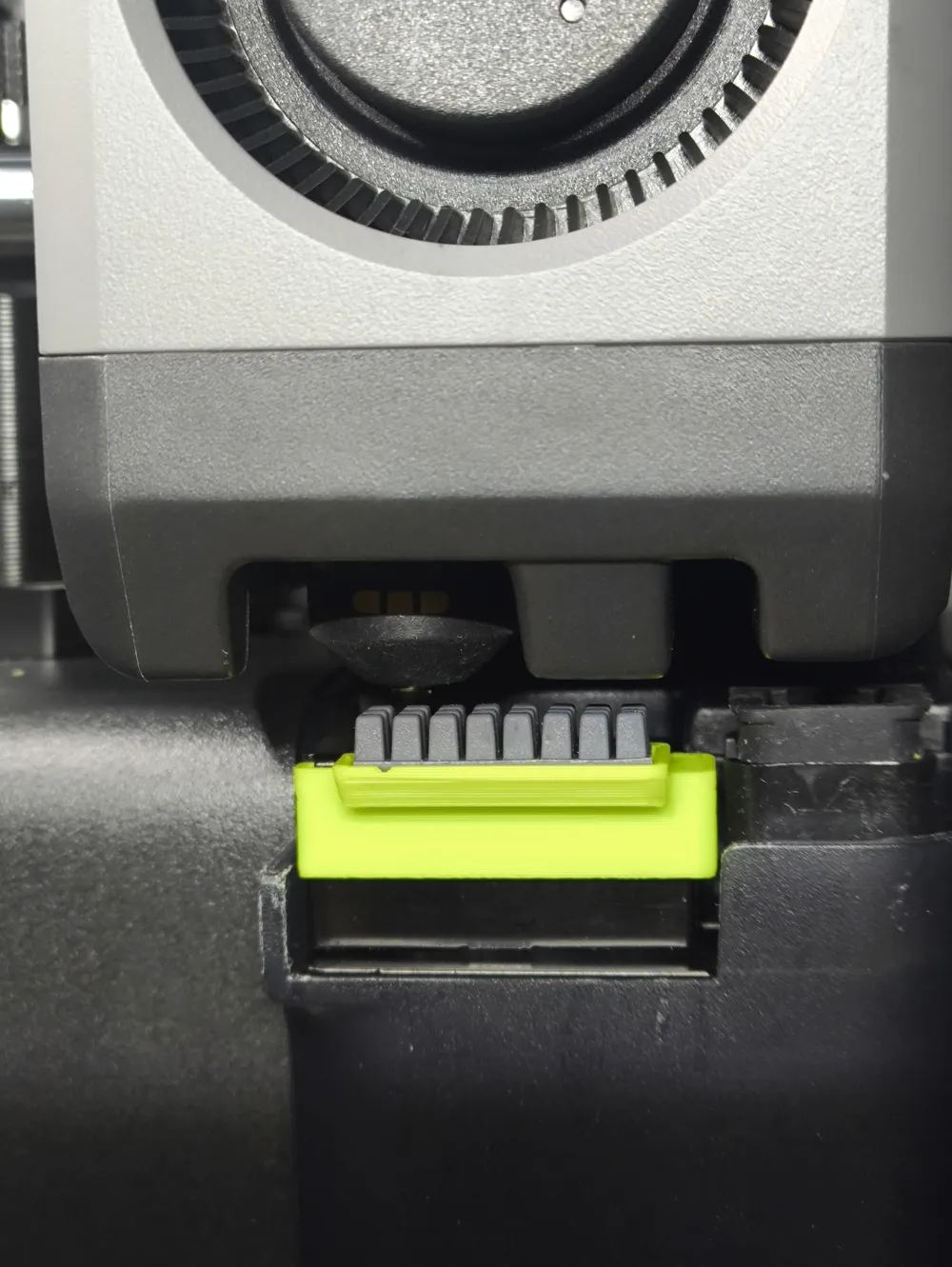
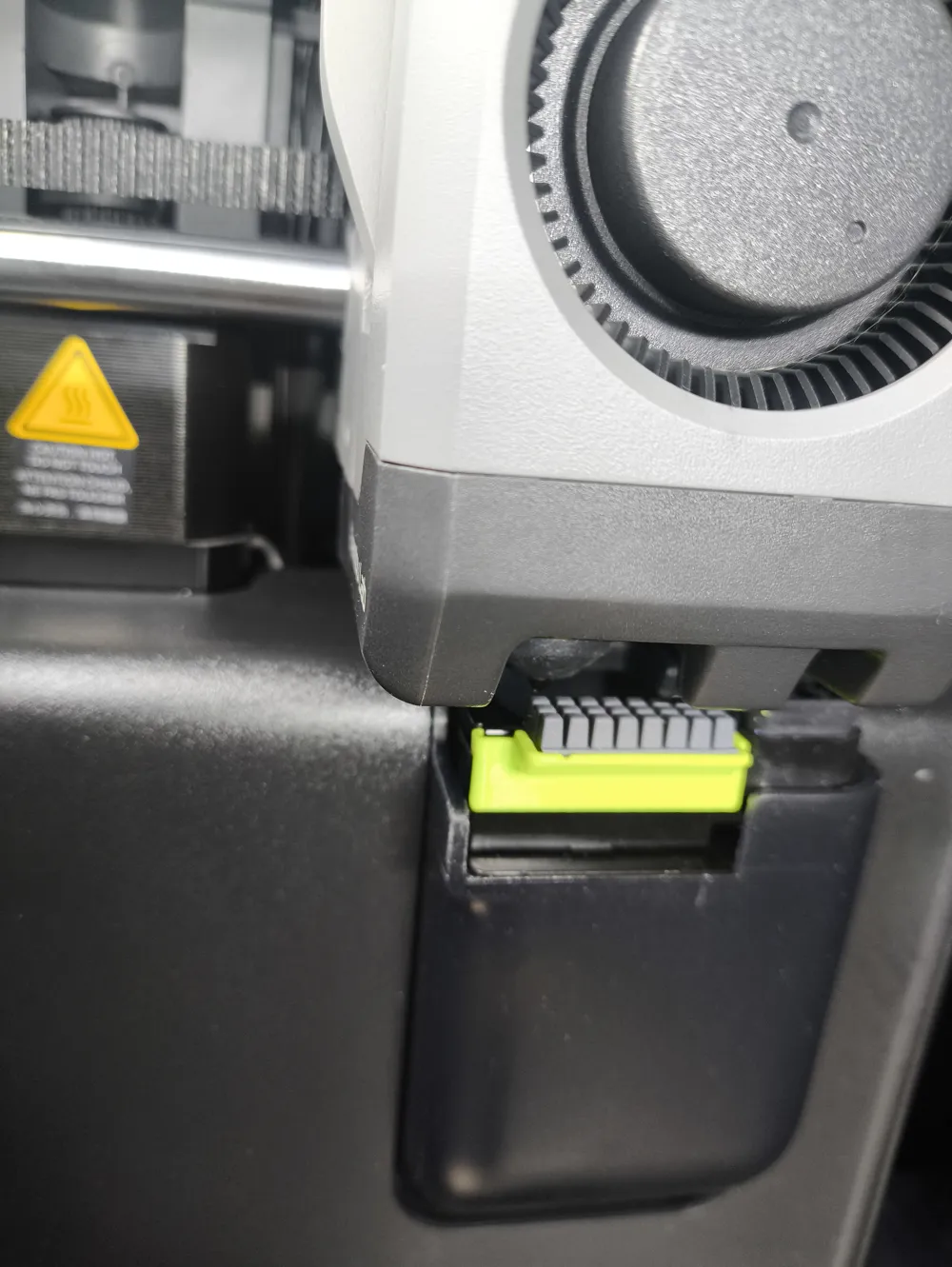
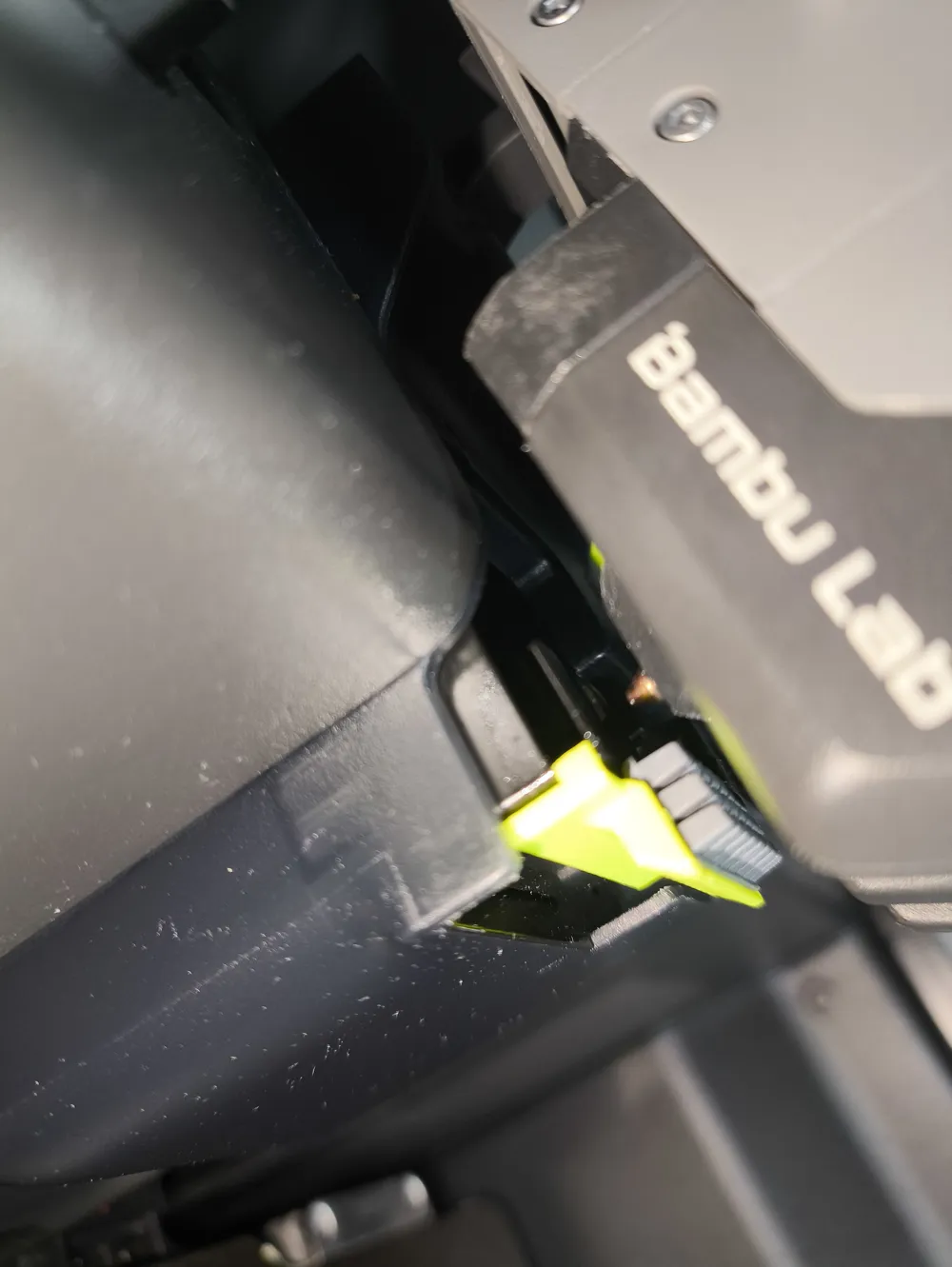
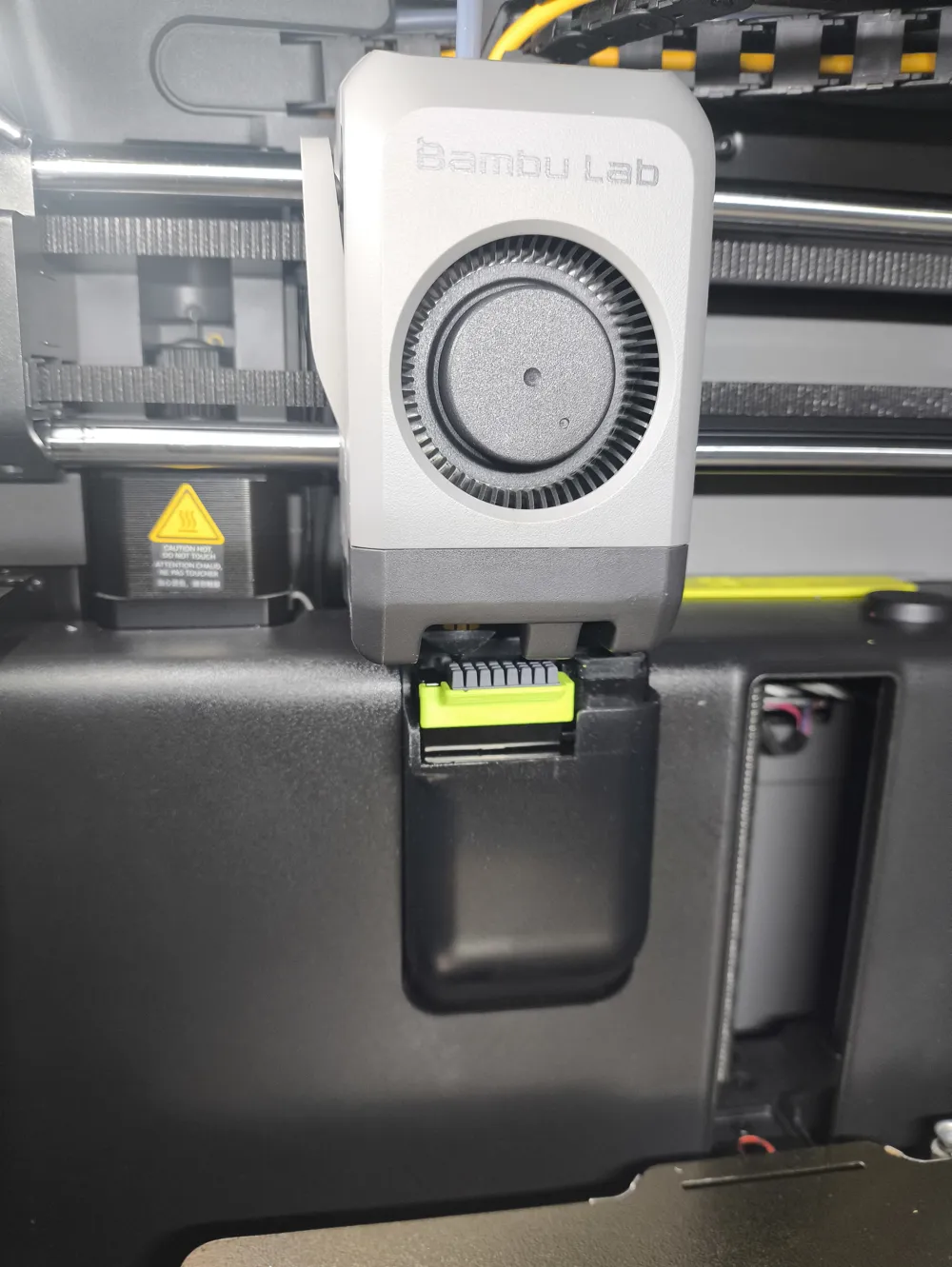
This method allows for a retractable brush head. The brush head extends only when scraping material, avoiding collisions with the build plate. It retracts when the extruder head moves away, performing both brushing and ejecting functions. Even when returning to the center, it remains far from the build plate
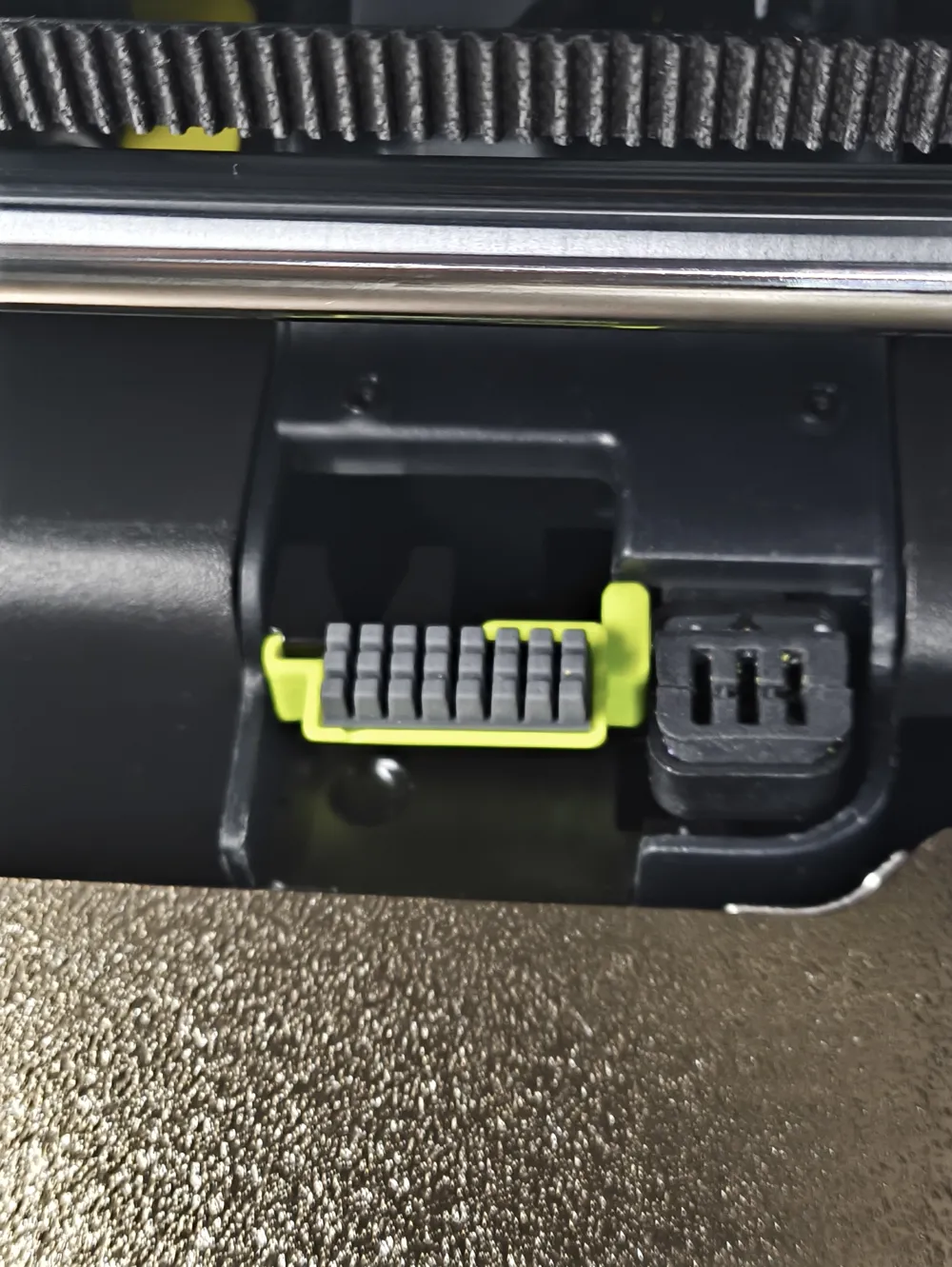
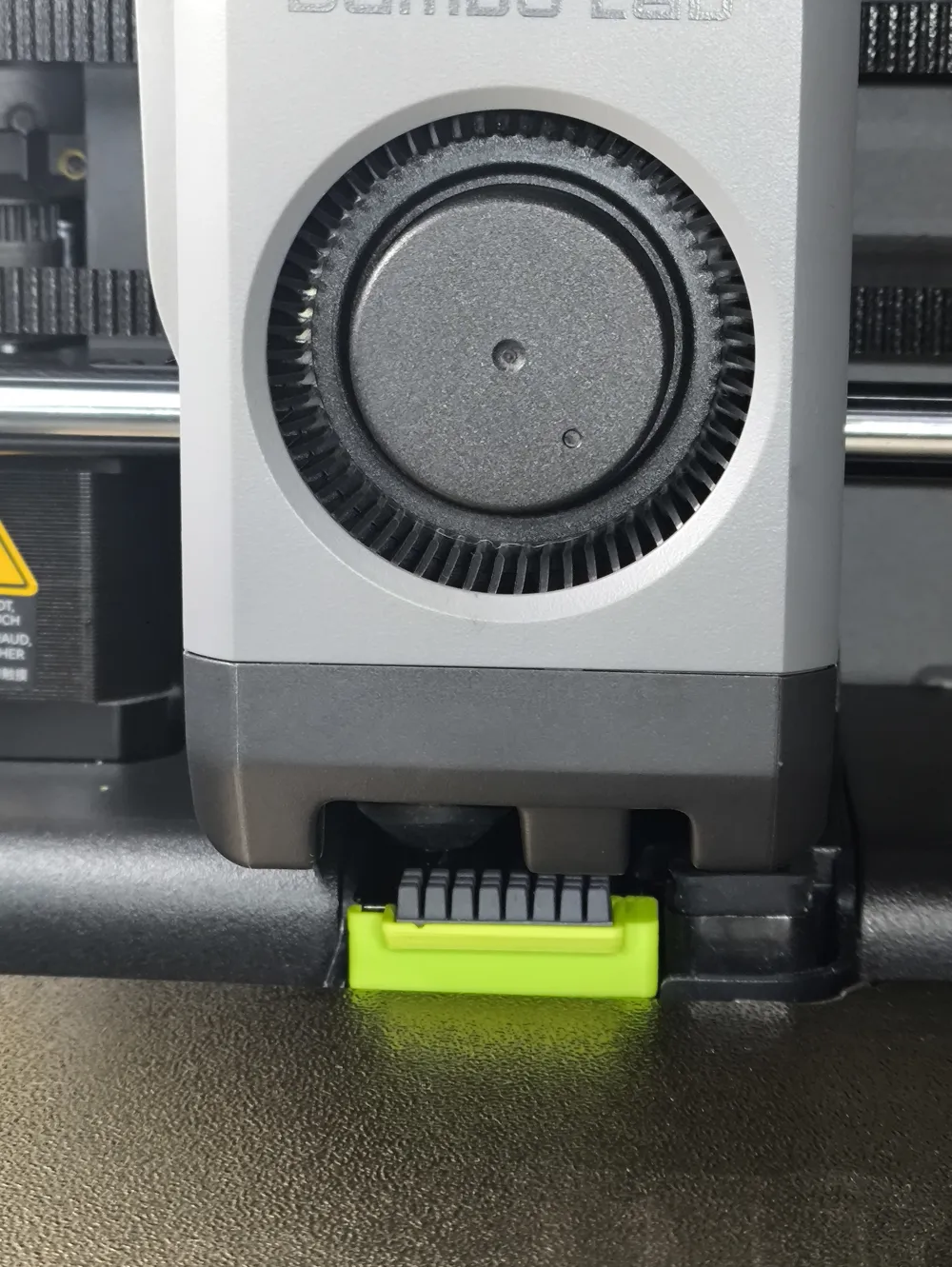
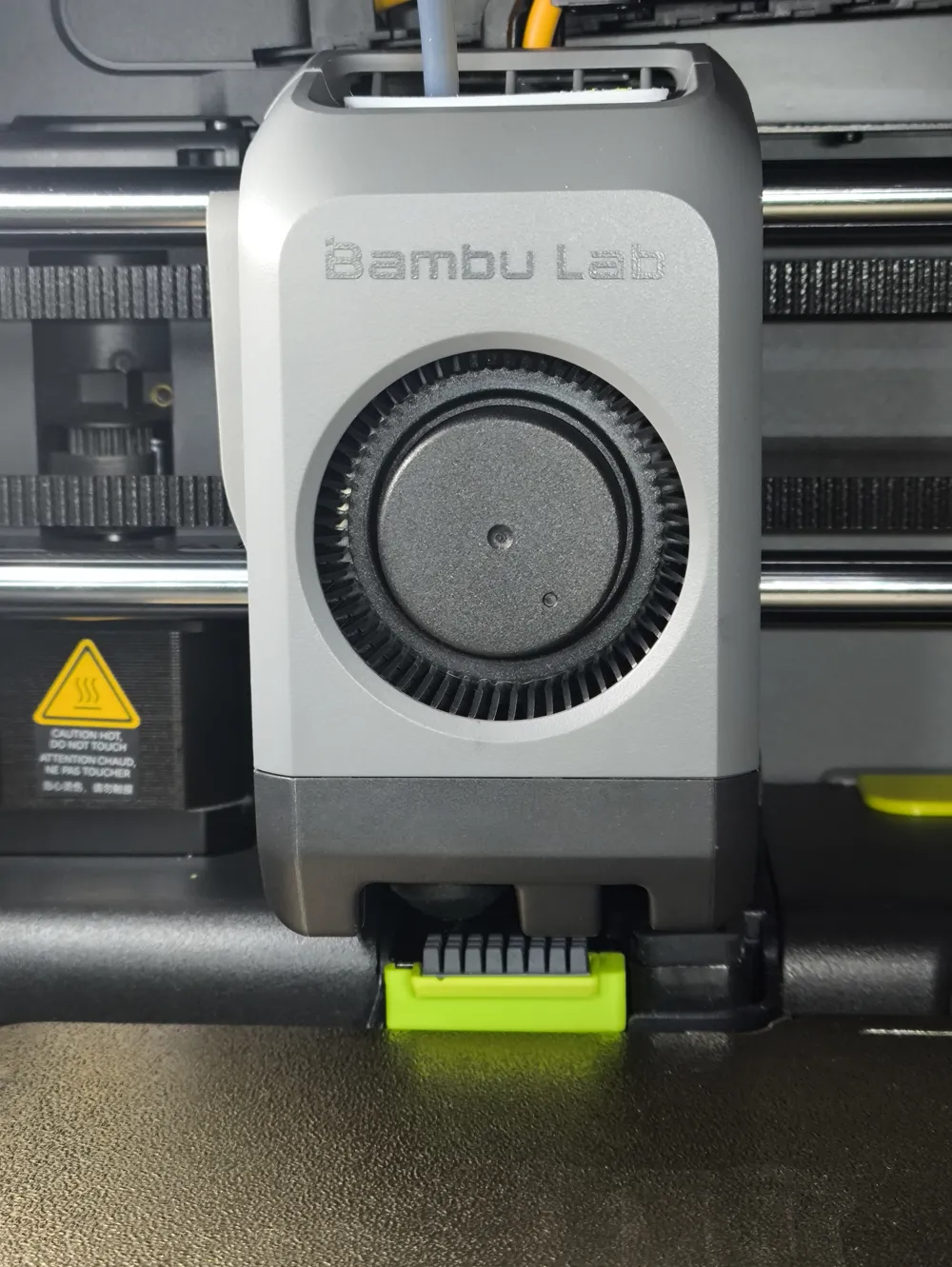
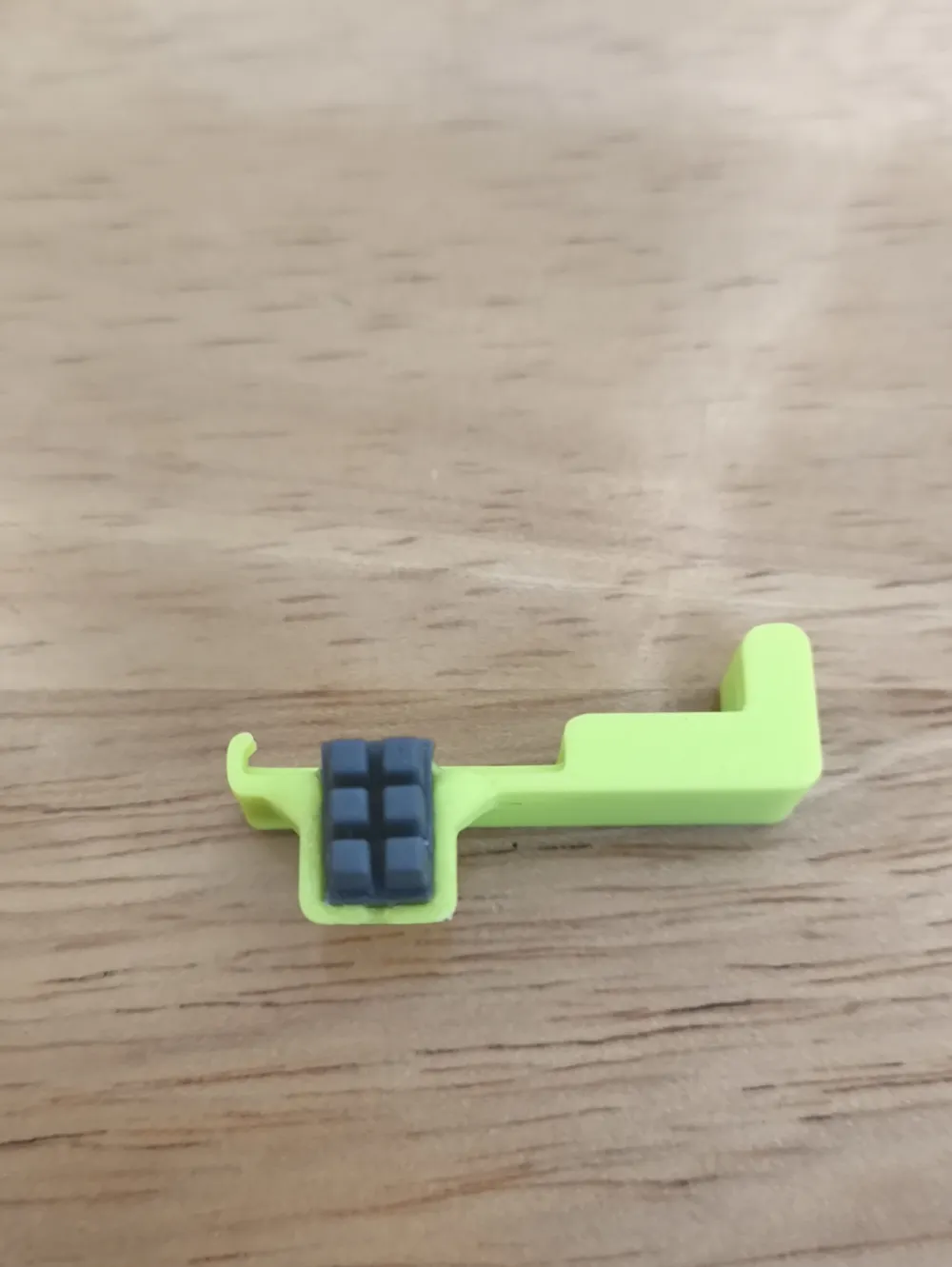
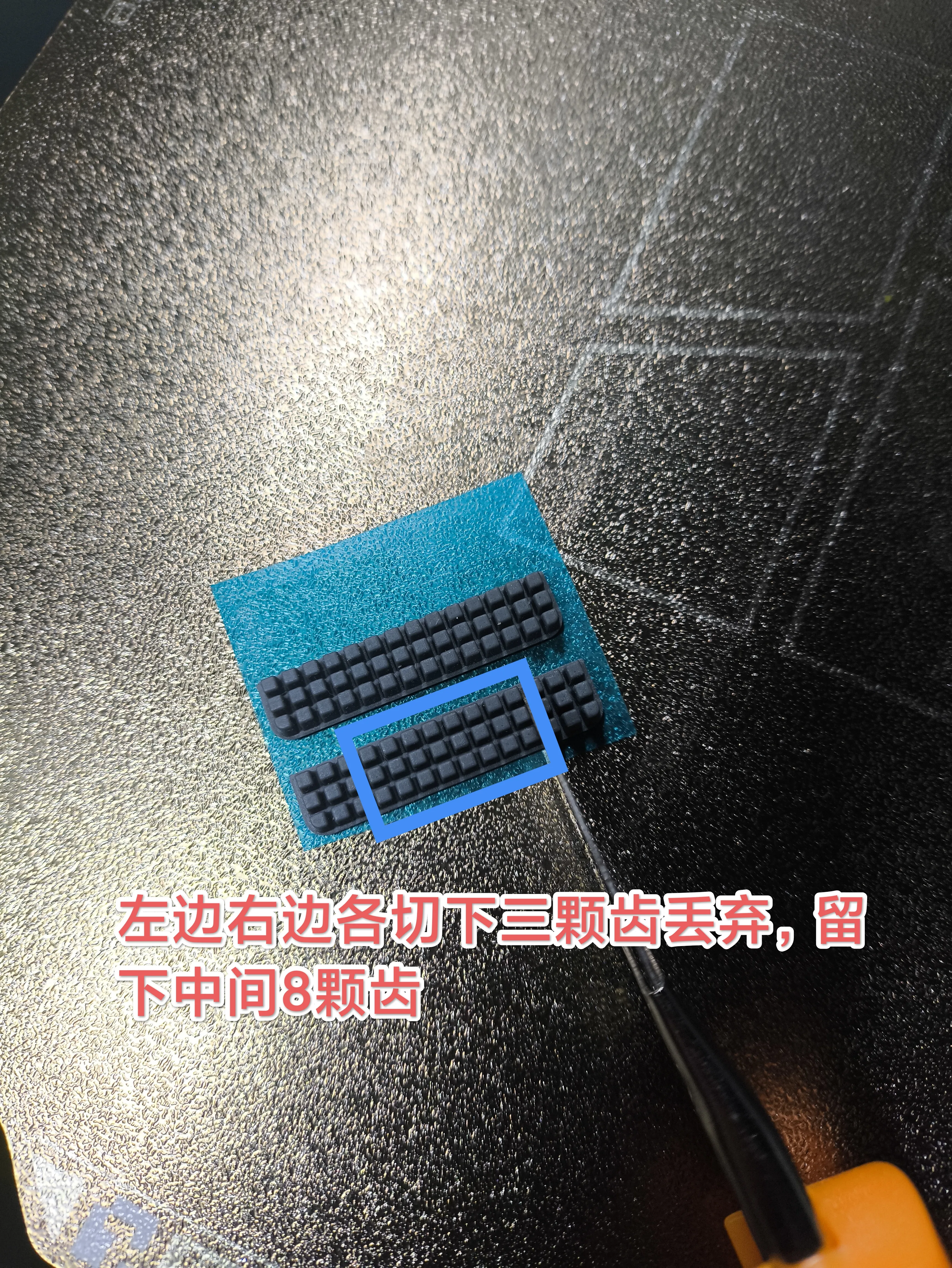
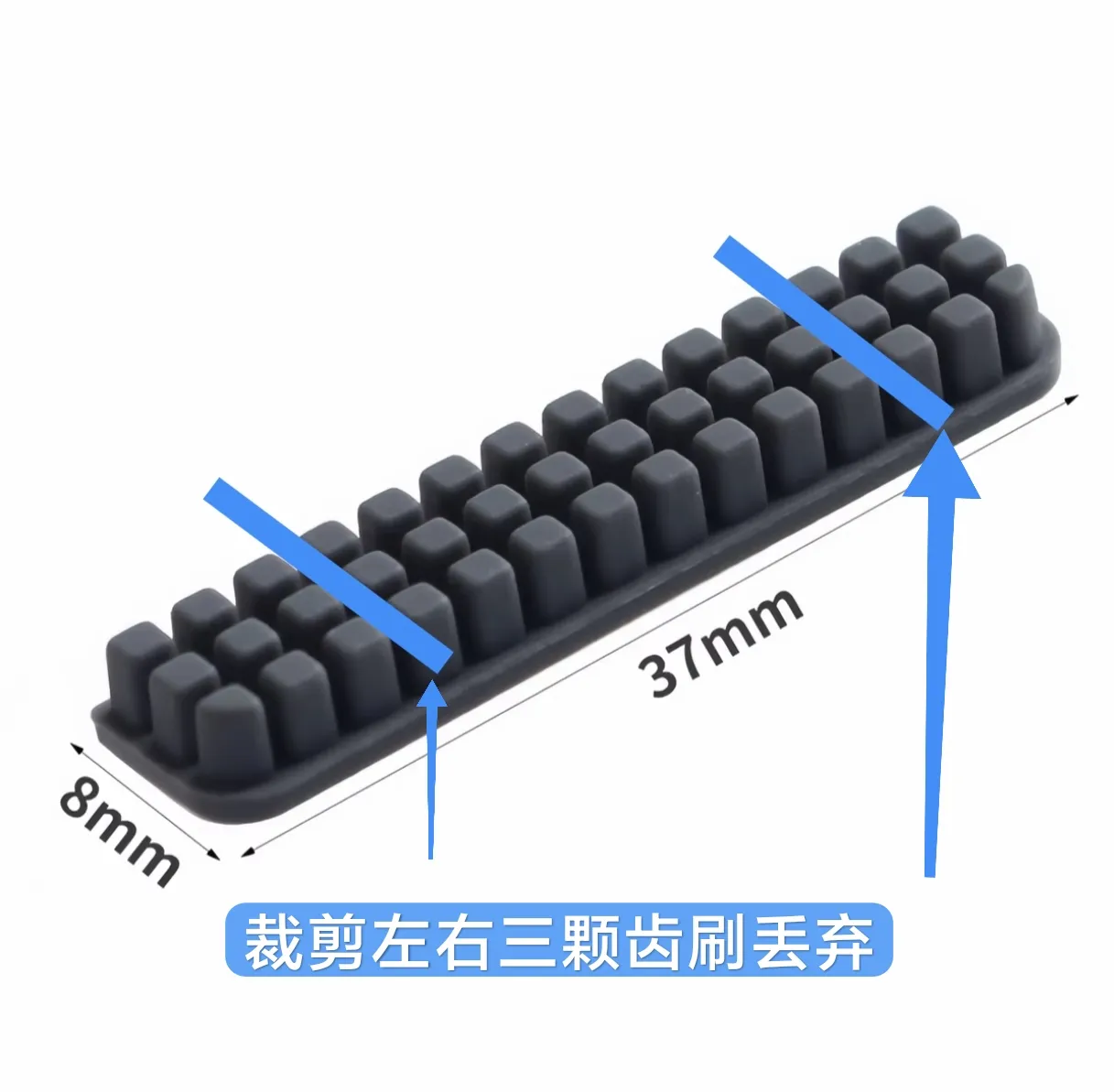
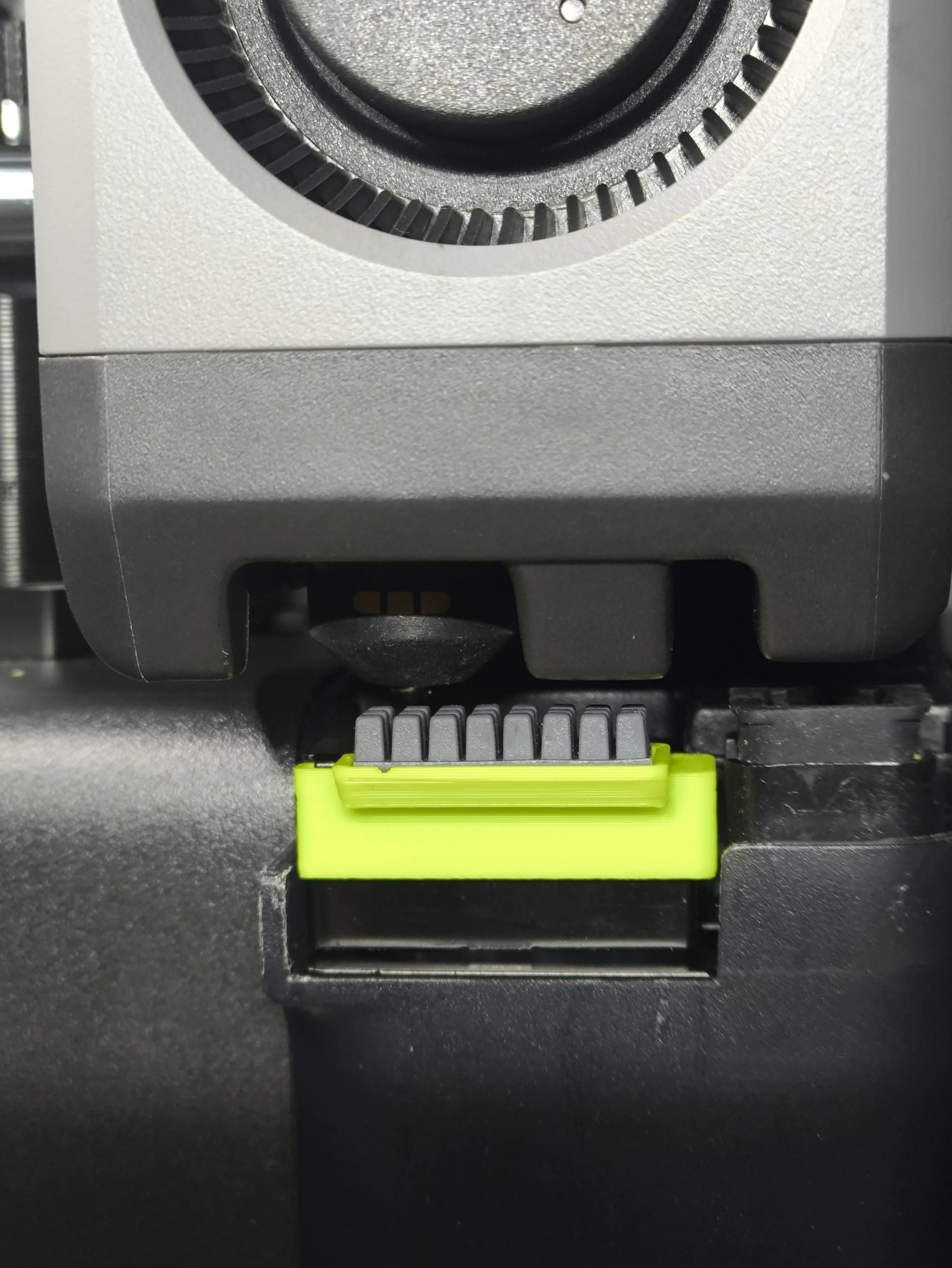
Using the previous generation A1 brush head, trim it as I did: cut off three teeth from both the left and right sides and discard them, leaving the middle eight teeth
Leaving eight teeth ensures secure adhesion. The reason for not using the entire strip is to avoid the nozzle path
Installation method
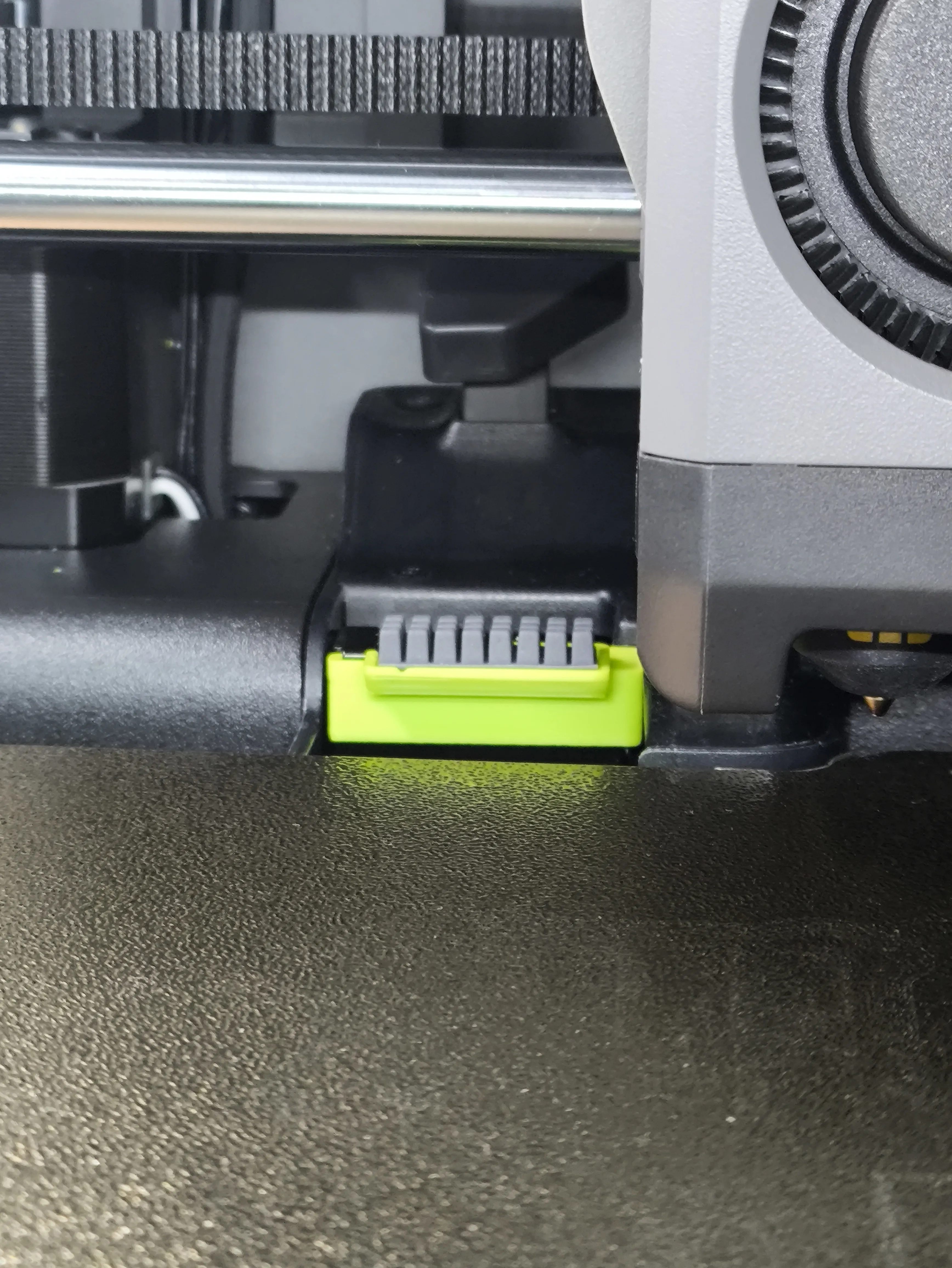
First install the bracket, then attach the A1 brush head

Due to the shrinkage of filament, there will be certain tolerances, so please use your own judgment. Some might be loose, others tight. I use Bambu Lab PLA Basic filament, which allows for easy installation without falling off

To reduce filament purge volume and prevent excessive extrusion from causing clogs,
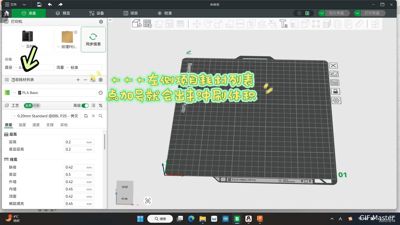
set the purge volume in the slicer software to 0.7 to avoid extruding too much
This value saves some filament, do not set it below 0.5
Confirm after setting to 0.7
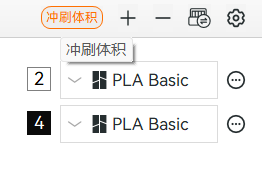
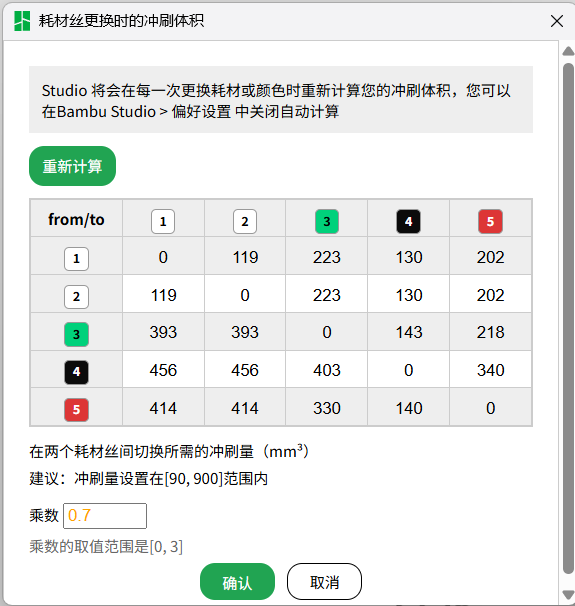
GIF for modifying purge volume

Before setting, the extrusion amount was very large. For multi-color printing, sometimes at the second layer height, it would purge waste six times, which was both wasteful and time-consuming
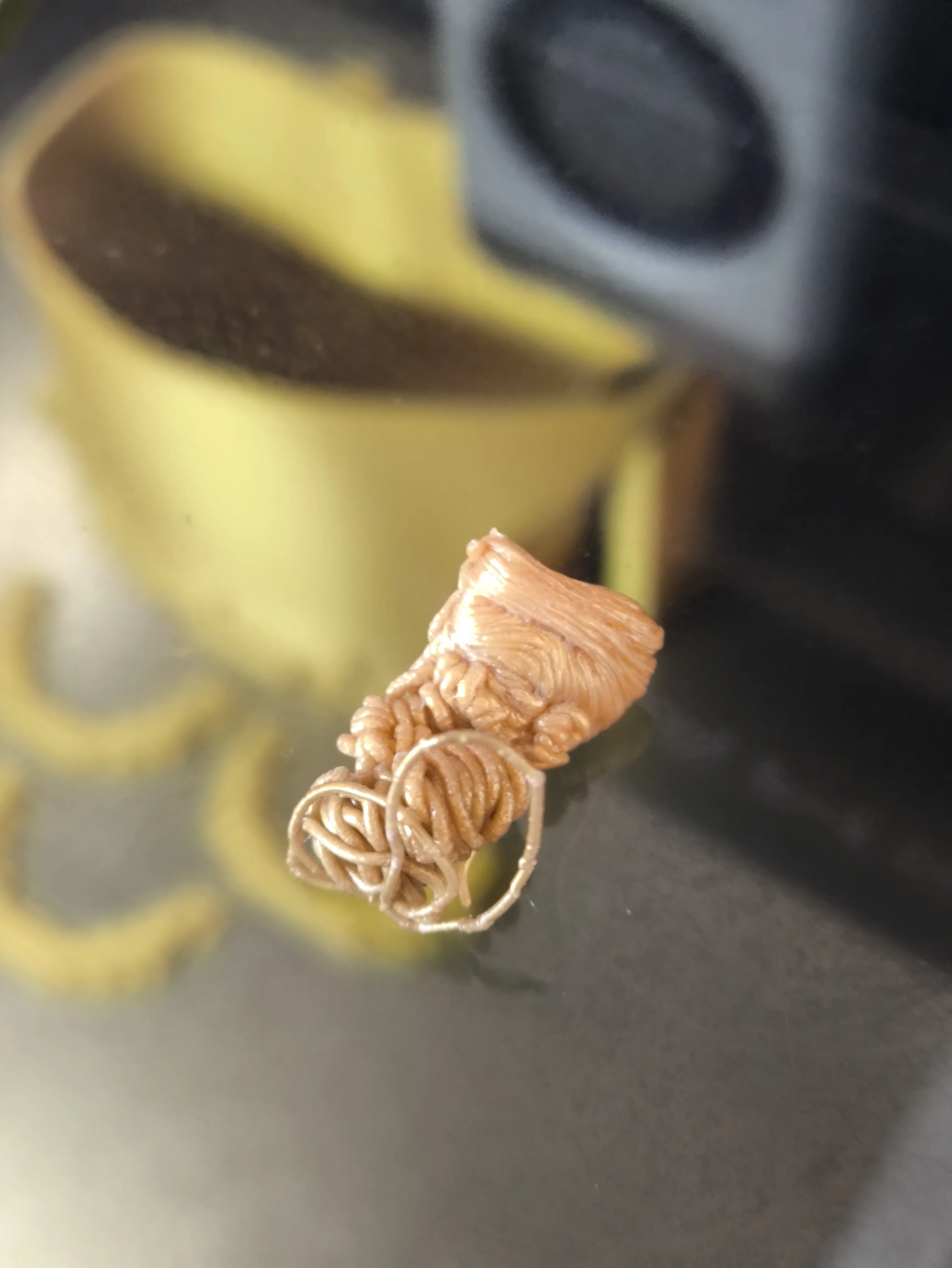
After setting, printing these four colors showed no clogging during color change purging
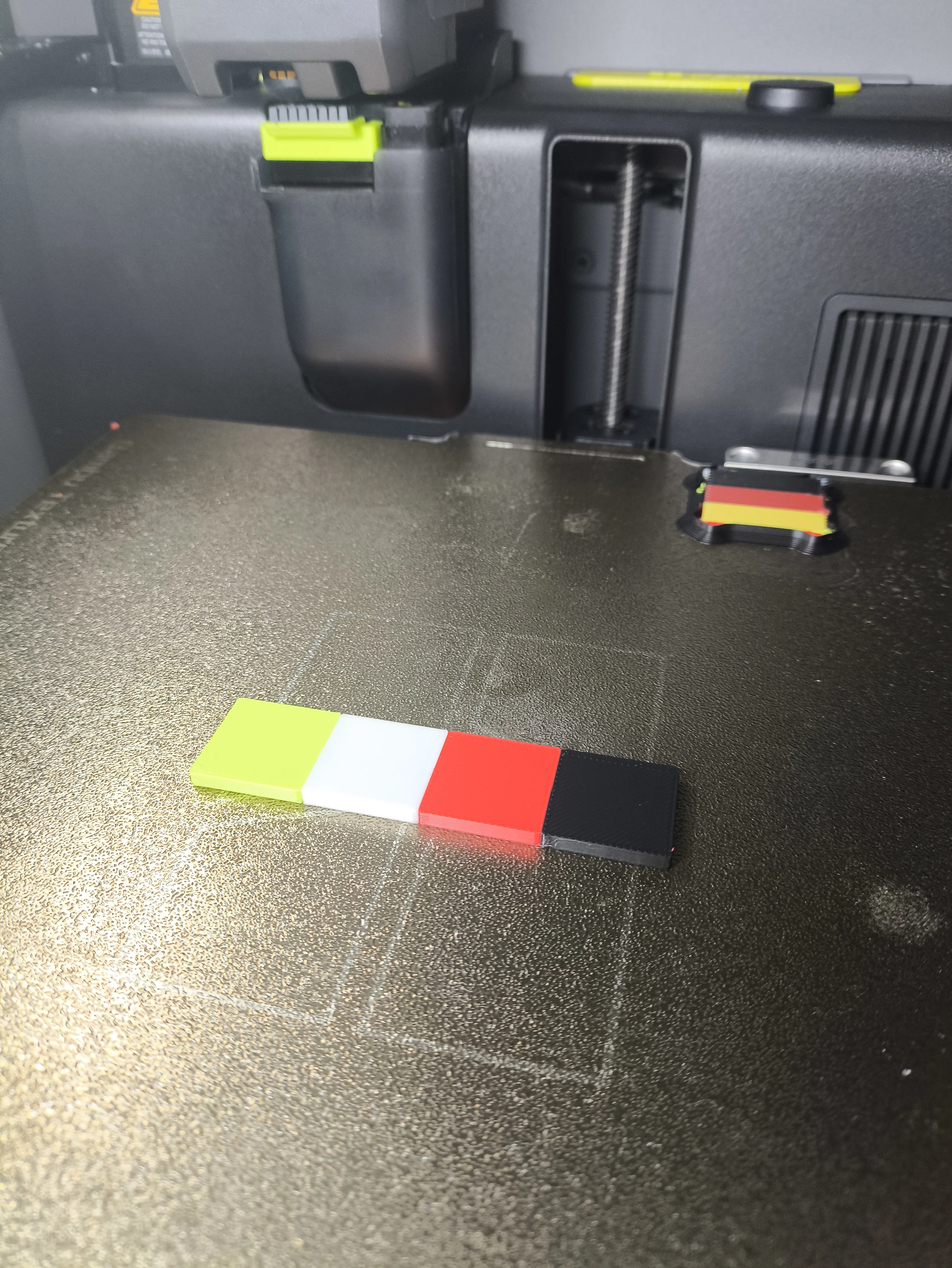

GIF of printing four colors of filament
Waste particles are also small
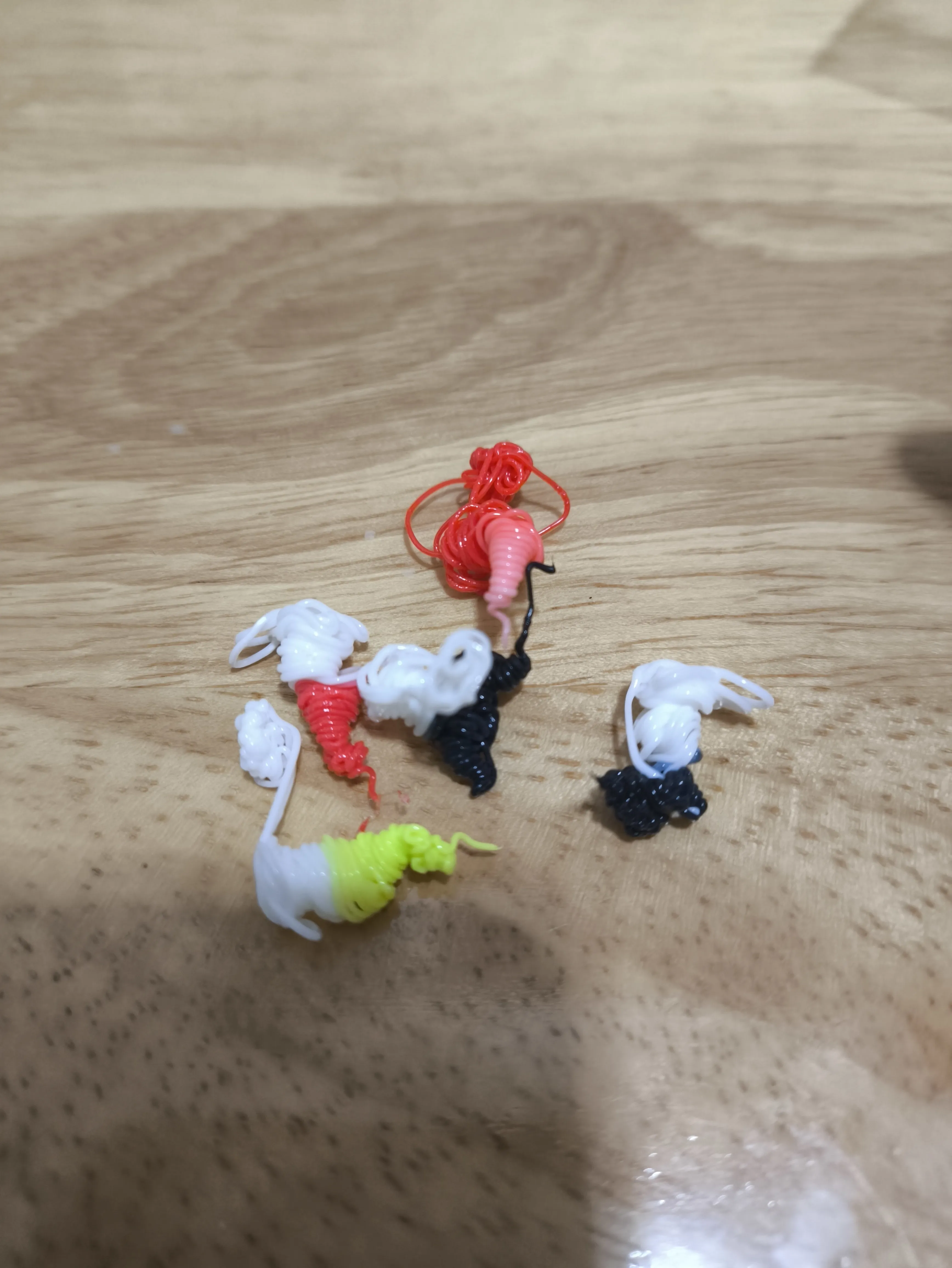
It is very complete, use it with confidence
Documentation (4)
License

You shall not share, sub-license, sell, rent, host, transfer, or distribute in any way the digital or 3D printed versions of this object, nor any other derivative work of this object in its digital or physical format (including - but not limited to - remixes of this object, and hosting on other digital platforms). The objects may not be used without permission in any way whatsoever in which you charge money, or collect fees.


Comment & Rating (64)