
Filament guide Creality PI
Print Profile(2)


Description
Design Philosophy
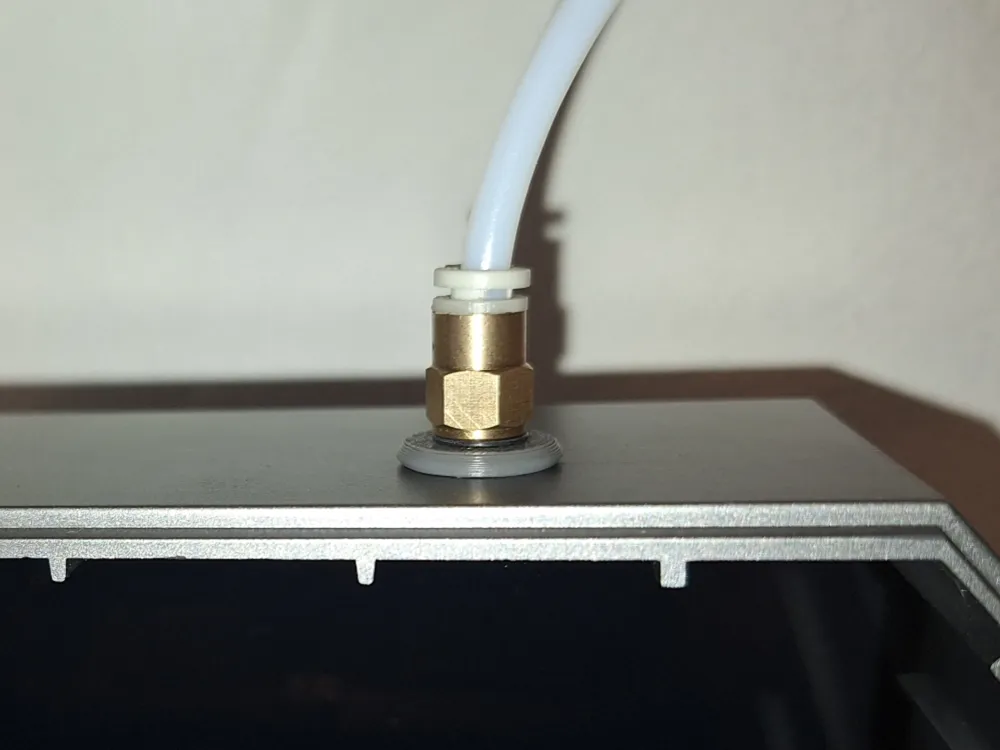
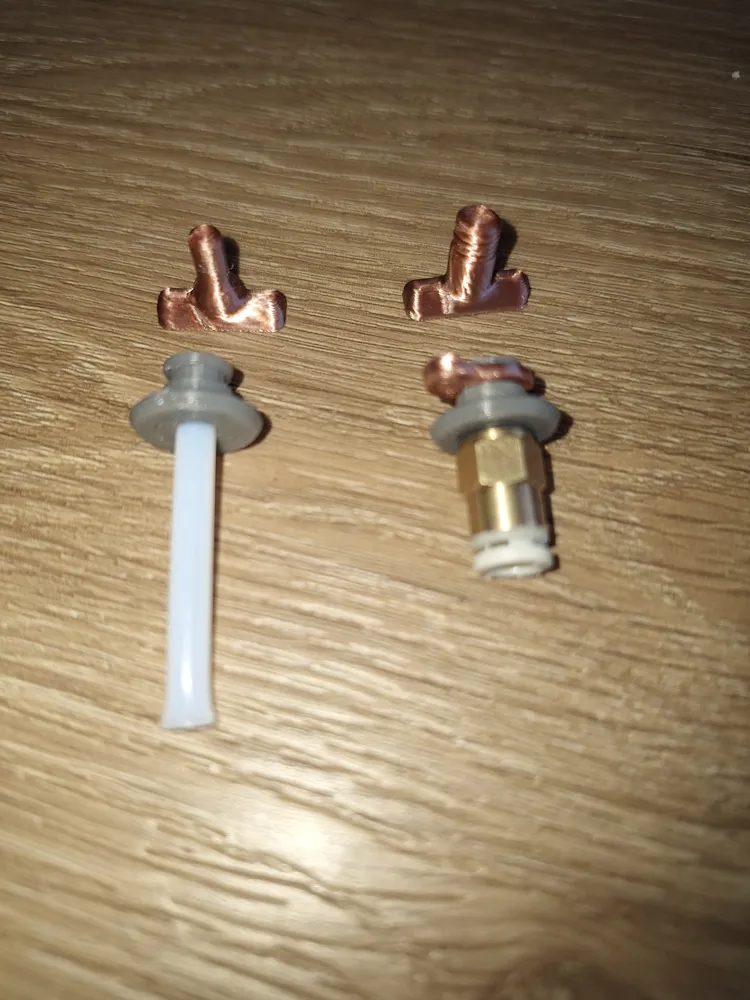
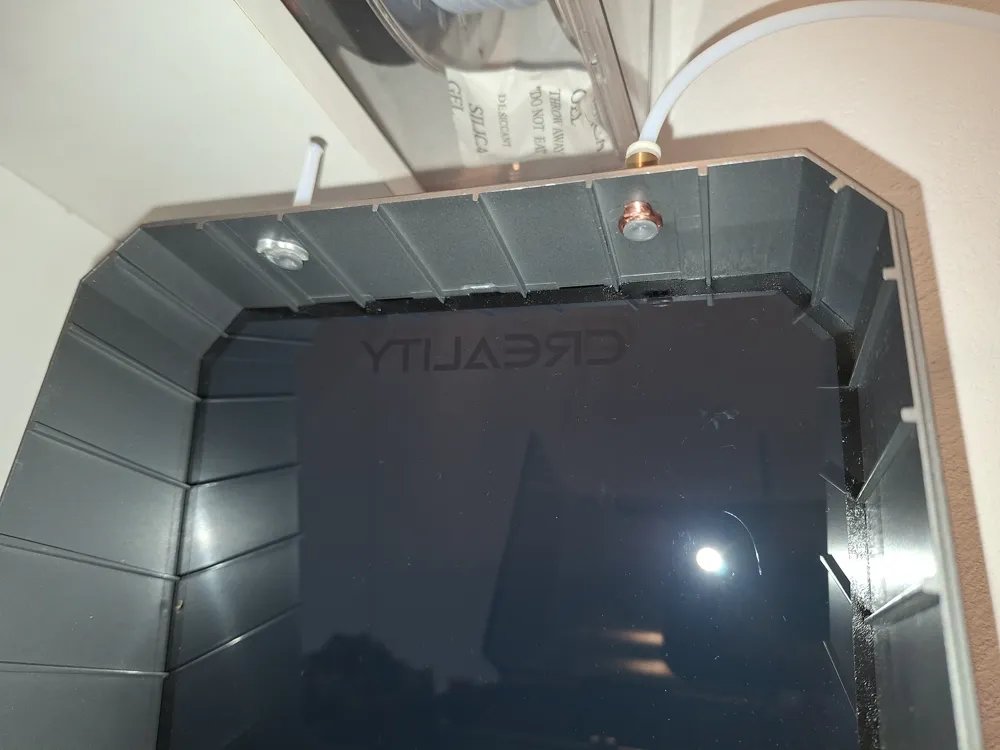
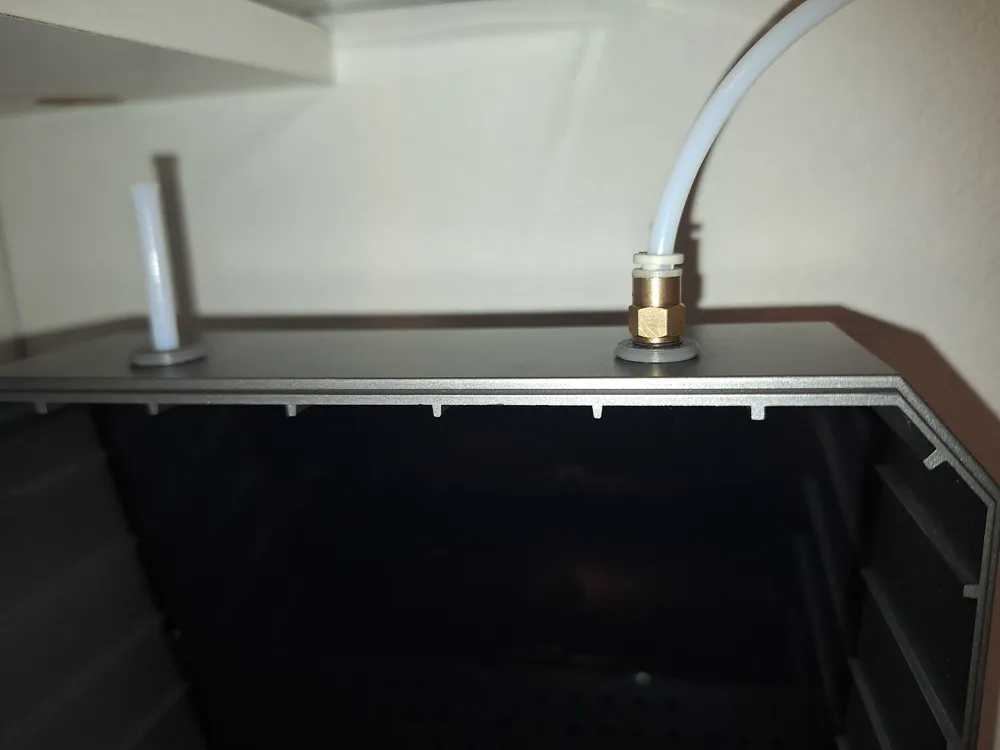
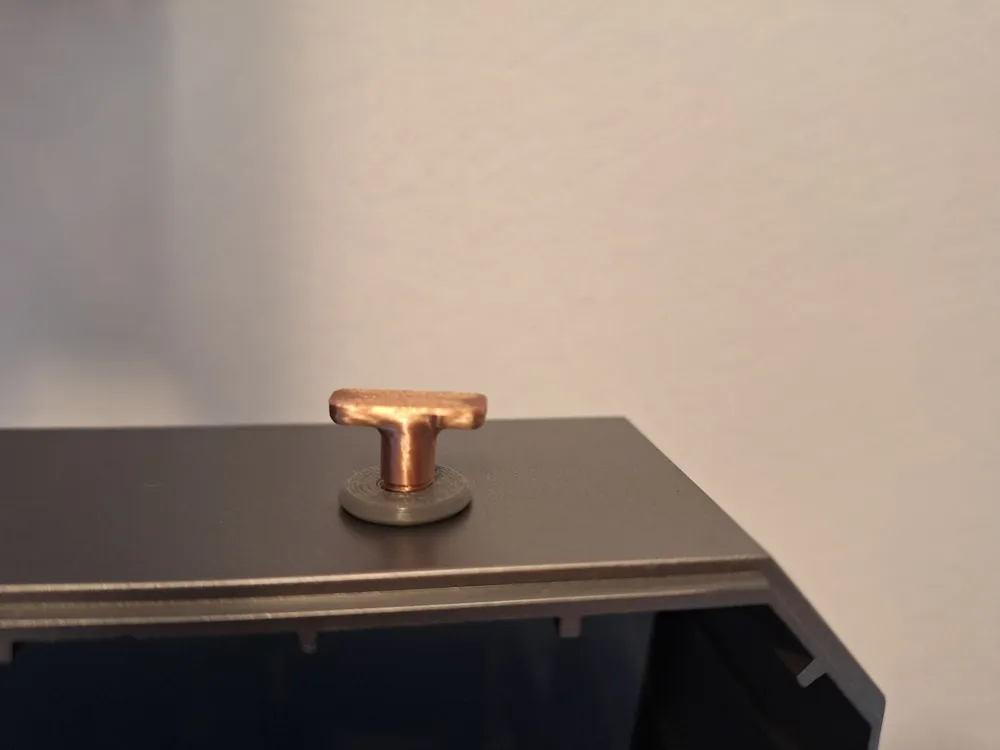
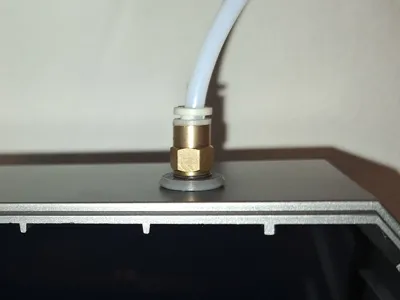
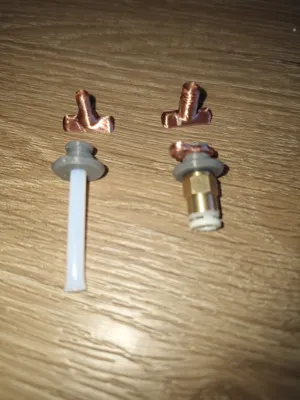
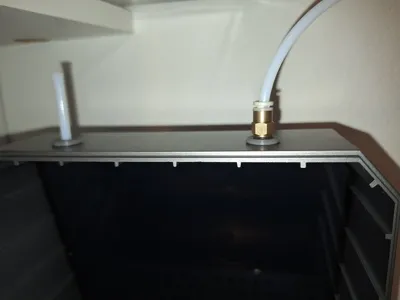
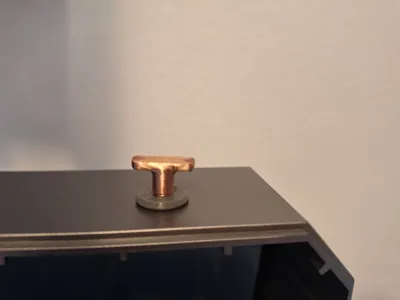
The filament guide is designed to ensure a smooth flow of the filament in the Creality PI. With the original silicone plugs, the PTFE tube can be pulled into the housing of the Creality PI and get stuck with the filament spool. Therefore, I designed this connector to firmly connect the PTFE tube to the housing. I have 2 variants: one with an M6 thread for Bowden connectors, and one smooth for accommodating a standard PTFE tube. For the M6 threaded variant, I also have a plug to close the unused port.
Usage
This component is used in Creality-PI to optimize efficiency and prevent the filament from getting stuck during a print.
Recommended print settings are a layer height of 0.16 mm and an infill density of at least 15%. Any filament can be used.
Assembly Instructions
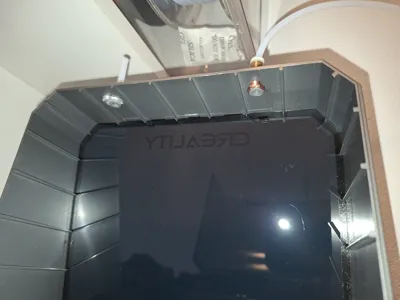
To install the filament guide, the original silicone plug must first be removed. Then insert the filament guide from above into the housing and secure it from below with the snap ring.
License

You shall not share, sub-license, sell, rent, host, transfer, or distribute in any way the digital or 3D printed versions of this object, nor any other derivative work of this object in its digital or physical format (including - but not limited to - remixes of this object, and hosting on other digital platforms). The objects may not be used without permission in any way whatsoever in which you charge money, or collect fees.


Comment & Rating (0)