
Magical Christmas Gift Factory Globe,No AMS


Print Profile(4)


Bill of Materials







Description
🎄 Christmas Gift Factory Theme Ball Product Manual
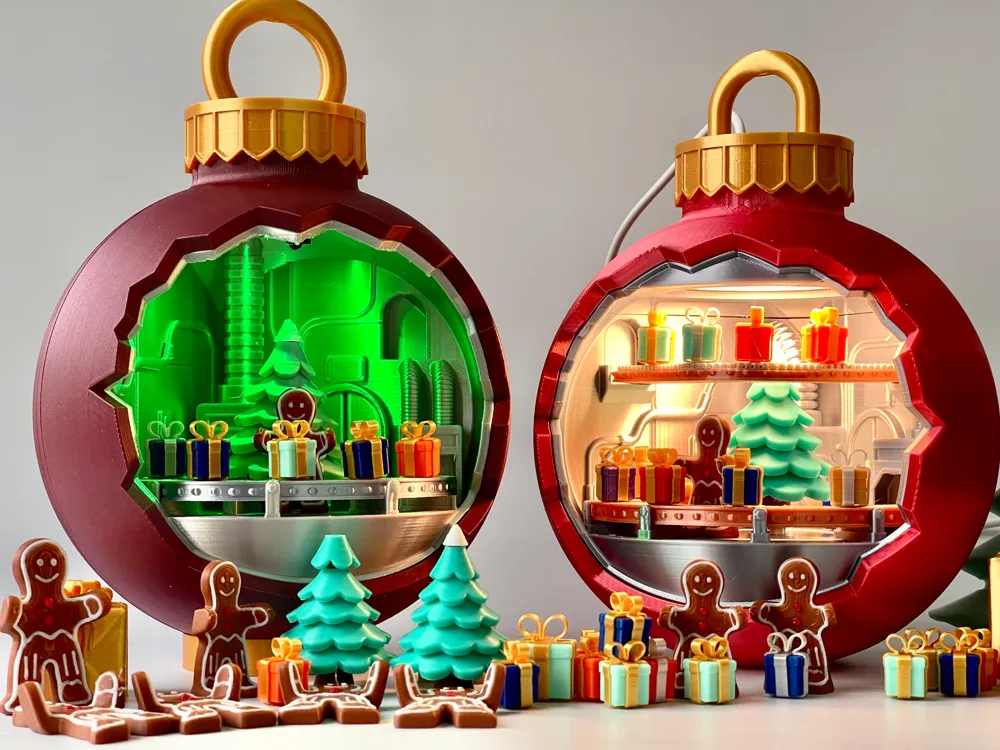
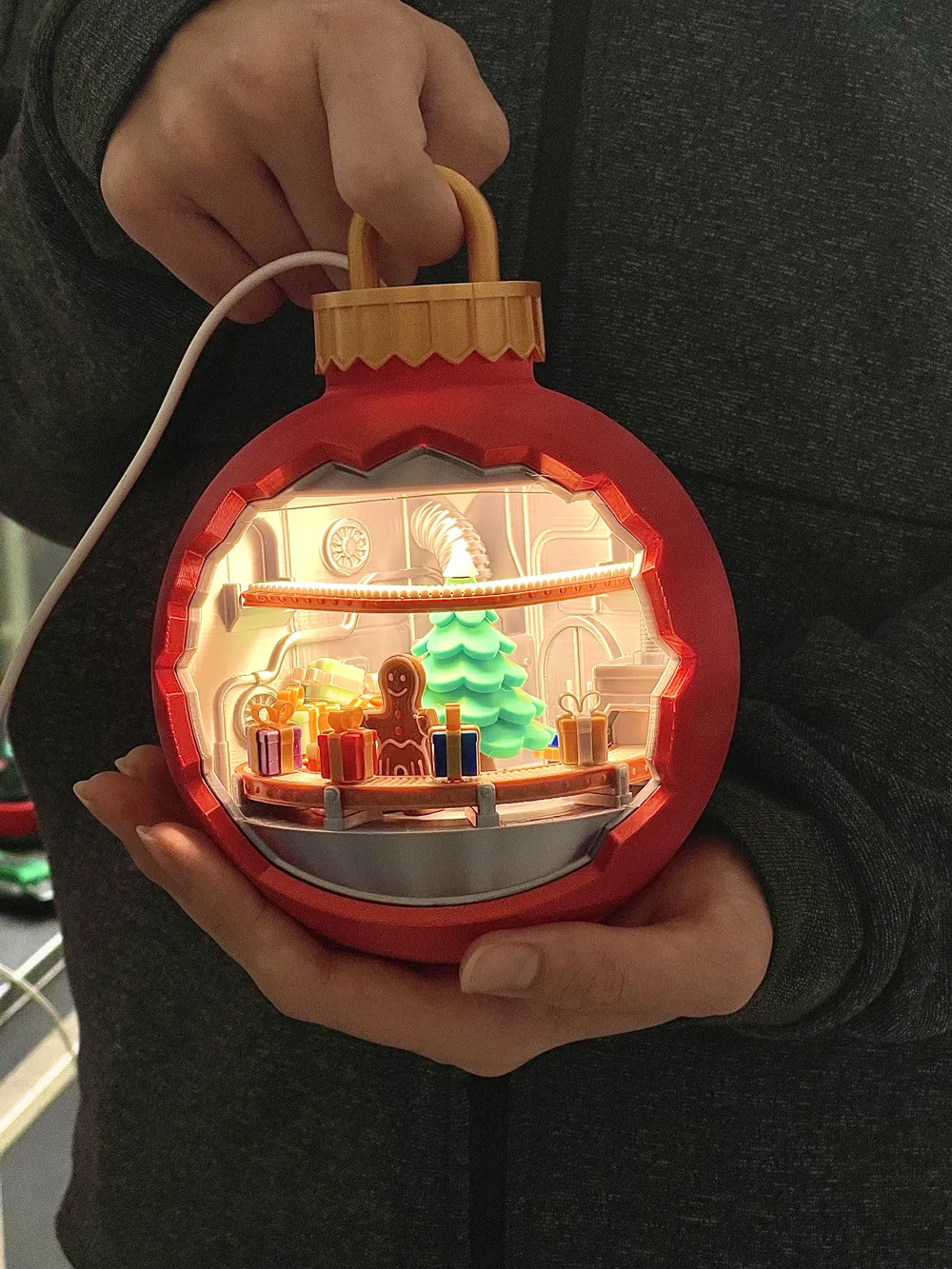
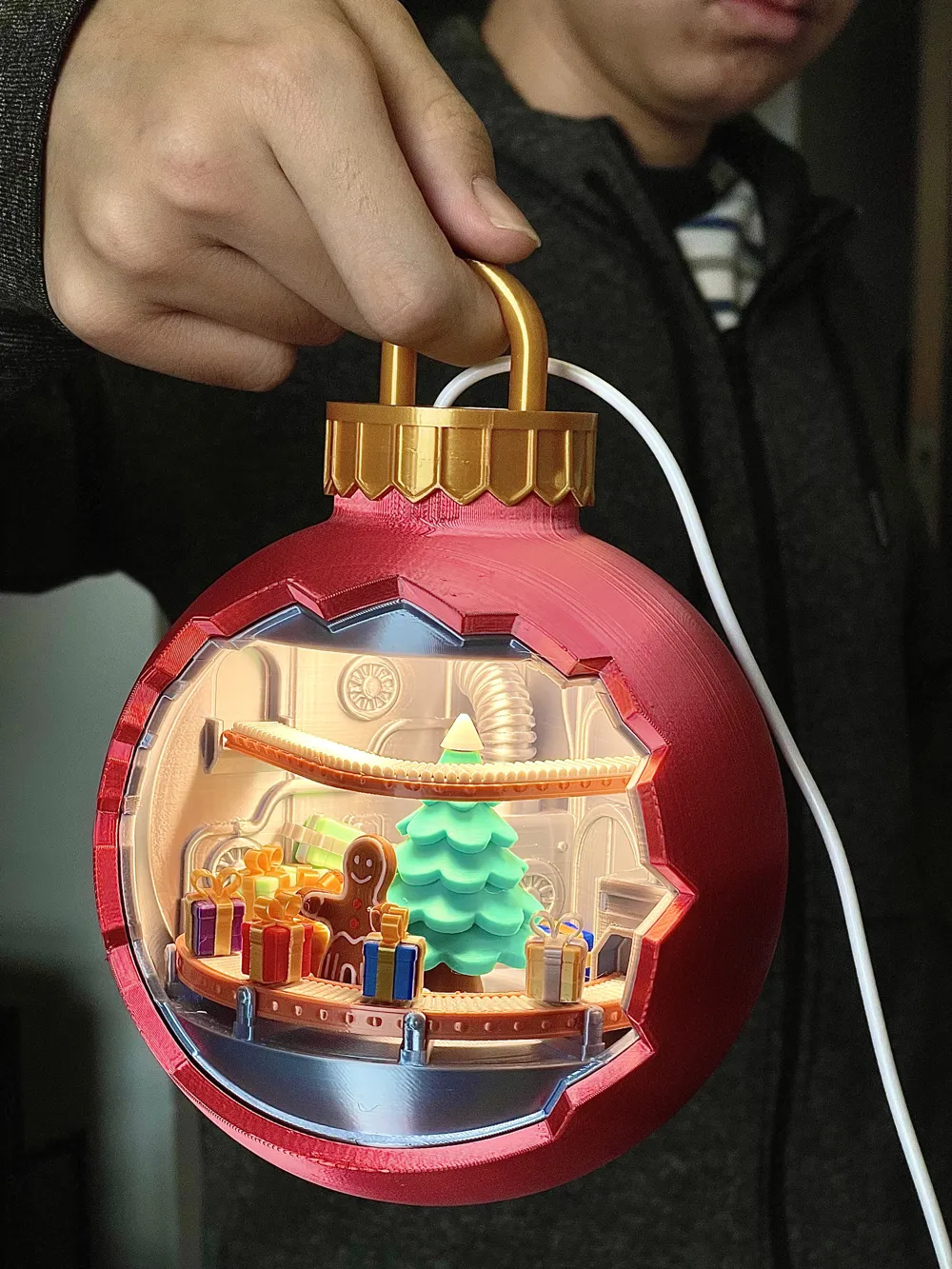
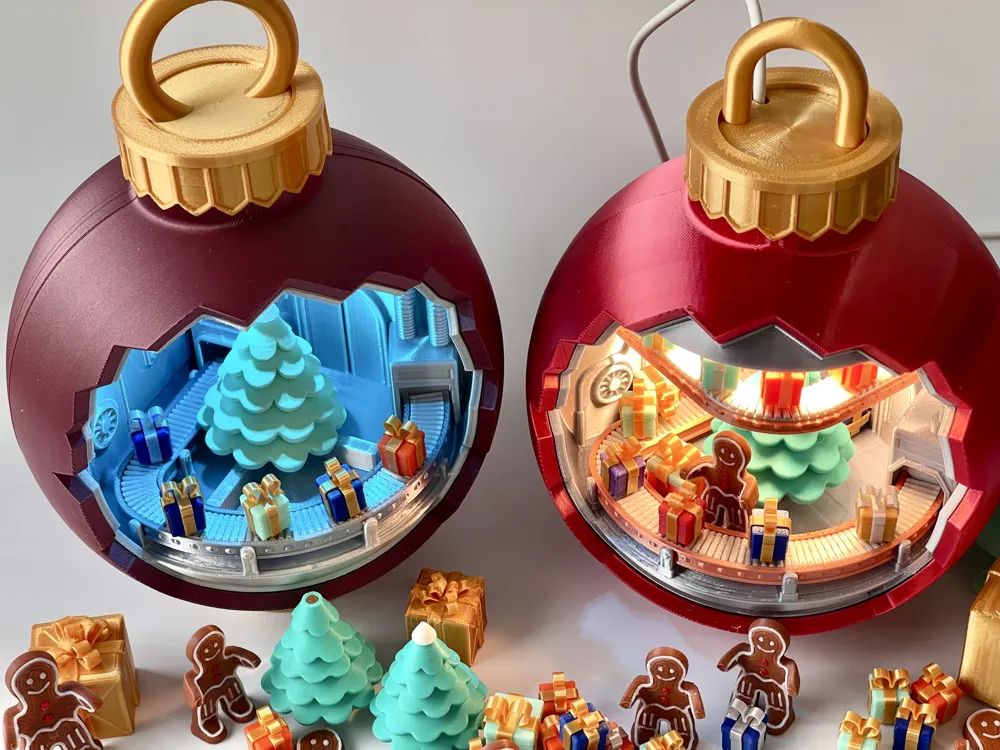
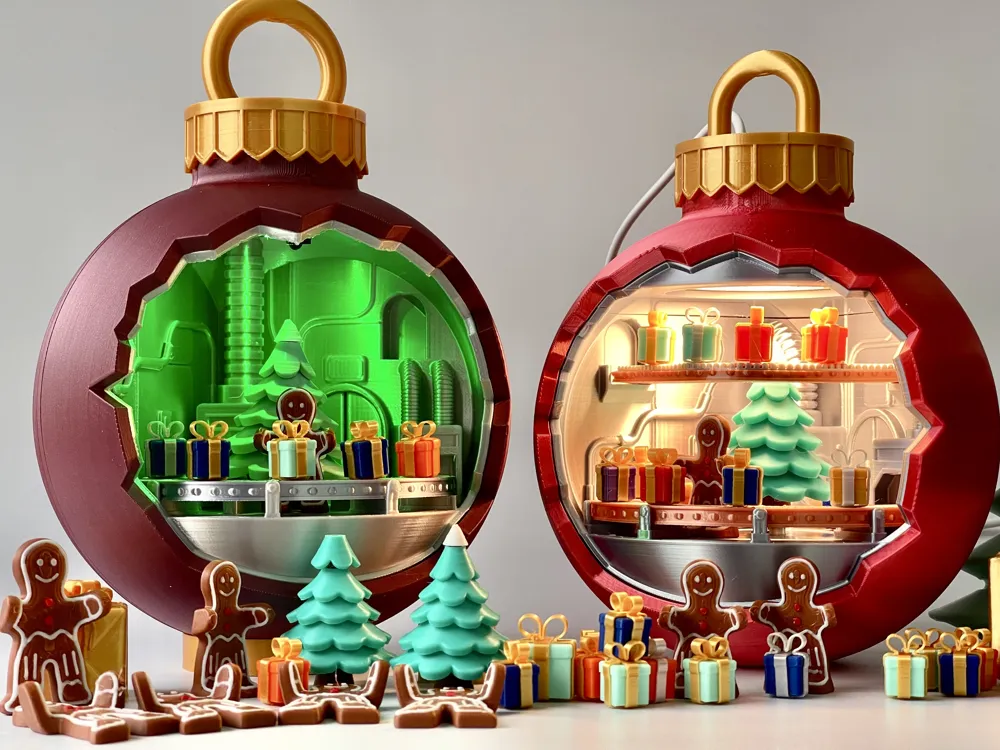
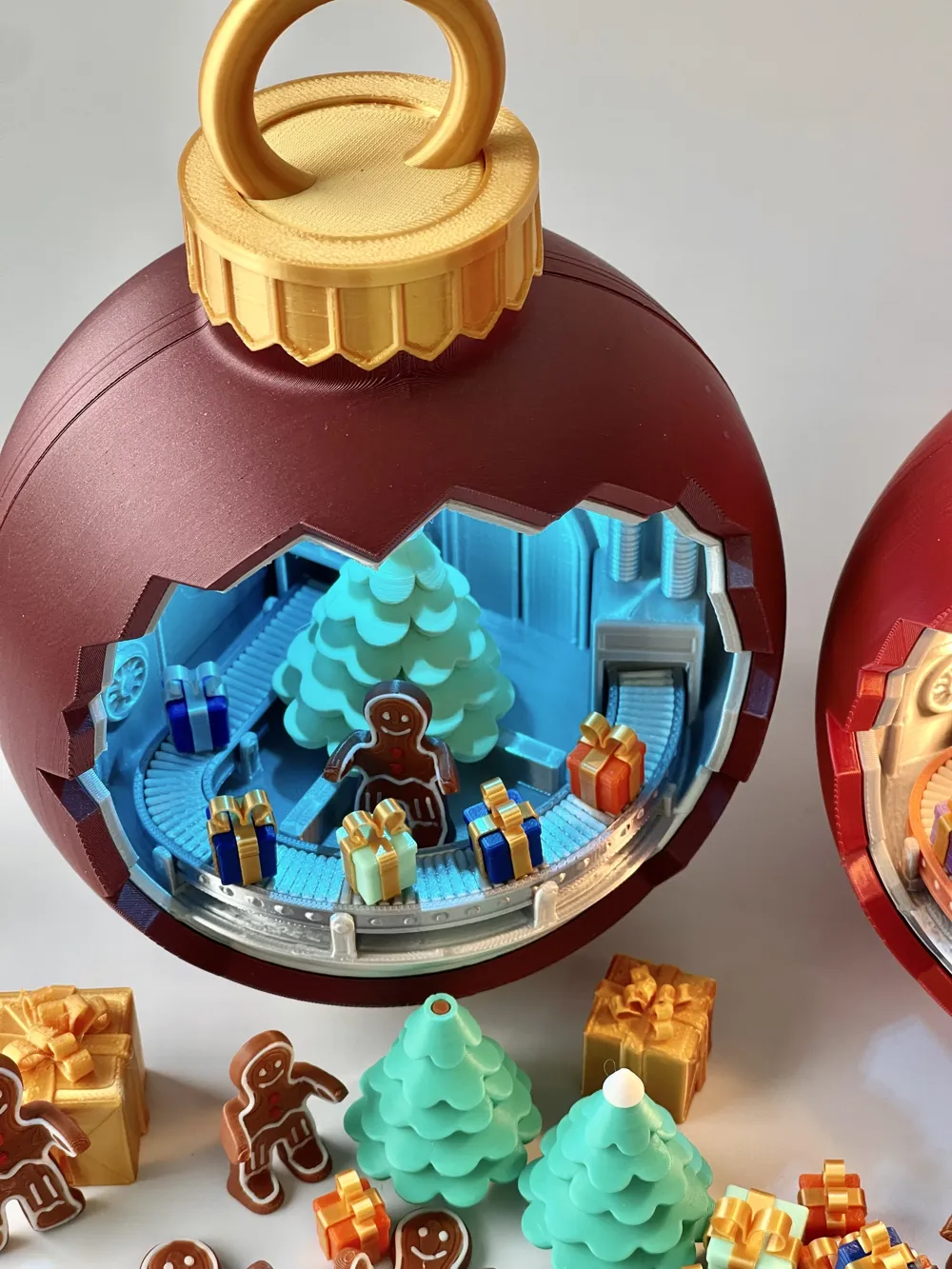
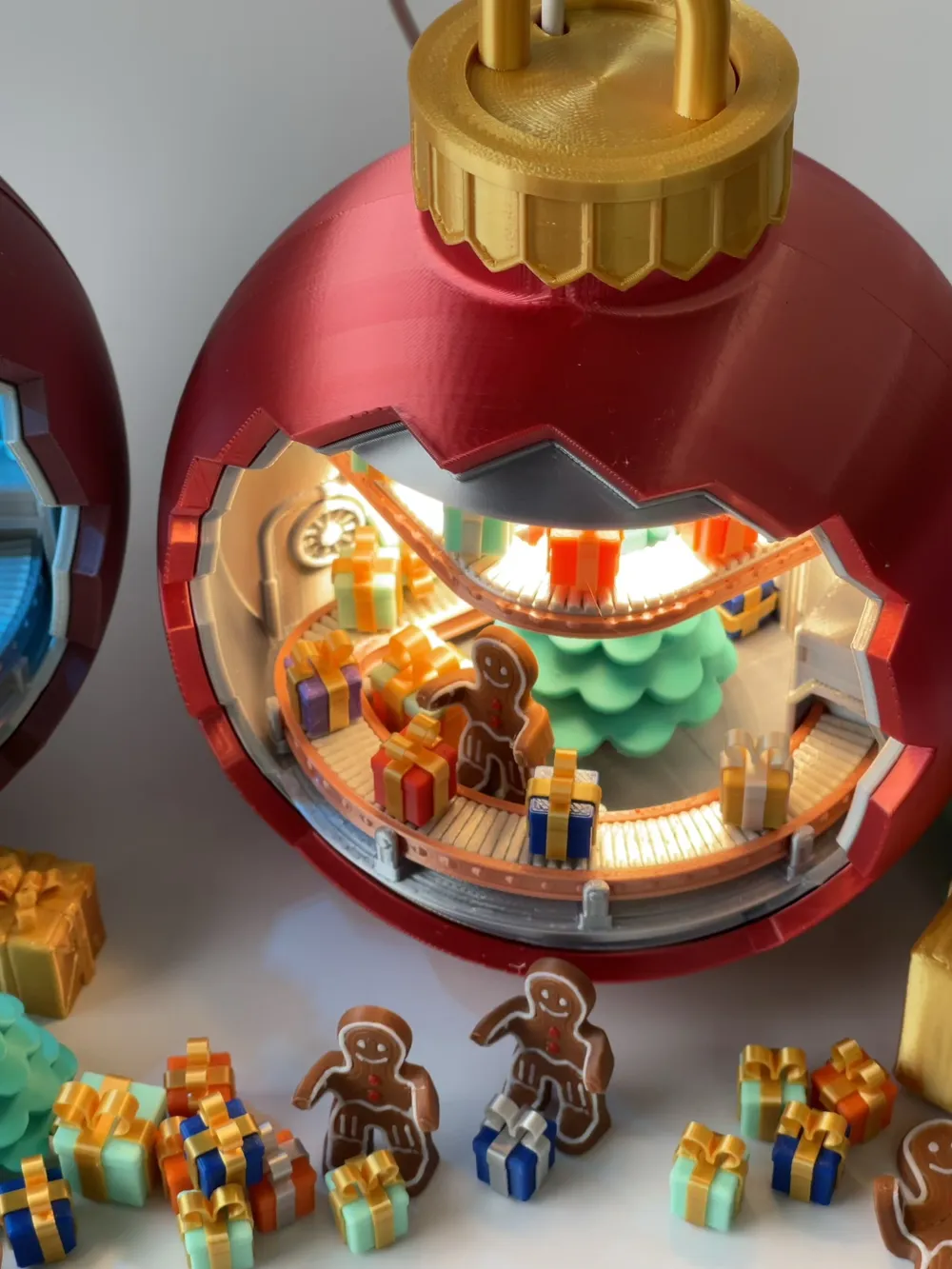
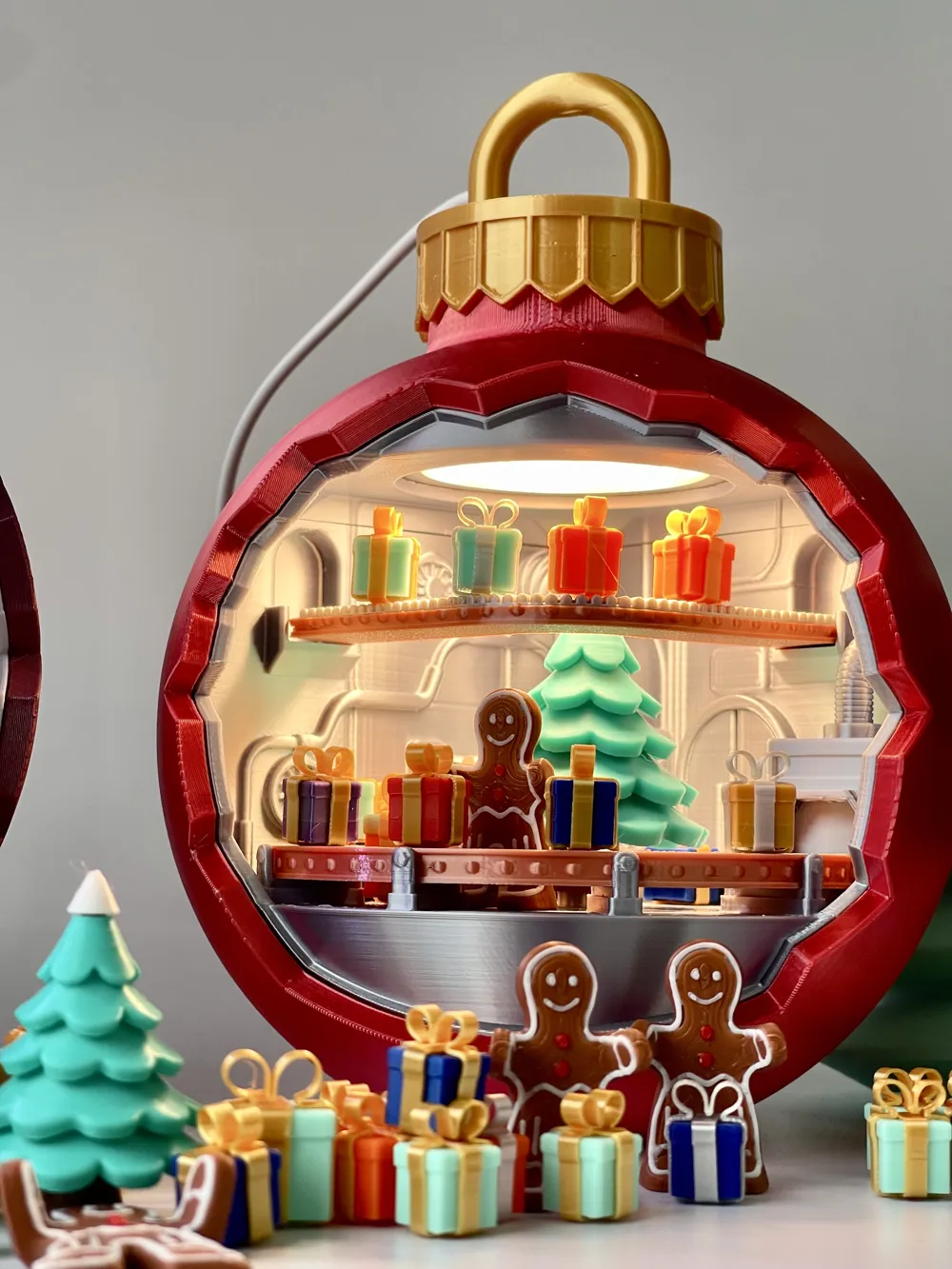
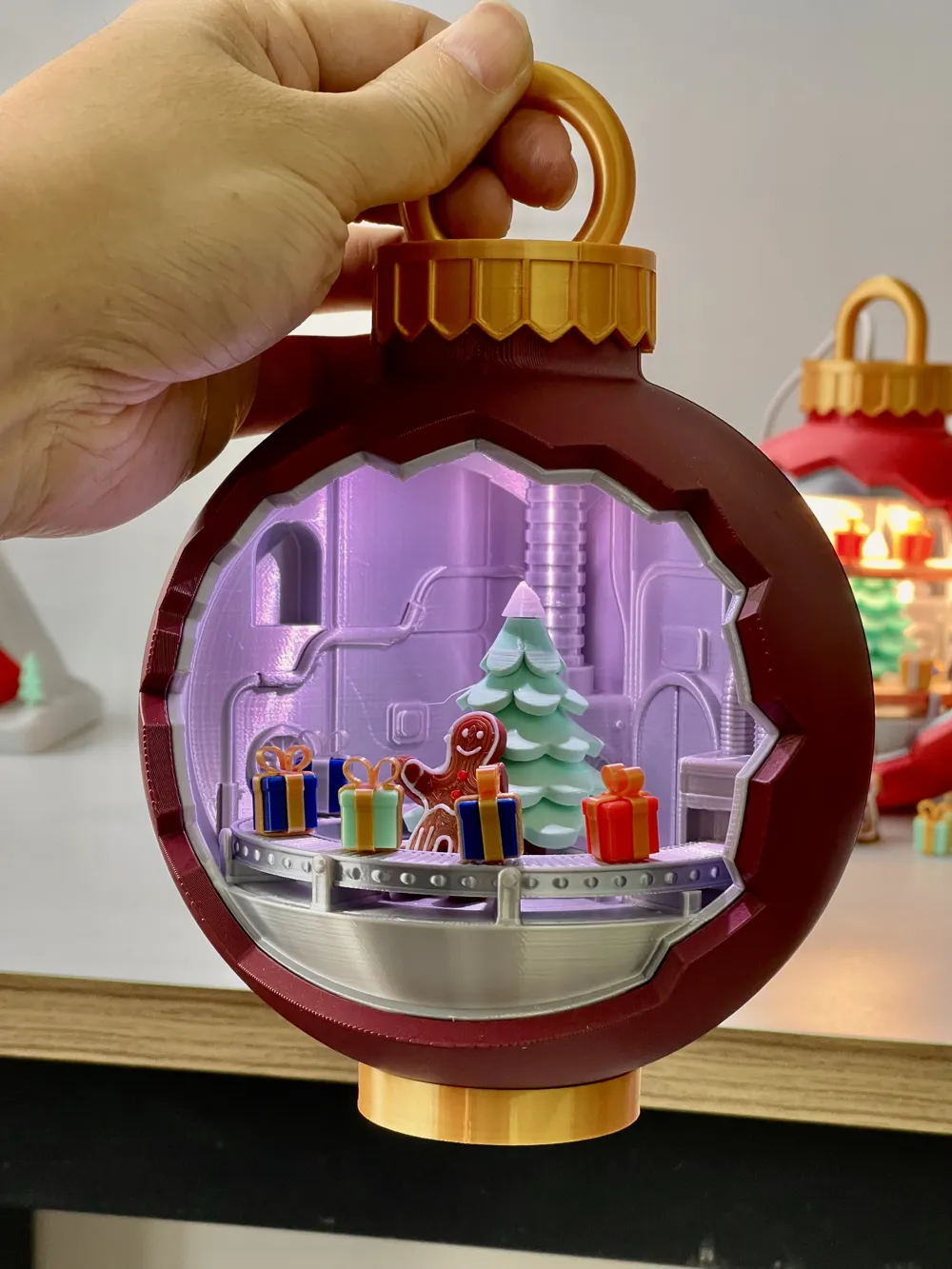
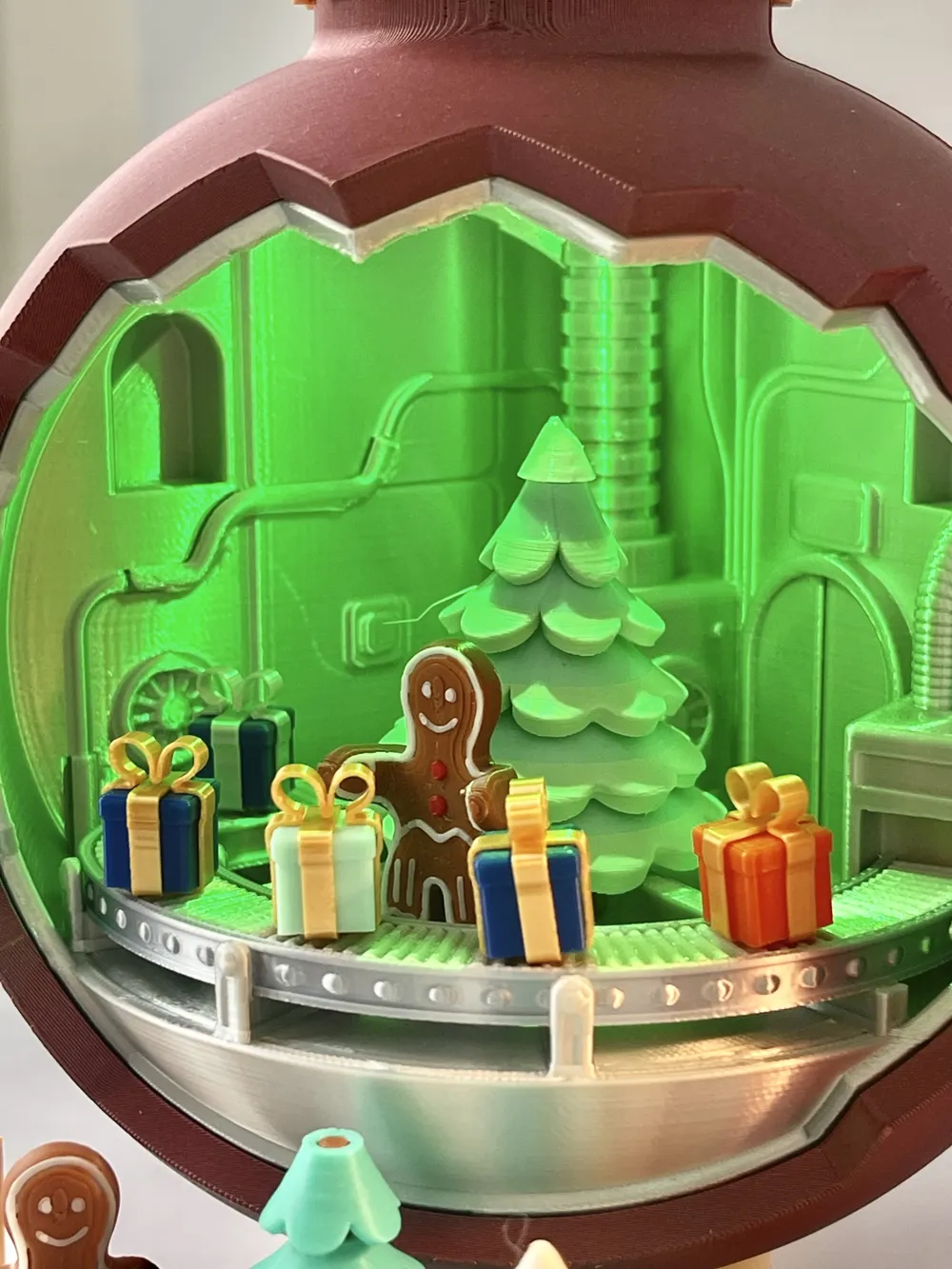
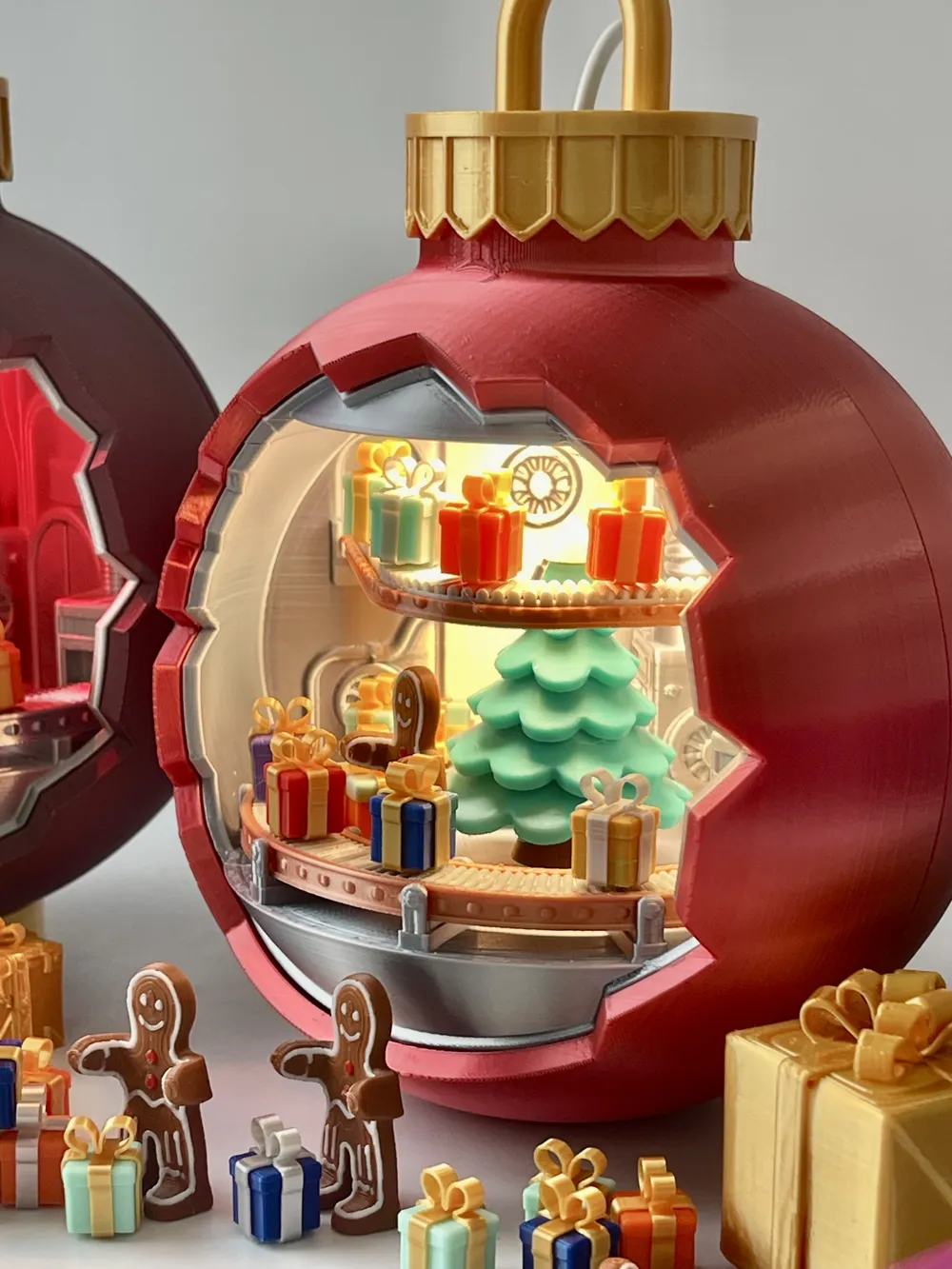
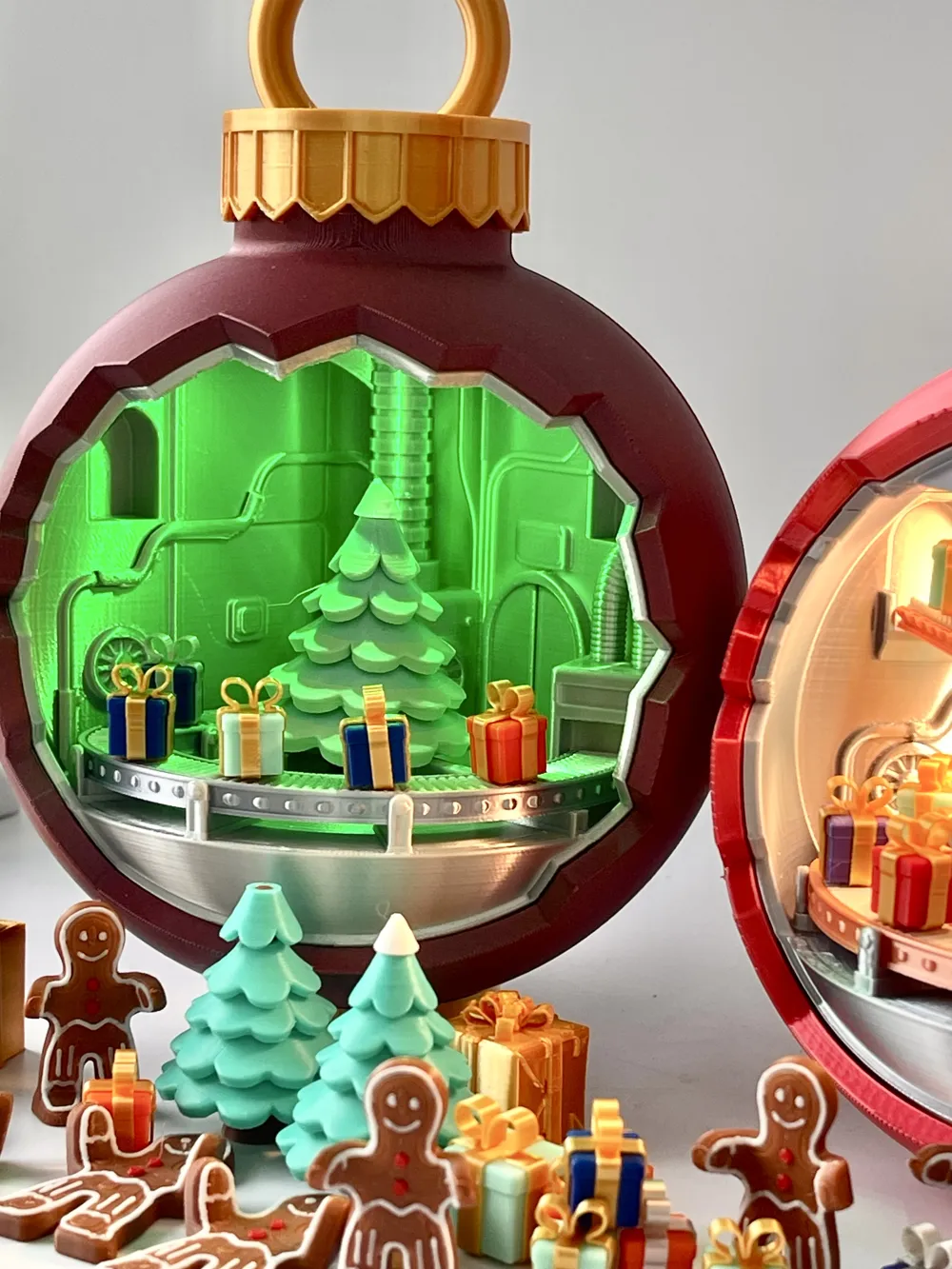
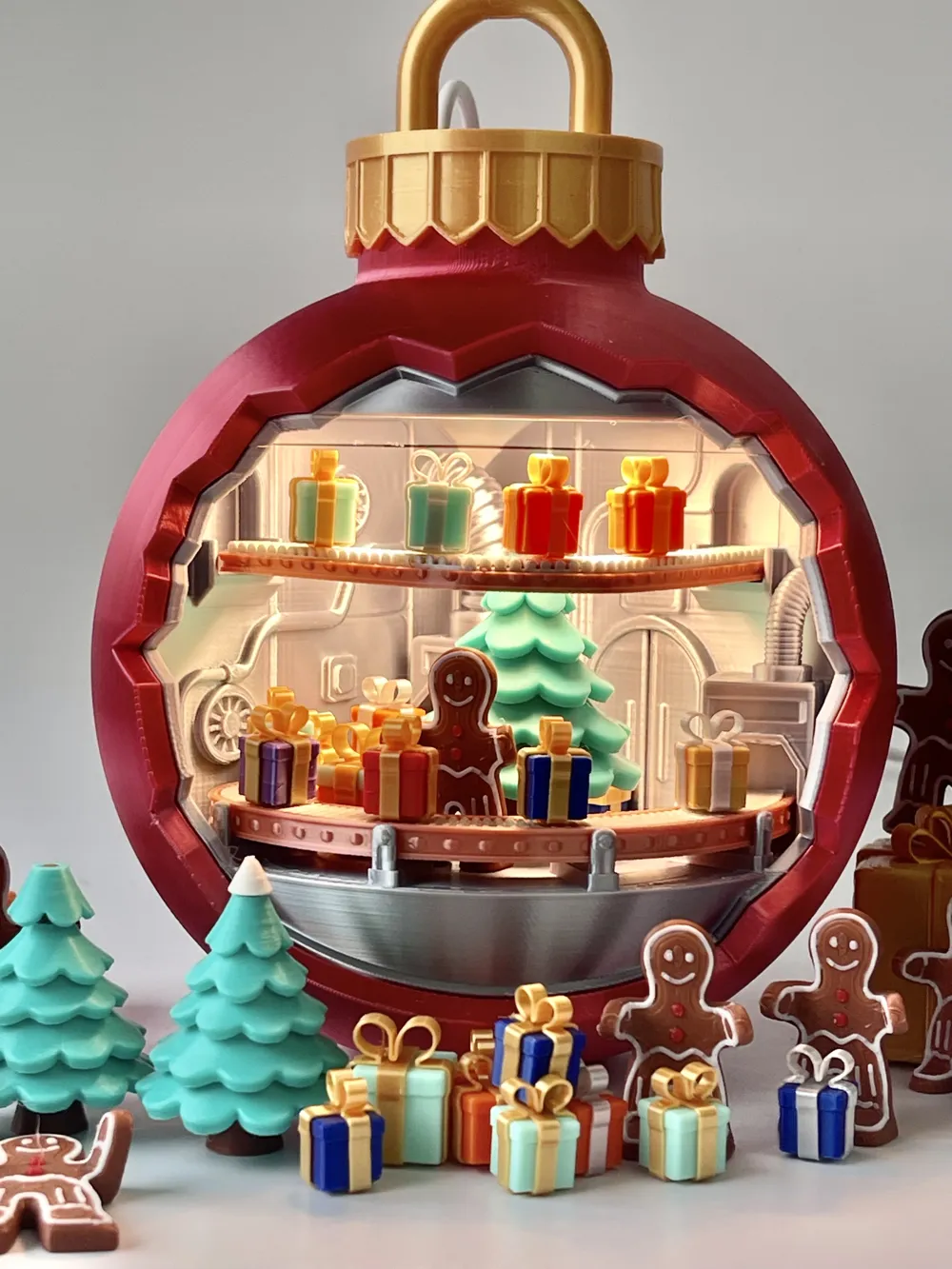
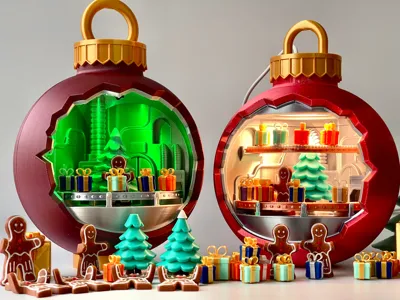
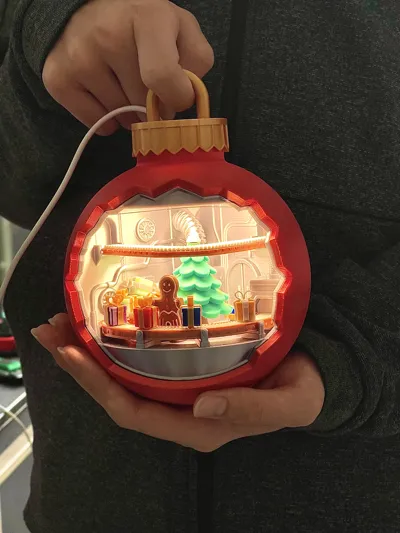
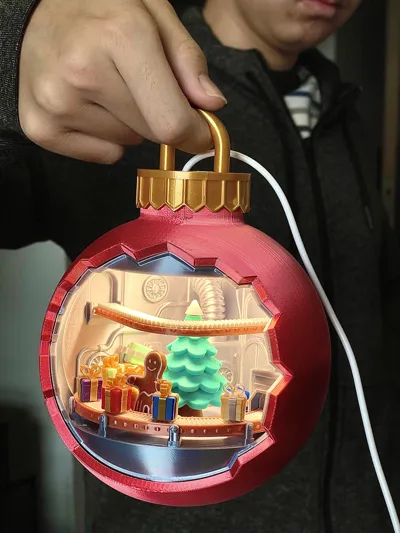
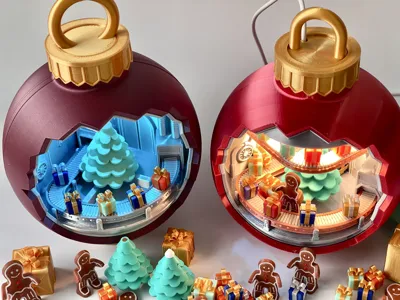
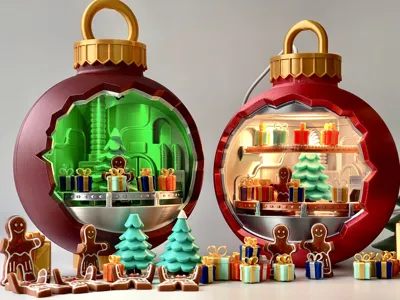
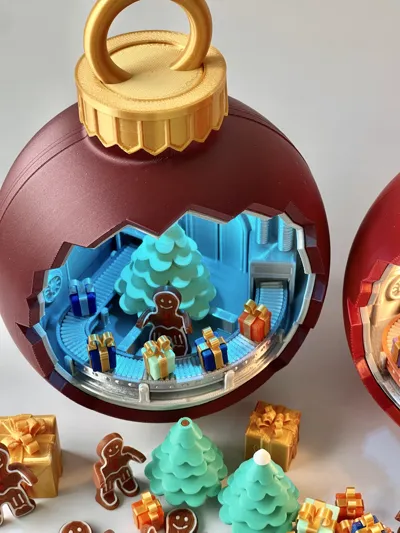
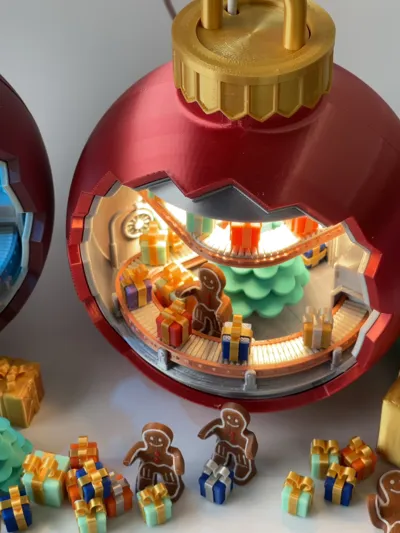
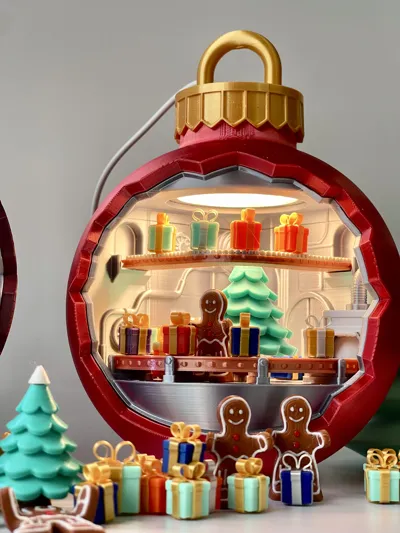
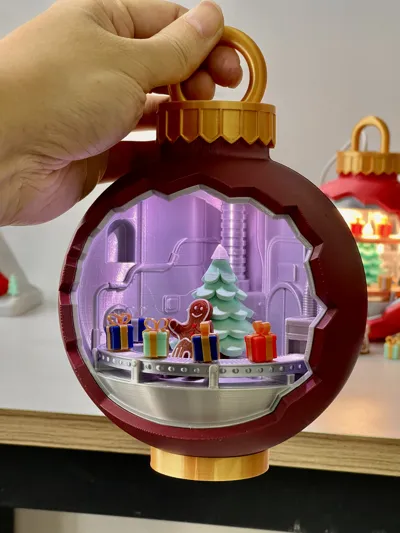
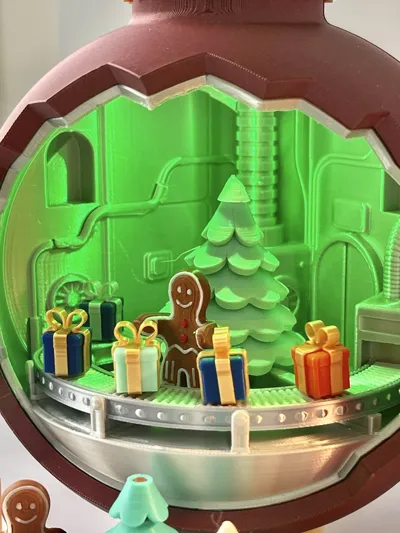
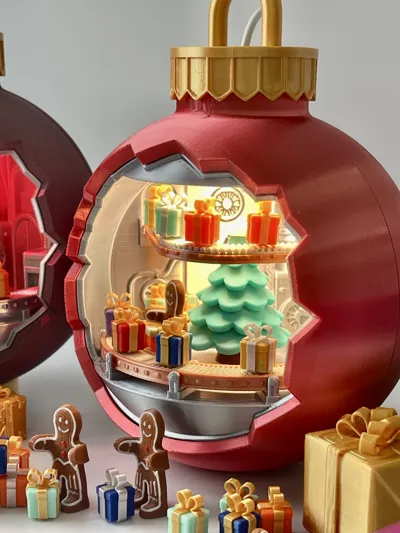
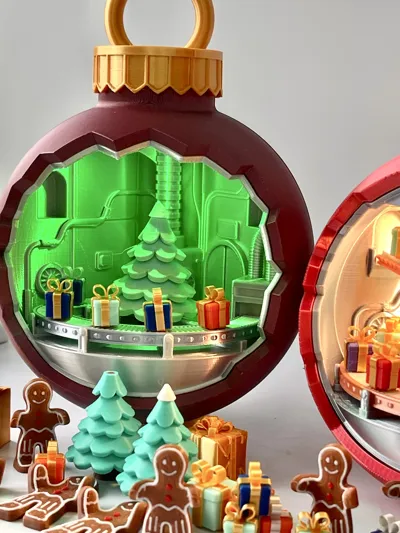
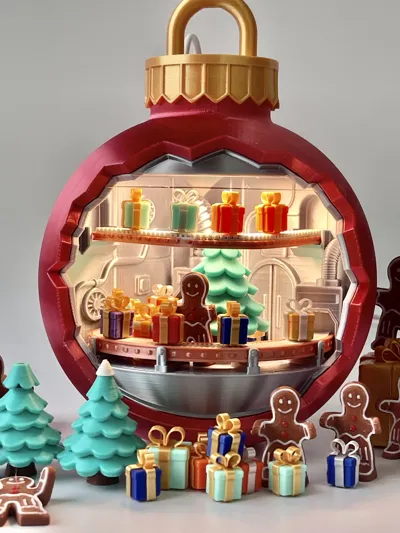
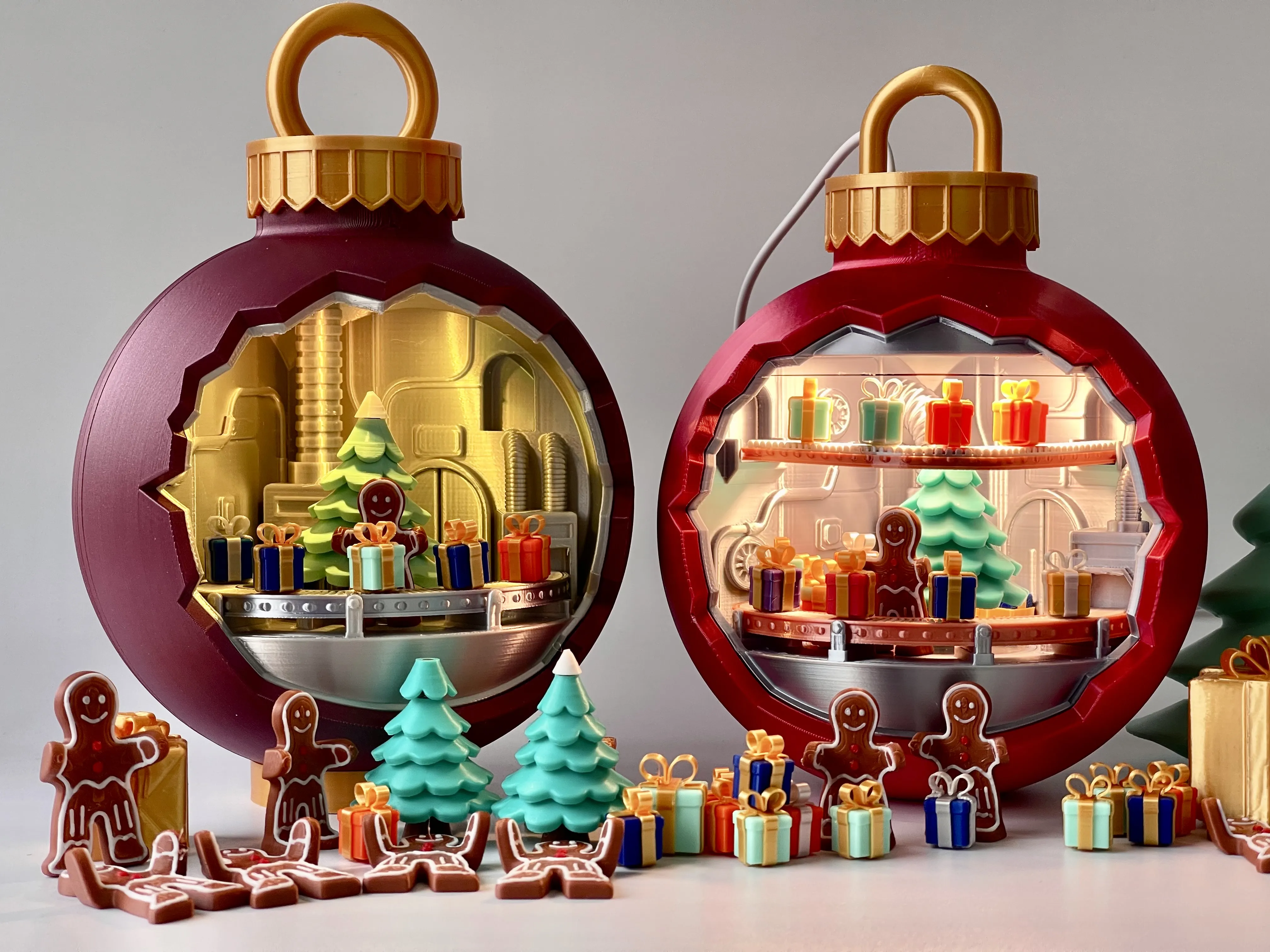
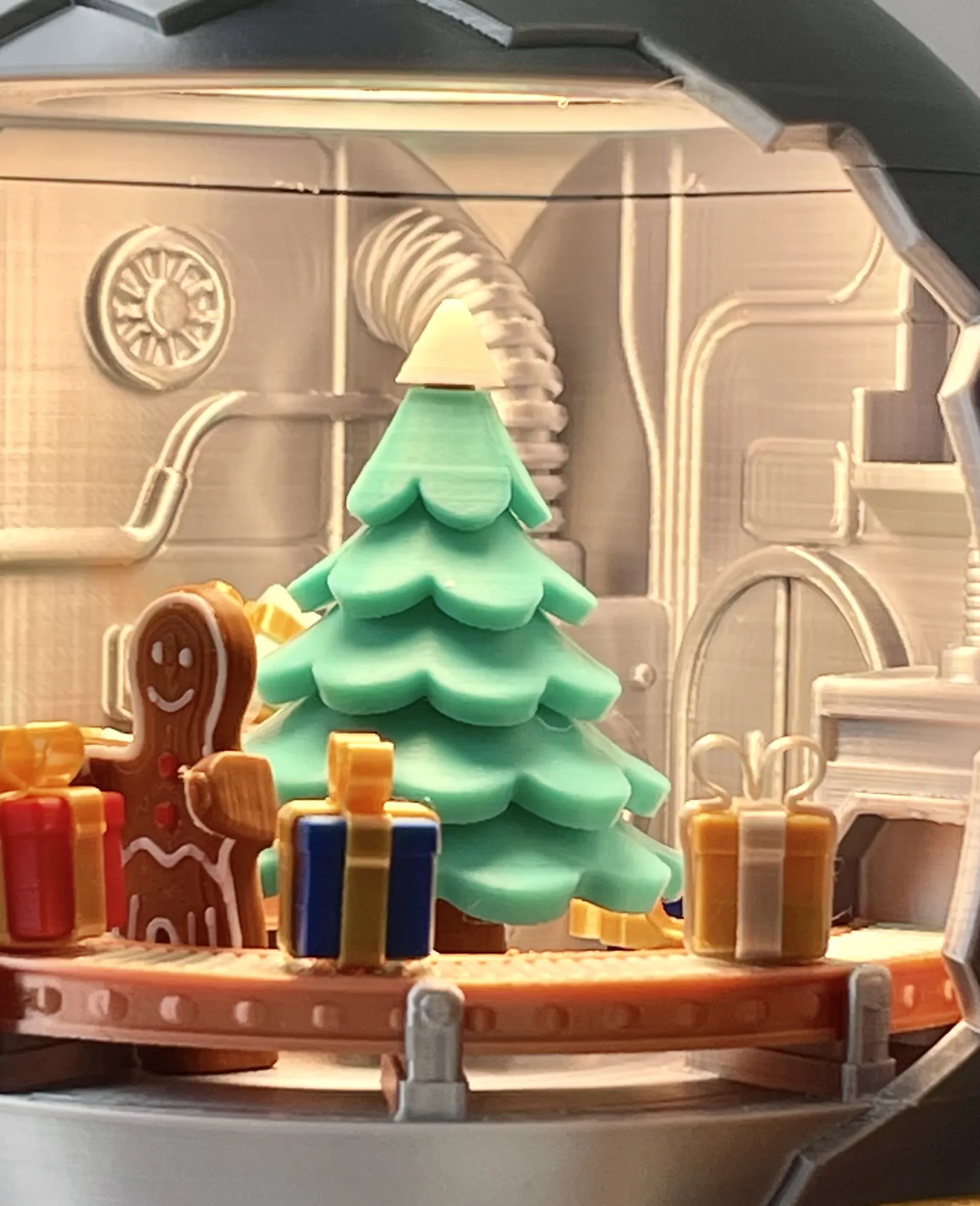
Bring the magic of Christmas to life with this DIY Gift Factory Snow Globe! This unique design features a mesmerizing rotating central tree, a working conveyor belt to display multi-color gifts, and a cute Gingerbread Man decoration. this model combines mechanical fun with festive decoration. A perfect desktop fidget toy and holiday centerpiece!
Design Concept
A miniature gift factory Christmas ball designed specifically for Christmas 2025, integrating a production line model with festive decor. The modular design supports free expansion (such as LED lighting systems), combining decoration, fun, and playability.
🛠️ Core Features
- Print Friendliness
- Compatible with mainstream 3D printers (including Bambu Lab A1 mini)
- Minimal support design (only少量 easy-to-remove supports required)
- Multi-color effect achieved through modular parts (no AMS system required for the main body)
- Innovative Magnetic System
- Magnetic slots built into the conveyor belt/gift boxes (embed magnets during print pause,4x2mm)
- Christmas trees, gift boxes, and other accessories can be freely combined
- Lighting Expansion Scheme
| Light Type | Installation Location | Feature Description |
|---|---|---|
| Round Pat Light | Top handle slot | 4cm diameter / 2mm thickness, supports touch color change 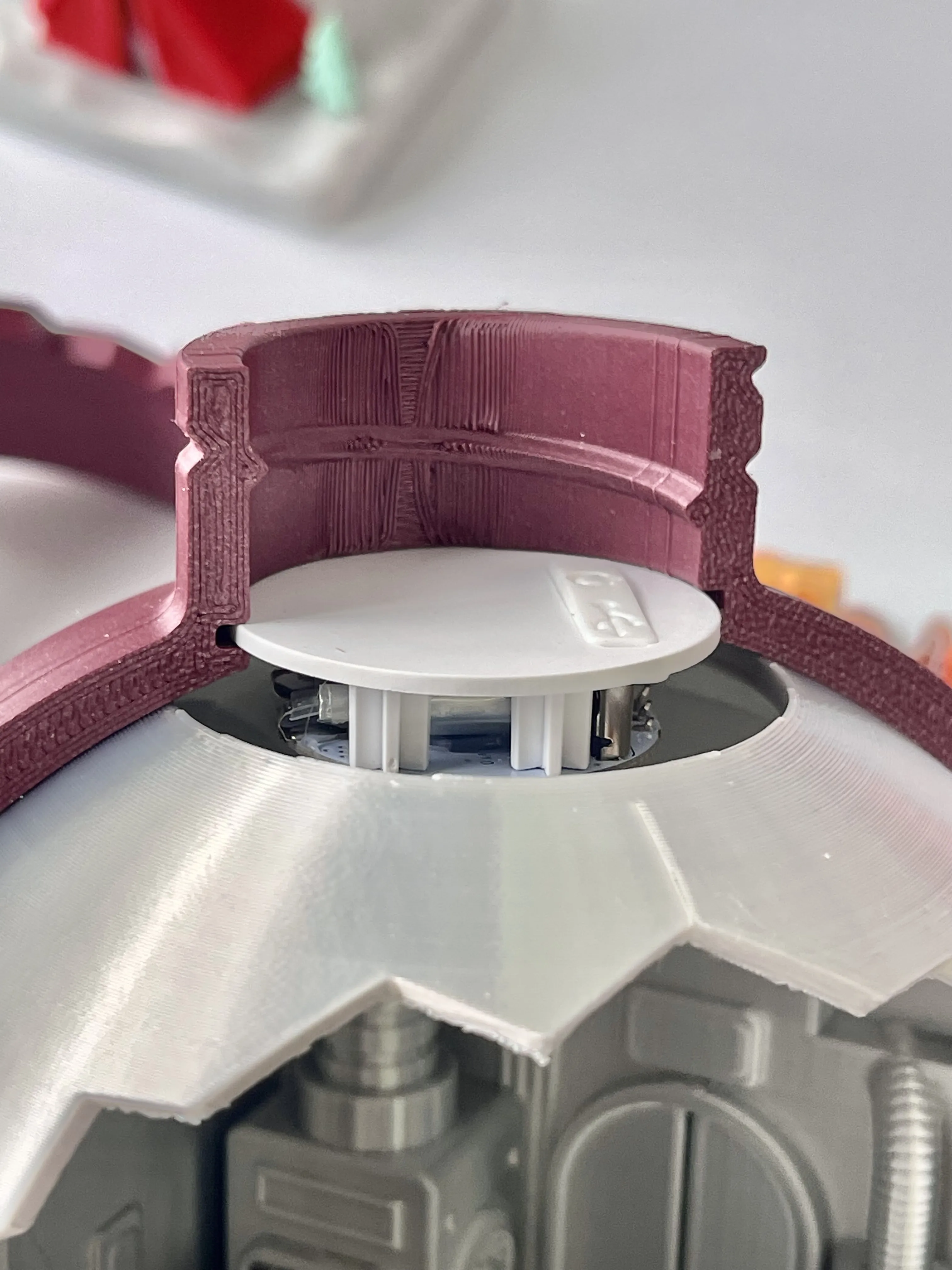 |
| MH001 LED Module | Top space of the factory | 6cm diameter / 4cm thickness, requires power connection 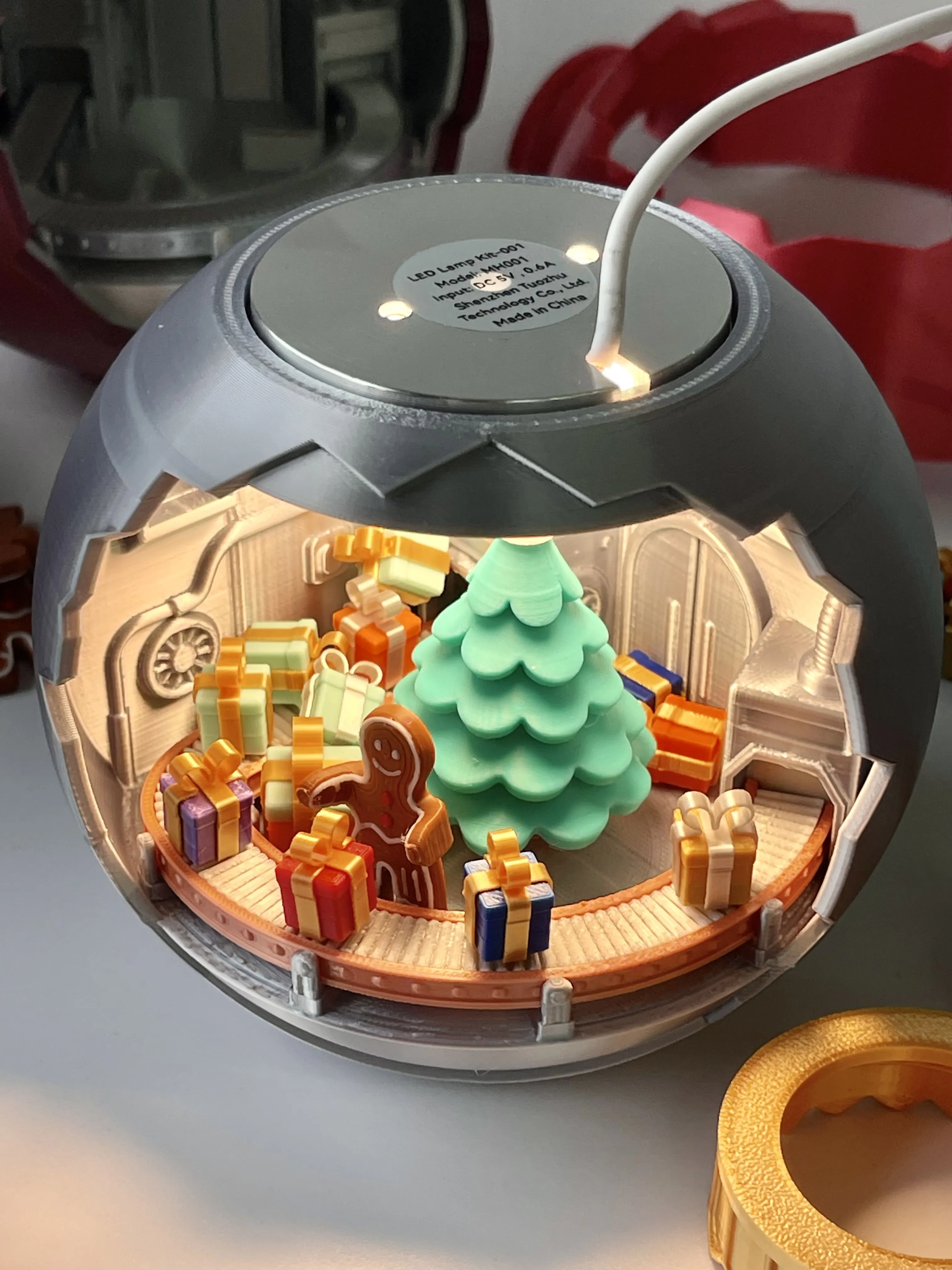 |
🎨 Material & Color Guide
Filament Suggestions
- Shell: Silk-texture filament (vivid colors like deep red/purple/blue)
- Inner Shell: Silver (simulating a metal factory structure)
Handle: Gold (threaded fixing structure)
⚠️ Note: Silk filament requires reduced print speed; restore default parameters for regular filament.
Magnet Installation Standard
- All magnets must maintain the same polarity direction (to avoid adsorption failure).
- The print file has preset pause instructions (automatically prompts magnet embedding timing).
🔧 Assembly Process
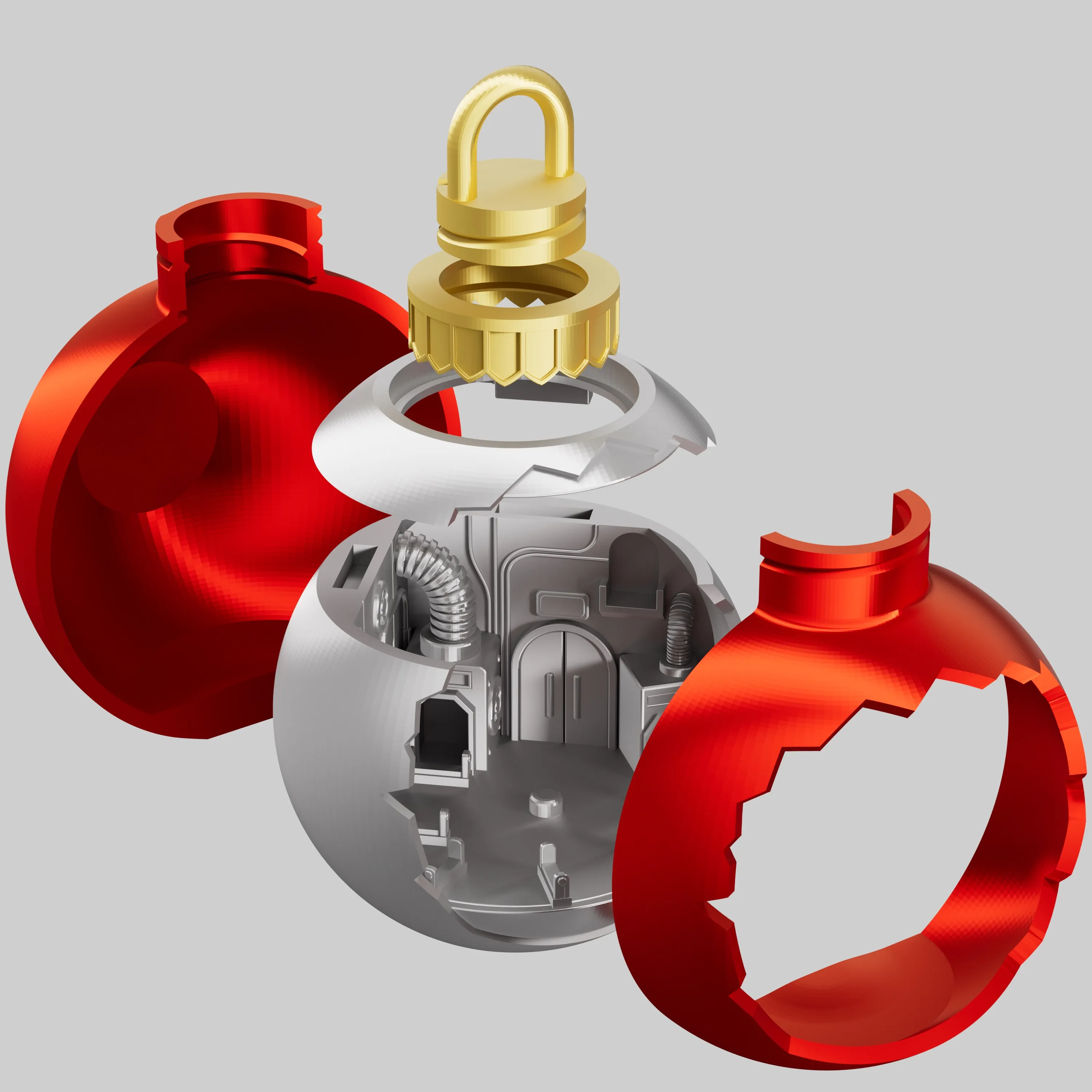
1. Main Body Installation
Objective: Build the physical skeleton of the sphere
Step 1: Close the Inner Shell
- Align the two halves of the inner shell and press the buckles firmly.
- Ensure the middle is tightly fitted.
- Tip: Please remove the supports from the bottom of the inner shell and ensure the surface is flat before assembly.
Step 2: Snap on the Outer Shell
- Wrap the two halves of the outer shell around the inner shell from both sides.
- Starting from the top, press evenly along the edges to close the outer shell tightly.
Step 3: Lock the Handle
- Align the top handle with the threaded hole.
- Screw it in clockwise until it is secure and does not wobble.
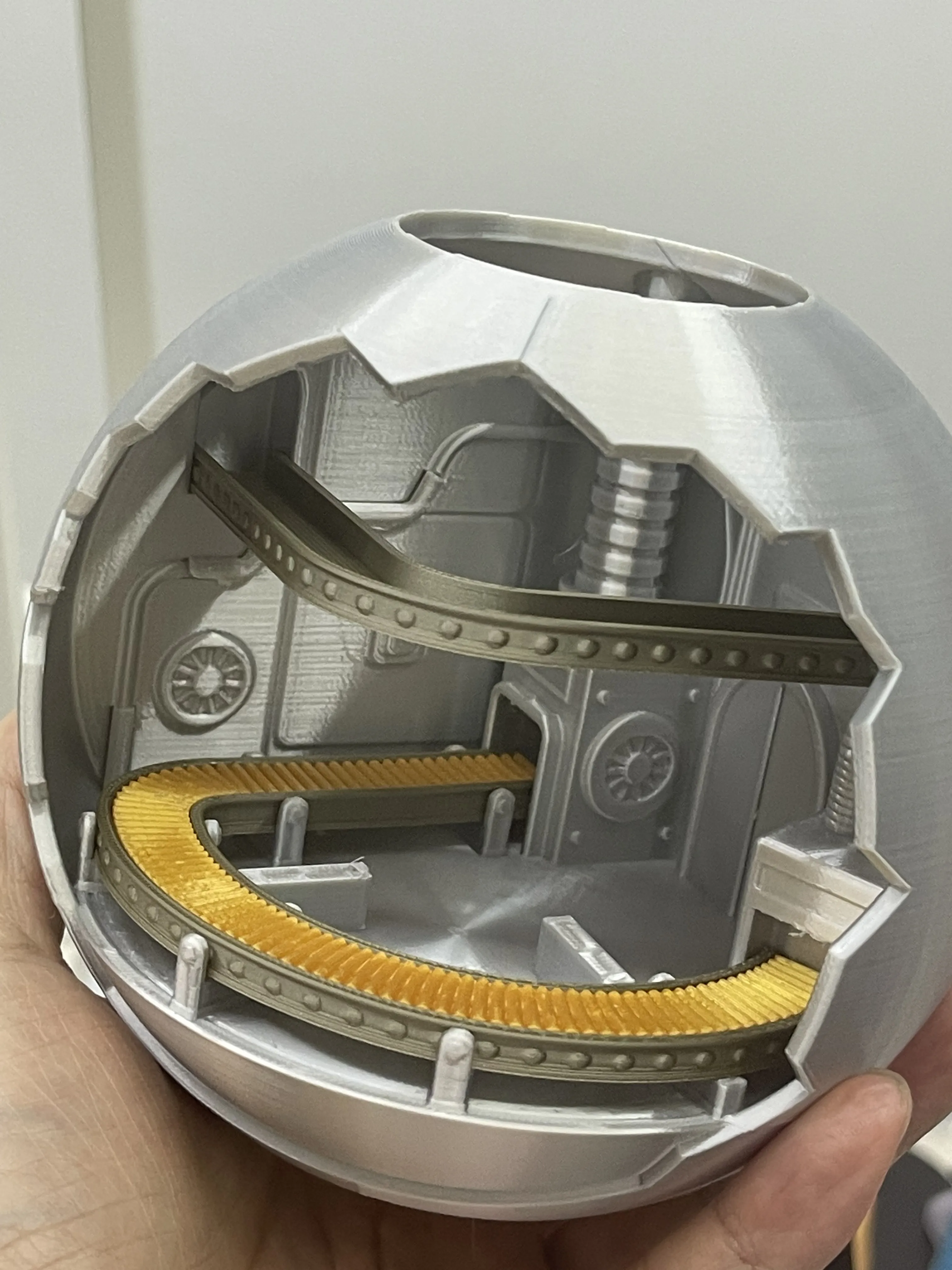
2. Conveyor Belt Installation
- Install the top and bottom layers of the conveyor belt separately.
- After embedding the magnets, test the adsorption stability.
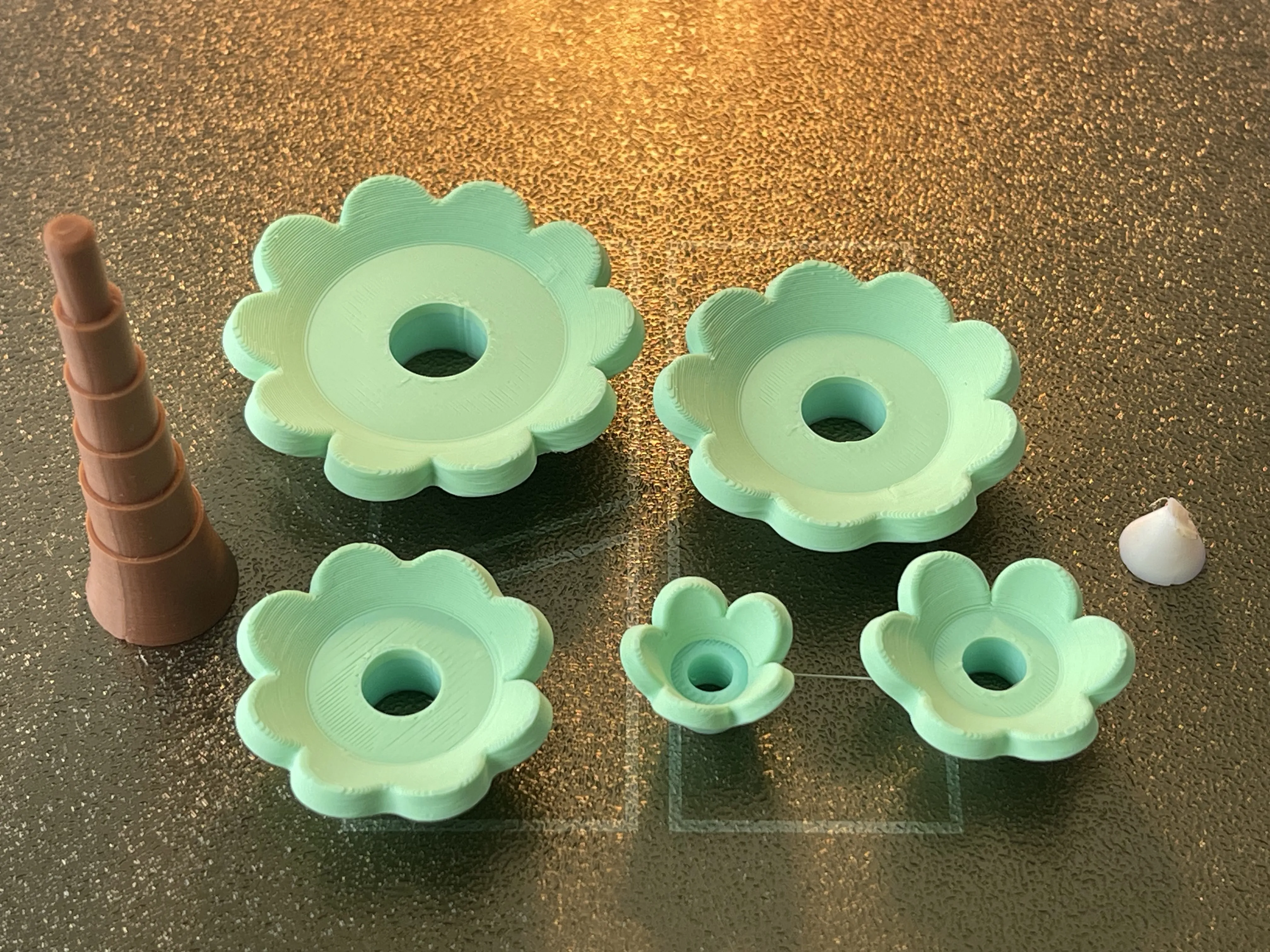
3. Decoration Expansion
- Christmas Tree: Insert into the central positioning column of the factory. It can rotate, adding interactive fun.
- Gift Box: Assemble the three-piece structure (box body + two ribbons) and embed the magnets. Suggest using high-saturation contrasting colors to simulate colorful gifts on a factory assembly line.
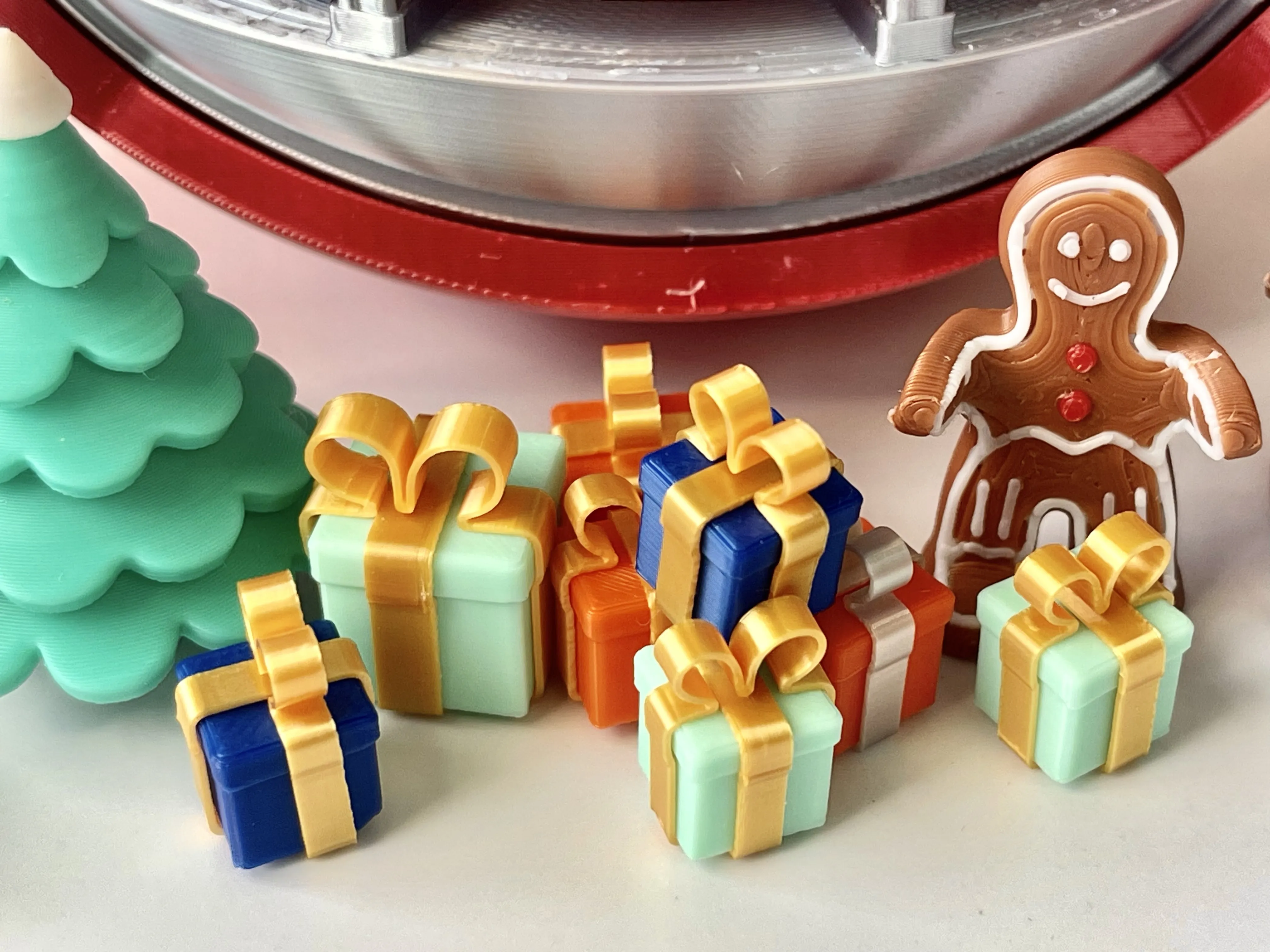
- Gingerbread Man: Requires AMS multi-color printing, stands independently on the ground.

🎁 Supporting Decoration System
| Decoration | Design Highlights | Usage Scenario |
|---|---|---|
| Christmas Tree | Modular design, base plug-in. Installed in the center, it can rotate freely, providing a fun interactive experience. | Insert into the central column of the factory. It serves as the core decoration and a stress-relieving toy. |
| Gift Box | Three-piece structure (body + ribbon), supports multi-color combinations. Must use rich, vibrant colors (e.g., red/green, blue/yellow, pink/purple) to perfectly replicate the characteristic look of a gift factory full of colorful presents. | Place on the conveyor belt to simulate gifts being packed and transported. It is the core element highlighting the "Gift Factory" theme. |
| Gingerbread Man | Integrated design, requires AMS multi-color printing, flat base for stable standing. | Place on the floor inside the factory as a fun accent, like a worker waiting for gifts. |
Boost Me (for free)
If you like my design, please give me a boost to help me create more great models!
Membership
Commercial membership
License

You shall not share, sub-license, sell, rent, host, transfer, or distribute in any way the digital or 3D printed versions of this object, nor any other derivative work of this object in its digital or physical format (including - but not limited to - remixes of this object, and hosting on other digital platforms). The objects may not be used without permission in any way whatsoever in which you charge money, or collect fees.


Comment & Rating (341)