
Adjustable Moka Pot Wrench for 8 & 10-side styles
Print Profile(2)


Description
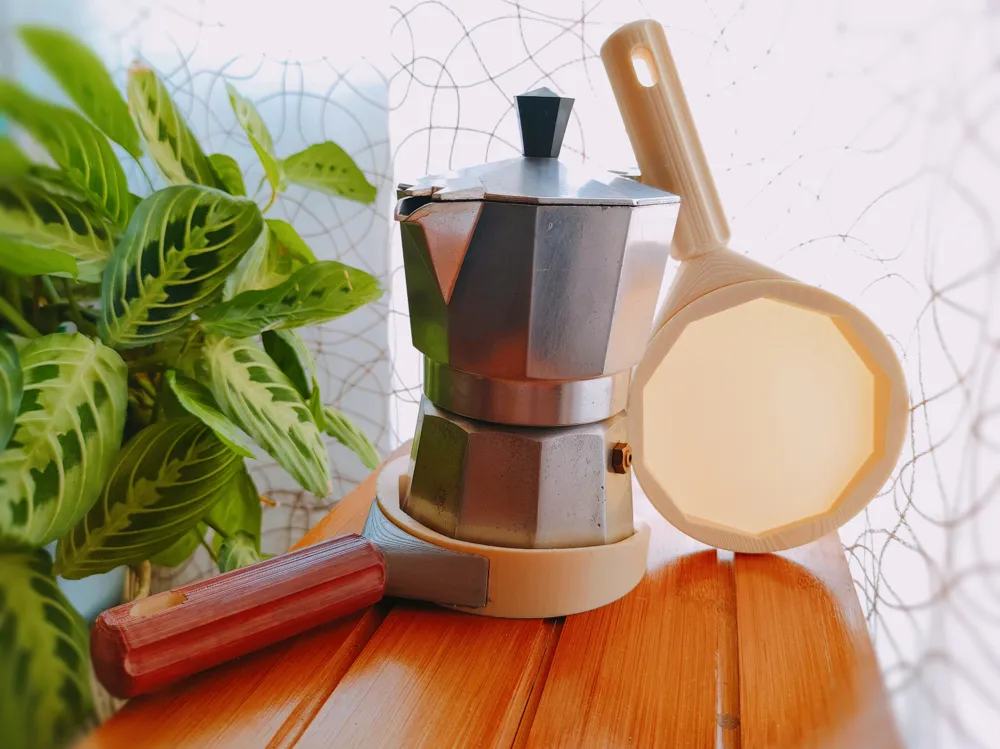
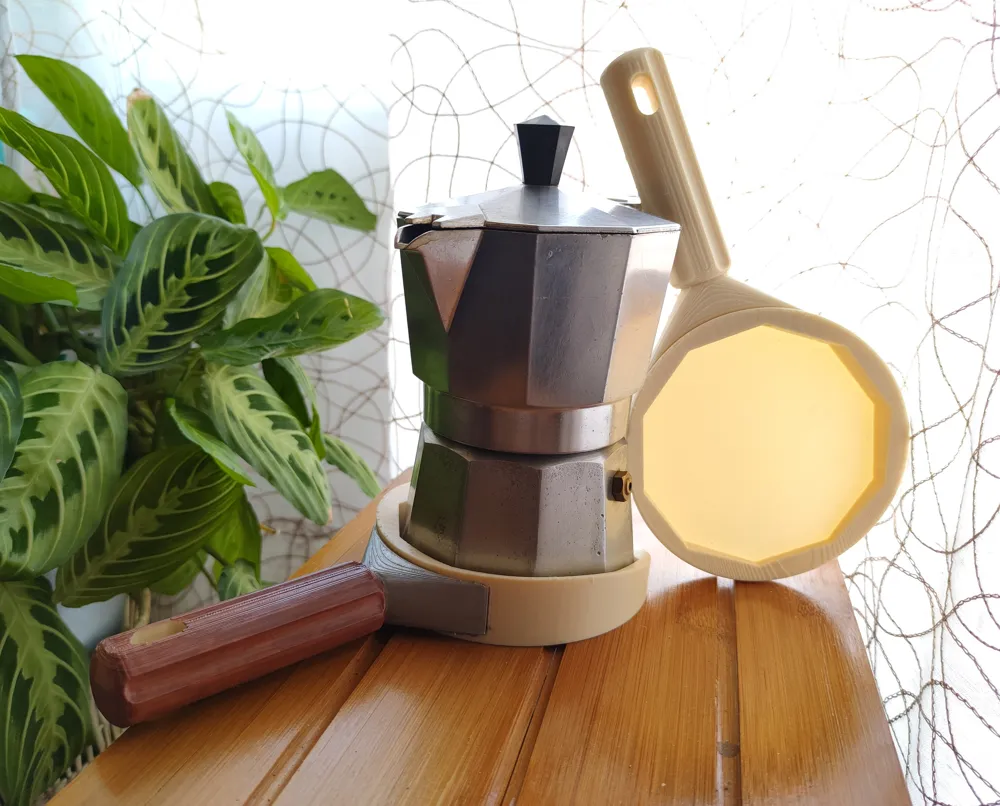
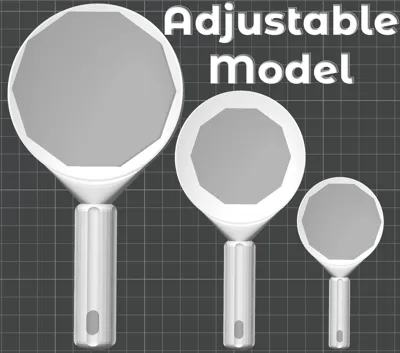
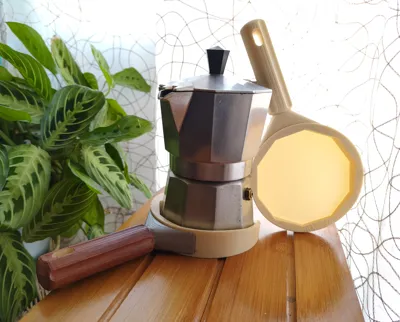
This little tool helps you to tighten and loose your moka pot with ease. I made this model for a person who is suffering from arthritis and sometimes has a hard time preparing their moka.
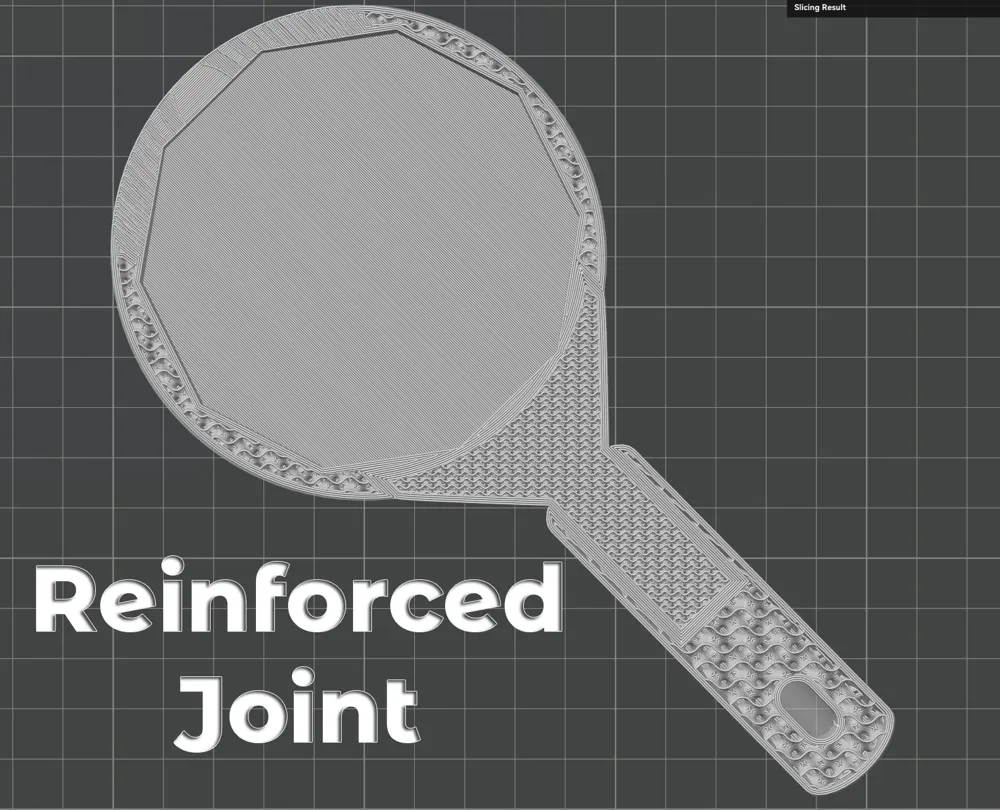
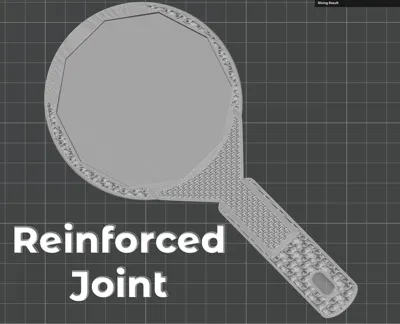
The opener is designed as a 3-part object, with a reinforced joint between the handle and the wrench part for increased strength
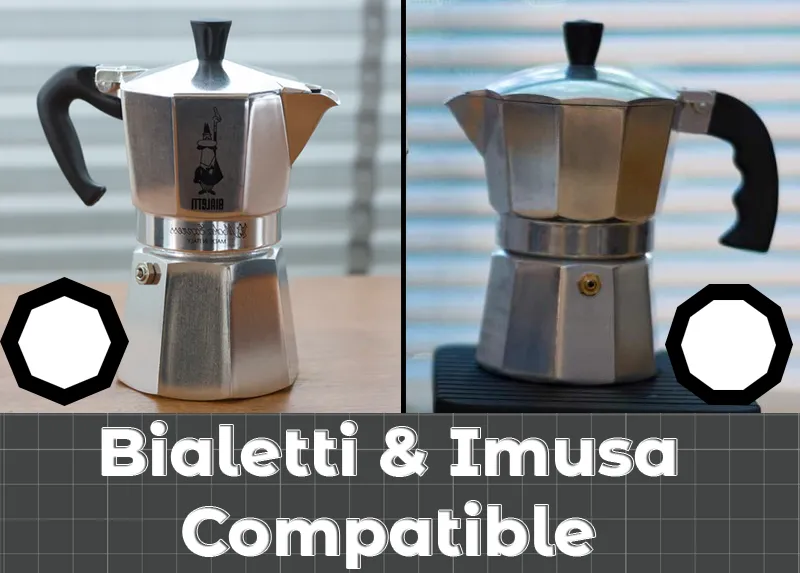
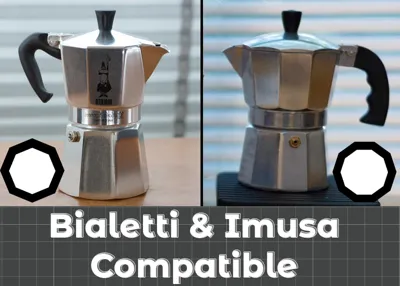
There are two variants available, one for each of the two main commercially available pot styles: Bialetti (8-side geometry) and Imusa (10-side). Use the profile that corresponds to your pot variant.
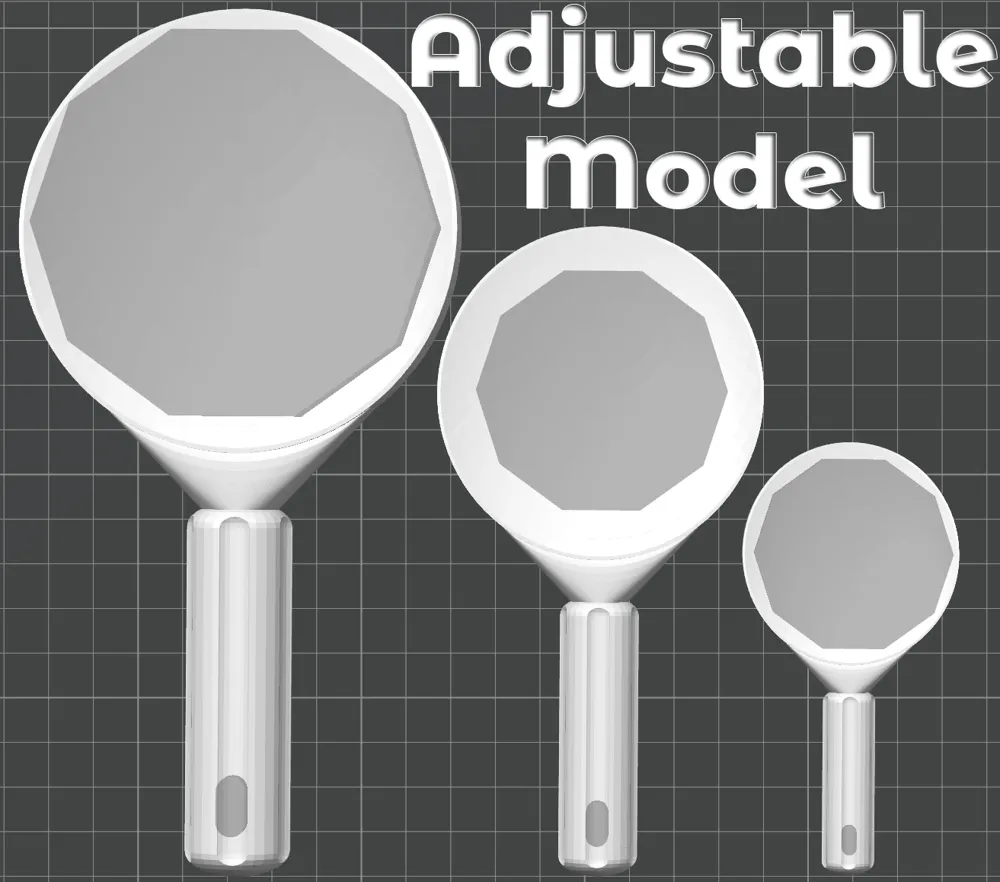
Important: Adjust the wrench size to fit your specific pot before printing. To do so you have 2 options depending if you want to scale the whole model at once, or the coupling inset and the handle separately. Follow these steps:
1. Measure the size of the base of your pot from side to side.
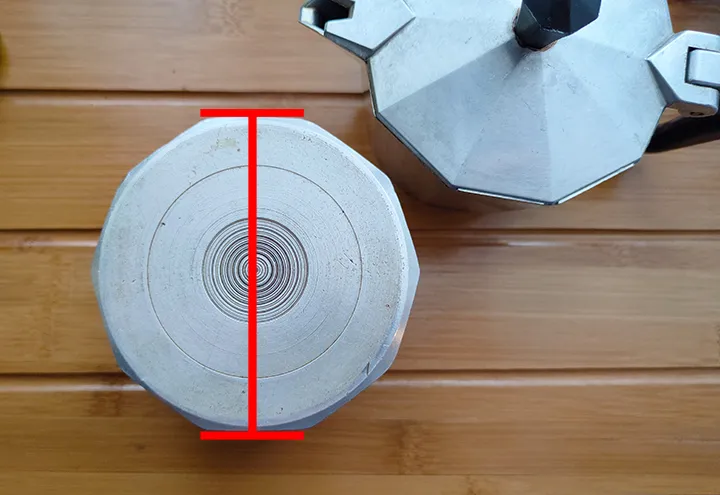
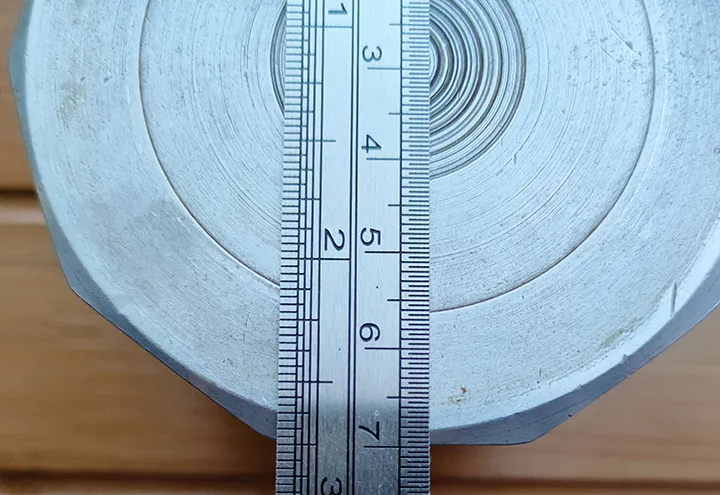
2. Open the profile you need (8-side Bialetti or 10-side Imusa) in Bambu Studio.


3. In the "Process" section of the "Prepare" tab, make sure the object view is enabled and select the "Pot_Inset" part.
4. Toggle the "Scale" tool (S), make sure "Part coordinates" is selected in the dropdown menu, and enter the size of your pot in millimeters in the size section of the X-axis. Make sure "uniform scale" is checked.
5. The scale section will update with the appropriate scale needed to accommodate your measurements. Copy down that number
Depending on whether you want to scale the whole model to fit your size or scale the coupling inset and the body separately, follow option A or B, respectively:
A. Scale the whole model
6. Revert the scale transformation (Ctrl+Z or set scale back to 100).
7. In the "Process" menu, select the whole model.
8. Toggle the "Scale" tool (S) and apply the scale you noted down. Make sure "uniform scale" is checked.
9. Done!
B. Scale the coupling inset and body separately
6. In the "Process" menu, select all the parts of the model except Pot_Inset.
7. Toggle the "Scale" tool (S), make sure "World coordinates" is selected in the dropdown menu, and with the parts selected from the previous step, scale the body to your preferred size. Make sure "uniform scale" is checked.
8. You can freely scale the body. Just make sure it is large enough to accommodate the pot inset.
9 Done!
License

You may create derivative works based on this object, provided that all such derivative works are published exclusively on the MakerWorld platform and include proper attribution to the original creator. You may not share, upload, host, distribute, or publish this object—or any derivative work of this object—on any other digital platform, marketplace, or distribution channel. Commercial use of this object and any derivative works is strictly prohibited. This includes, but is not limited to, selling, renting, sublicensing, or using the object in any context in which you receive monetary compensation or other financial benefits.


Comment & Rating (1)