
Calibrix Danish Block Stud Calibration Tool
Print Profile(1)

Description
This model is specifically for designers who design Danish blocks 3D printed parts to use to get the perfect stud size on their parts. Their studs tend to be less than forgiving when it comes to tolerances. Too loose is bad because the parts do not interlock well. Too tight is hard to press together and nearly impossible to pull apart. The Danish blocks company has tolerances within thousandths of a mm (absolutely insanely precise!), but we aren't going to hit that with a 3D printer – sorry. However, if you are trying to design a custom part, my tool allows you to figure out what the best size is for your specific printer within a hundredth of a mm.
How to use: 1.) Print the model. 2.) Start near 2.4 mm (the standard radius of a Danish block stud) and see how well a real Danish block accepts your 3D printed stud. 3.) If too loose, move up to a higher number (2.41 mm), else if too tight, move down to a lower number (2.39 mm). 4.) Repeat trying studs until you find a perfect fit.
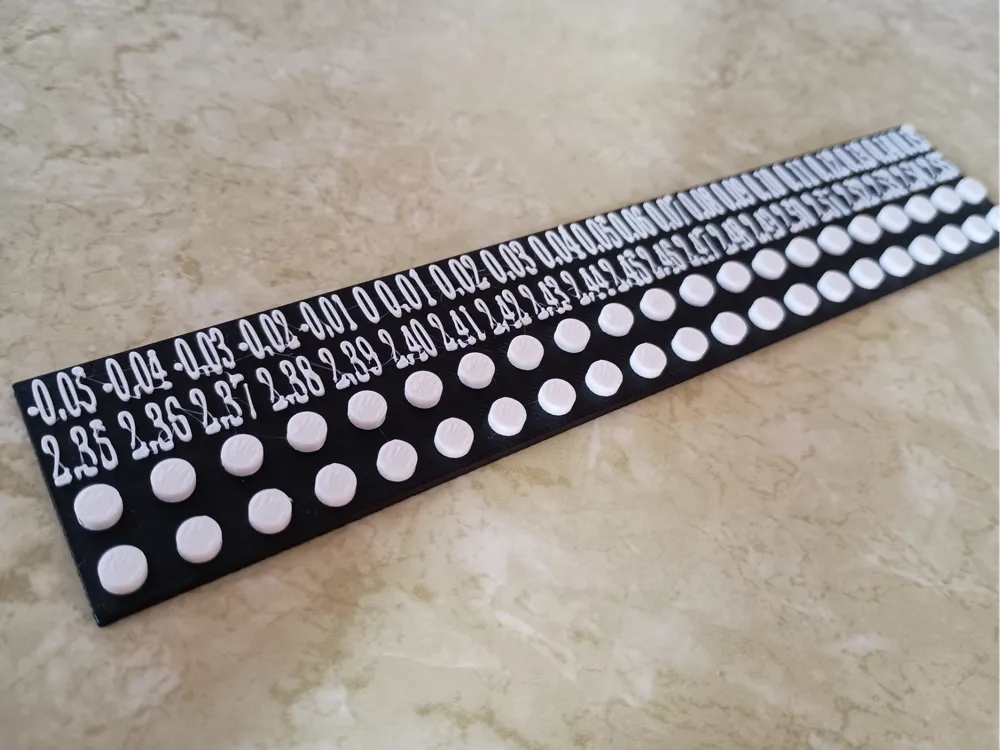
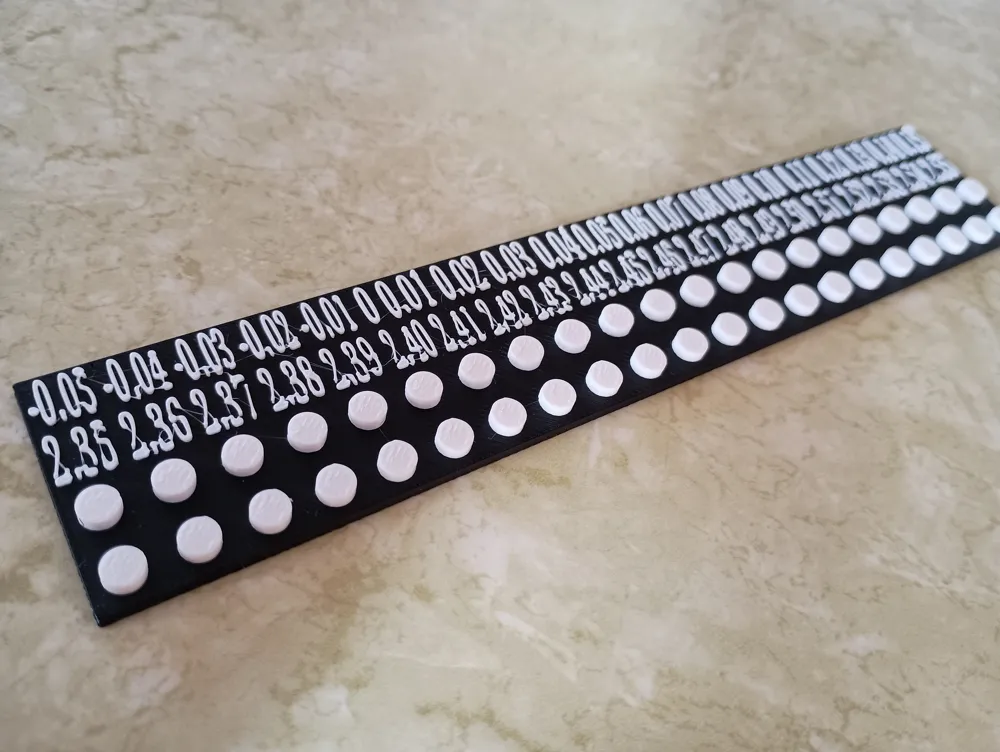
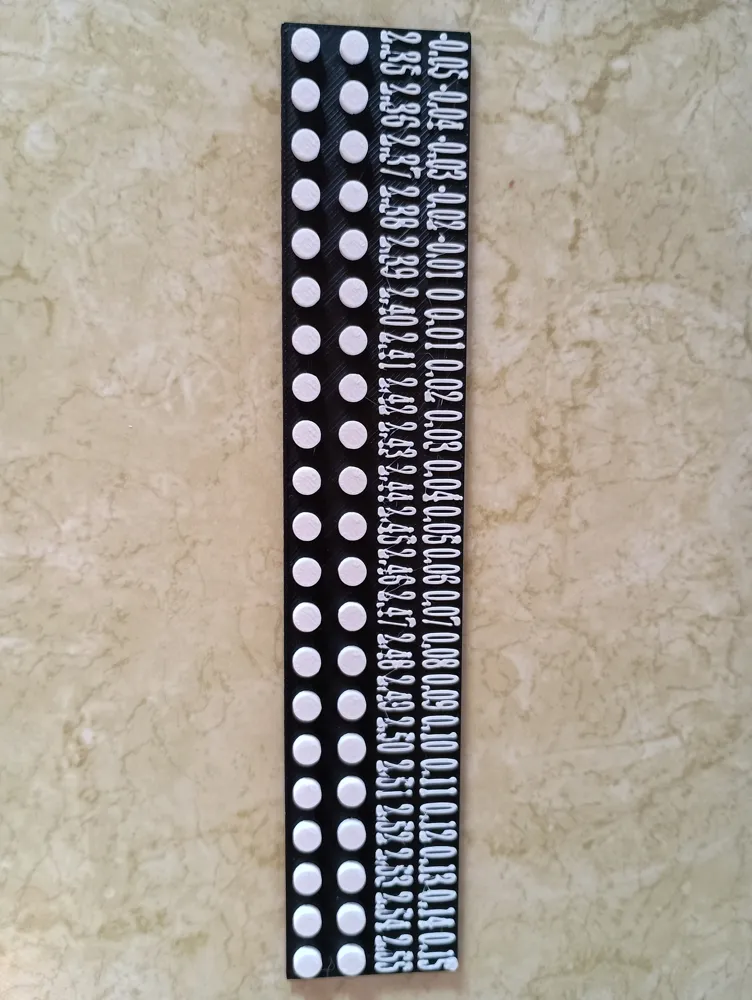
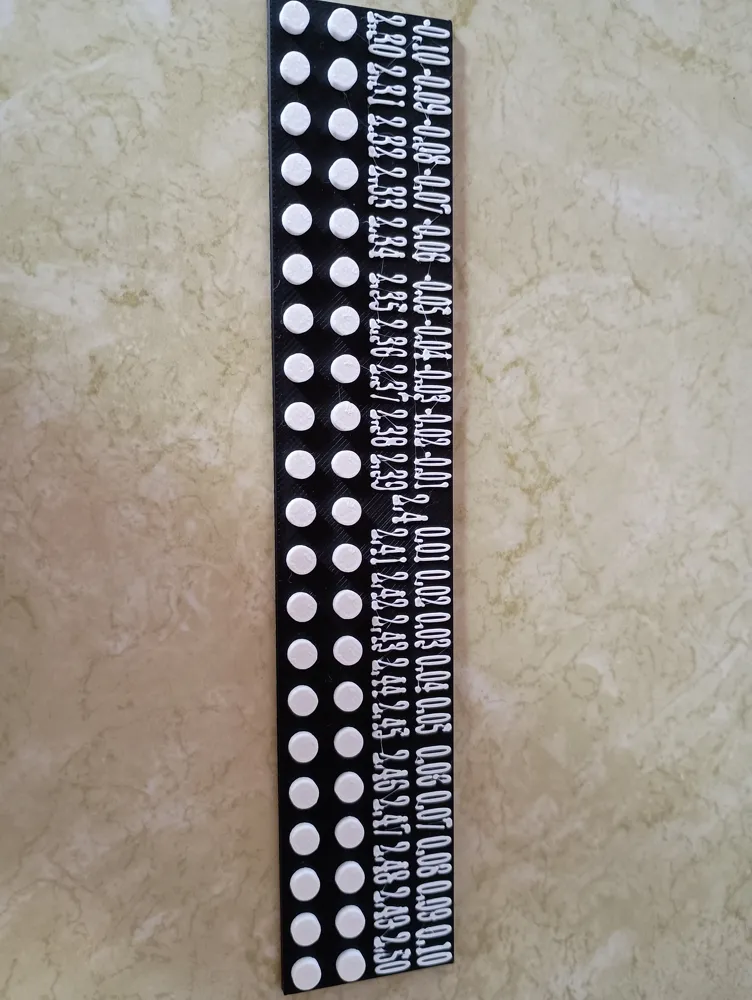
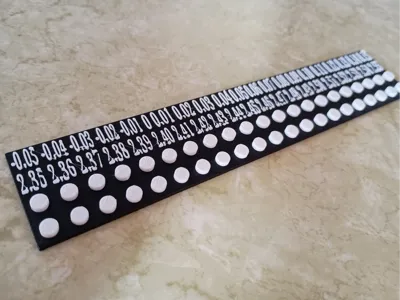
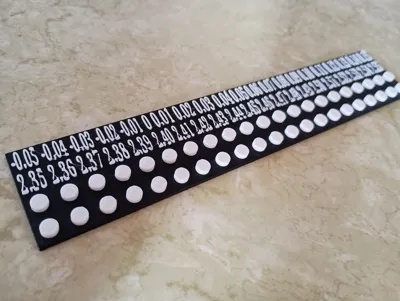
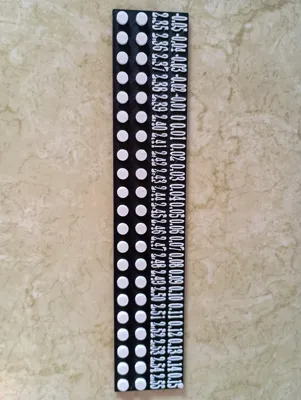
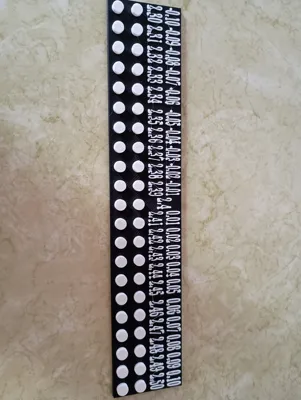
How to read the tool: The top row is the deviation from a normal stud radius of 2.4 mm. The second row is the actual radius in mm. These numbers tell you the same thing, but depending on what you are doing, you may prefer one over the other.
As for the stud rows, both of the rows contain the same studs, but having double studs allows you to better test the grab of a block with a length of two or greater. From left to right, each pair of studs slowly increases in size. You should use a test block of at least two length, preferably four, but a width of 1 block for best results.
You want to test on a cold print since materials can shrink down over time.
There are two models (plate 1 and plate 2). They give you a slightly different range for testing. The 2.3 to 2.5 mm range usually works great, but my printer tends to be tight with the higher numbers, so I created a separate tool for 2.35 to 2.55 mm range since I tend to never need the lower numbers.
Again, this is meant for designers. You want to design a part with a great stud, but you don't know what size studs work best with your printer, so you will print this model to quickly find the perfect number for you.
This is going to be part of a new series of blocks I am working on. I am calling it Caliblocks. I have recently created a calibration tool for antistuds, so if this interests you, check out my profile. I hope to create a whole collection of parts where you can enter in your special stud radius and antistud radius for a perfect fit across my collection.
License



Comment & Rating (0)