
Stacked Text Generator - Parametric
Print Profile(1)

Description
Boost Me (for free)
Like this or found it useful? Please help me keep developing cool / useful stuff!
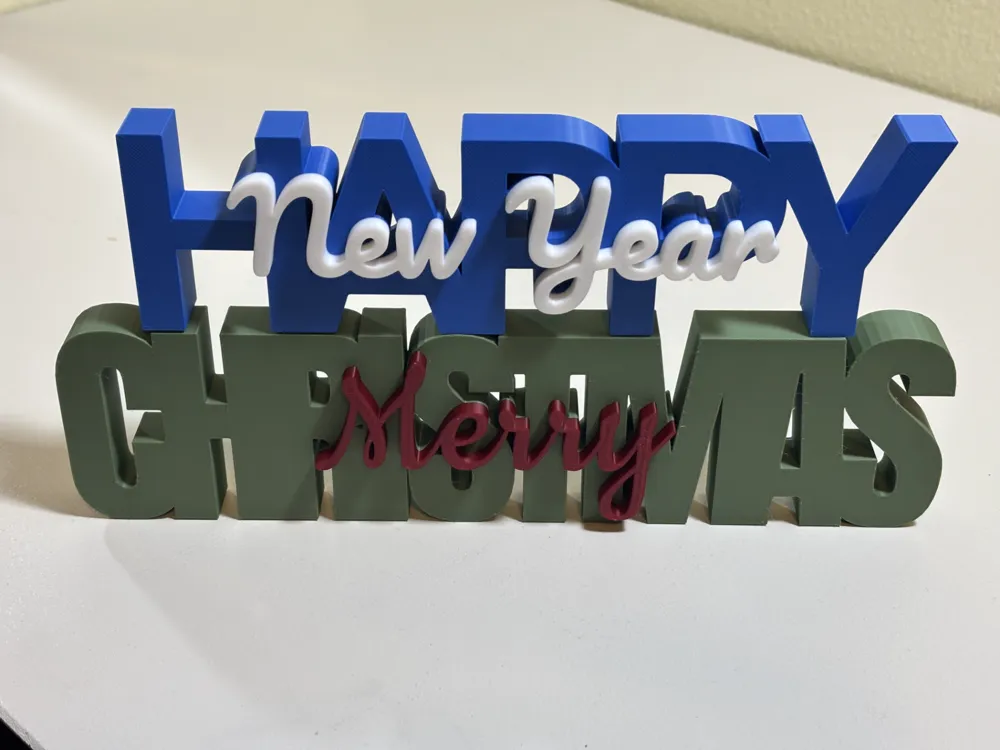
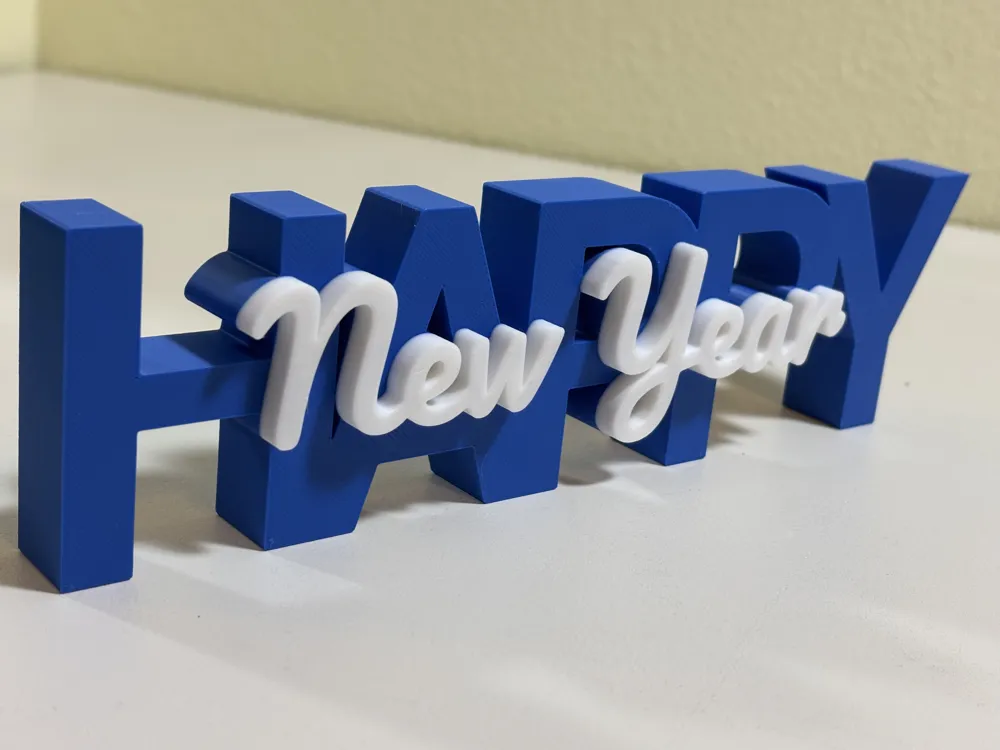
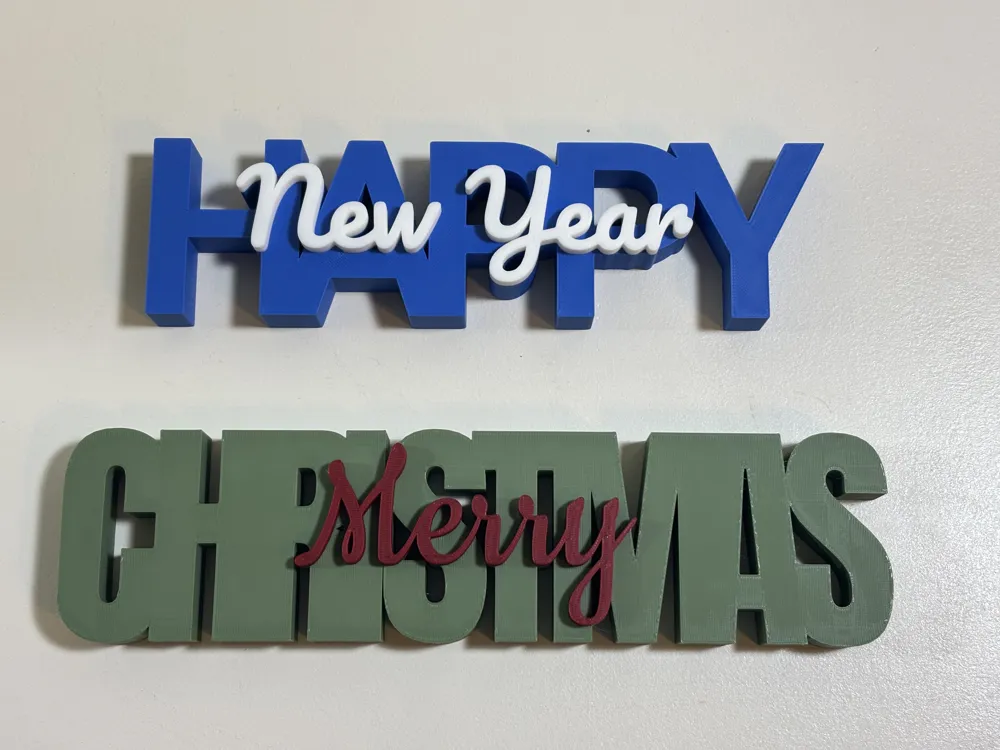
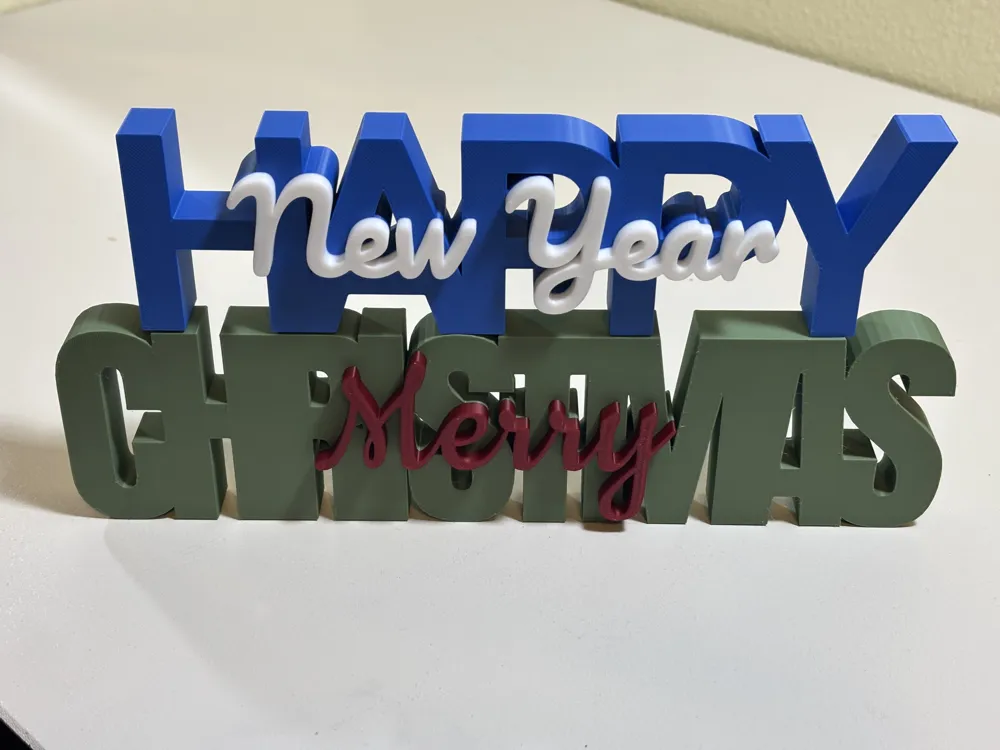
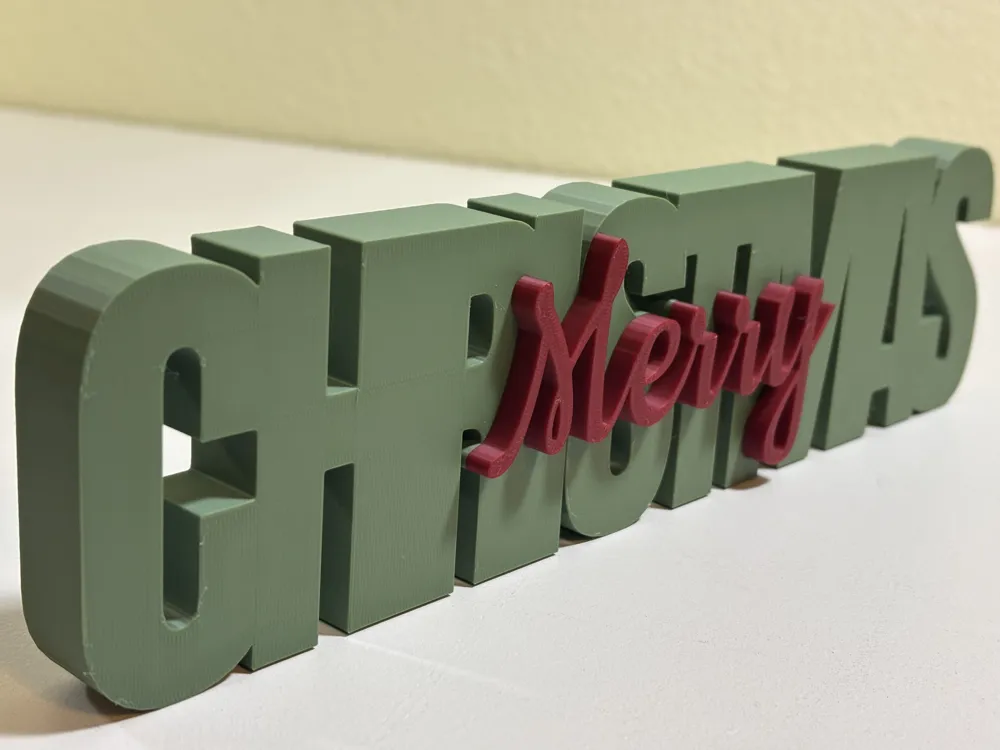
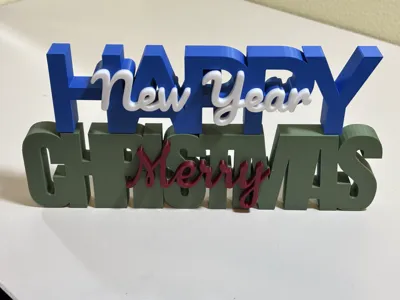
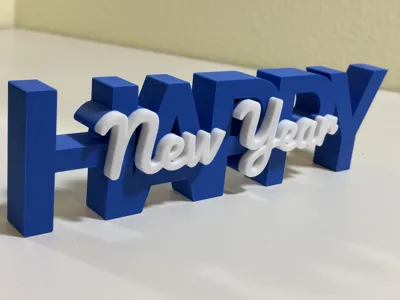
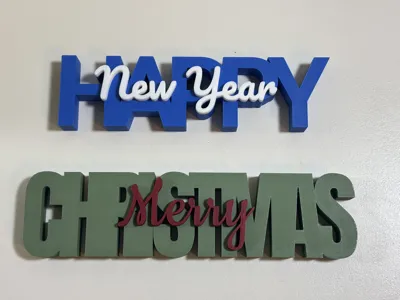
Custom Text Stacker (Parametric)
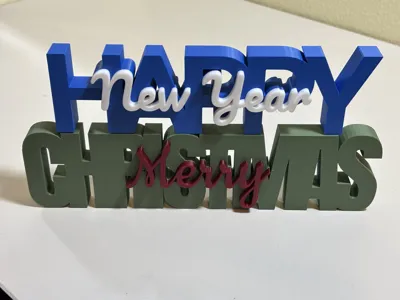
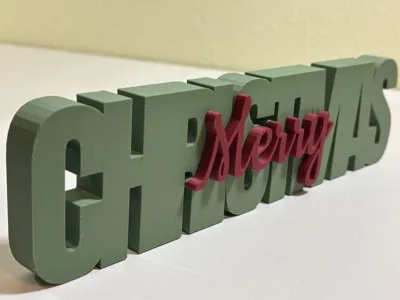
Create your own custom 2-tone text display! This model lets you stack a secondary message on top of a base word. The top text flows down to the build plate, so it is strong and won’t need supports. It is designed to fuse the two words together for a strong, solid print that looks great on a desk, shelf or as a keychain.
How to Customize
Click the "Customize" button to open the Parametric Model Maker.
- Dimensions
- Base Text Height – How tall the bottom blocky text will be.
- Top Text Height – How tall the top text will be on top of the bottom text.
- Bottom Text Settings
- String – The actual text you want.
- Font – Select from 10 blocky type fonts.
- Style – Regular, Bold, Italic, etc – Most styles should work with most fonts but there might be some that do not.
- Size – How big do you want it – Note: This is arbitrary and should really be used for bottom size to top size ratio – as you can scale in the slicer.
- Spacing – IMPORTANT – To get a single printed piece, the block letters should be touching. The lower this setting the closer they are together. .8 to .85 seems to work well.
- Top Text Settings
- All the same as above – but have different ‘Fancy’ fonts.
- Top Text Placement
- Alignment – Top text in the Left / Center / Right of the bottom text.
- Justification – Top text in the Top / Center / Bottom of the bottom text.
- Top X/Y Offset – Adjust the top text manually.
- Keychain Loop
- Add a Loop – Yes / No
- X/Y Offset – Adjust the loop so that is intersecting with the first letter or wherever you want it.
Printing Tips
- Scale: The generated model might be too big – shrink it down to fit your plate.
- Colors: The model is designed for a simple color swap at height. Change the colors in the slicer to your liking.
- Base Text Height: Prints in your Base color.
- Top Text Height: Prints in your Top color.
- Supports: None needed.
- Non-AMS Users: The generated file is a single object, you should be able to add a pause at the layer of the text change allowing you to swap out colors.
License

You shall not share, sub-license, sell, rent, host, transfer, or distribute in any way the digital or 3D printed versions of this object, nor any other derivative work of this object in its digital or physical format (including - but not limited to - remixes of this object, and hosting on other digital platforms). The objects may not be used without permission in any way whatsoever in which you charge money, or collect fees.


Comment & Rating (4)