
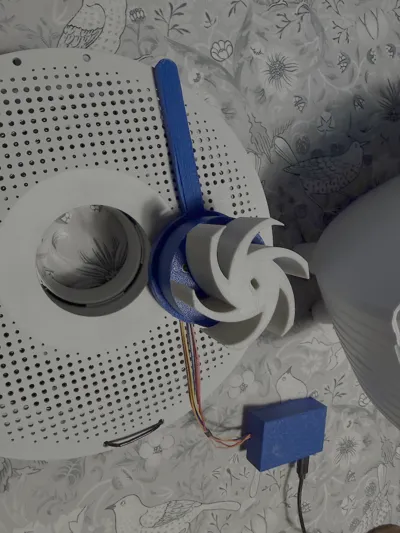
Automatic Filament Rotator (2 x 360 degr/hour)
Print Profile(1)

Description
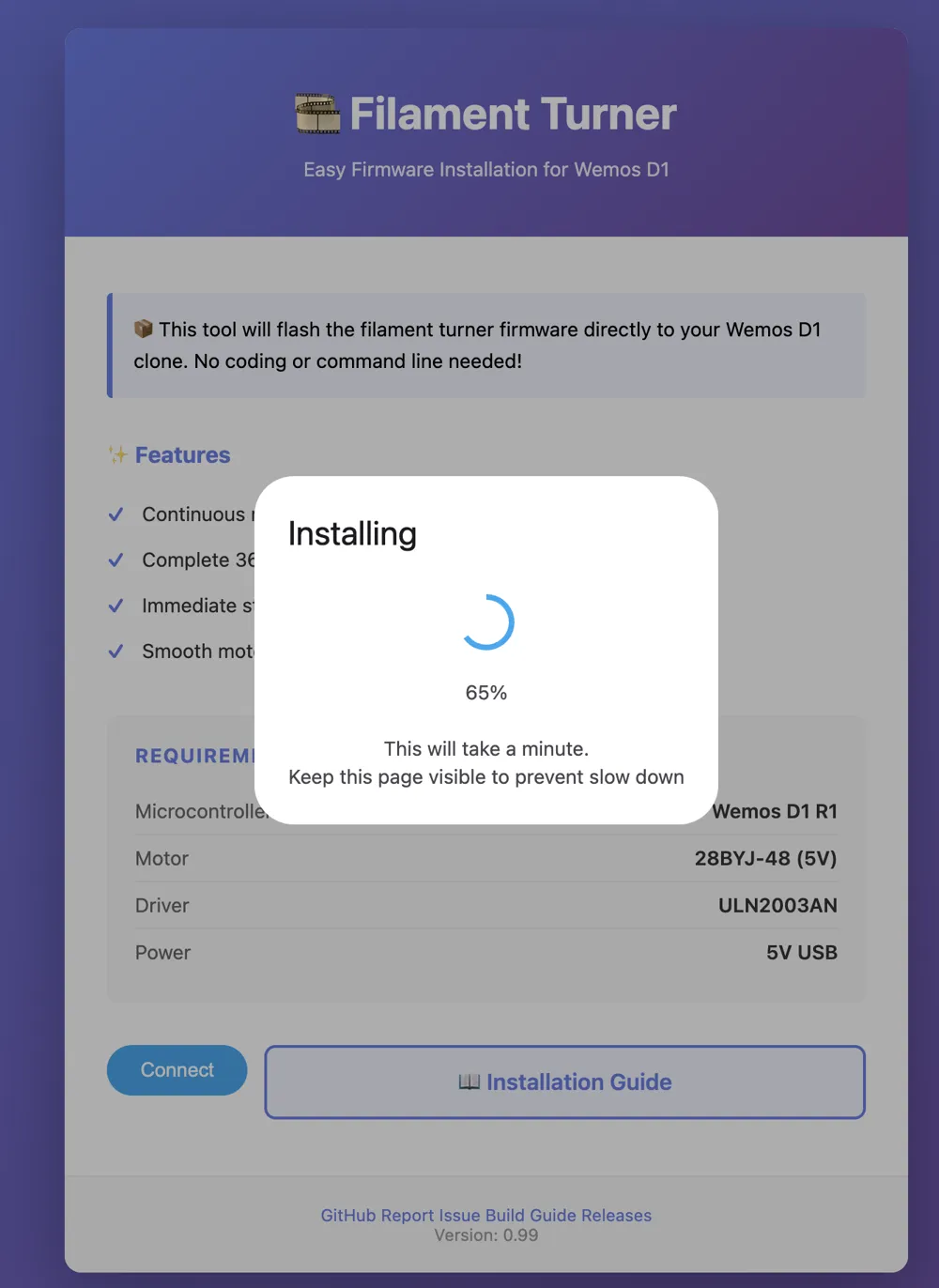
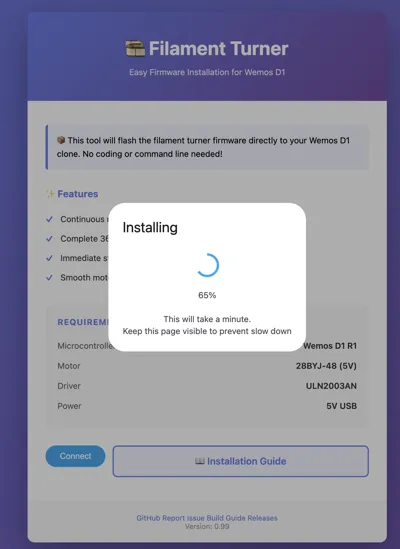
Filament Turner Controller - Build Guide
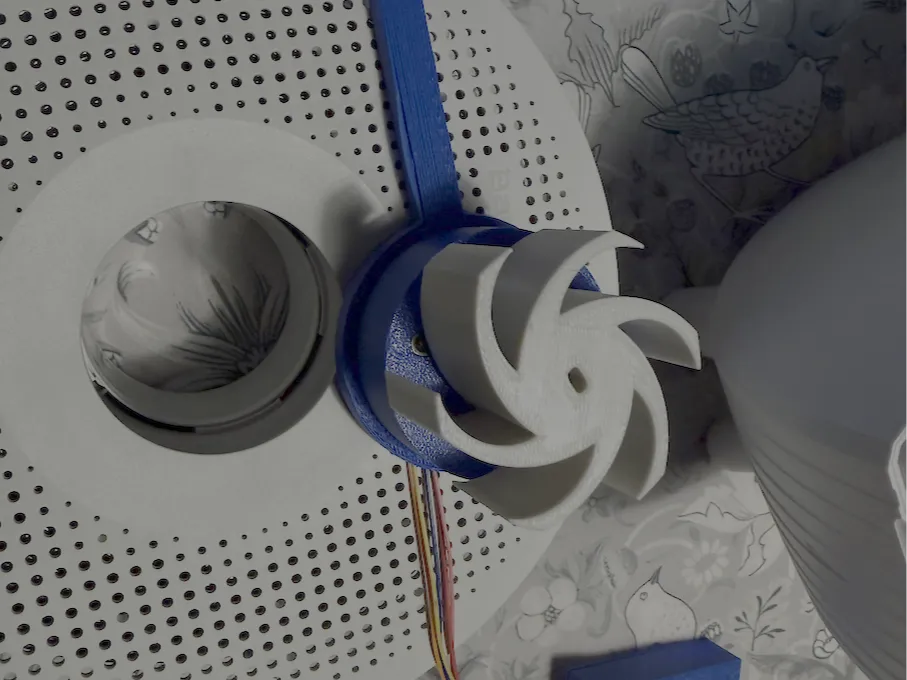
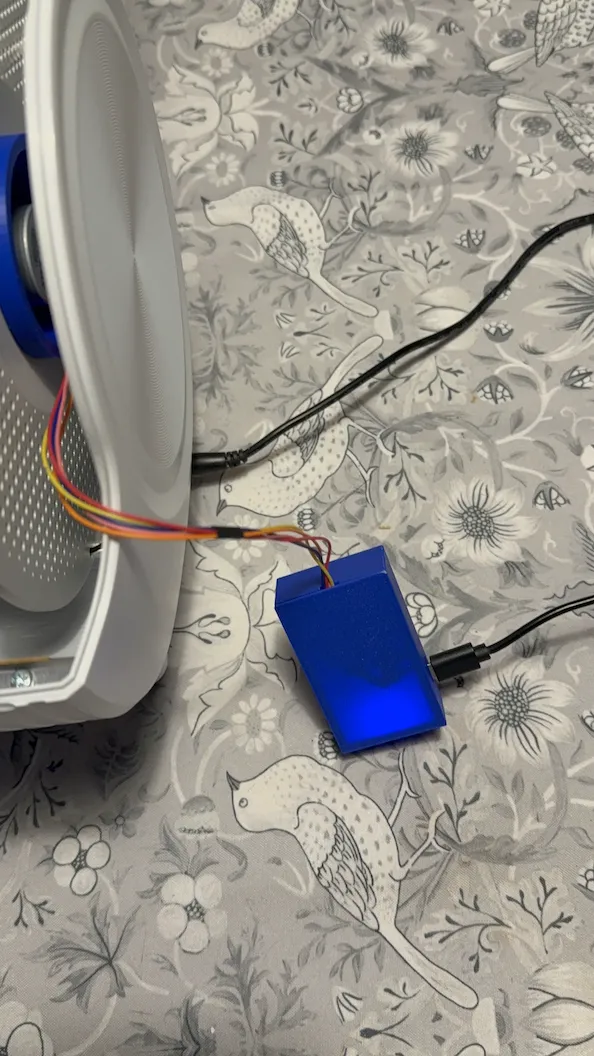
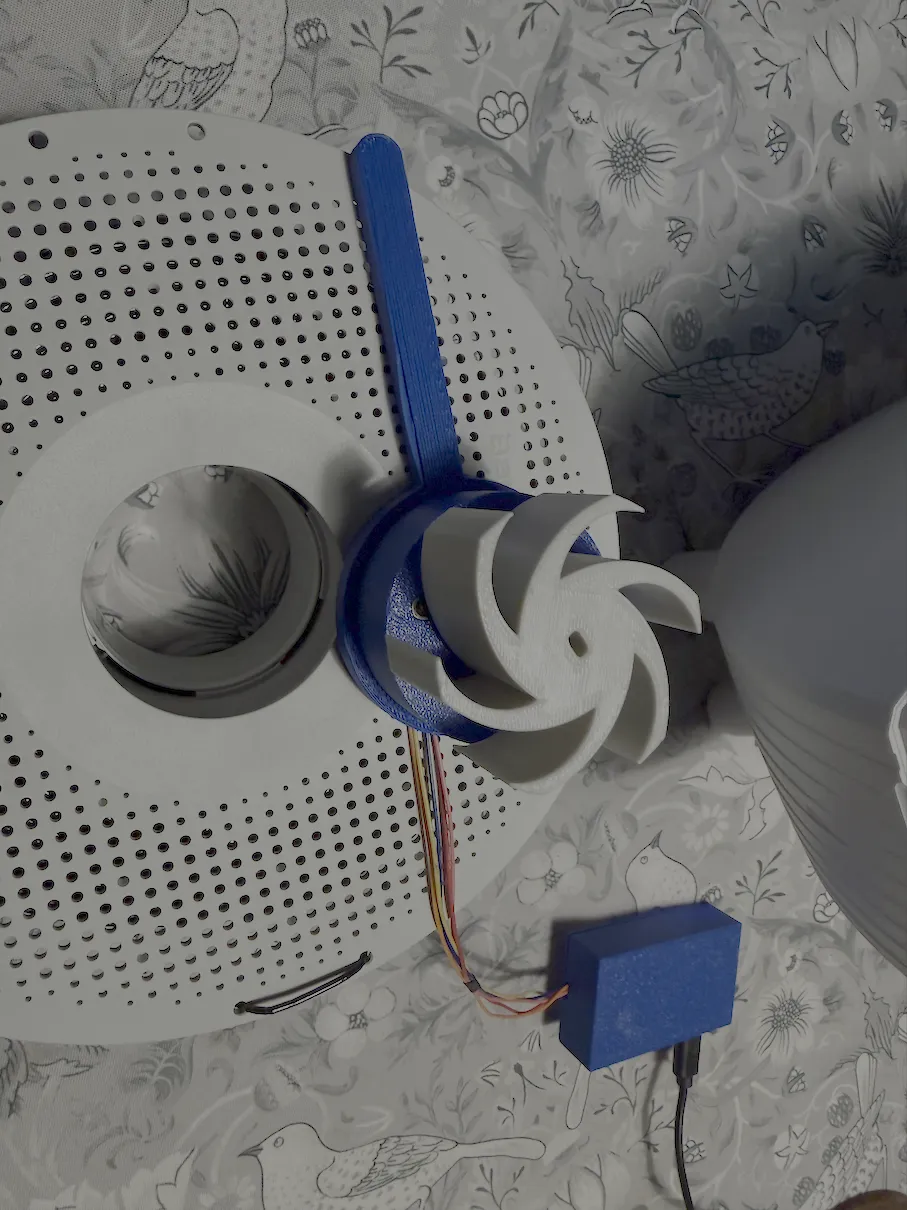
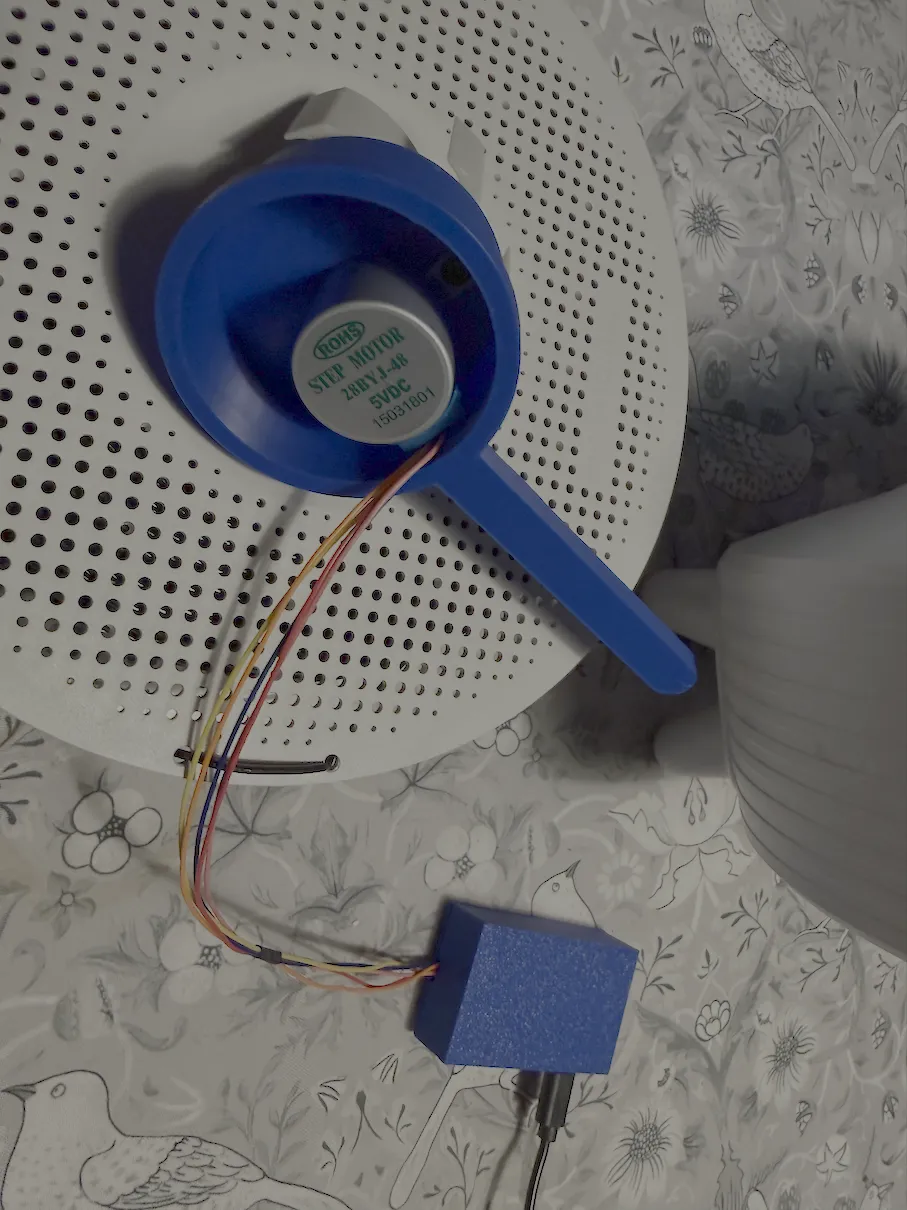
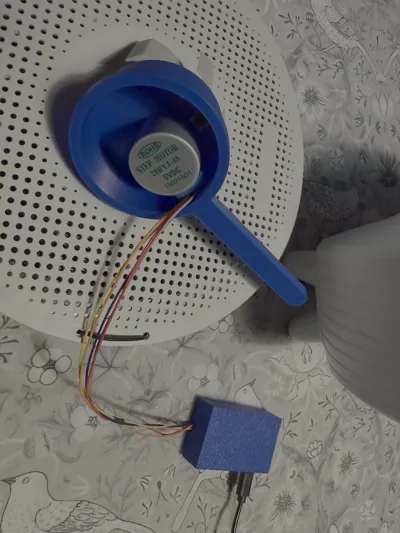
Got inspired by this post made another version using a very cheap controller board and stepper motor setup.
⚡ Features
- Automatic rotation every 5 minutes
- Complete 360° rotation in approximately 30 minutes
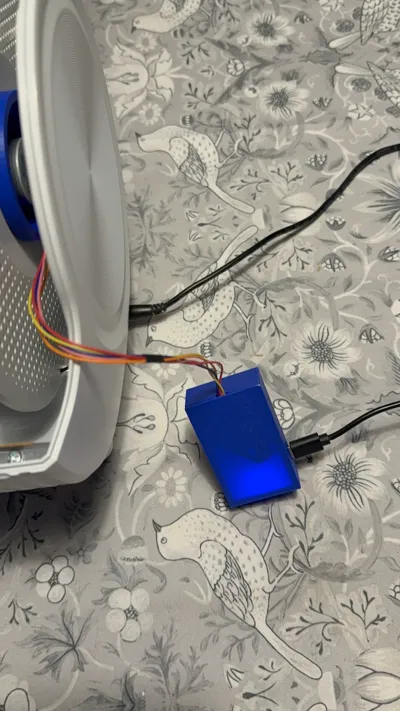
- USB powered - works with any 5V USB charger
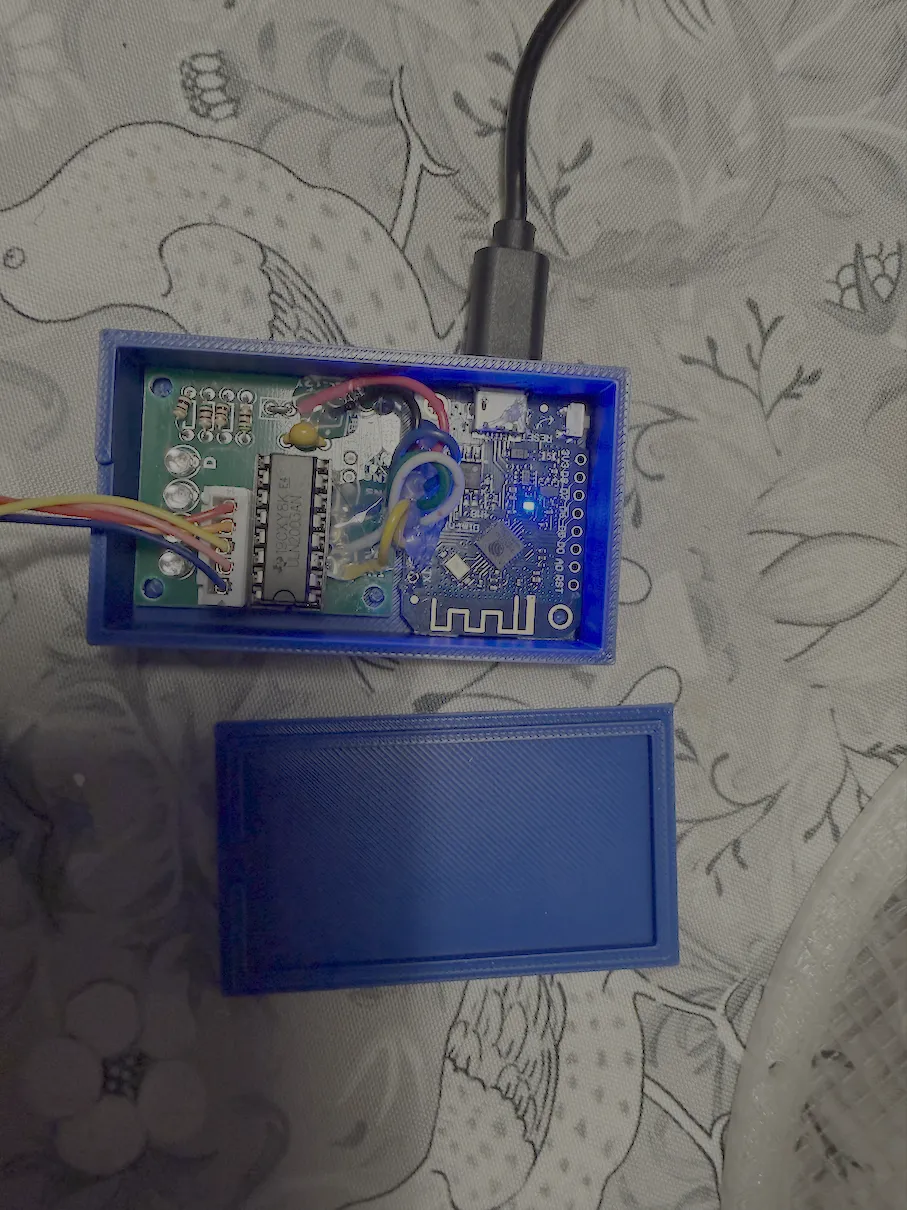
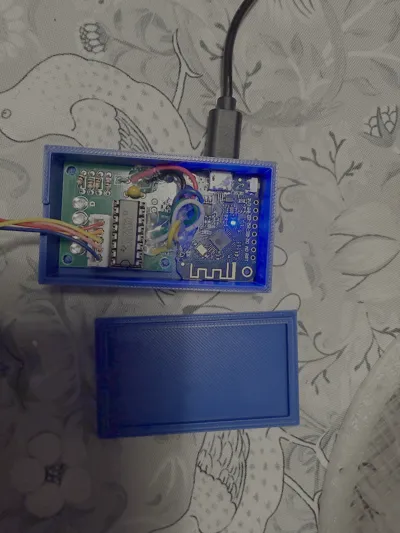
- Easy installation - no soldering required (optional breadboard method, recommended to solder 6 wiresfor a clean setup)
- Open source firmware - customizable and upgradeable
📦 Bill of Materials (BOM)
Essential Components
| Component | Quantity | Notes | Estimated Cost |
|---|---|---|---|
| Wemos D1 Mini (ESP8266) | 1 | Clone is fine (~$1-3 on AliExpress) | $10 |
| 28BYJ-48 Stepper Motor | 1 | 5V version with gearbox | $3 |
| ULN2003AN Driver Board | 1 | Usually comes with motor kit | $2 |
| USB Micro-B Cable | 1 | Any 5V USB charger or power bank | $3 |
| Dupont Jumper Wires | 8+ | Male-to-female (20cm) | $2 |
Total: ~$12 (less if you have spare cables)
Optional
- Breadboard (optional for testing before final build)
- USB power supply (5V/2A recommended)
🛠️ Assembly Instructions
Step 1: Identify Your Parts
- Wemos D1 Mini - Small WiFi development board
- 28BYJ-48 Motor - Geared stepper motor with 4 coil wires (typically colored brown, orange, pink, yellow)
- ULN2003AN Board - Darlington driver with 4 signal inputs (IN1-IN4) and motor connection terminals
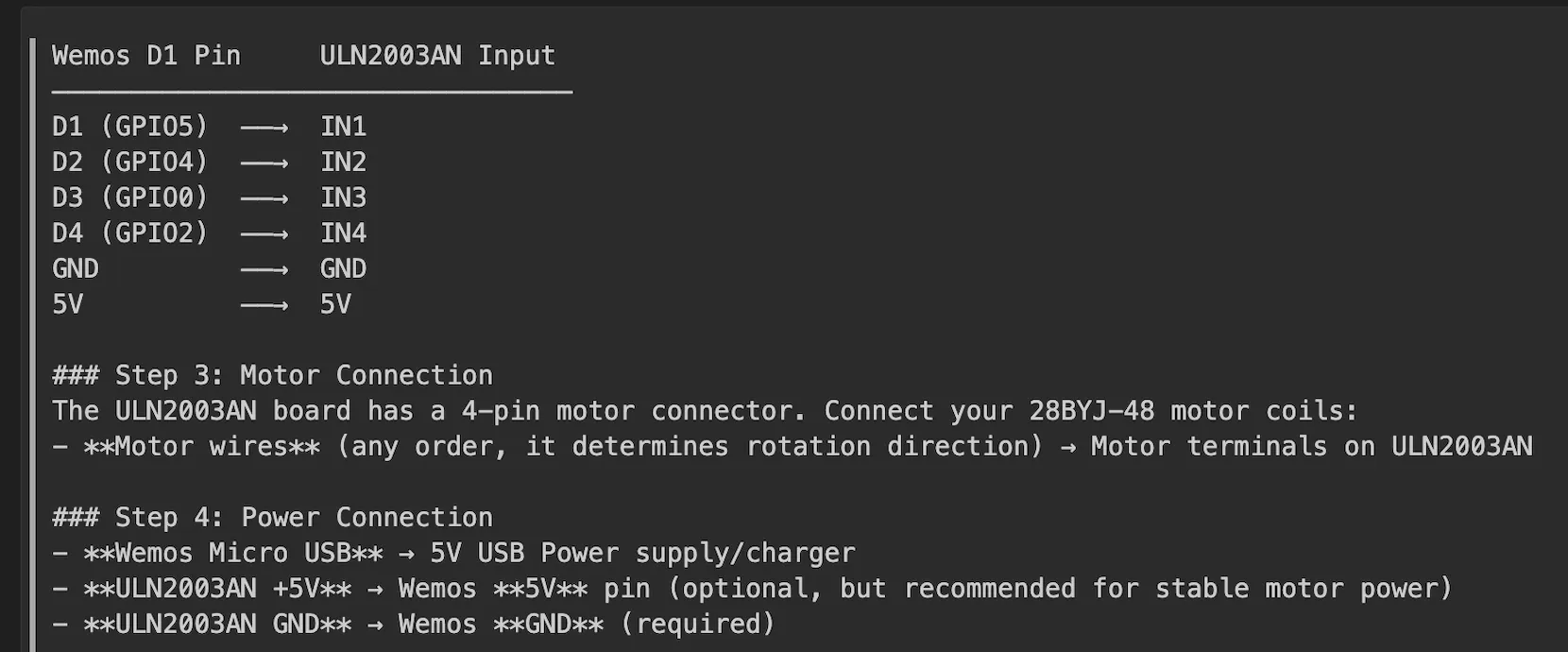
Step 2: Pin Connections
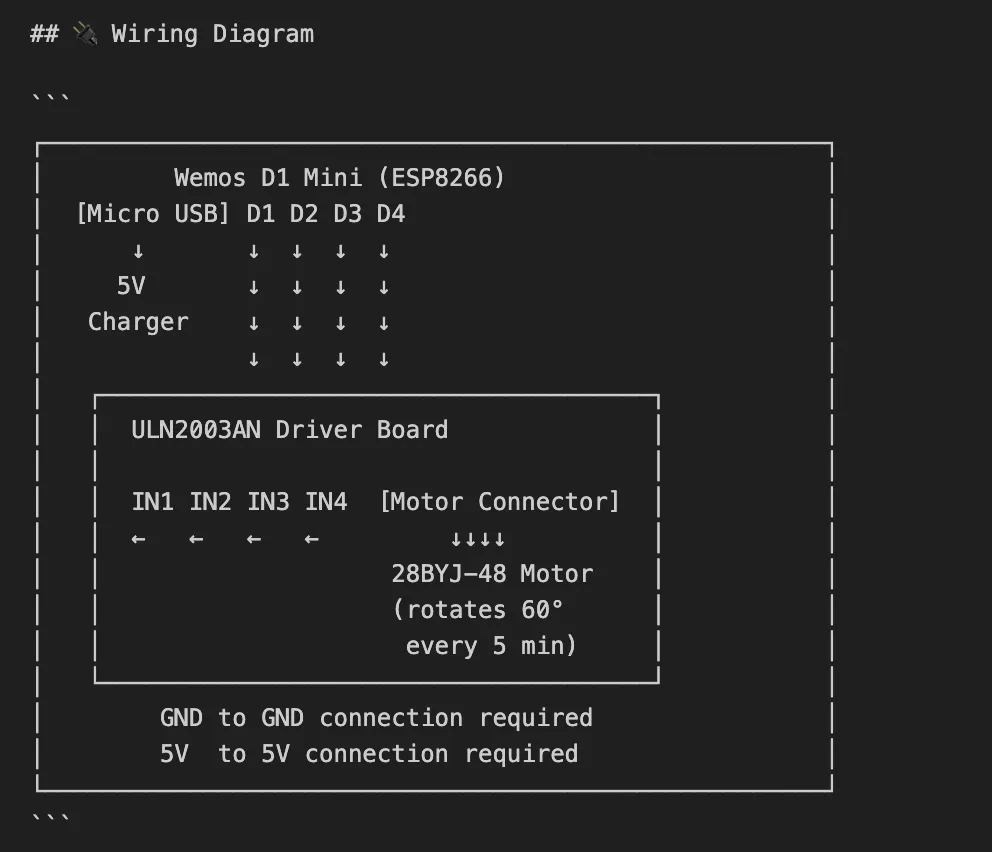
Connect the following Wemos D1 pins to the ULN2003AN driver board (I suggest to soldering it in your final build.):
🐛 Troubleshooting
| Problem | Solution |
|---|---|
| Motor doesn't turn | • Check USB power supply (5V, ≥1A) • Verify pin connections • Check motor coil wires are seated |
| Upload fails | • Try different USB cable • Hold GPIO0 to GND while plugging in USB • Verify correct COM port selected |
| Rotation is jerky | • Increase DELAY_BETWEEN_STEPS (e.g., to 3-5ms) • Check power supply voltage under load |
| Motor runs in wrong direction | • Swap any two motor coil wires on the ULN2003AN board |
| Partial rotation | • Increase DELAY_BETWEEN_STEPS • Check USB power supply amperage |
📐 3D Printing Tips
This design works great with 3D printed brackets/mounts:
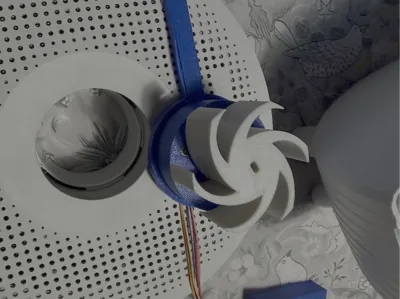
- Mount motor vertically to filament spool
- Print coupling to attach motor shaft to spool
📚 Additional Resources
- GitHub Repo: https://github.com/mybesttools/Wemos-Filament-Turner
- Wemos D1 Pinout: https://www.wemos.cc/en/latest/d1/d1_mini_3.1.0.html
- 28BYJ-48 Specs: 4076 steps/revolution, 1:64 gear ratio
- ULN2003AN Datasheet: https://www.ti.com/product/ULN2003A
🤝 Support
- Found a bug? Report on GitHub Issues
- Have an improvement? Submit a Pull Request
Happy Printing! 🎞️
License

You may create derivative works based on this object, provided that all such derivative works are published exclusively on the MakerWorld platform and include proper attribution to the original creator. You may not share, upload, host, distribute, or publish this object—or any derivative work of this object—on any other digital platform, marketplace, or distribution channel. Commercial use of this object and any derivative works is strictly prohibited. This includes, but is not limited to, selling, renting, sublicensing, or using the object in any context in which you receive monetary compensation or other financial benefits.


Comment & Rating (0)