
Print Profile(1)



Description
Hey All,
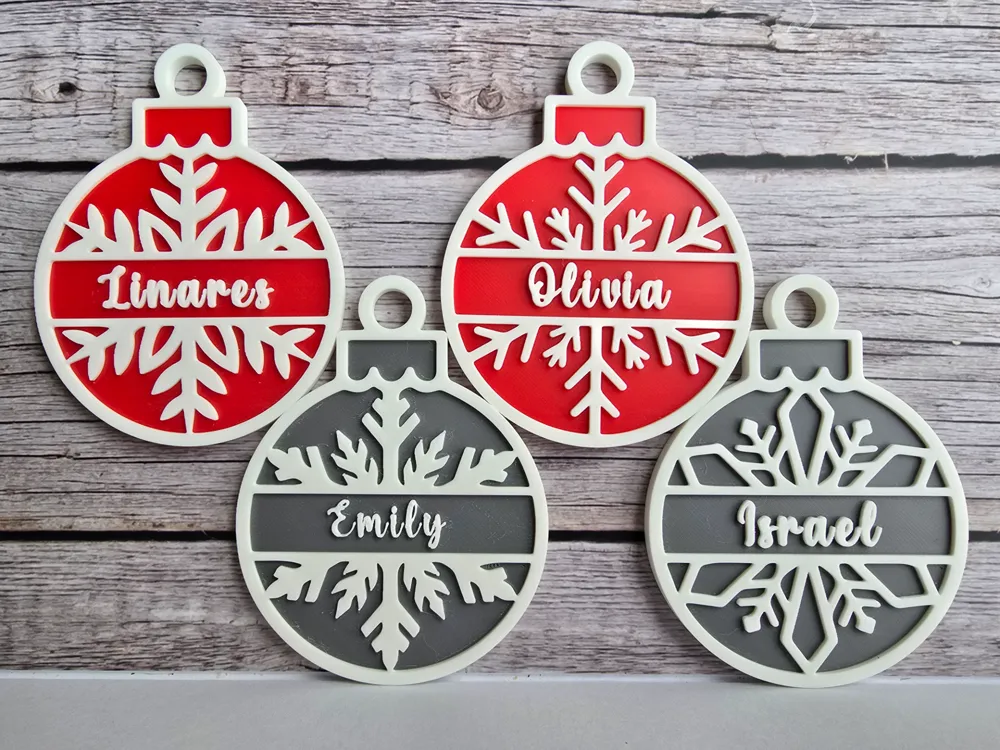
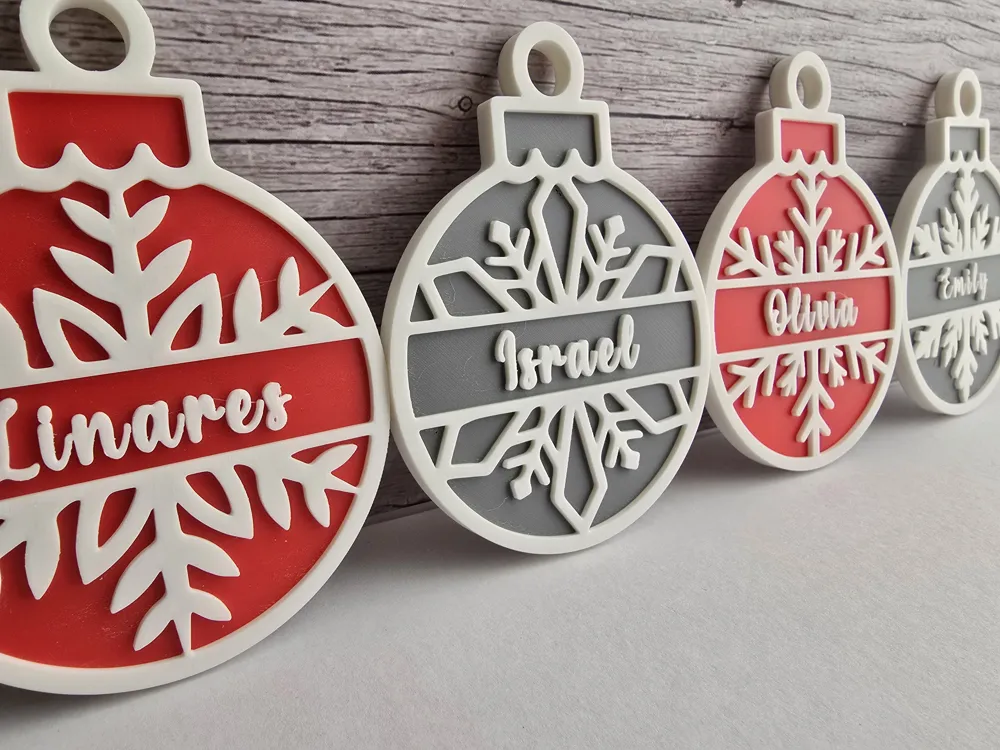
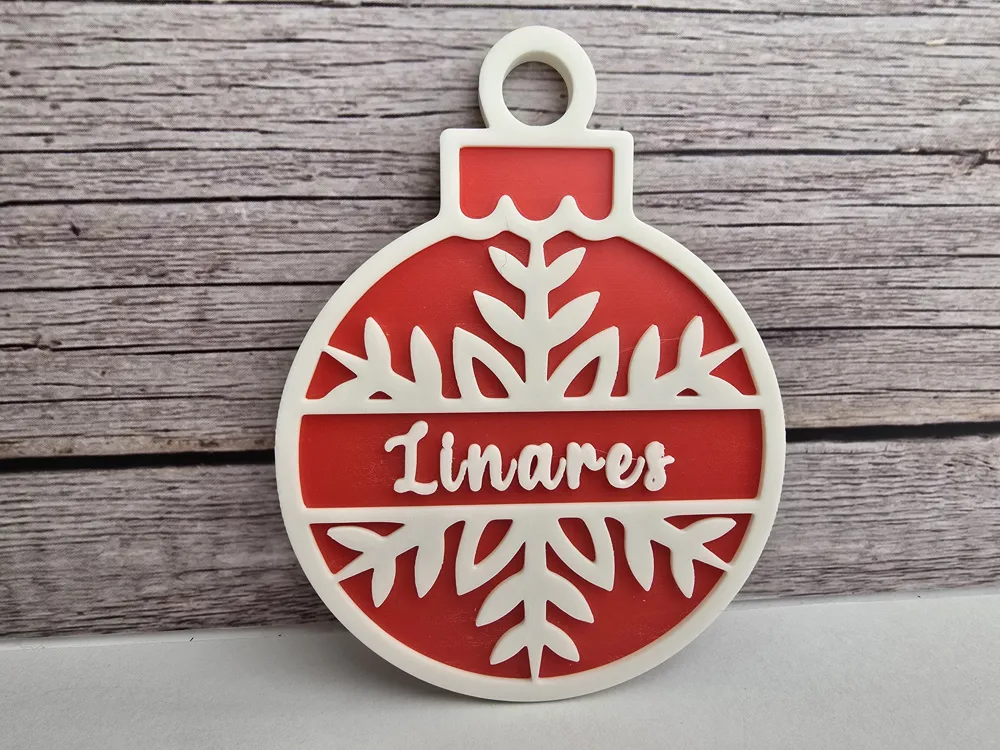
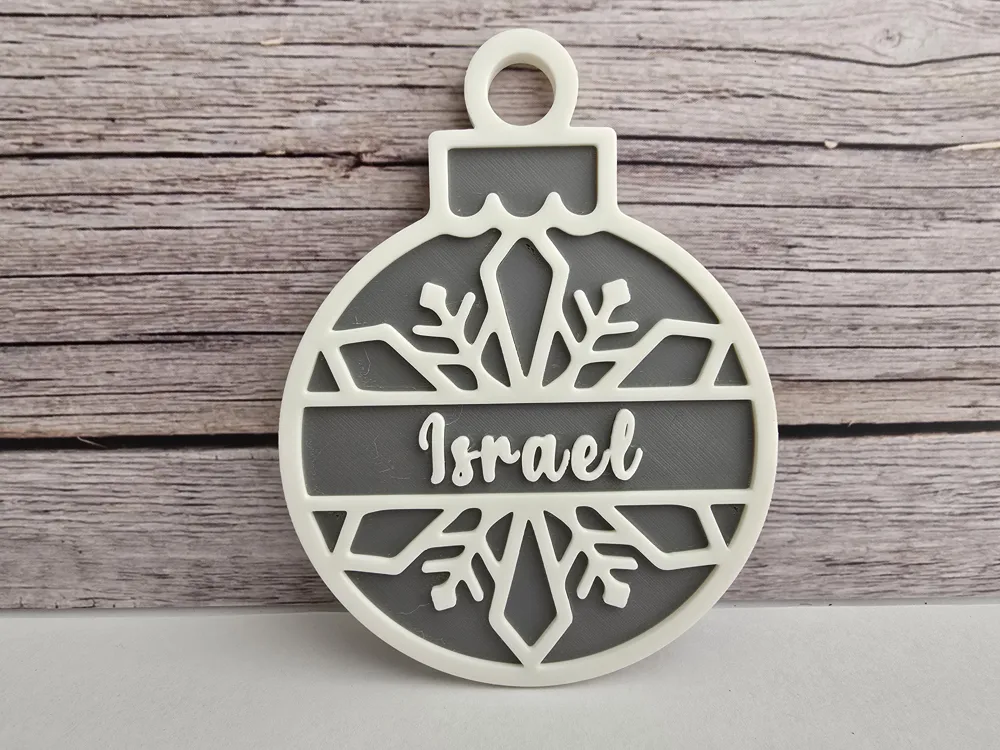
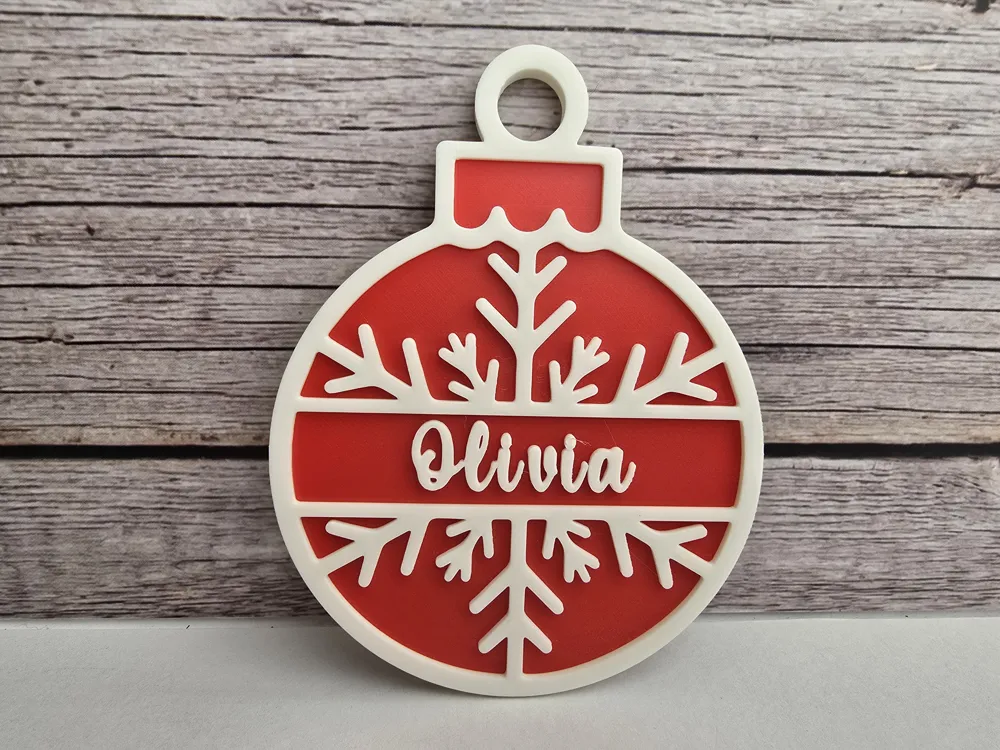
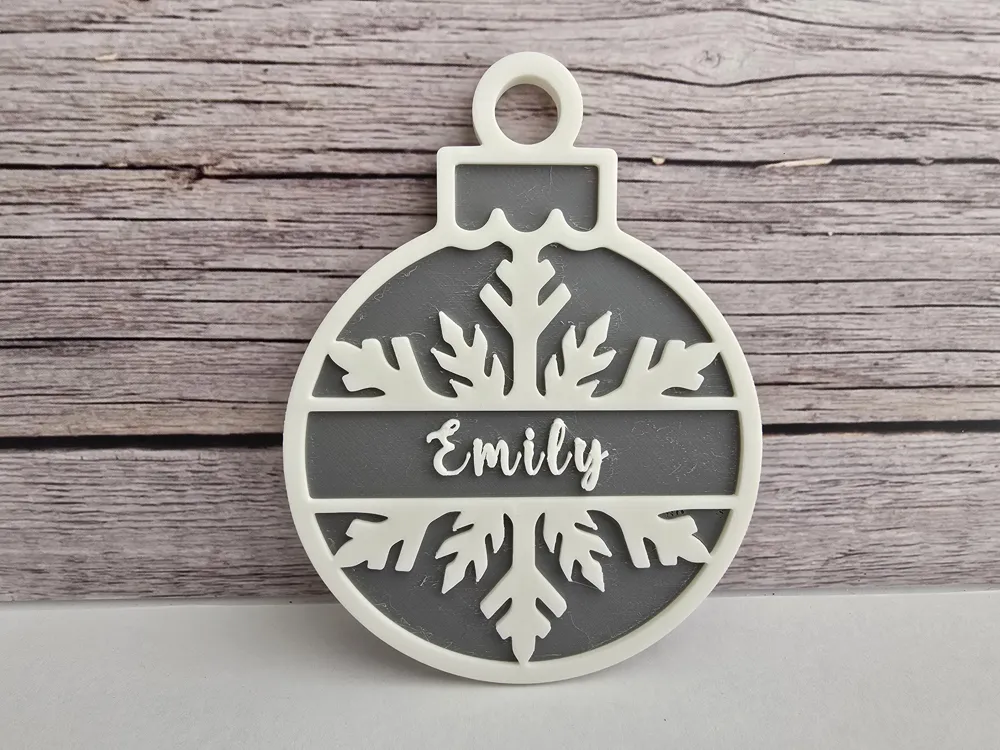
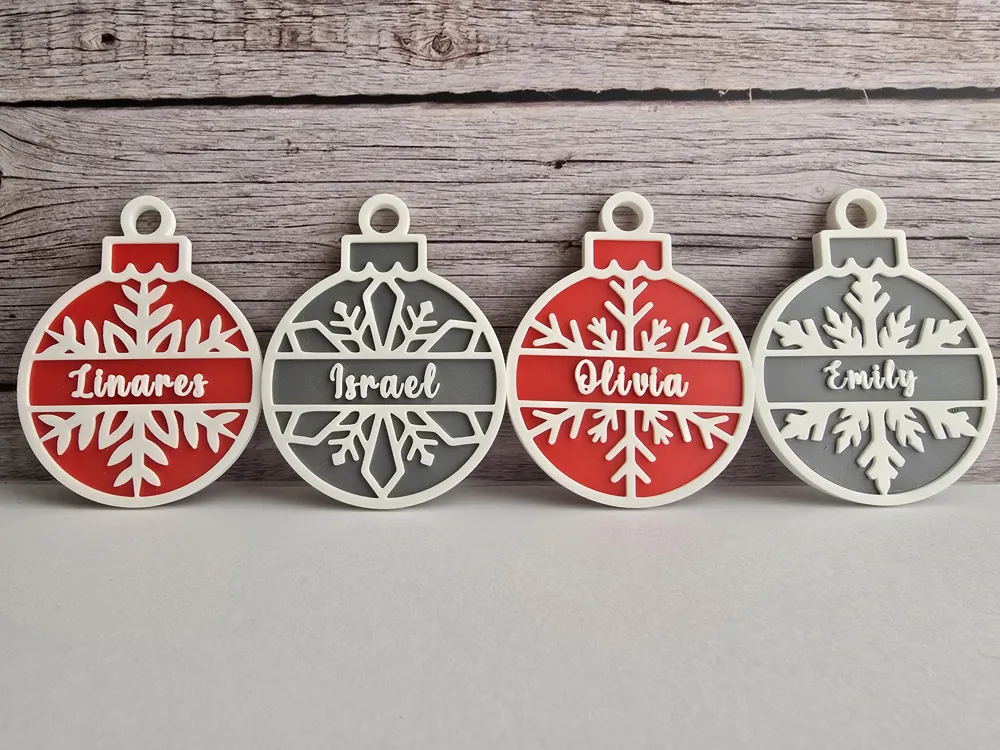
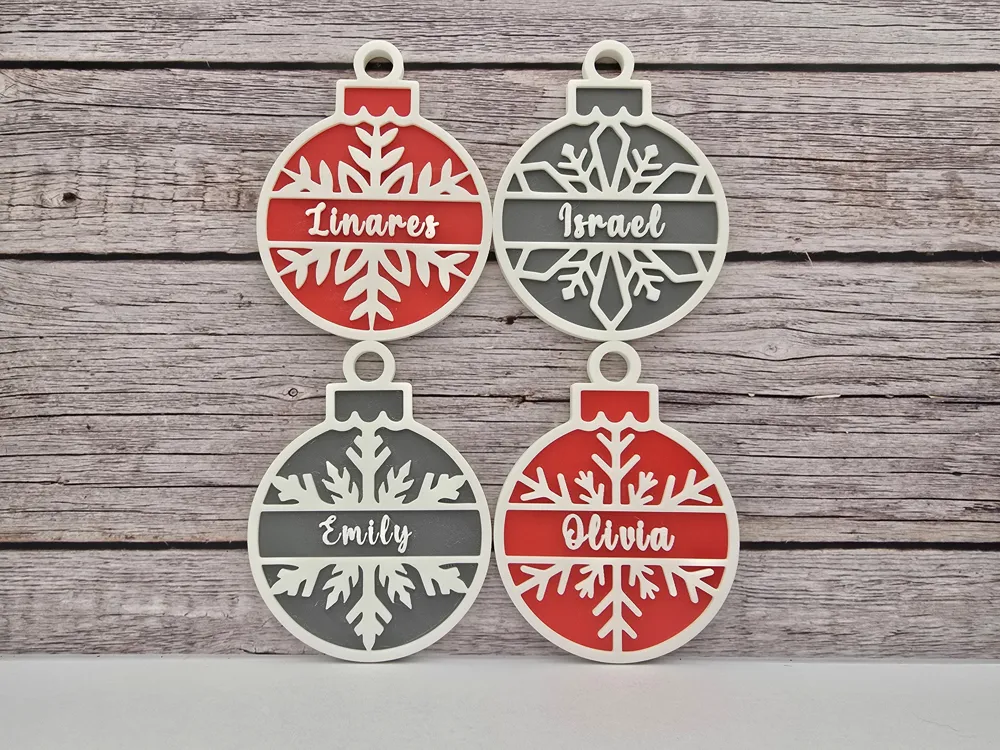
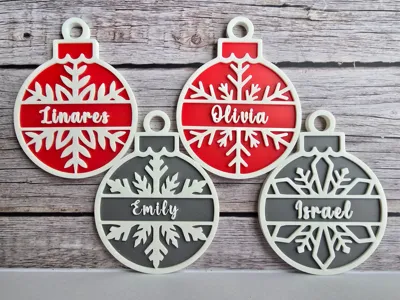
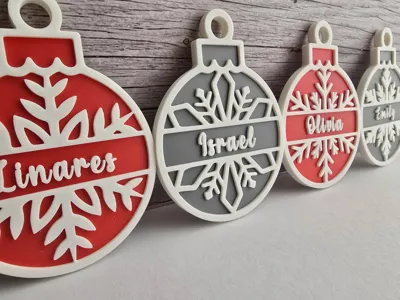
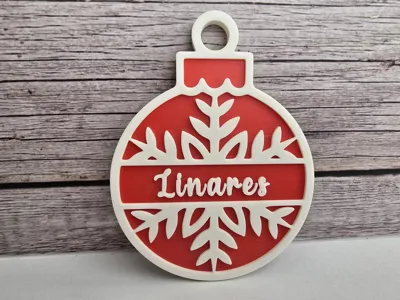
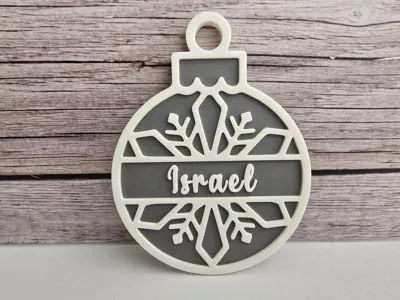
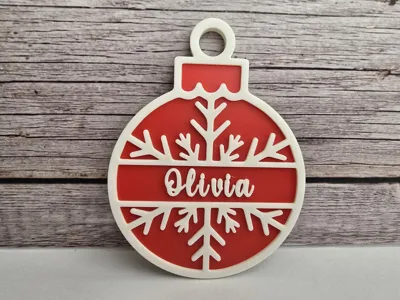
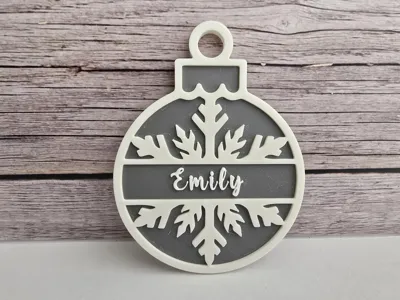
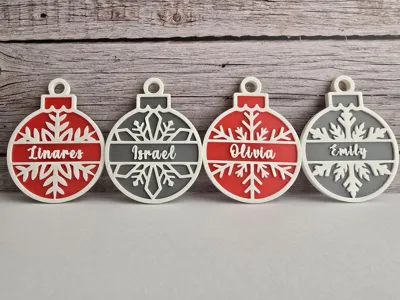
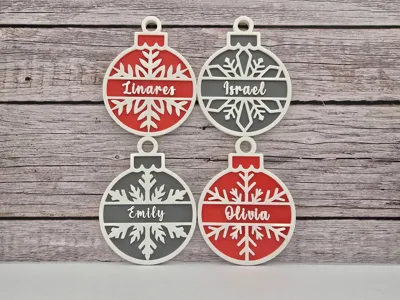
Here are Christmas Ornaments #10. They are inspired by Snowflakes and there many color combination options. The colors can all be easily changed in Bambu studio by each individual part look under the objects tab to change colors). They can also all be scaled as needed.
These ornaments have customizable name slots and there are four varieties. Follow the instructions below to easily change the name:
Step 1:
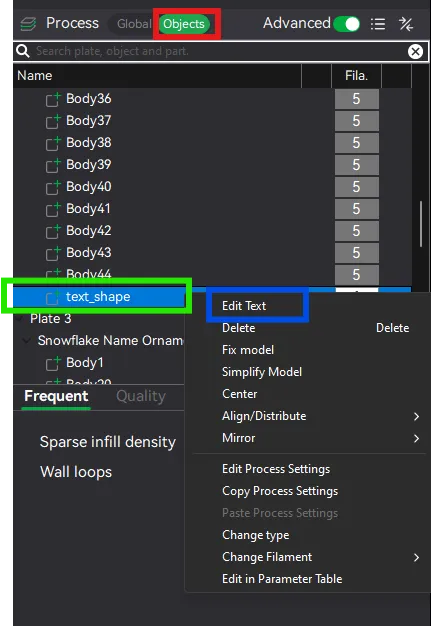
A - Highlight the ornament you want to change the name on and then select the objects tab (in the red rectangle).
B - At the bottom of the body pieces (this is where you can change the colors too) you will see "text_shape" (in green rectangle below). Right click and select “edit text” (in the blue rectangle below). A window should pop up.
Step 2:
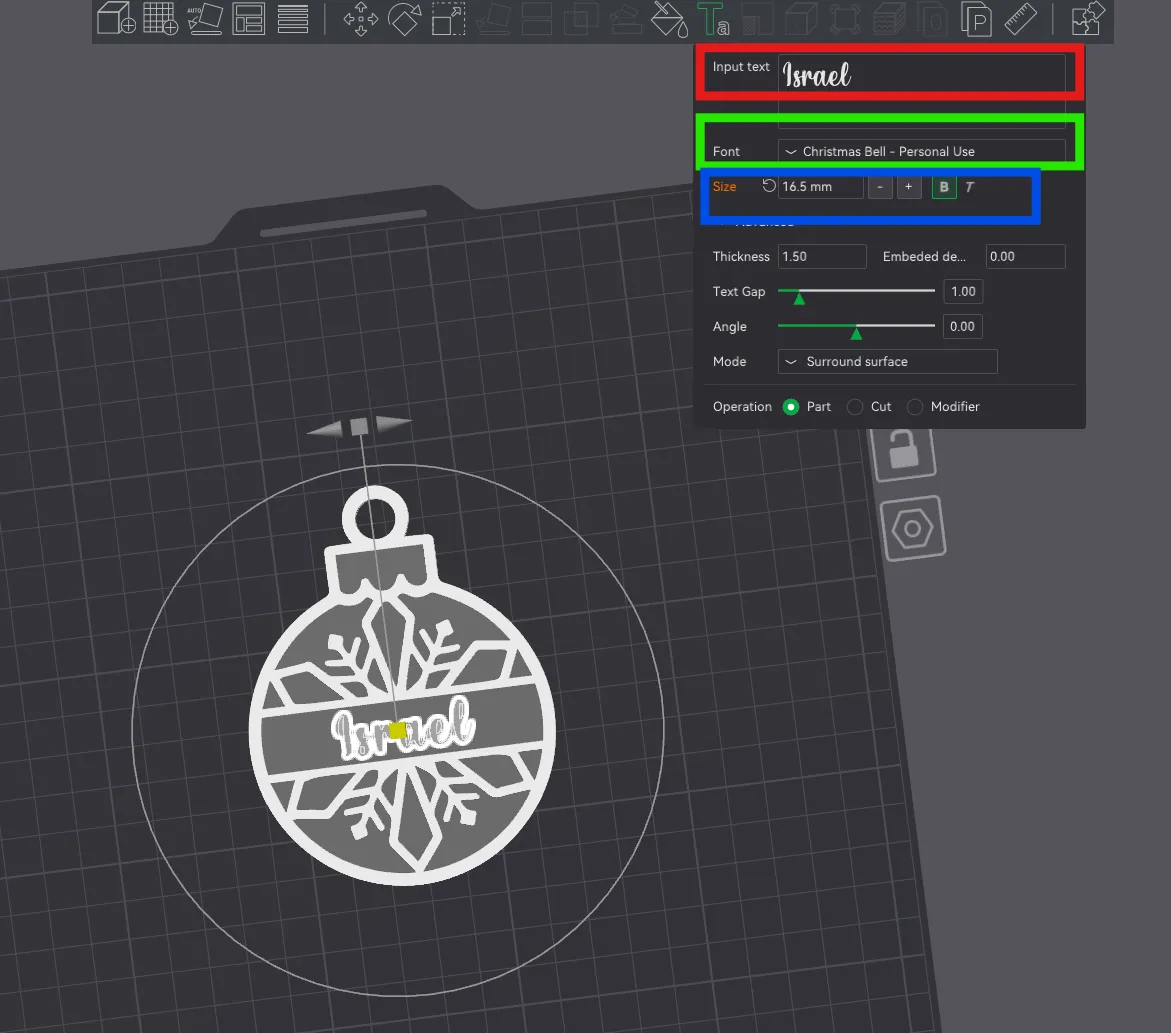
A - You should have seen the below window pop up. To change the name just alter the text (inside the red rectangle).
B - To change the font style click the drop down (in the green rectangle). The font I am using is called "Christmas Bell" from dafont.com (you will have to install the font on your computer and reopen Bambu to see it installed in this list, if you don't like the default assortment of fonts on your device).
C - To change the size and style of the font use the + and - (in the blue rectangle). Thickness can be adjusted too but I have it set to match the ornament borders.
Step 3:
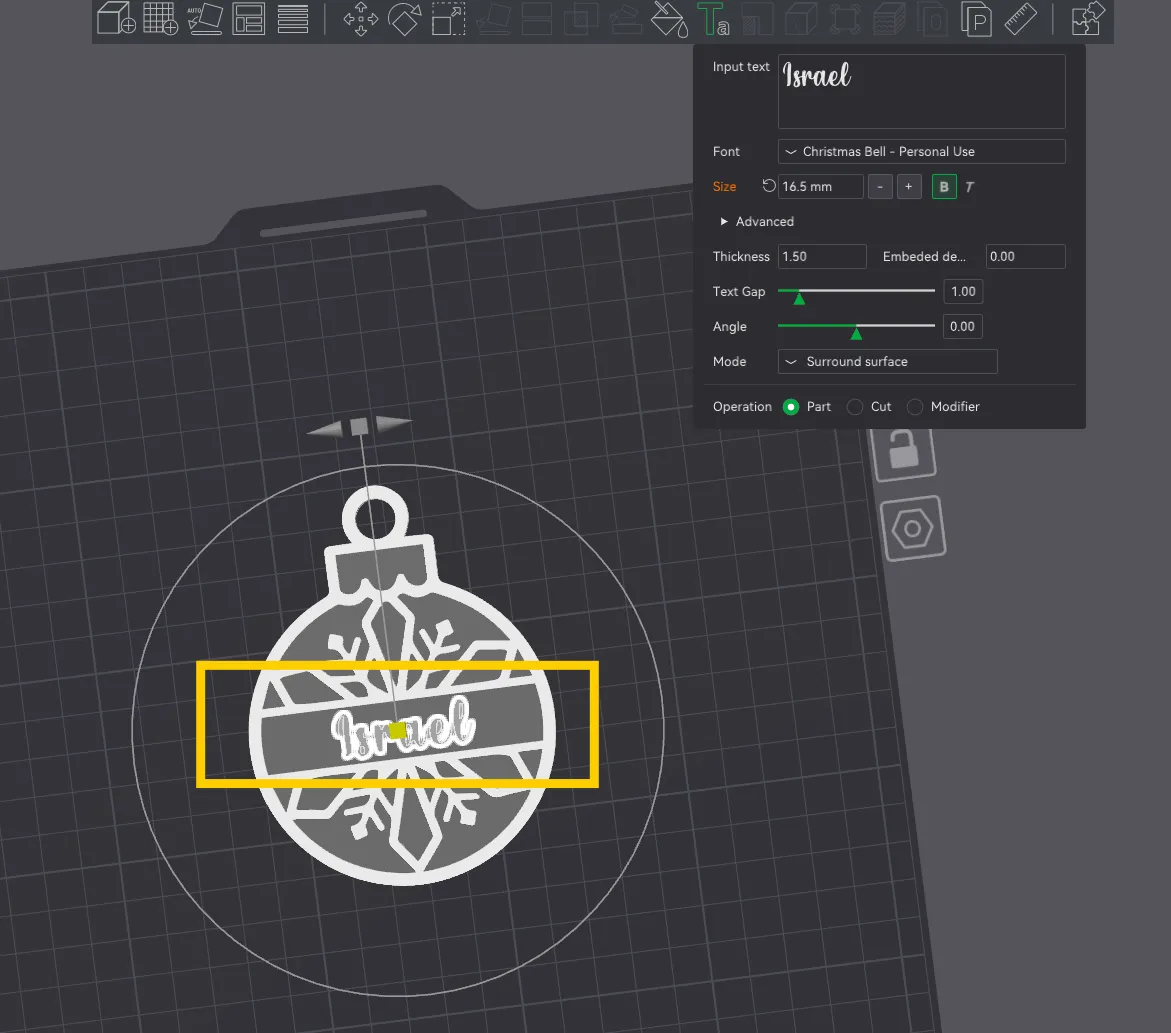
In the center of the (yellow rectangle) below you will see a yellow cube, click and drag this to get the name centered where you want it. You can also use the gray square and arrows at the top of the circle to tilt it if needed.
Pre-made holes are at the top of each Ornament so you can hang them with fishing line, ornament hooks, or ribbons etc.
These can be scaled as needed but should fit all printers as is.
I will attach materials and filament colors I used in my example above.
Membership
I now have a sub option available for those who want to sell my collection! Check out my tiers and let me know if you have any questions!
Boost Me (for free)
If you like this model boosts are much appreciated and help me to continue making things. :)
License

You shall not share, sub-license, sell, rent, host, transfer, or distribute in any way the digital or 3D printed versions of this object, nor any other derivative work of this object in its digital or physical format (including - but not limited to - remixes of this object, and hosting on other digital platforms). The objects may not be used without permission in any way whatsoever in which you charge money, or collect fees.


Comment & Rating (10)