
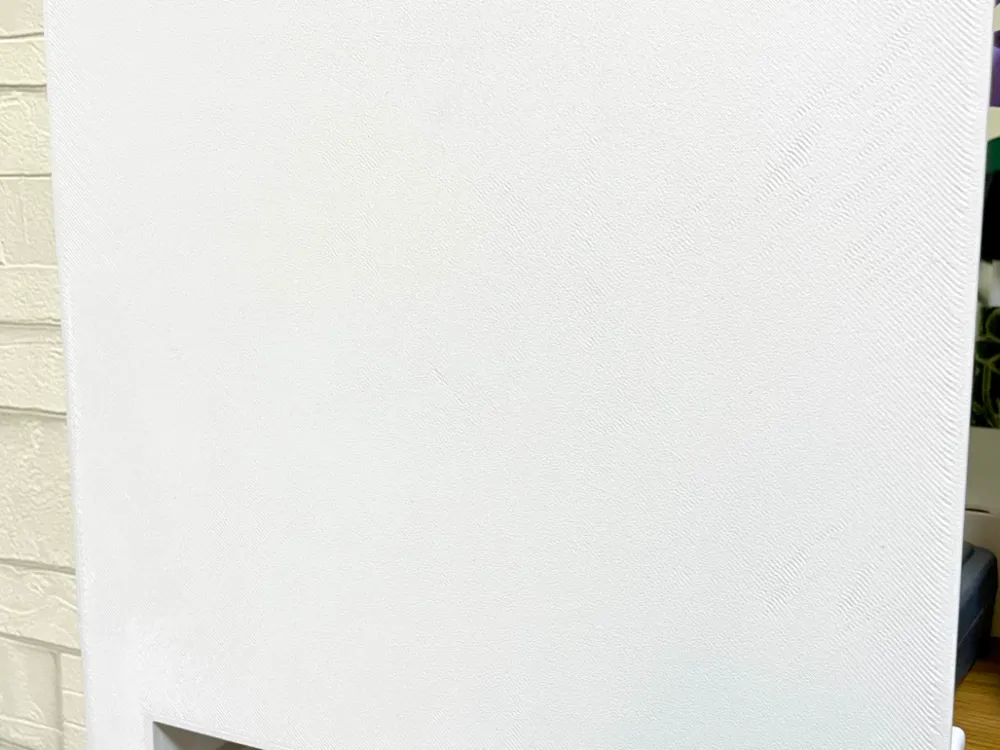
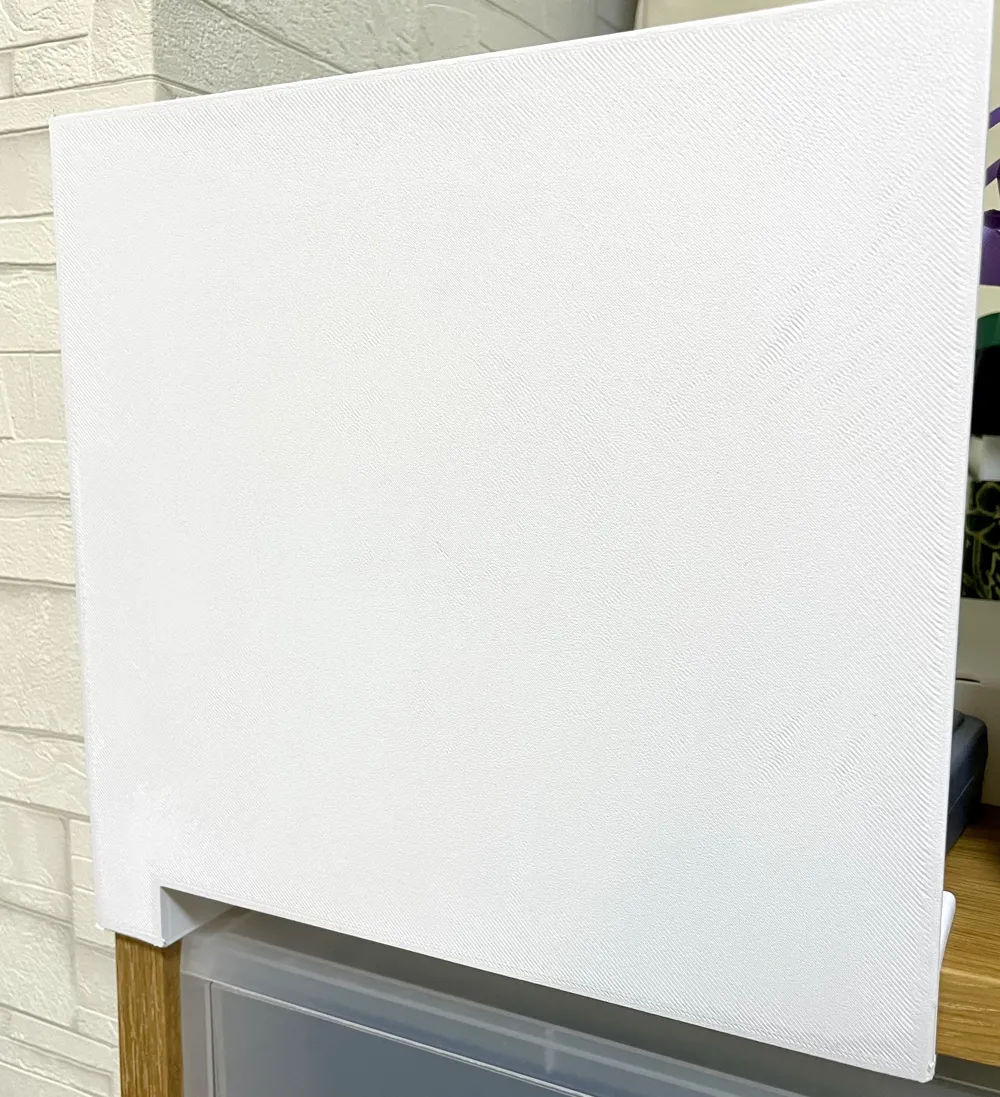
Simple plate compatible with fillets

Print Profile(1)

Description
Simple Plate 🎨
Overview
Meet Simple Plate – your go-to parametric model for creating solid rectangular plates with customizable dimensions! Whether you need a sharp-cornered plate or a beautifully rounded one, this model has got you covered. Just set your width, depth, and height, choose your corner style, and you're ready to go! ✨
Key Features
- 🎯 Flexible Dimensions: Set width, depth, and height independently – the plate of your dreams is just a few clicks away!
- 🔧 Processing Options: Choose between sharp corners (no processing) or smooth, rounded fillets
- 📏 Precision Guaranteed: Your specified dimensions stay accurate even after fillet processing
- 🛡️ Smart Validation: Automatic checks ensure your fillet radius makes sense for your dimensions
Boost Me (for free)
If you love the these designs please consider a BOOST 🚀 It helps me keep creating more designs 🙏
Parameters
Dimensions
width
- What it does: Sets the horizontal dimension
- Unit: mm
- Default: 210
- Range: Any positive value
depth
- What it does: Sets the vertical dimension
- Unit: mm
- Default: 250
- Range: Any positive value
height
- What it does: Sets the plate thickness
- Unit: mm
- Default: 5
- Range: Any positive value
Processing
processing_type
- What it does: Choose how to handle the corners
- Options:
- "加工無し" (No processing): Sharp corners, simple rectangular solid
- "フィレット" (Fillet): Smooth, rounded corners
- Default: "フィレット"
fillet_radius
- What it does: Controls how round the corners are (only used with fillet processing)
- Unit: mm
- Default: 2
- Range: 0 < fillet_radius ≤ half of the smallest dimension
- Note: If this value is too large, you'll see an error message
How to Use
1. Start Customizing 🚀
Click the "Customize" button on the model page. The Parametric Model Maker interface will open, ready for your creative input!
2. Adjust Parameters 🎛️
In the parameter panel, tweak these values:
Dimensions Section
- width: Use the slider or type in the horizontal dimension
- depth: Use the slider or type in the vertical dimension
- height: Use the slider or type in the thickness
Processing Section
- processing_type: Choose from the dropdown menu – sharp or smooth corners?
- fillet_radius: If you chose fillets, set how round you want those corners to be
3. Preview Your Creation 👀
As you change parameters, watch your model update in real-time in the 3D preview pane! Rotate and zoom to see your plate from every angle.
Things to check:
- ✅ Are the dimensions what you wanted?
- ✅ Do the fillets look good?
- ✅ Is the thickness suitable for 3D printing?
4. Generate & Download 📥
Happy with your design? Click "Generate" or "Export"!
- Choose your format:
- STL: Perfect for 3D printing (recommended)
- STEP: If you want to edit it in CAD software
- Download: Your file is ready!
5. Slice It Up 🍰
Import your downloaded file into your slicer software (like Bambu Studio) and get it ready for printing.
Steps (for Bambu Studio):
- Click "Import" in Bambu Studio
- Select your downloaded file
- Adjust print settings (layer height, infill, etc.)
- Click "Slice"
- Send it to your printer!
Examples
Example 1: Simple Thin Plate (No Processing)
width = 100 depth = 100 height = 3 processing_type = "加工無し"
Perfect for when you need a thin plate! ⚠️ Watch out for those sharp corners though.
Example 2: Filleted Plate
width = 210 depth = 250 height = 5 processing_type = "フィレット" fillet_radius = 2
Smooth, safe, and stylish! The rounded corners make it both beautiful and practical.
Example 3: Thick Plate with Big Fillets
width = 300 depth = 200 height = 10 processing_type = "フィレット" fillet_radius = 3
With more thickness, you can go bigger on those fillets for an even smoother look!
Validation & Errors
Error: "Fillet radius is too large"
What happened: Your fillet radius exceeded the maximum (half of the smallest dimension).
How to fix:
- Make fillet_radius smaller
- Or increase the smallest of width, depth, or height
Example: If your height is 5mm, the maximum fillet radius is 2.5mm.
Warning: "Warning: Fillet radius may be too large"
What happened: Your fillet radius is above the recommended value (80% of maximum).
How to fix:
- It'll still work, but consider using a smaller value for safety
- Set fillet_radius to 80% or less of the maximum
Auto-Limiting
If your fillet radius is too large, it'll automatically be limited to the maximum value. This prevents shape issues and keeps your plate looking good!
Troubleshooting
Preview Not Showing? 🤔
- Double-check that all parameter values are correct
- Make sure all dimensions are positive numbers
Fillets Not Working? 🔧
- Is processing_type set to "フィレット"?
- Is fillet_radius greater than 0?
Shape Looks Weird? 😕
- Your fillet radius might be too large – try a smaller value
- If your plate is very thin, your fillet options are limited
Tips & Notes
- Fillet radius must be half or less of the smallest dimension
- Thinner plates have fewer fillet radius options
- Complex or large models might take a bit longer to render
- For 3D printing, make sure your plate is thick enough (we recommend at least 3mm)
Have Fun! 🎉
Now go create some awesome plates! Whether it's for a project, a gift, or just because you can – the possibilities are endless. Happy printing! 🖨️✨
License

You shall not share, sub-license, sell, rent, host, transfer, or distribute in any way the digital or 3D printed versions of this object, nor any other derivative work of this object in its digital or physical format (including - but not limited to - remixes of this object, and hosting on other digital platforms). The objects may not be used without permission in any way whatsoever in which you charge money, or collect fees.


Comment & Rating (0)