
xTool F1, F2, Ultra: Universal Modular Brick Jig
Print Profile(7)


Description
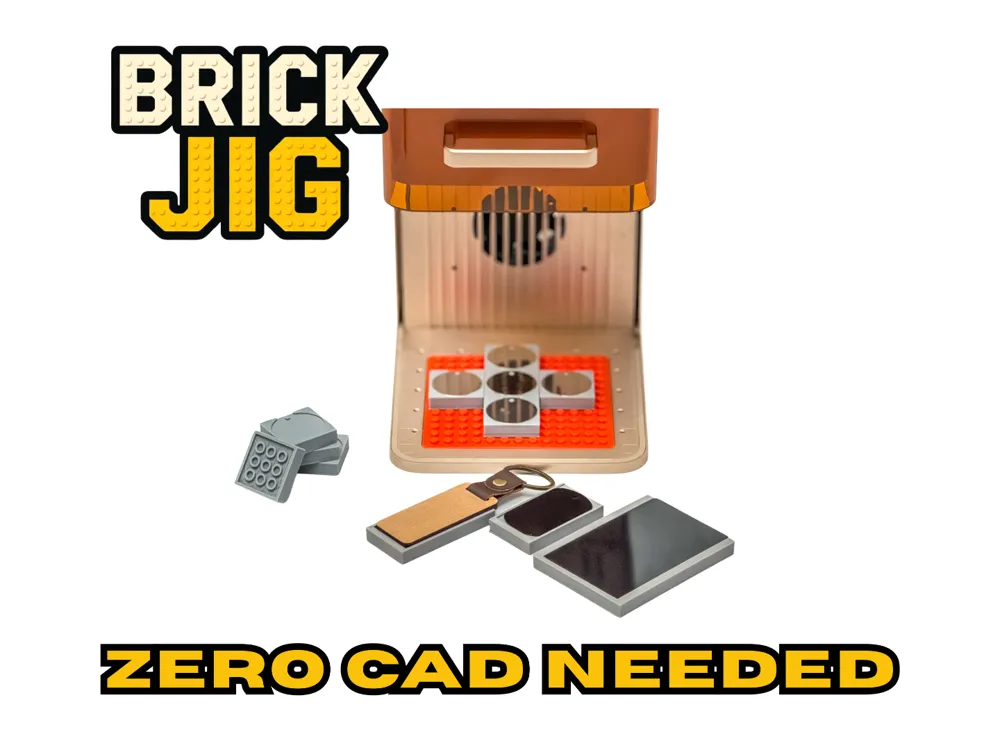
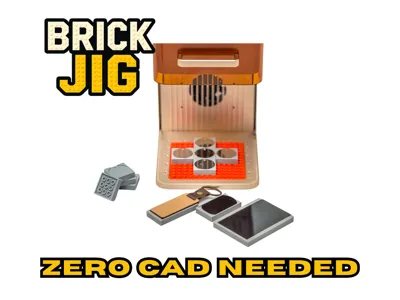
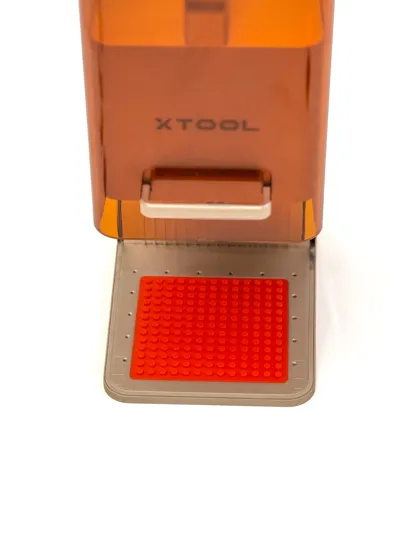
The Ultimate Modular Brick Inlay System for xTool F1 & F2 & F2 Ultra – Create Jigs directly in the Slicer!
Update 21.03.26
Now also available for the xtool f2 Ultra / Ultra UV. Search for the print profile for the F2 Ultra. Many thanks to the designer @derStraßel for the great work.
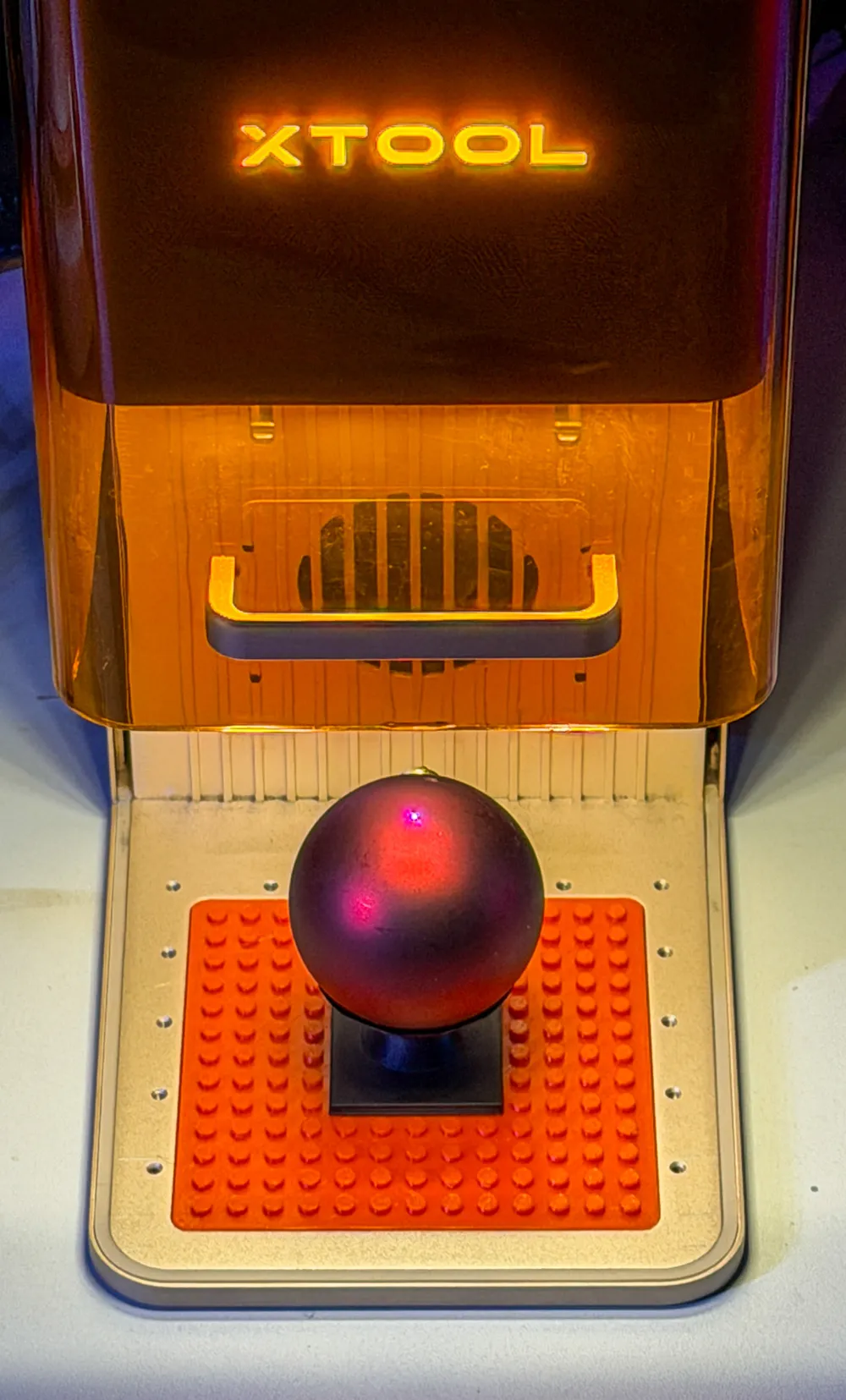
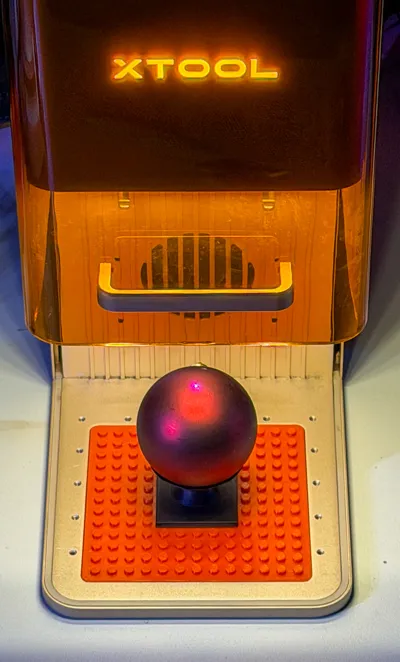
UPDATE! 🔥 NEW ADDITION: Holder for Round Objects! By popular demand, I’ve added a new print profile for spheres and balls. Now you can easily fix baseballs, ornaments, or golf balls on your xTool. Just select the new profile and print!
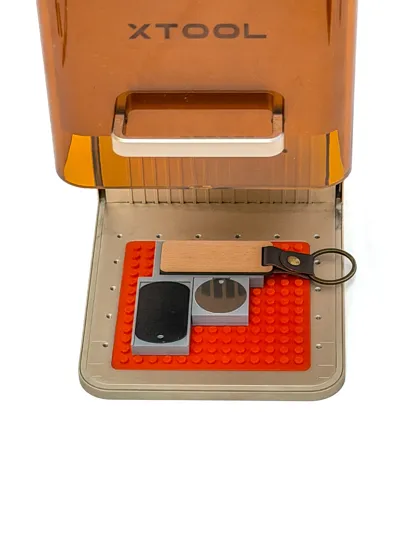
Do you have a drawer full of single-use jigs for every single keychain or dog tag? That ends now.
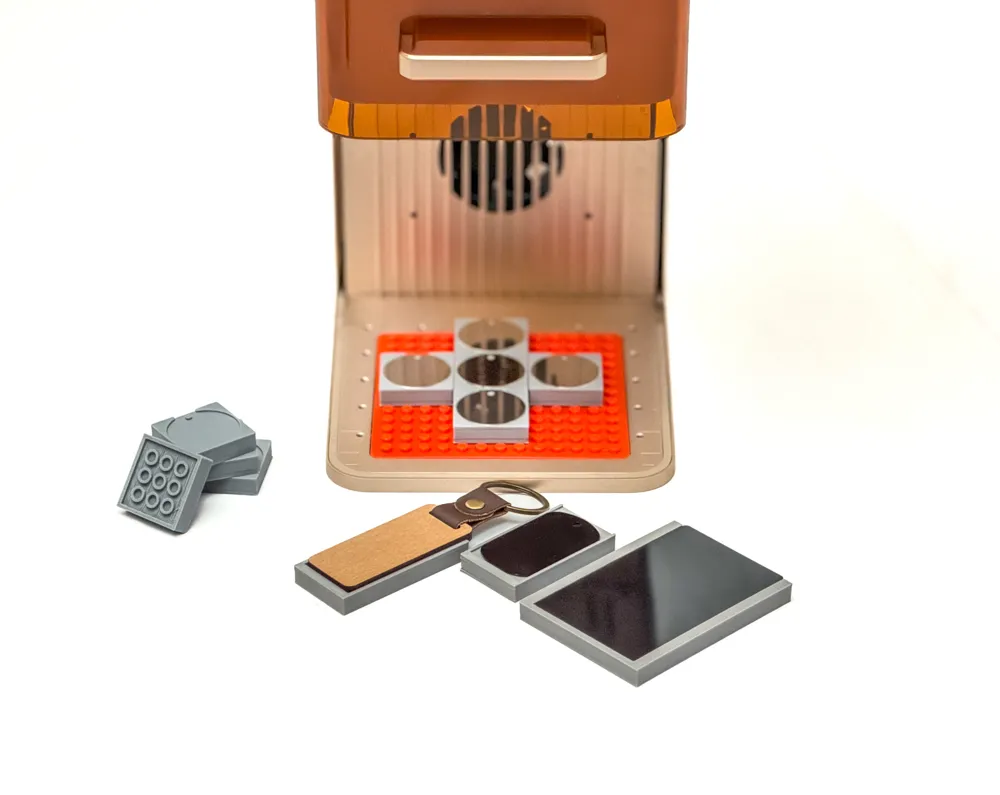
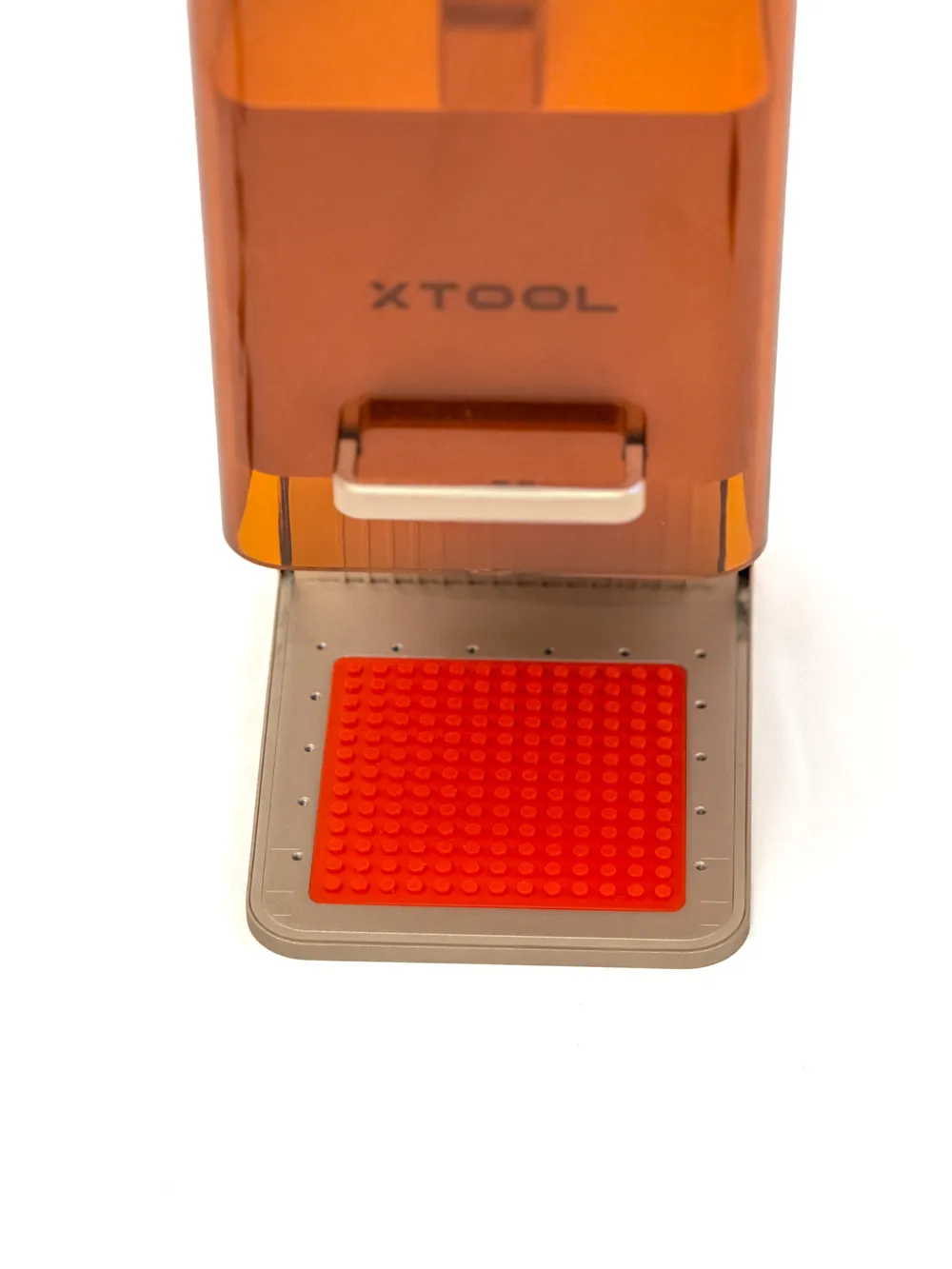
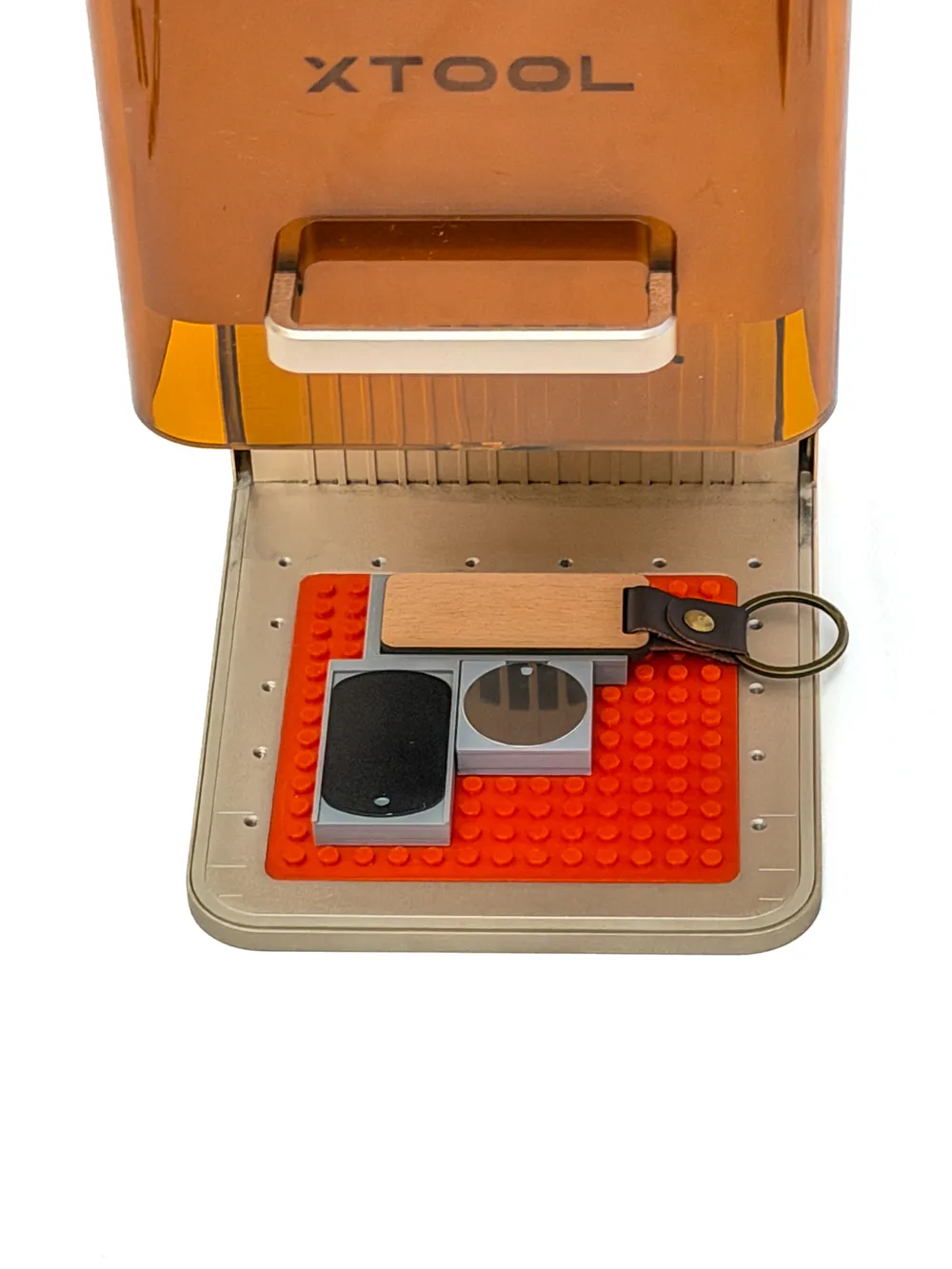
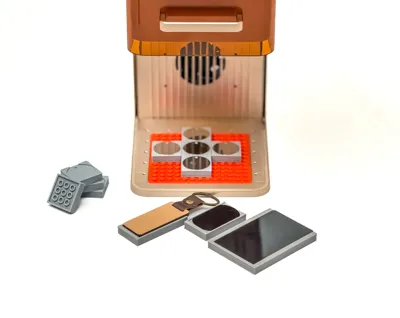
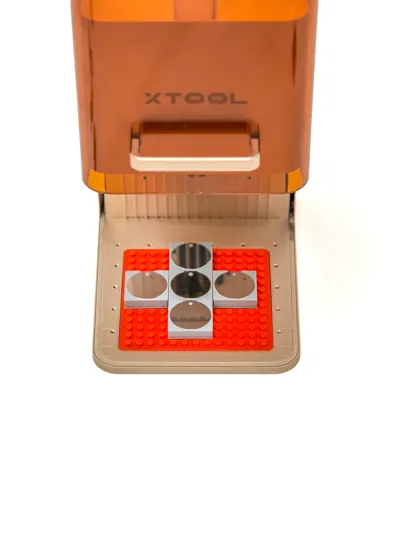
I present to you the Universal Grid System for the xTool F1 and F2. Based on a proven interlocking brick mechanism, this system allows you to create precise holders for your laser projects in seconds.
Why this system?
- Print once, use forever: The base plate stays in the laser. You only swap out the small modules.
- No CAD skills required: This is the "Gamechanger." I have included a huge library of "Blank Bricks" (standard bodies).
- Perfect Fit: Compatible with xTool F1 and the new F2 (identical dimensions).
How does it work? (No-CAD Workflow) You don't need to design anything!
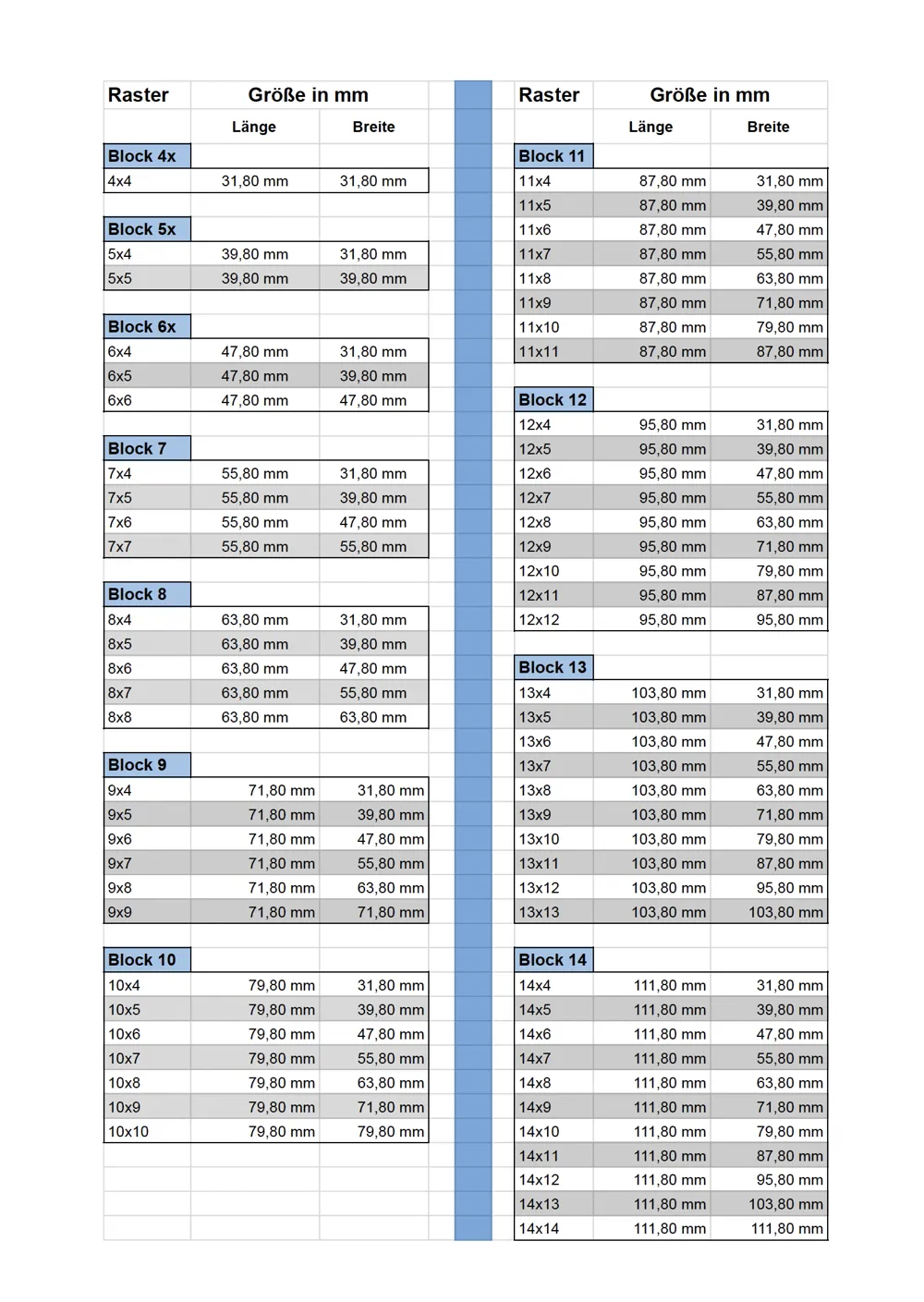
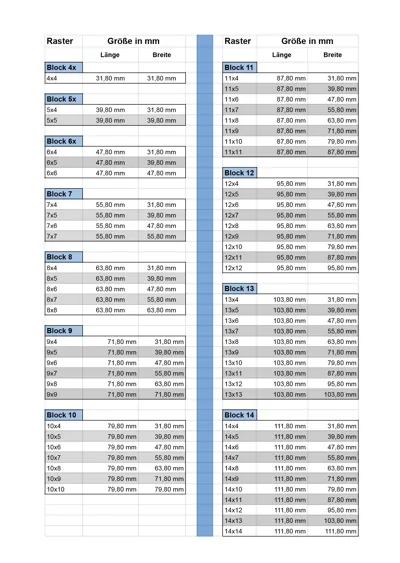
- Choose a matching Blank Brick from my files (Sizes from 31.8mm to 111.8mm are prepared – see overview image).
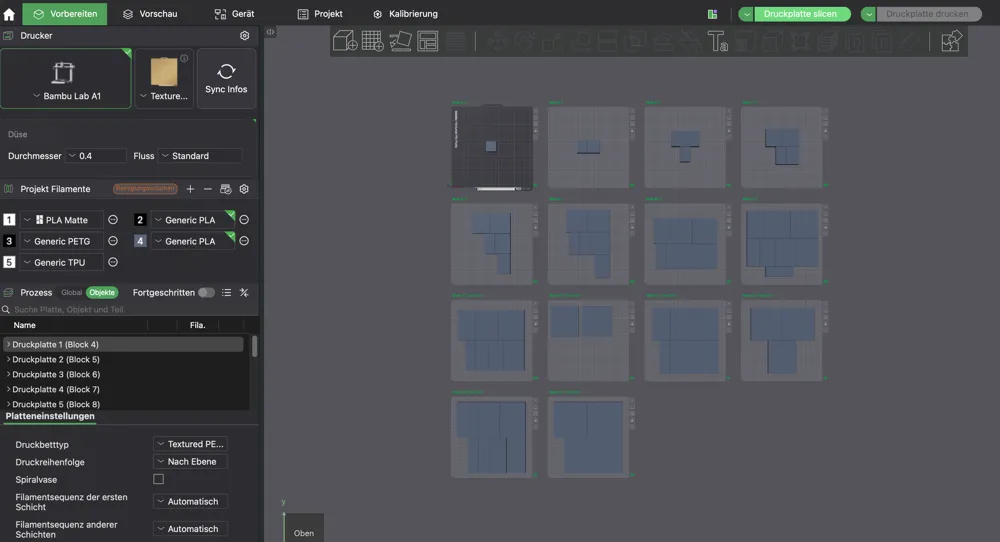
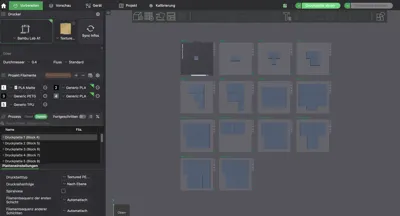
- Create the recess directly in the slicer: Use simple Negative Primitives (Right-click -> Negative Part -> Cylinder/Cube) for standard shapes.
- For complex shapes: Simply load your outline as an SVG into the slicer and set it to "Negative".
- Drag the negative volume into the blank brick – Slice & Print – Your custom jig is ready!
What is included?
- Base plate for the laser.
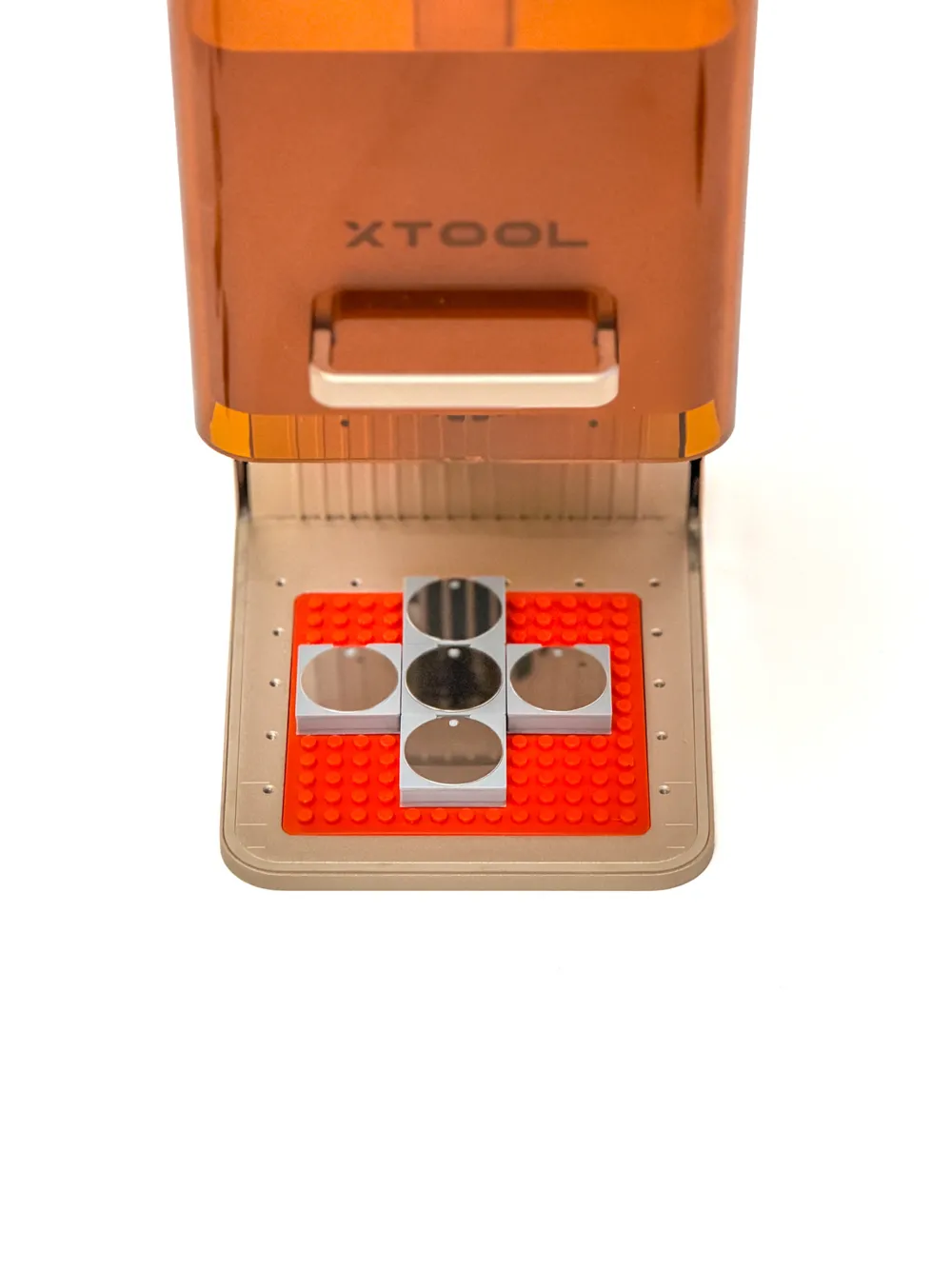
- Various pre-made holders as examples.
- Extensive Library: Blank bodies from 4x4 grid up to 14x14 grid, ensuring the right size for every project.
- Detailed assembly for negative Parts - manual (German & English) as PDF.
- Missing a specific size? If you need a specific blank body size or a special template that isn't included yet, just let me know in the comments or send me a message! I'm happy to create and upload additional files upon request.
Stop wasting time designing jigs. Print your workshop efficiency!
Boost Me (for free)
"If this system saved you time (and nerves 🤯), a Boost would be awesome to keep the projects coming! 🚀"
Documentation (3)
License

You shall not share, sub-license, sell, rent, host, transfer, or distribute in any way the digital or 3D printed versions of this object, nor any other derivative work of this object in its digital or physical format (including - but not limited to - remixes of this object, and hosting on other digital platforms). The objects may not be used without permission in any way whatsoever in which you charge money, or collect fees.


Comment & Rating (33)