
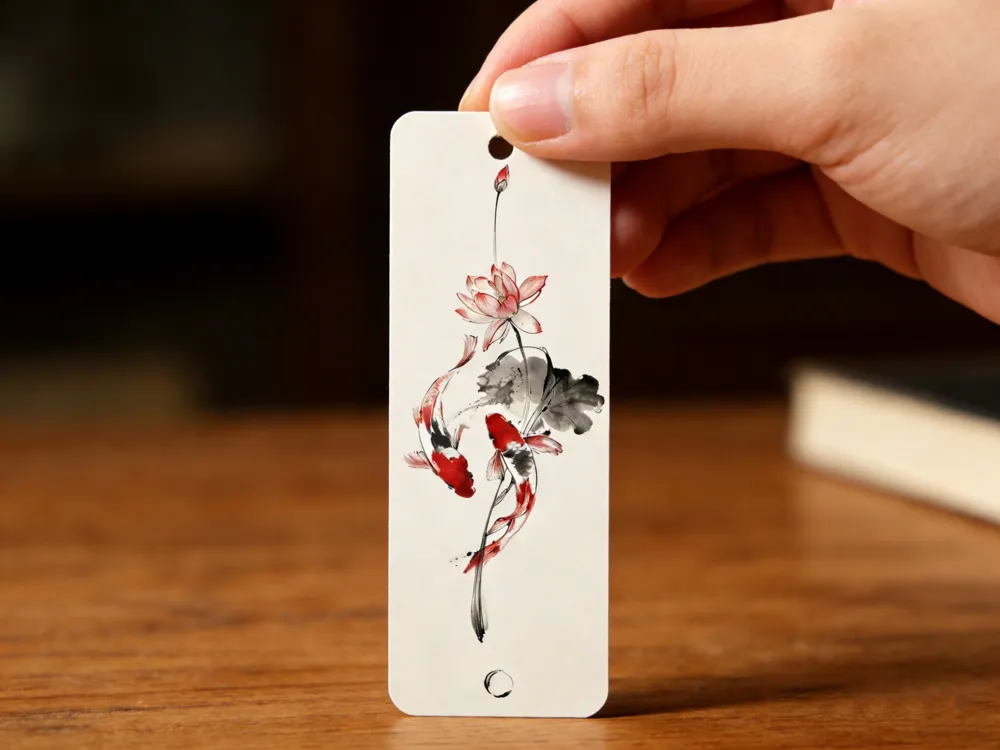
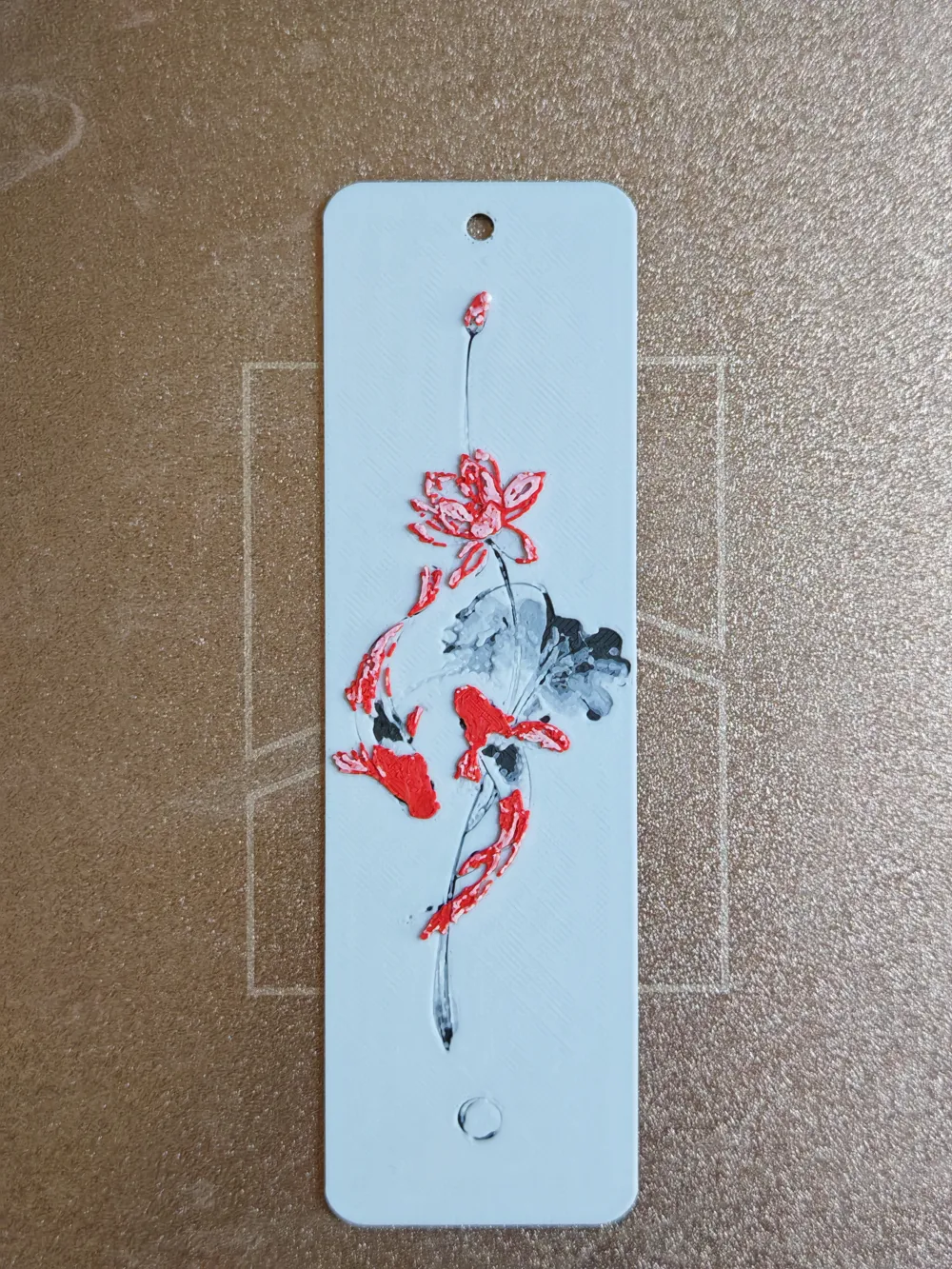
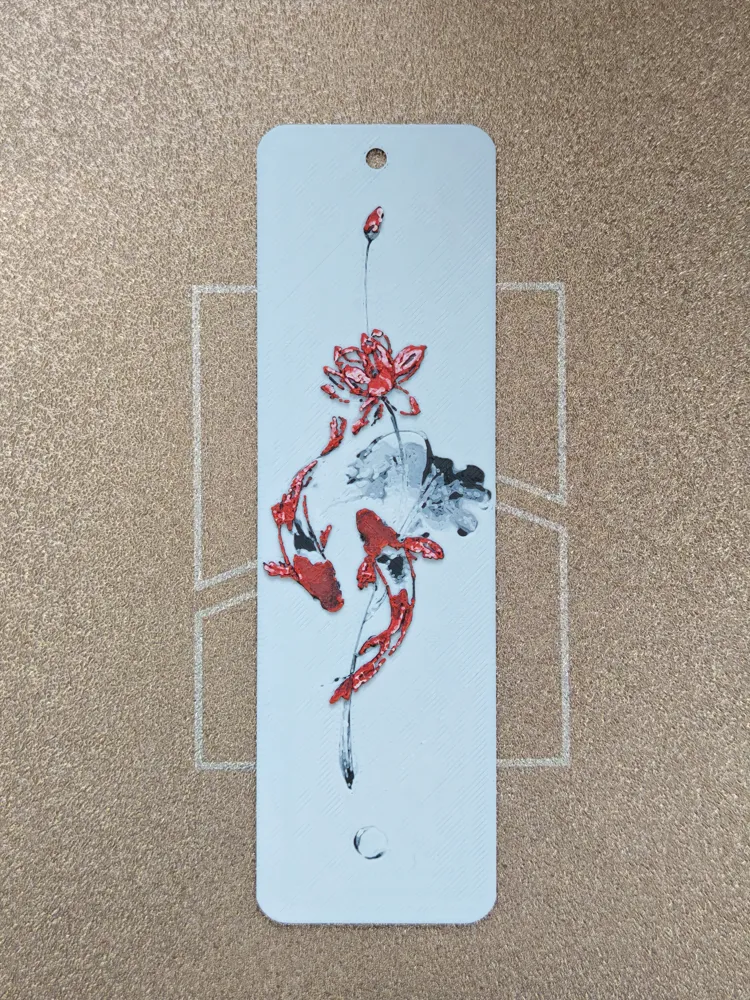
Three-color bookmark - Koi and Lotus
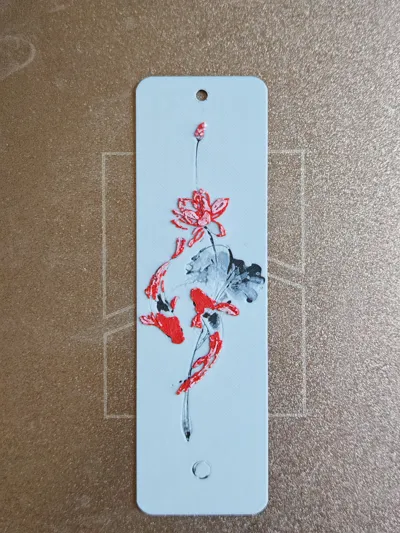
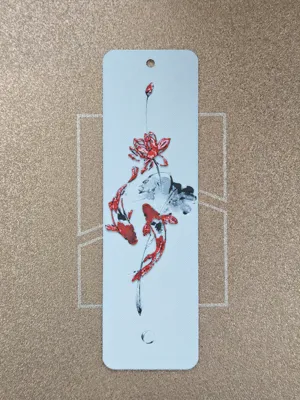
Print Profile(2)


Description
Boost Me (for free)
New works are being accelerated, please stay tuned! Likes and follows are welcome!
Hello everyone:
My third homemade bookmark is here, and I hope everyone can offer valuable suggestions. New works are being accelerated, please stay tuned! Follow me!
Notes:
Please correctly configure the 3-color AMS multi-color printing kit. If you don't have AMS, please set a pause at the color change layer and manually change the filament.
Negative parts have been added; the default direct slicing is for the rounded corner punched version. If you need the right-angle unpunched version, please delete the negative parts before slicing.
Regarding filament:
During testing, Bambu Basic filament was used, and the effect was ideal. For white, do not choose filament with low light transmittance (T-value), such as Bambu Lite white filament, or frosted, matte, and silk-textured filaments, as these will significantly reduce light transmittance – definitely avoid them. Red and black filaments are already in the bottom layers, so the requirements are relatively lower.
Regarding the 3mf for this image:
The image was first generated as a draft using AI, then color-adjusted in Photoshop, followed by generating the STL model with HueForge. After that, Blender was used for boolean cutting of rounded corners and punching holes. Finally, it was imported into Bambu Studio to set basic parameters and filament colors during slicing. The process is complete after saving the 3mf.
Filament:
Bambu Lab PLA Basic Black Transmission Distance: 0.6
Bambu Lab PLA Basic Jade White Transmission Distance: 6.2
Bambu Lab PLA Basic Red Transmission Distance: 3.7
Detailed method for color change without AMS:
Start the bottom layer with black
Layer 7: change to white;
Layer 13: change to red;
Layer 19: change the remaining part to white.
Everyone is welcome to post desired images in the comment section. If I find them suitable for bookmarks, I will make them for you as soon as possible.
License

You shall not share, sub-license, sell, rent, host, transfer, or distribute in any way the digital or 3D printed versions of this object, nor any other derivative work of this object in its digital or physical format (including - but not limited to - remixes of this object, and hosting on other digital platforms). The objects may not be used without permission in any way whatsoever in which you charge money, or collect fees.


Comment & Rating (1)