Search models, users, collections, and posts

Filament Clamp
IP Report
Print Profile(2)

0.2mm layer, 3 walls, 10% infill PLA
Designer
5 min
1 plate

0.2mm layer, 3 walls, 10% infill PETG
Designer
5 min
1 plate
Open in Bambu Studio
Boost
3
3
0
0
4
1
Released
Bill of Materials
List other parts
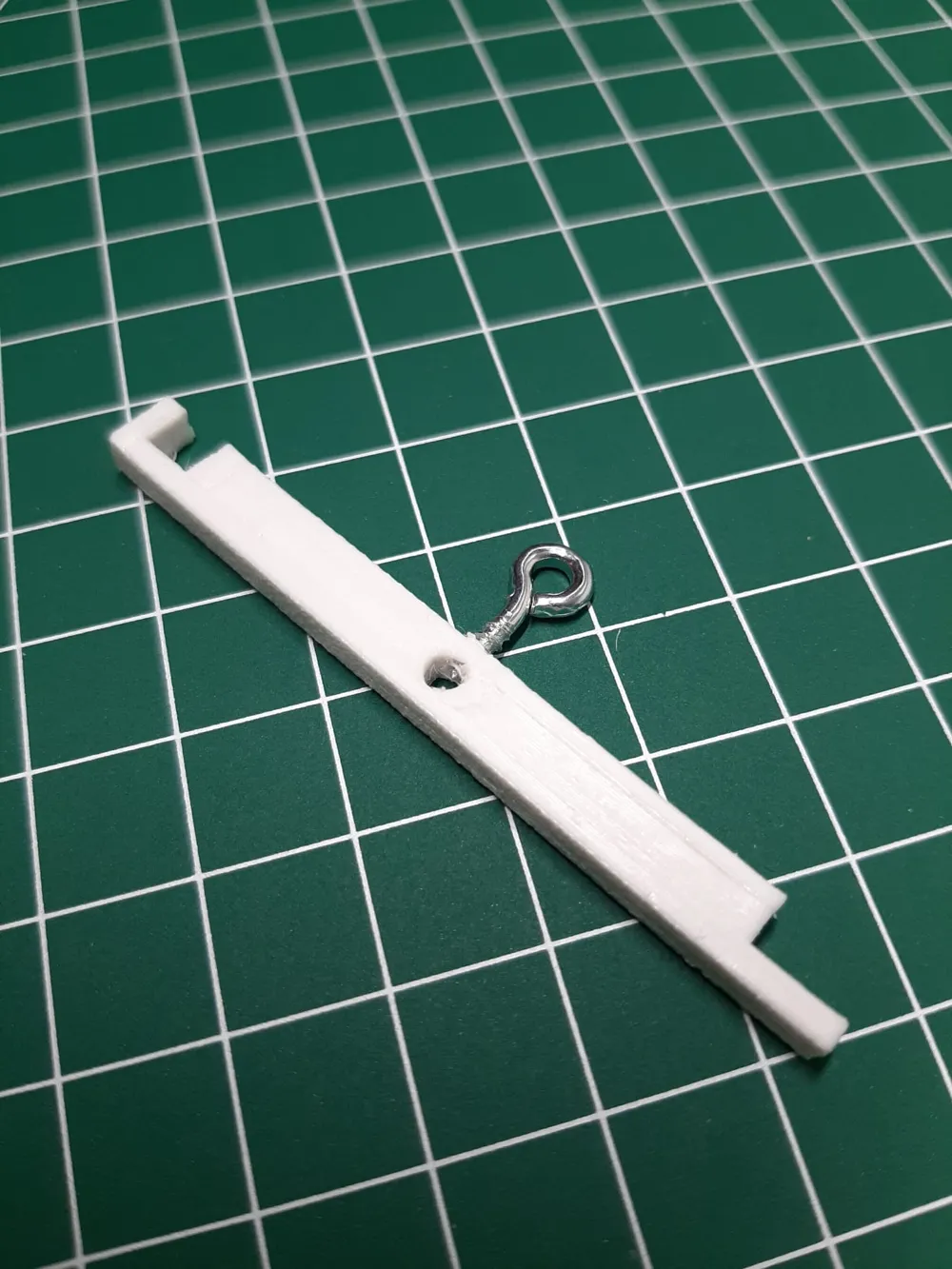
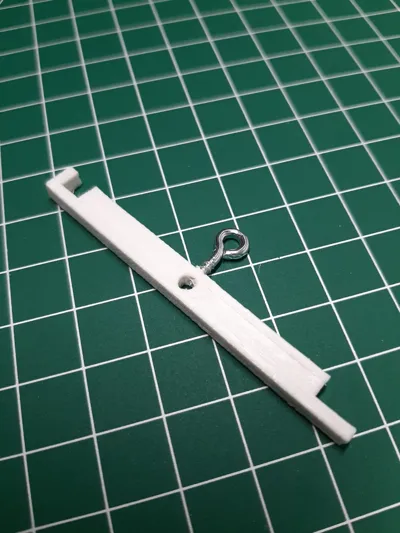
- Kleine Schraube oder gebogener Schraubhacken x 1: Es wird eine Spitze benötigt. Be einer Schraube wird außerdem eine Schraubendreher benötigt.
Description
Content has been automatically translated.
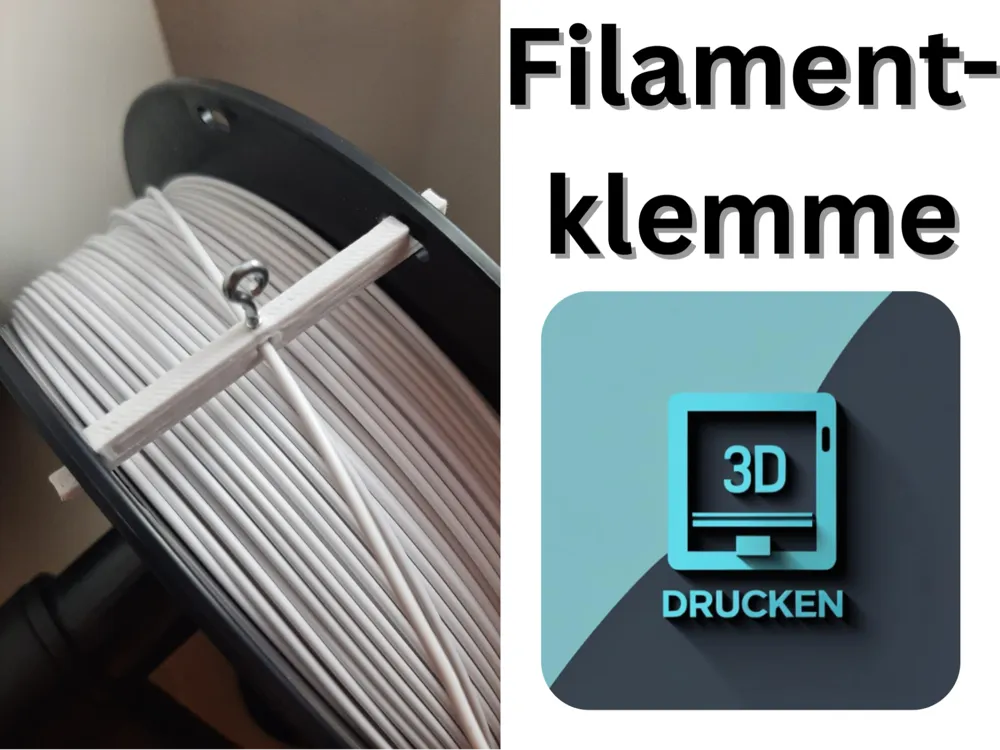
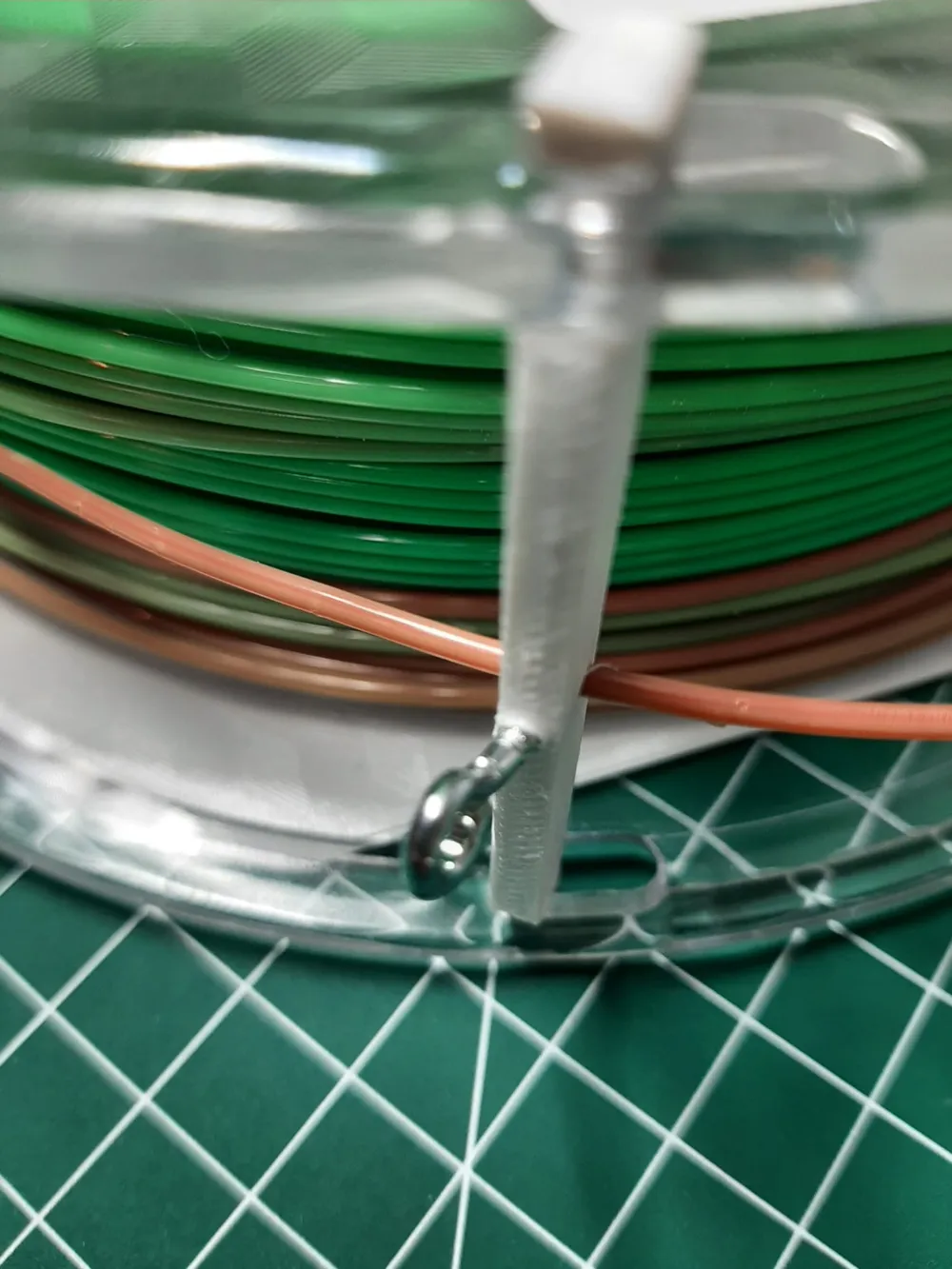
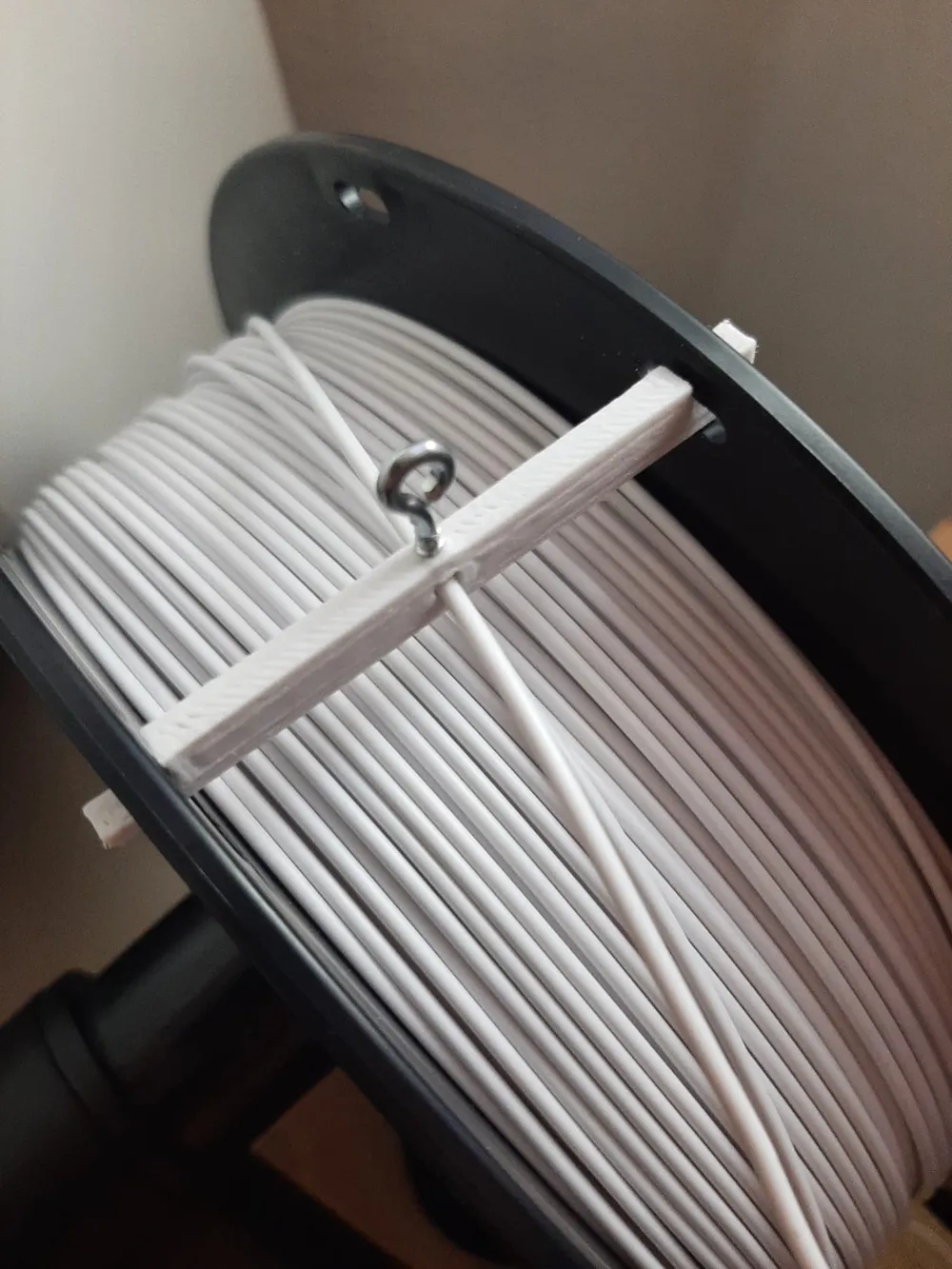
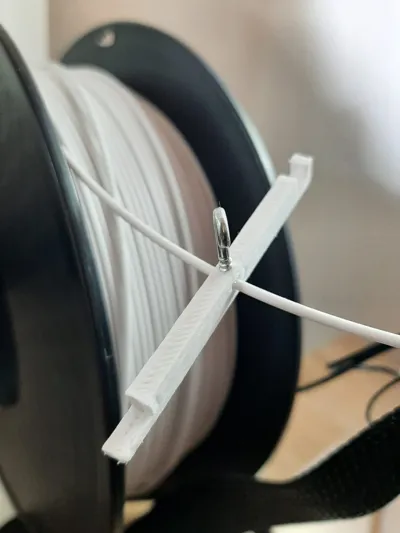
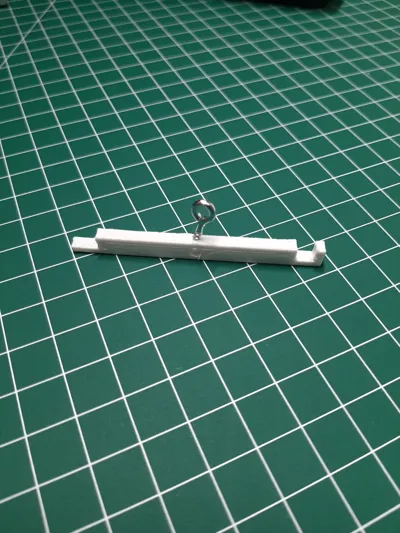
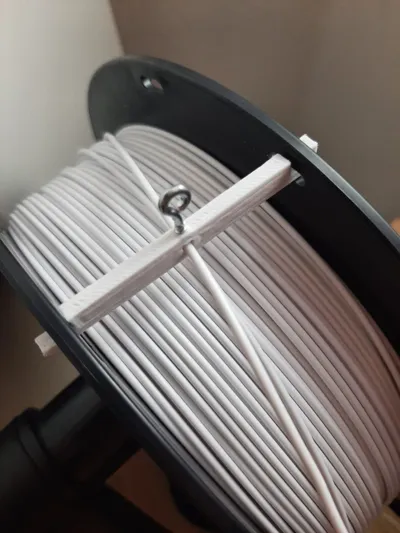
With the help of this filament clip, which also sits on the filament during printing and is only attached when removing the spool, the filament is protected from unrolling from the spool during retraction and creating unsightly loose windings around the spool
Furthermore, it also helps with the storage of the spools
Boost Me (for free)
Did you like the model? If so, feel free to support me
Assembly:
- Unroll a piece of filament
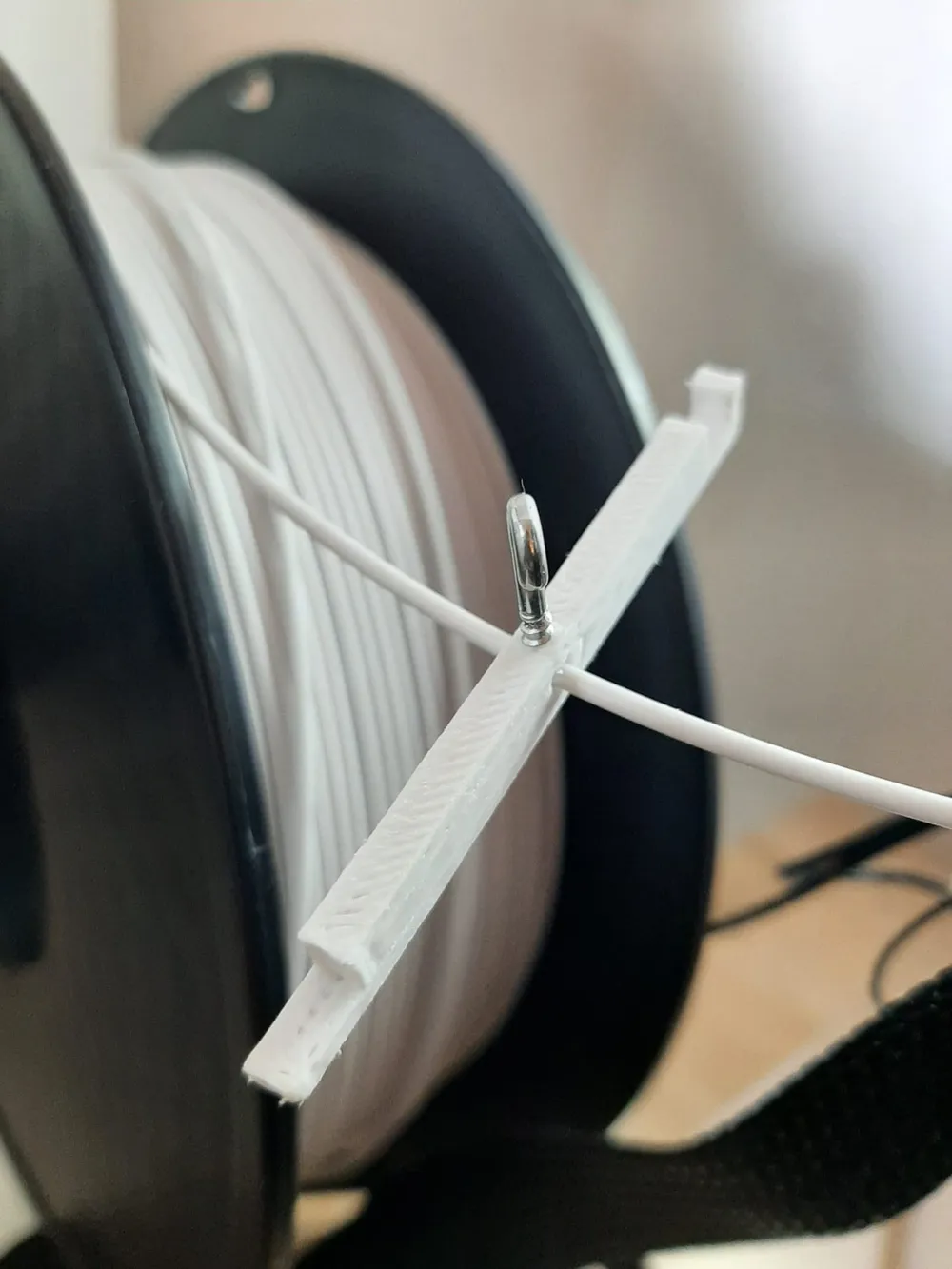
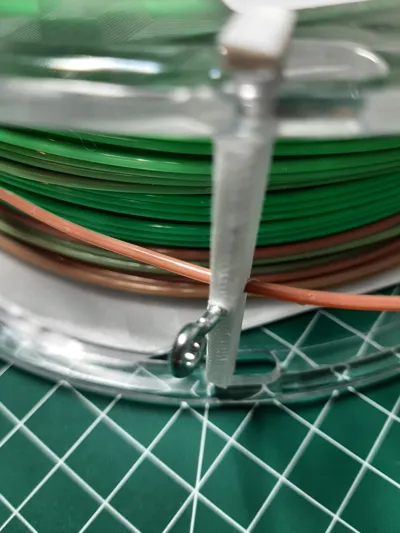
- Guide the clip through the front hole (as shown in the pictures)
- Attach the clip (as shown in the picture) by slightly turning and then pushing it through the holes in the spool
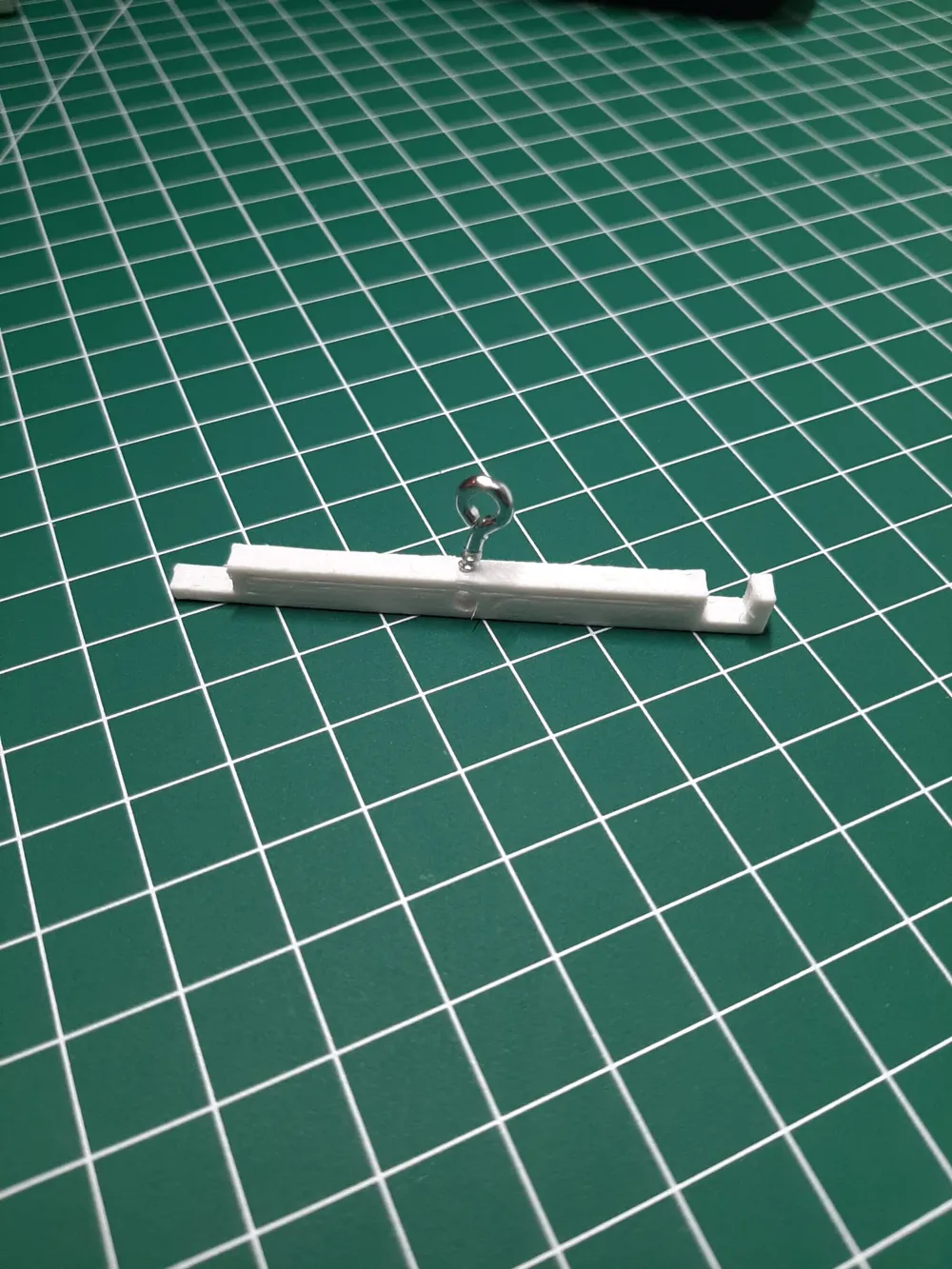
- Turn the screw or bent screw hook through the hole provided on the top (as shown in the picture) until the filament is secured by the tip at the end of the thread
Usage:
- Insert loose filament into the 3D printer
- Release the clamp by turning as during assembly
- Open the screw or similar
- Fasten the clamp by turning as during attachment
- Turn the screw or similar in
- Remove the filament from the printer
License

This user content is licensed under a
Creative Commons Attribution-Noncommercial-Share Alike


Comment & Rating (0)