
"Oh Boy!" Mickey-Inspired Desk Organizer
Print Profile(1)

Description
Boost Me (for free)
By boosting me, you give me the opportunity to continue creating and working on other fun and beautiful projects like this for free, thank you
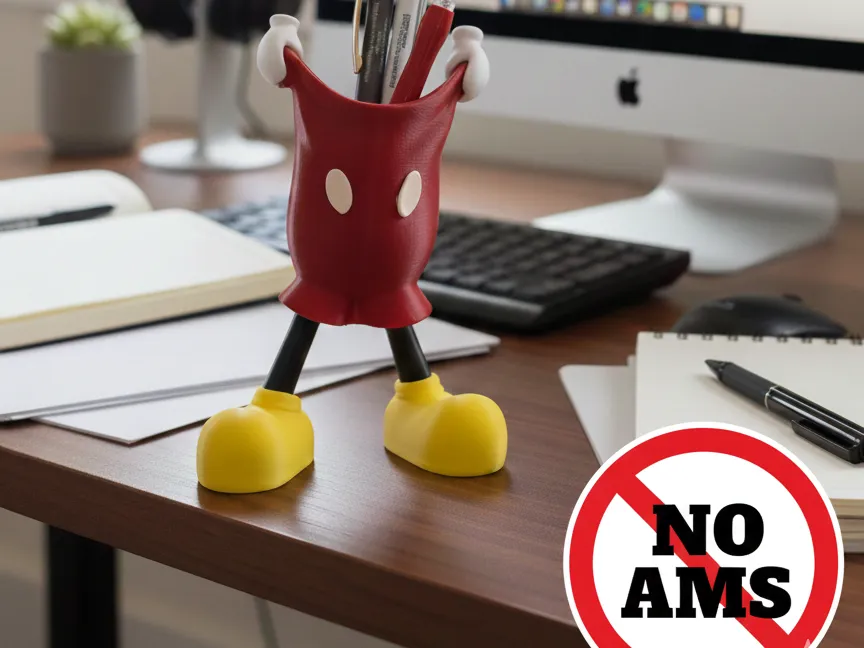
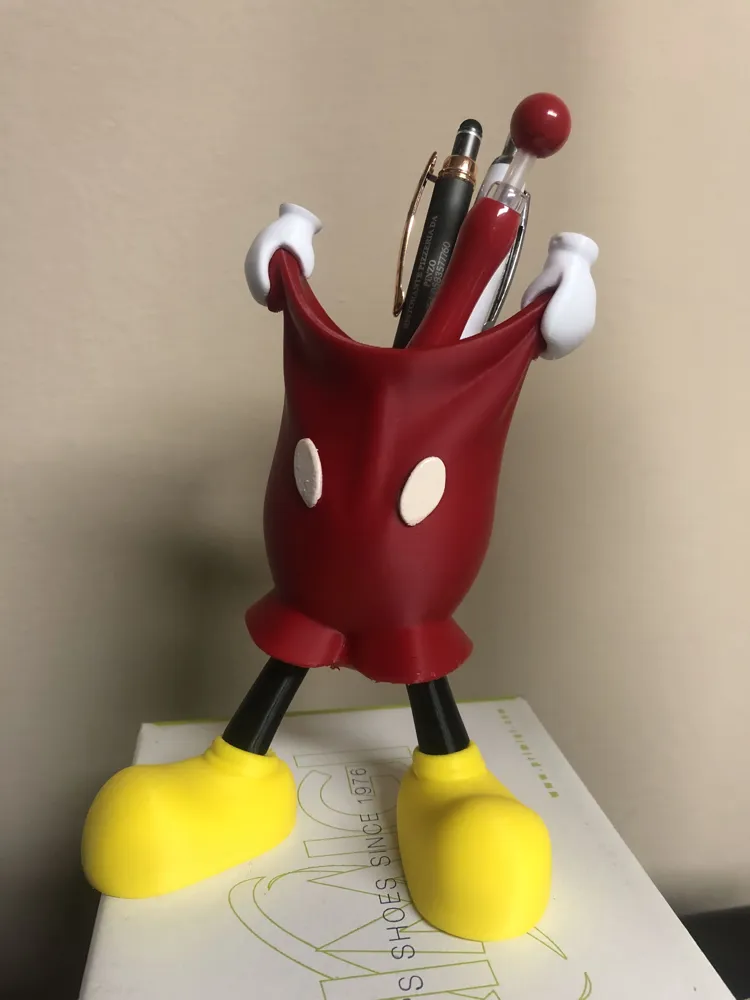
🎩 "Oh Boy!" Mickey-Inspired Desk Organizer | No AMS Required
Bring a touch of joy and magic to your desk with this pen holder inspired by the world's most famous icon! 🐭✨
This model was designed with simplicity in mind. Unlike many complex models, this organizer DOES NOT require the use of an AMS system or MMU. It is divided into separate parts, allowing you to print each piece with the correct color filament and easily assemble them with a little glue
Key Features:
- Iconic Design: Perfect for offices, children's rooms, or as a gift
- No AMS / No waste: Save time and filament by printing individual pieces
- Easy to Print: Optimized to minimize support material usage
Dimensions: Scalable according to your needs (100% recommended for standard pens)
N.B
The buttons alone need to be colored with a Uniposca marker or acrylic paint because they are too small and delicate to be printed separately, but for the lazier ones, I have also included the object ready to print with AMS
🛠️ Printing Tips
- Material: PLA+ eSun (Red, Black, Yellow, White)
- Supports: Minimal supports may only be needed for the pants
- Infill: 10-15% (except for shoes and legs to provide more balance)
- Assembly: Use a drop of super glue (cyanoacrylate/hot glue) to attach the legs to the pants and the hands to the edge
ATTENTION
IF YOU WANT TO REDUCE/ENLARGE THE OBJECT:
- Press the “Shift” key (outside the plate) and the “Left Mouse” button together
- Select all objects (including the whole one)
- Go to Resize (“S” key to do it faster)
- Set (only on the Z-axis) the desired size, and it will automatically resize all objects with the same percentage
(see example image below) 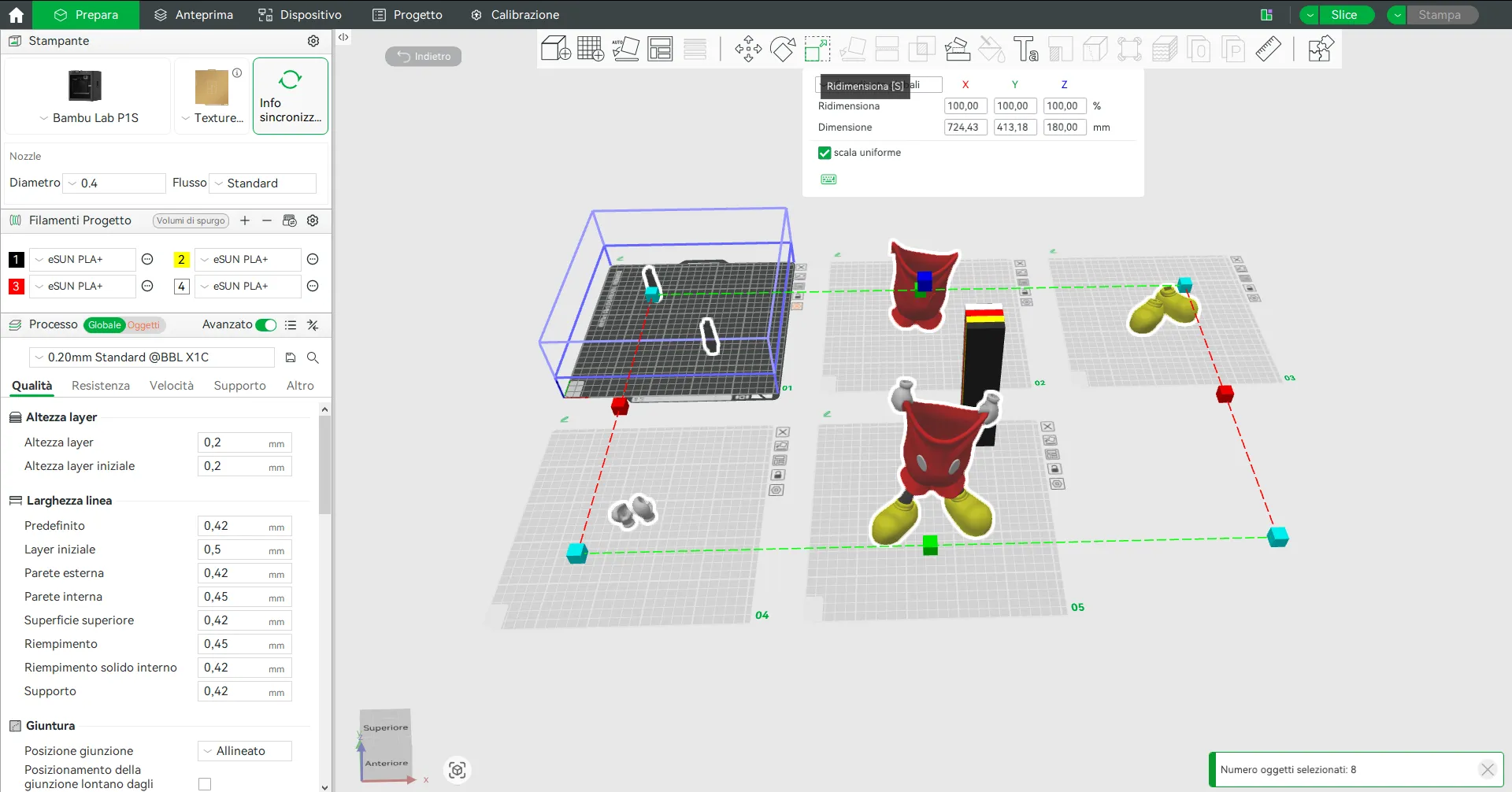
License

You shall not share, sub-license, sell, rent, host, transfer, or distribute in any way the digital or 3D printed versions of this object, nor any other derivative work of this object in its digital or physical format (including - but not limited to - remixes of this object, and hosting on other digital platforms). The objects may not be used without permission in any way whatsoever in which you charge money, or collect fees.


Comment & Rating (15)