
45° Thread Container (with Fusion360 F3D File)
Print Profile(1)

Description
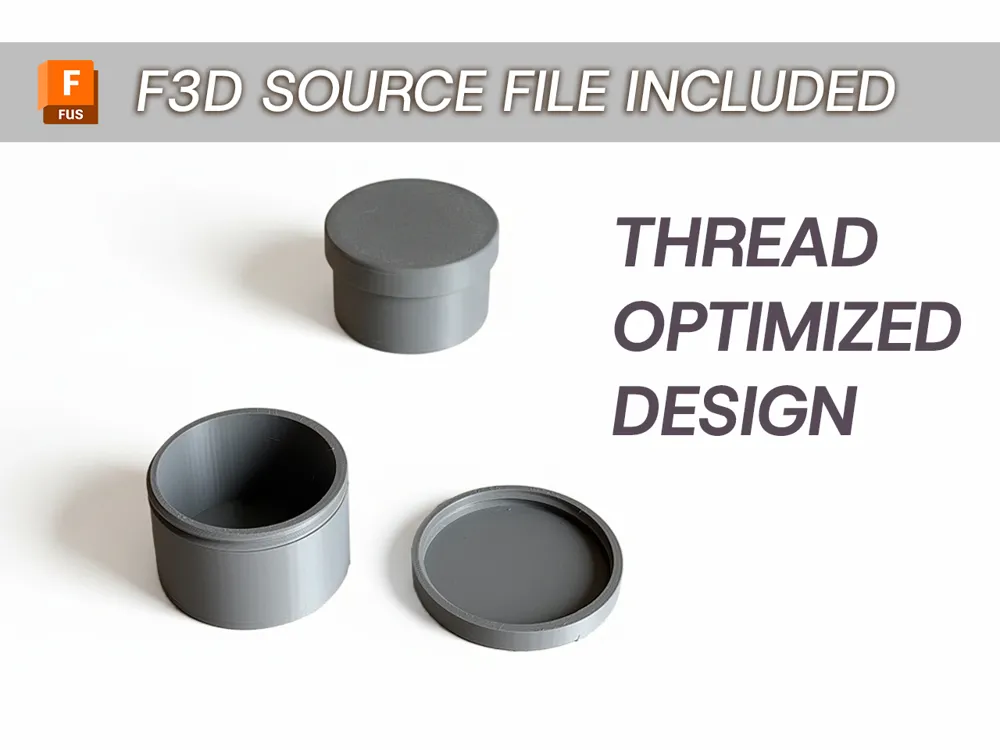
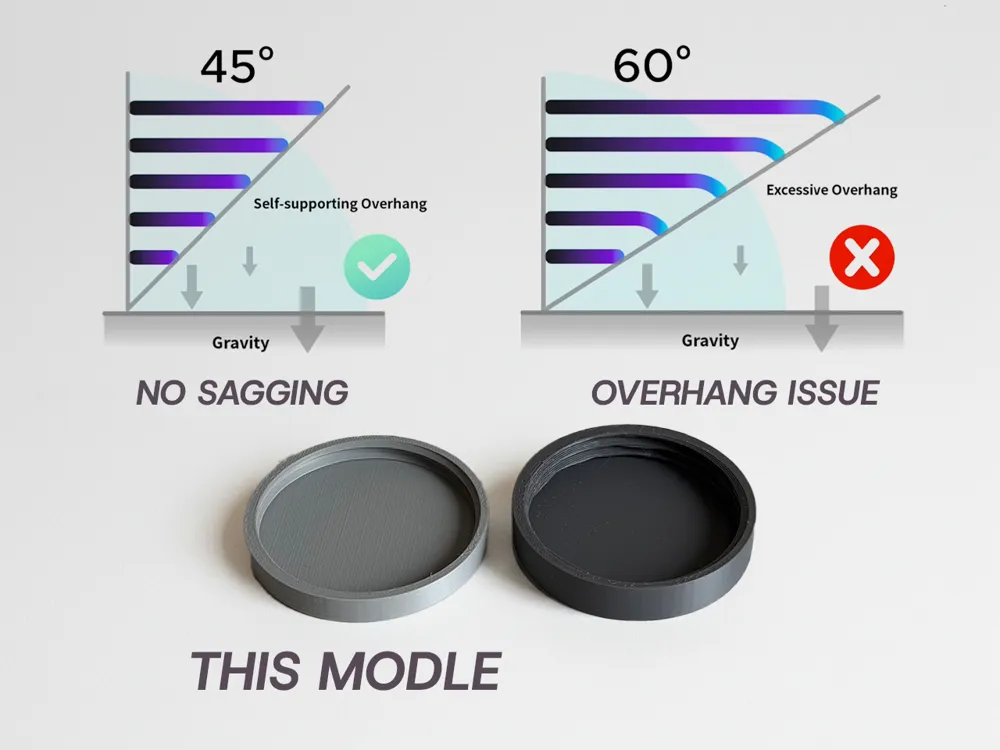
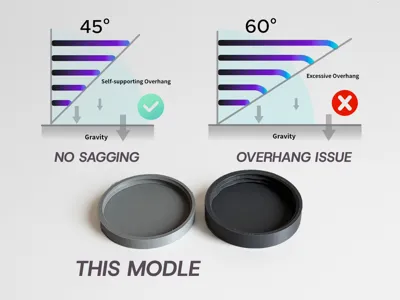
Stop Thread Sagging! Optimize Your Fusion 360 Standard Threads to 45°.
Standard threads in Fusion 360 use a 60° profile, which often leads to messy overhangs and sagging when 3D printed. In this model, I’ll show you a quick hack to optimize the thread profile to 45° for a much cleaner print.
Key Features:
- Overhang Hack: No more messy threads! The 45° profile ensures smooth printing without the need for supports or post-processing.
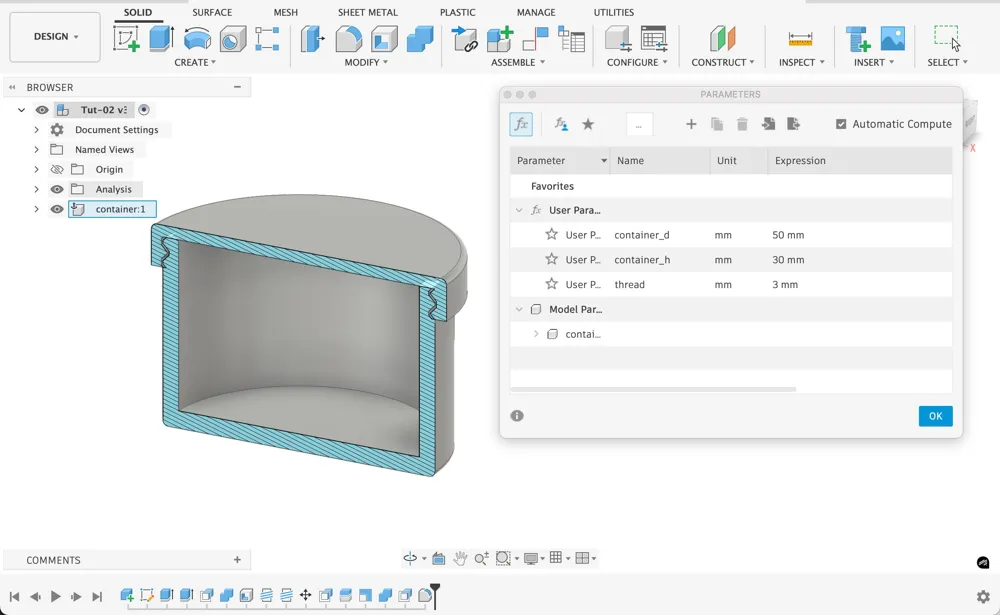
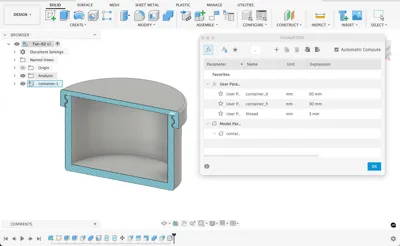
- Step-by-Step F3D Source: I’ve included the full Fusion 360 source file. You can see every command in the timeline and the parameters I've used. This file shows exactly how to optimize the standard thread profile to 45° in just a few steps—easy for beginners.
- Tested Results: This design has been tested and proven to eliminate the common "thread sagging" issue seen in standard CAD-generated threads.
Watch the "Quick Hack" Tutorial: See the full optimization process and the math behind it on my YouTube channel.
License

You shall not share, sub-license, sell, rent, host, transfer, or distribute in any way the digital or 3D printed versions of this object, nor any other derivative work of this object in its digital or physical format (including - but not limited to - remixes of this object, and hosting on other digital platforms). The objects may not be used without permission in any way whatsoever in which you charge money, or collect fees.


Comment & Rating (7)