
QRing-Fully Customizable & Scannable
Print Profile(1)

Description
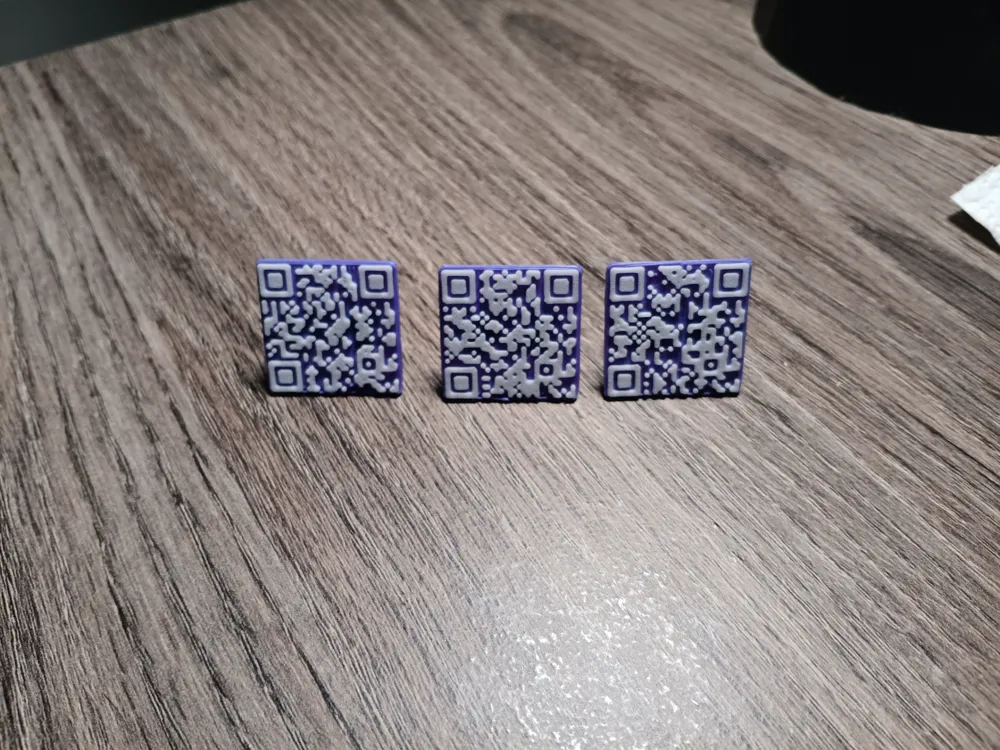
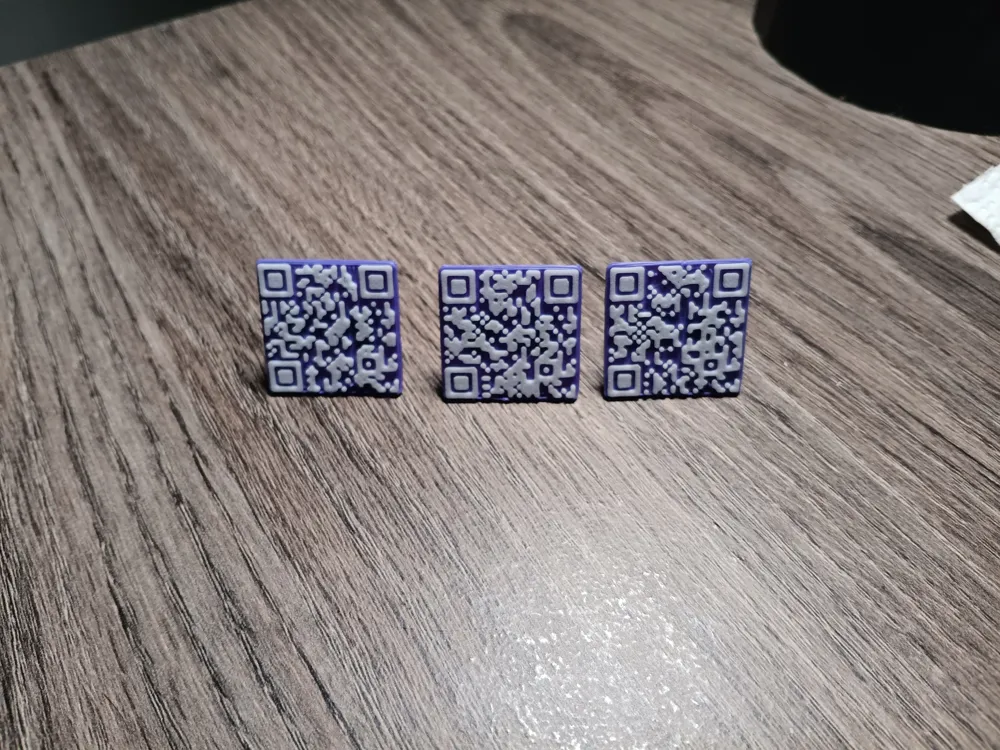
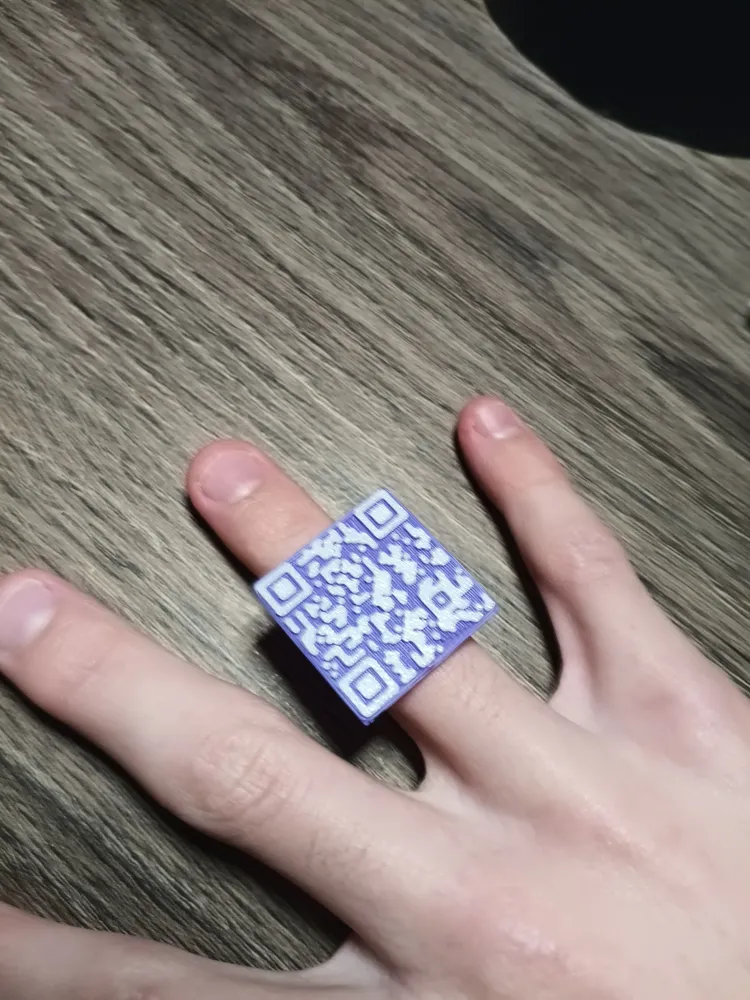
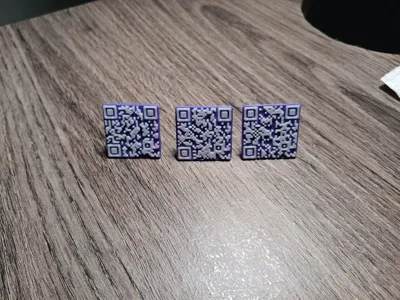
QRing – Fully Customizable & Scannable QR Code Ring
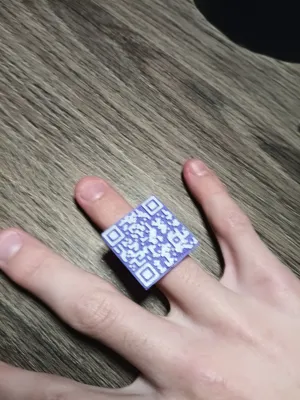
QRing is a fully customizable, functional QR code ring designed to be 3D printed and scanned with any device.
The QR code wraps around the band and encodes a URL only.
This model generates a real, scannable QR code, not a decorative pattern.
Special thanks to xypwn for creating the qrcode scadqr library released under the MIT license.
Default Settings
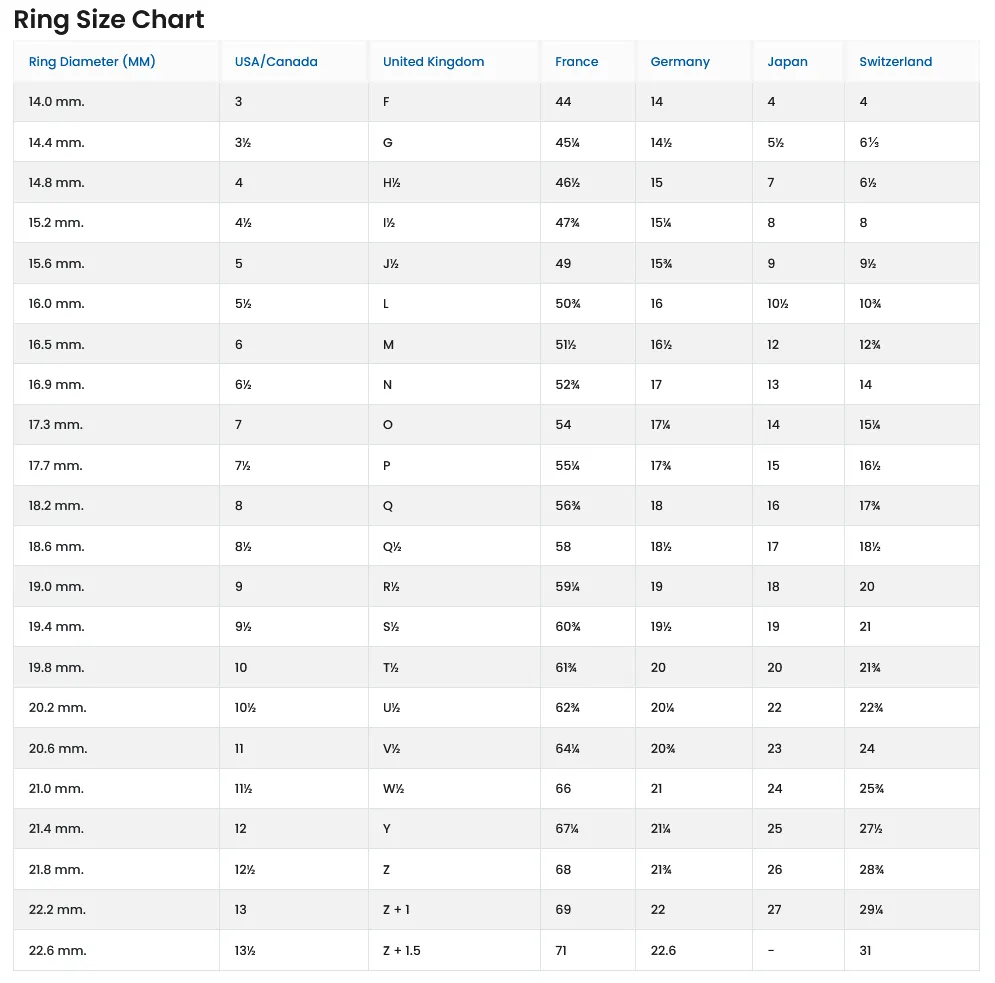
- Default ring inner diameter: 18.6 mm
(US size ~8.5) - Default QR module size: 0.9 mm
- Maximum QR module size: 1.0 mm
These defaults are chosen to balance comfort, printability, and scan success.
Customizable Parameters
You can adjust the following parameters in the customizer.
🔹 QR Code URL
- Enter a URL only
- Other data types (contact info, Wi-Fi, text, etc.) are not supported
🔹 Ring Size
- Set the inner diameter in millimeters
- Use the ring size chart below for reference
🔹 QR Module Size
- Controls the size of each QR square
- Recommended range: 0.6 mm – 1.0 mm
- Default is 0.9 mm
- Maximum supported value: 1.0 mm
🔹 Colors
- Ring color can be changed
- QR code color can be changed
- High contrast between ring and QR code is strongly recommended
Printing Instructions (Important for Printability & Scanning)
- The “Must Be Turned Upside Down” option MUST be enabled before exporting for printing
- No supports are required
- Use high-contrast colors (black on white works best)
- Recommended layer height: 0.2 mm or lower
- Avoid glossy, transparent, or reflective filaments
- Always test scan the QR code after printing
⚠️ QR Density Note:
Very long URLs increase QR density and may not scan reliably on smaller ring sizes
Note that the Print Time is only 15 minutes on the default settings and uses less than 4 gram's of filament depending on how big the ring and qr code are.
Ring Fit & Safety Notes
- For rigid materials (PLA, PETG, resin), consider increasing the inner diameter by +0.2 mm for comfort
- Do not force the ring onto your finger
If the ring gets stuck on your finger:
Apply soap, gently rotate the ring, and pull firmly but carefully until it slides off. If that doesn't work or you want a better route, I recommend twisting it upside down and back up in order to remove it from your finger. Stop immediately if there is pain or swelling.
Ring Size Chart (Inner Diameter Reference)
Use the Ring Diameter (MM) column when selecting your size.
Boost Me (for free)
If you find QRing useful, please consider liking, downloading, and sharing the model.
Your support helps push this model higher so more people can find it and helps motivate future updates and improvements.
Thanks to all the wonderful people that have downloaded this model. All the support that I get from people downloading my models. Feel Free to DM me if you have any questions, Feel Free to reach out 😃.
License

You shall not share, sub-license, sell, rent, host, transfer, or distribute in any way the digital or 3D printed versions of this object, nor any other derivative work of this object in its digital or physical format (including - but not limited to - remixes of this object, and hosting on other digital platforms). The objects may not be used without permission in any way whatsoever in which you charge money, or collect fees.


Comment & Rating (11)