
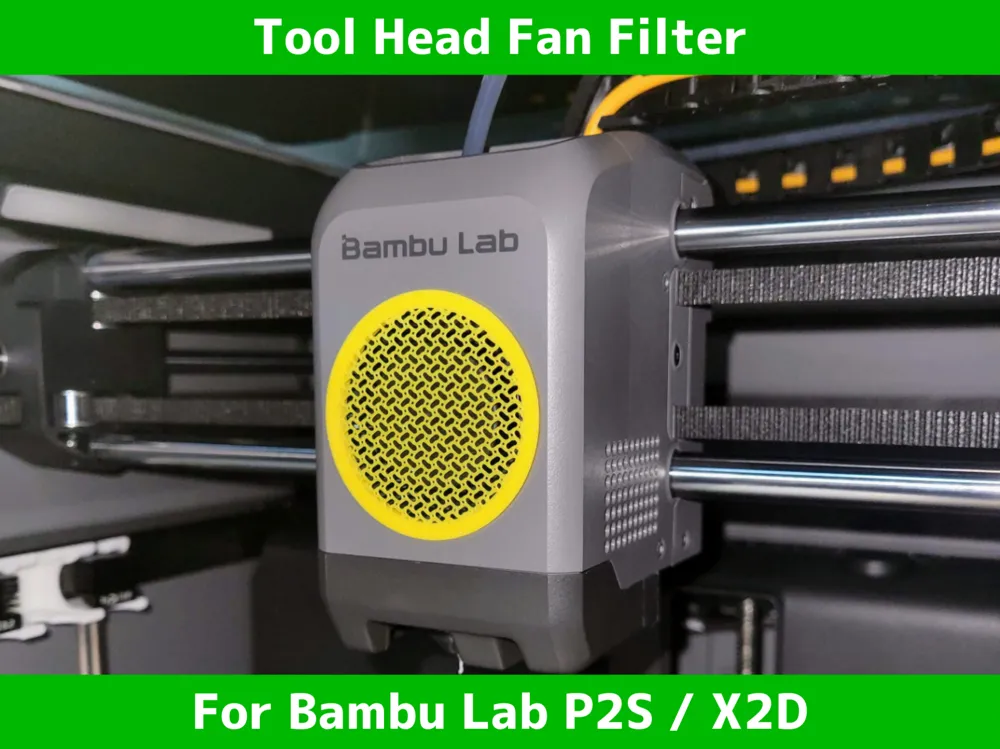
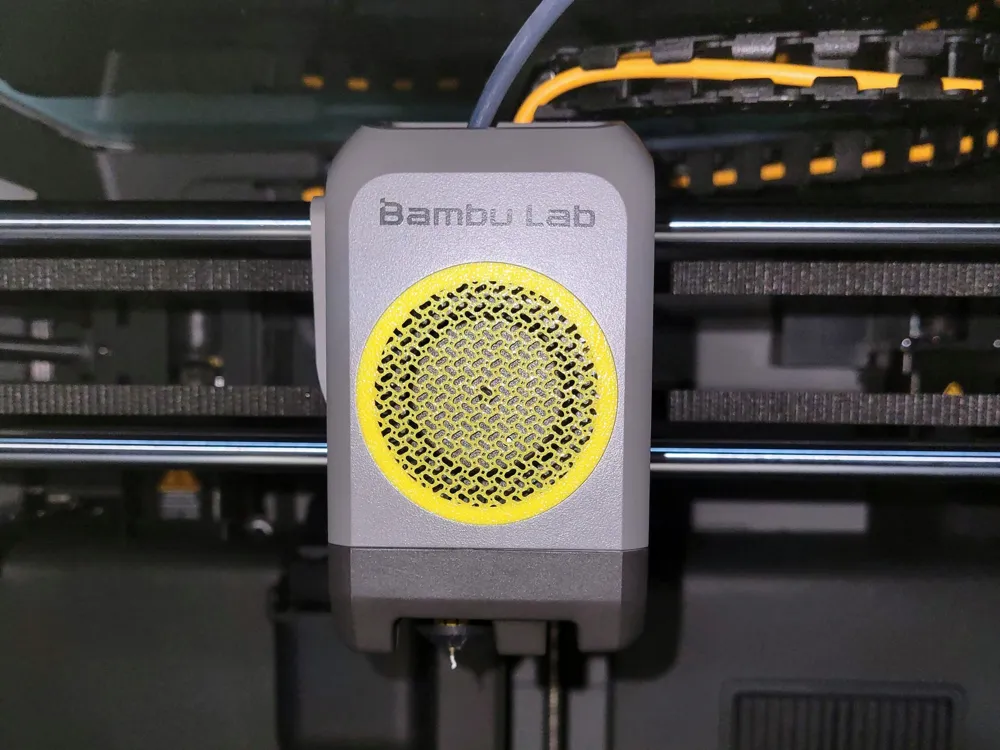
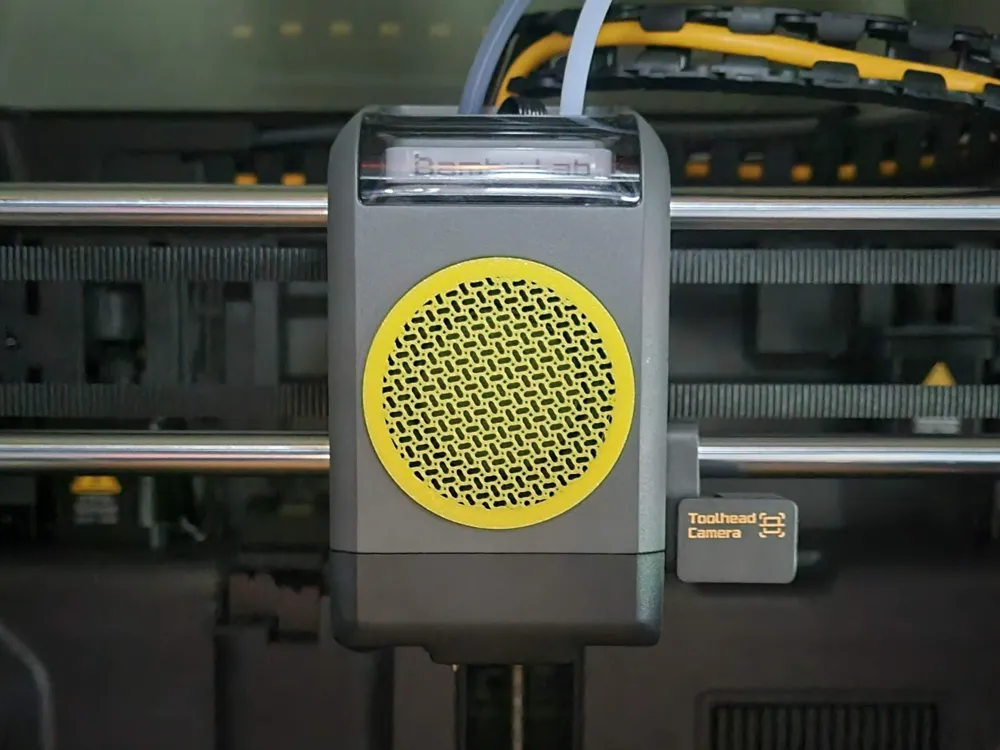
P2S/X2D Fan Cover (Part Cooling) - Striging Filter
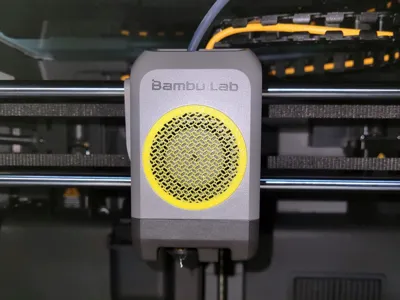
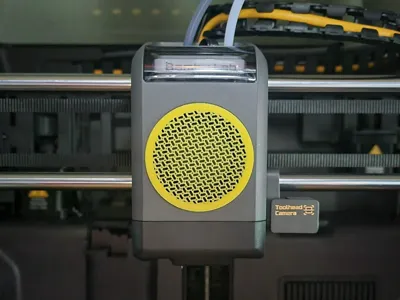
Print Profile(2)


Description
The model details are just below—feel free to scroll down!
Boost Me (for free)
Thanks for checking out my design! If you liked it, a Boost would mean a lot. I truly appreciate every follow, download, like, and boost. Thank you for your support!

- Making 3D Printing More Fun & Functional. -
◀ Printer Upgrade Collection ▶


Overview
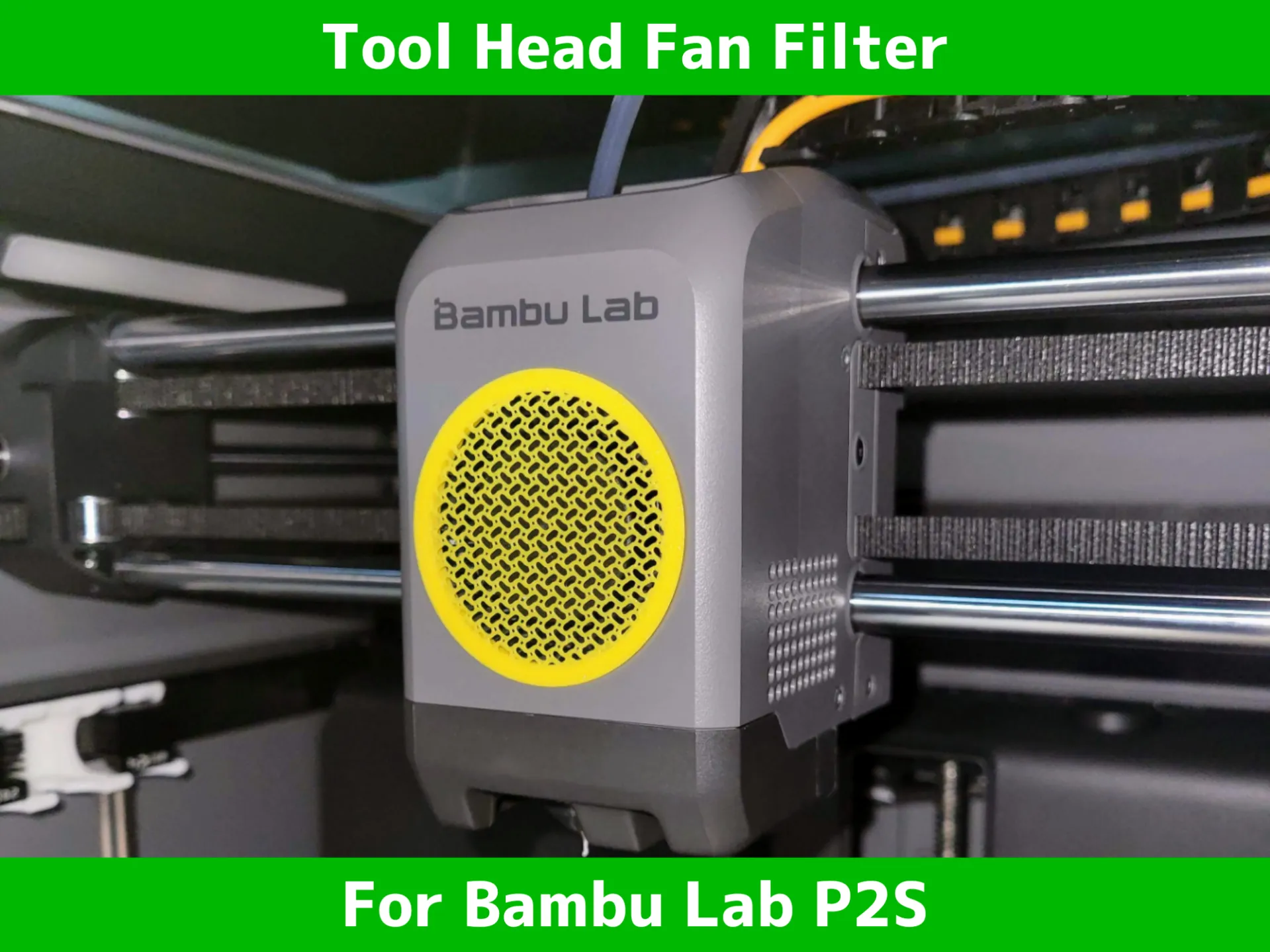
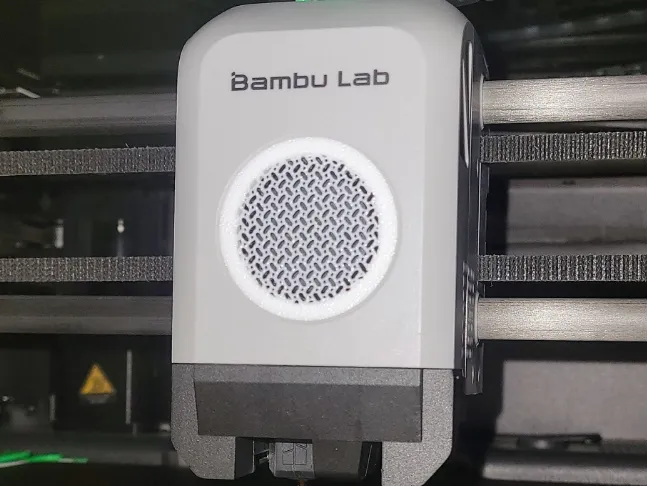
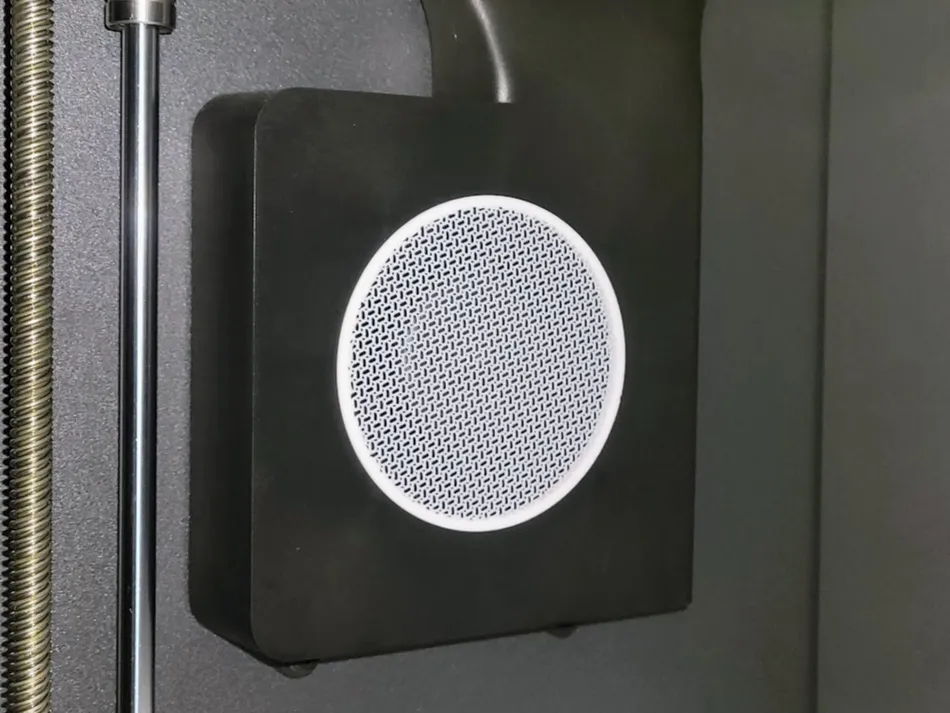
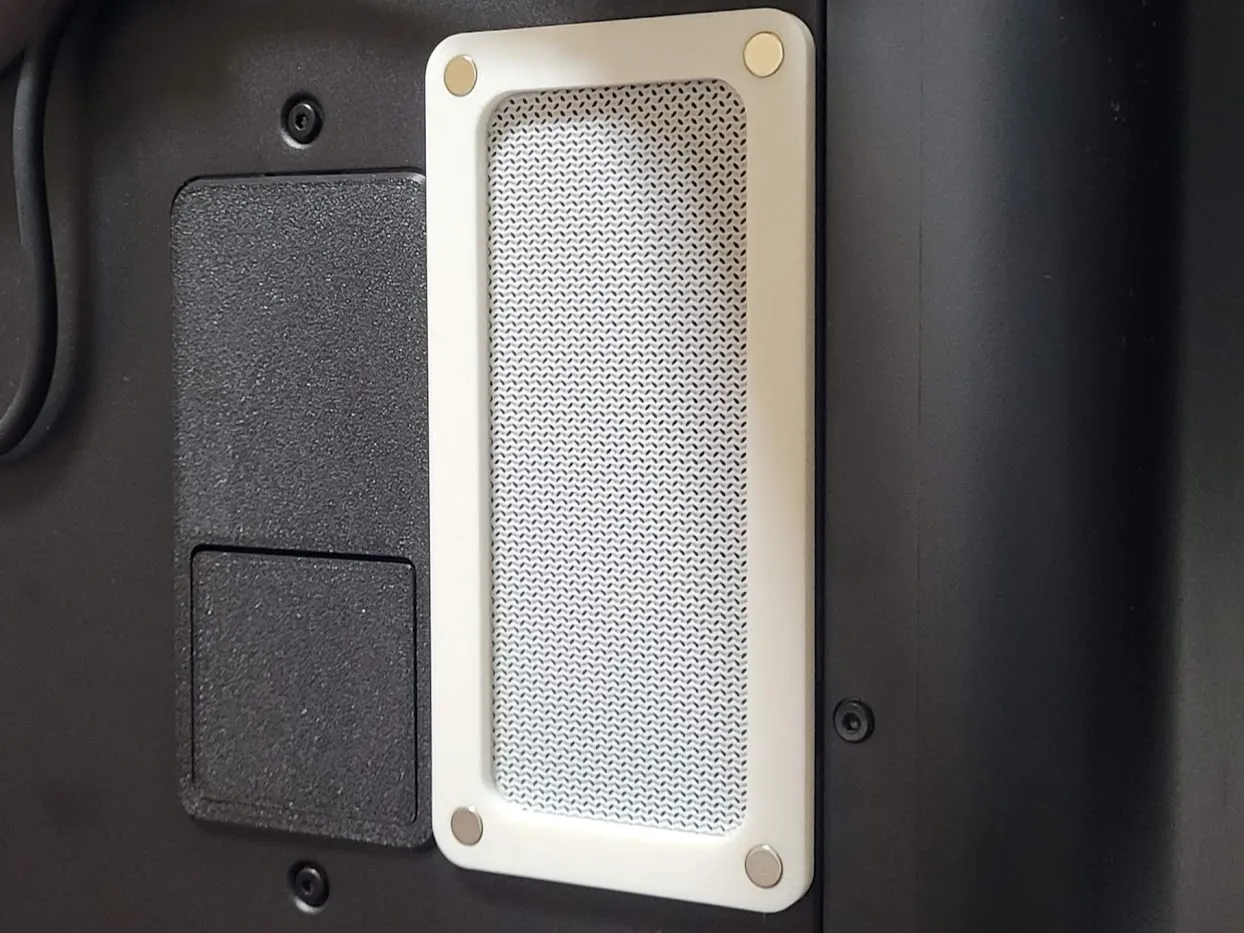
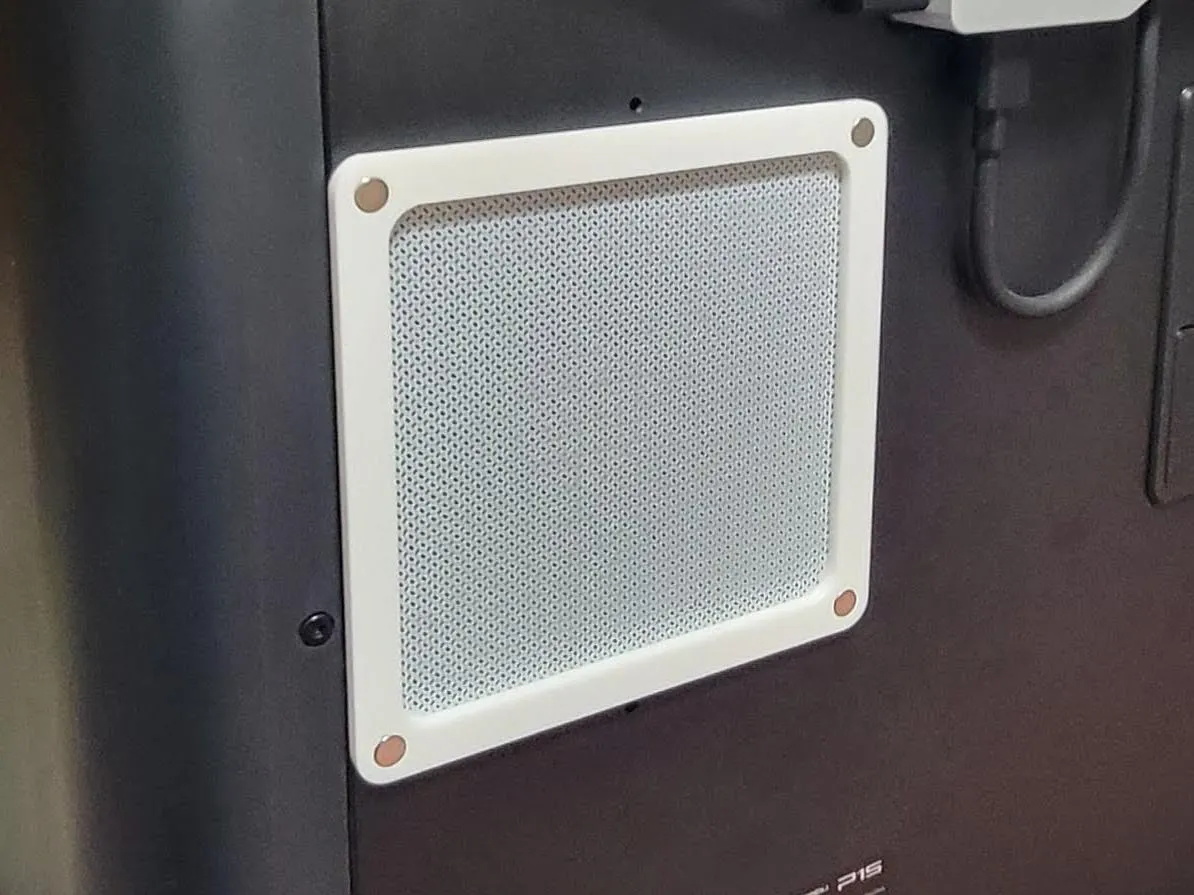
This 3D printable model is a dedicated filter for the Part Cooling Fan on Bambu Lab P2S and X2D printers. Designed to fit over the fan intake near the print head, it helps reduce the intake of filament dust and small particles while maintaining airflow to the printed object. The filter installs easily with a press-fit design—no magnets or tape required.
⚠️ Usage Note: This filter is designed for users who prioritize cleanliness and debris prevention. Be aware that any obstruction to airflow may slightly affect cooling performance on very demanding prints.
⚠️ Compatibility Note: If the filter feels loose on your P2S, try using the X2D version for a tighter fit.
Features
- Compatible with P2S & X2D: Specifically designed to fit the part cooling fan intake located near the print head.
- Tool-Free Installation: No magnets or tape—simply press-fit into the intake opening.
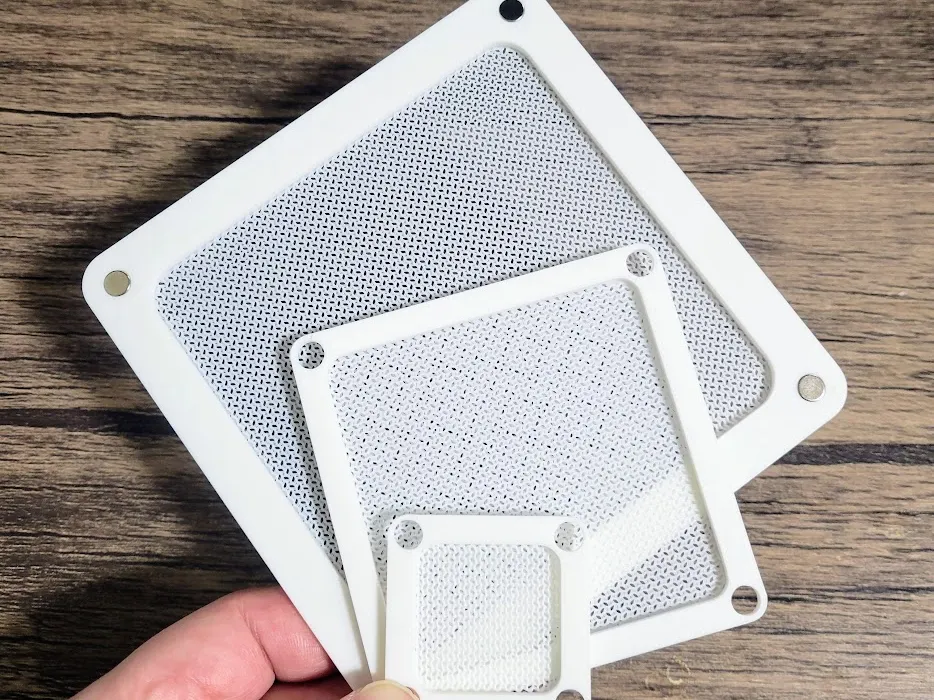
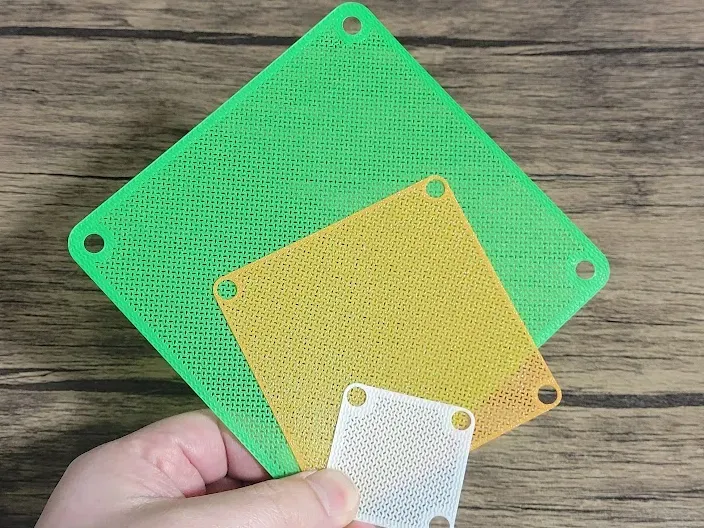
- Fine Mesh Structure: Helps block filament dust and small debris from entering the fan.
- Minimal Impact on Airflow: Engineered to allow sufficient cooling while filtering air.
- Silent Operation: Does not increase fan noise or vibration.
Parts List
3D Printable Part
- Fan Filter (single-piece design)
No additional hardware required.
Installation Instructions
- Print the Filter
- Use PLA, PETG, or another durable filament.
- Attach the Filter
- Press-fit the filter into the P2S and X2D part cooling fan intake. It should hold securely without adhesives.
Usage & Maintenance
- Cleaning: Rinse with water when dusty or clogged. Allow to dry fully before reinstalling.
Precautions
- Ensure the filter is completely dry before use.
- Confirm that the filter does not obstruct the fan blades or significantly reduce airflow.
- For high-speed or high-detail prints, remove the filter if additional cooling is required.
🔥 my favorite printer upgrade for P2S 🔥 | |
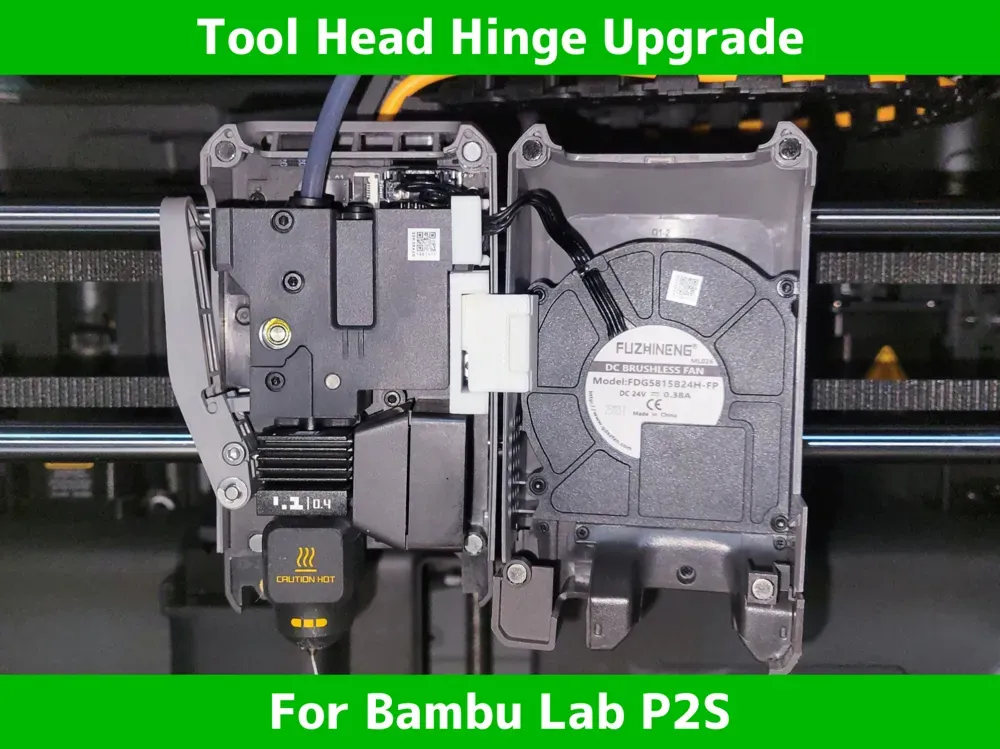 | 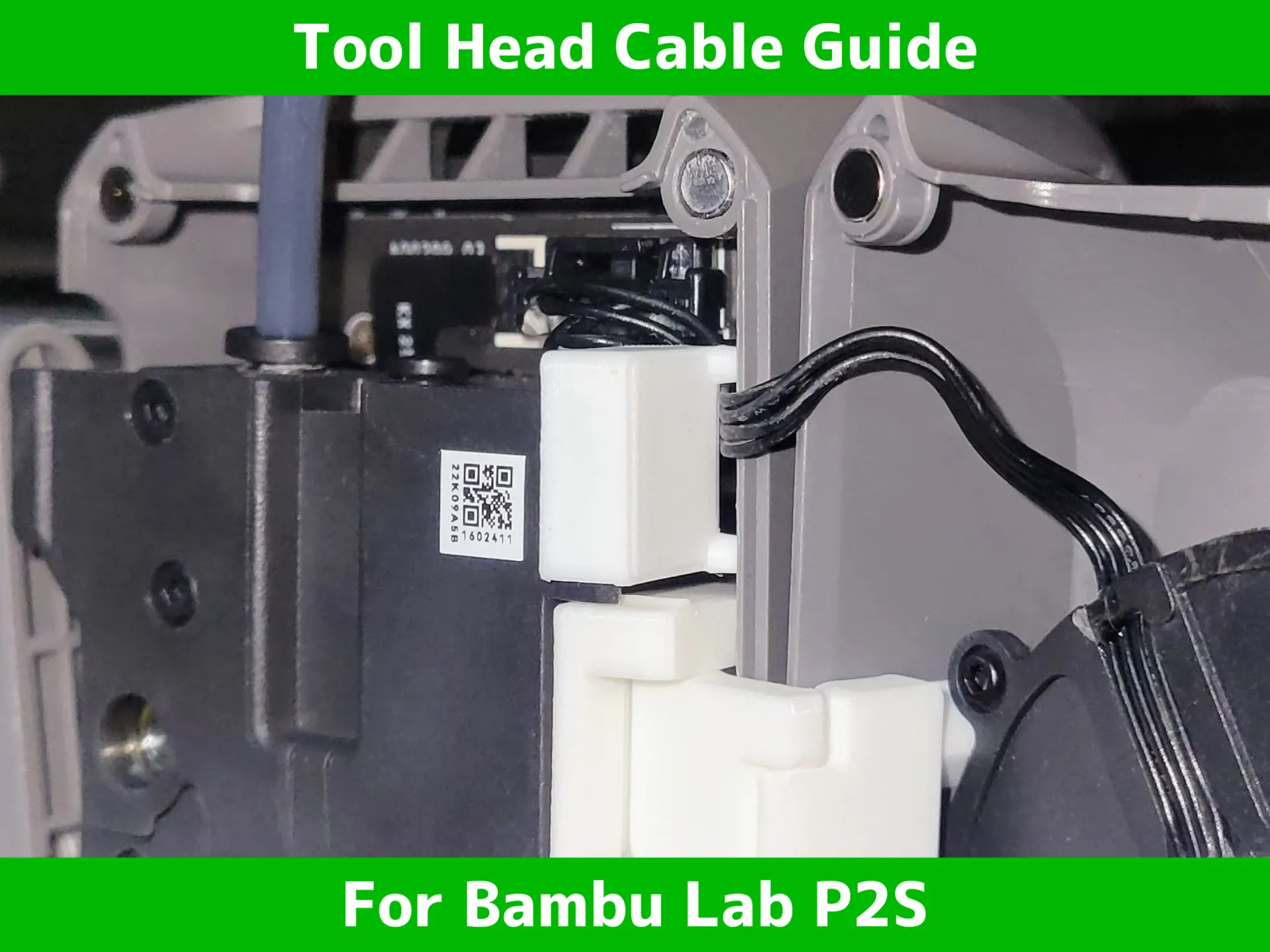 |
 |  |
 |  |
 |  |
 |  |
 | 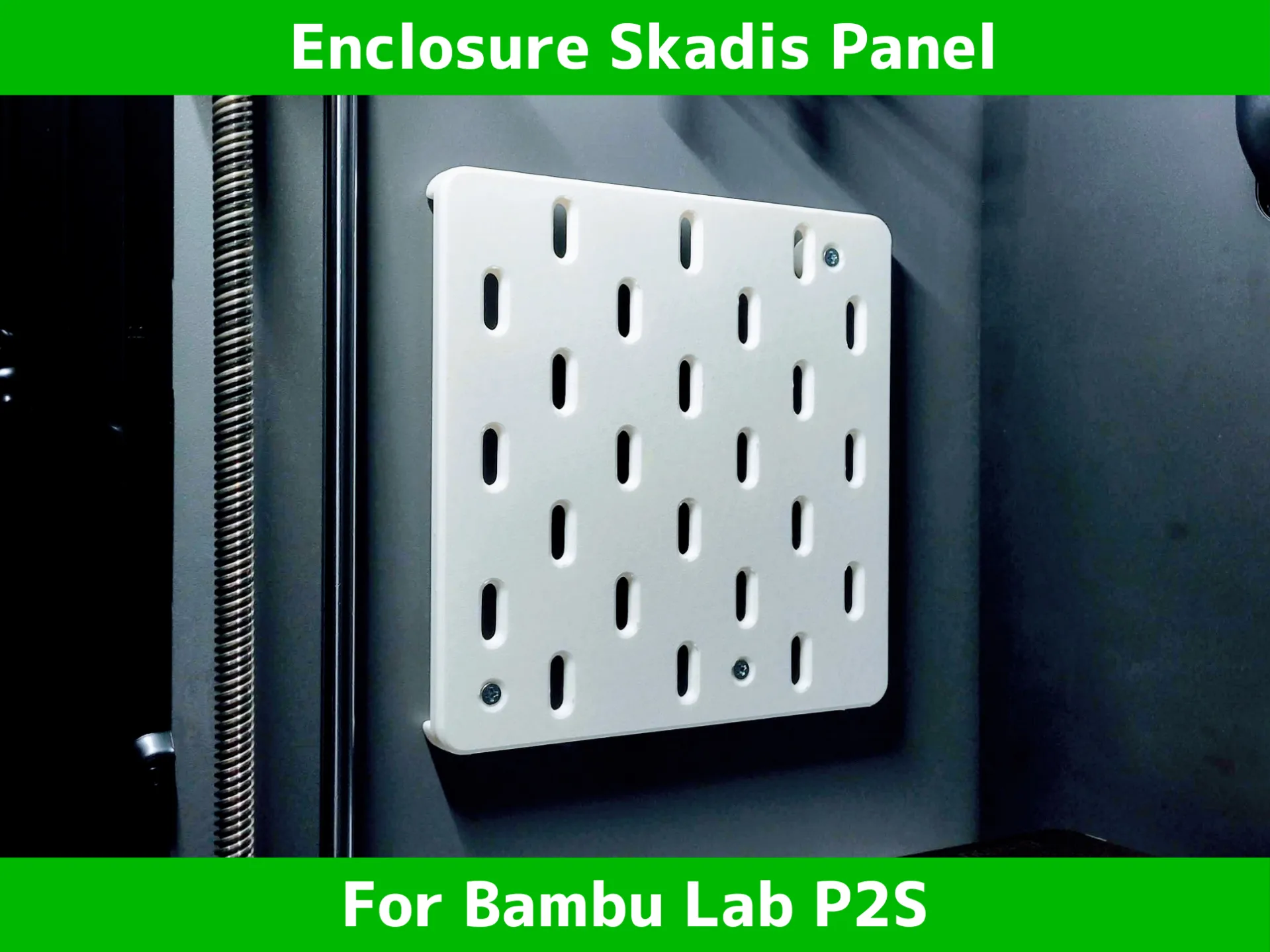 |
🔥 my favorite printer upgrade 🔥 | |
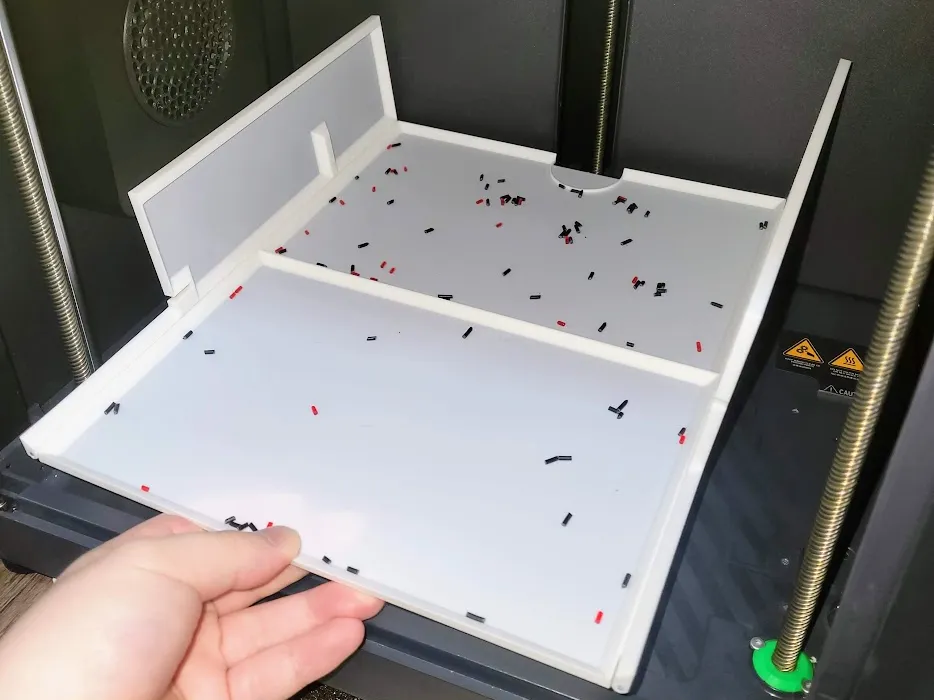 | 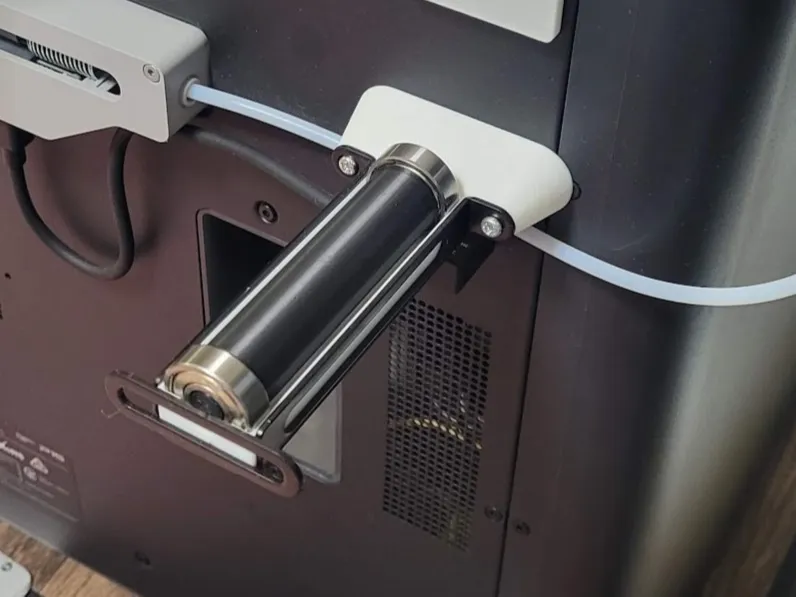 |
 |  |
 |  |
 |  |
 |  |
 |  |

License

You shall not share, sub-license, sell, rent, host, transfer, or distribute in any way the digital or 3D printed versions of this object, nor any other derivative work of this object in its digital or physical format (including - but not limited to - remixes of this object, and hosting on other digital platforms). The objects may not be used without permission in any way whatsoever in which you charge money, or collect fees.


Comment & Rating (98)