
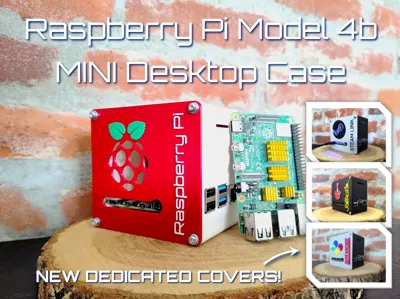
Raspberry Pi Model 4b Mini Desktop Case

Print Profile(5)


Bill of Materials






- Raspberry Pi Model 4b x 1:
- 40 x 40 x 10mm Fan x 1: Raspberry Pi compatible
Description
============= BREAK NOTICE =========================
Hello 3D printing friends!
Due to work requirements, studies and home renovations we will be little to not active on MakerWorld for the next coming weeks. Should there be remarks / feedback that you would like to share and would love to see implemented in our work or certain models, please send us a DM as those will be much easier to find and read after coming back. General comments etc on models tend to get buried which is unfortunate and is something we would like to avoid as we take your feedback seriously.
We apologize for any inconvenience our absence might cause but rest assured all messages will be addressed upon our return to designing!
Cheers!
====================================================
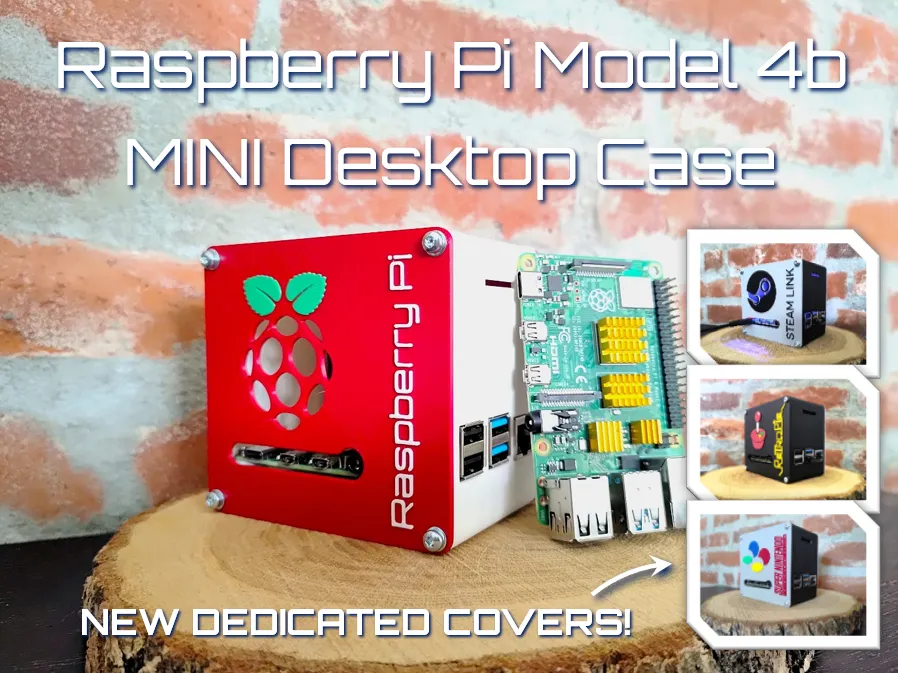
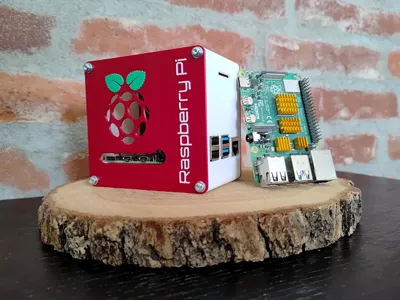
Raspberry Pi Model 4b Mini Desktop Case
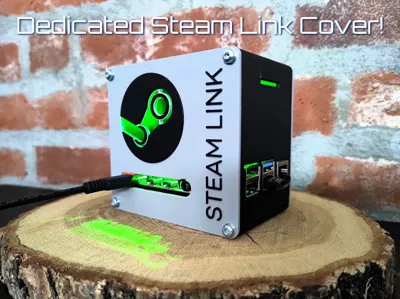
Introducing our newest addition to our educational programming accessories!
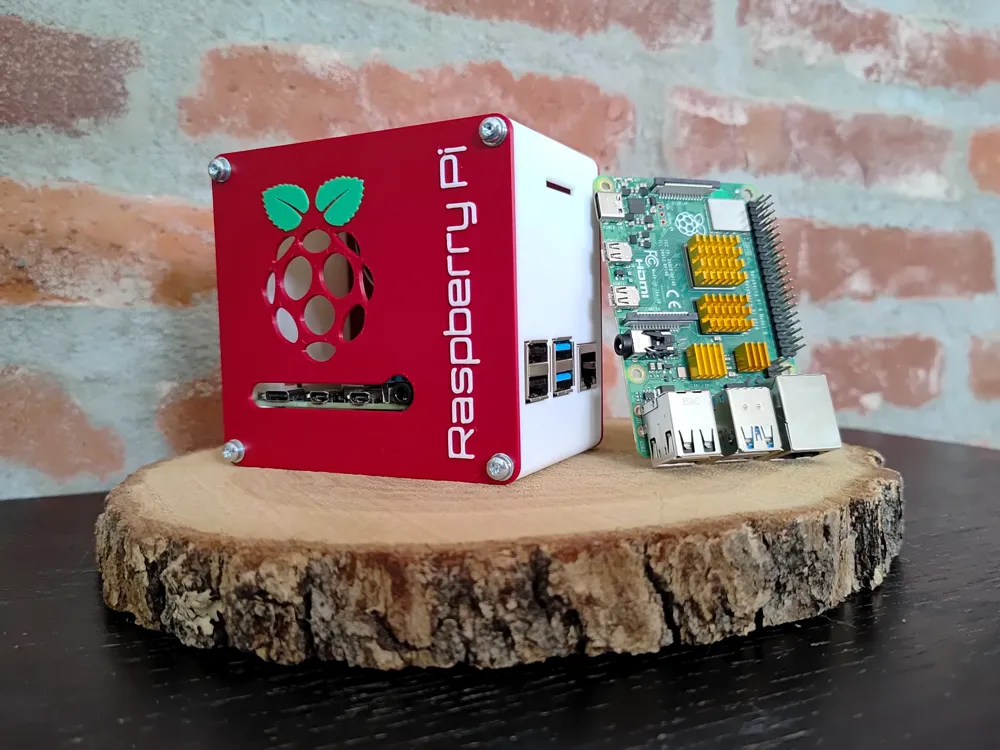
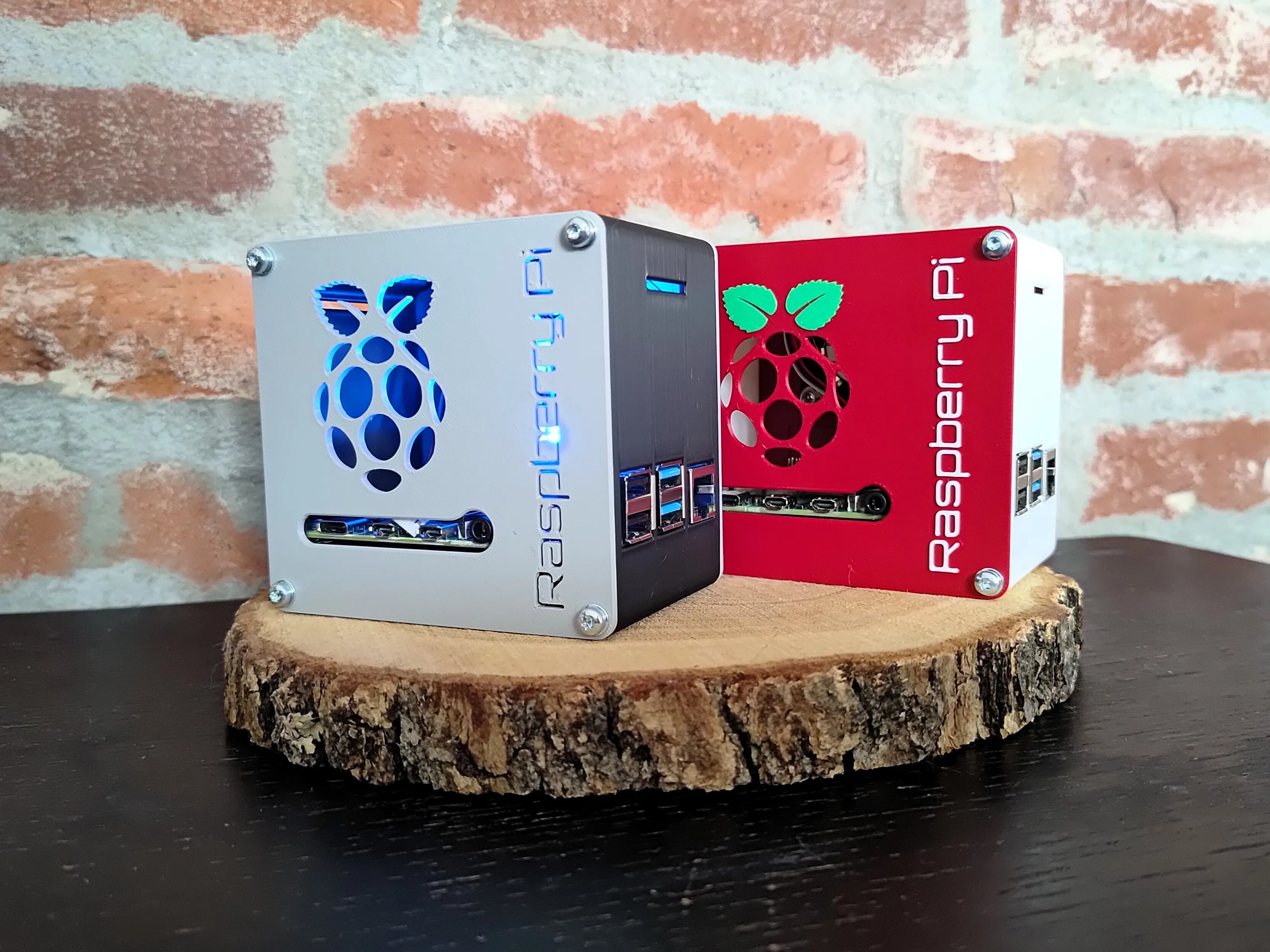
The Mini Desktop Case for the Raspberry Pi Model 4b.
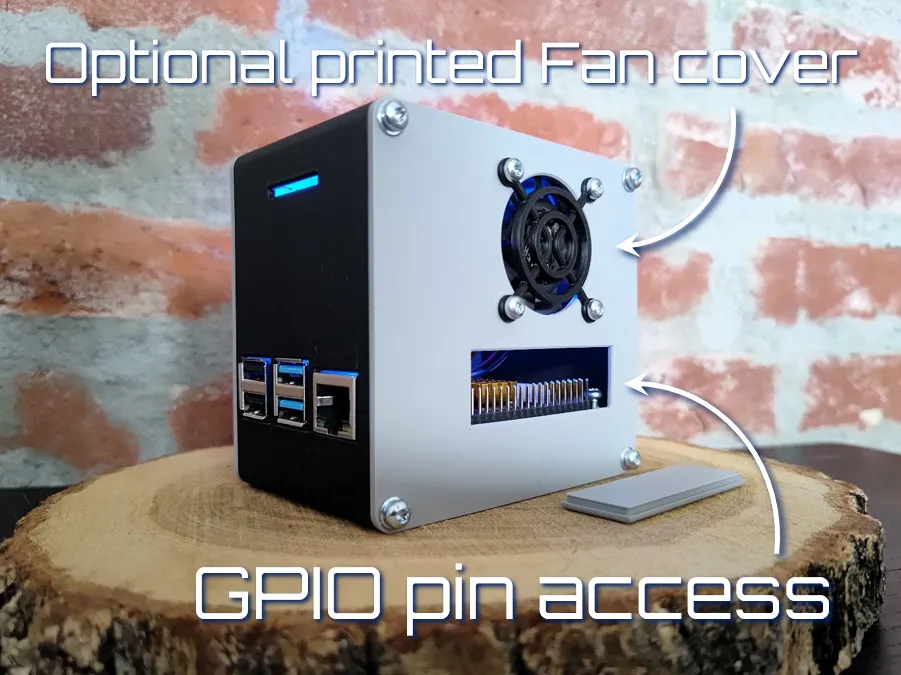
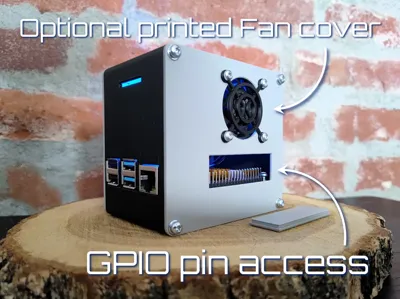
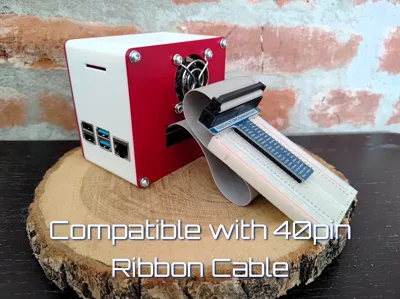
The small case will help you keep your Pi safe from unwanted contact with other components (DON'T FRY YOUR PI) while keeping it accessible through a cover that can be removed to utilize the GPIO pins. All ports are also available for use as well as additional slots to run the ribbon cable through should you want to connect the Pi Camera.
The design was influenced by some modern aspects as well as some futuristic and industrial. A modern sleek designed case that is put together with M3 screws for an industrial touch and the font + optional ICE Tower LED fan to give it a futuristic touch.
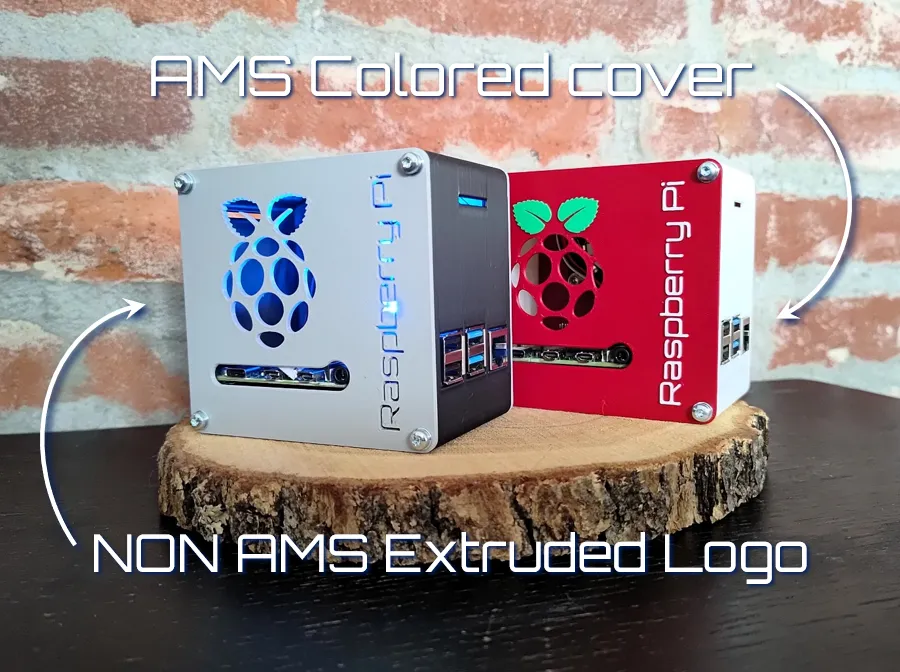
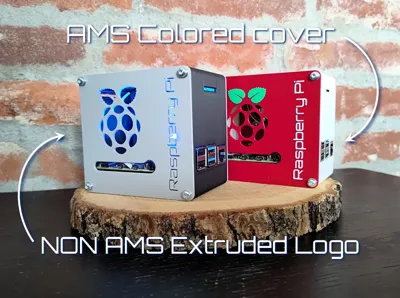
The covers can either be printed with an AMS for a colored option or NON AMS where the Logo and text are extruded. Combine these with the use of an ICE Tower cooling fan and your setup will turn into a real eye catcher!
Compatible with all Bambu printers: X series, P series, H series. A1 and A1 mini.
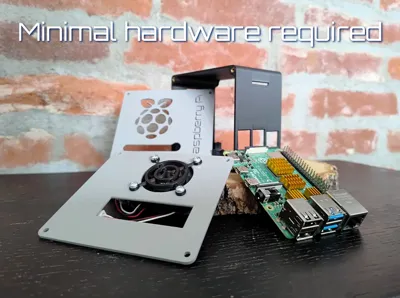
Hardware requirements:
- 8x M3 Threaded Inserts
- 12x M3 Machined Screws
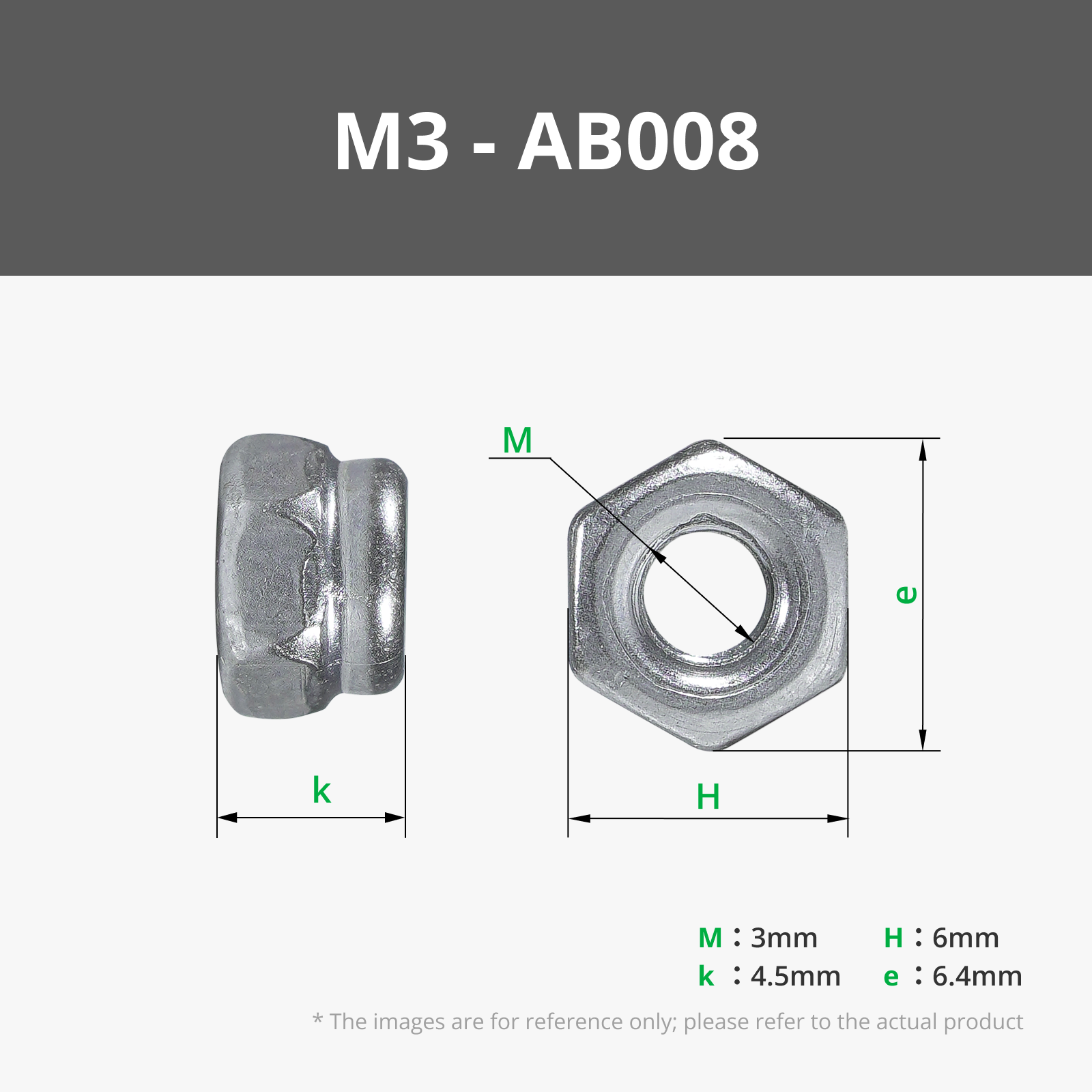
- 4x M3 Nuts
- 4x M2,5 Machined Screws
- 4x M2,5 Nuts
- 1x Raspberry Pi 4b (why would you otherwise print this case?)
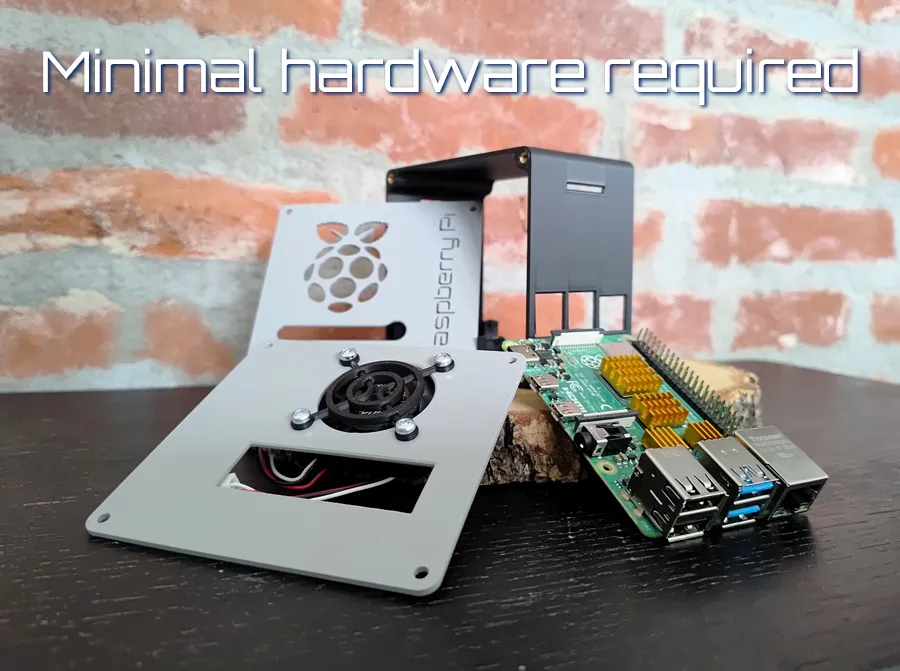
Instructions
- Choose your color combo and whether or not you want to use an AMS.
- Print the Frame, Front Panel, Back Panel + GPIO Cover and optionally the Fan cover.
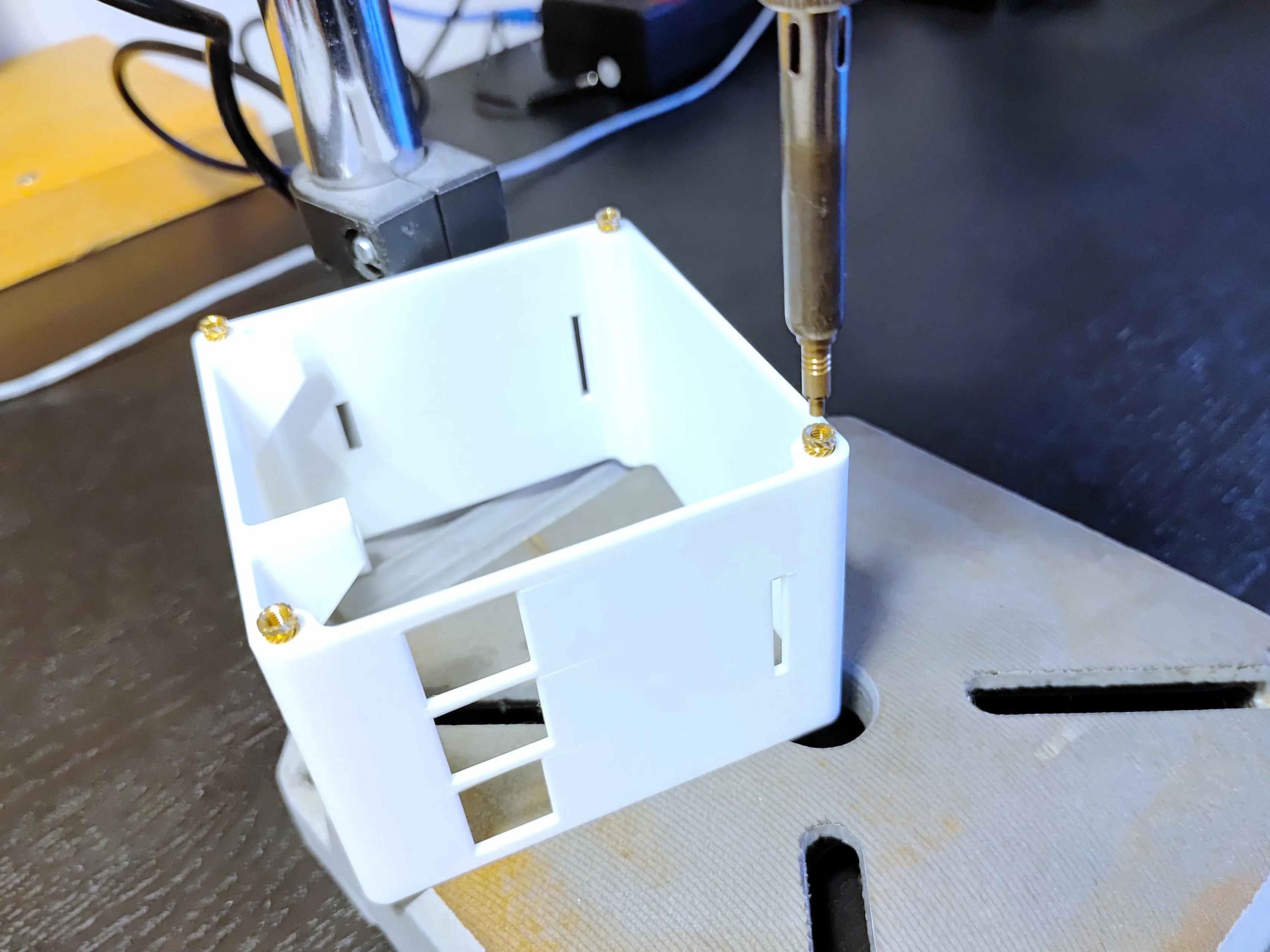
- Insert 8x M3 brass inserts into the Frame.
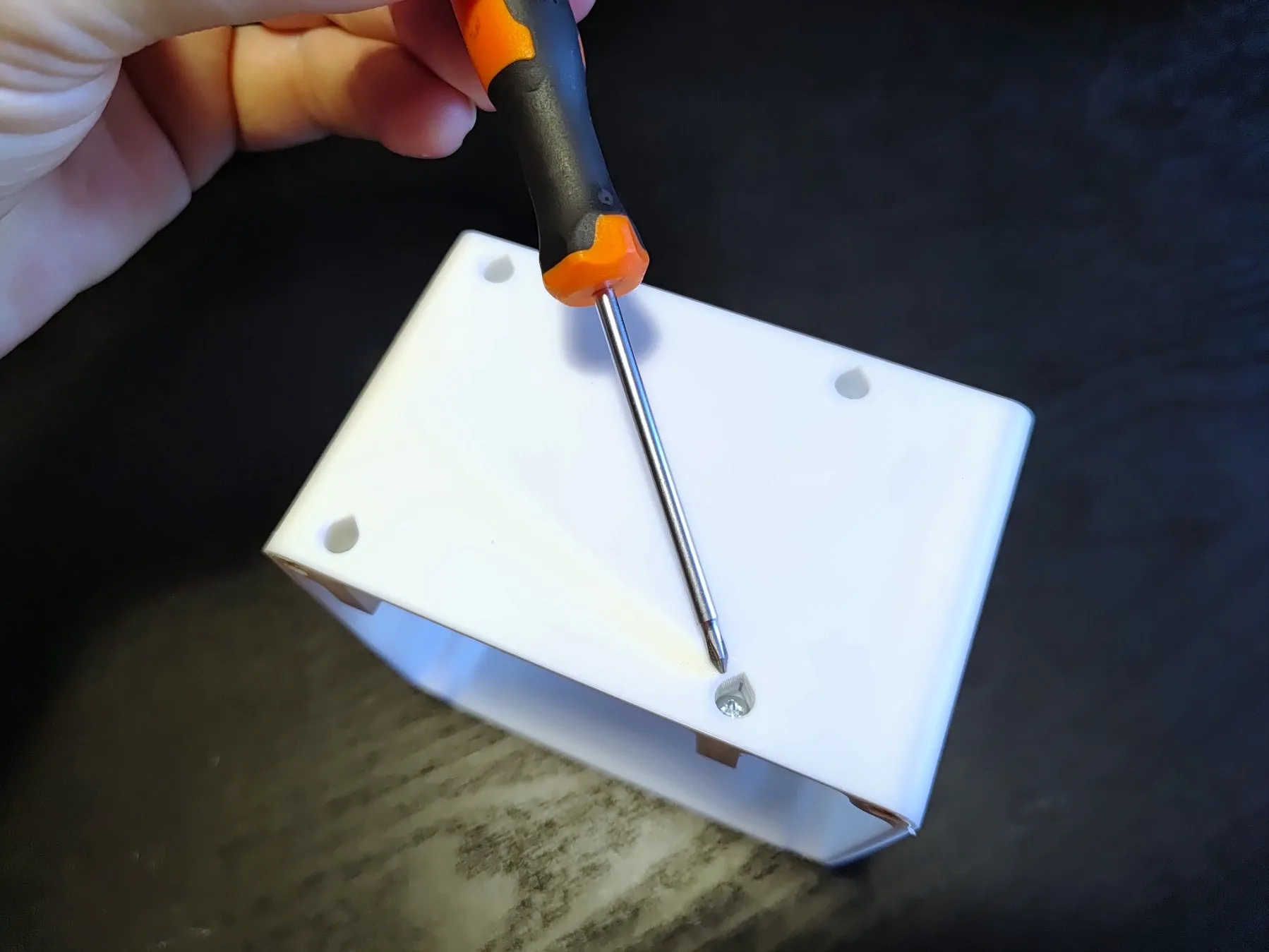
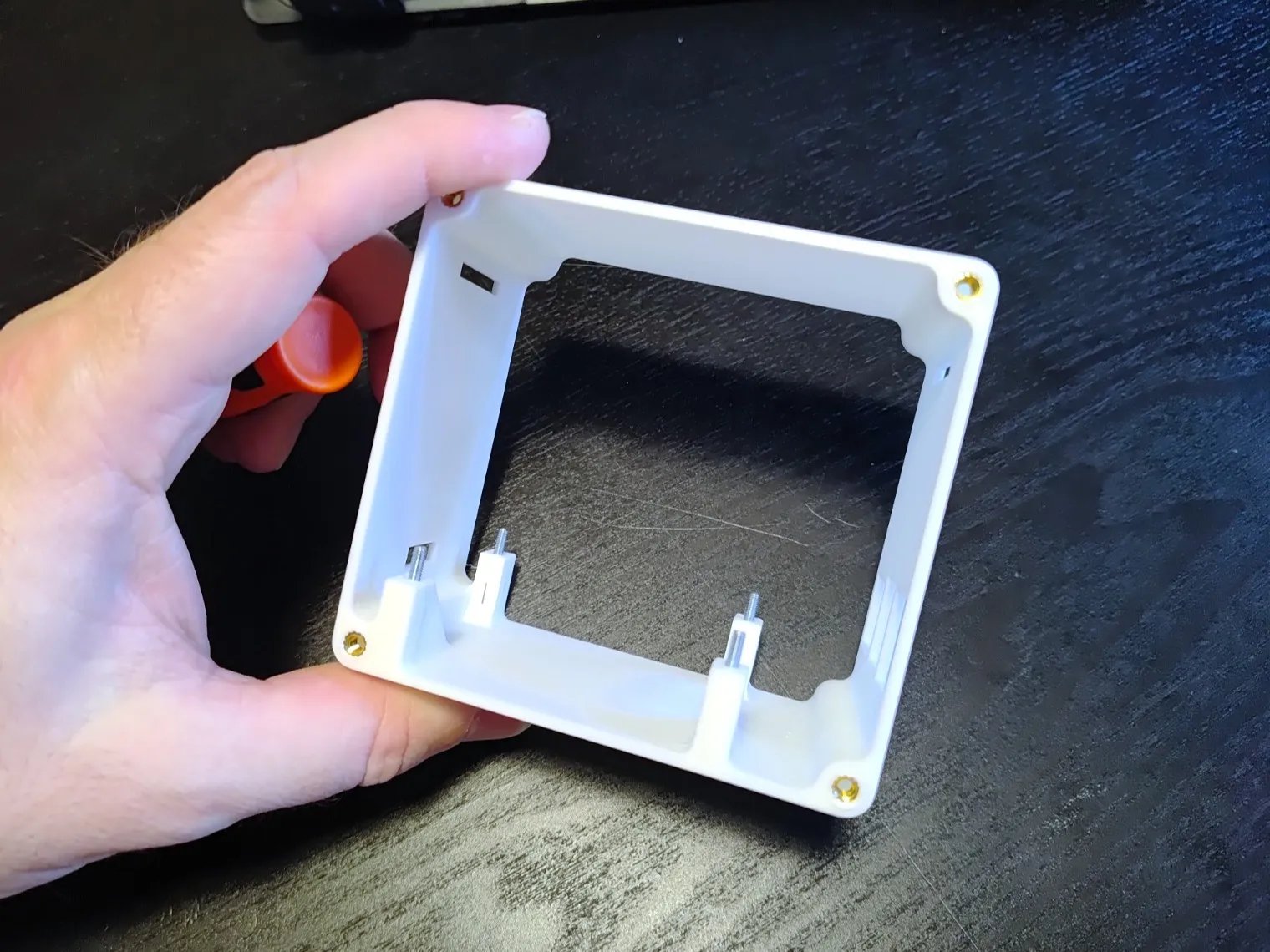
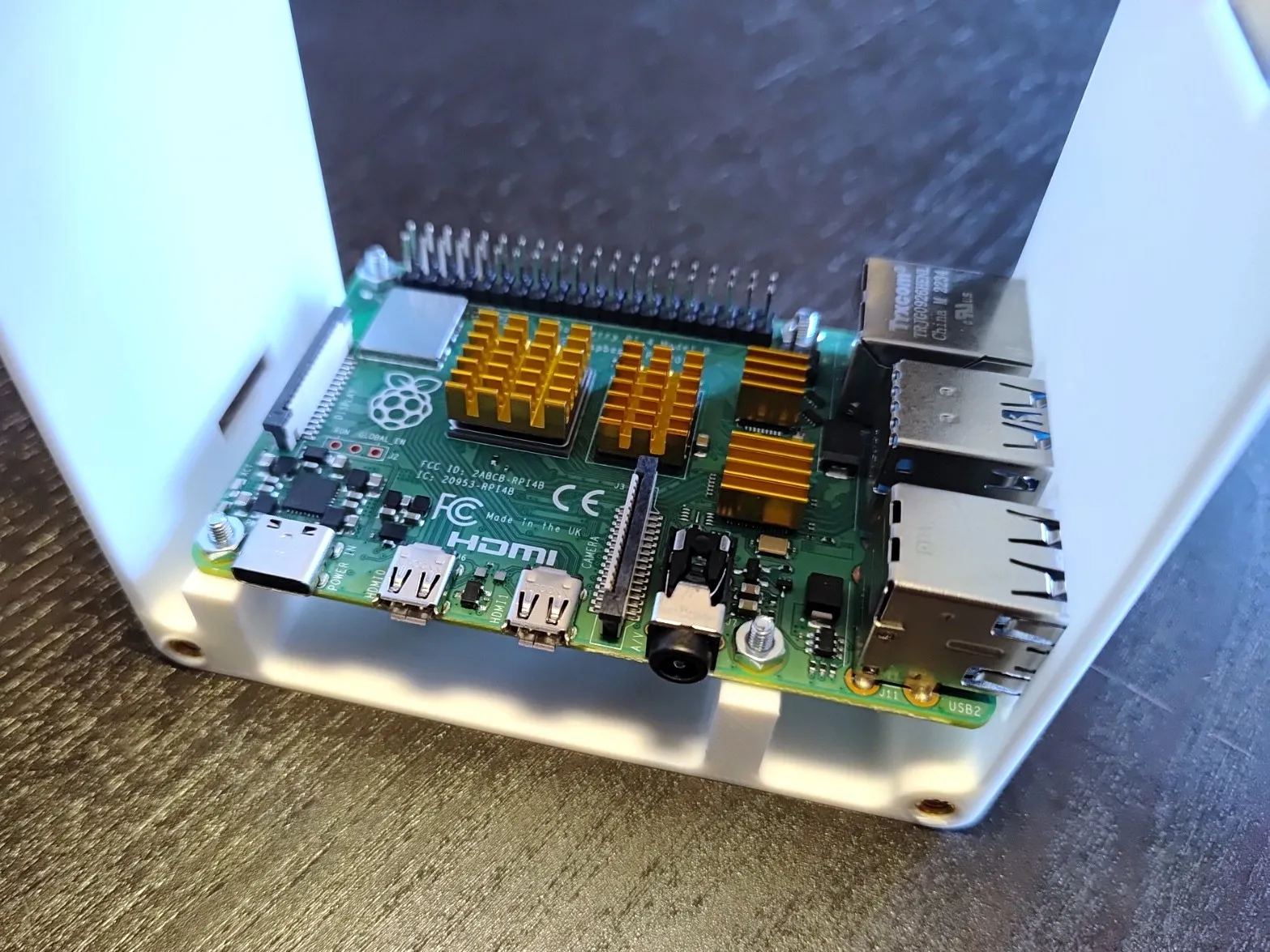
- From the bottom of the frame insert 4x M2,5 screws, due to tolerance in the design they should stay in place even when the frame is rotated back the right way up. From here insert the Raspberry Pi and secure it using 4x M2,5mm nuts.
Attach Fan (and the optional Fan cover) to the Back Panel using 4x M3 screws and 4x M3 nuts.
Plug in fan connector onto the correct pins (read your fan suppliers manual!)
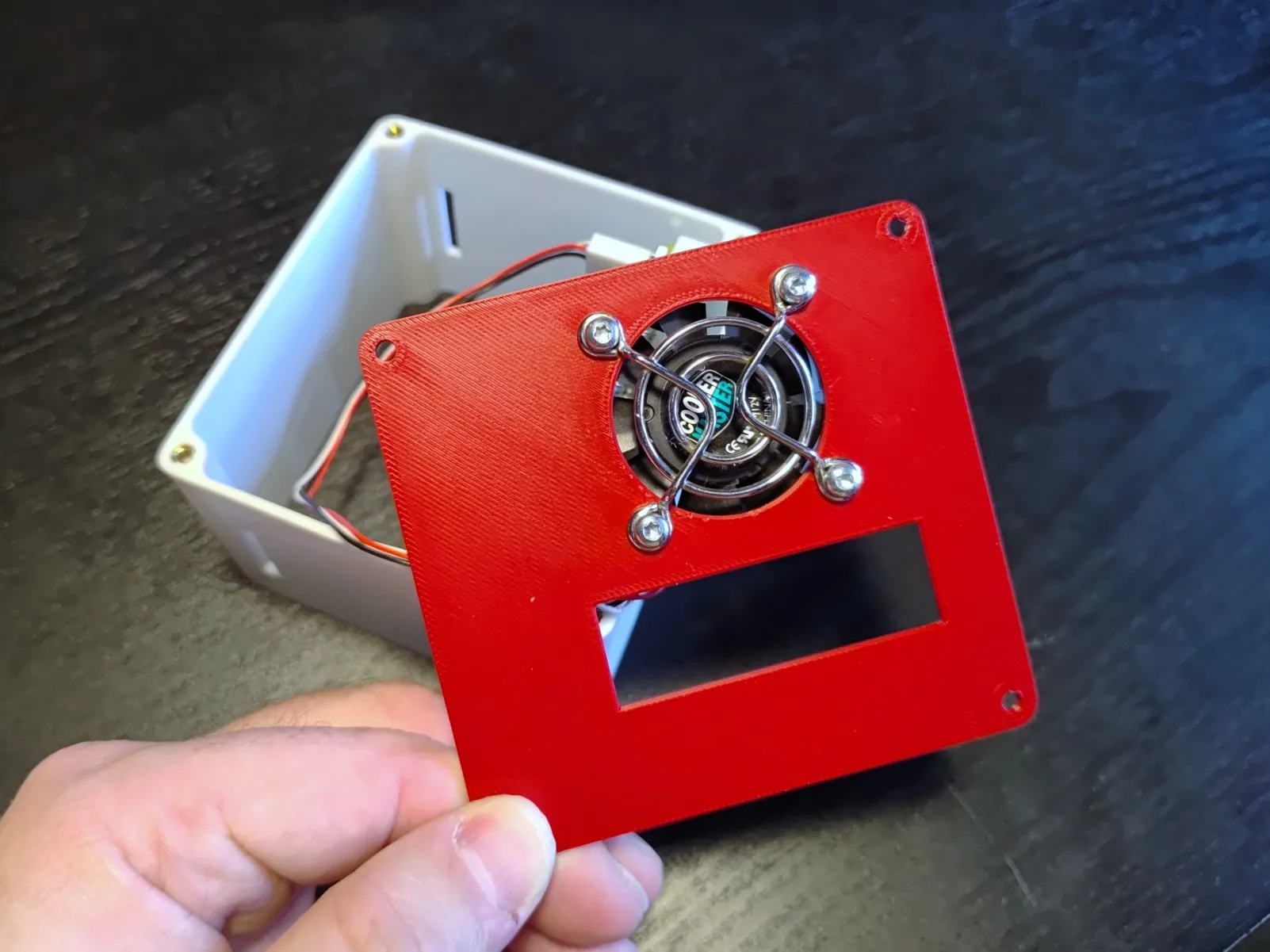
- Secure the Back panel using 4x M3 machined screws. Install optional GPIO cover by simply pressing it in place :)
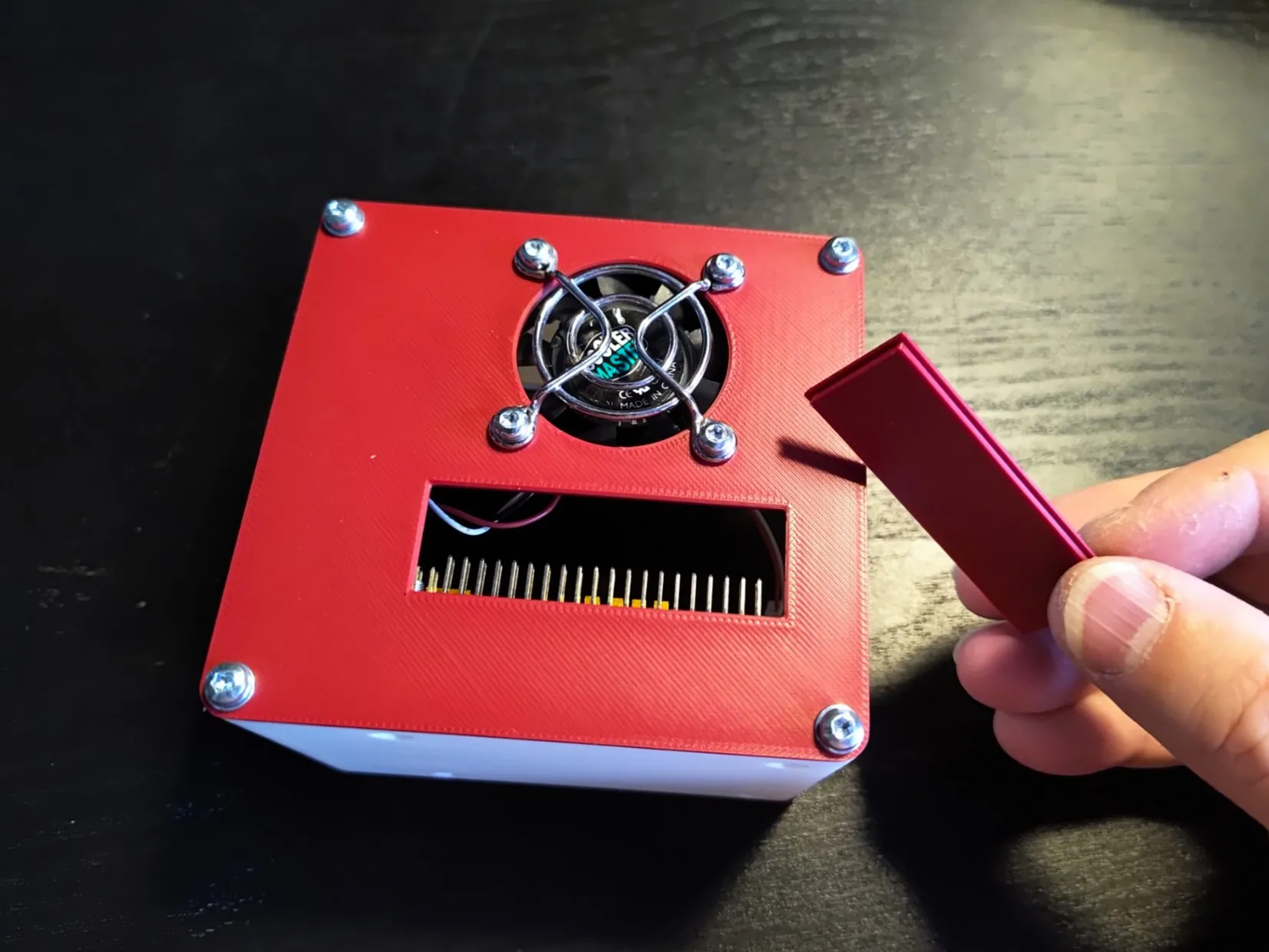
- Attach Front Panel to Frame using again 4x M3 machined screws.
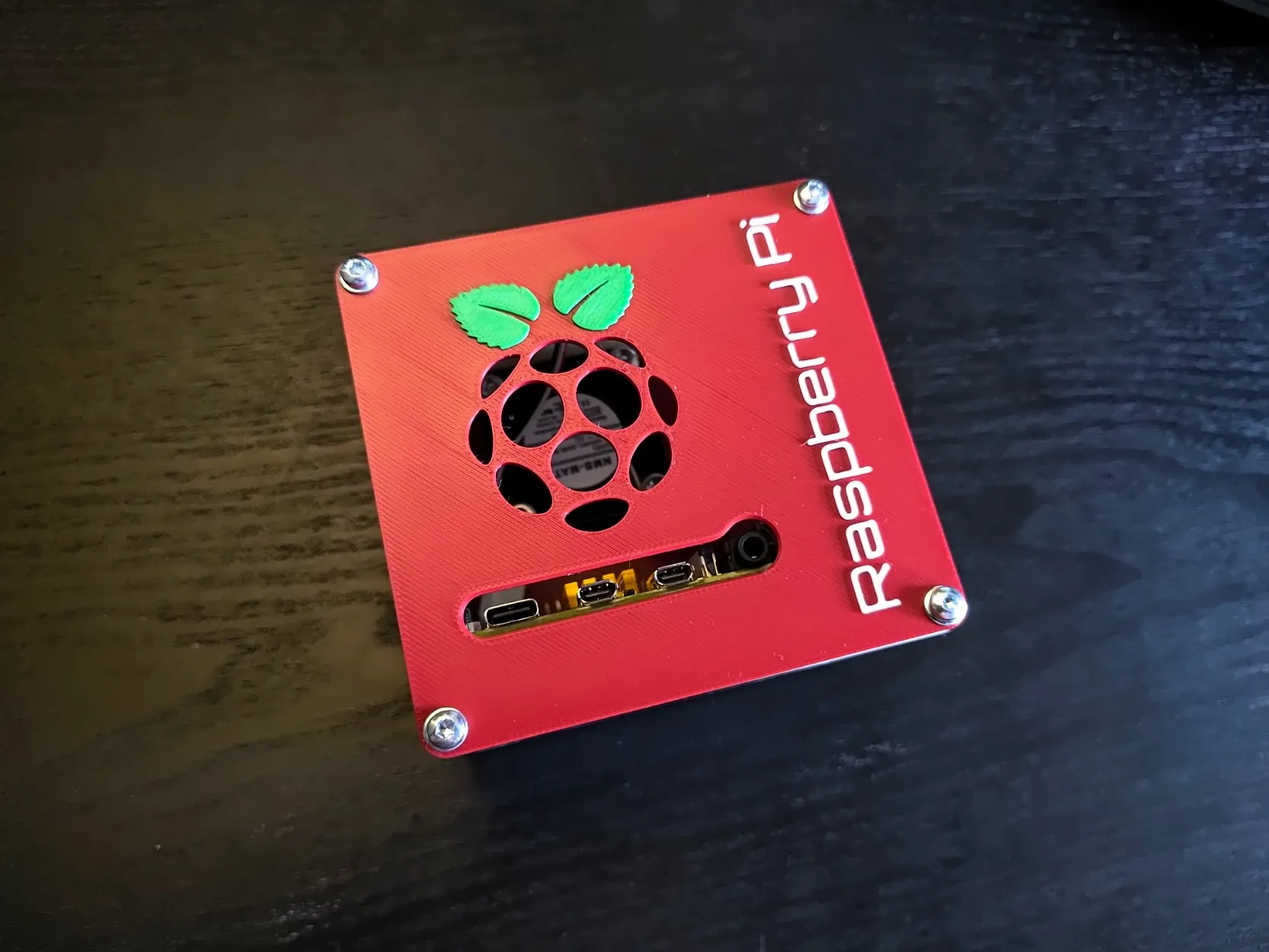
Tips
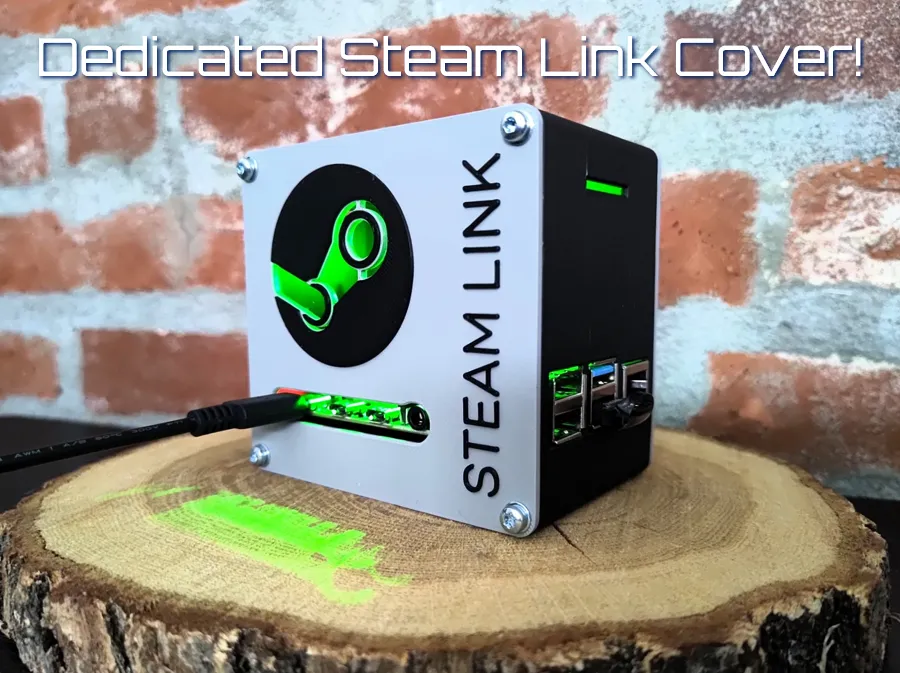
- There are 2 types of covers available: the colored AMS version and the NON colored extruded version.
- Make sure you are always working with ESD safety in mind! Raspberry Pi's and other micro electronics generally do not like static electricity and can irreversibly damage your electronics.
Print Settings (recommended)
- No supports needed
- Standard settings
- Slower speeds on the bridging section on the frame.
If you like the model, please consider leaving a like and a rating with pictures of your makes! It is encouraging to see my creations out there.
Also consider leaving feedback regarding the models as it will help improve my overall skills as a beginner 3D designer!
Want to support me with some coffee? :)

Boost Me (for free)
Your support is much appreciated :D
Membership
Interested in selling physical prints of my work? The commercial license is now available!
License

You shall not share, sub-license, sell, rent, host, transfer, or distribute in any way the digital or 3D printed versions of this object, nor any other derivative work of this object in its digital or physical format (including - but not limited to - remixes of this object, and hosting on other digital platforms). The objects may not be used without permission in any way whatsoever in which you charge money, or collect fees.


Comment & Rating (7)